All Hytale signs & how to craft them
Guide to Hytale signs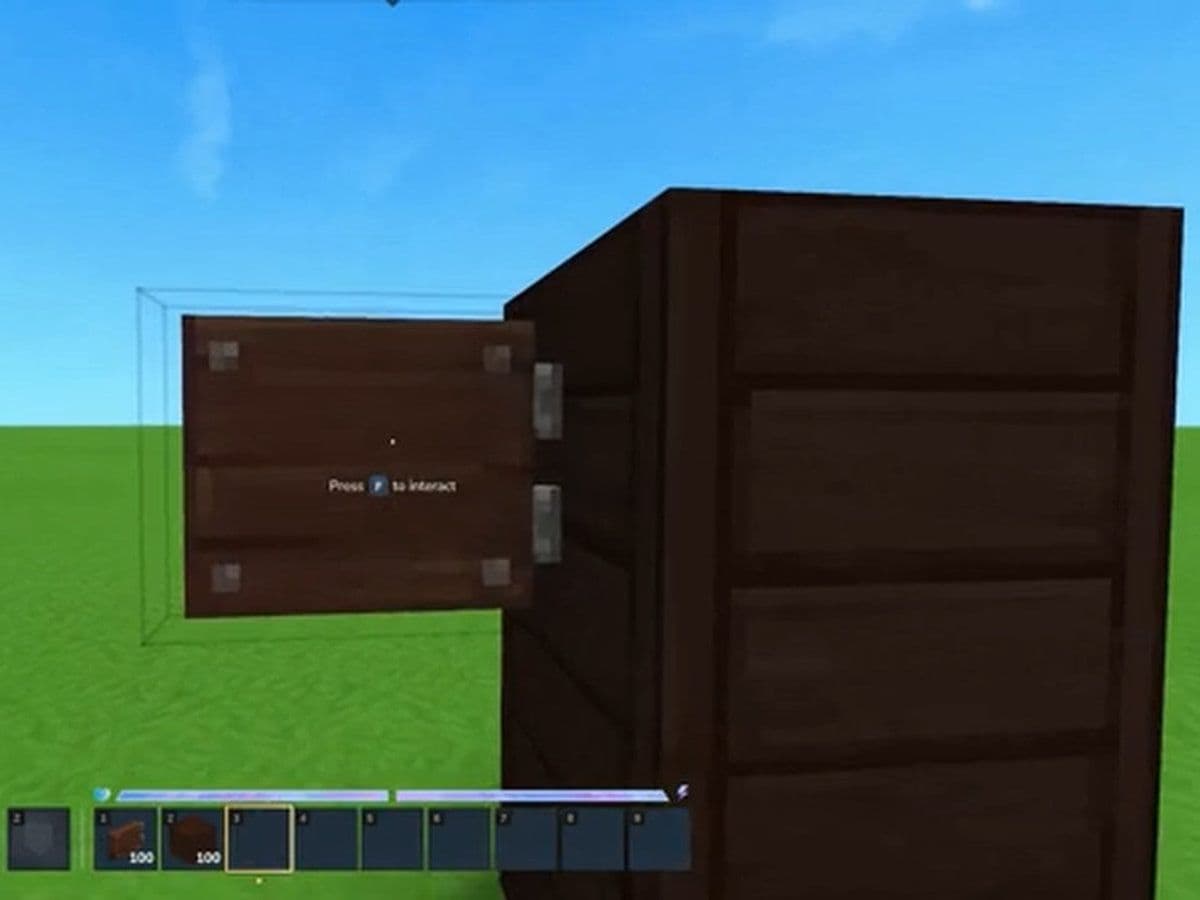
Hytale signs are a small but surprisingly powerful building element in the game. In a world focused on creativity, world-building, and multiplayer storytelling, signs help players communicate information, guide others, and add personality to builds.
However, signs in Hytale currently work a little differently from similar systems in other sandbox games
What are signs in Hytale?
Signs are decorative blocks used primarily to provide visual markers, information, or thematic storytelling elements within builds. In most cases they are part of the game’s decorations category, meaning they exist mainly to enhance environments rather than provide gameplay mechanics.
Players often use signs to:
- Label buildings
- Guide players through areas
- Mark storage or resource zones
- Add environmental storytelling
- Improve immersion in role-play servers
Because Hytale focuses heavily on creative building and modding, signs are often used as visual communication tools inside player-created worlds.
The current state of signs (Early access)
At the moment:
- Signs can be placed as decorative objects
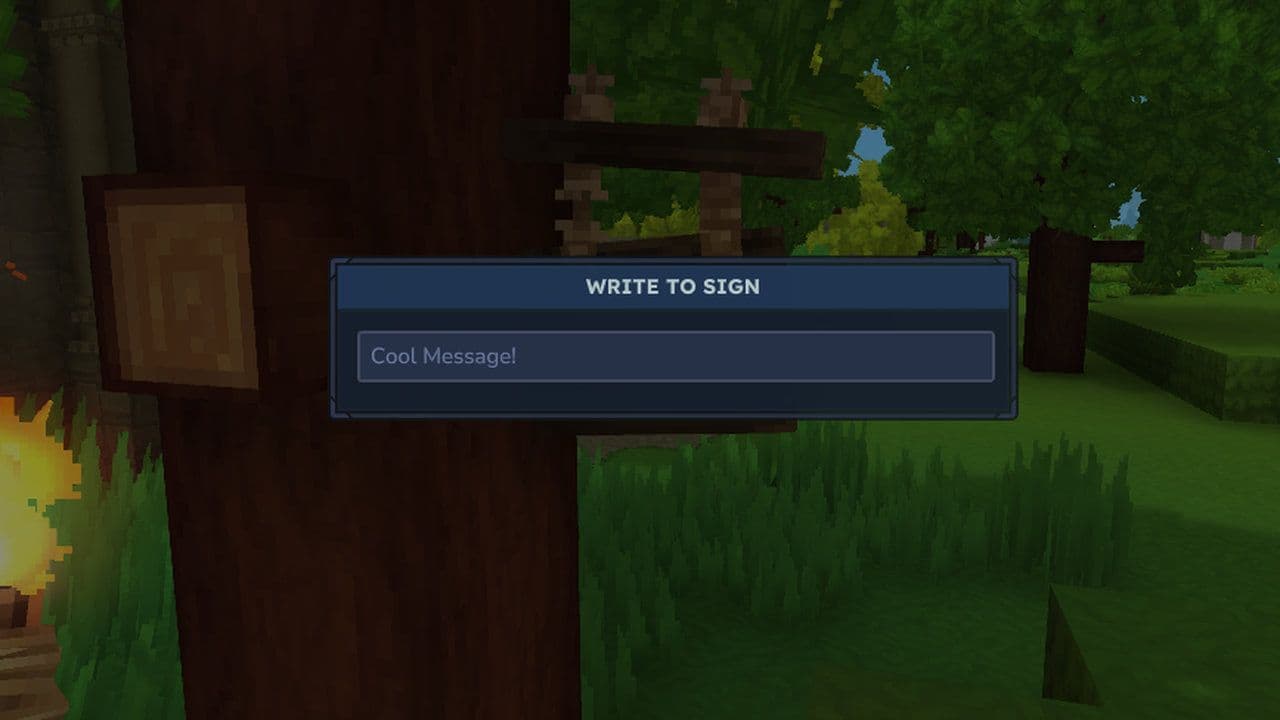
- However, text cannot yet be written directly onto signs in the base game.
This means the traditional “type text on a sign” mechanic seen in other sandbox games has not been fully implemented yet. As a result, players and server administrators often use creative workarounds to achieve similar functionality.
Some mods and plugins simulate sign text by creating floating labels or HUD elements that display text near the sign location.
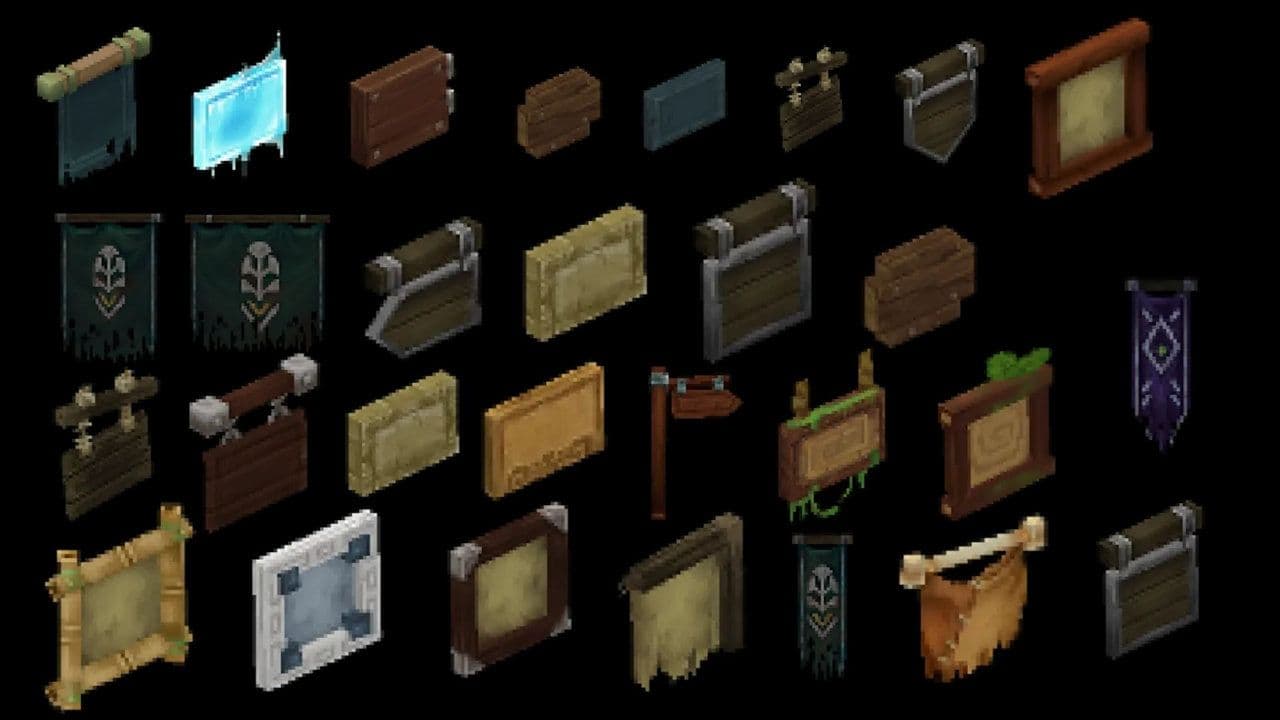
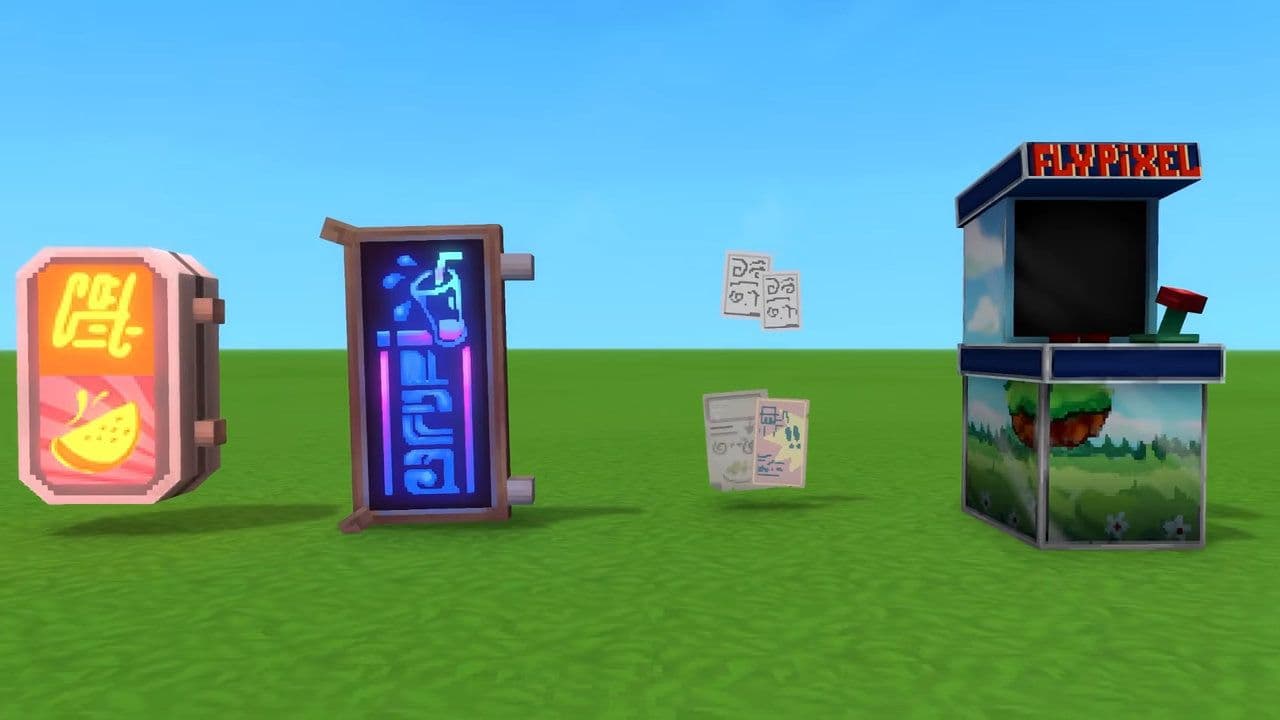
All 29 Hytale signs
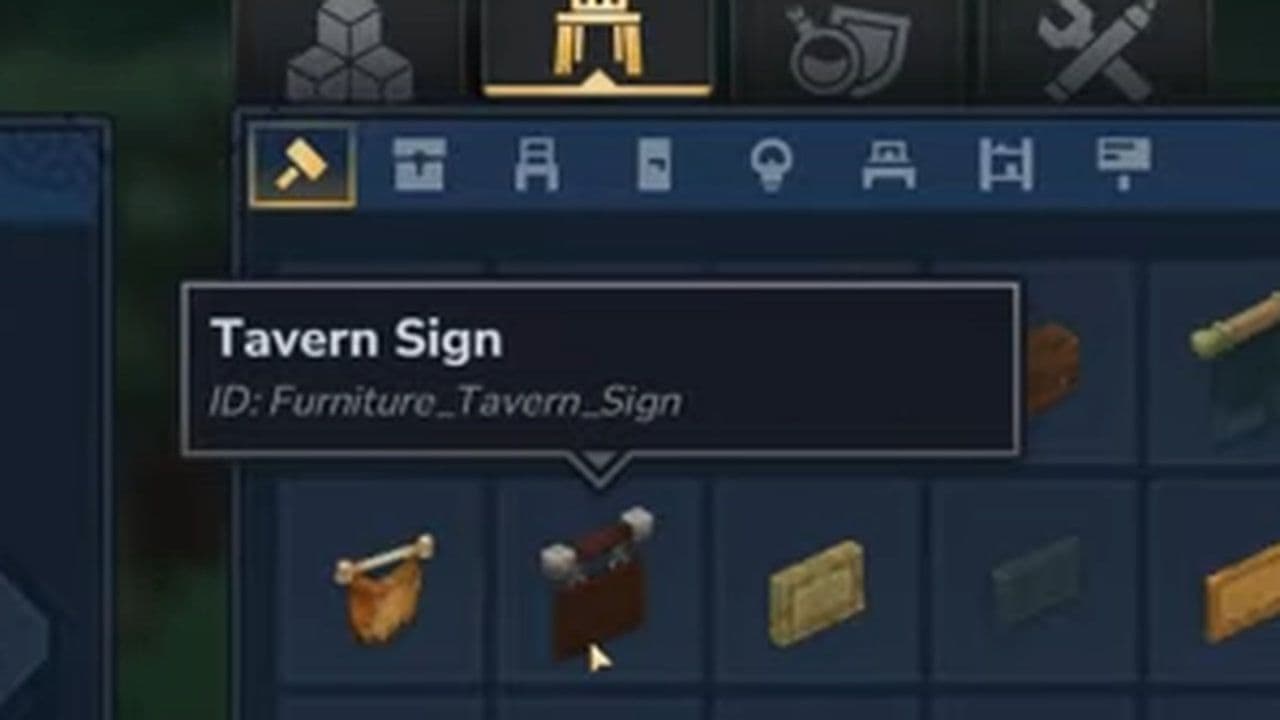
In Hytale, all decorative signs are crafted at the Builder’s Workbench (Tier 1).
Note: Items labeled “Prototype” are only for creative.
How to use signs in Hytale
Placing signs in Hytale is similar to placing any block.
- Select the sign from your inventory.
- Place it in your hotbar.
- Aim at the block surface where you want it.
- Click to place.
Signs can be placed on:
- Ground surfaces
- Walls
- Structures
- Ceilings (for hanging variants)
Placement orientation is key for making signs readable and visually appealing.
Workarounds for writing text on signs
Since Hytale currently doesn’t support writing text on signs, players use a few alternatives:
- Mods: Some mods, like TextSigns, add sign text systems with features like floating text, editing menus, HUD labels, and multiplayer support.
- Invisible nameplates: Server plugins can spawn invisible entities with labels above signs, making them appear to have readable text.
- Decorative icons: Builders sometimes place objects near signs to show meaning visually—for example, a sword for a weapon shop, bread for a bakery, or a shield for an armory.
Signs might seem like a small detail in Hytale, but they are an essential building component for communication, organization, and immersion. Whether you're creating a fantasy town, a multiplayer hub, or a narrative adventure map, signs help guide players and give your world structure.
Even though the current version does not yet support writing text directly on signs, creative workarounds and modding tools already allow players to build complex communication systems.
As Hytale continues to evolve, signs will likely become even more powerful—transforming from simple decoration blocks into fully interactive world-building tools.
That’s all for today! Looking for more? Check out these:
All Related Guides
 Best Hytale plugins and how to create yoursExplore the best Hytale plugins for servers, from permissions and shops to NPCs, kits, performance tools, and ...
 Meet the Hytale Pokemon mod Pokefind: Release date, gameplay and moreGet the latest details on the Hytale Pokemon mod Pokefind, including gameplay plans, server support, release s...
 Can you create an infinite water source in Hytale?Learn if a Hytale infinite water source is possible, why the 2x2 trick fails, and which mods can help you get ...
 Who is The Hedera in Hytale Endgame & QoL mod and how to defeat itFind out how to reach and defeat The Hedera in Hytale Endgame & QoL mod, including boss phases, best prep, and...
 How to heal in Hytale (Food, potions, totem & more)How to heal in Hytale: food, potions, totem, regen buffs, best methods, and full survival guide explained....
 Hytale Update 4 (Part 5): What’s new?Hytale Update 4 Part 5 adds 500+ new blocks, system upgrades, bug fixes, and major improvements before full re...
 When will Hytale fully release? (2026 update)When will Hytale fully release? Learn the expected 2026–2027 timeline, Early Access plans, and what must happe...
 How to refund Hytale in 4 stepsLearn how to refund Hytale in 4 simple steps. Check the 14-day refund rule, playtime limits, and how to submit...
- 1
- 2
- 3
- 4
- 5
- 6
- 7
- 8