THESPIKE.GG
THESPIKE
    EN
    Login
    EN
    1. Home
    2. HYTALE
    3. Beginner Guides
    4. Hytale Update 4 (Part 5): What’s new?

    Hytale Update 4 (Part 5): What’s new?

    500+ new blocks in Hytale

    ON THIS PAGE:

    • How to get Hytale Update 4 (Part 5)
    • Hytale Update 4 (Part 5) overview
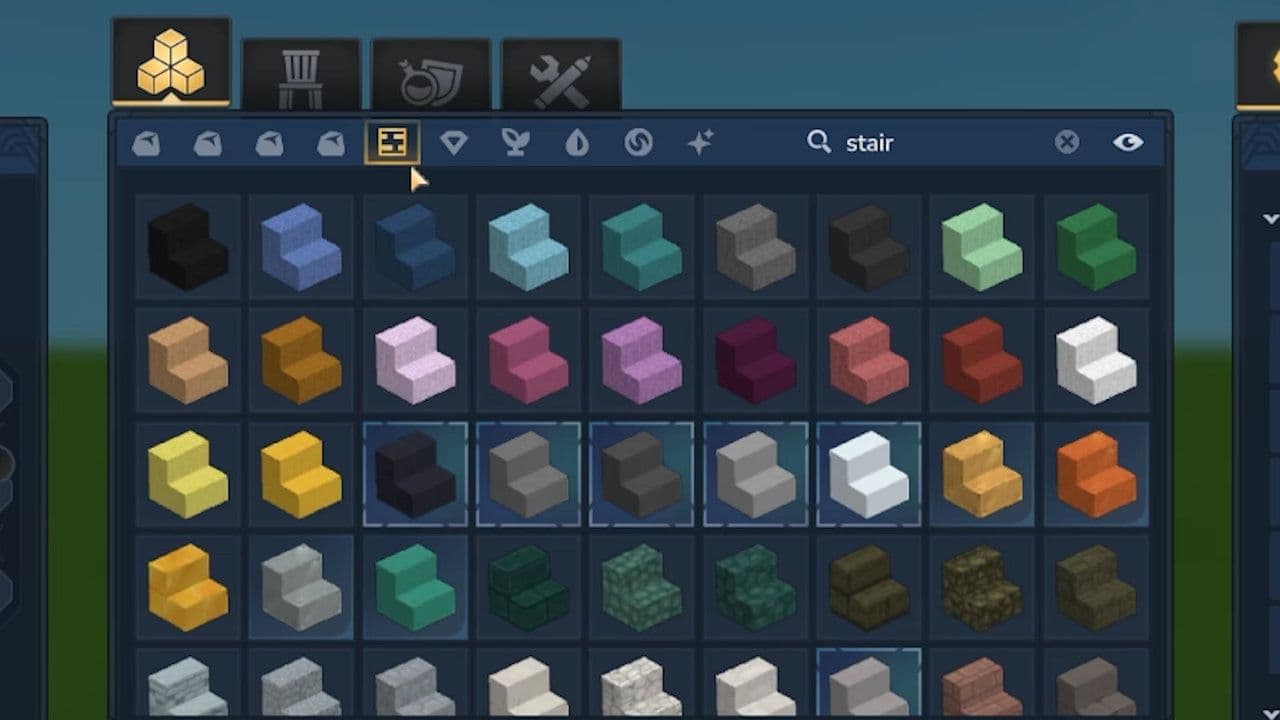
    • New block sets & materials
    • Rock & soil expansion
    • Wood & tree systems
    • Roof blocks
    • Fences & walls
    • Creative mode & builder content
    • Cybercity Assets (Creative mode)
    • Naming & inventory system
    • Additional world & gameplay changes
    • Audio updates
    • UI & Quality of life
    • Modding & tools
    • Bug fixes & performance
    Hytale Update 4 (Part 5)
    Written By Eray Eliaçık

    Reviewed by : Naim Rosinski

    (Content Manager & Editor)

    Last UpdatedMarch 23, 2026 at 02:28PM
    Share On
    Share On

    500+ new blocks in Hytale now! Hytale Update 4 (Part 5) is the final pre-release patch before the full launch of Update 4 on March 26. This update is especially important because it combines massive content additions, system improvements, and critical bug fixes into one polished build.

    If you are a builder, modder, or server owner, this is the last chance to prepare before release.

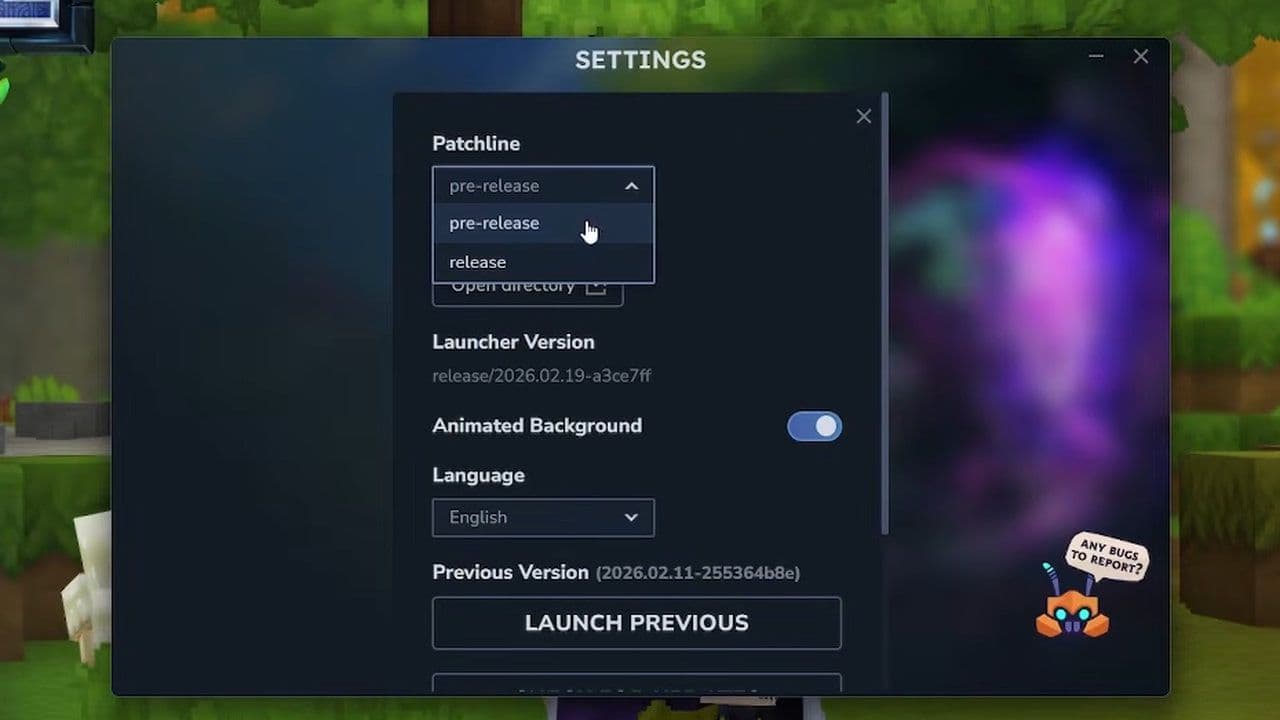
    How to get Hytale Update 4 (Part 5)

    To get Hytale Update 4 (Part 5):

    • Open the Hytale Launcher
    • Go to Settings
    • Enable Pre-Release

    This will install the latest pre-release patch.
    Hytale Update 4 (Part 5) overview

    Hytale Update 4 (Part 5) focuses on three main areas:

    • Content expansion (especially blocks and building tools)
    • System polish and consistency
    • Performance and bug fixes

    It is not a small patch. It is a full-scale upgrade to the game’s building, world, and modding systems.

    New block sets & materials
    What’s New

    Details

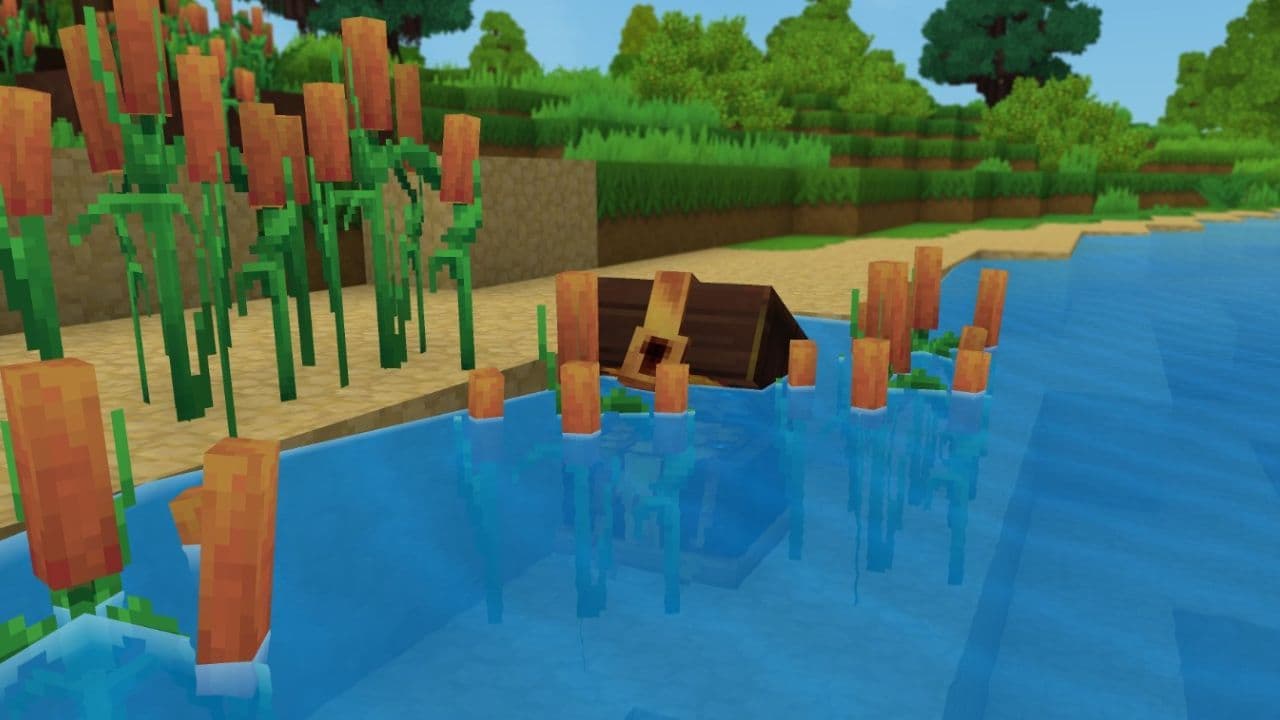
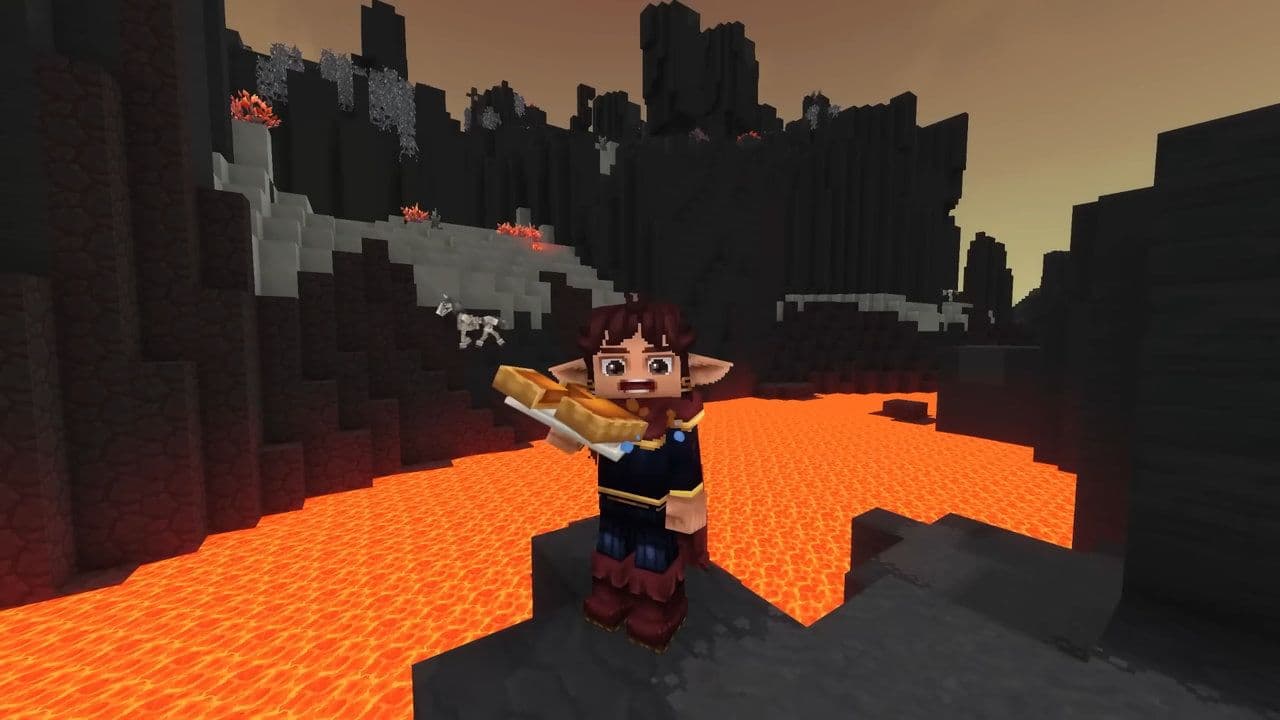
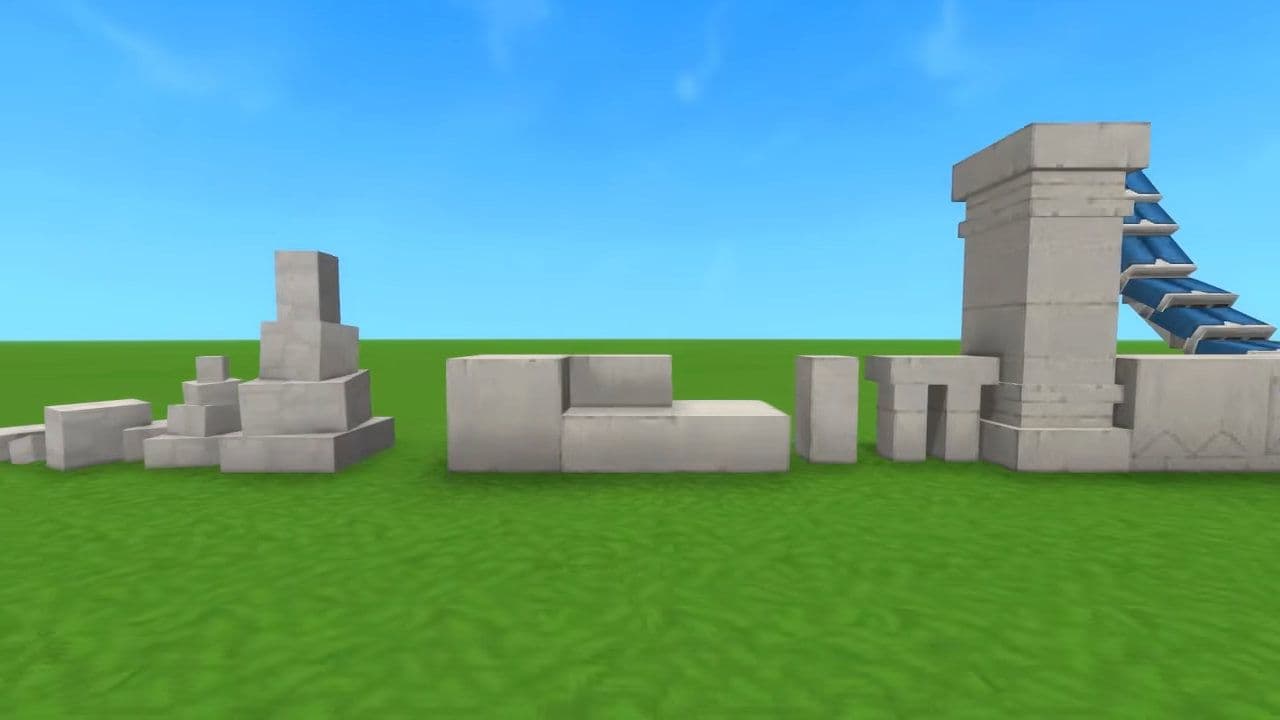
    Cooled Magma Blocks

    30+ new blocks including bricks, cobble, stalactites, rubble

    Chalk Blocks

    20+ new blocks including cobble and rubble

    Slate Brick Set

    10+ new blocks added

    Limestone Set

    10+ new blocks + improved textures

    Dead Coral Set

    New decorative block set (Creative Mode)

    Credit: Kweebec Corner
    Credit: Kweebec Corner

    Rock & soil expansion

    What’s New

    Details

    Rock Variants

    Slabs, stairs, and beams for all natural rock types

    Gravel System

    Gravel and half blocks for all rock types

    Detail Blocks

    Stalactites and rubble added

    New Dirt Types

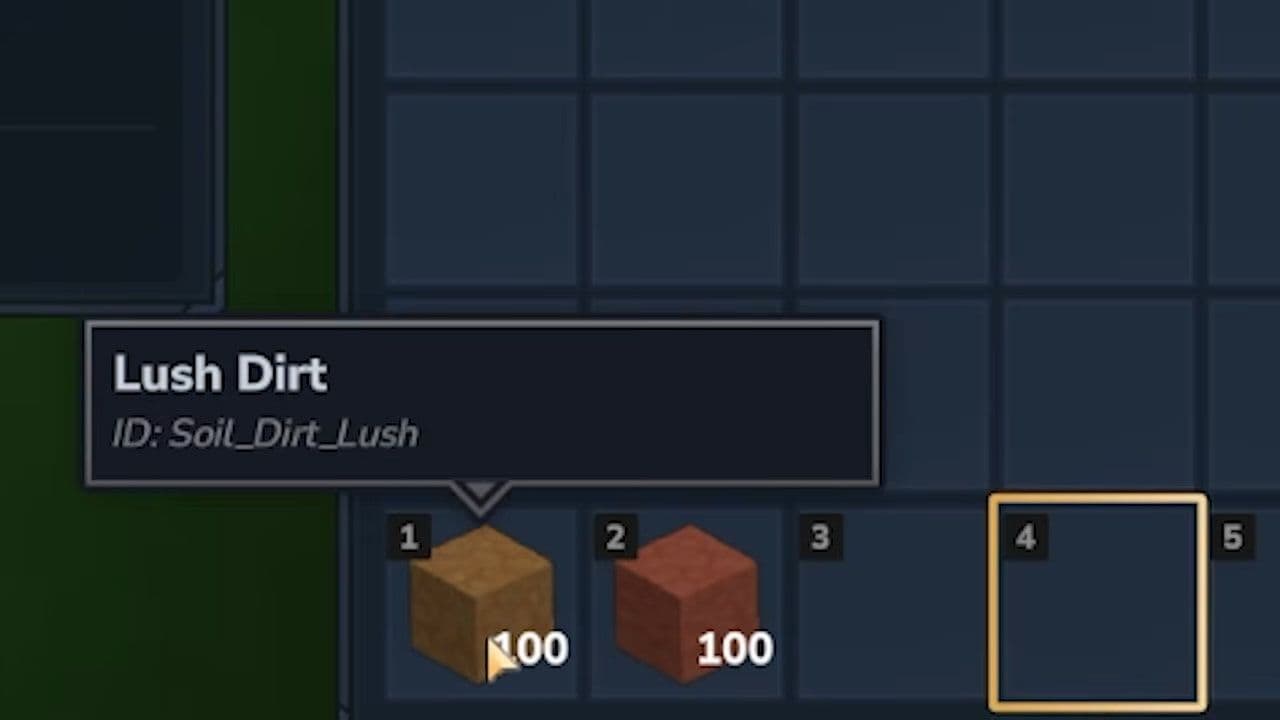
    Wet and Lush dirt introduced

    Terrain Consistency

    Full update to dirt and grass block sets

    Clay Update

    Improved colored clay textures

    Credit: Kweebec Corner
    Credit: Kweebec Corner

    Wood & tree systems

    What’s New

    Details

    New Trees

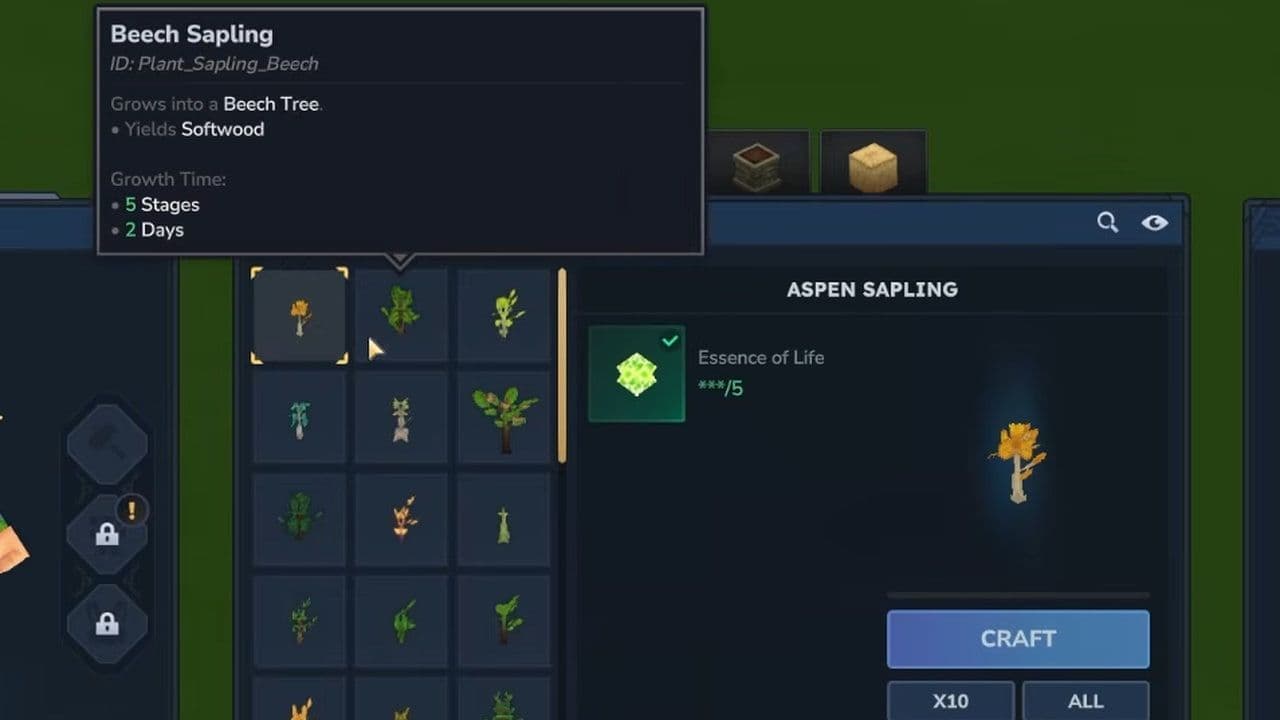
    Apple, Camphor, Spiral, redesigned Frostwood

    Growth System

    All trees now have growth stages

    Saplings

    Unique textures for each tree

    Visual Updates

    Updated seedbag icons

    Tree Structure

    Branches and roots added to Fire, Ice, Bamboo trees

    Tree Changes

    Stormbark roots removed

    Credit: Kweebec Corner
    Credit: Kweebec Corner

    Roof blocks

    What’s New

    Details

    Dynamic Roofing

    Roof blocks now connect automatically

    New Variants

    Steep and shallow roof types

    Cloth Roof Colors

    Yellow, green, white, dark blue

    Modern Roof Sets

    Red, orange, yellow, dark green, blue (Creative)

    Fences & walls

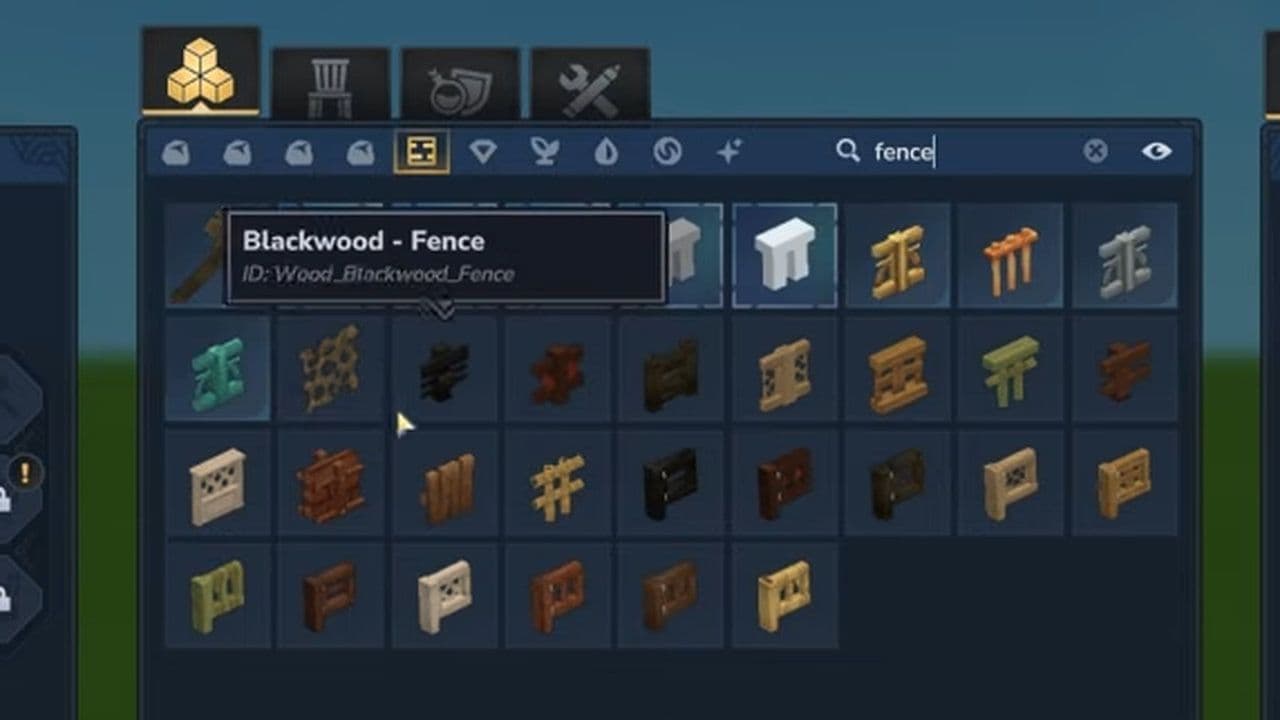
    Added T-junctions and 4-way connections.

    • No more broken fence lines
    • Cleaner village and city design
    • Better structural realism
    Credit: Kweebec Corner
    Credit: Kweebec Corner

    Creative mode & builder content

    What’s New

    Details

    Greyboxing Sets

    5 new build sets for prototyping

    Flags

    Red and Orange flags

    Decorations

    Seasonal items added

    Props

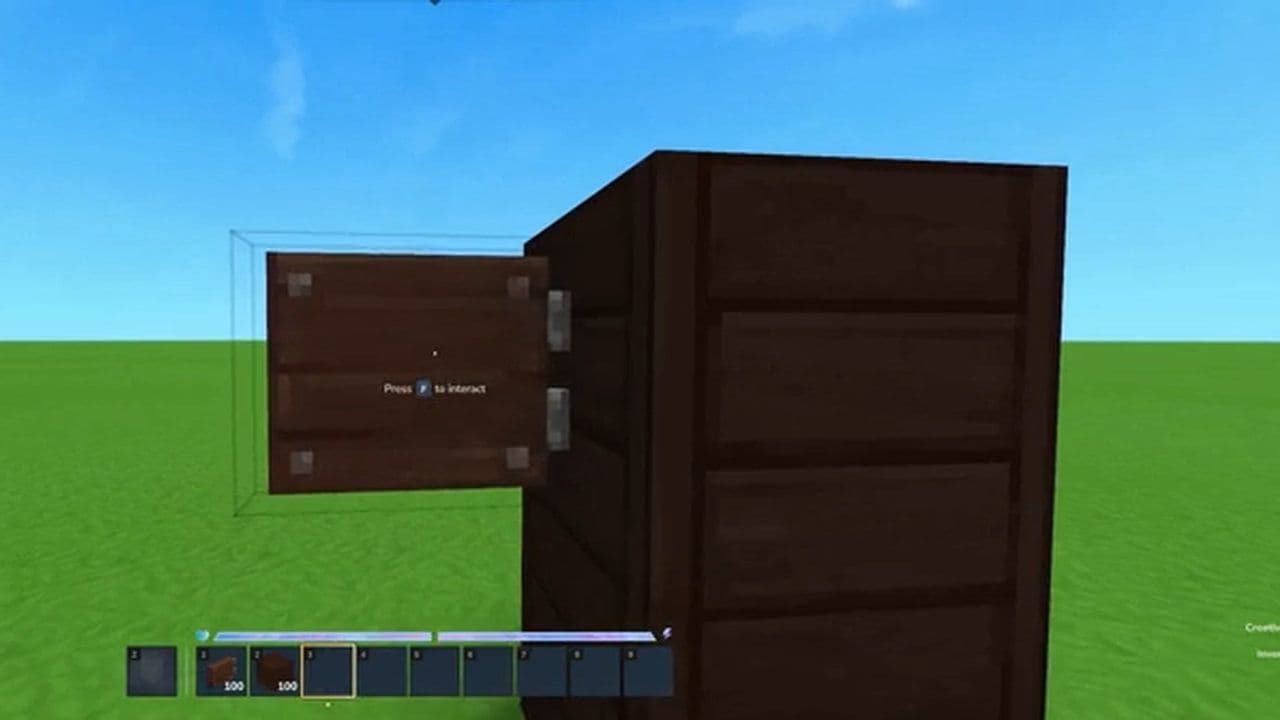
    Decorative moving boxes

    Cybercity Assets (Creative mode)

    What’s New

    Details

    Metal Block Sets

    Iron, Copper, Zinc, Bronze

    Pipes

    New pipe block system

    Light Sources

    Colored light blocks

    Decorations

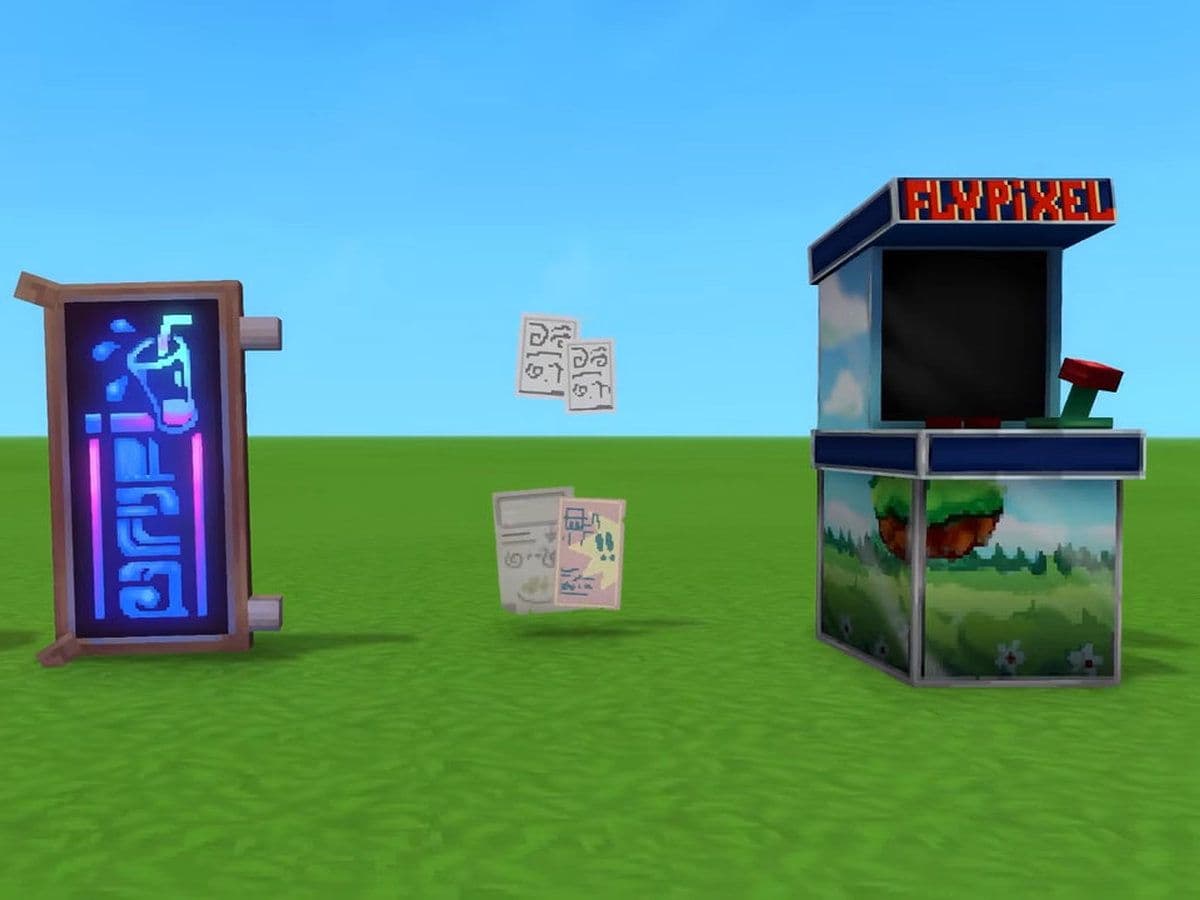
    Neon signs, posters, windows

    Special Item

    Arcade machine

    Naming & inventory system

    What’s New

    Details

    New Categories

    Wood, Metal, Cloth, Technical

    Removed Category

    Structural category removed

    Naming System

    Standardized block names

    UI Clarity

    Improved organization of items

    Additional world & gameplay changes

    What’s New

    Details

    Fluid Control

    Disable fluid spread setting

    Command Support

    /world settings disabledfluidtickers

    Block Placement

    Pillars can now be placed sideways

    Crafting

    All blocks craft into slabs and stairs

    Workbench

    More saplings craftable

    Bench Changes

    Runic sets removed from Builder’s Bench

    Visual Polish

    Improved wooden wall and clay block visuals

    Credit: Kweebec Corner
    Credit: Kweebec Corner

    Audio updates

    What’s New

    Details

    Sound System

    Added sound parenting support

    New Sound Set

    Torch_Stone for stone torches

    Voice Chat Change

    Disabled by default in singleplayer

    Player Control

    Mute players via map

    Immersion

    Pausing muffles sound instead of muting

    UI & Quality of life

    What’s New

    Details

    Voice Chat UI

    Updated portrait background and border

    Icon Update

    Microphone replaced with speaker icon

    Font Support

    Added punctuation to CJK fonts

    Localization

    Support for Traditional Chinese glyphs

    Modding & tools

    What’s New

    Details

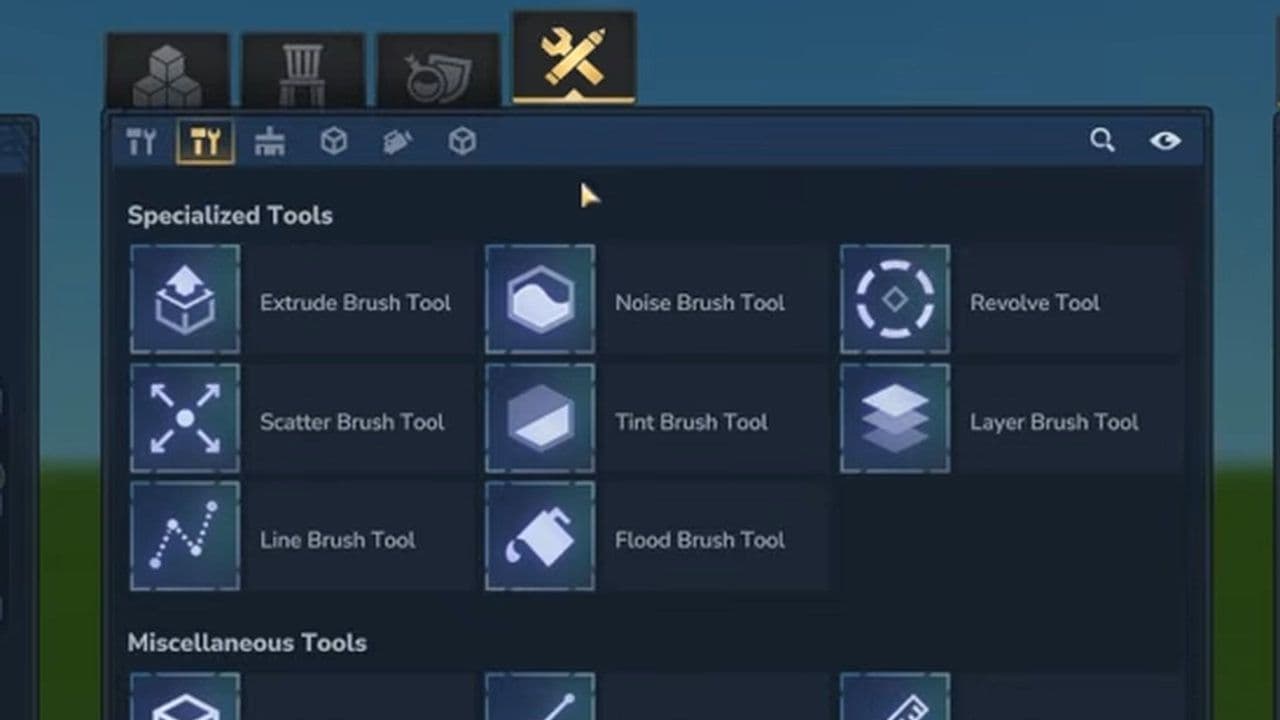
    Tool Organization

    Creative Tools split into 5 pages

    Selection Tool

    Can now be closed with Shift + right click

    Sculpt Tool

    Material selector restored

    Material Selector

    Now shows percentages

    Grass Brush

    Re-added and improved

    Scripted Brushes

    Auto-load items or templates

    Tool UI

    Added legends for complex tools

    Node Editor

    Tooltips added for world-gen nodes

    Input System

    Added triggered cooldowns

    Backend Changes

    Resource IDs and system cleanup

    Credit: Kweebec Corner
    Credit: Kweebec Corner

    Bug fixes & performance

    What’s New

    Details

    Crash Fixes

    Mount, UI, and world crashes fixed

    Performance

    Improved world generation and entity handling

    Gameplay Fixes

    Gravel breakable, correct item drops

    World Fixes

    Sunset transparency bug fixed

    Hitboxes

    Improved for multiple objects

    Rendering

    Lighting and texture fixes

    Audio Fixes

    Fixed desync and sound inconsistencies

    With 500+ new blocks and major system improvements, Hytale Update 4 (Part 5) focuses on polish, stability, and better building tools.

    Test everything now; this is the version that defines launch.

    That’s all for today! Looking for more? Check out these:

    • Is Hytale multiplayer? Learn how to play with friends
    • Will Hytale be on Steam?
    • Is Hytale Free? Pricing, access & everything you need to know
    • How to get Hytale Mithril ore: Location, mining, and using it
    • How to get Hytale Voidheart

    Guide Categories

    • Mods
    • Beginner Guides
    • Resources
    • Weapons
    • Armor
    • Food
    • Servers
    • Mobile

    All Related Guides

    • hytale signs
      All Hytale signs & how to craft themDiscover all 29 Hytale signs, their crafting recipes, and how to use them. Learn sign mechanics, placement tip...
    • When will Hytale fully release
      When will Hytale fully release? (2026 update)When will Hytale fully release? Learn the expected 2026–2027 timeline, Early Access plans, and what must happe...
    • how to refund Hytale
      How to refund Hytale in 4 stepsLearn how to refund Hytale in 4 simple steps. Check the 14-day refund rule, playtime limits, and how to submit...
    • How to get Tankard in Hytale
      How to get a Tankard in HytaleLearn how to get a Tankard in Hytale, including crafting steps, required materials, and the best uses for tave...
    • texture pack
      Hytale Texture Pack and Shaders Guide: Create, Download, and Use Hytale ShadersHytale texture pack guide with simple steps to create, install, and use packs, plus tips for Hytale shaders se...
    • hytale prefabs
      Best Hytale prefabs: What they are and how to use themNew to Hytale prefabs? This guide explains prefab packs, top picks, and how to install and place prefabs using...
    • curseforge hytale
      How to add Hytale to CurseForge and use different modsAdd Hytale to CurseForge in minutes. Learn how to detect the game, add it manually, and install Hytale mods wi...
    • Hytale voice chat
      How to use Hytale voice chat: Guide to Proximity Voice ChatHow to use Hytale voice chat: enable Proximity Voice Chat, adjust settings, and use commands in Update 4 (Part...
    • 1
    • 2
    • 3
    • 4
    • 5
    • 6
    • 7
    Eray Eliaçık

    Meet Eray, a tech enthusiast passionate about AI, crypto, gaming, and more. Eray is always looking into new developments, exploring unique topics, and keeping up with the latest trends in the tech industry, and gaming is the sweetest spot.

    Eray has been rocking it as a news manager and content creator at spots like, TechBriefly, Gamelevate, Softonic, and various tech realms. Crafting over 2k tech articles, Eray captivated millions of readers for over three years.

    Now, over at THESPIKE, Eray is a content writer, blending the love for spinning stories and helpful guides for all-things gaming.

    View More
    THESPIKE
    AboutCareersPrivacy PolicyTerms of UseAbout THESPIKEDisclaimer
    Contact UsCommercialsSend an emailPost Feedback
    ResourcesBetting SitesOnline CasinosSweepstakes Casinos
    © 2026 THESPIKE.GG | All Rights Reserved | Not affiliated with Riot Games
    18+ Bet Responsibly | BeGambleAware.org
    Light Mode
    Login