How to Mute Yourself in League of Legends?
Wanting to mute yourself? Here's a guide on how to do just that in LoL.
One of the worse and more infamous aspects about League of Legends is its player base. Sometimes the in-game chatter can get a bit too much, leading you and the other players to either seek refuge in the quiet corners of the Summoner’s Rift or the Howling Abyss or engage back in toxic behavior that is very likely to get you penalized.
However, this problem doesn’t go unsolved. If you've ever found yourself yearning for a quieter gaming experience, it's time to get to know the mute button better in League of Legends…
Why mute yourself or others in League of Legends?
Before we dive into the how-to, let's first explain why muting can be a game-changer. League of Legends is a team-based game where effective communication is key, but not every conversation is exactly worth participating in. Anything ranging from unpleasant taunting and excessive pings to verbal abuse, hate-speech, and actual cybercrimes can hinder your focus and enjoyment. Muting yourself will help you not get banned at times when you’re most tilted.
On the other hand, muting other players will keep you from tilting. Believe me, muting toxic players can and will positively improve your in-game performance, and keep whatever is left of your sanity intact.
How to mute yourself in League of Legends
Muting yourself might seem counterintuitive, but there are situations where it can be beneficial. Sometimes, you are your worst opponent. Anger issues? Yeah, we understand, but you’ll have to be a bit quieter regardless. If you want to save your team (and you) a couple of brain cells, you can mute yourself in two different methods.

The first is using the in-game commands by entering them through the chat. Type: “/muteself” in the in-game chat, and voila! You can type the same command again to unmute yourself. The second method is even simpler. You can hold “Tab” and navigate the in-game menu to your own champion’s icon, on either of its sides you’ll find some icons. Toggle these icons to mute yourself.
How to mute other players in League of Legends
Now, let's get to the more common scenario: muting other players. Whether it's someone spamming pings or a keyboard warrior flooding the chat with annoying and distracting taunts or less-than-friendly remarks, muting is your go-to solution (coupled with reporting that player, of course).
Similar to muting yourself, you can use the in-game chat to type in a command. However, in this case, you’ll have to type in the command: “/mute [player name]”. It may be obvious, but it’s important to note that the player name should be entered without the brackets. Alternatively, hold “Tab” and navigate to the target player’s champion icon and toggle on the desired muting options.
For those times when you just want to play in your own little bubble without any outside interference, there's the "Mute All" option. By typing: "/mute all" into the chat, you instantly mute everyone in the game. It's the “nuclear” option of muting, and while it may go against one of League of Legends’ top premises (cooperation and communication), it sometimes guarantees the peace you’ve been looking for.
How to disable League voice
Some players prefer to play without voice chat. If you want to turn it off completely, follow these steps:
- Open the League of Legends client.
- Click the gear icon at the top right to go into Settings.
- Go to the Voice tab on the left side.
- Find the box labeled Enable Voice.
- Uncheck this box to turn off voice chat completely.
Once you do this, you won’t hear your teammates, and they won’t hear you.
How do I turn on the mic in LoL
If you want to use voice chat in the game, you need to turn on your microphone. Here’s how to set it up:
- Open the League of Legends client.
- Click the gear icon to enter Settings.
- Go to the Voice tab.
- Check the box next to Enable Voice.
- Choose your microphone under Input Device.
- Set a key for Push-to-Talk, or switch to Open Mic if you want to talk without pressing anything.
Make sure your microphone works in your computer’s sound settings. This setup helps you speak clearly with your team.
All Related Guides
 How to remove tokens in League of LegendsLearn how to remove tokens in League of Legends, clear Challenge Tokens from your profile, and fix them if the...
 2026 Riot Games parental controls update (LoL, VALORANT & TFT)Learn how Riot Games parental controls (2026) work for League of Legends, VALORANT, and TFT, including setup, ...
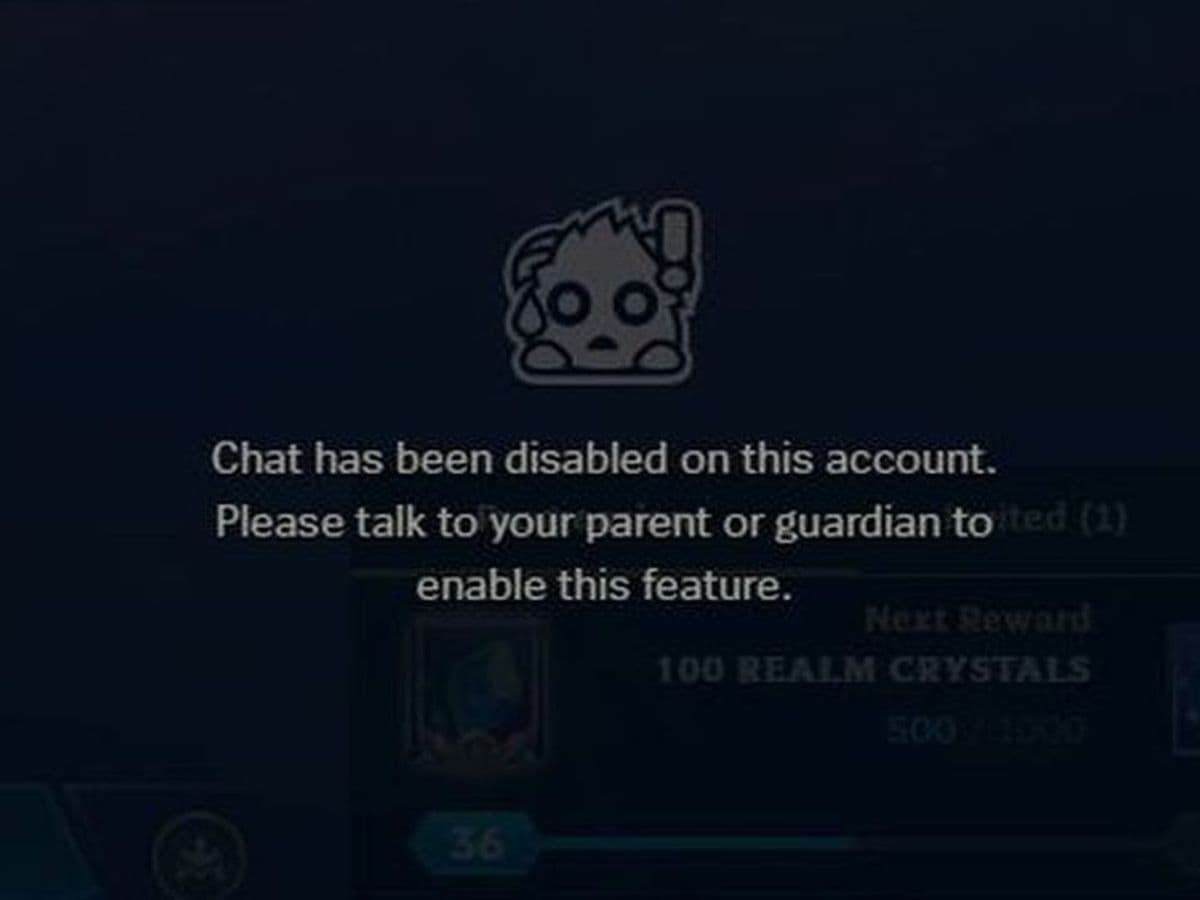 How to disable Parental Controls in League of Legends (2026 update)Learn how to disable Riot's League of Legends parental controls, who can remove Parent Permissions, and what t...
 How to change the install path in League of LegendsFind the League of Legends install location and move the game safely to a new drive with this clear step-by-st...
 League of Legends player lookup: How to check an accountCheck a LoL account with a League of Legends player lookup tool and learn what Riot ID, match history, rank, a...
 How to link your Twitch account to League of LegendsWant League of Legends Twitch drops? Learn how to connect your Riot Account, watch eligible streams, and claim...
 What is low priority queue in League of Legends and how to fix itGot a 10-minute low priority queue in League of Legends? Learn how many games it lasts and what resets the pen...
 Guide to League of Legends Partner ProgramLeague of Legends Partner Program guide: benefits, requirements, application dates, Creator Hub access, and ho...
- 1
- 2
- 3
- 4
- 5
- 6