How to disable Parental Controls in League of Legends (2026 update)
Riot Parent Portal guide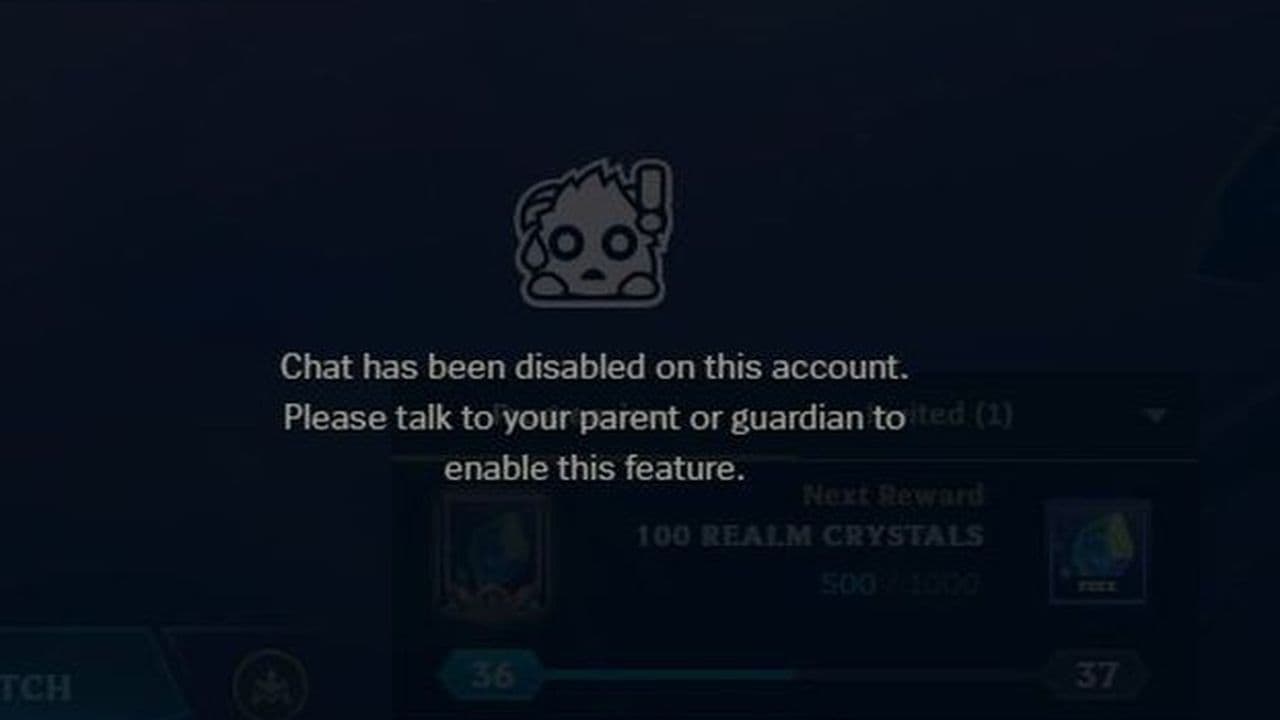
Riot Games' new Parent Permissions allow parents to manage social features for underage League of Legends accounts. If you're trying to disable these parental controls, the process depends on whether you're the verified parent or the child using the account.
Can you disable Parental Controls in LoL?
Yes—but only if you're the verified parent.
Parent Permissions are managed through Riot's Parent Portal, not from within the League of Legends client. After verifying a parent's email, only that parent can update or remove restrictions such as chat limits, friend request blocks, or game access. Children cannot bypass or disable these settings.
How to disable Parental Controls in League of Legends
If you're the verified parent, follow these steps:
- Sign in to the Riot Parent Portal using the verified parent account.
- Select your child's Riot account.
- Open the parental control settings.
- Adjust or remove the restrictions you no longer want.
- Save your changes.
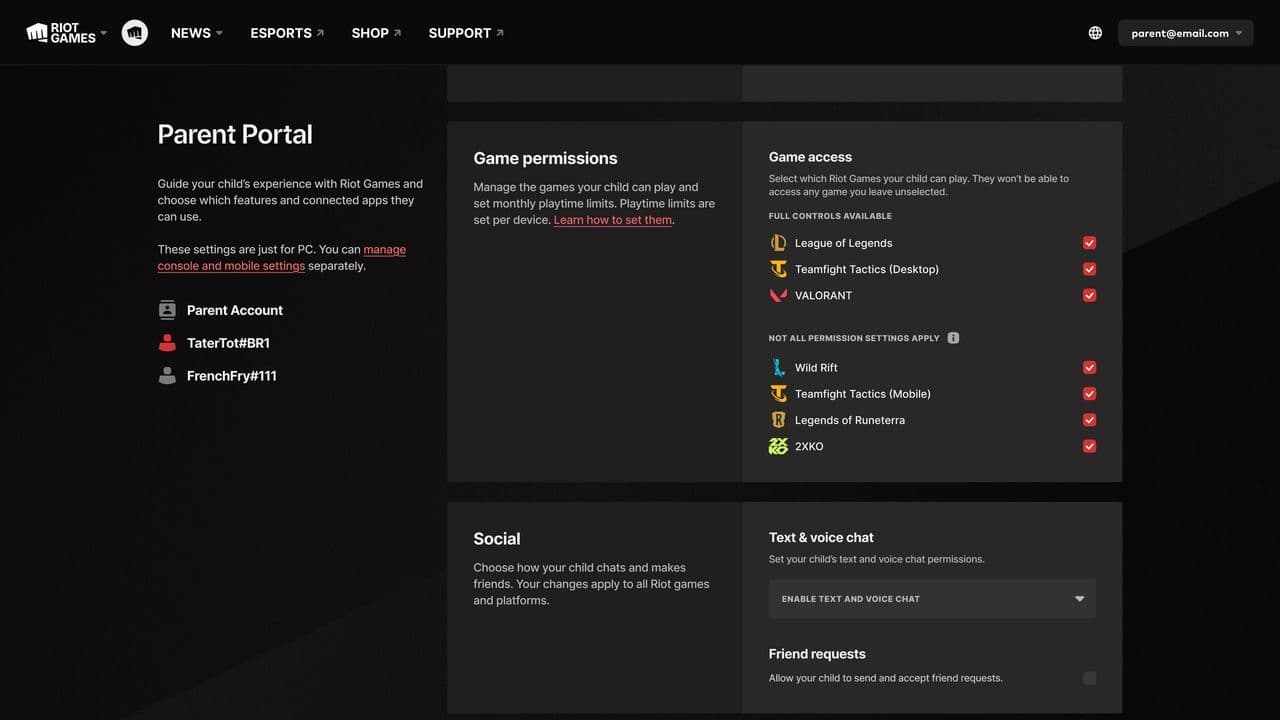
Any updates will apply to the linked Riot account and supported games, including League of Legends.
Can you use a VPN to disable Riot parental controls?
Unfortunately, probably not. If you're hoping to use a VPN to bypass or remove Riot's parental controls, Riot hasn't confirmed that this works. Parent Permissions are tied to your Riot account, not just your location, and can only be disabled by the verified parent through the Parent Portal.
If you're under 18, there isn't an official workaround to remove the restrictions yourself. While some players have suggested trying a U.S. VPN since the feature is currently only available there, there's no evidence that changing your IP address alone will let you disable parental controls or access the Parent Portal.
If you're an adult who was incorrectly affected by Riot's rollout, your best option is to contact Riot Support rather than rely on a VPN.
Can a child remove parent controls?
No.
Riot verifies the parent through its parental verification process before granting access to the Parent Portal. Once Parent Permissions are enabled, the child cannot disable them, even if they know the account password. The restrictions remain active until:
- The verified parent changes or removes them.
- The account holder reaches 18 years old, when Parent Permissions are automatically removed.
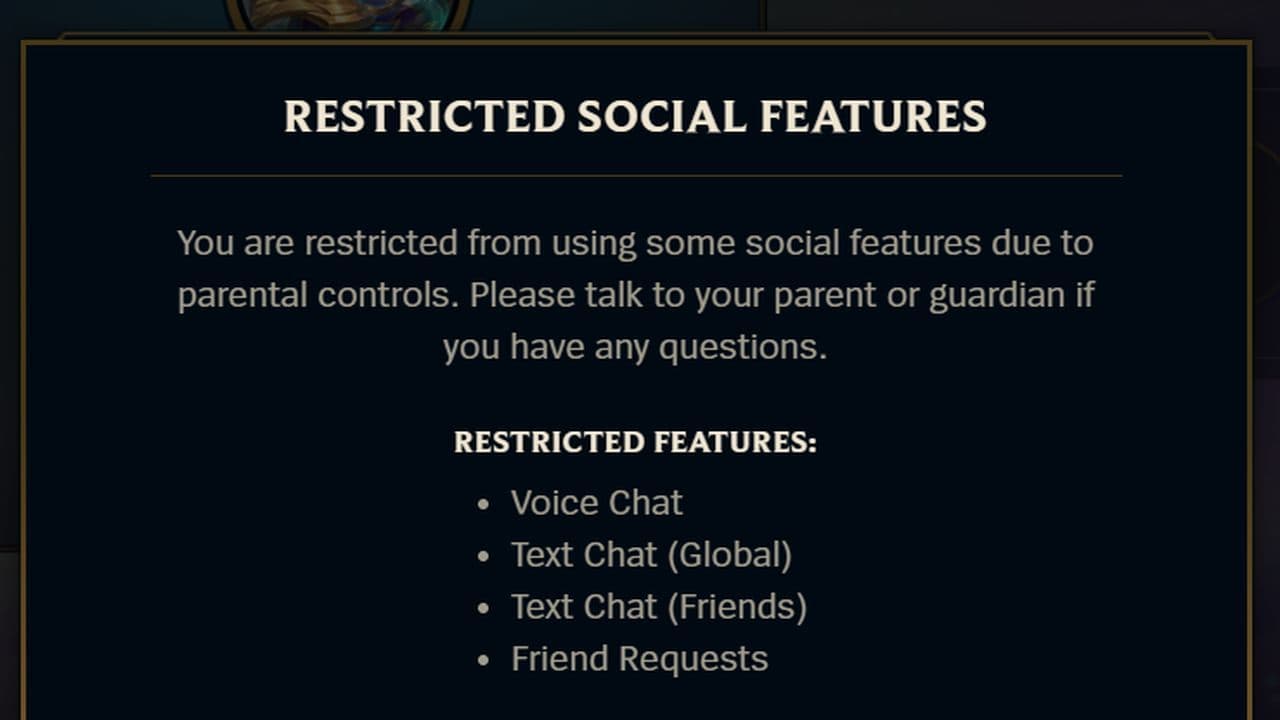
If you're over 18 and unexpectedly see messages like "Restricted Social Features" or "Chat has been disabled on this account," Riot acknowledged this as a rollout issue. Logging out of the Riot Client, restarting the game, and signing back in resolved the problem for many players while Riot deployed a backend fix.
What LoL restrictions can be removed?
Parents can change or disable settings for:
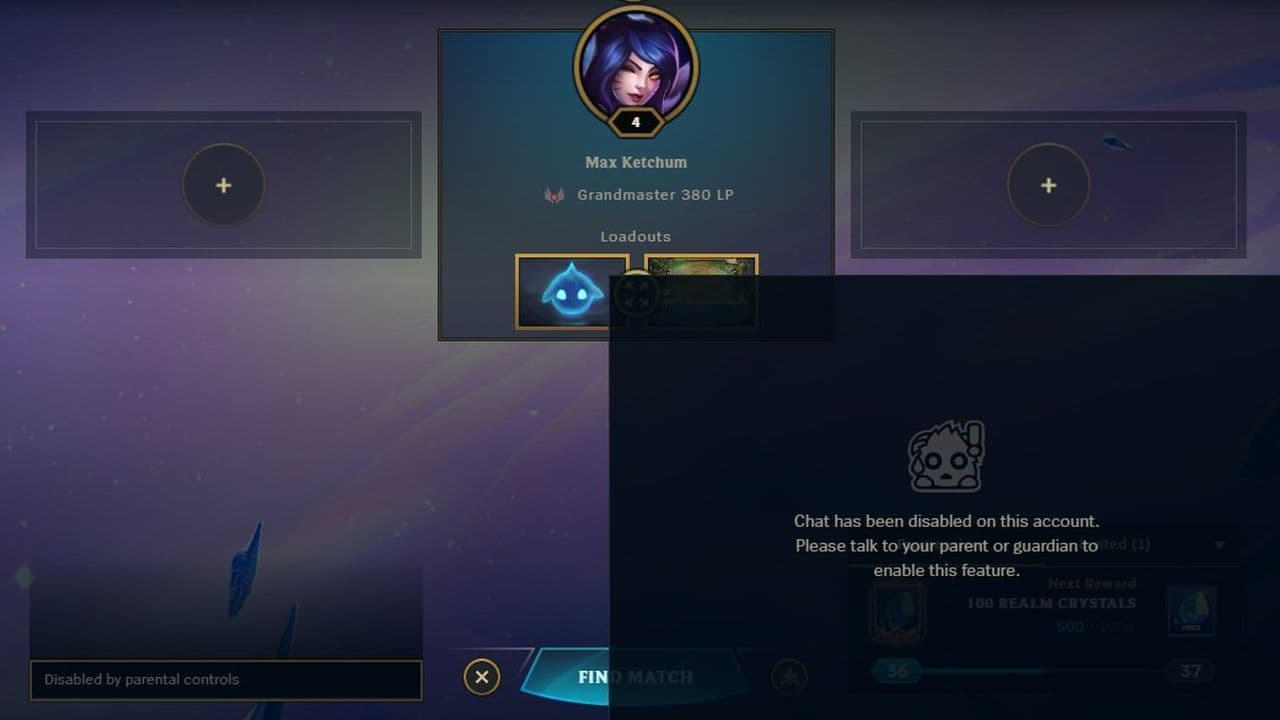
Parental controls in League of Legends can only be managed or disabled through Riot's Parent Portal by the verified parent linked to the account. Players under 18 cannot remove Parent Permissions themselves, and the restrictions are automatically lifted once the account holder turns 18. If you're an adult player who suddenly encounters "Restricted Social Features" or similar messages, it's worth checking whether you're affected by Riot's recent rollout issue before assuming parental controls have been enabled on your account.
If you want to learn more about League of Legends, check out the pieces below:
All Related Guides
 How to remove tokens in League of LegendsLearn how to remove tokens in League of Legends, clear Challenge Tokens from your profile, and fix them if the...
 2026 Riot Games parental controls update (LoL, VALORANT & TFT)Learn how Riot Games parental controls (2026) work for League of Legends, VALORANT, and TFT, including setup, ...
 How to change the install path in League of LegendsFind the League of Legends install location and move the game safely to a new drive with this clear step-by-st...
 League of Legends player lookup: How to check an accountCheck a LoL account with a League of Legends player lookup tool and learn what Riot ID, match history, rank, a...
 How to link your Twitch account to League of LegendsWant League of Legends Twitch drops? Learn how to connect your Riot Account, watch eligible streams, and claim...
 What is low priority queue in League of Legends and how to fix itGot a 10-minute low priority queue in League of Legends? Learn how many games it lasts and what resets the pen...
 Guide to League of Legends Partner ProgramLeague of Legends Partner Program guide: benefits, requirements, application dates, Creator Hub access, and ho...
 Client Server version mismatch League of Legends error fix guideHow to fix Client Server version mismatch League of Legends error: causes, quick LoL fixes, repair tool, reins...
- 1
- 2
- 3
- 4
- 5
- 6