What is low priority queue in League of Legends and how to fix it
ON THIS PAGE:
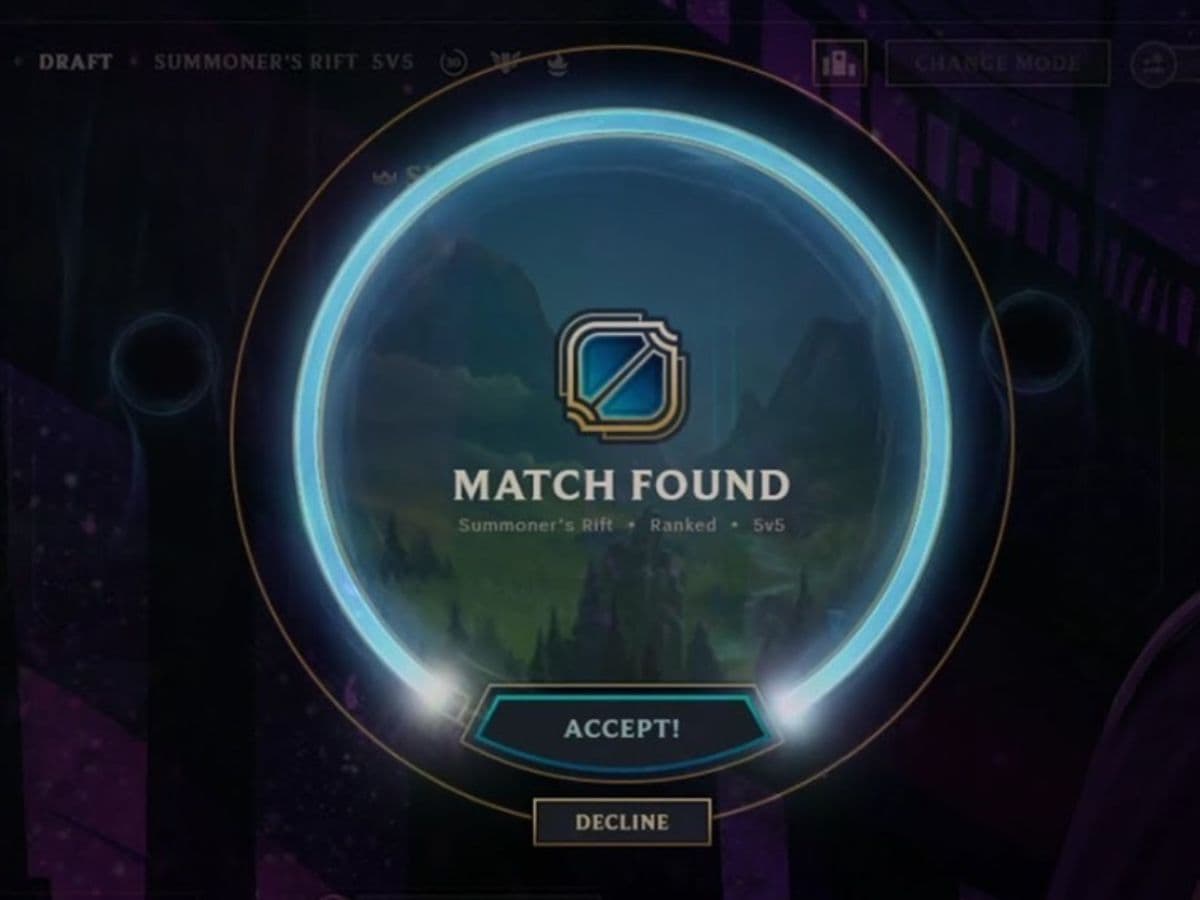
Low priority queue is a penalty that many people don’t want to see, because it forces them to wait before finding a game. This is not a penalty that is given without any context, players usually get it after they leave games, disconnect too often, or stay inactive long enough for the system to mark them as AFK. In this piece, we explain what low priority queue in League of Legends is, details about it, and how to get rid of it!
What is low priority queue in League of Legends?
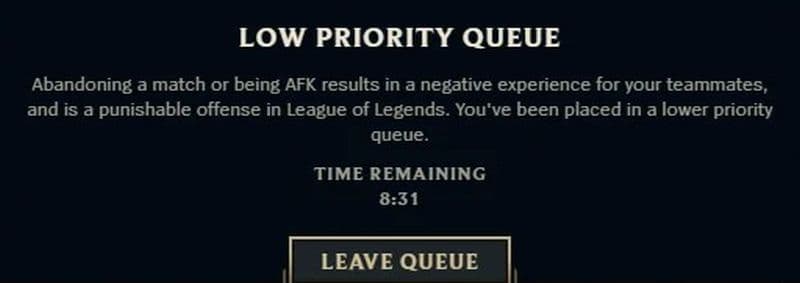
Low priority queue in League of Legends is the common name players use for a queue delay. When the penalty is active, the client makes you wait before you can join the matchmaking queue. You must wait through the full timer, then play the required game.
The penalty usually comes from AFK or leaver behavior. That can mean leaving a match, disconnecting and failing to return, or staying inactive during a game. The system does not only look at ranked games. Matchmade modes such as normal games, ranked, ARAM, Arena, Swift Play, and rotating modes can count. Games can be long, just be patient.
Low priority queue does not mean your account is banned. You can still log in and play after the delay, unless your account has reached a higher penalty tier with a queue lockout. A queue lockout blocks affected modes for a set time before the account returns to queue-delay penalties.
How to fix low priority queue in League of Legends
To fix low priority queue in League of Legends, you need to wait through the timer and finish the required number of games without another AFK or leaver flag. You cannot skip the penalty by changing modes, restarting the client, or leaving champion select.
A game must last at least 10 minutes to count toward the penalty. If the match ends early because of a remake, it does not reduce the remaining game count. If you go AFK again or leave again, that match also does not count.
Current queue delay tiers work like this:
- Tier 0: 1-minute delay for 1 game
- Tier 1: 5-minute delay for 5 games
- Tier 2: 10-minute delay for 5 games
- Tier 3: 15-minute delay for 5 games
- Tier 4: 24-hour queue lockout, then Tier 3
- Tier 5: 3-day queue lockout, then Tier 3
- Tier 6: 7-day queue lockout, then Tier 3
- Tier 7: 2-week queue lockout, then Tier 3
That means the longest normal queue delay is 15 minutes for 5 games. Higher tiers move into lockouts first, then return the player to a 15-minute delay for 5 games.
If another player dodges after your timer finishes, you can queue again without waiting. If you dodge champion select after your timer finishes, the delay resets and your required game count does not go down.
Why did I get low priority queue in LoL?
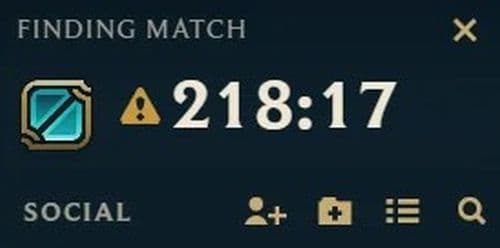
You can get low priority queue in LoL after repeated AFK behavior, match leaving, or unstable disconnects. The system can also punish players who do not move or act for long enough during a match.
A single rare disconnect may only trigger a warning, but repeated cases raise the penalty tier. The system cares about the match impact, not only the reason behind the disconnect. If your internet drops often, the safest move is to fix the issue before you queue again.
Ranked players should take extra care. AFK and leaver penalties can affect LP in the game where the issue happened and may also affect the next game.
How many games is 10 minute low priority queue?
A 10-minute low priority queue is a Tier 2 queue delay, and it lasts for 5 games. You must wait 10 minutes before each match, then complete the game properly.
The game only counts if it lasts at least 10 minutes and you do not receive another AFK or leaver flag. A remake does not count. A dodge after the timer also does not count.
Does dodging count as low priority queue in League of Legends?
Dodging and low priority queue are separate penalty systems, but they can overlap in practice. Dodging happens when you leave champion select or fail to lock in a champion. Low priority queue usually comes from AFK or leaver behavior inside a match.
However, dodging can still make a low priority queue worse in one specific case. If your queue delay finishes and you dodge champion select, the delay resets and the game does not count toward your penalty.
So, if you are clearing low priority queue, do not dodge unless you accept that the timer may restart.
How to avoid low priority queue in League of Legends
The best way to avoid low priority queue is to queue only when you can finish the match. League games can run long, so do not start a match if you may need to leave soon.
Before you queue, check the basics:
- Make sure your connection is stable.
- Restart the client if it feels slow or broken.
- Avoid ranked if your PC or internet has issues.
- Do not leave a game just because it looks lost.
- Return quickly if you disconnect.
Check more of our LoL guides below:
- The Best Beginner Champions In League Of Legends
- Is League Of Legends Free To Play?
- What Are Eternals In League Of Legends?
- How To Get Mythic Essence In League Of Legends
- Can I Play League Of Legends On Mac? Let’s Find Out How To Download LoL For Mac
Featured Image Credit: Pekin Woof
All Related Guides
 How to remove tokens in League of LegendsLearn how to remove tokens in League of Legends, clear Challenge Tokens from your profile, and fix them if the...
 2026 Riot Games parental controls update (LoL, VALORANT & TFT)Learn how Riot Games parental controls (2026) work for League of Legends, VALORANT, and TFT, including setup, ...
 How to disable Parental Controls in League of Legends (2026 update)Learn how to disable Riot's League of Legends parental controls, who can remove Parent Permissions, and what t...
 How to change the install path in League of LegendsFind the League of Legends install location and move the game safely to a new drive with this clear step-by-st...
 League of Legends player lookup: How to check an accountCheck a LoL account with a League of Legends player lookup tool and learn what Riot ID, match history, rank, a...
 How to link your Twitch account to League of LegendsWant League of Legends Twitch drops? Learn how to connect your Riot Account, watch eligible streams, and claim...
 Guide to League of Legends Partner ProgramLeague of Legends Partner Program guide: benefits, requirements, application dates, Creator Hub access, and ho...
 Client Server version mismatch League of Legends error fix guideHow to fix Client Server version mismatch League of Legends error: causes, quick LoL fixes, repair tool, reins...
- 1
- 2
- 3
- 4
- 5
- 6