How to lock and unlock your camera in League of Legends?
How you view a game in League of Legends is an important aspect of the game. Locking and unlocking your camera is definitely a part of that so read our guide on how to do that in a match.
How to lock and unlock your camera in League of Legends is a pivotal skill for mastering the ever-evolving gameplay on the Fields of Justice. Because of that, in this guide, we'll take a closer look at how to lock and unlock your camera, exploring the benefits and when to use this feature strategically.
How to lock camera in League of Legends
Let's dive into how to lock your camera in League of Legends:
- In-game toggle: The simplest method to lock your camera is to use the in-game toggle button. Located on the left-hand side of the minimap, you'll see a small camera icon. Clicking on this icon will either lock or unlock your camera, depending on its current state.
- Keyboard hotkey: League of Legends also provides a keyboard hotkey to toggle camera locking. By default, the hotkey is set to the letter 'Y'. If you prefer a different key, you can customize this in the control settings according to your preference.
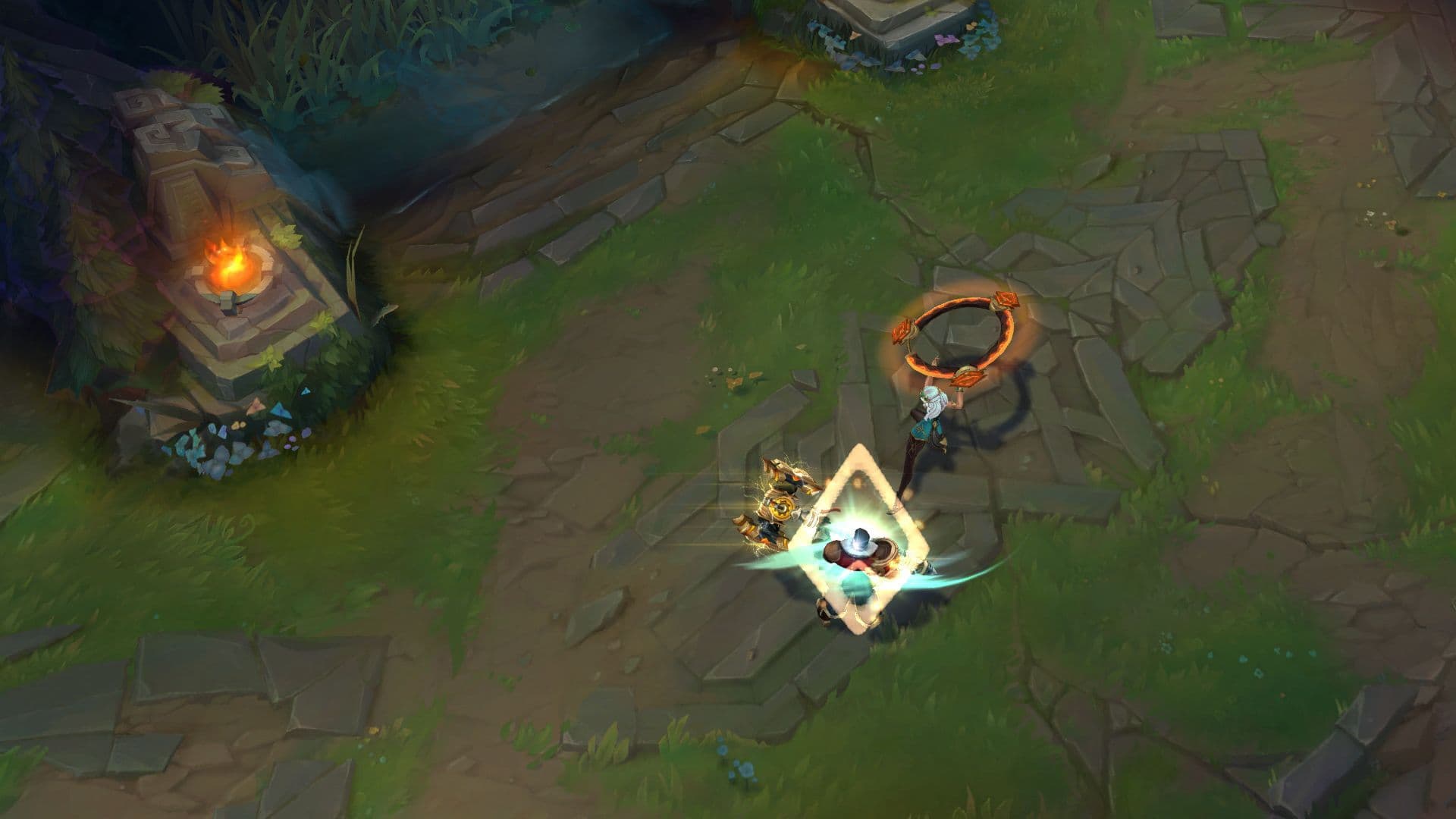
Camera lock benefits new players who are still getting accustomed to the controls.
It keeps your Champion at the center of the screen, making it easier to follow the gameplay without constantly adjusting the camera.
When to use the LoL camera lock mode
Consider using the LoL camera lock when you are still learning League of Legends early.
It provides a stable view, helping you focus on controlling your champion and understanding the game mechanics.
When not to use the LoL camera lock
Knowing when to abandon the camera lock in League of Legends is crucial. In scenarios where hidden threats are off-screen, map awareness is essential, or team coordination is required, an unlocked camera proves advantageous.
For champions with skill shots, navigating complex terrain, strategic vision control, dynamic fights, and advanced gameplay unlocking the camera enhances precision and adaptability. Recognizing these situations and embracing the flexibility of an unlocked camera is key to elevating your gameplay on the Fields of Justice.
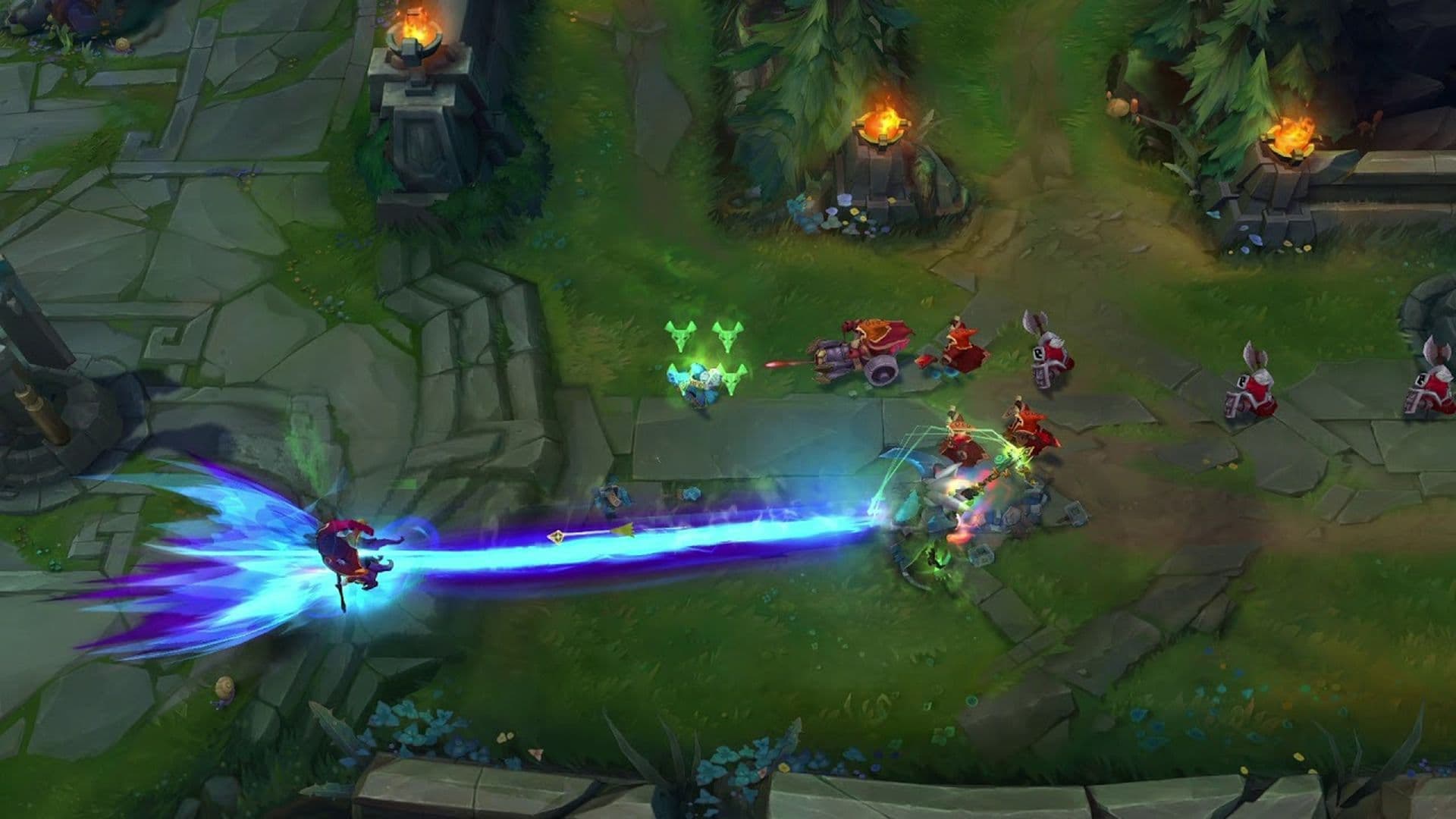
Are you in a situation like these scenarios? Keep reading!
How to unlock camera in League of Legends
Unlocking the camera in League of Legends is a straightforward process, like how to lock, that enhances your flexibility and awareness during gameplay. However, if you need a guide anyway, there are two primary methods to achieve this:
- In-game toggle: Look for the small camera icon located on the left-hand side of the minimap. Clicking on this icon serves as a toggle, allowing you to lock or unlock the camera based on your preference.
- Keyboard hotkey: League of Legends provides a default keyboard hotkey for toggling the camera lock, set to the letter 'Y'. If you prefer a different key, you can customize this in the control settings to suit your comfort.
Remember, finding the right balance between locked and unlocked camera modes is essential for maximizing your gaming experience in League of Legends.
Should I lock my camera in League?
Locking the camera keeps your champion in the center of the screen. This helps new players focus on their own champion without needing to move the camera. It makes learning the basics of the game a bit easier.
But as you gain experience, using an unlocked camera gives more control. You can see more of the map and react to enemies faster. Many players use the spacebar to center the camera when needed, then release it to look around. This method gives the best of both options.
If you're just starting out, locking the camera is fine. Once you feel more confident, switching to an unlocked view will help you play better.
Why is my camera lock not working in League?
If your camera lock is not working, a few things might be causing it.
- Minimap clicks – Clicking or dragging on the minimap can move your camera even when it is locked. This may feel like the lock is broken.
- Key settings – The default key to toggle the lock is “Y” on most keyboards. If you changed your controls or use a different layout, the key might not work as expected.
- Small bugs – Sometimes the game has minor bugs that affect camera lock. Pressing the lock key again, clicking the minimap, or restarting the game often fixes it.
Checking these settings usually solves the problem.
Looking for more in-depth guides to elevate your LoL experience? Here are some suggestions for you:
All Related Guides
 How to jungle in League of Legends: A beginner’s guideLearn how to jungle in League of Legends with beginner-friendly champions, clear routes, ganking tips, Smite m...
 How to remove tokens in League of LegendsLearn how to remove tokens in League of Legends, clear Challenge Tokens from your profile, and fix them if the...
 2026 Riot Games parental controls update (LoL, VALORANT & TFT)Learn how Riot Games parental controls (2026) work for League of Legends, VALORANT, and TFT, including setup, ...
 How to disable Parental Controls in League of Legends (2026 update)Learn how to disable Riot's League of Legends parental controls, who can remove Parent Permissions, and what t...
 How to change the install path in League of LegendsFind the League of Legends install location and move the game safely to a new drive with this clear step-by-st...
 League of Legends player lookup: How to check an accountCheck a LoL account with a League of Legends player lookup tool and learn what Riot ID, match history, rank, a...
 How to link your Twitch account to League of LegendsWant League of Legends Twitch drops? Learn how to connect your Riot Account, watch eligible streams, and claim...
 What is low priority queue in League of Legends and how to fix itGot a 10-minute low priority queue in League of Legends? Learn how many games it lasts and what resets the pen...
- 1
- 2
- 3
- 4
- 5
- 6