Exploring the Best Minecraft shaders for enhanced visuals in 2025
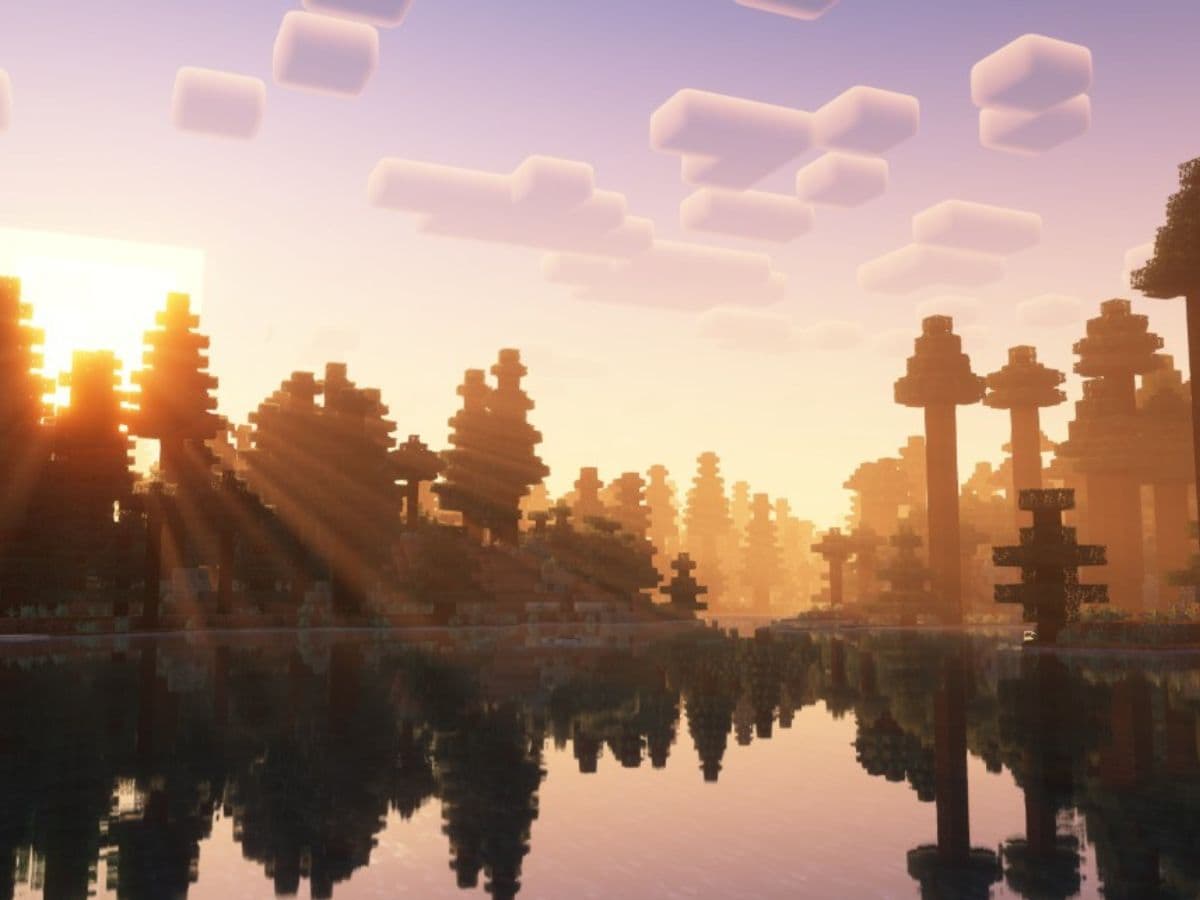
Minecraft is more than a building game. It has become a creative platform where players design, explore, and express themselves. Yet, the game’s visuals can be very simple for many players. If you're looking for a richer look that feels more alive, you need to download and install shaders. In this piece, we explain what they are with a list of the top five Minecraft shaders you should try!
What is a Minecraft shader?
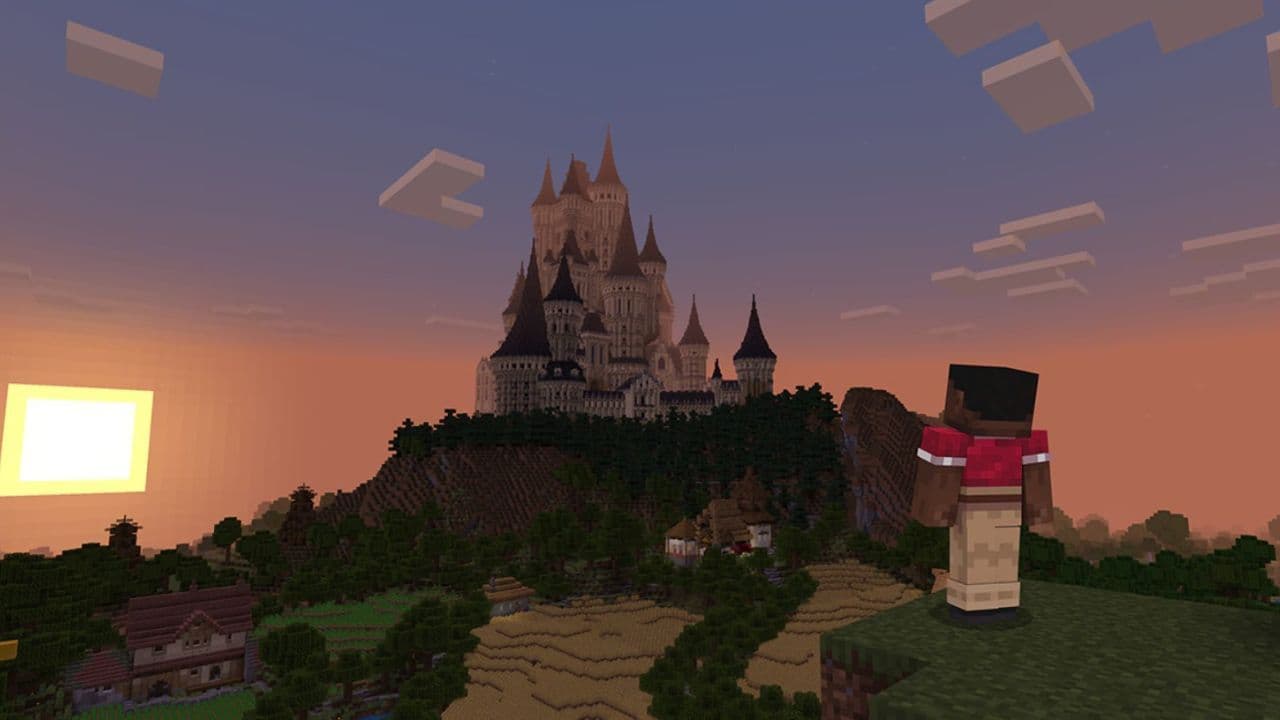
A Minecraft shader is a small program that changes the way the game renders light and graphics. It adds effects that do not exist in the vanilla version. These effects can include dynamic shadows, bright sunlight, reflections in water, and smooth lighting transitions.
Shaders use the power of your graphics card to make the game world look more detailed and realistic. Some focus on natural lighting, while others use fantasy colors and effects. For example, a shader might create a sunset that glows in orange and red tones, or add fog that rolls across mountains. If you have a cute house idea, shaders will make it look even better.
To use shaders, you need a shader loader such as Iris or OptiFine. These tools allow the game to run shader files and adjust their settings.
Top 5 Minecraft shaders you must try
There are plenty of shaders you can find online, but some of them left a mark with their qualities. Here are five of the most popular and high-quality shaders you can use in Minecraft:
Complementary Shaders (Reimagined / Unbound)
Complementary is one of the best all-around shader packs. It has two main versions: Reimagined, which improves the game’s look without changing its core style, and Unbound, which focuses on realism.
It adds realistic shadows, reflective water, and beautiful sky colors. The lighting reacts smoothly to time changes, creating soft mornings and deep sunsets. Players can also adjust performance by turning off or lowering certain effects.
- Reimagined works well for midrange PCs and keeps the original feel of Minecraft.
- Unbound targets high-end systems and pushes realism with bright reflections and natural movement.
Complementary remains popular because it finds the right balance between visuals and performance.
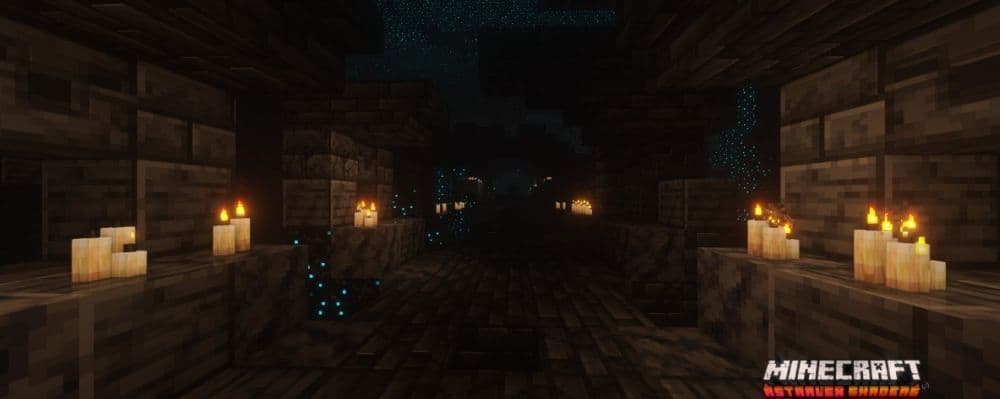
AstraLex Shaders
AstraLex is known for its detailed lighting and rich color effects. It gives Minecraft a cinematic look with lens flares, sun rays, and deep shadows. The shader reacts to the weather, so rainy days look darker and more atmospheric.
Players can adjust almost every visual setting, from bloom intensity to water reflection quality. It even includes effects like motion blur and starry skies, which make night scenes stand out.
- Works well on high-end PCs for players who want the best visuals.
- Offers many customization options for lighting, weather, and color tone.
- Can be made lighter by turning off extra effects.
AstraLex is a great choice for those who want full control over how their game looks.
Sildur’s Vibrant Shaders
Sildur’s Shaders has been around for years and continues to receive updates. It is reliable, flexible, and suitable for almost any computer. The shader focuses on bright lighting, reflective water, and smooth shadows.
There are several versions of it, ranging from “Lite” to “Extreme.” Players with older PCs can use the lighter options, while stronger machines can handle higher versions. It also supports most mod packs, which makes it a good choice for those who play modded Minecraft.
- Adds dynamic lighting and reflections.
- Offers wide compatibility across systems.
- Maintains good performance with balanced visuals.
Sildur’s remains a favorite because it is easy to install, stable, and works for both beginners and experienced players.
Solas Shaders
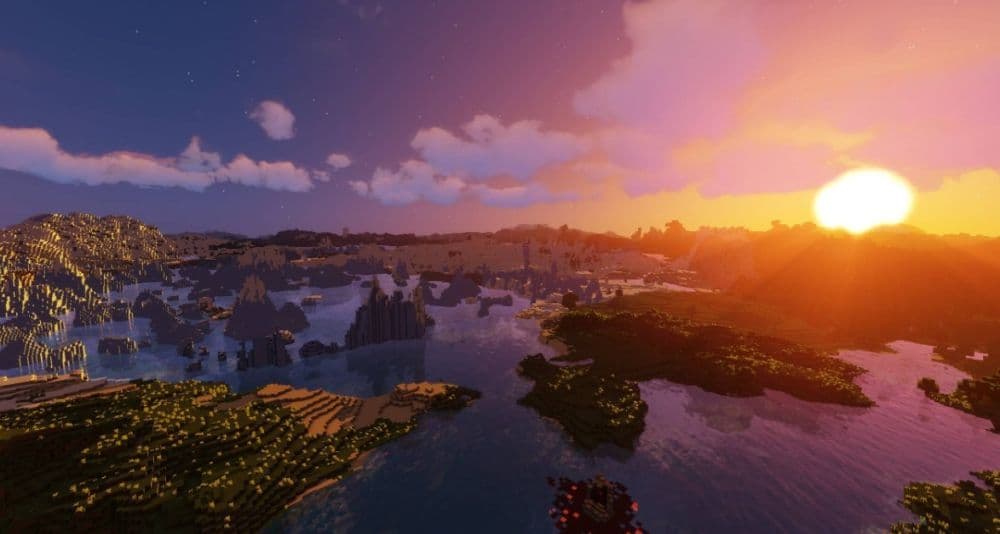
Solas focuses on creating a warm and fantasy-like world. It adds colorful lighting, glowing particles, and soft fog around landscapes. The night sky looks especially beautiful, with stars and glowing clouds filling the horizon.
The shader runs well on modern PCs, and players can adjust brightness or fog depth for different moods. It also works nicely with texture packs that enhance realism or fantasy style.
- Great for players who prefer colorful and artistic visuals.
- Features include dynamic weather, fireflies, and realistic clouds.
- Easy to configure for both casual and experienced users.
Solas is perfect for players who want Minecraft to feel atmospheric and dreamlike.
DrDestens Shaders
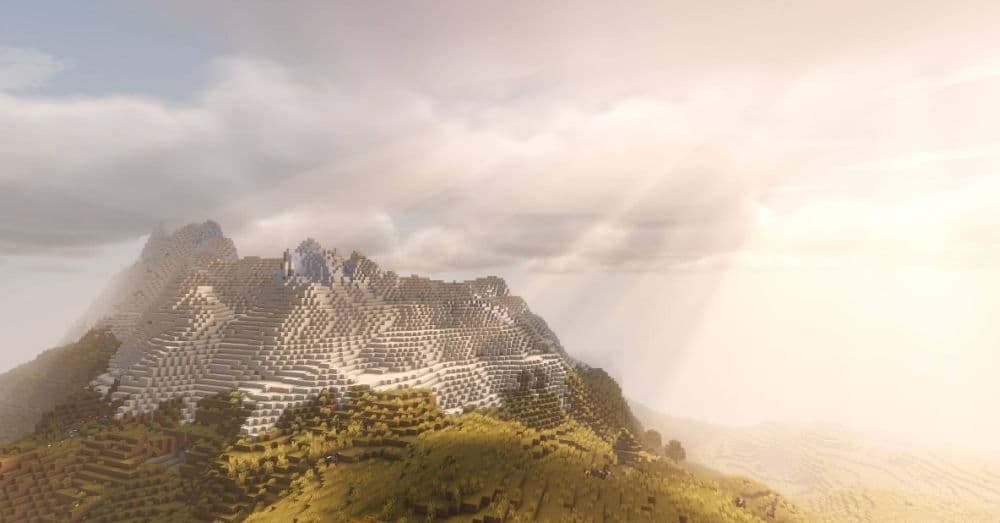
DrDestens shaders focus on depth, realism, and cinematic presentation. The lighting feels soft and natural, especially during sunrise or sunset. Water surfaces look reflective, and shadows move smoothly with the light source.
This shader also supports advanced visual effects like depth of field, which blurs distant areas for a realistic camera look. It can make landscapes and builds appear more dramatic, though it uses more GPU power.
- Produces highly realistic light and color effects.
- Works best on systems with strong graphics cards.
- Allows players to fine-tune quality and performance settings.
DrDestens shaders turn Minecraft into a more immersive and visually rich experience.

How do you get shaders on Minecraft?
Installing shaders on Minecraft Java Edition is simple. You only need a shader loader and the shader files you want to use.
- Install a loader: Download and install Iris or OptiFine, which allows you to run shaders in Minecraft.
- Download a shader pack: Get your preferred shader from a trusted source. Make sure it matches your Minecraft version.
- Place the shader file: Move the downloaded file into the shaderpacks folder in your .minecraft directory.
- Enable the shader: Launch Minecraft, go to Options → Video Settings → Shaders, and select your shader pack.
- Adjust performance: If your game slows down, reduce render distance or disable heavy effects like reflections or shadows.
Once you follow these steps, your world will load with new lighting, water, and environmental effects.
Do shaders use CPU or GPU?
Shaders rely mostly on the GPU, not the CPU. The GPU handles graphics rendering, light simulation, and post-processing effects. When shaders are active, they place a heavier load on the graphics card.
The CPU still manages game logic, world generation, and player movement. If you have a strong GPU but a weak CPU, shaders will still run, but loading times may increase. To get the best results, balance both parts of your system.
For example, an RTX 3060 or RX 6600 GPU can handle heavy shaders at 1080p easily, while integrated GPUs may struggle with frame drops.
How many GB of RAM are needed for Minecraft shaders?
Shaders need enough system memory to run smoothly. Minecraft without shaders can work with 4 GB of RAM, but shaders need more.
- Minimum: 8 GB total system RAM, with at least 4–6 GB allocated to Minecraft.
- Recommended: 16 GB total RAM, especially if you use large worlds or mod packs.
- High-end setup: 24–32 GB total RAM for heavy mods and high-resolution shaders.
Besides system RAM, the GPU’s VRAM also matters. A graphics card with 4 GB or more VRAM is ideal for high-quality shader packs.
More guides:
- Minecraft Serene Seasons Mod: A deep dive into seasonal dynamics and gameplay
- Here is a closer look at the free Japanese government Minecraft map
- Minecraft Movie's Post-Credits Scene: Implications for the Minecraft Universe
- Minecraft blast furnace recipe: How to make a blast furnace in Minecraft
- How to make a stone cutter in Minecraft: Complete recipe
Featured Image Credit: Controlify
All Related Guides
 How to breed frogs in MinecraftBreed frogs in Minecraft with this simple guide to slimeballs, frogspawn, tadpoles, frog variants, and common ...
 Best Minecraft PS5 seeds in 2026 - Version 26.2Discover the best Minecraft PS5 seeds in 2026, with strong Bedrock worlds for survival and creative projects....
 Best Minecraft PS5 seeds in 2026 - Version 26.2Find the best Minecraft PC seeds in 2026, with great worlds for survival, villages, building, exploration, and...
 Top 5 Minecraft 26.1 seeds you must try todayFind the best Minecraft 26.1 seeds for villages, rare biomes, island survival, and creative builds, with seed ...
 How to turn on keep inventory in MinecraftUse the correct Keep Inventory command in Minecraft and learn how it works across Java, Bedrock, servers, and ...
 How to breed tropical fish in MinecraftCan you breed tropical fish in Minecraft? Here is the clear answer, plus how to catch, move, and use tropical ...
 Minecraft Chaos Cubed guide: Everything new in the 2026 updateExplore everything new in Minecraft Chaos Cubed, including Sulfur Caves, Sulfur Cubes, geysers, new blocks, co...
 How to change render distance in MinecraftChange render distance in Minecraft with simple steps for Java and Bedrock, plus tips to balance better visibi...
- 1
- 2
- 3
- 4
- 5
- 6
- 7
- 8
- 9