How to fix Roblox error code 262
This reconnect error can be hard to deal with. Here is what the error means and of course all the fixes to help you with this Roblox error.
Just like any other Roblox error codes, the error code 262 is another frustrating thing that stops you from enjoying your favorite game. This error may have different causes behind it but you can take different steps to get rid of it. Luckily, we have all the possible fixes listed for you below. Here is everything you need to know about Roblox error code 262!
What is Roblox error code 262?
Sometimes, you might encounter a message stating, “There was a problem sending data, please reconnect. (Error Code: 262)” or “Error while sending data, please reconnect. (Error Code: 262).” This message indicates a connection issue between your device and Roblox's servers.
This error, Error Code 262, can occur for several reasons. It could be due to problems on Roblox's own servers, issues with your internet connection, or even troubles with your device.
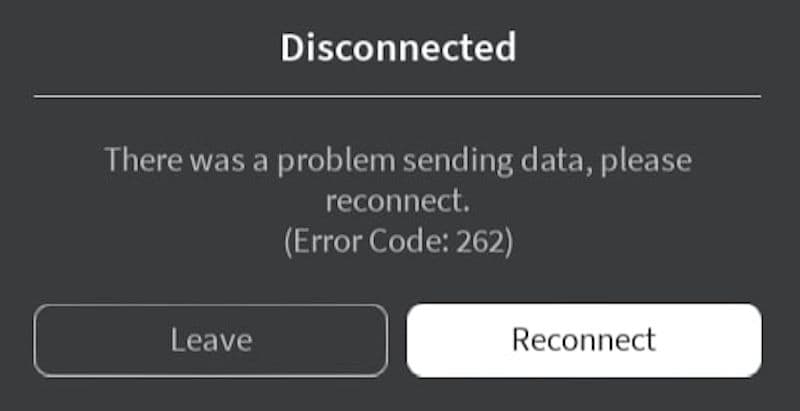
How to fix Roblox error code 262
Below you will find a couple of fixes for the Roblox error code 262:
Perform Basic Troubleshooting
- Restart Roblox and your device
- Log out and back into your Roblox account
- Avoid using both the web client and Microsoft Store app at the same time
- Disconnect and reconnect to your network
- Disable any active VPN
- Whitelist Roblox in your firewall settings
Rule Out Temporary Issues
- Check Connection: Click the 'Reconnect' button displayed with the error message. If this restores your game, the problem was likely temporary.
Check the Roblox Server Status
- Visit Status Page: Go to the Roblox status website to see if there are any alerts about server problems. If Roblox reports server issues, wait for them to resolve them. If no issues are reported, the problem might be on your end.
Fix Unstable Network Issues
If your connection is unstable, it may interrupt your gameplay. Try these steps:
- Restart your router
- Use Task Manager to end bandwidth-heavy tasks
- Pause background downloads
- Run the Windows Network Troubleshooter
- Disconnect other devices from your network to free up bandwidth
Clear Roblox Cache
- Close Roblox: Make sure Roblox is completely shut down before proceeding.
- Navigate to Cache Folder: Go to the AppData directory on your computer and find the Roblox cache folder.
- Delete Cache Files: Remove all files within the cache folder to eliminate any corrupted data.
- Restart Roblox: Open Roblox again to check if clearing the cache resolved the issue.
Update Network Drivers
- Open Device Manager: Right-click on the Start menu and select Device Manager.
- Locate Network Adapter: Find your network adapter under the "Network Adapters" section.
- Update Driver: Right-click your network adapter and select “Update driver,” then follow the on-screen instructions.
- Restart Computer: Reboot your computer to apply the driver updates.
Reinstall Roblox
- Uninstall Roblox: Remove Roblox via the Control Panel.
- Delete Remaining Files: Check the AppData folder for any leftover Roblox files and delete them.
- Download Latest Version: Visit Roblox's official website, download the latest version of the game, and install it.
- Launch Roblox: Run Roblox to see if reinstalling has fixed the error.
Stop Using Roblox Mods and Disable Any Extensions
- Disable Mods and Extensions: Turn off any mods or extensions you are using with Roblox to see if they are causing the issue.
- Remove if Necessary: If disabling them resolves the error, consider removing them permanently to avoid future problems.
Switch the Roblox Version You Use
Try using a different version of Roblox. If you're using the web player, switch to the Microsoft Store app, or vice versa. Use whichever version provides better performance.
Following these steps should help you solve Roblox Error Code 262 and get you back to playing or creating games. Don’t forget to check out our other Roblox guides:
All Related Guides
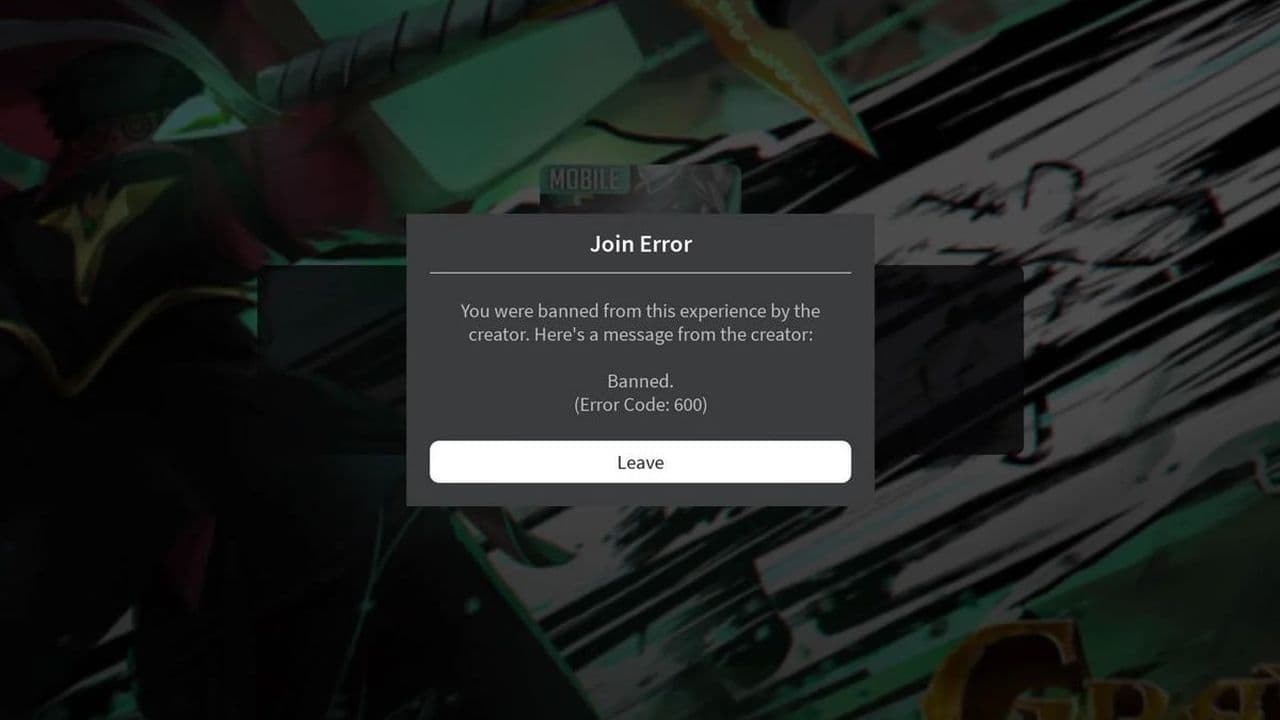 How to fix Roblox error code 600 Learn how to fix Roblox error code 600, understand the new IP-based ban system, and explore potential workarou...
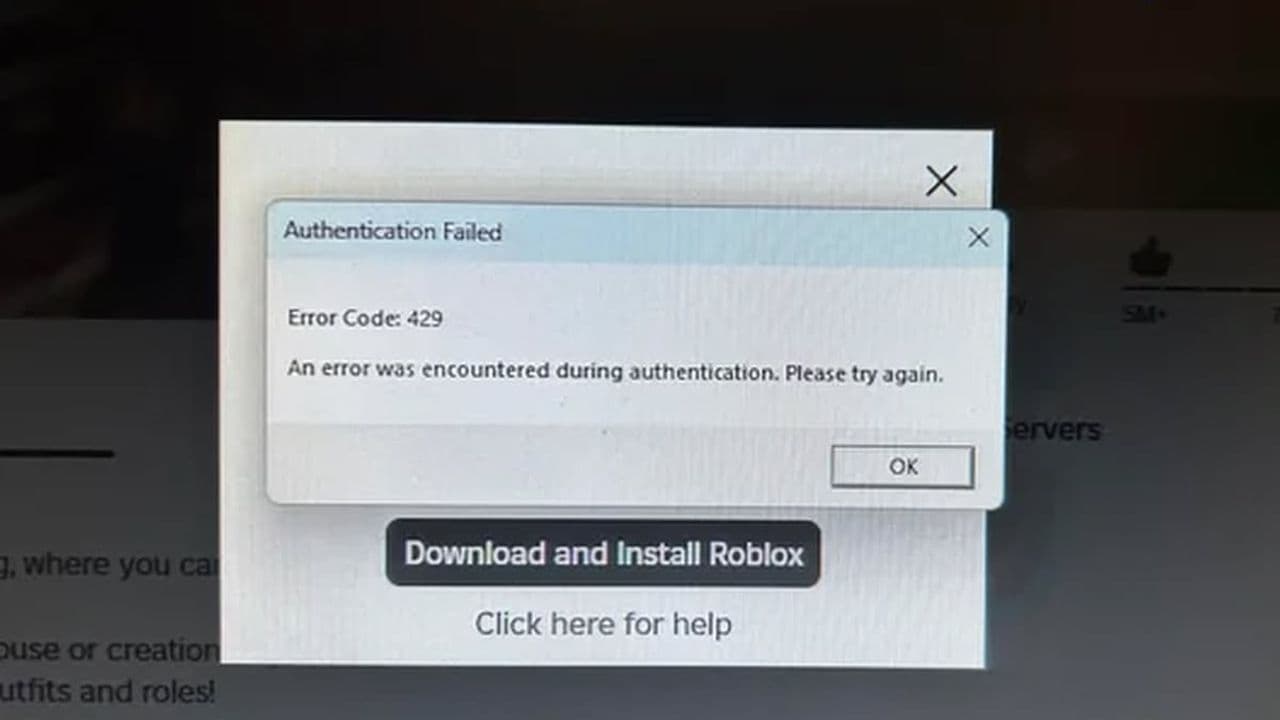 How to fix Roblox error code 429: Authentication issues and too many requestsRoblox error code 429 explained: causes, rate limits, and potential malware risks. Learn how to avoid it and f...
 What does error code e01 mean in Roblox?Roblox error code e01 is one of those uncommon errors but we have a couple of fixes that you must try to fix t...
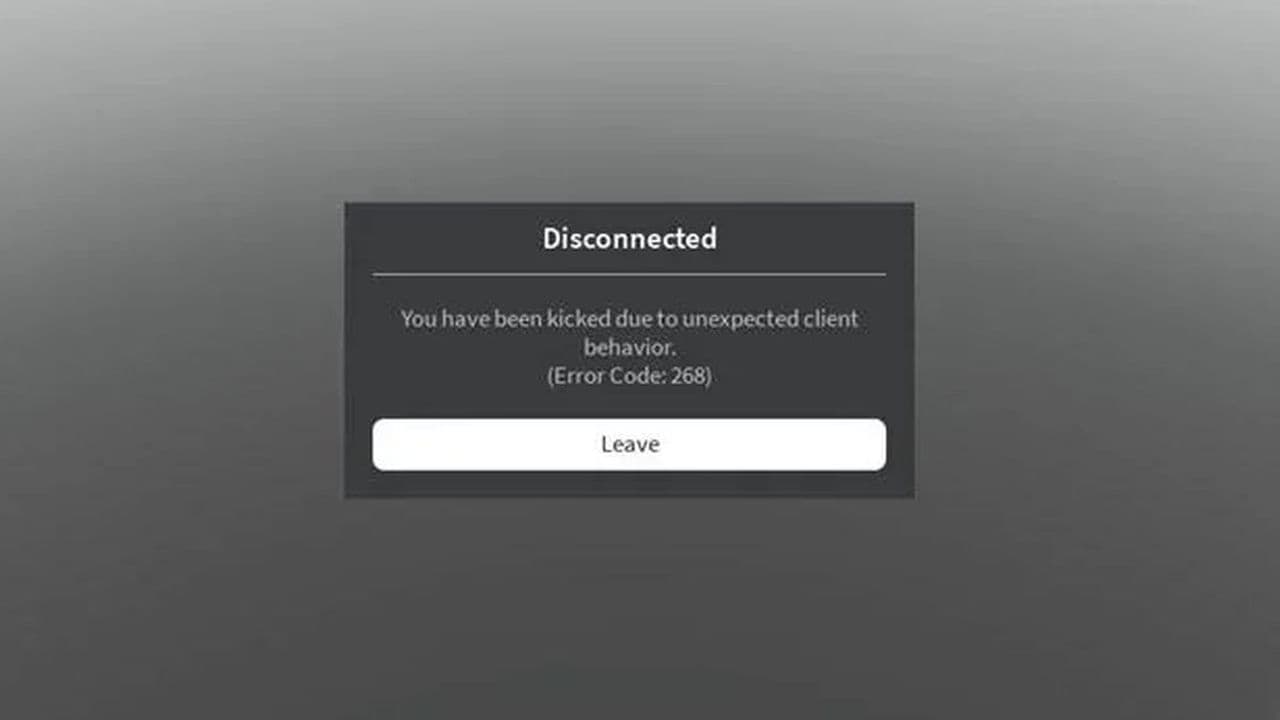 How to fix Roblox error code 268: 8 easy waysLearn 8 simple ways to fix Roblox error code 268 and resolve the "unexpected client behavior" issue. Troublesh...
 How to fix error while updating worn items in RobloxFix the 'error while updating worn items' on Roblox with simple steps. Learn why it happens and how to resolve...
 How to fix Roblox connection error on WindowsThere are many Roblox error codes on Windows and luckily we know a couple of ways to fix them. Check them out ...
 How to fix error code 264 for RobloxRoblox error code 264 is one of the frustrating hiccups that will prevent you from playing the game, unless yo...
 What does code 288 mean in Roblox?All Roblox error codes have different meanings and error code 288 is one of the worst. Here is how to fix it!...
- 1
- 2
- 3
- 4