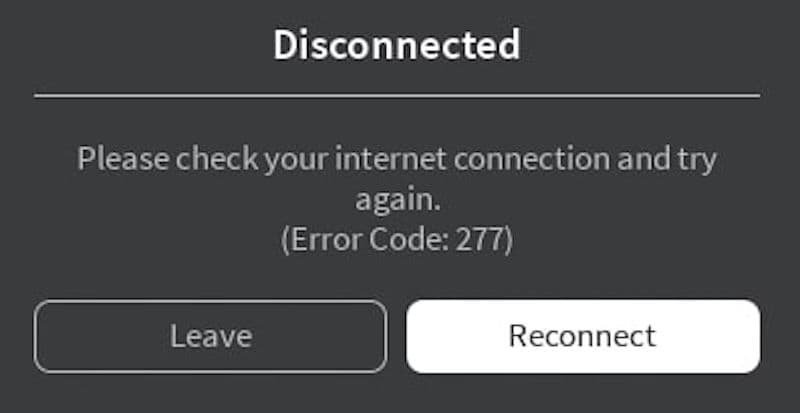
Why do I keep disconnecting from Roblox “error code 277?”
This disconnect error code can be pesky to deal with. Here are some solutions to the problem if you are facing it in Roblox.
All Roblox error codes have different root causes, and that is why it may be hard to find a solution for them yourself sometimes. However, most of these codes require very little tech knowledge and they are actually very easy to fix. Roblox error code 277 is one of those easy-to-fix issues that you may encounter while playing the game. In this guide, we will go over everything you need to know about Roblox error code 277, starting with its cause and continuing with a couple of very easy fixes to help you out!
What is Roblox error code 277?
Roblox error code 277 is a common problem that stops players from connecting to game servers. Although it happens mostly to PC users, players on mobile, Xbox, and PlayStation might also experience this issue. When this error appears, players cannot join any games.
The reasons behind error code 277 are not specific, but there are several usual suspects. Server issues at Roblox, unstable internet connections, a bad DNS cache, and not updating the game can all lead to this error
How do you fix error code 277 on Roblox?
Here are your possible fixes to get rid of the frustrating Roblox error code 277:
Check Roblox Server Status
The first thing to do when you see error code 277 is to check the Roblox servers. Since Roblox has many players, the servers can sometimes fail. When the servers are down, players might see various errors, including error code 277. You can check if the servers are down by visiting the Roblox status page online.
Clear Roblox Logs
Clearing the Roblox logs is another way to fix this error. The logs include files that store your game history and settings. These files can get corrupt and cause errors. To delete these files on a Windows computer:
- Right-click the Windows icon and choose 'Run'.
- Type %localappdata%\Roblox\logs and press 'OK'.
- Select all the files and press 'Shift + Delete' to delete them permanently.
- Do this again with %USERPROFILE%\AppData\LocalLow\RbxLogs.
Restart Your Internet
Problems with your internet connection can also cause error code 277. To fix your internet connection:
- Turn off your router and wait a few seconds.
- Turn it back on and let the connection establish.
This can help fix any issues with your router’s cache that might be causing the error.
Flush DNS
If your DNS cache is corrupt, it can prevent you from connecting to Roblox servers. To clear your DNS cache:
- For Windows users, open Command Prompt and type ipconfig /flushdns. Press 'Enter'.
- For macOS users, open Terminal. Depending on your macOS version, use commands like sudo dscacheutil -flushcache; sudo killall -HUP mDNSResponder for newer versions or lookupd -flushcache for older ones.
This step can help your computer make new and clean connections to internet services like Roblox.
Change the Opened Ports on Your Router
Adjusting the settings on your router might help with connection issues:
- Find your router’s settings by typing its IP address in a browser.
- Log in and find settings like 'Port Forwarding' or 'Applications'.
- Adjust the ports to fit Roblox’s needs. Use UDP and set the range from 49152 to 65535.
- Save the changes and restart your router.
This might solve the error if the issue was with the router ports.
Check For Updates
Keeping your devices and games updated can prevent many issues, including error code 277:
- On Windows, press 'Windows + I', go to 'Update & Security', and click 'Check for updates'.
- On Mac, go to 'System Preferences', click 'Software Update', and install any updates available.
- Make sure your Roblox client is also up to date by visiting the Roblox download page and installing the latest version.
Updates can fix bugs that might be causing the error.
By following these steps, you can usually fix Roblox error code 277 and get back to playing your games. These solutions are straightforward and help keep your gaming experience smooth.
How do I fix Roblox disconnecting for no reason?
1. Use a Supported Browser
Make sure you're using an up-to-date browser like Chrome, Edge, or Firefox.
2. Check Browser Security Settings
Your browser's privacy settings may block Roblox. Make sure it’s allowed.
3. Check Wi-Fi Connection
A weak Wi-Fi signal can cause disconnects. Try moving closer to the router or use a wired connection.
4. Turn Off Ad-Blockers
Ad-blockers might mess with Roblox. Turn them off or add Roblox to the whitelist.
5. Open Necessary Ports
Roblox needs certain ports open to work properly:
- TCP: 443, 49152-65535
- UDP: 49152-65535
Check your router to make sure these aren’t blocked.
6. Check Firewall and Router Settings
Make sure your firewall and router aren’t blocking Roblox. Allow Roblox through them.
7. Reinstall Roblox
Uninstall Roblox, restart your computer, and reinstall it to fix any file issues.
If the problem keeps happening, check if Roblox is having server issues.
Don’t forget to check out these Roblox guides too:
All Related Guides
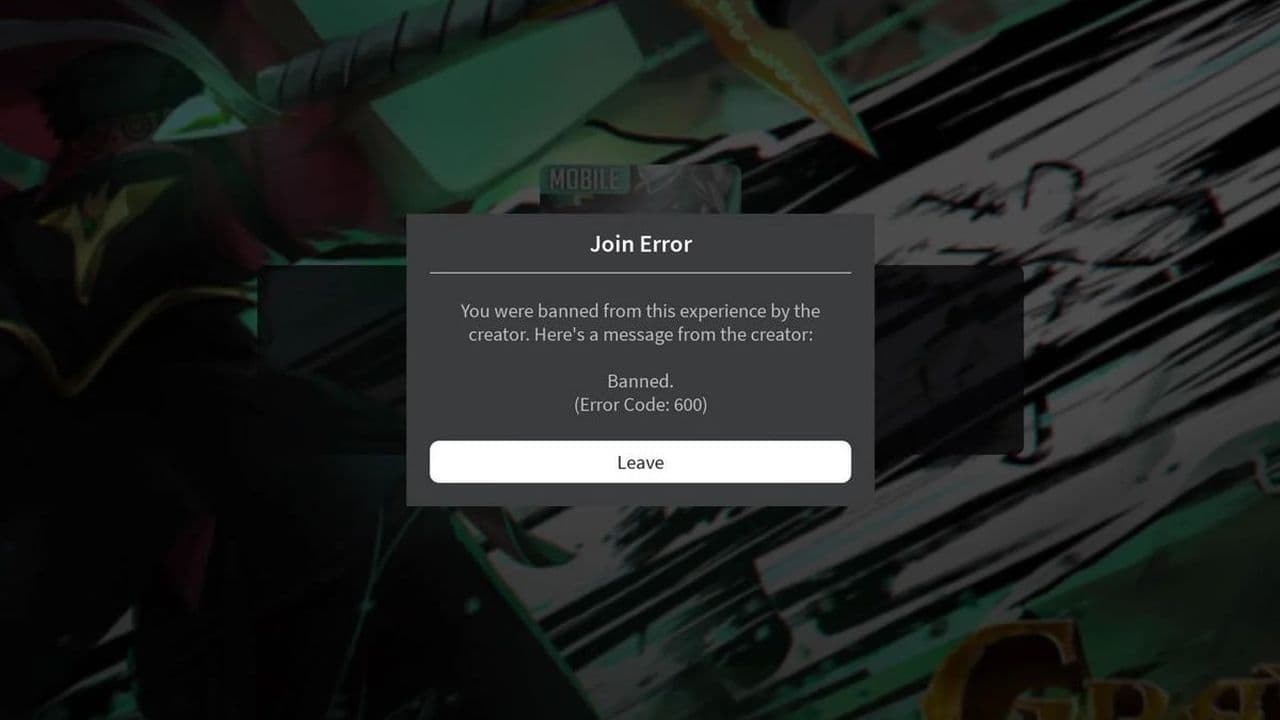 How to fix Roblox error code 600 Learn how to fix Roblox error code 600, understand the new IP-based ban system, and explore potential workarou...
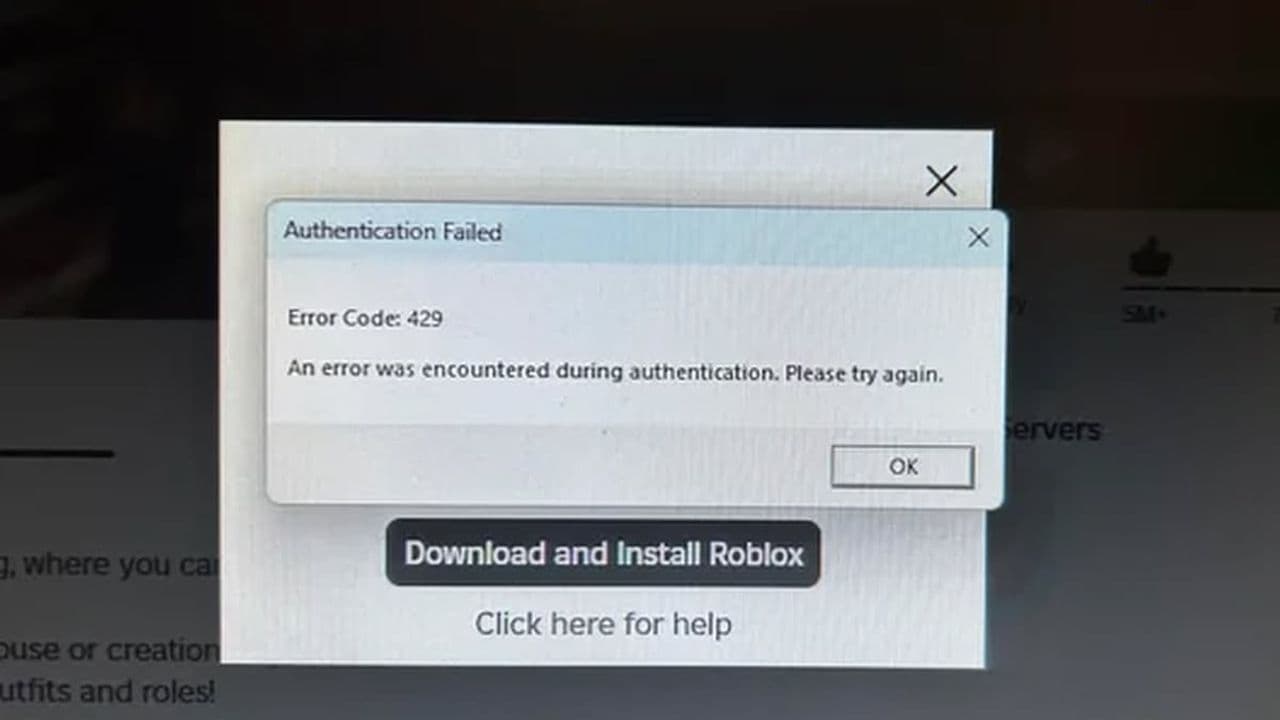 How to fix Roblox error code 429: Authentication issues and too many requestsRoblox error code 429 explained: causes, rate limits, and potential malware risks. Learn how to avoid it and f...
 What does error code e01 mean in Roblox?Roblox error code e01 is one of those uncommon errors but we have a couple of fixes that you must try to fix t...
 How to fix Roblox error code 268: 8 easy waysLearn 8 simple ways to fix Roblox error code 268 and resolve the "unexpected client behavior" issue. Troublesh...
 How to fix error while updating worn items in RobloxFix the 'error while updating worn items' on Roblox with simple steps. Learn why it happens and how to resolve...
 How to fix Roblox connection error on WindowsThere are many Roblox error codes on Windows and luckily we know a couple of ways to fix them. Check them out ...
 How to fix error code 264 for RobloxRoblox error code 264 is one of the frustrating hiccups that will prevent you from playing the game, unless yo...
 What does code 288 mean in Roblox?All Roblox error codes have different meanings and error code 288 is one of the worst. Here is how to fix it!...
- 1
- 2
- 3
- 4