What is error code 524 in Roblox?
Restrictions happen in Roblox and this error is connected to that. Here is what you can do.
You log into Roblox to enjoy some free time with your friends but then suddenly something comes and axes all the fun you were going to have. Roblox error code 524 can be very frustrating but just like all other Roblox codes, there are certain things you can do to get rid of it and continue having fun with your friends. If you wonder about the root cause and possible fixes of this error, keep reading because we listed everything you need to know about Roblox error code 524 below!
What exactly is error code 524 in Roblox?
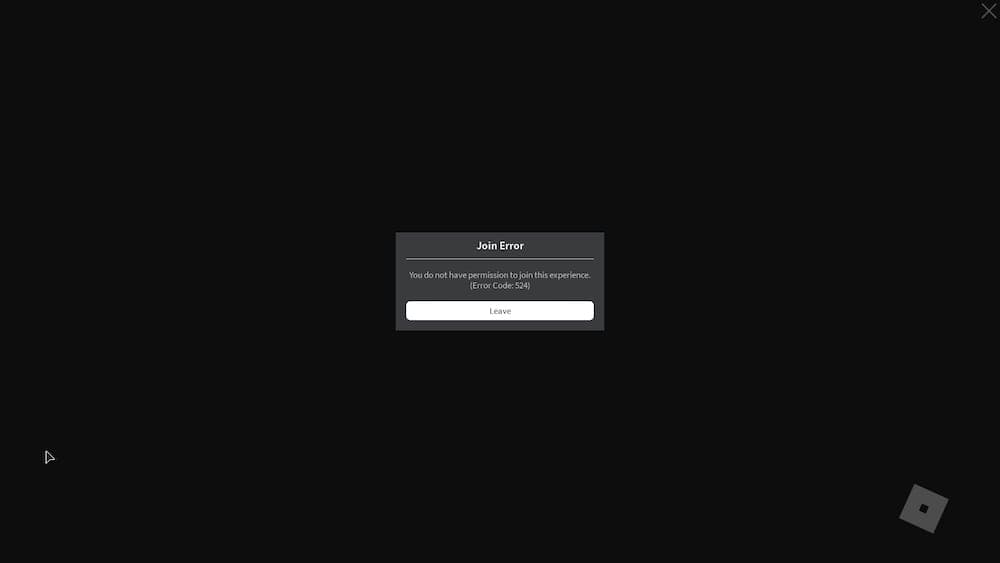
Roblox error code 524 usually shows messages like "Not Authorized to Join This Game" or "You do not have permission to join this experience." This problem happens a lot when you try to join VIP servers, where the game owner has set restrictions on who can enter.
The main reasons you might see this error include problems with Roblox's servers, not having the right permissions to join a VIP server, or trying to join as a guest player without permission. Knowing what causes this error is the first step in fixing it. The good news is that this error is usually easy to figure out and solve.
How to fix Roblox error code 524
Now, let's move on to the part that you are actually here for. Below you will find a couple of fixes for Roblox error code 524. Start from the first one and if it doesn’t help you get rid of the problem, please move on with the other fixes one by one. Here are all the possible fixes for this particular error:
Friend Invitation for VIP Server Player
- Step 1: Open Roblox and go to settings. Look for Privacy settings.
- Step 2: Find the option that says "Who can invite me to a VIP server" and change it to 'Everyone.'
- Step 3: Save your changes.
- Step 4: Look up the player who owns the VIP server and wait for them to accept your invitation.
- Step 5: Once they accept it, click 'Join Game.' If this works, you've fixed the error.
Change Friend's Settings
- Go to the game's page, click on the Servers tab, find the Private Server you want to join, and click on the ellipsis to configure it.
- Choose to 'Check Friends Allowed' or type your username in the 'Invited Players' field, add it, and save your settings.
Play via Roblox Player
- Browser problems can sometimes cause Error Code 524. Using the Roblox Player app on your computer can avoid these issues.
- On Windows, search for Roblox Player in the Start Menu; on Mac, find it in the Launchpad.
- Once you open Roblox Player, search for the game you want to play and join it directly.
Restart Your Device or Reinstall Roblox
- Restarting your device can fix this error because it resets the software and drivers that might be causing the problem.
- If restarting doesn’t work, try reinstalling Roblox to get a fresh start.
Is error code 524 permanent?
Error Code 524 in Roblox is definitely not permanent. As long as you try the fixes we've talked about, you can get past this error. Adjusting your settings, ensuring you have the right permissions, or using the Roblox Player instead of a web browser are all effective ways to deal with this error. Many players have solved this problem by following these steps, so you can too.
Why can't I join 17+ games on Roblox?
You can't join 17+ experiences on Roblox because Roblox requires users to meet two specific criteria for access:
- You must be 17 years old or older: Simply setting your birthday to show you're 17+ isn't enough—Roblox expects actual verification.
- You must complete ID verification: This means using Roblox’s official age verification system, which typically involves uploading a government-issued ID and possibly taking a selfie for facial recognition. This process confirms that your age matches your account information.
Roblox does this to protect younger players from mature content and ensure safe communication in voice and text chats. If you're 17+, you can unlock these games by completing the age verification process. If you're under 17, you'll need to wait until you're old enough.
We hope our guide helped you get rid of the issue. Here are more Roblox guides and pieces for you to check out:
All Related Guides
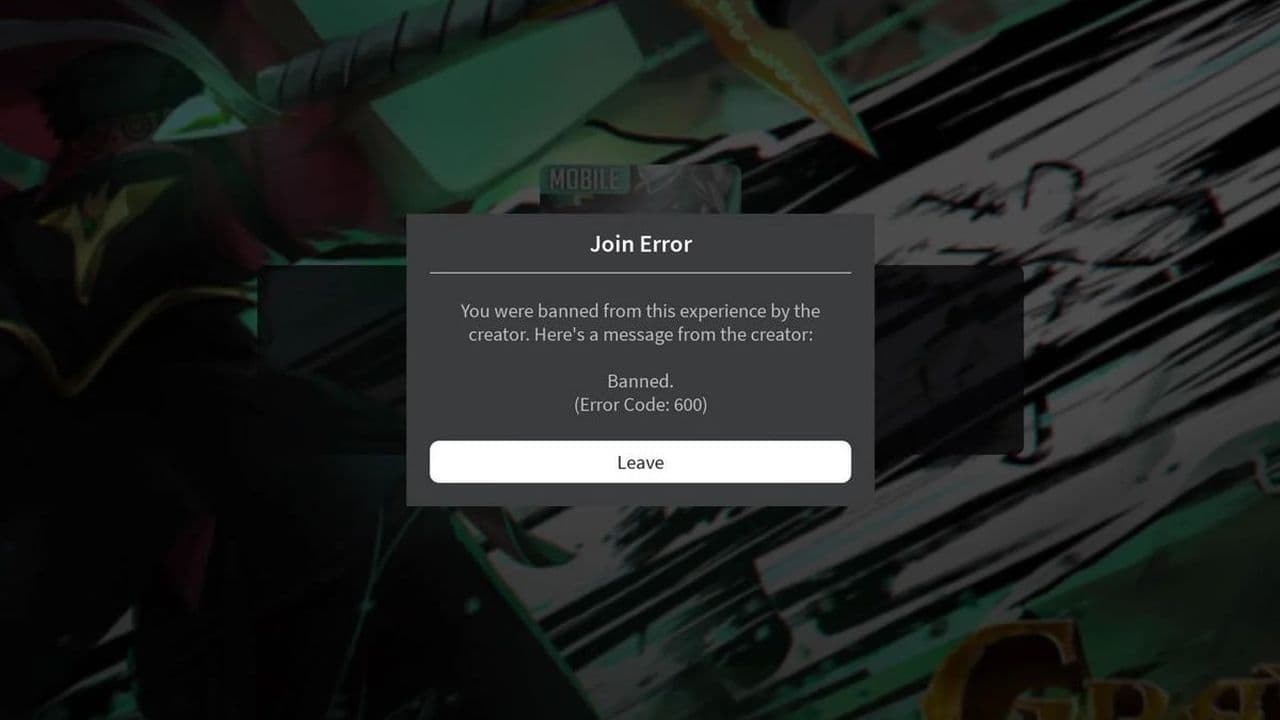 How to fix Roblox error code 600 Learn how to fix Roblox error code 600, understand the new IP-based ban system, and explore potential workarou...
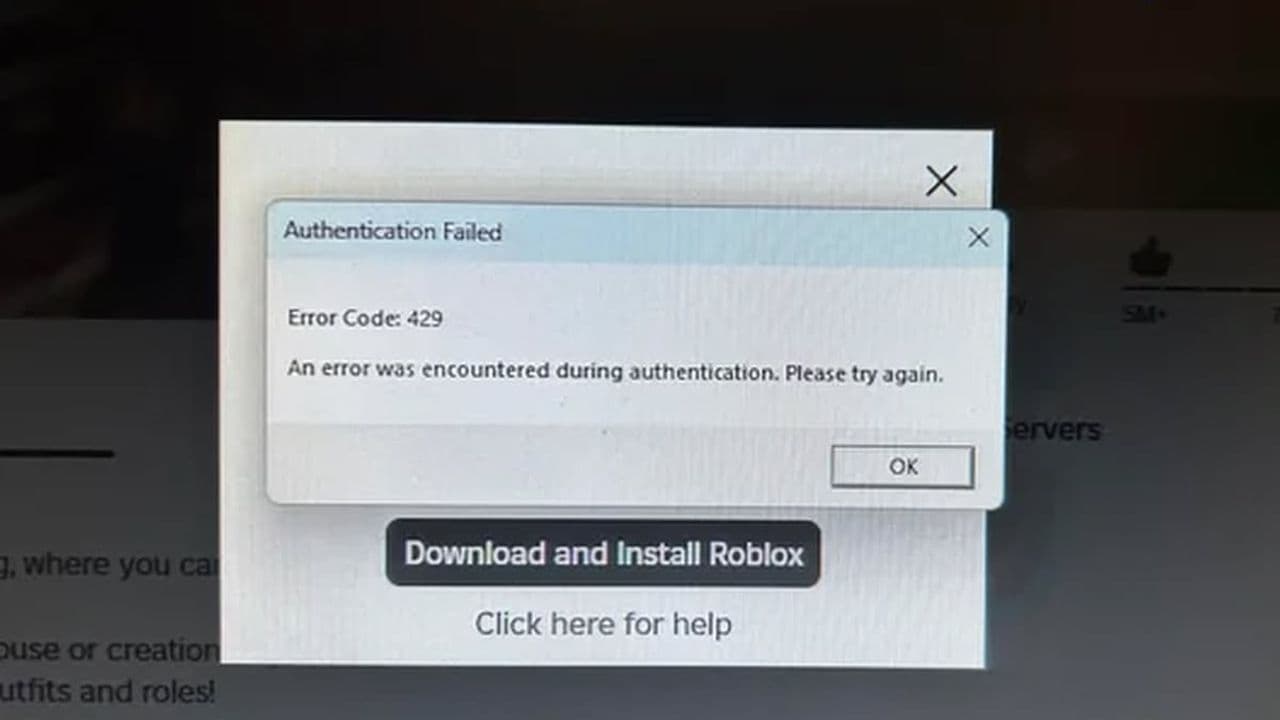 How to fix Roblox error code 429: Authentication issues and too many requestsRoblox error code 429 explained: causes, rate limits, and potential malware risks. Learn how to avoid it and f...
 What does error code e01 mean in Roblox?Roblox error code e01 is one of those uncommon errors but we have a couple of fixes that you must try to fix t...
 How to fix Roblox error code 268: 8 easy waysLearn 8 simple ways to fix Roblox error code 268 and resolve the "unexpected client behavior" issue. Troublesh...
 How to fix error while updating worn items in RobloxFix the 'error while updating worn items' on Roblox with simple steps. Learn why it happens and how to resolve...
 How to fix Roblox connection error on WindowsThere are many Roblox error codes on Windows and luckily we know a couple of ways to fix them. Check them out ...
 How to fix error code 264 for RobloxRoblox error code 264 is one of the frustrating hiccups that will prevent you from playing the game, unless yo...
 What does code 288 mean in Roblox?All Roblox error codes have different meanings and error code 288 is one of the worst. Here is how to fix it!...
- 1
- 2
- 3
- 4