What is shift lock in Roblox nad how to use it
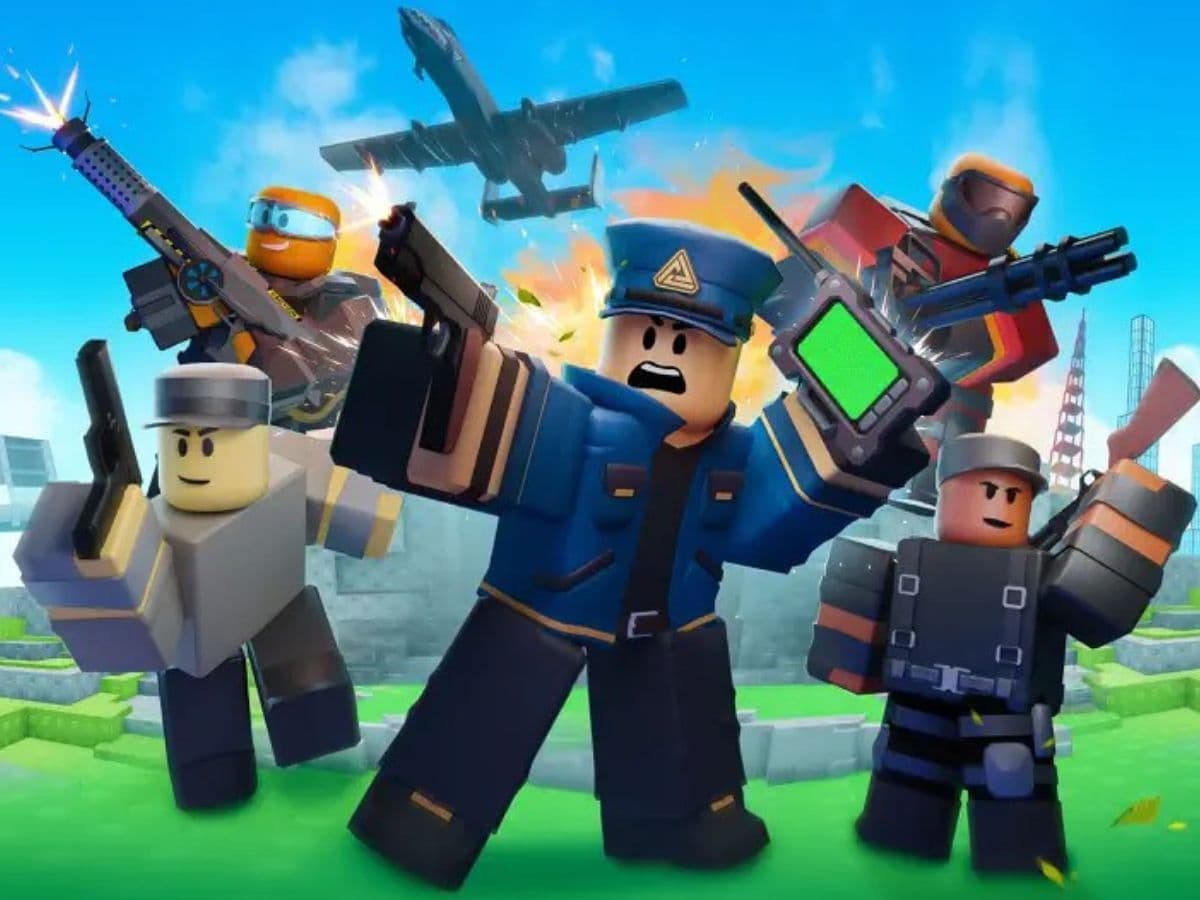
There are some settings in games that totally change your experience and the way you play the game. Shift lock is one of those settings in Roblox because it changes how you control the camera. Once you turn it on, pressing Shift locks the mouse near the center of the screen. You can then rotate the camera by moving your mouse without holding the right mouse button. Here are more details about what it is, how to activate it, and more!
What is shift lock in Roblox?
Shift Lock is a third-person camera setting for keyboard and mouse players. Roblox also calls it mouse lock in its creator tools.
When you activate it, Roblox places the cursor near the center of the screen. Your mouse controls the camera, and your avatar usually turns in the same direction. This setup can make movement feel closer to a standard third-person PC game.
However, it is different from the first-person mode. First person moves the camera into your avatar’s viewpoint, so you normally cannot see most of the character. Shift Lock keeps the camera behind or beside the avatar and gives you a wider view.
How to use shift lock in Roblox
You can change Shift Lock through the Roblox camera settings inside an active experience. You will not find it in the account settings on the Roblox website.
Follow these steps:
- Open Roblox on your PC and join an experience.
- Press Esc to open the Roblox menu. You can also select the Roblox icon in the top-left corner.
- Select Settings.

- Find Shift Lock Switch.
- Change the setting from Off to On.
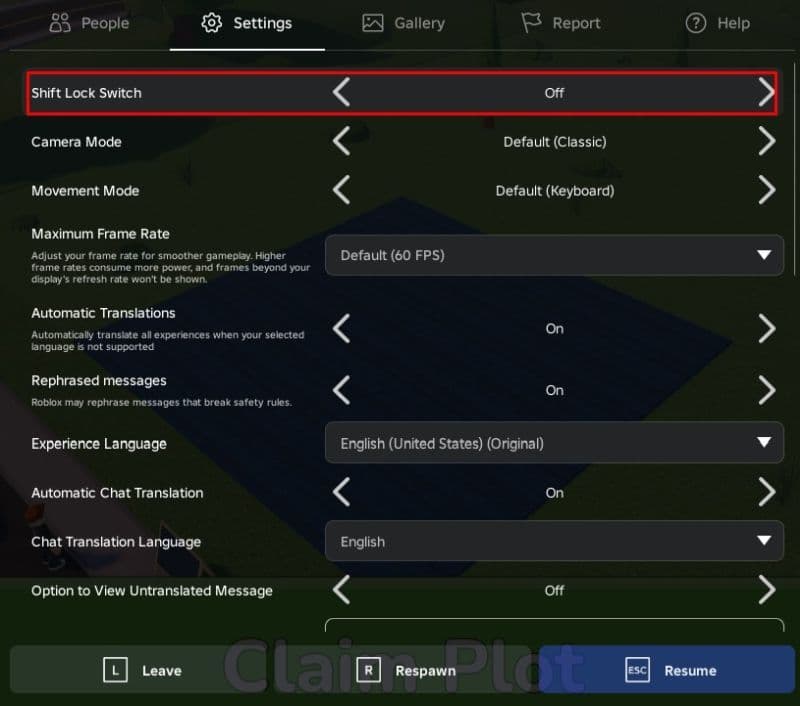
- Close the menu and return to the experience.
- Press Shift on your keyboard.
- Move your mouse to check whether the camera follows your movement.
When Shift Lock activates, the cursor should move toward the center of the screen. Your avatar should face the camera direction in experiences that use the standard character system.
Press Shift again to return to the regular camera. You do not need to open Settings each time. The menu switch controls the shortcut, while the Shift key turns the camera mode on or off during play.
When should you use Shift Lock?
Shift Lock works best when camera direction matters as much as movement. It can give you tighter control while crossing narrow platforms or lining up a jump.
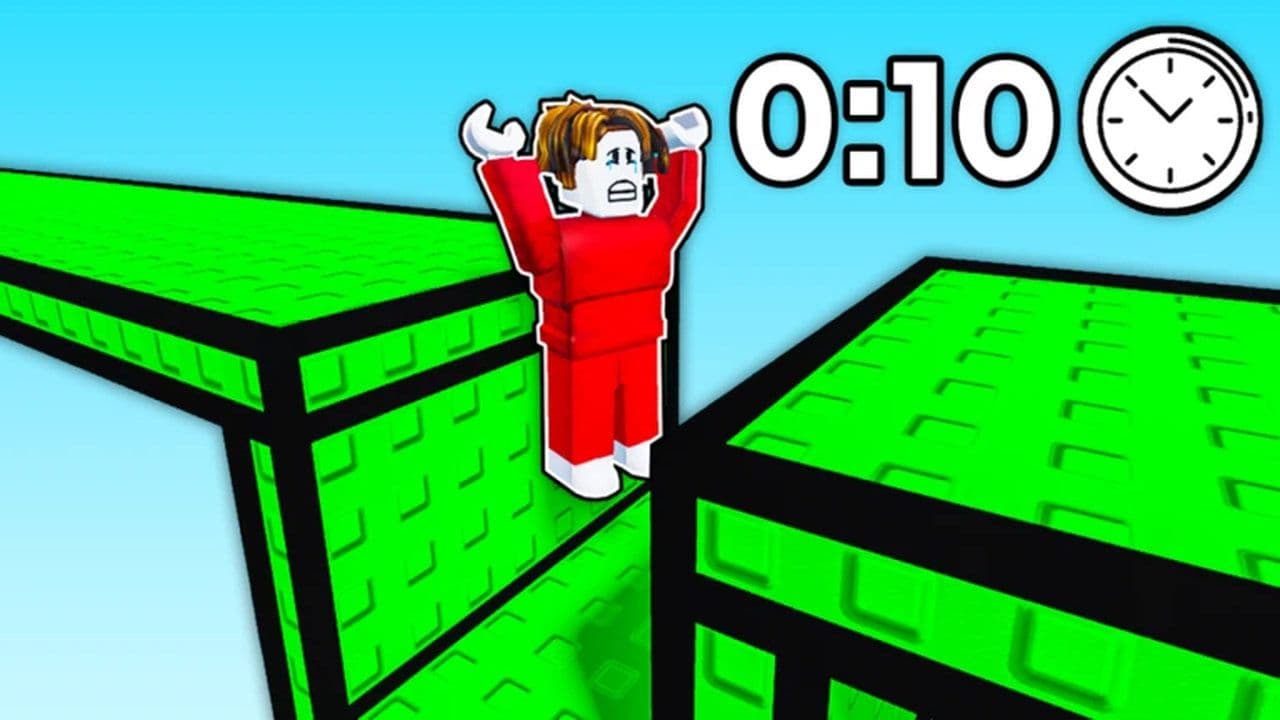
Many players use it during obstacle courses because it keeps the avatar facing the camera direction. This can make side jumps and quick corrections easier. Combat games may also feel more manageable when the character and camera turn together.
Why is Shift Lock not working in Roblox?
First, check whether Shift Lock Switch still shows On in Settings. Some experiences reset the camera setup when they load a custom interface or movement system.
Close the chat box and any open menu before pressing Shift. A text field can capture the key press, which means Roblox may not receive the command. Test both Shift keys in another app to rule out a keyboard problem.
Next, leave the experience and join another one that uses standard character controls. If Shift Lock works there, your installation and keyboard likely work correctly. The first experience may block mouse lock.
If the setting appears but does nothing across several experiences, close Roblox and restart your PC. Check how to update Roblox on PC if the client has not installed the current version. Reinstall Roblox only when a restart does not solve the problem, since a reinstall can replace damaged or missing files.
Why is the Shift Lock option missing?
The experience creator may have disabled mouse lock. Roblox gives creators control over the camera and character movement, so Shift Lock Switch can disappear when an experience does not support it.
Some experiences force first-person mode or use a custom camera. Others bind Shift to sprinting or another action. The creator may remove the normal setting to prevent a control conflict.
How to turn off Shift Lock in Roblox
Press Shift once to leave Shift Lock while you play. The camera should return to its normal mode, and the cursor should no longer stay in the center.
You can also disable the shortcut completely:
- Press Esc and open Settings.
- Find Shift Lock Switch.
- Change it to Off.
- Close the menu.
You can return to the menu and turn it on again at any time.
Do you want to learn more about Roblox? Start with these beginner guides:
- How to get rid of the Ghost in Roblox Animal Hospital
- Anime Expeditions Puppet unit: Evolution, traits & more
- How to get Anime Expeditions Shiny Units
- How to create a player whitelist in Roblox
- How to check Roblox play time: How many hours have I played
Featured Image Credit: Roblox
All Related Guides
 How to do a blood test in Charisma Hospital (Roblox)Learn how to do a blood test in Charisma Hospital, unlock the feature, collect samples, send them to the lab, ...
 How to get the Good Ending in Verity (Roblox)Learn how to get the Good Ending in Verity on Roblox by finding all six books, unlocking hidden badges, and av...
 How to create a player whitelist in RobloxNeed to limit Roblox game access? Learn how to create a player whitelist in Roblox using UserIds and a server-...
 How to start a hunt in Demonology (Roblox)Learn how to start a hunt in Demonology using cursed objects, Energy management, and hunt triggers to identify...
 Roblox playtime check: How to see how many hours you have on RobloxLearn how to check Roblox playtime, view weekly hours, track game activity, and estimate total time spent on R...
 How to make gamepasses in RobloxA simple guide to Roblox gamepasses, covering what they do, how to make one, and how to sell it the right way....
 Universal Tower Defense X tier list (2026): Best units & moreUniversal Tower Defense X tier list for 2026: best units, Infinite Mode picks, beginner recommendations, and c...
 How to get Dark Ring in Roblox Sailor Piece fastLearn how to get Dark Rings fast in Sailor Piece, including Jinwoo boss location, drop rate, respawn timer, an...
- 1
- 2
- 3
- 4
- 5
- 6
- 7
- 8
- 9
- 10
- 11