Easy fixes to Rocket League this feature is temporarily disabled error
These fixes for this error should do the job.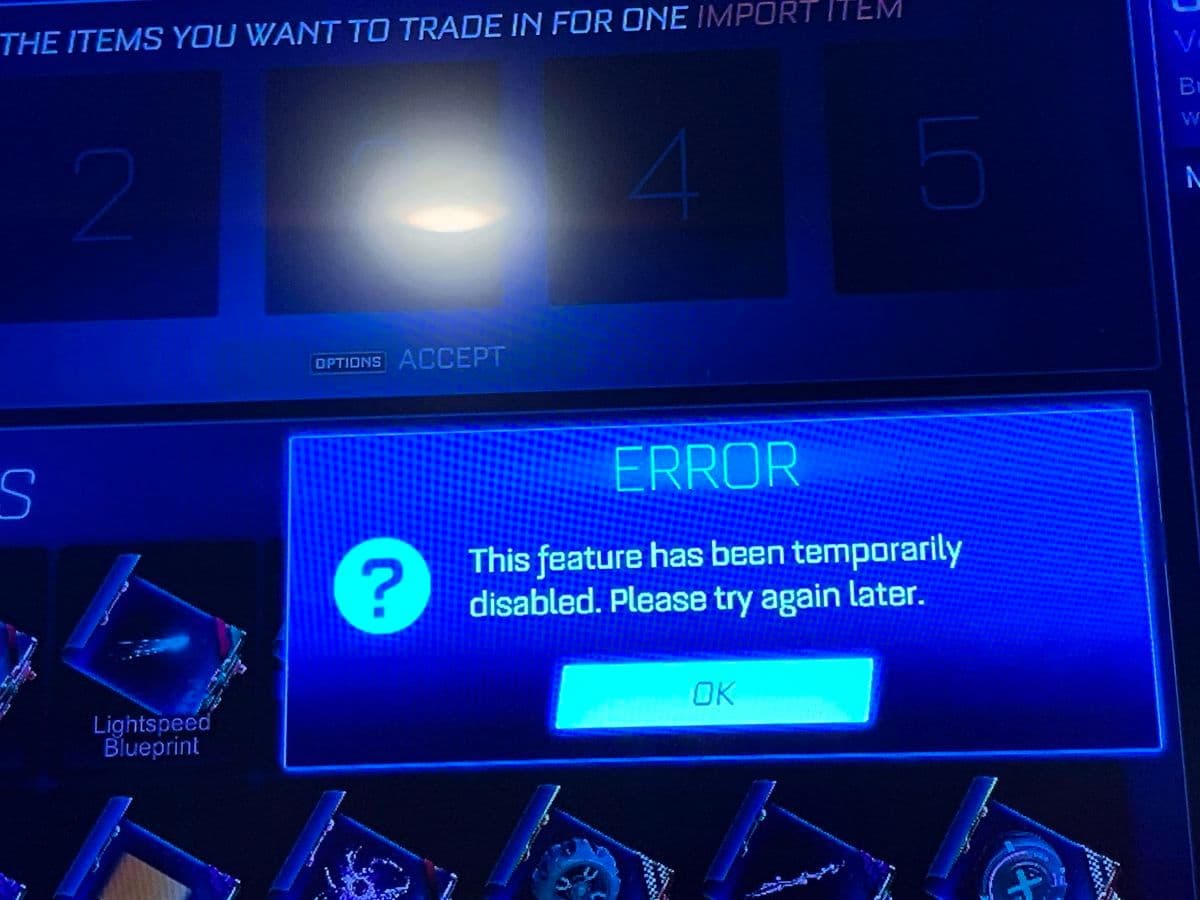
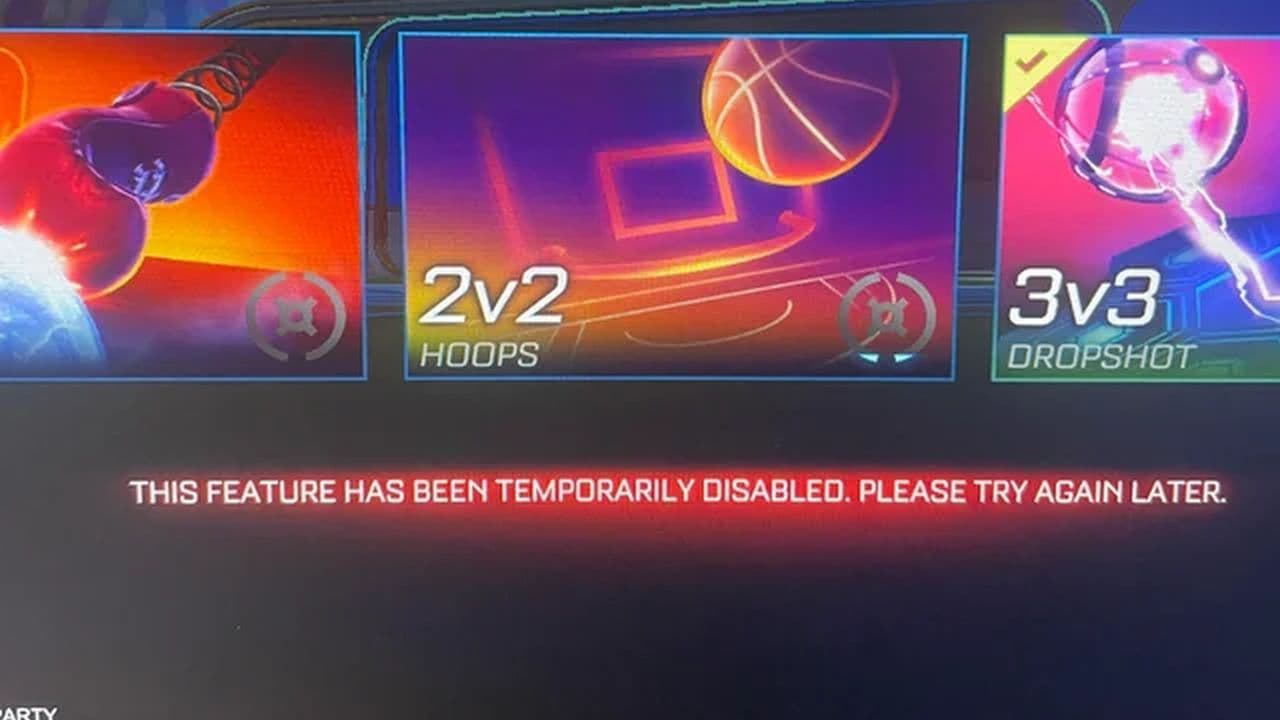
Getting hit with the Rocket League this feature is temporarily disabled error? You’re not alone—and no, your game isn’t broken or banned. This frustrating pop-up usually has a simple explanation and, better yet, a straightforward fix.
Rocket League this feature is temporarily disabled error: Reasons & fixes
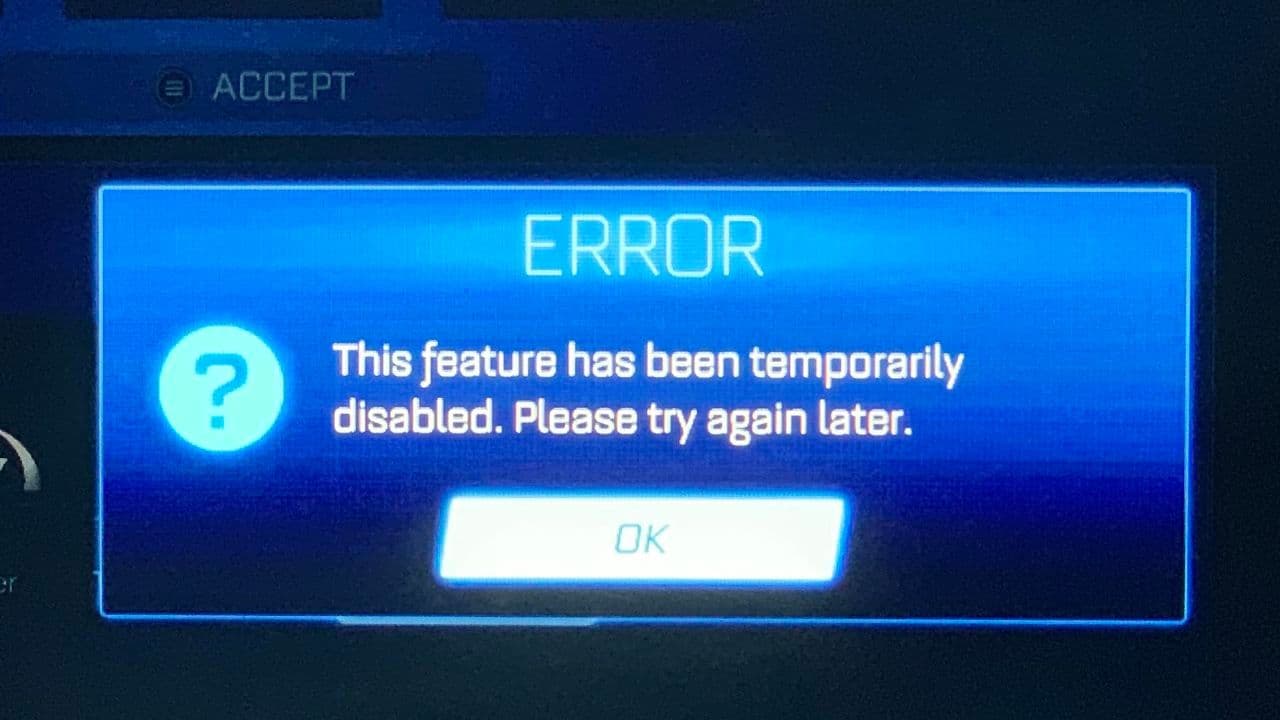
When Rocket League tells you a feature is "temporarily disabled," it's not a bug or a punishment. It’s a temporary restriction, triggered by certain account conditions, server issues, or game-wide limitations, such as:
Is Rocket League still not working? Time to get support
If you’ve worked through all the steps and nothing changes, it’s time to contact Rocket League’s support team.
Here’s how to do it right:
- Go to support.rocketleague.com
- Submit a ticket including:
- Your platform and username
- A clear description of the issue
- A list of steps you’ve already tried
- Screenshots, if possible
Support response times vary, especially after big updates, so be patient and keep checking your inbox.
How to avoid Rocket League this feature is temporarily disabled error in the future
Preventing Rocket League this feature is temporarily disabled error is often about staying up to date and keeping your account in good standing.
- Keep your Epic Games account info accurate
- Don’t skip or delay parental verification (if required)
- Avoid unnecessary refunds
- Follow Rocket League’s trading and conduct guidelines
- Watch @RL_Status for news
- Join Rocket League forums or Discords for heads-ups on downtime
- Keep your system software and Rocket League version fully updated
That’s all for today! Looking for more Rocket League guides? Check out these:
- Rocket League Lightning McQueen: Price, hitbox & how to get it
- A guide to Rocket League Nissan Fairlady Z: Price, hitbox & availability
- How to get the Cybertruck in Rocket League? Is it still possible?
- How to get Fennec in Rocket League for free on PS5, PS4 and more
- 10 best Rocket League workshop maps and how to get one
Guide Categories
All Related Guides
 How to change MPH to KPH in Rocket LeagueLearn how to change MPH to KPH in Rocket League through the Metric setting, switch back to MPH, and learn what...
 How to rank up in Rocket League and what is a good rank?Trying to climb in Rocket League? Learn how ranking works, which skills matter most, and how to make steady pr...
 How to get the JUNKO title in Rocket LeagueTrying to get the Junko title in Rocket League? Here is how the title works, who can earn it, and where BALRIG...
 How to get Rocket League on mobileFind out how to play Rocket League on mobile, where to download Rocket League Sideswipe, and whether it suppor...
 Did Rocket League get stuck on “Press any button to start”? Here is how to fix it on PCRocket League stuck on press any button to start? Try these PC fixes for cache, files, login issues, controlle...
 Rocket League codes (July 2026): All active redeem codes & free rewardsLooking for Rocket League codes? Redeem all active Rocket League redeem codes to unlock free Player Titles, th...
 How to get Jynxzi Rocket League skin & moreLearn how to get the Jynxzi Rocket League decal, title, and exclusive rewards through the Season 23 community ...
 How to fix latency variation in Rocket LeagueLearn how to fix Rocket League latency variation with Ethernet, CSTS input buffer, correct server region, and ...
- 1
- 2
- 3
- 4
- 5
- 6
- 7
- 8
- 9