How to drive cars in Fortnite: Vehicle controls & more
Learn to drive in Fortnite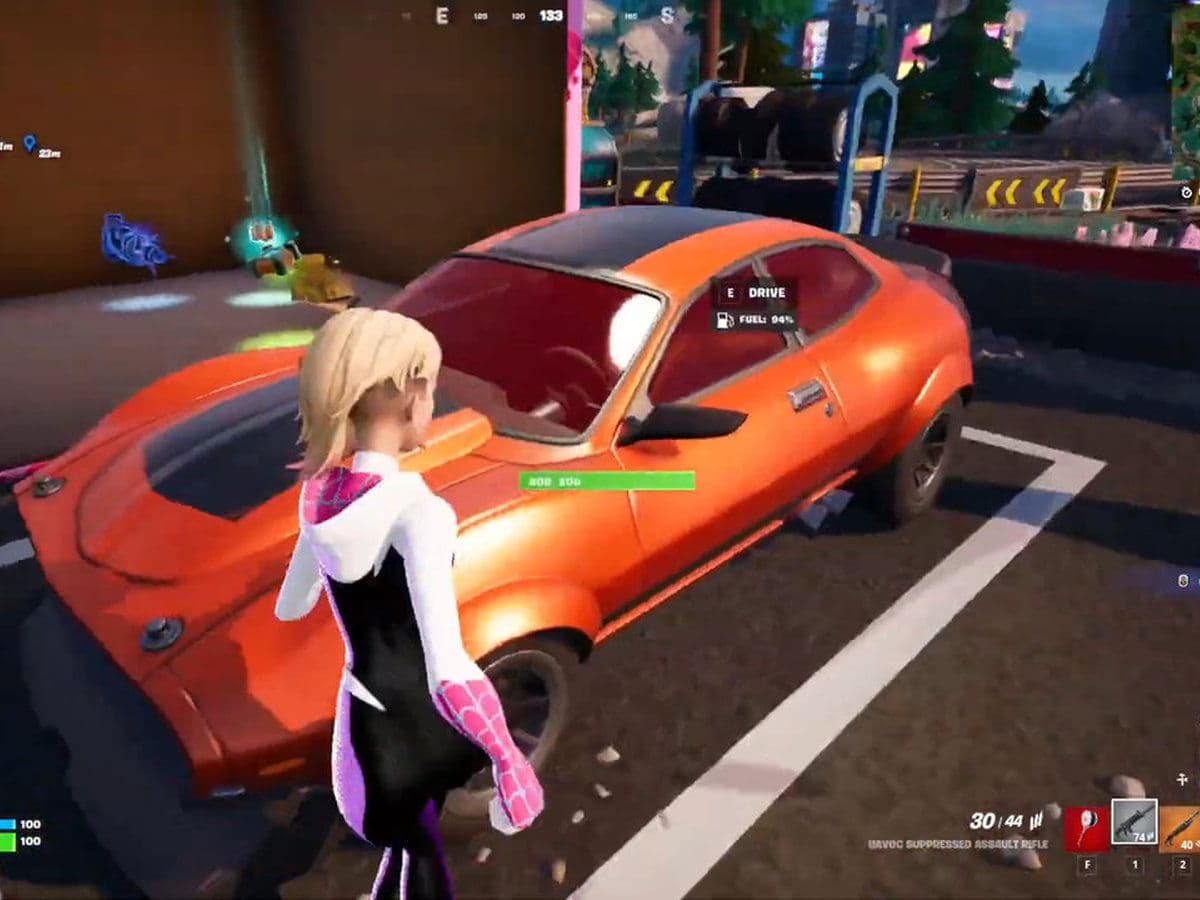
To drive cars in Fortnite, approach a usable vehicle, interact with the driver’s door, and accelerate once you are in the driver’s seat. Steer with your movement controls, brake before tight turns, and watch the vehicle’s fuel and health.
Cars help you travel between locations, escape the storm, and transport teammates. However, not every parked vehicle is drivable, and different vehicle types can have different controls.
Here is how to get moving, check your bindings, and avoid common driving mistakes.
How to drive cars in Fortnite
Find a vehicle with an interaction prompt, then follow these steps:
- Approach the driver’s side.
- Use the displayed Drive interaction.
- Confirm you are in the driver’s seat.
- Accelerate and steer toward your destination.
- Brake before sharp corners or obstacles.
- Stop somewhere suitable before holding the Exit input.
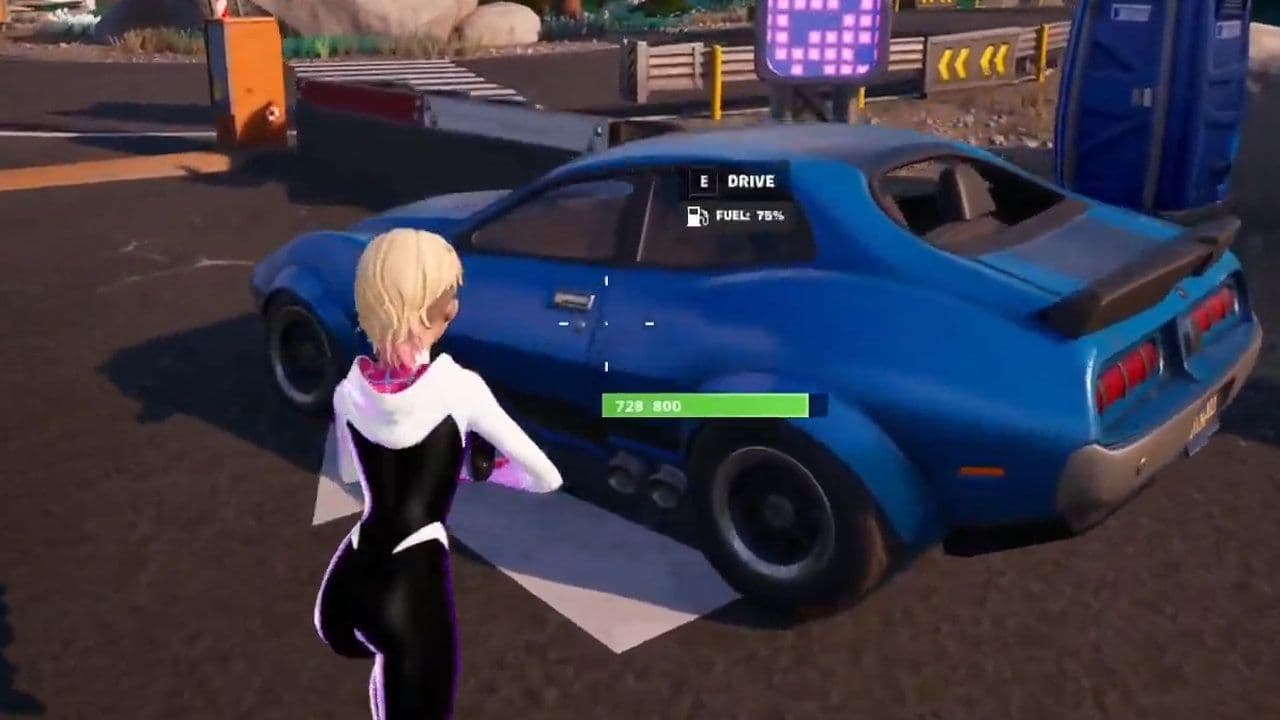
If you enter as a passenger, use Switch Seat until you reach the driver’s position. You cannot steer from a passenger seat.
Start on an open stretch of road while learning. Practicing beside buildings, cliffs, or other players makes mistakes harder to recover from.
Fortnite car controls on PC, PlayStation, and Xbox
These are common default controls for standard cars. Your selected bindings and vehicle type can change the inputs, so check the controls displayed after entering.
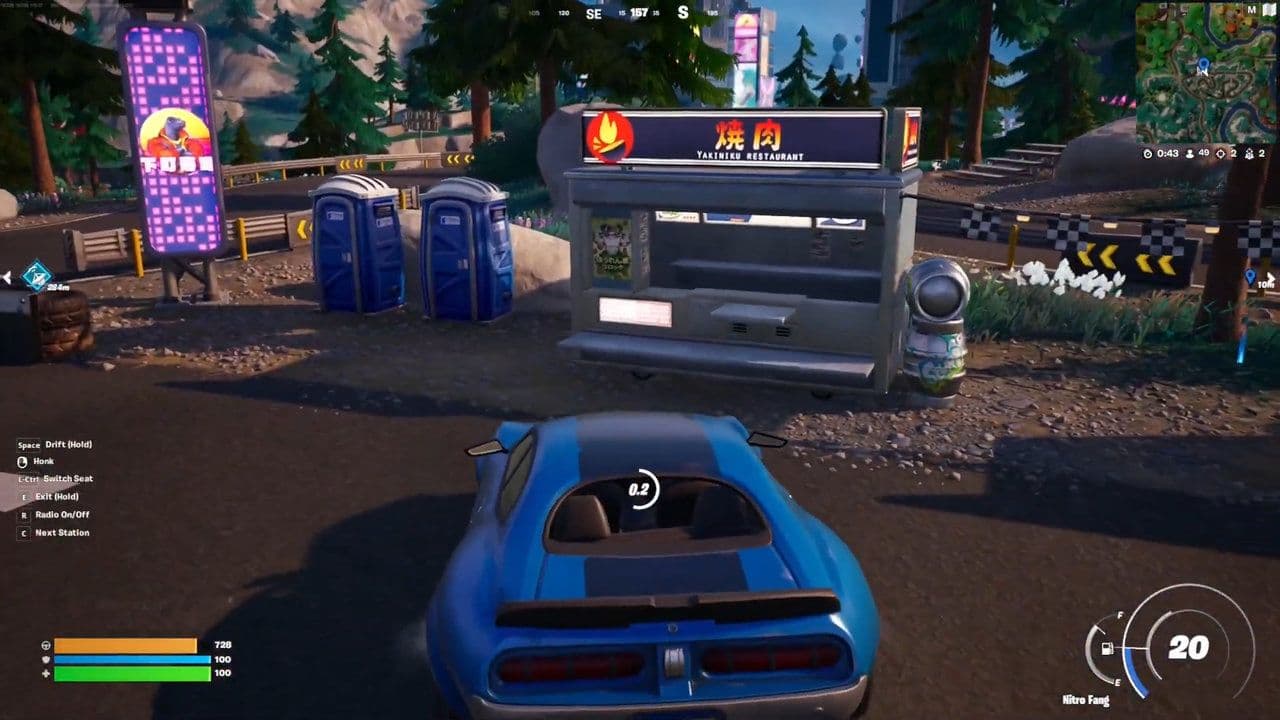
The brake/reverse input slows a moving vehicle before reversing. Boost availability depends on the vehicle.
On mobile, use the vehicle controls shown on your touchscreen. If you connect a controller, check the bindings associated with that controller.
How to check or change driving controls
Open Settings, then select the tab for your input method:
- Keyboard controls: Select the arrow-keys icon.
- Controller controls: Select the gamepad icon.
Locate the relevant vehicle bindings and review any missing or conflicting assignments.
Epic notes that settings depend on the selected game mode. Choose Battle Royale or Zero Build before troubleshooting controls intended for those modes.
Where to find drivable vehicles in Fortnite
Search roadsides, parking areas, and around buildings with vehicle access. Availability changes with the map, playlist, and other players taking vehicles.
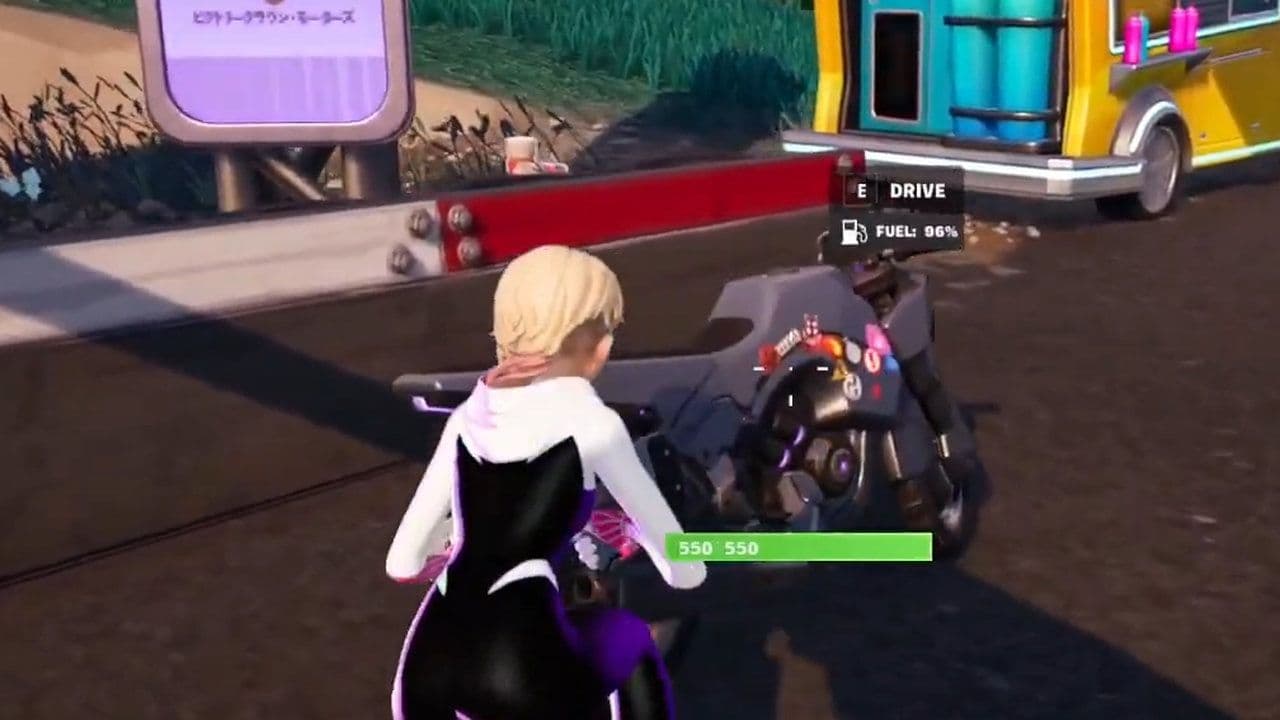
The interaction prompt is the useful check. Approach a car and see whether the game offers a driving or passenger interaction.
Vehicles with wheel clamps are scenery and cannot be driven. Do not spend time trying to remove the clamp; look for another vehicle.
Before committing to a long journey, check the vehicle’s condition and available fuel.
How to steer, brake, and use boost
Smooth inputs make driving easier than constantly alternating between full acceleration and hard steering.
Slow down before turning
Release the accelerator or brake before a tight corner, then accelerate as the car straightens.
Use the handbrake for sharper changes of direction, but practice somewhere open first. An unnecessary slide can leave you facing the wrong way or stuck against an obstacle.
Give yourself additional braking room when approaching a building or stopping to collect teammates.
Save boost for useful moments
Use boost on clear routes, when escaping immediate danger, or when you need a short burst of speed.
Avoid boosting directly into tight corners. You will have less time to react to obstacles, and repeated collisions can make the faster option slower overall.
Check the vehicle’s displayed resources instead of assuming every car handles boost identically.
Managing fuel and vehicle damage
Keep an eye on both meters during longer journeys. A vehicle with little fuel or heavy damage is a poor choice for a lengthy storm rotation.
Where a functioning refueling or service facility is available, follow its interaction or parking instructions. Otherwise, consider switching to a healthier vehicle before you become stranded.
Creative islands can configure fuel consumption, boost, damage, and vehicle access differently, so their cars may behave differently from those in Battle Royale.
Why won’t my car move in Fortnite?
Check the immediate cause before changing your settings.
When stopping near enemies, plan where you will exit. Park beside usable cover when possible, and avoid leaving your team exposed in the middle of a road.
All Related Guides
 How to hide Sprites in Fortnite and show your Back BlingLearn how to hide Sprites in Fortnite, display your Back Bling instead, change Sprite visibility settings, and...
 How to carve pumpkins in Fortnite: Locations and quest guideLearn how to carve pumpkins in Fortnite, find all quest locations at Nightmare Neighborhood and Wonkeeland, an...
 Fortnitemares 2026: Release date, collabs, skins, map changes & moreDiscover Fortnitemares 2026, including its release date, FNAF crossover, Halloween skins, rumored collabs, Hor...
 Fortnite x FNAF: Release date, skins & everything we knowFortnite x FNAF arrives October 1 for Fortnitemares 2026 with Freddy, Bonnie, Chica, Foxy, Fazbear's Pizzeria,...
 Fortnitemares 2026: Release date, collabs, skins, map changes and moreFortnitemares 2026 starts October 1 with FNAF, major collabs, new skins and more. Here's what's confirmed, lea...
 How to get better at building in Fortnite fastLearn how to get better at building in Fortnite with practical drills for edits, 90s, boxing, tunneling, piece...
 4 ways to update Fortnite on mobileLearn 4 ways to update Fortnite on Android, iPhone and iPad through Epic Games Store, Google Play and the App ...
 Fortnite Loot Hacker Sprites: All variants, locations, and how to get themFind all Fortnite Loot Hacker Sprites, Cheat Code locations, Chest chances, Sprite Dust costs, and how to unlo...
- 1
- 2
- 3
- 4
- 5
- 6
- 7
- 8
- 9
- 10
- 11
- 12
- 13
- 14
- 15
- 16
- 17
- 18
- 19
- 20
- 21
- 22
- 23
- 24
- 25
- 26