How to hide Sprites in Fortnite and show your Back Bling
Change how Sprites appear
To hide Sprites in Fortnite, open Settings, select the Game tab, find Sprites, and turn Hide Sprites On My Back to On. Your equipped Back Bling will appear in your view instead.
However, this setting only changes what you see. Other players can still see your equipped Sprite, so it does not conceal your collection from opponents.
Here is where to find the option, what it changes, and what to check if your Sprite still appears.
How to hide Sprites in Fortnite
You can change Sprite visibility from the lobby without entering a match.
- Launch Fortnite and reach the lobby.
- Select your profile picture in the top-right corner.
- Select the gear icon, then open Settings.
- Open the Game tab.
- Scroll to the Sprites section.
- Set Hide Sprites On My Back to On.
- Apply the change if prompted.

Epic places this option in the Game tab. Look there rather than searching through Audio, Video, or Game UI settings.
After changing it, check your character while carrying an equipped Sprite. Testing without one will not help you compare the setting’s effect.
How to show Sprites on your back again
Return to the same setting whenever you want to reverse the change:
- Open Settings from the lobby.
- Select Game.
- Find the Sprites section.
- Set Hide Sprites On My Back to Off.
- Apply the change if prompted.

Pay attention to the wording: On enables hiding, while Off disables hiding.
You do not need to change your outfit simply to reverse this display preference.
Why is my Sprite still visible?
First, identify whose screen you are checking. A Sprite remaining visible to another player is expected. If it still appears on your own character in your view, work through these checks.
If the selection is saved but your display still looks wrong, try returning to the lobby and testing in another match. This is a troubleshooting step, rather than a guaranteed fix.
For a persistent issue, capture a screenshot of the setting and another showing the unexpected appearance. Include your platform when reporting it to Epic so the problem is easier to explain.
Is hiding Sprites the same as removing Back Bling?
No. These involve different controls.
Use Hide Sprites On My Back when you want your equipped Back Bling displayed in place of the carried Sprite in your view. Use your Locker when you want to change the Back Bling itself.

Before troubleshooting, decide which appearance you want to change. A Sprite on your character, your selected Back Bling, and another player’s view are separate things to check.
For the official visibility option, the essential setting is Game > Sprites > Hide Sprites On My Back.
That’s all for today! Looking for more Fortnite guides? Check out these:
- All Fortnite bosses & how to defeat them
- What are Accolades in Fortnite and how to get them
- Best Fortnite map codes with additional bonus maps
- How to start a custom game in Fortnite: Private 1v1, errors and fixes
- How to disable simple edit in Fortnite (PC, PlayStation, Xbox, Nintendo Switch, and mobile)
All Related Guides
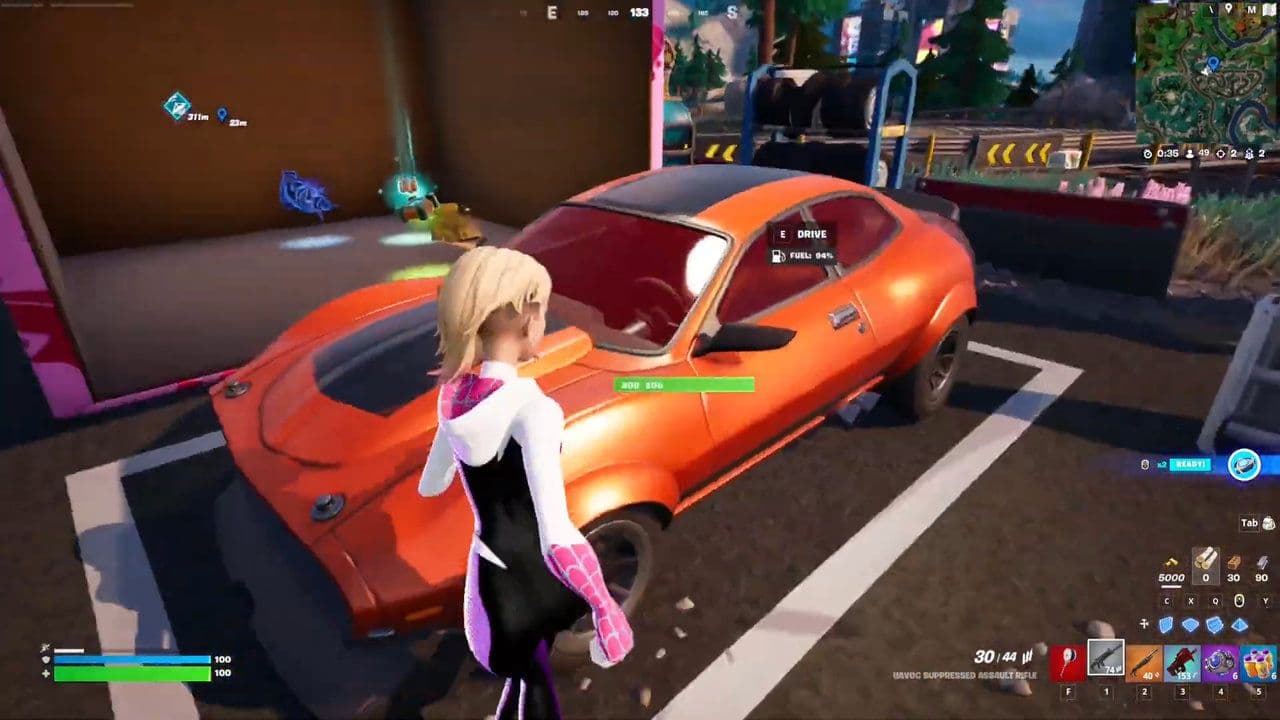 How to drive cars in Fortnite: Vehicle controls & moreLearn how to drive cars in Fortnite with PC, PlayStation, and Xbox controls, vehicle locations, steering tips,...
 How to carve pumpkins in Fortnite: Locations and quest guideLearn how to carve pumpkins in Fortnite, find all quest locations at Nightmare Neighborhood and Wonkeeland, an...
 Fortnitemares 2026: Release date, collabs, skins, map changes & moreDiscover Fortnitemares 2026, including its release date, FNAF crossover, Halloween skins, rumored collabs, Hor...
 Fortnite x FNAF: Release date, skins & everything we knowFortnite x FNAF arrives October 1 for Fortnitemares 2026 with Freddy, Bonnie, Chica, Foxy, Fazbear's Pizzeria,...
 Fortnitemares 2026: Release date, collabs, skins, map changes and moreFortnitemares 2026 starts October 1 with FNAF, major collabs, new skins and more. Here's what's confirmed, lea...
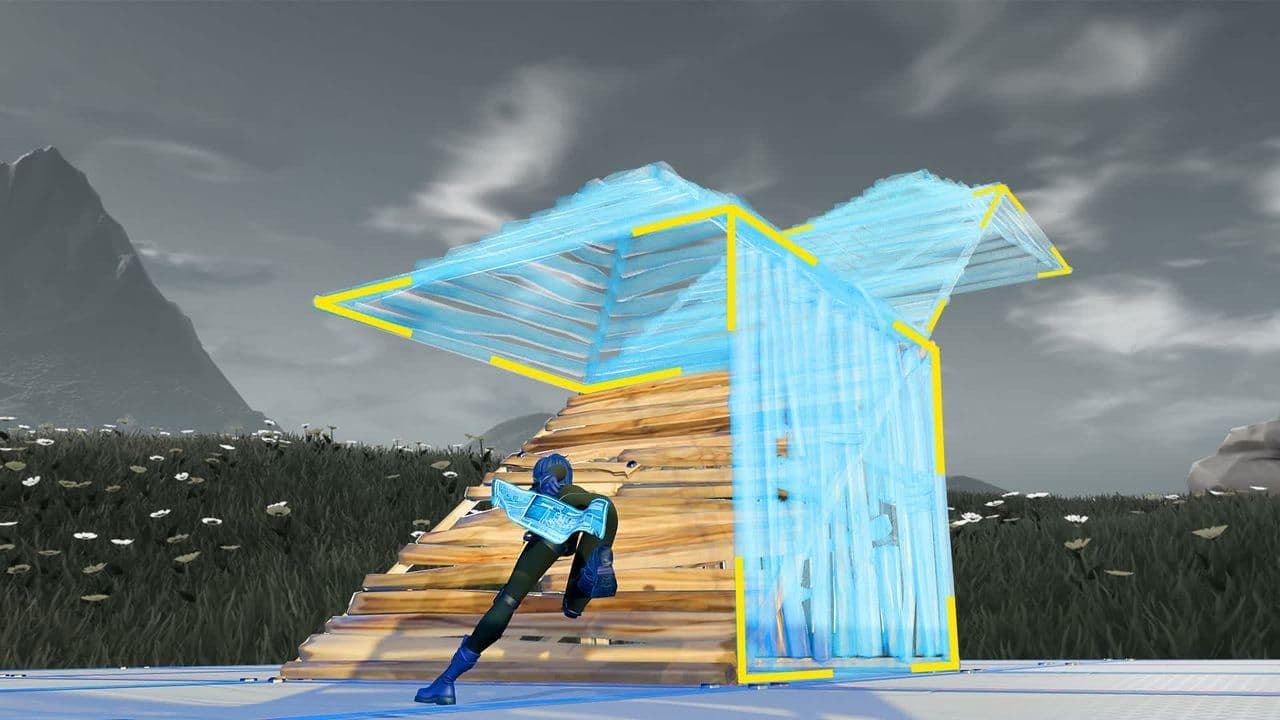 How to get better at building in Fortnite fastLearn how to get better at building in Fortnite with practical drills for edits, 90s, boxing, tunneling, piece...
 4 ways to update Fortnite on mobileLearn 4 ways to update Fortnite on Android, iPhone and iPad through Epic Games Store, Google Play and the App ...
 Fortnite Loot Hacker Sprites: All variants, locations, and how to get themFind all Fortnite Loot Hacker Sprites, Cheat Code locations, Chest chances, Sprite Dust costs, and how to unlo...
- 1
- 2
- 3
- 4
- 5
- 6
- 7
- 8
- 9
- 10
- 11
- 12
- 13
- 14
- 15
- 16
- 17
- 18
- 19
- 20
- 21
- 22
- 23
- 24
- 25
- 26