How to use Hytale voice chat: Guide to Proximity Voice Chat
How Hytale voice chat actually works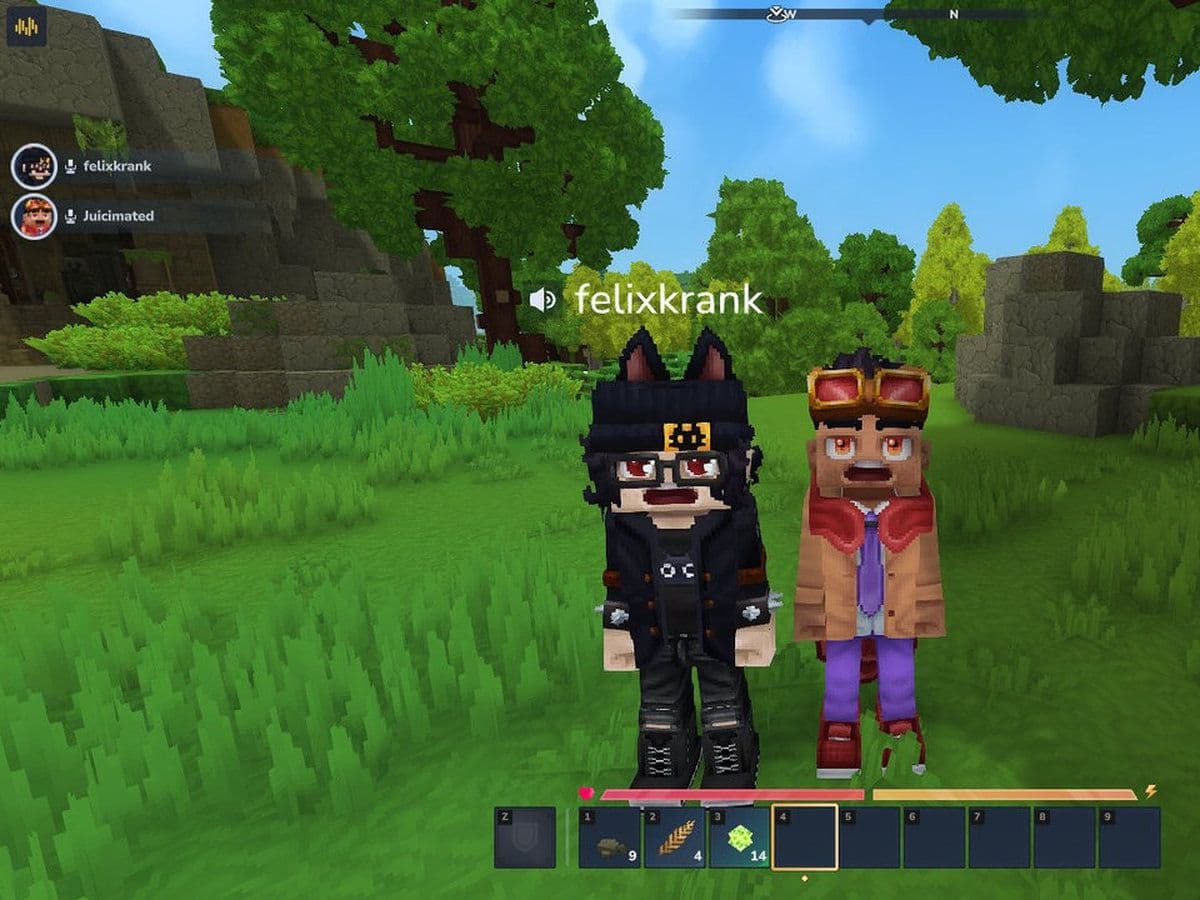
With Hytale Update 4 (Part 3), the long-awaited Hytale voice chat system has officially arrived. This update introduces a built-in Proximity Voice Chat feature with spatial audio, environmental effects, and full customization options. It changes how players communicate, especially in multiplayer worlds, roleplay servers, and cooperative gameplay.
This Hytale guide explains everything you need to know about the Proximity Voice Chat feature, including how it works, how to enable it, all available settings, and every related command.
Hytale Proximity Voice Chat feature explained
Hytale voice chat is a built-in Proximity Voice Chat system that allows players to speak to others based on in-game distance. Instead of hearing everyone globally, you only hear players who are physically near your character.
When a player speaks within range:
- Their name appears on screen.
- Their avatar animates while talking.
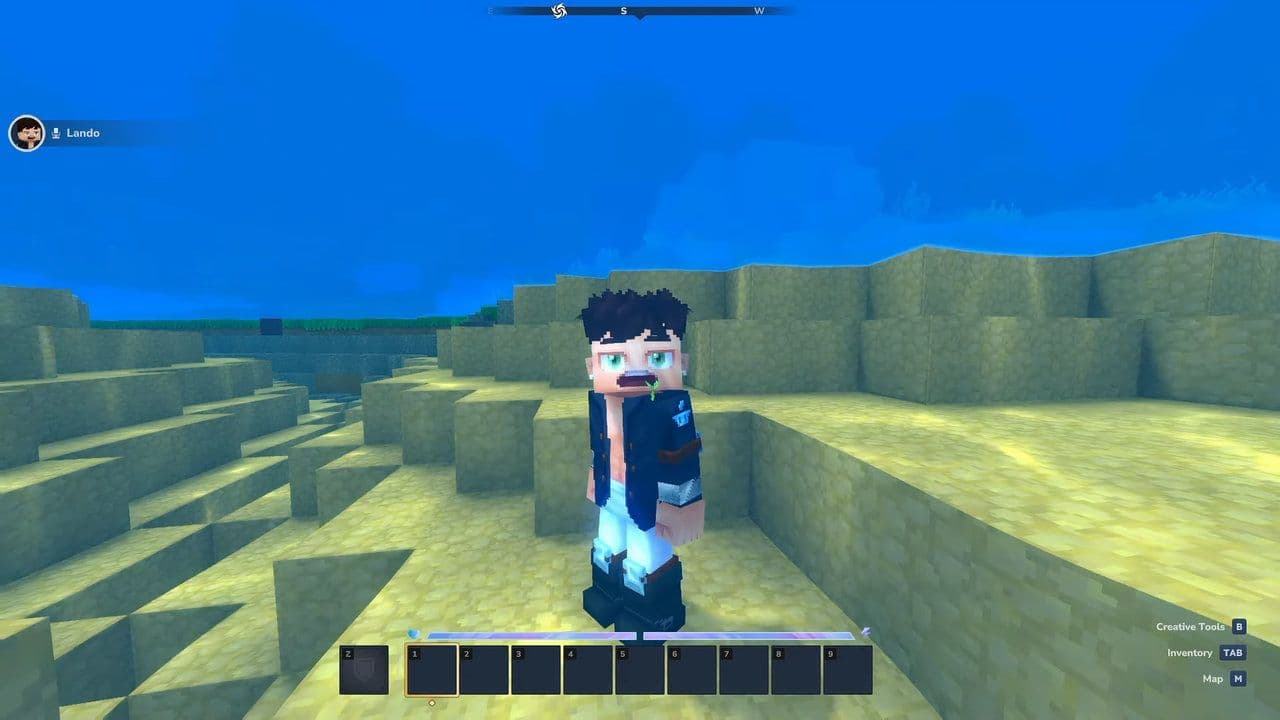
Hytale Proximity Voice Chat feature uses spatial audio, meaning:
- Voices get quieter as players move farther away.
- Voices become louder as players get closer.
- Direction matters — you can tell where someone is speaking from.
Also, voices in Hytale react to the environment:
- Underwater: Muffled sound
- Caves and enclosed spaces: Echo and reverb
- Large structures: Reflected sound
Important: Hytale voice chat is disabled by default. Players must manually enable it in the settings menu.
How to use Hytale voice chat
Follow these steps to use the Hytale Proximity Voice Chat feature:
- First update Hytale to Update 4 (Part 3)
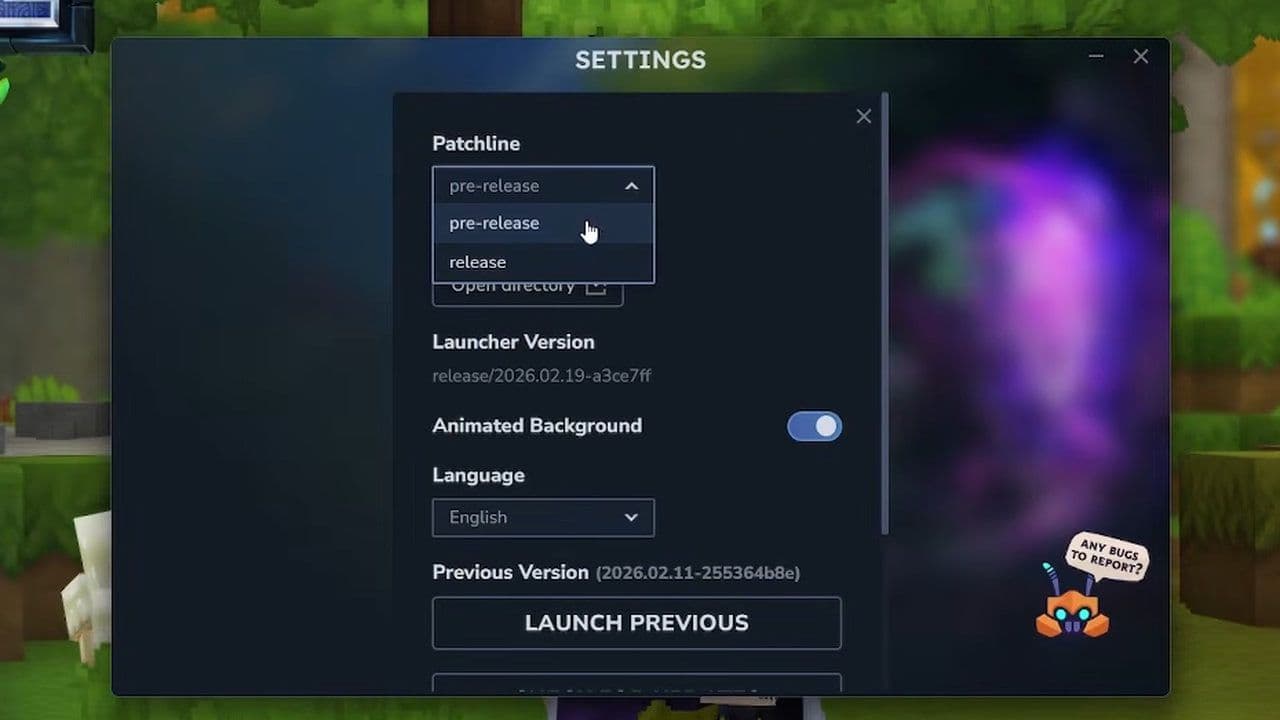
- Open the Hytale Launcher
- Go to Settings
- Enable Pre-Release
- This will install the latest pre-release patch.
- Open Audio Settings
- Find the Voice Chat option
- Toggle it to enabled
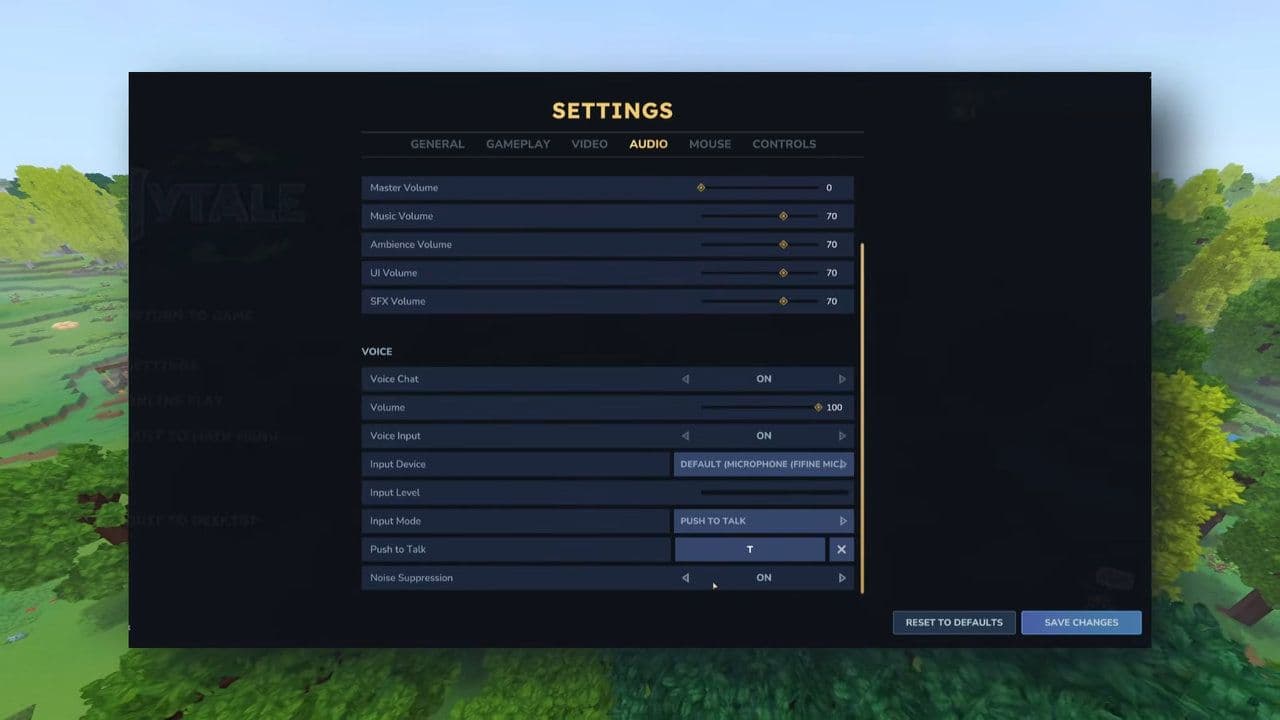
Hytale voice chat includes several customization options that let players control how their microphone works in-game. You can choose your Input Device to select the correct microphone, adjust the Input Level to prevent clipping or low volume, and enable Noise Suppression to reduce background sounds like keyboard clicks. The Input Mode setting lets you decide how your microphone activates, including the option to enable Push-to-Talk with a custom hotkey.
Hytale voice chat commands
Hytale includes several commands for managing and configuring voice chat. These are useful for both players and server administrators.
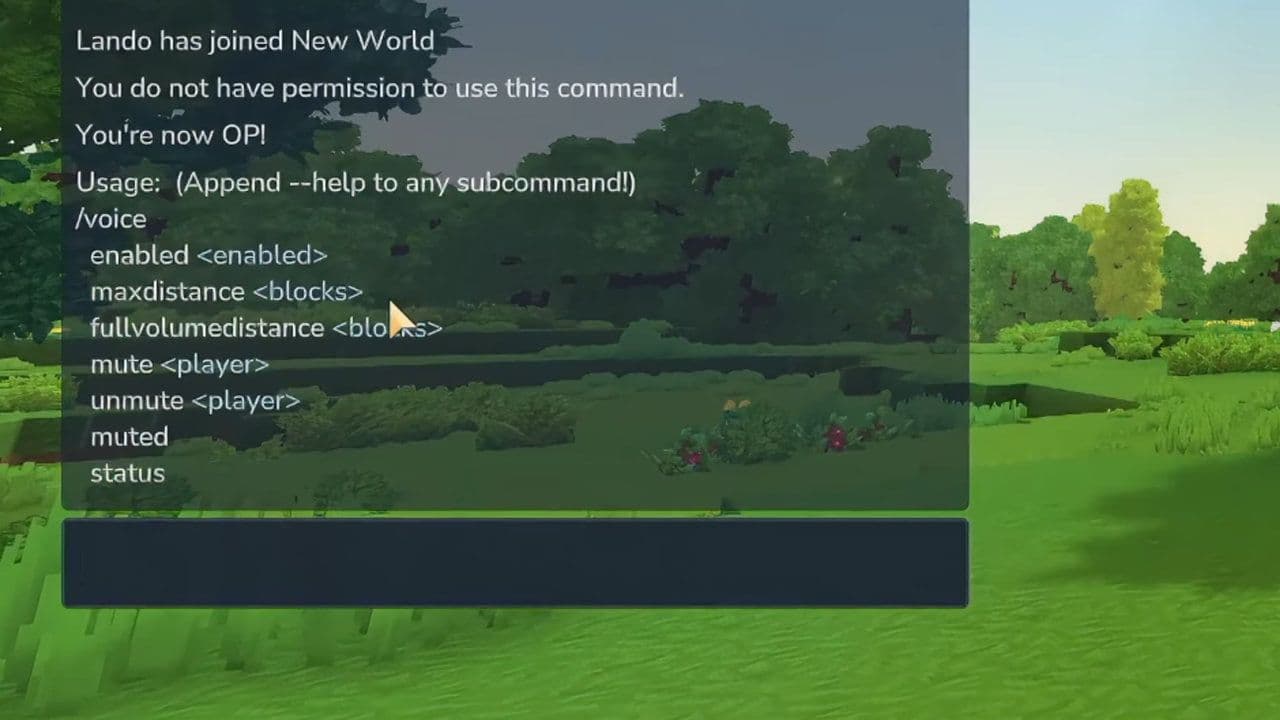
The introduction of Hytale voice chat in Update 4 (Part 3) is a major step forward for multiplayer interaction. With spatial audio, environmental sound processing, avatar animations, customizable settings, and full command support, it provides a complete in-game communication system.
Hytale Update 4 (Part 3) changes you should know
From the long-awaited Hytale Proximity Voice Chat feature to core gameplay rebalances and creative upgrades, here are the key changes you should know:
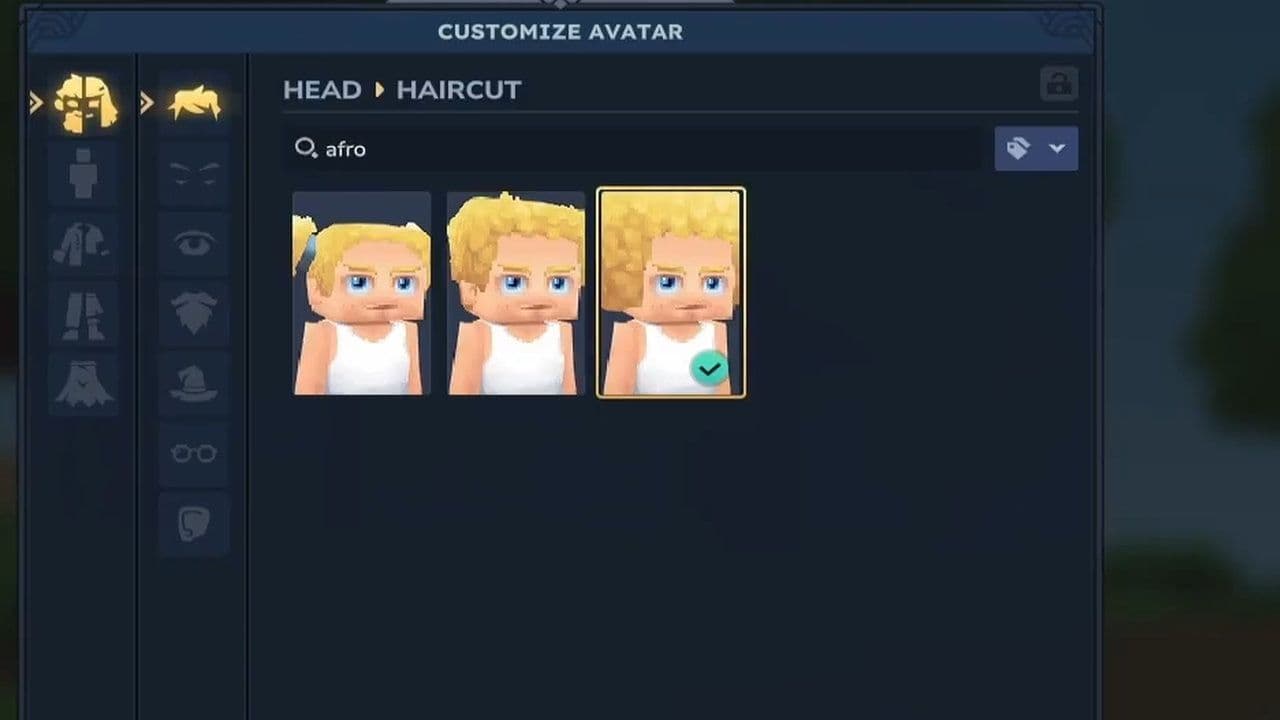
Whether you’re building worlds, exploring biomes, or playing with friends, the Update 4 (Part 3) improves almost every part of Hytale.
That’s all for today! Looking for more? Check out these:
All Related Guides
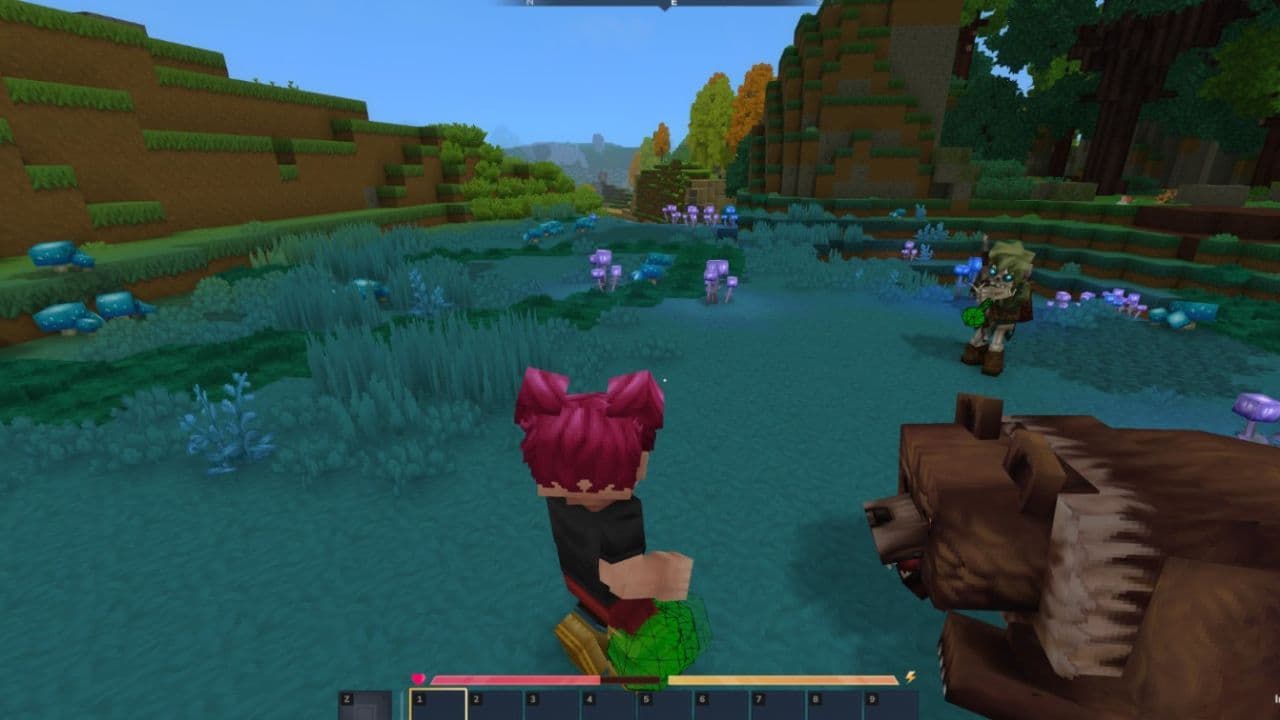 Best Hytale plugins and how to create yoursExplore the best Hytale plugins for servers, from permissions and shops to NPCs, kits, performance tools, and ...
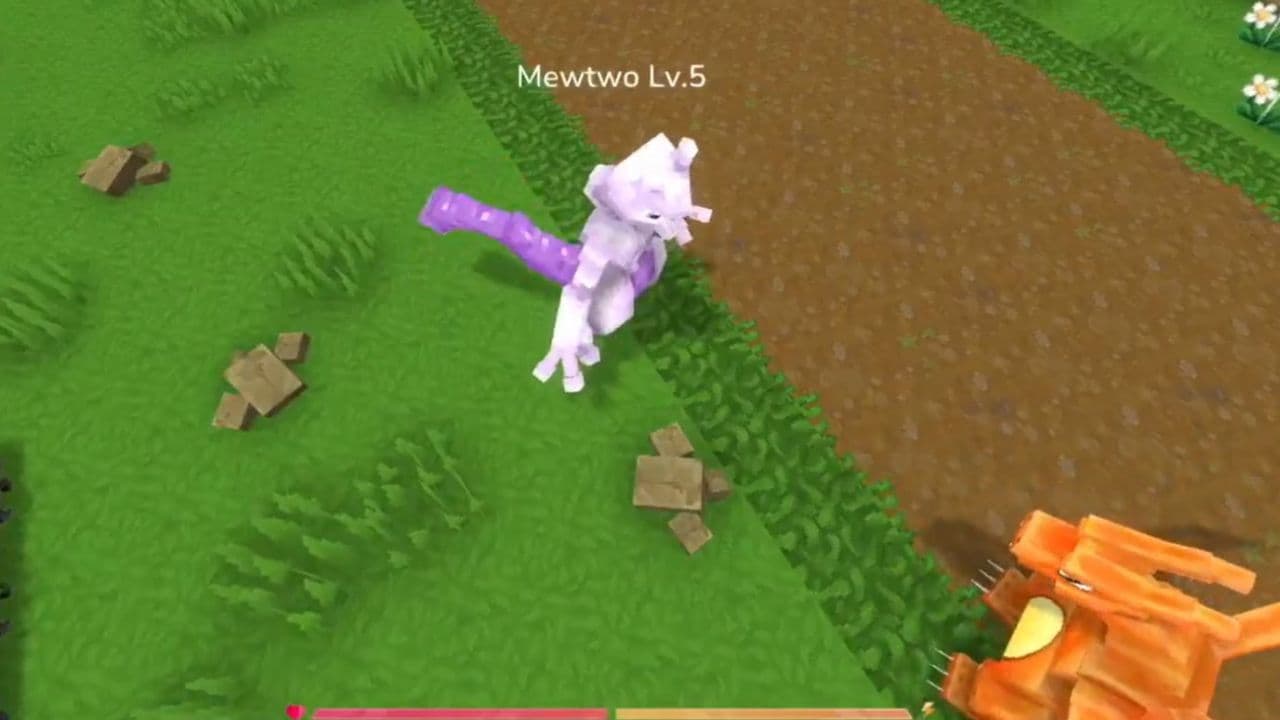 Meet the Hytale Pokemon mod Pokefind: Release date, gameplay and moreGet the latest details on the Hytale Pokemon mod Pokefind, including gameplay plans, server support, release s...
 Can you create an infinite water source in Hytale?Learn if a Hytale infinite water source is possible, why the 2x2 trick fails, and which mods can help you get ...
 Who is The Hedera in Hytale Endgame & QoL mod and how to defeat itFind out how to reach and defeat The Hedera in Hytale Endgame & QoL mod, including boss phases, best prep, and...
 How to heal in Hytale (Food, potions, totem & more)How to heal in Hytale: food, potions, totem, regen buffs, best methods, and full survival guide explained....
 Hytale Update 4 (Part 5): What’s new?Hytale Update 4 Part 5 adds 500+ new blocks, system upgrades, bug fixes, and major improvements before full re...
 All Hytale signs & how to craft themDiscover all 29 Hytale signs, their crafting recipes, and how to use them. Learn sign mechanics, placement tip...
 When will Hytale fully release? (2026 update)When will Hytale fully release? Learn the expected 2026–2027 timeline, Early Access plans, and what must happe...
- 1
- 2
- 3
- 4
- 5
- 6
- 7
- 8