All Hytale commands list: How to use commands in Hytale?
Ultimate Hytale commands guideON THIS PAGE:
- What are Hytale commands?
- How to use commands
- General player commands
- Server admin & operator commands
- Multiplayer & moderation commands
- Time, weather & environment commands
- Inventory, items & player state commands
- Teleportation & navigation commands
- World editing & builder commands
- Block, chunk & world structure commands
- Prefab & asset commands
- NPC, entity & interaction commands
- Debug, network & testing commands
- Portal, fragment & special systems commands
- Must-know Hytale commands for every player
- Tips
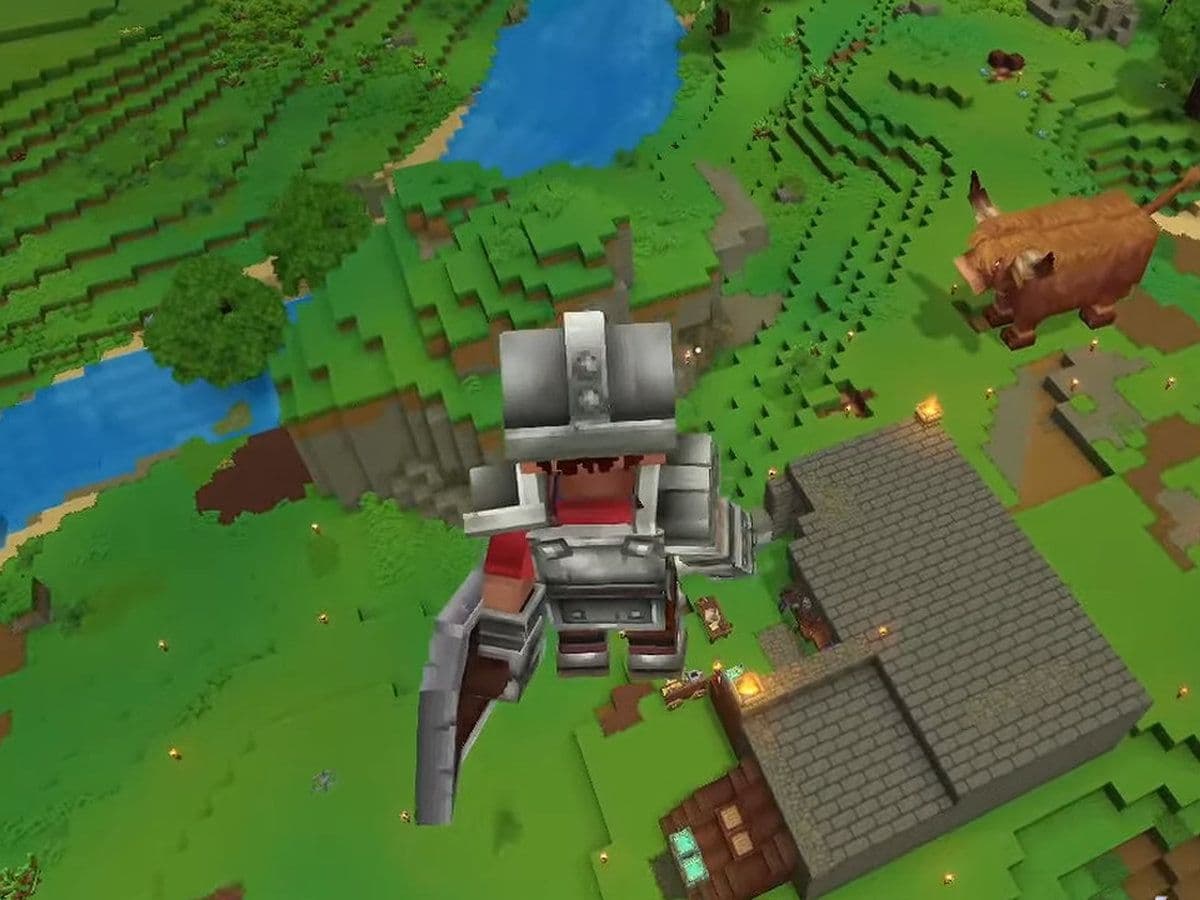
Hytale commands allow players, creators, and server administrators to control the world, manage players, build faster, and customize gameplay. Whether you are playing solo, building in Creative Mode, or running a multiplayer server, learning how Hytale commands work will dramatically improve your experience.
This Hytale guide explains all major commands, how to use them, and when they are most useful.
What are Hytale commands?
Hytale commands are text-based instructions that trigger actions instantly. Instead of performing tasks manually—such as traveling long distances, changing the time of day, or managing players—you can execute a single command to do it instantly.
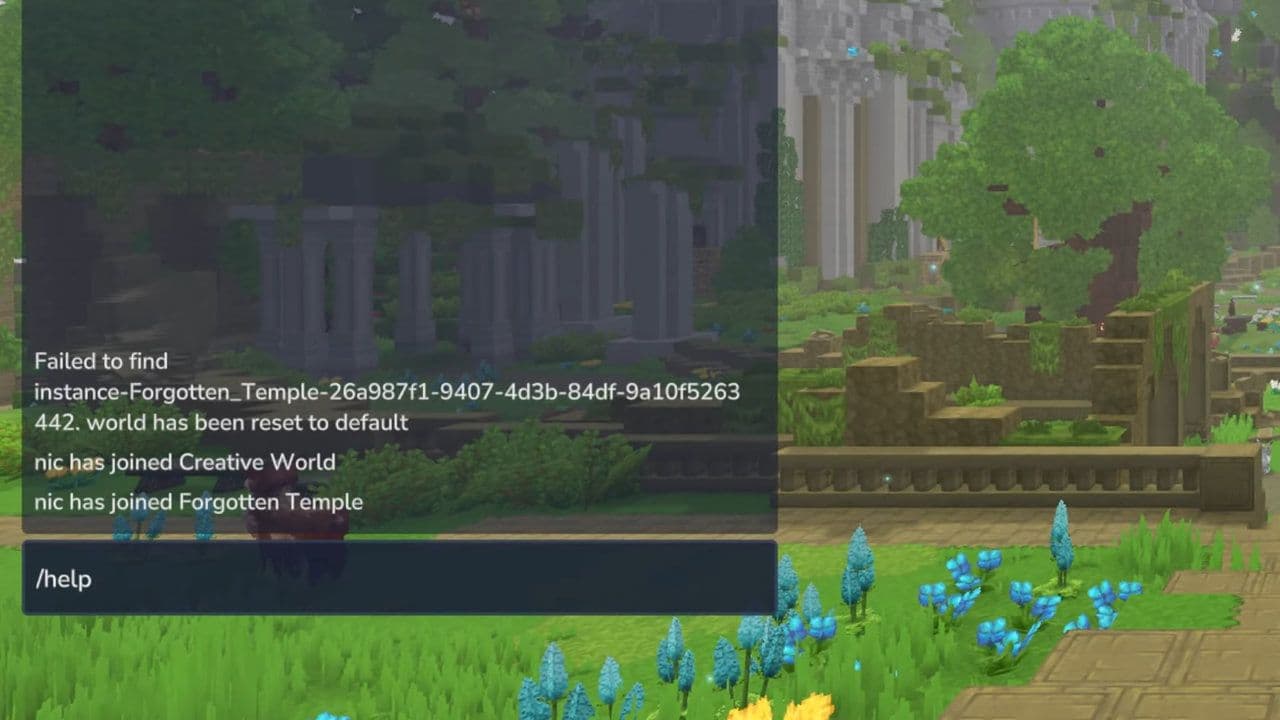
Commands can:
- Teleport players
- Spawn items
- Control time and weather
- Modify the world
- Manage servers and permissions
Most commands are entered through the in-game chat, while server administrators can also use the server console.
How to use Hytale commands
Here is how to open the Command Interface:
- Press T or / to open the chat window.
- Type a command starting with / (for example, /heal).
- Press Enter to execute it.
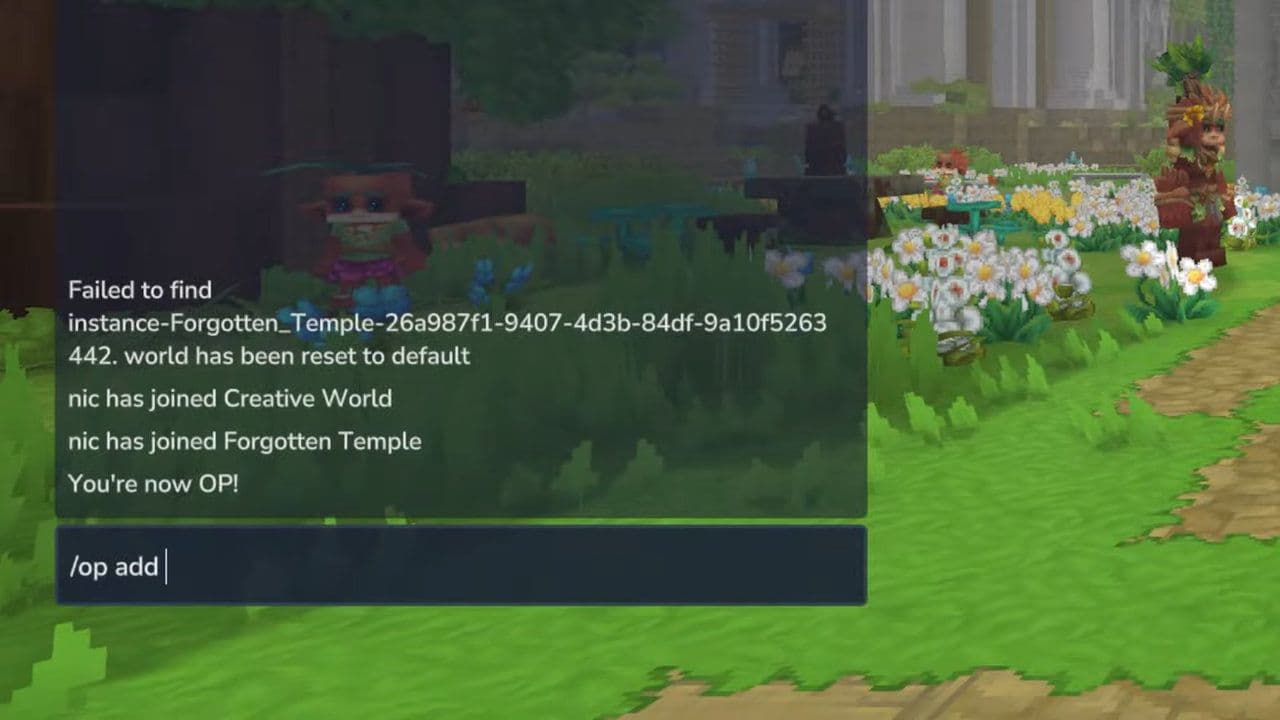
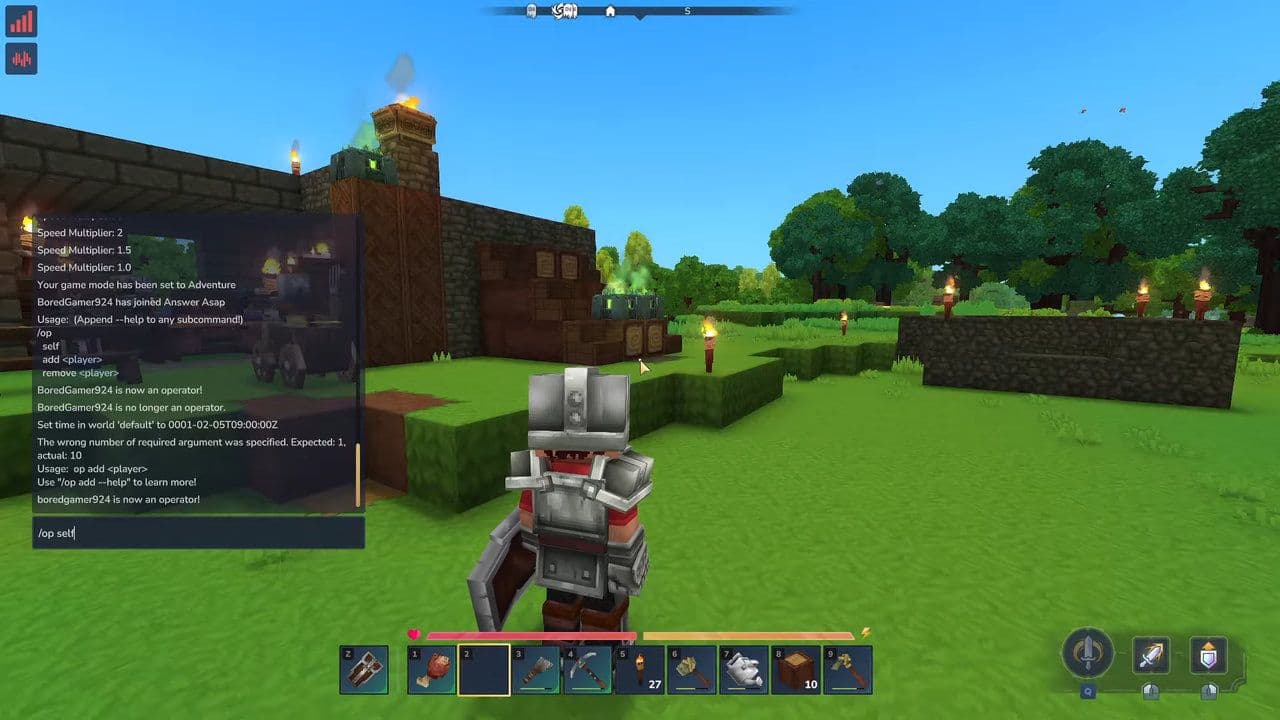
Keep in mind that some Hytale commands require operator (admin) permissions. If a command does not work, you may not have the required access.
All Hytale commands list
Here are the Hytale commands you should know:
General player commands
Commands available to most players for navigation, interaction, and basic control.
Server admin & operator commands
Commands tied to OP permissions and server control.
Multiplayer & moderation commands
Used to manage players in multiplayer environments.
Time, weather & environment commands
Control world conditions and ambience.
Inventory, items & player state commands
Commands related to items, health, and player status.
World editing & builder commands
Core commands for building, editing, and shaping the world.
Block, chunk & world structure commands
Low-level world manipulation.
Prefab & asset commands
Reusable structures and assets.
NPC, entity & interaction commands
AI, NPCs, and entity control.
Debug, network & testing commands
Used for development, testing, and diagnostics.
Portal, fragment & special systems commands
Fragment worlds and special mechanics.
Must-know Hytale commands for every player
These Hytale commands are frequently used for testing or convenience.
Tips for using commands in Hytale
- Always test powerful commands in Creative Mode first
- Make backups before large edits
- Limit operator permissions
- Use /help [command] to check syntax
- Avoid running multiple world-edit commands at once on live server
- Using Hytale commands responsibly prevents crashes, corruption, and player issues.
Mastering Hytale commands gives you full control over the game. From simple quality-of-life shortcuts to advanced server management and world building, commands are essential tools for anyone serious about Hytale.
Whether you are a casual player, a creative builder, or a server administrator, learning and using Hytale commands correctly will save time, improve gameplay, and unlock everything the game has to offer.
That’s all for today! Looking for more? Check out these:
All Related Guides
 Best Hytale plugins and how to create yoursExplore the best Hytale plugins for servers, from permissions and shops to NPCs, kits, performance tools, and ...
 Meet the Hytale Pokemon mod Pokefind: Release date, gameplay and moreGet the latest details on the Hytale Pokemon mod Pokefind, including gameplay plans, server support, release s...
 Can you create an infinite water source in Hytale?Learn if a Hytale infinite water source is possible, why the 2x2 trick fails, and which mods can help you get ...
 Who is The Hedera in Hytale Endgame & QoL mod and how to defeat itFind out how to reach and defeat The Hedera in Hytale Endgame & QoL mod, including boss phases, best prep, and...
 How to heal in Hytale (Food, potions, totem & more)How to heal in Hytale: food, potions, totem, regen buffs, best methods, and full survival guide explained....
 Hytale Update 4 (Part 5): What’s new?Hytale Update 4 Part 5 adds 500+ new blocks, system upgrades, bug fixes, and major improvements before full re...
 All Hytale signs & how to craft themDiscover all 29 Hytale signs, their crafting recipes, and how to use them. Learn sign mechanics, placement tip...
 When will Hytale fully release? (2026 update)When will Hytale fully release? Learn the expected 2026–2027 timeline, Early Access plans, and what must happe...
- 1
- 2
- 3
- 4
- 5
- 6
- 7
- 8