How to spawn mobs in Hytale: Commands, natural spawning, and creative tools
Spawn any mob in Hytale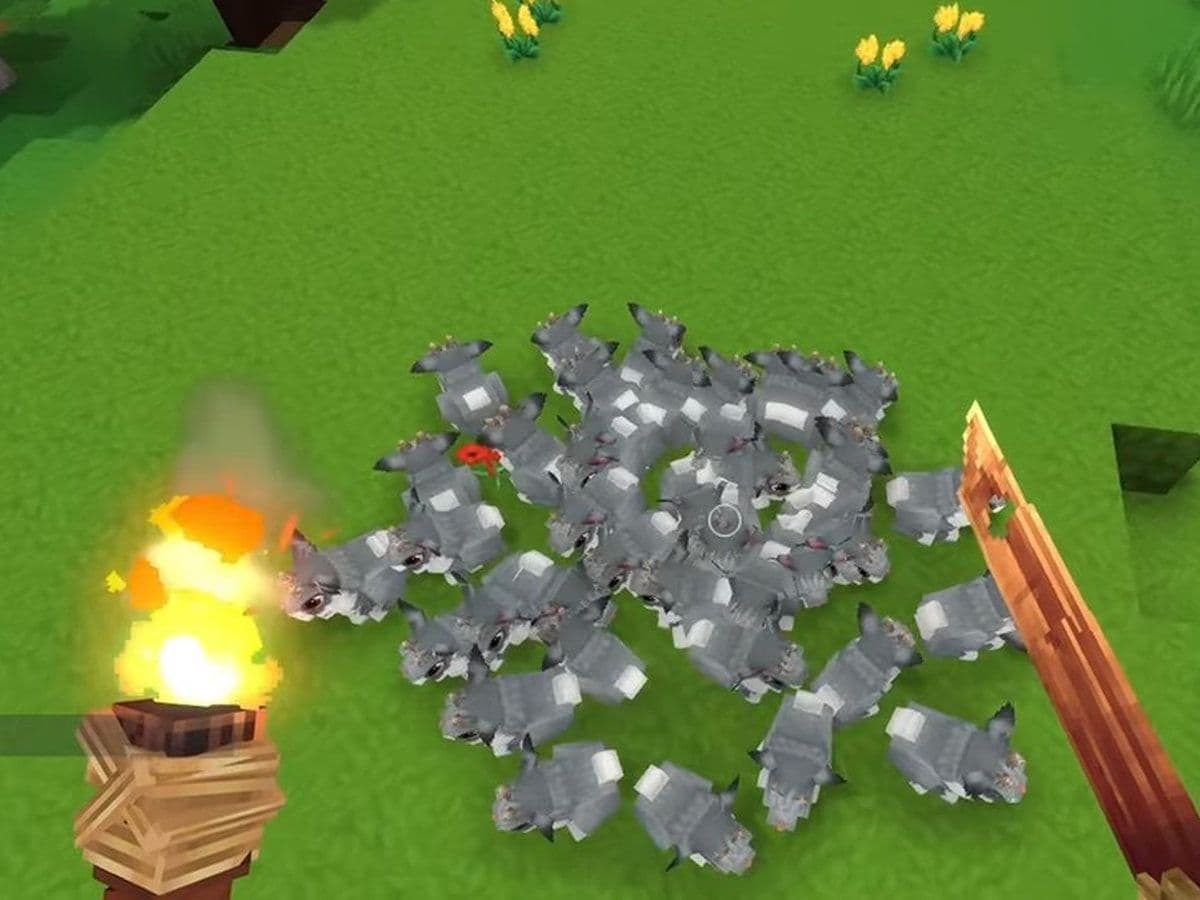
This guide explains how to spawn mobs in Hytale using every available method, including natural world spawning, NPC commands, global spawn controls, and Creative Mode tools.
First of all, what are mobs in Hytale?
In Hytale, mobs include all living entities, such as:
- Hostile enemies
- Passive animals
- Neutral creatures
- NPCs (villagers, guards, enemies, quest givers)
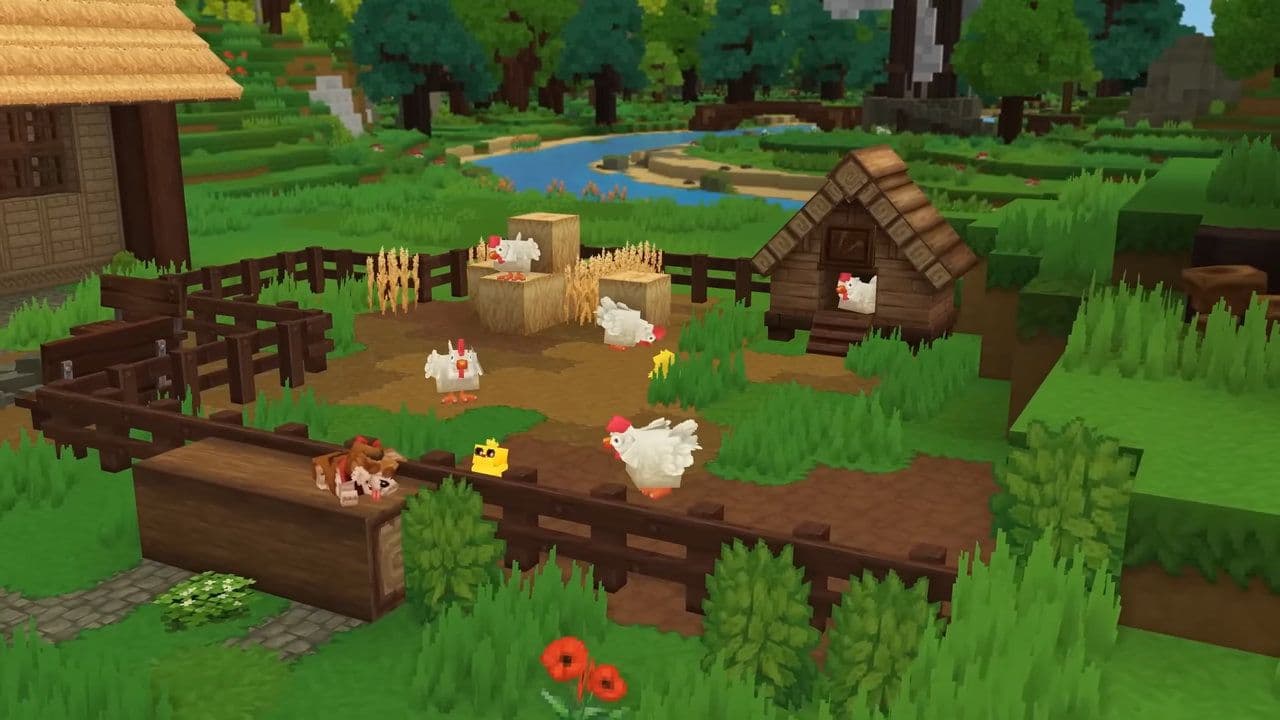
Mobs enter the world through either natural spawning systems or manual spawning methods.
How does natural spawning work in Hytale
Natural spawning is the default system used in Adventure Mode. Mobs appear automatically based on world logic rather than player commands.
Spawning decisions are influenced by:
- Biome type
- Time of day
- Player distance
- World difficulty and progression
- Structures and dungeons
- Internal spawn markers
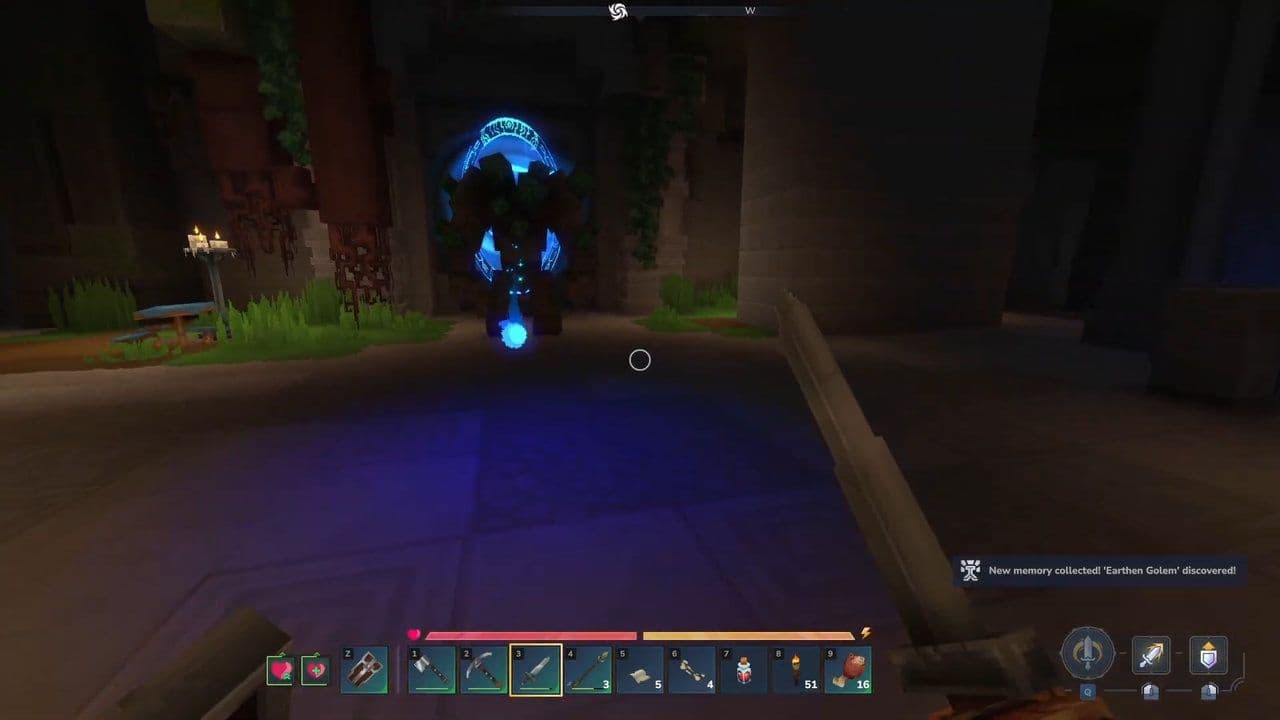
Players cannot force a specific mob to spawn naturally.
Controlling natural spawning with commands
Admins and creators can control natural mob spawning using global commands:
These commands manage world-wide mob behavior, not individual mobs.
You can also control where mobs can appear
- Hytale uses spawn markers to control where mobs can appear. Spawn markers and suppression zones allow creators to:
- Define mob spawn areas
- Control spawn density
- Prevent mobs near towns or hubs
- Force spawning around dungeons or encounters
Here is how to use spawn markers:
- Log in to your dashboard
- Locate your Hytale server
- Click the Panel button to open the server control panel
- In the upper-left corner of the panel, click Stop and wait for the server to fully shut down
- In the left-hand sidebar, click Game Settings
- Open the World tab
- Locate the Current World in the world list
- Hover over the world and click Settings
- Scroll down to the Simulation Settings section
- Find Spawn Markers Enabled
- Toggle off to disable spawn markers or on to enable them
- Spawn markers control where natural mobs can spawn in the world
- Click Save Changes at the bottom of the page
- Return to the main panel and start the server
How to spawn mobs in Hytale using NPC Commands
To spawn mobs manually, you must have:
- Admin or operator permissions
- Access to the command console
Open the console by typing / in chat and use these Hytale commands:
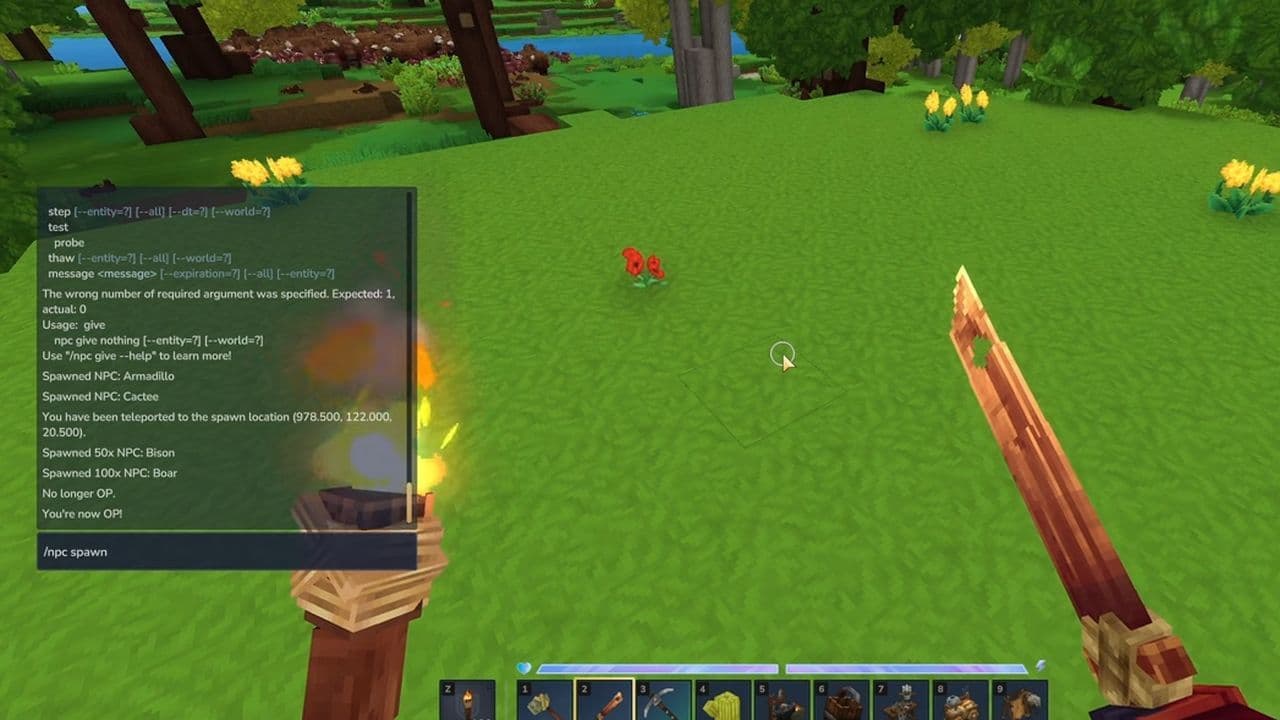
These commands provide precise control, making them the most direct method for spawning mobs manually.
How to spawn mobs in Hytale Creative Mode
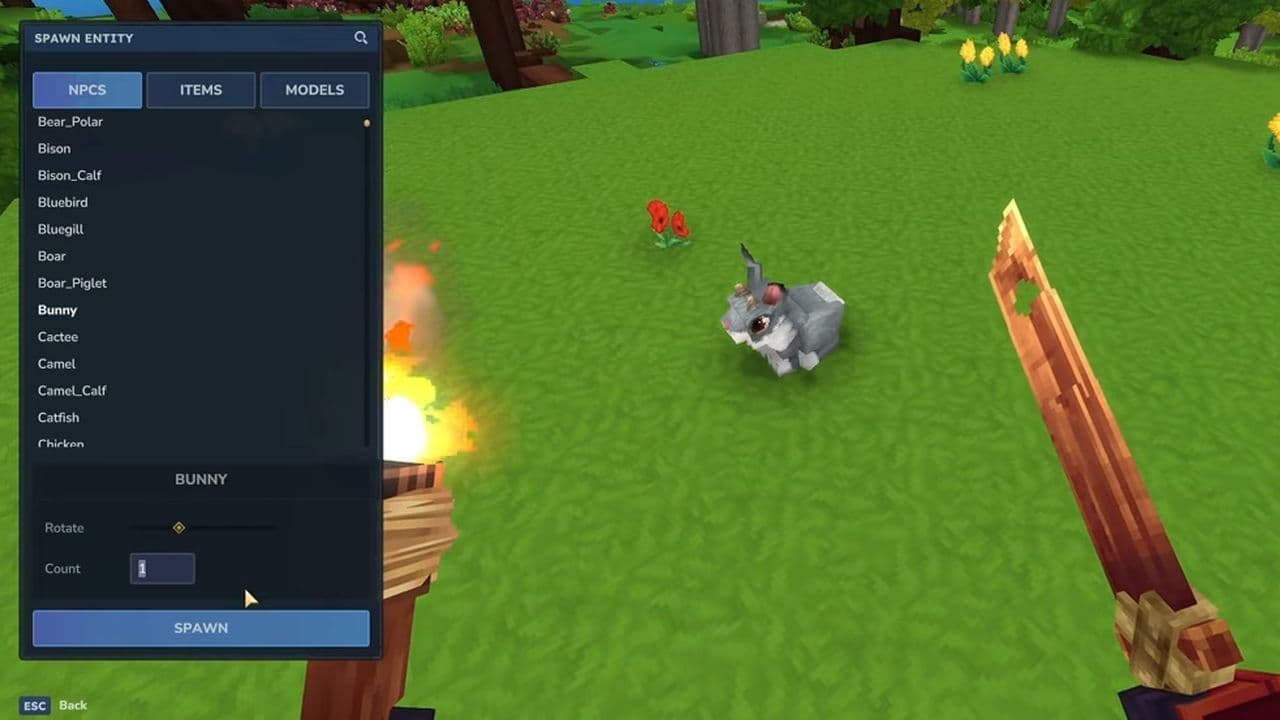
This process places the mob as a physical, interactable entity in the world, not just a temporary spawn:
- Enter Creative Mode.
- Press B or open the Creative Tools menu.
- Go to the NPC/Entity Browser.
- Find the desired creature in the list.
- Click or drag it into the world where you want it to spawn.
- Adjust its placement, rotation, or other settings if the tools allow.
Are mobs not spawning in Hytale?
If mobs are not appearing, check for:
- Disabled natural spawning
- Missing admin permissions
- Active spawn suppression zones
- Incorrect NPC roles or models
Natural spawning cannot be forced per mob without commands or spawn markers.
In case you need, here is how to stop mobs from spawning in Hytale
To stop mobs from spawning in Hytale:
- Use /spawning disable to halt natural spawning globally.
- Turn off NPC Spawning in server settings.
- Edit config.json and set "IsSpawningNPC": false.
- Use spawn suppression zones for targeted control.
- Use lighting and careful area design to reduce nearby spawns.
Best practices for spawning mobs in Hytale
- Use natural spawning for immersion
- Use NPC commands for precision
- Use spawn markers for density control
- Test setups in Creative Mode
- Remove unused NPCs to avoid performance issues
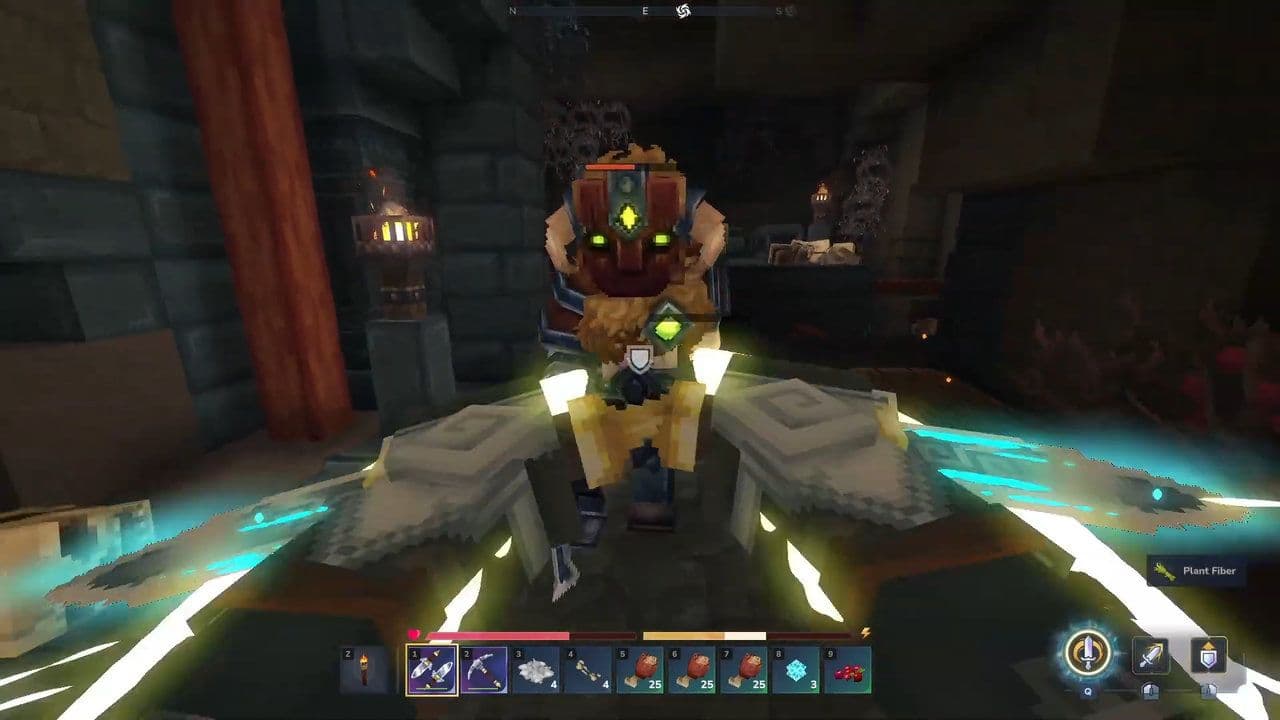
Understanding how to spawn mobs in Hytale requires knowing when to rely on natural world systems and when to use manual tools. Natural spawning builds a living world, while commands and Creative Mode give creators full control.
Used together, these systems allow you to design balanced environments, controlled encounters, and custom gameplay experiences.
That’s all for today! Looking for more? Check out these:
All Related Guides
 Best Hytale plugins and how to create yoursExplore the best Hytale plugins for servers, from permissions and shops to NPCs, kits, performance tools, and ...
 Meet the Hytale Pokemon mod Pokefind: Release date, gameplay and moreGet the latest details on the Hytale Pokemon mod Pokefind, including gameplay plans, server support, release s...
 Can you create an infinite water source in Hytale?Learn if a Hytale infinite water source is possible, why the 2x2 trick fails, and which mods can help you get ...
 Who is The Hedera in Hytale Endgame & QoL mod and how to defeat itFind out how to reach and defeat The Hedera in Hytale Endgame & QoL mod, including boss phases, best prep, and...
 How to heal in Hytale (Food, potions, totem & more)How to heal in Hytale: food, potions, totem, regen buffs, best methods, and full survival guide explained....
 Hytale Update 4 (Part 5): What’s new?Hytale Update 4 Part 5 adds 500+ new blocks, system upgrades, bug fixes, and major improvements before full re...
 All Hytale signs & how to craft themDiscover all 29 Hytale signs, their crafting recipes, and how to use them. Learn sign mechanics, placement tip...
 When will Hytale fully release? (2026 update)When will Hytale fully release? Learn the expected 2026–2027 timeline, Early Access plans, and what must happe...
- 1
- 2
- 3
- 4
- 5
- 6
- 7
- 8