Exploring Minecraft Bedrock 1.21.80.25: New Features and Updates
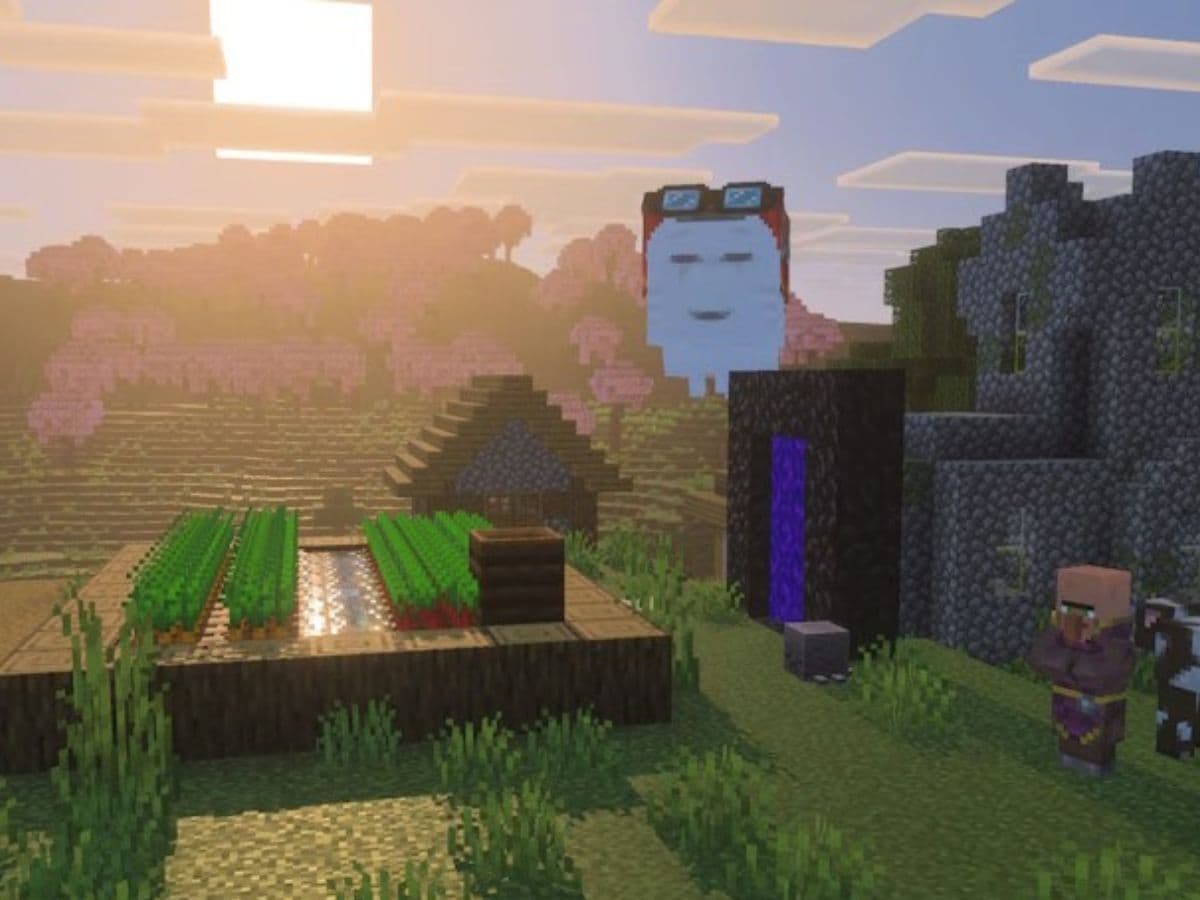
Minecraft Bedrock Edition has a new update. Version 1.21.80.25 brings new features, better visuals, and small but important fixes. This patch adds two major changes that many players have been waiting for: Vibrant Visuals and Ghastling. While there are many bug fixes and add-ons, these two are the superstars of this patch. Here is everything you need to know about the Minecraft Bedrock 1.21.80.25 update and more!
Vibrant Visuals and Ghastling are finally here
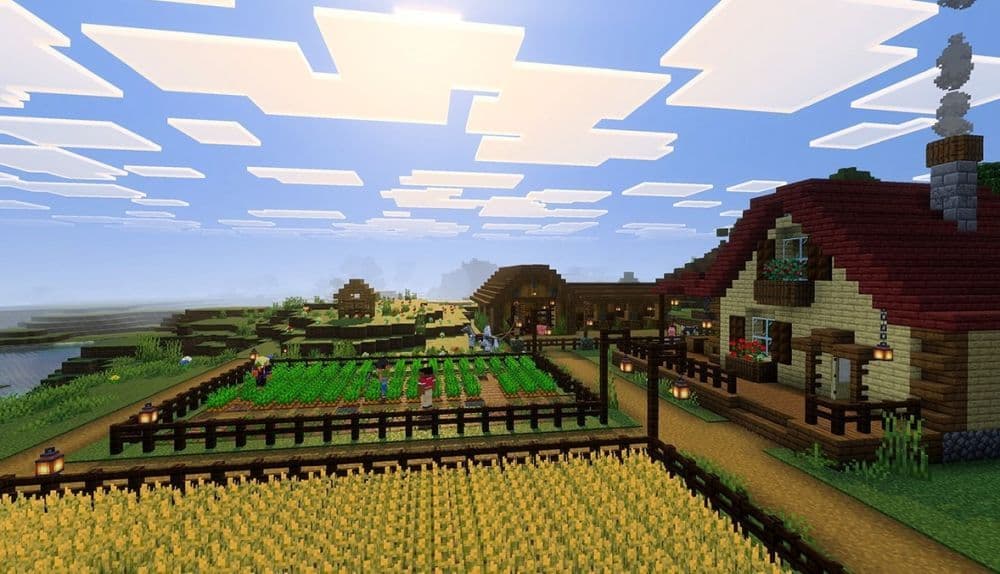
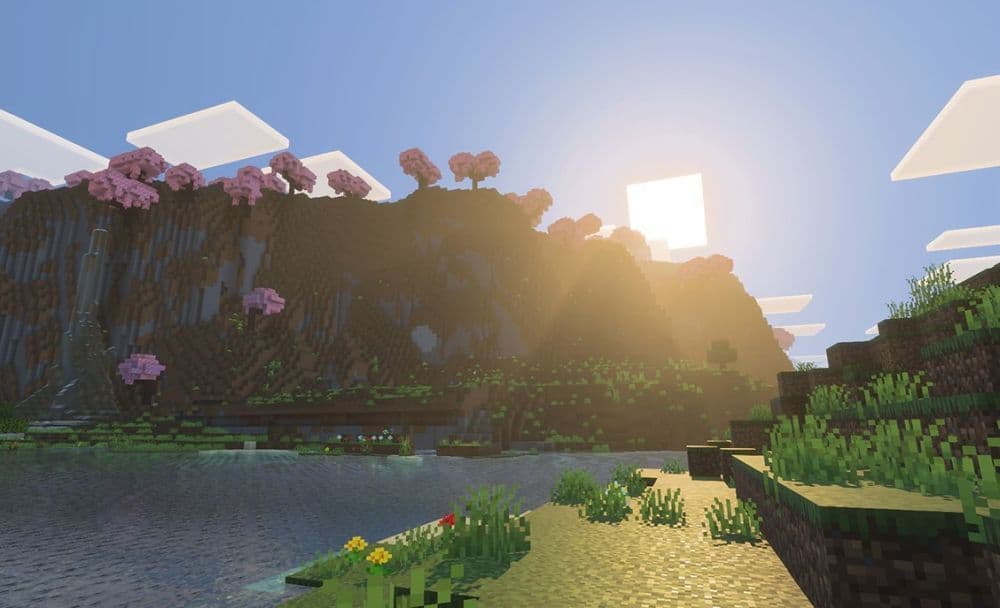
The Vibrant Visuals feature is now available for players who enable experimental settings. It improves lighting and reflections. Water shines more clearly. Shadows move more naturally. Players can choose between higher performance and better visuals, depending on their device.
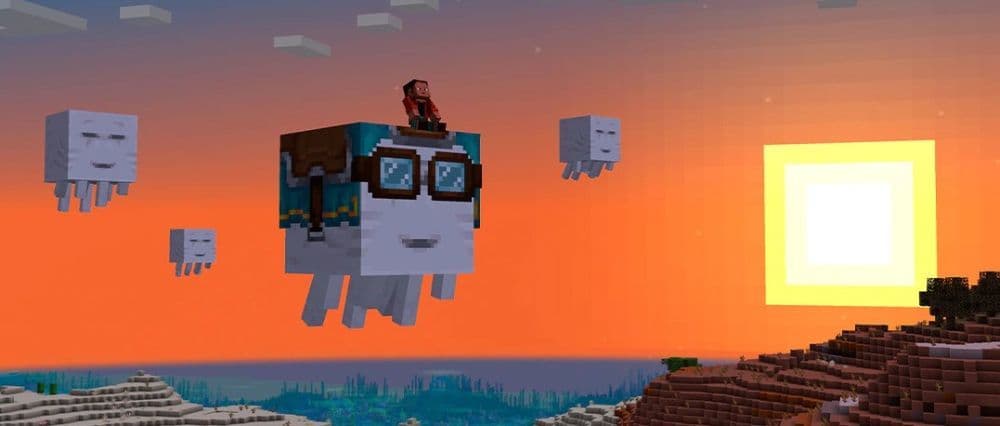
The Ghastling feature adds a new type of mob. It starts from a block called the Dried Ghast. After some time, the Ghastling grows into a Happy Ghast, which is a large flying mount. The Happy Ghast can carry up to four players. It gives players a new way to travel, especially in the Nether.
The update also includes new blocks, items, gameplay changes, and technical tools. Mojang has fixed several bugs and added support for creators who build maps, commands, and custom content.
Everything about Minecraft Bedrock 1.21.80.25
The latest Minecraft Preview and Beta update brings major new content, gameplay mechanics, and experimental features. From flying on a Happy Ghast to testing the new Vibrant Visuals mode, here’s everything you need to know about version 1.21.80.25.
New Experimental Features: Drop 2 2025
To access these features, activate the “Drop 2 2025” experimental toggle in the world creation settings.
Dried Ghast Block
- Found in Nether Fossil structures
- Can be crafted using 1 Bone Block and 8 Ghast Tears
- When waterlogged, it progresses through three stages over approximately 20 minutes and spawns a Ghastling
- Emits sound and visual effects during transformation
- If mined or removed from water, it resets to its dry state
Ghastling
- A baby version of the Happy Ghast
- Spawns from a fully waterlogged Dried Ghast block
- Follows nearby players or passive mobs
- Can be tempted and fed using Snowballs
- Grows into a Happy Ghast after about 20 minutes, or sooner if fed
- Summonable using: /summon happy_ghast ~ ~ ~ ~ ~ minecraft:spawn_baby
Happy Ghast
- A new flying mob mountable by up to four players
- Grows from a Ghastling
- Can be equipped with a Harness for riding
- Controlled by the first player who mounts
- Goggles lower when piloted, indicating it's ready to fly
- Regenerates health over time; regeneration speeds up during rain, snow, or cloud-level flight
- Does not panic when taking damage
- Cannot be bred and cannot enter boats
- Roams near its home position when unmounted
- Known Issue: Currently has 40 health, intended value is 20
Harness Item
- Used to ride the Happy Ghast
- Crafted from 3 Leather, 2 Glass Blocks, and 1 Wool Block (wool color determines harness color)
- Can be dyed
- Removable with Shears when no players are mounted
Vibrant Visuals (Experimental Graphics Mode)
Vibrant Visuals introduces advanced lighting, reflections, and visual effects for a more immersive experience.
Key Features
- Enhanced shadows, glittering water, and new rendering effects
- Toggle available in the “Video Settings” under the “Graphics Mode” section
- Options to favor performance or visuals
- Vibrant Visuals Options available for advanced customization
Device Requirements
- Android: Adreno 640, Mali-G68, Mali-G77, or Xclipse 530 and above
- iOS: A12 or M1 chips and newer
- PC: Requires DirectX 12
- Console: Xbox One, Xbox Series X|S, PlayStation 4, PlayStation 5
Compatibility Notes
- Skins and Marketplace items are supported
- Worlds and texture packs are not compatible at this stage
- Splitscreen is not supported and reverts to standard rendering
Known Issues
- Visual glitches on some Android devices, especially Mali GPUs
- Water darker than expected beyond eight blocks
- Lighting inconsistencies near caves and underground
- Textures may turn pink after certain actions (e.g., suspending the game)
- Emissive surfaces may appear incorrect under some conditions
- Missing custom block icons
Gameplay Fixes and Improvements
Character Creator
- Fixed incorrect player model sizes with custom skins (MCPE-189739)
Blocks
- Random offsets for many blocks now match Java Edition:
- Flowers, Bamboo, Coral, Dripstone, Tall Grass, and others
Gameplay
- Fixed a bug allowing players to sprint faster in water than when swimming
Mobs
- Farmers no longer get stuck while harvesting crops (MCPE-166344)
Music
- Fixed missing credits music when accessed from the paused menu (MCPE 190625)
Items
- Shields now take durability damage from explosions (MCPE-121484)
Recipes
- Fixed an issue where players could still craft unknown recipes despite limited crafting mode (MCPE-186699)
Technical Updates
API and Commands
- locatorBar game rule command added
- Difficulty enum and methods moved from beta to v1.19.0
- Player methods and bounding box utilities renamed and released
Components and Items
- New render methods for block transparency:
- blend_to_opaque, alpha_test_to_opaque, and alpha_test_single_sided_to_opaque
- "tint_method" no longer requires creator toggle in several components
- Harness icons now handled correctly via IconItemComponent
Editor
- Improved structure panel behavior
- Trim and Remove Air functions added
- Selection behavior now respects world bounds
Entity Filters
- New filter: has_equipment_tag for checking item tags on entities
Scripting and Molang
- query.has_any_leashed_entity_of_type() allows checking for multiple leashed entities
- Server Admin update includes AsyncPlayerJoinBeforeEvent, enabling control over player entry using promises
Graphical Improvements (Deferred Technical Preview)
- New lighting model for clouds
- Pixelated reflections and shadows now available
- Configurable through shadows/global.json using:
json
CopyEdit
{
"format_version": "1.21.80",
"minecraft:shadow_settings": {
"shadow_style": "blocky_shadows",
"texel_size": 16
}
}
How to enable experimental features
To test the new content:
- Open the world creation or edit menu
- Activate “Drop 2 2025” and/or “Vibrant Visuals” under Experimental Settings
- Adjust graphic settings from the in-game video options
For the full announcement, check out Minecraft’s website.
Minecraft Bedrock 1.21.80.25 adds new gameplay and visual features while fixing bugs and improving performance. The update gives players a new way to raise mobs, fly with friends, and enjoy better graphics. Mojang also continues to support mapmakers and coders with new tools and systems.
Check out these Minecraft pieces too:
- Minecraft 2 story starter house ideas & tutorials
- Observer recipe in Minecraft and what you need to know about the item
- Minecraft compass recipe (+recovery) explained
- Minecraft medieval house ideas & tutorials
- How to make a stone cutter in Minecraft: Complete recipe
Featured Image Credit: Minecraft/Mojang
All Related Guides
 How to start a raid in Minecraft: Java and Bedrock guideLearn how to start a raid in Minecraft Java and Bedrock, get Ominous Bottles, trigger Raid Omen, prepare villa...
 How to breed frogs in MinecraftBreed frogs in Minecraft with this simple guide to slimeballs, frogspawn, tadpoles, frog variants, and common ...
 Best Minecraft PS5 seeds in 2026 - Version 26.2Discover the best Minecraft PS5 seeds in 2026, with strong Bedrock worlds for survival and creative projects....
 Best Minecraft PS5 seeds in 2026 - Version 26.2Find the best Minecraft PC seeds in 2026, with great worlds for survival, villages, building, exploration, and...
 Top 5 Minecraft 26.1 seeds you must try todayFind the best Minecraft 26.1 seeds for villages, rare biomes, island survival, and creative builds, with seed ...
 How to turn on keep inventory in MinecraftUse the correct Keep Inventory command in Minecraft and learn how it works across Java, Bedrock, servers, and ...
 How to breed tropical fish in MinecraftCan you breed tropical fish in Minecraft? Here is the clear answer, plus how to catch, move, and use tropical ...
 Minecraft Chaos Cubed guide: Everything new in the 2026 updateExplore everything new in Minecraft Chaos Cubed, including Sulfur Caves, Sulfur Cubes, geysers, new blocks, co...
- 1
- 2
- 3
- 4
- 5
- 6
- 7
- 8
- 9