How to fix Roblox error code 769
Here's how to fix this frustrating "unexpected error" during teleports.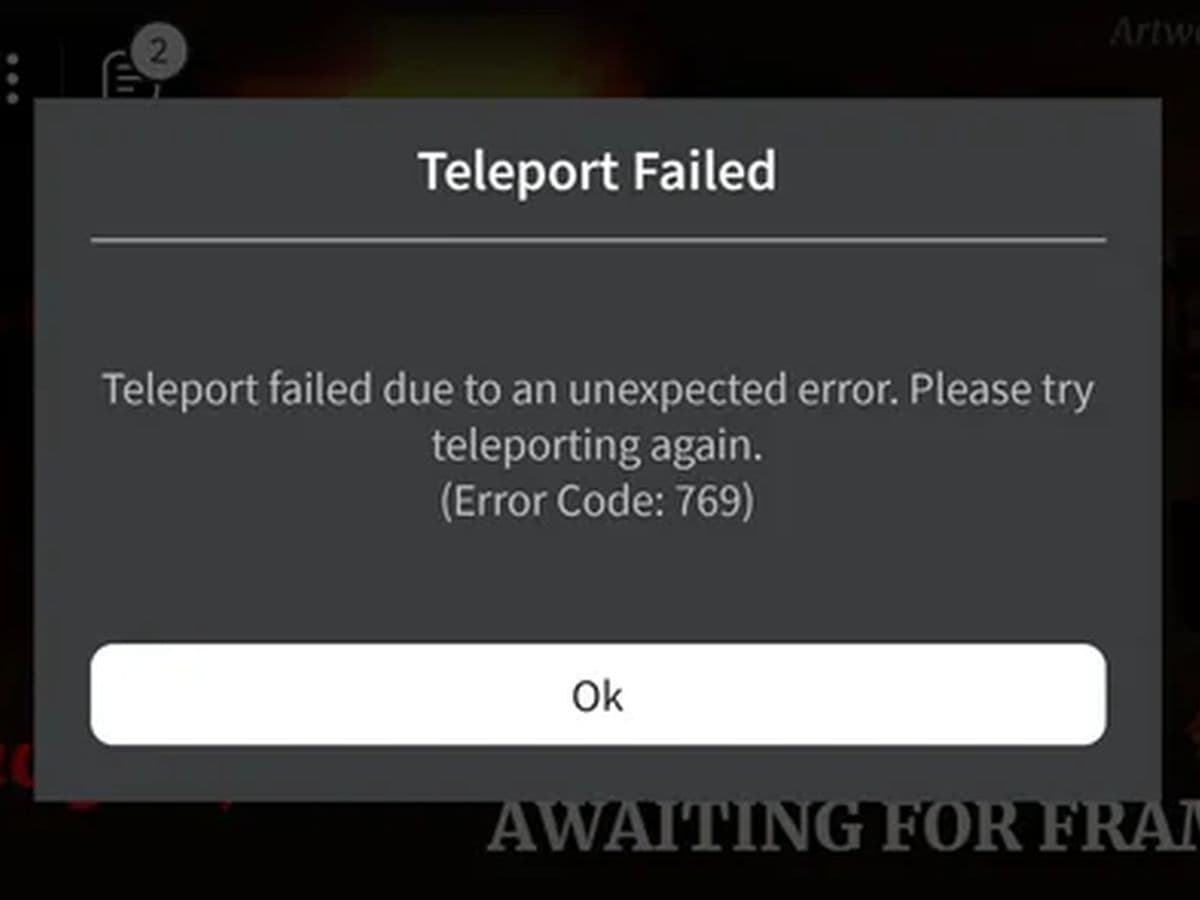
How to fix Roblox error code 769 is a common question among players as it is bound to pop up frequently. This Roblox error usually occurs when there's a problem moving between game worlds or reconnecting after a connection loss, often leaving players frustrated. There are several effective ways to troubleshoot and resolve this issue, but first let’s understand what we dealing with.
Why does my Roblox say error code 769?
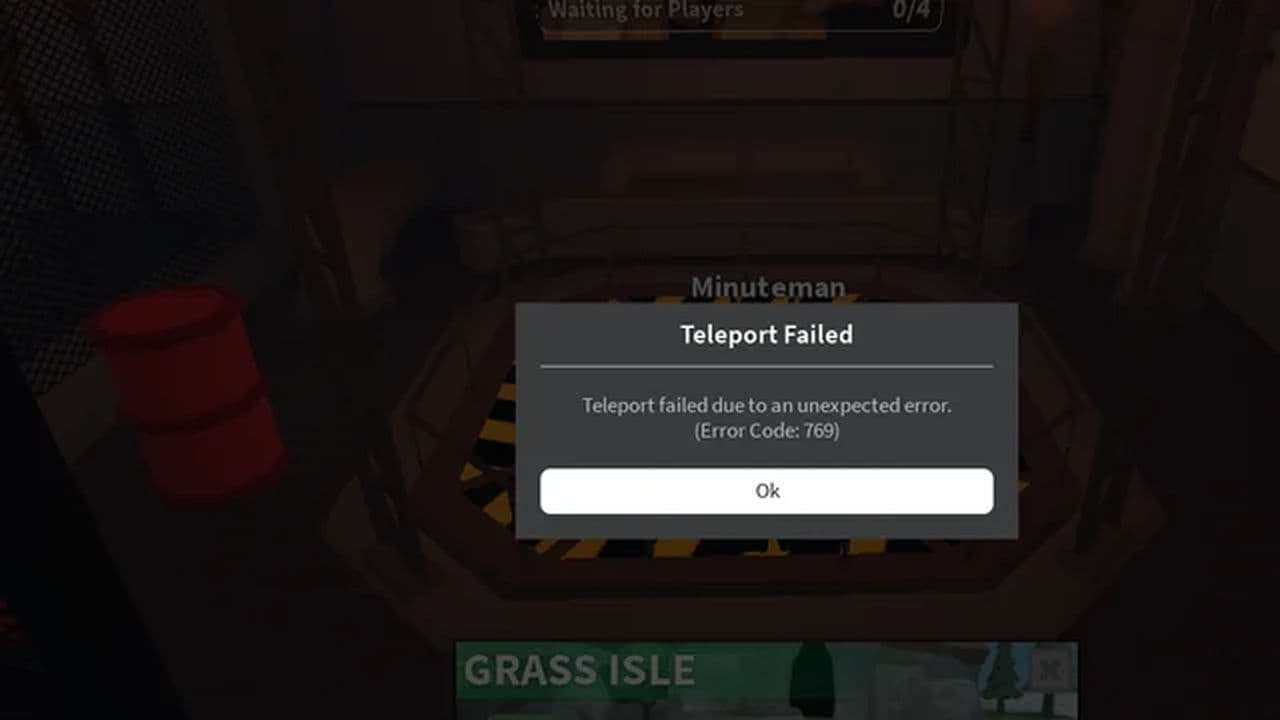
Roblox Error Code 769 typically appears when there's an issue with the teleportation process within a game. Roblox error code 769 is specifically related to failed attempts to move from one place to another within Roblox games, often called "teleporting." The error can occur in two main situations:
- Teleport failed: This happens when a teleportation action between games or within a game fails due to unexpected errors.
- Client reconnect failed: If Roblox tries to reconnect your session after losing connection and fails, this can also trigger Error 769.
The common causes include network issues, overloaded servers, corrupted game data, or interference from firewalls or antivirus programs. Fixing the problem usually involves checking your network connection, ensuring Roblox has the necessary permissions, or addressing server or software issues. Let’s take a closer look at them.
How to fix Roblox error code 769
To fix Roblox error code 769, which often occurs due to issues with teleportation between games or game sections, you can follow these step-by-step troubleshooting methods:
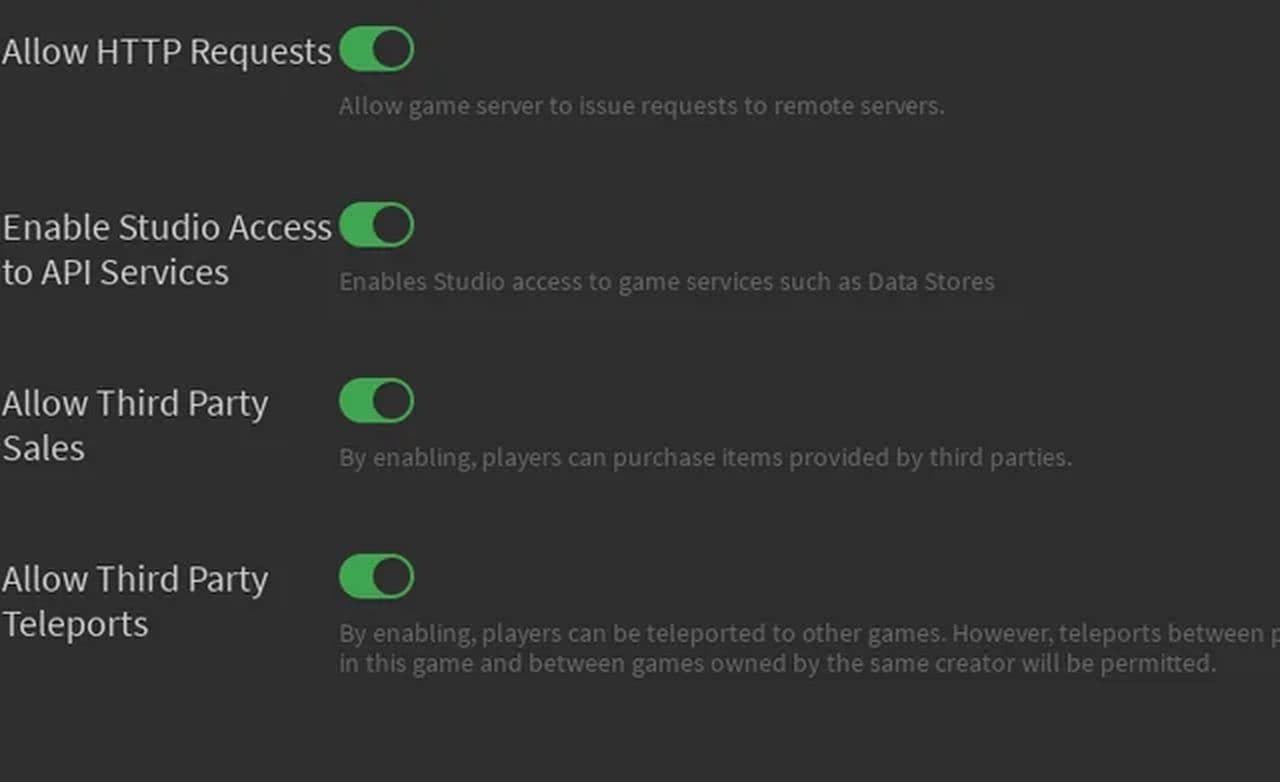
Allow third-party teleports (For game developers)
If you're a game developer and seeing this error, you need to make sure third-party teleports are enabled in your game settings.
- Go to Game Settings & Security.
- Ensure Allow Third Party Teleports is toggled to "On."
Check your network connection
A weak or unstable internet connection can disrupt teleportation in Roblox. Here's what you can do:
- Restart your router or modem to refresh your connection.
- Close bandwidth-hogging applications (like streaming services or large downloads) while playing Roblox.
- Switch to a wired connection if possible, as it's usually more stable than Wi-Fi.
Clear Roblox cache
Corrupted or outdated cache files can cause teleport errors. Clearing the cache may resolve this.
Run Roblox as an administrator
Sometimes Roblox needs elevated permissions to function properly, especially for network activities like teleporting.
- Right-click on the Roblox shortcut or executable file.
- Select Run as administrator from the context menu.
If you're using a non-administrator account, you might need to log in as an administrator or ask the system admin for help.
Check firewall and antivirus settings
Your firewall or antivirus software might be blocking Roblox’s connection, causing teleport failures.
- Open your firewall or antivirus settings and ensure that Roblox is added to the list of allowed applications.
- Temporarily disable your firewall or antivirus to see if that resolves the issue (just remember to re-enable it afterward).
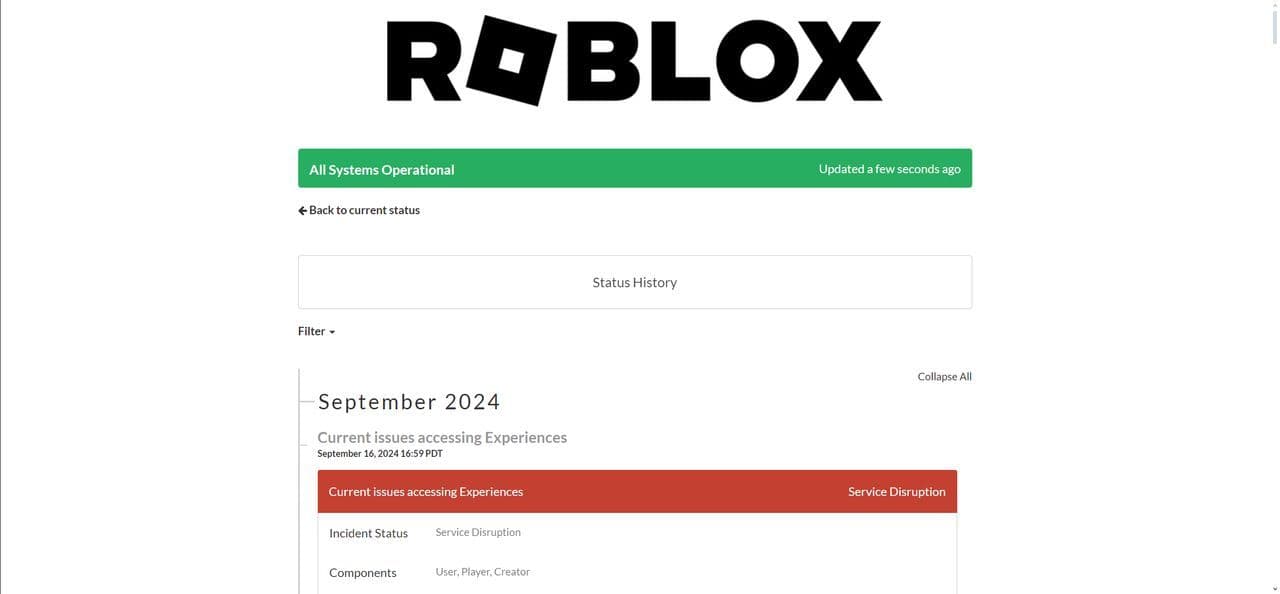
Check Roblox server status
Sometimes the issue is not with your setup but with the game server itself. Verify if the game server you're trying to connect to is operational by checking the server status on the Roblox website or a third-party server status checker.
Update Roblox and your device software
Outdated versions of Roblox or your device’s operating system can cause errors like 769.
- Update Roblox to the latest version by checking for updates in your app store or within the platform itself.
- Update your device's OS to ensure compatibility with Roblox's latest updates.
Reinstall Roblox
If none of the above steps work, reinstalling Roblox might fix the issue by replacing any corrupted files.
- Uninstall Roblox from your device.
- Download the latest version of Roblox from the official website or app store, and reinstall it.
Contact Roblox Support
If the error persists despite trying all these fixes, you can reach out to Roblox Support for additional assistance.
Roblox Error 769 can be a hassle, but with the right troubleshooting steps, you can quickly resolve it and get back to teleporting between games.
So, what does error 769 mean in Roblox?
Roblox Error Code 769 occurs when teleportation between games or sections fails, or when the client cannot reconnect after a disconnection. The issue is often caused by network problems, server overload, corrupted game data, or interference from firewalls/antivirus software.
To fix the error, you can:
- Check your network connection (e.g., restart your router, use a wired connection).
- Clear Roblox cache.
- Run Roblox as an administrator.
- Adjust firewall/antivirus settings.
- Ensure Roblox and your device’s software are updated.
- Reinstall Roblox if needed.
If the problem persists, contact Roblox Support for further assistance.
Want to explore more about Roblox? Check out these:
All Related Guides
 How to fix Roblox error code 600 Learn how to fix Roblox error code 600, understand the new IP-based ban system, and explore potential workarou...
 How to fix Roblox error code 429: Authentication issues and too many requestsRoblox error code 429 explained: causes, rate limits, and potential malware risks. Learn how to avoid it and f...
 What does error code e01 mean in Roblox?Roblox error code e01 is one of those uncommon errors but we have a couple of fixes that you must try to fix t...
 How to fix Roblox error code 268: 8 easy waysLearn 8 simple ways to fix Roblox error code 268 and resolve the "unexpected client behavior" issue. Troublesh...
 How to fix error while updating worn items in RobloxFix the 'error while updating worn items' on Roblox with simple steps. Learn why it happens and how to resolve...
 How to fix Roblox connection error on WindowsThere are many Roblox error codes on Windows and luckily we know a couple of ways to fix them. Check them out ...
 How to fix error code 264 for RobloxRoblox error code 264 is one of the frustrating hiccups that will prevent you from playing the game, unless yo...
 What does code 288 mean in Roblox?All Roblox error codes have different meanings and error code 288 is one of the worst. Here is how to fix it!...
- 1
- 2
- 3
- 4