How to accept license agreement in Rocket League
Doing this is essential to play Rocket League online.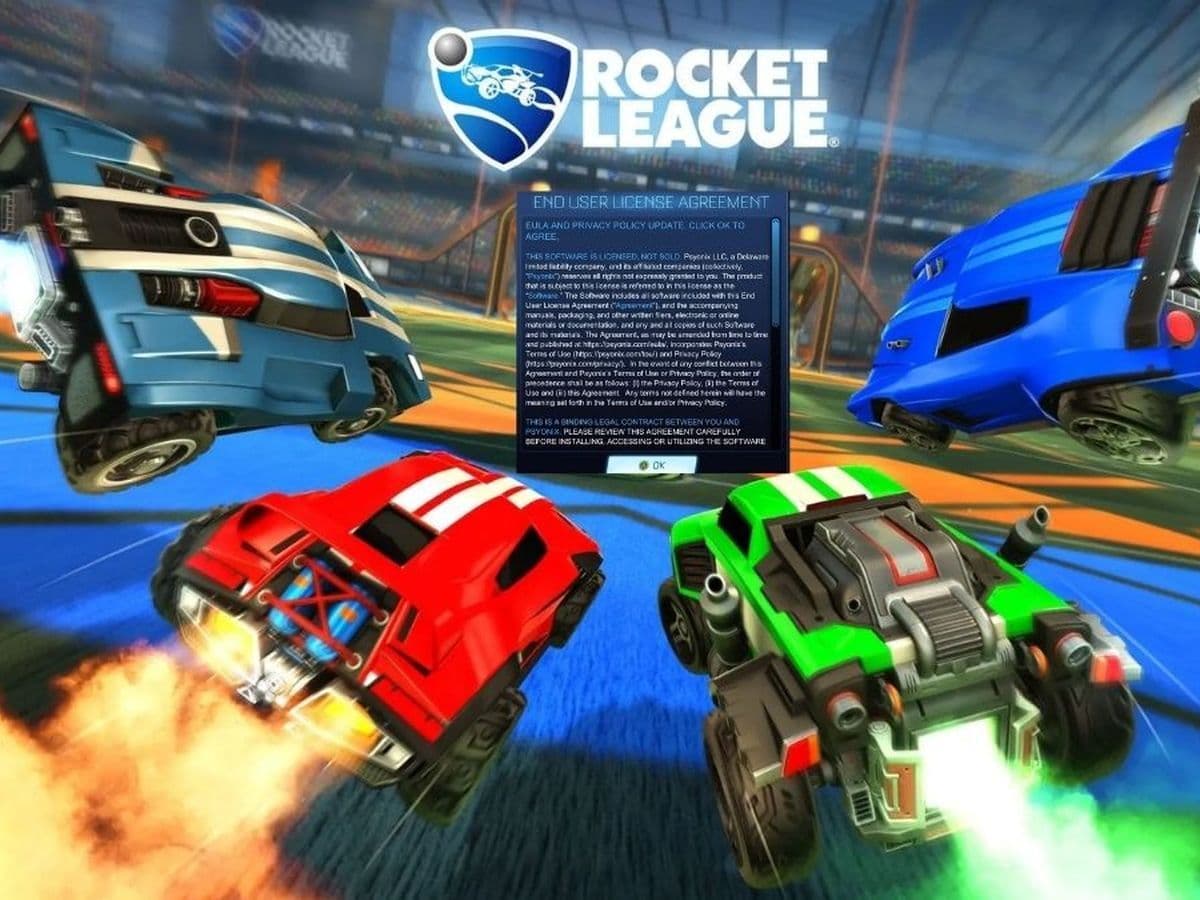
Before you jump into the action-packed world of Rocket League, there's a quick but important step: accepting license agreement in Rocket League. It might seem like just a formality, but it’s actually crucial for making sure everything runs smoothly.
Why do you have to accept a license agreement in Rocket League?
Accepting the license agreements in the football video game, including the End User License Agreement (EULA), Terms of Use, and Privacy Policy, is essential for accessing the game’s online features and ensuring legal compliance.
These agreements outline the rules, responsibilities, and data handling practices, protecting both the player and the developers. By agreeing to these terms, you confirm your understanding of the game's rules, consent to how your data will be used, and enable the provision of a fair and secure gaming environment. This process ensures that all players are on the same page regarding acceptable behavior and data protection.
How to accept license agreement in Rocket League
To play Rocket League online, you need to accept the End User License Agreement (EULA), Terms of Use, and Privacy Policy. Here's a straightforward RL guide to help you through the process:
- Start Rocket League: Open the Rocket League game on your console or PC.
- Go to the main menu: Once the game loads, you’ll see the main menu. Look for the option to access Rocket League settings.
- Open settings: From the main menu, select Settings. This option might be represented by a gear icon or listed among other menu items.
- Find the extras tab: In the Settings menu, find and select the Extras tab. This section includes additional options.
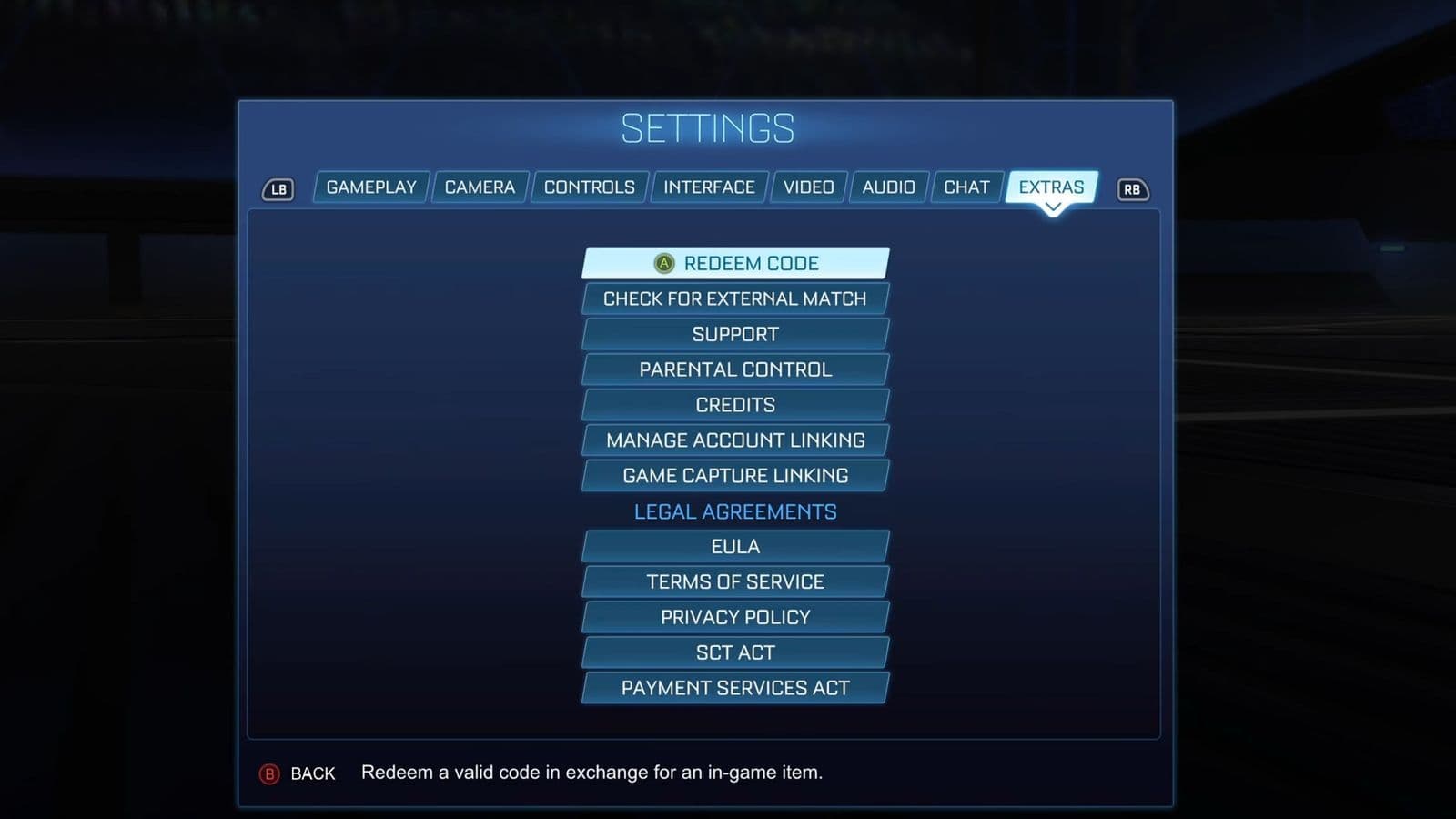
- Select legal agreements: Within the Extras tab, choose Legal Agreements. This will show you the agreements you need to review and accept.
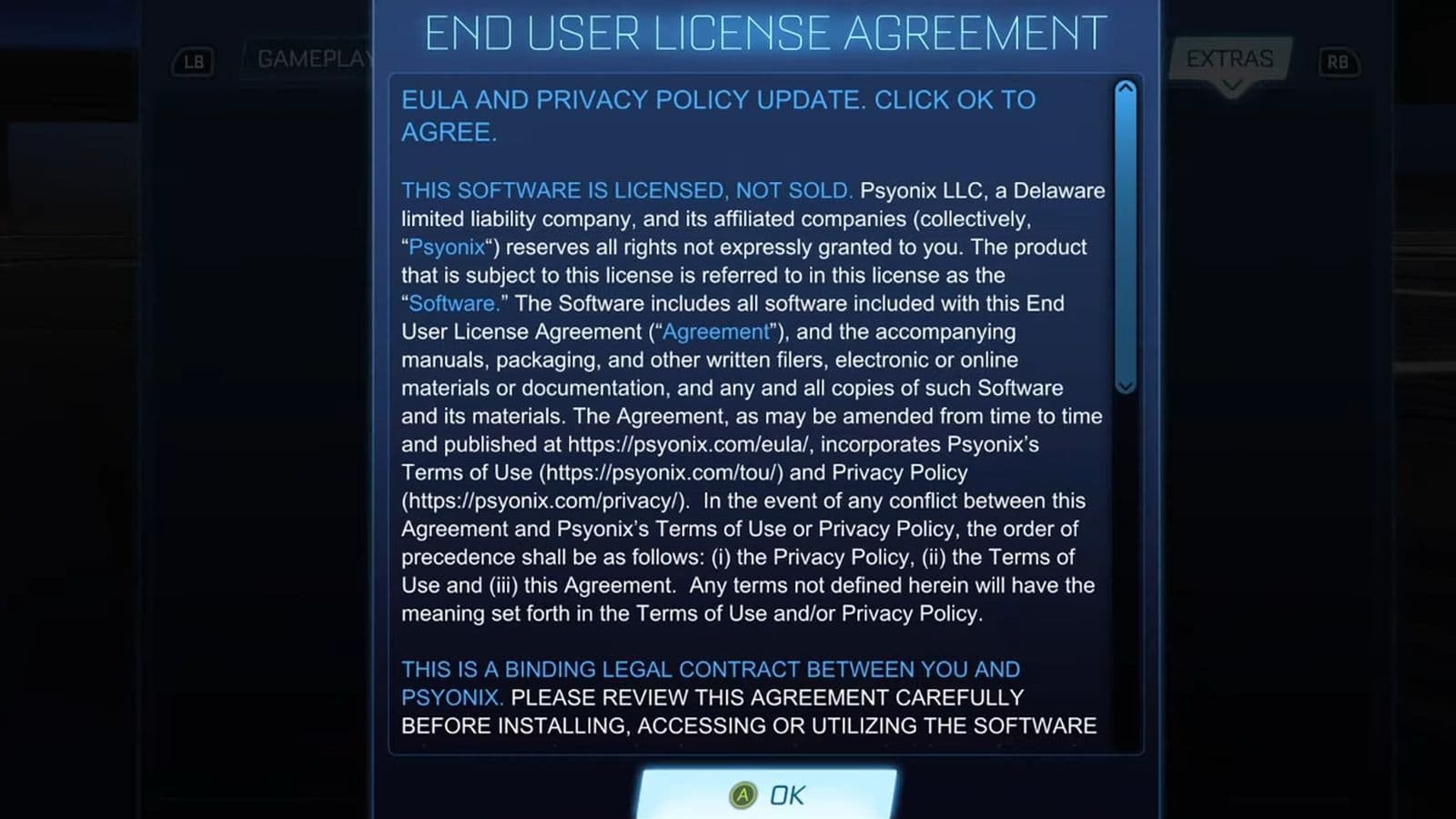
- Read and accept the End User License Agreement (EULA): The EULA will appear on your screen. Read through it to understand the terms. After reading, click OK or a similar button to accept the EULA
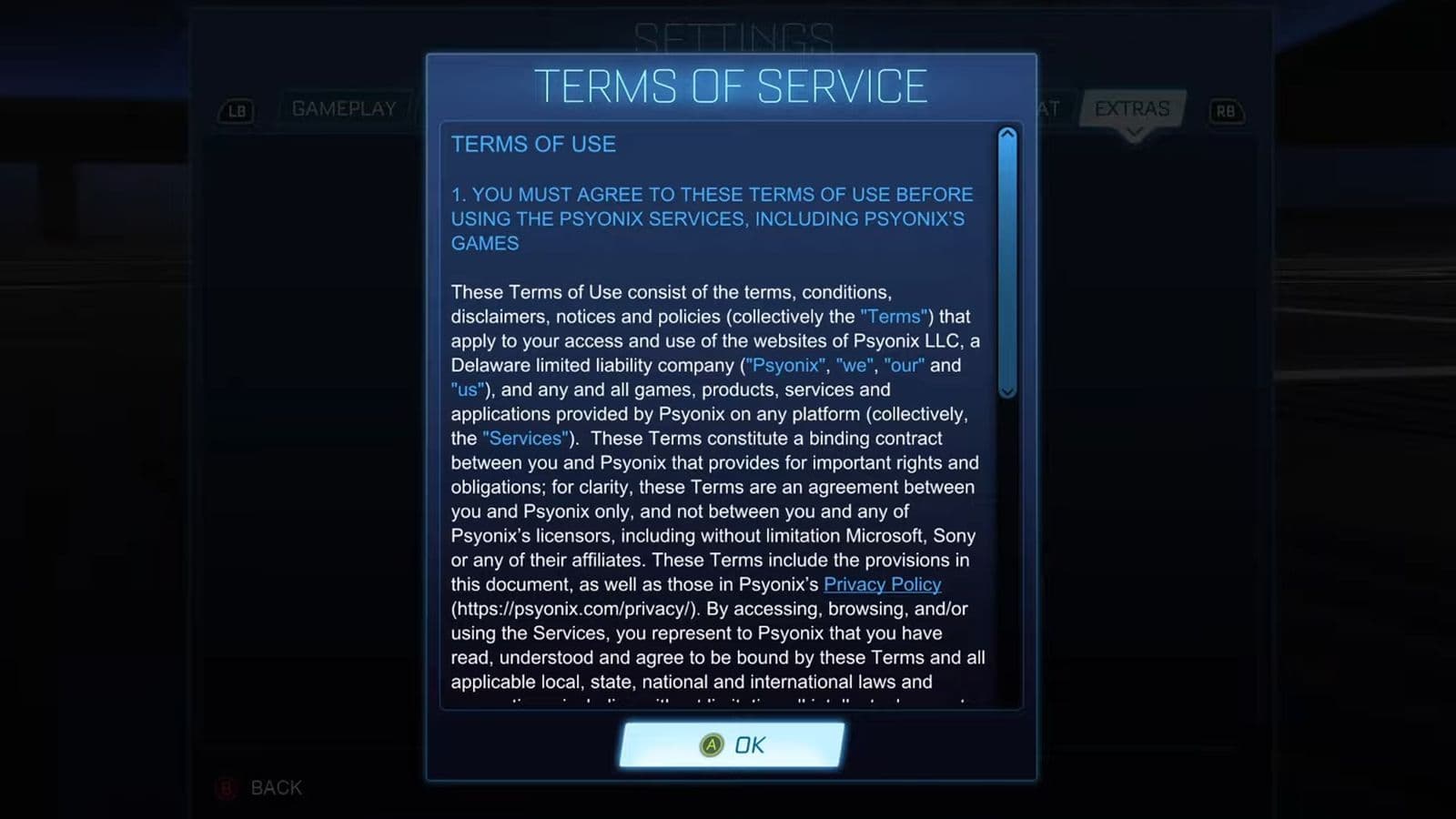
- Read and accept the Terms of Service: Next, you’ll see the Terms of Service. Read these terms carefully. Click OK to accept the Terms of Service.
- Read and accept the Privacy Policy: Finally, review the Privacy Policy, which explains how your data is used and protected. Click OK to accept the Privacy Policy.
- Confirmation: After accepting all the documents, you should see a message confirming that you’ve agreed to the agreements.
You should now be able to play online without any issues related to the agreements.
Are Rocket League online features still not working?
If you still see a warning message or can’t play online:
- Check agreements again: Make sure you’ve accepted each document completely. Sometimes missing a step can cause problems.
- Clear save data: If problems continue, try clearing your save data. This can help fix issues with outdated or corrupt data.
- Deleting Save Data on Xbox:
- Select Rocket League and press the Menu button.
- Choose "Manage game and add-ons."
- Select "Saved Data."
- Pick the user profile with the issue.
- Click "Delete Everywhere."
- Deleting Save Data on Xbox:
- Deleting Save Data on Nintendo Switch:
- Go to System Settings > Data Management > Delete Save Data.
- Select Rocket League.
- Choose the user profile with the issue.
- Delete Save Data.
- Deleting Save Data on PS4/PS5:
- Go to Settings > Application Saved Data Management.
- Select Console Storage > Delete.
- Choose Rocket League.
- Click "Delete" and confirm by selecting "OK."
- Clearing Console Cache:
- Turn off your console using the controller or the Power button.
- Unplug the power cable from the back.
- Wait at least two minutes.
- Plug the cable back in.
- Turn your console back on.
- Restart your console or PC: Sometimes restarting your device can help. Unplug the power cable, wait a couple of minutes, plug it back in, and then restart your console or PC.
By following these simple steps, you should be able to accept the agreements and enjoy Rocket League online.
Now you know how to accept license agreement in Rocket League, but there’s still plenty more to explore, including but not limited to:
FAQs
Is it safe to accept the EULA?
Yes, it's safe. The EULA (End User License Agreement) is a standard legal agreement that outlines your rights and responsibilities when using Rocket League. Accepting it is required to play the game and does not pose any security risk.
Is the EULA necessary?
Absolutely. You must accept the EULA to access Rocket League's online features. Without accepting it, you won't be able to play online matches or use many core features.
How do I accept the EULA?
The EULA prompt appears the first time you launch Rocket League. If you missed it or need to accept it again:
- Go to the Main Menu
- Navigate to Settings > Extras > Legal Agreements
- Open the EULA, scroll to the bottom, and select Accept
Guide Categories
All Related Guides
 How to change MPH to KPH in Rocket LeagueLearn how to change MPH to KPH in Rocket League through the Metric setting, switch back to MPH, and learn what...
 How to rank up in Rocket League and what is a good rank?Trying to climb in Rocket League? Learn how ranking works, which skills matter most, and how to make steady pr...
 How to get the JUNKO title in Rocket LeagueTrying to get the Junko title in Rocket League? Here is how the title works, who can earn it, and where BALRIG...
 How to get Rocket League on mobileFind out how to play Rocket League on mobile, where to download Rocket League Sideswipe, and whether it suppor...
 Did Rocket League get stuck on “Press any button to start”? Here is how to fix it on PCRocket League stuck on press any button to start? Try these PC fixes for cache, files, login issues, controlle...
 Rocket League codes (July 2026): All active redeem codes & free rewardsLooking for Rocket League codes? Redeem all active Rocket League redeem codes to unlock free Player Titles, th...
 How to get Jynxzi Rocket League skin & moreLearn how to get the Jynxzi Rocket League decal, title, and exclusive rewards through the Season 23 community ...
 How to fix latency variation in Rocket LeagueLearn how to fix Rocket League latency variation with Ethernet, CSTS input buffer, correct server region, and ...
- 1
- 2
- 3
- 4
- 5
- 6
- 7
- 8
- 9