How to use smokes in CS2 and practice to get better
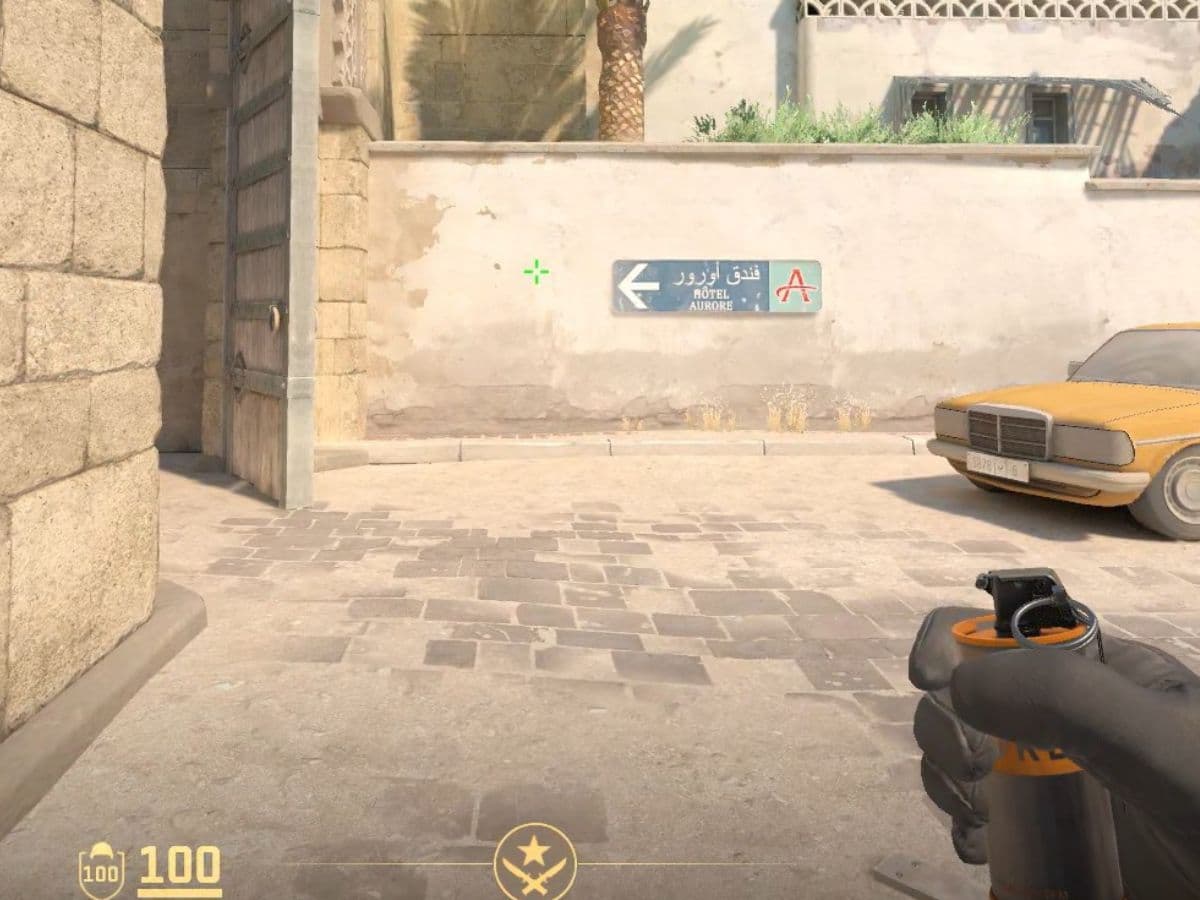
Smokes and utilities are more important than many people think. You might set your whole round strategy on them, or use them to get the upper hand in certain scenarios. A good smoke can block an AWPer, cut a bombsite in half, delay a push, or buy your team a few seconds to rotate. In short, it helps you control space without firing a shot and in this guide, we are going to explain to you how to use smokes in CS2, useful commands, and how to get better at using them!
How to use a smoke in CS2
A smoke grenade creates a thick cloud that blocks vision. Teams use it to cross open areas, deny enemy sightlines, slow down an attack, or make site takes safer. In CS2, smoke spreads through space more naturally, so it can fill narrow paths and corners better than before.
Buying and using one is simple:
- Open the buy menu at the start of the round.
- Buy a smoke grenade for $300.
- Equip the smoke grenade.
- Aim where you want it to land.
- Throw it with your normal grenade input.
You do not need advanced lineups to start using smokes. Even a basic smoke can help if it blocks a dangerous angle. At beginner level, the most important habit is simple: know why you are throwing it before you throw it.
Can you have two smokes in CS2?
In normal competitive play, you should think of smoke grenades as a one-smoke utility slot. A player can carry several grenade types, but only one smoke at a time in standard loadout use. Teammates can also drop smoke grenades to each other.
How long does a smoke last?
As for duration, a smoke in CS2 gives you about 15 seconds of strong cover, while the full effect, including the fade, lasts about 18 seconds. That timing matters a lot. If you smoke too early, the enemy can simply wait it out. If you smoke too late, you may already lose control of the angle.
A simple rule helps here:
- Use early smokes to stop fast pressure
- Use execute smokes right before your team moves
- Do not waste a smoke when you cannot follow it with action
Best ways to use smokes in CS2 matches
Not every smoke needs to be a perfect lineup. In real matches, simple and useful smokes often matter more than flashy ones.
Here are some of the best ways to use them:
- Block sniper angles: Smoke common AWP positions before crossing
- Split a bombsite: Cut vision between defenders so you fight fewer angles at once
- Delay pushes: Throw a smoke at a choke point to slow the enemy team down
- Help with defuses or retakes: A smoke can cover the bomb or isolate part of the site
- Fake pressure: A well-placed smoke can make the enemy think a hit is coming
The best smoke is the one that gives your team a clear next move. Smoke, then cross. Smoke, then plant. Smoke, then retake. Do not throw it just because you have it.
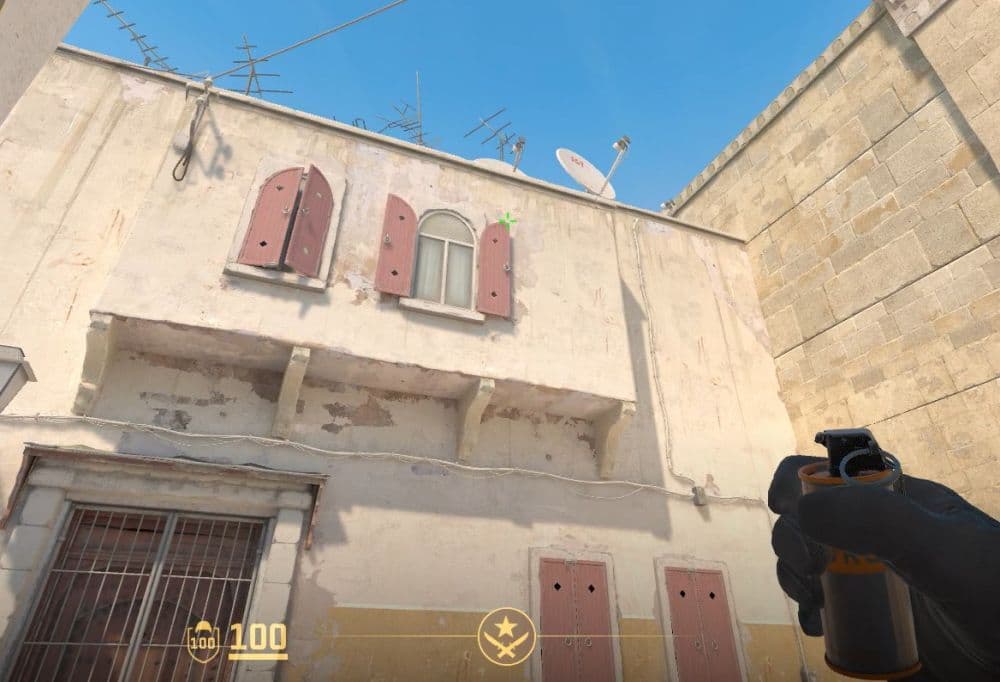
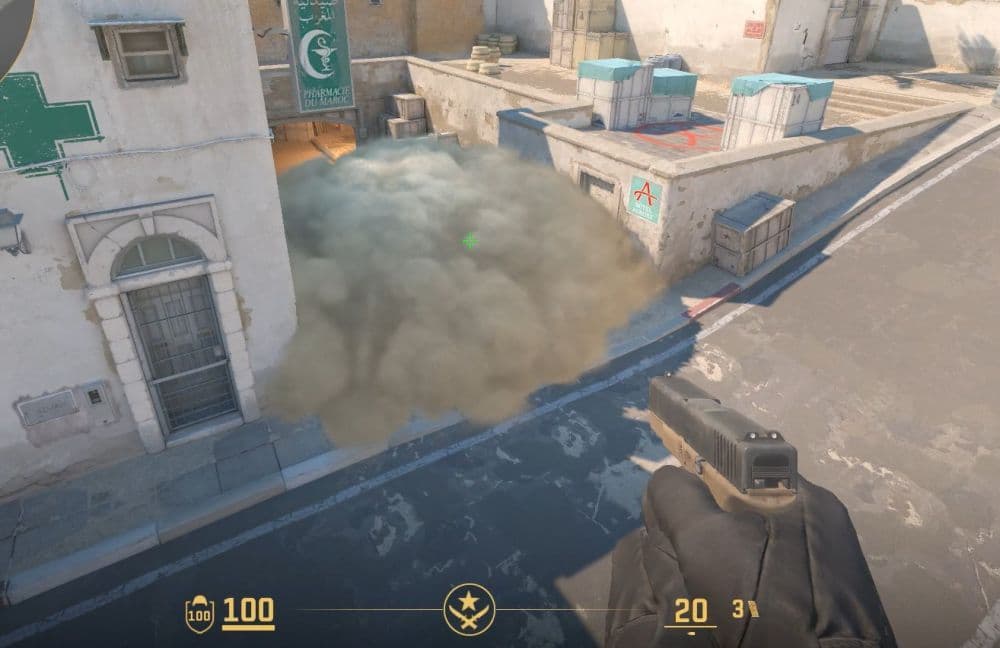
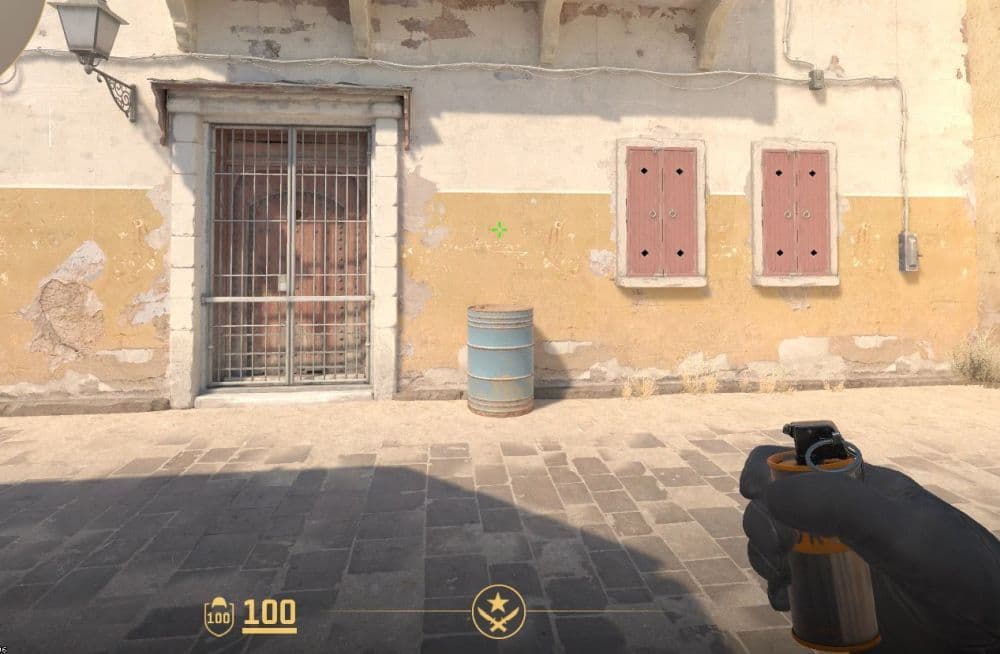
You can use certain smokes at the beginning or during rounds to close some angles or entrances, here is a Dust 2 A Long CT smoke from T base (Image Credit: THESPIKEGG)
What are some useful smoke commands in CS2?
If you want to learn smokes fast, practice commands help a lot. They make it easier to repeat throws, test angles, and stay on the server as long as you need. Practice guides for CS2 commonly recommend using Practice mode with built-in tools such as Grenade Camera, Infinite Ammo, and Infinite Warmup, then adding console commands for a better setup.
Some useful smoke commands include:
- sv_cheats 1
- bot_kick
- mp_buy_anywhere 1
- mp_buytime 9999
- sv_infinite_ammo 1
- ammo_grenade_limit_total 5
- sv_grenade_trajectory_prac_pipreview true
- mp_roundtime 60
- mp_roundtime_defuse 60
- mp_warmup_end
These commands let you buy utility anywhere, throw grenades again and again, and see how your smoke travels. That saves time and makes lineup practice much easier.
How to practice smokes in CS2
Learning one good smoke is better than half-learning ten. Practice works best when you repeat the same throw until it feels automatic.
Use workshop maps
Workshop and training maps help you learn faster because they give you clear positions and common lineup spots. They are useful when you want to focus on one map at a time and build a small smoke pool for ranked games. Practice resources around CS2 also point players toward map-specific grenade training setups.
Check out the guide on how to run custom maps in CS2!
Watch YouTube videos
YouTube helps because you can copy exact positioning, crosshair placement, and timing from better players. Search by map name and side, such as Mirage T smokes or Inferno CT smokes. For example, check the video below to learn some of the important smokes in CS2:
Start with the most useful smokes
Do not begin with rare trick smokes. Start with the ones you will use often:
- Site execute smokes
- Mid control smokes
- Cross smokes
- Retake and defuse smokes
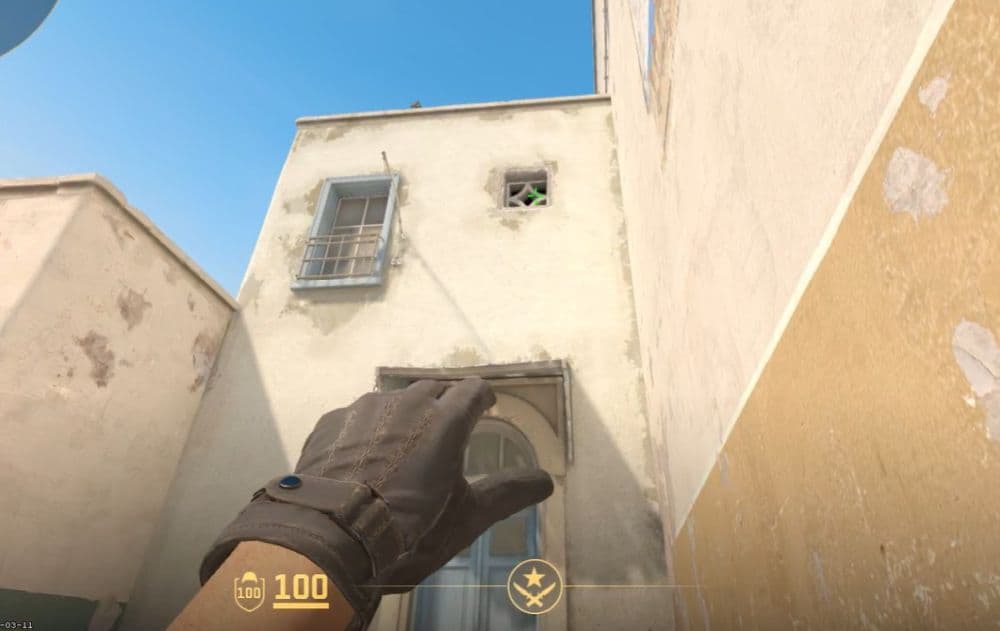
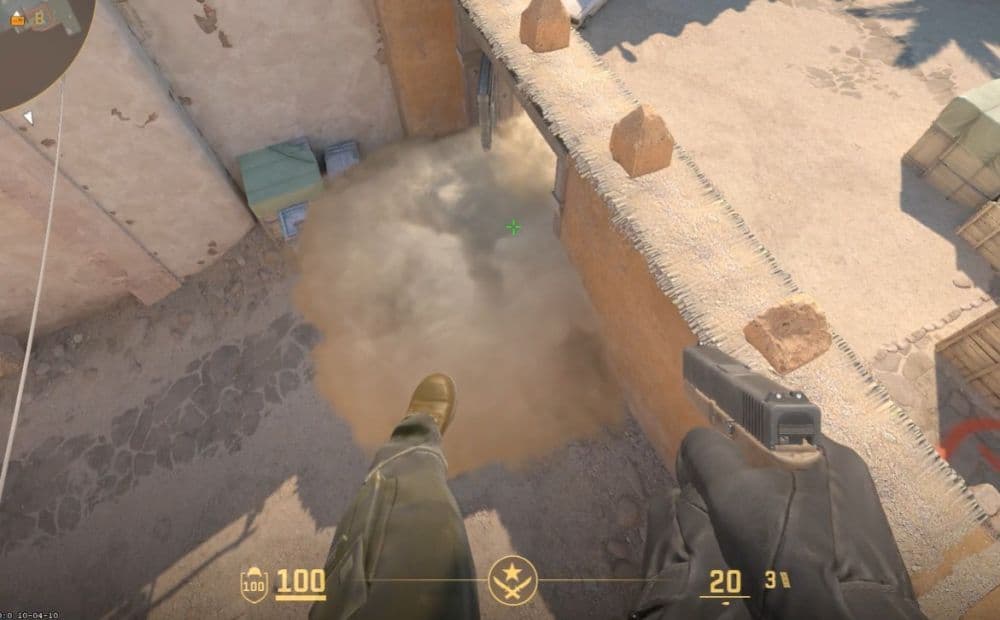
Here is another smoke that you can use in Dust 2, throw it from T base to close the B entrance (Image Credit: THESPIKEGG)
Repeat from the same position
Stand in the same place each time. Aim at the same visual mark. Throw the same way. Then check the result. Consistency matters more than speed when you are learning.
Practice with purpose
Pick one map. Learn two or three strong smokes. Use them in matches. Then come back and add more. That is the fastest way to improve without getting overwhelmed.
We have more CS2 guides waiting for you below:
- Everything about CS2 workshop map 1v1 commands
- Best CS2 aim training maps that can really improve your skills
- CS2 jumpthrow bind
- All CS2 roles and positions: How to play and improve each
- Explained: Best CS2 surf servers & maps
Featured Image Credit: THESPIKEGG