How to get your free Fortnite Bonesy Sidekick: Release date & more
Fortnite’s Bonesy is back in style!
The Fortnite Bonesy Sidekick is one of the most exciting new additions to the game’s Sidekick system. Players who remember Bonesy from earlier Fortnite seasons will be thrilled to see him return, this time not just as a Back Bling, but as a living, animated companion who follows you into battle.

This guide explains everything you need to know about the Fortnite Bonesy Sidekick, how to unlock him, customize his appearance, understand his permanent traits, get him on release day, and get the most out of your furry friend.
What is the Fortnite Bonesy Sidekick?
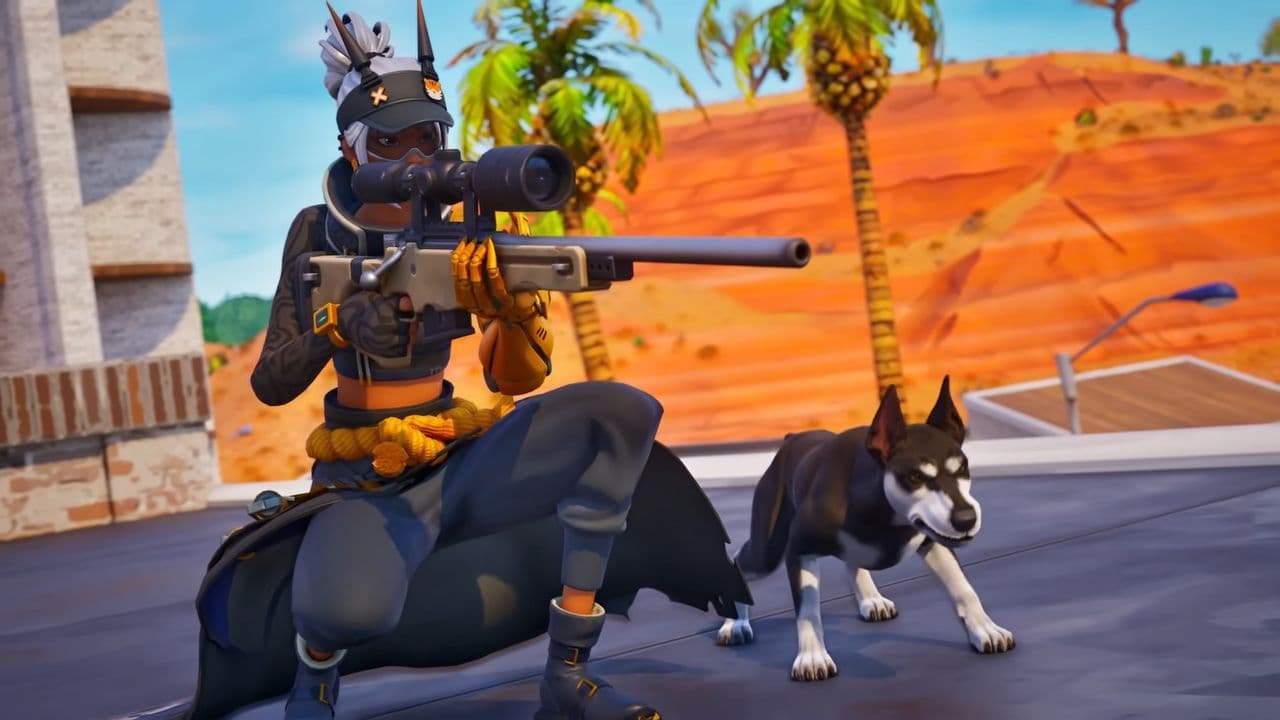
The Fortnite Bonesy Sidekick is a loyal, cosmetic companion that joins your character during matches. He’s part of Fortnite’s new Sidekick feature, where players can have a small animated pet that walks beside them, reacts to their actions, and adds personality to the game.
Unlike Back Bling from older seasons, the new Sidekicks are fully animated. They respond to gameplay moments like dancing, jumping, or celebrating a win. Bonesy, in particular, is a fan-favorite because of his friendly look and nostalgic link to Chapter 1 Season 6.
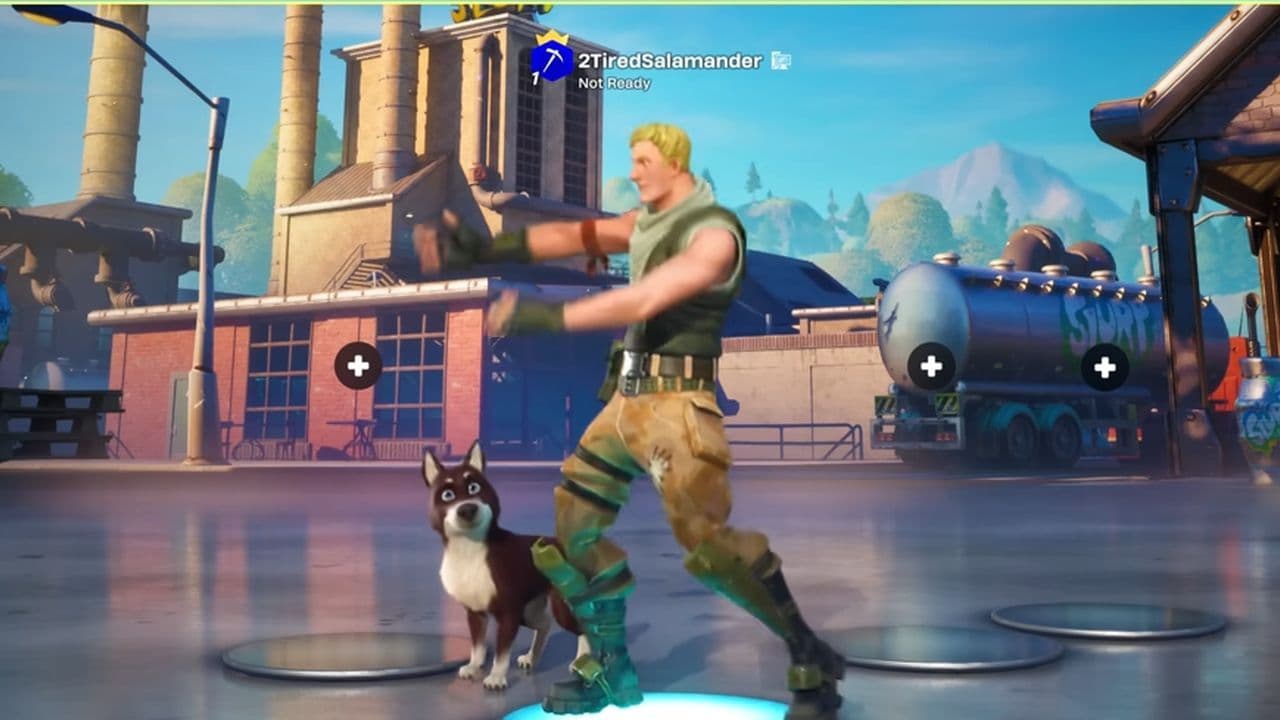
However, it’s important to remember that Sidekicks don’t affect gameplay. They are purely cosmetic.
Fortnite Bonesy Sidekick release date
The Sidekick system launches on November 1, 2025, when the first Sidekick becomes available via the Battle Pass. Bonesy and other Sidekicks will hit the Item Shop and unlock path on November 7, 2025.
How to get Bonesy Sidekick in Fortnite
There are two main ways to get Bonesy as a Sidekick:
- Automatic unlock for owners of Bonesy Back Bling: If you already own the original Bonesy Back Bling from earlier seasons, you’ll receive the Fortnite Bonesy Sidekick for free when the Sidekicks arrive on November 7.
- Item Shop Purchase: If you don’t have the Back Bling, you will be able to purchase Bonesy from the Item Shop after November 7. Once purchased, you can customise and equip him.
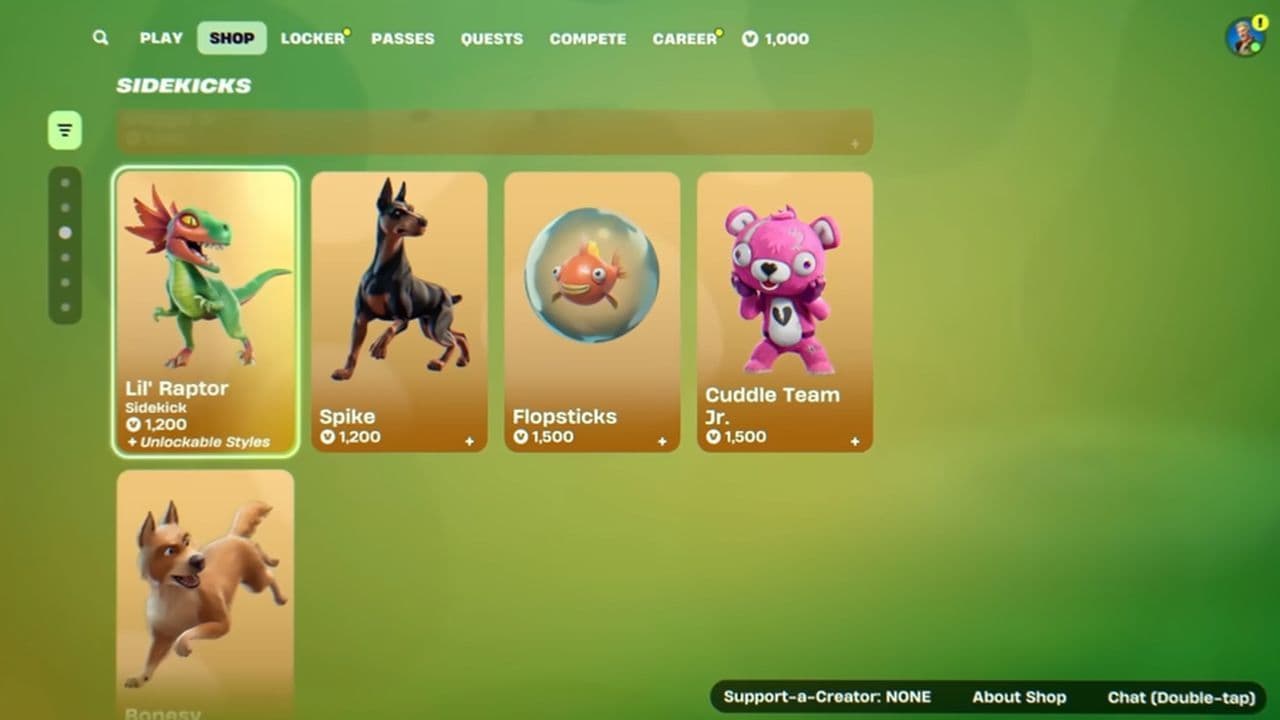
Once Bonesy is in your Locker, you’re ready to begin his customisation and use.
How to customize your Fortnite Bonesy Sidekick
Customising your Bonesy Sidekick is straightforward, but keep in mind: some traits are permanent.
- Go to your Locker, open the Sidekicks tab, and choose Bonesy.
- Pick his physical traits (body type, fur/skin, ears/horns, colour). These traits are locked in once you confirm them; you cannot change them later.
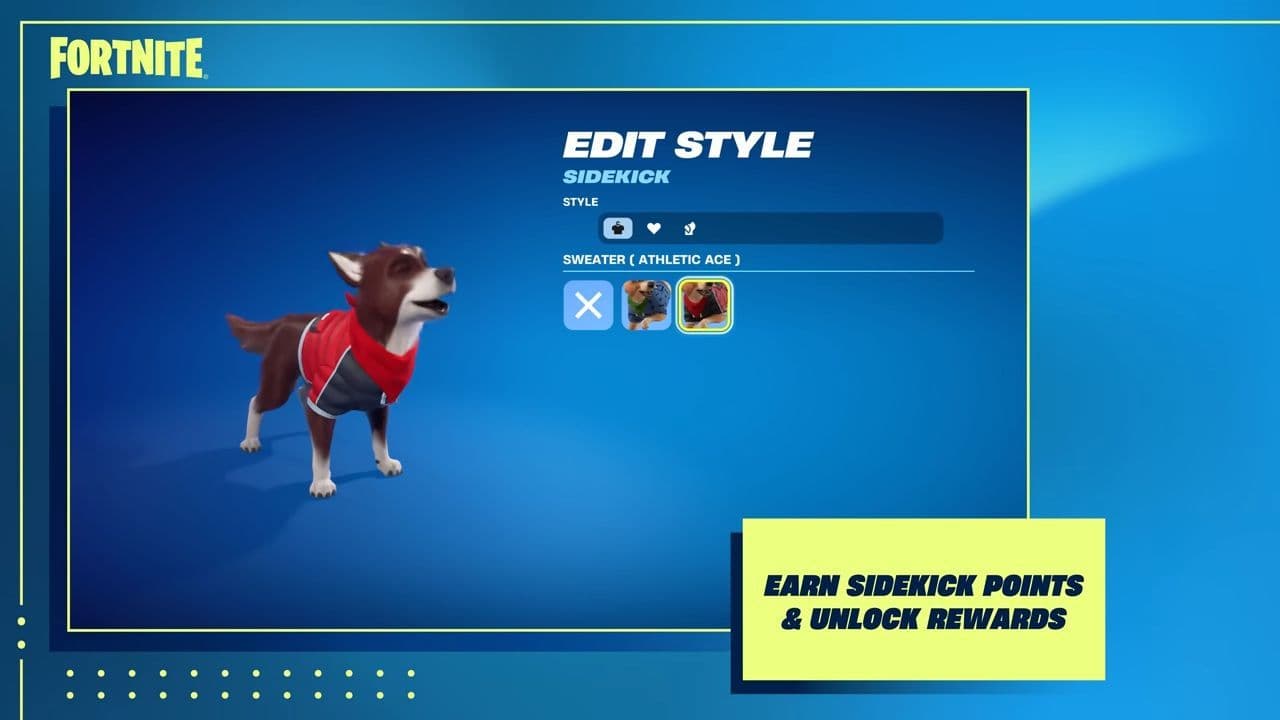
- Add accessories like hats, hoodies, and other items. These can be changed anytime and are unlocked via Sidekick Points.
- Name your Fortnite Sidekick, either type your own or use the randomiser. You can rename later if you want.
- Save your customisation. Bonesy will now appear beside your character in supported Fortnite modes.
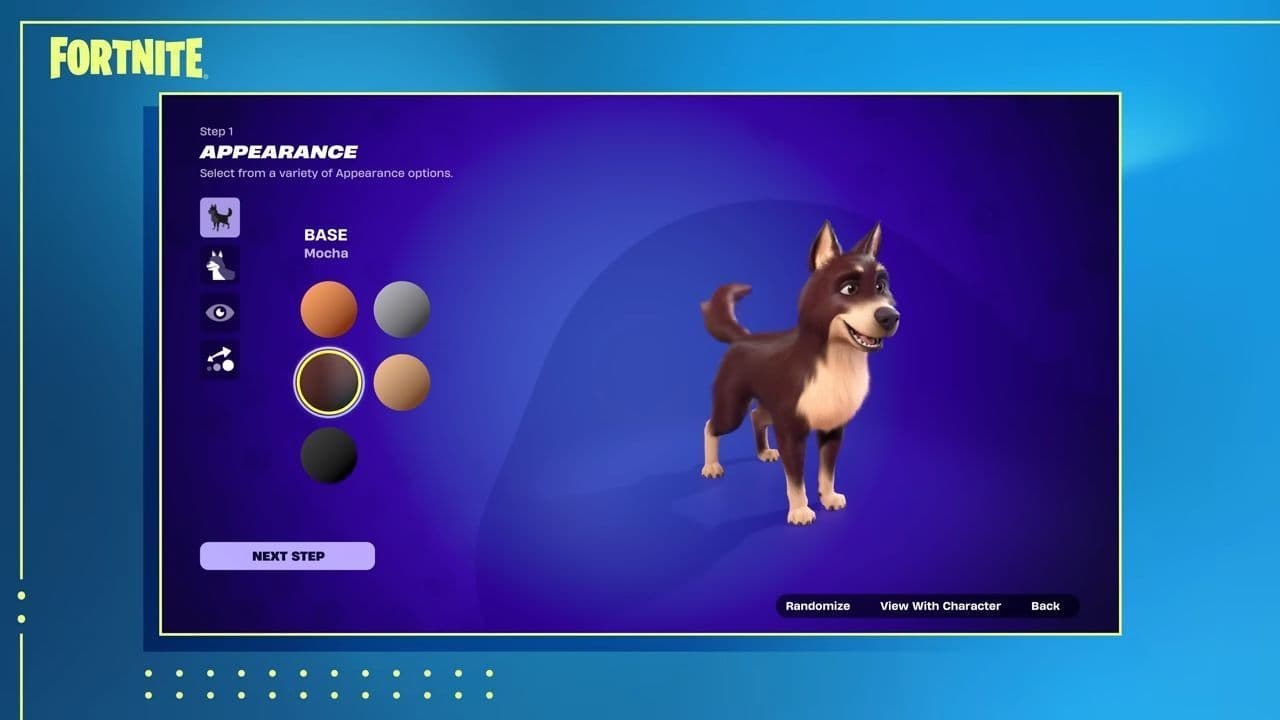
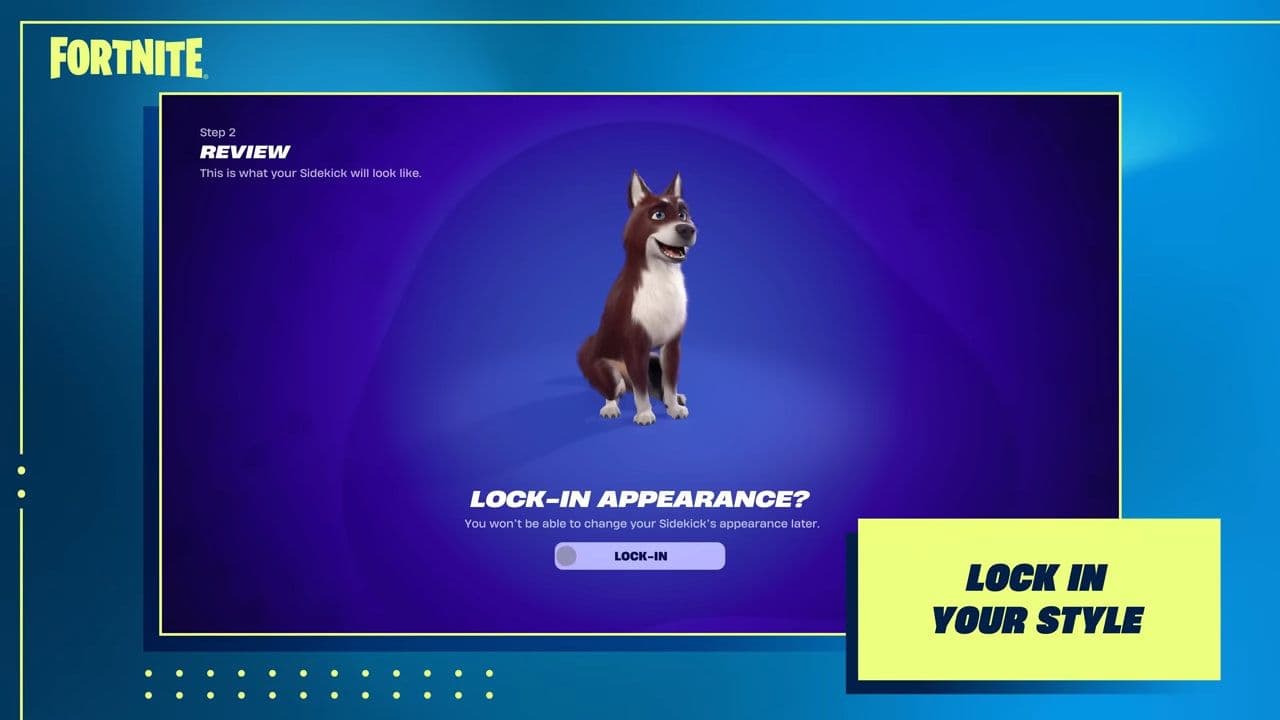
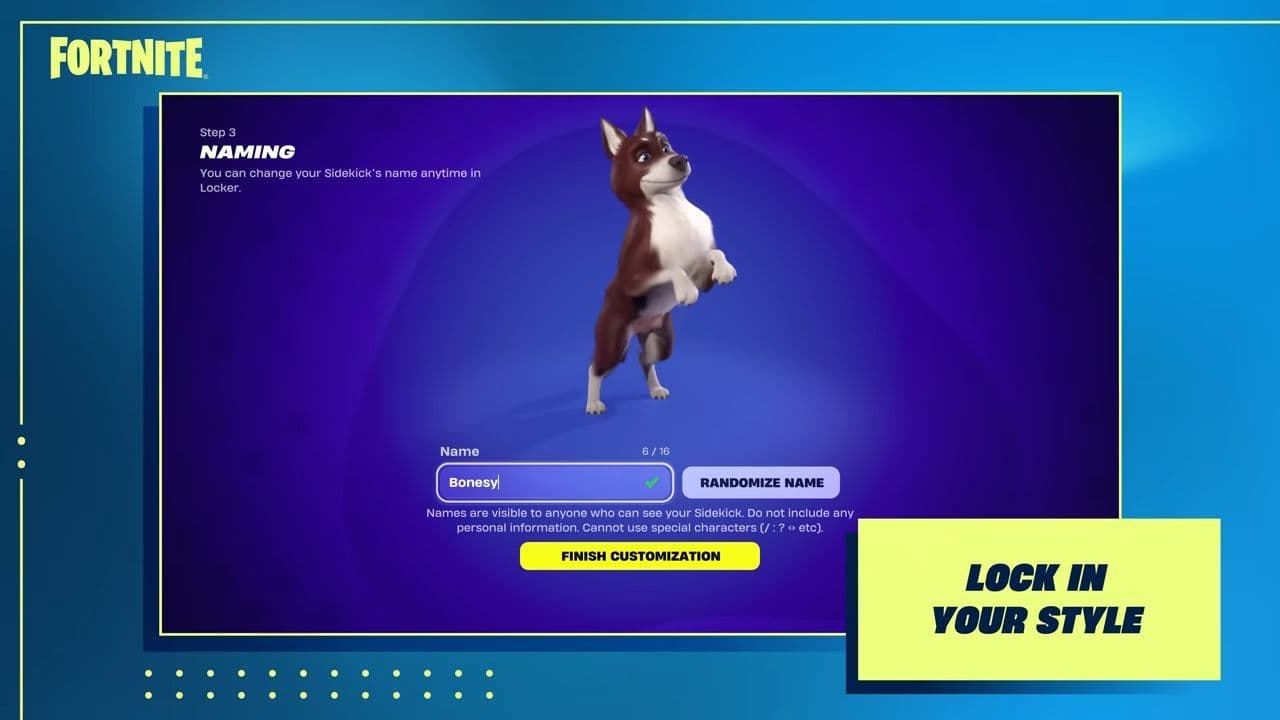
The base appearance (fur type, body style, colour palette) is permanent for each copy of Bonesy. If you’d like a different look, you’ll need to purchase a new version and customise it from scratch. Accessories and names remain flexible, but the core design stays fixed once set.
Sidekick Points and rewards
By playing with Bonesy active, you’ll earn Sidekick Points. Use those points to unlock new accessories, outfits, and cosmetic upgrades for your Sidekick — keeping him fresh while his base design stays the same.
What are Fortnite Sidekicks?
Fortnite Sidekicks are customizable pet companions that follow you in matches. You can personalize their look and name, earn cosmetics as you play, and show off your style. They don’t change gameplay but add fun and personality. For full customization details, see our Fortnite Sidekicks guide.
That’s all for today! If you’re hungry for more Fortnite news, leaks, and guides, check out these must-reads next:
- How to get Art the Clown skin and cosmetics in Fortnite during Fortnitemares 2025
- Fortnite's Mystery Inc Bundle: A deep dive into the exclusive cosmetics
- What are Accolades in Fortnite and how to get them?
- Fortnitemares 2025: Skins, quests, new features, Twitch Drops & more
- Bart’s Treehouse Fortnite location: How to find it, what’s inside, and everything you need to know
All Related Guides
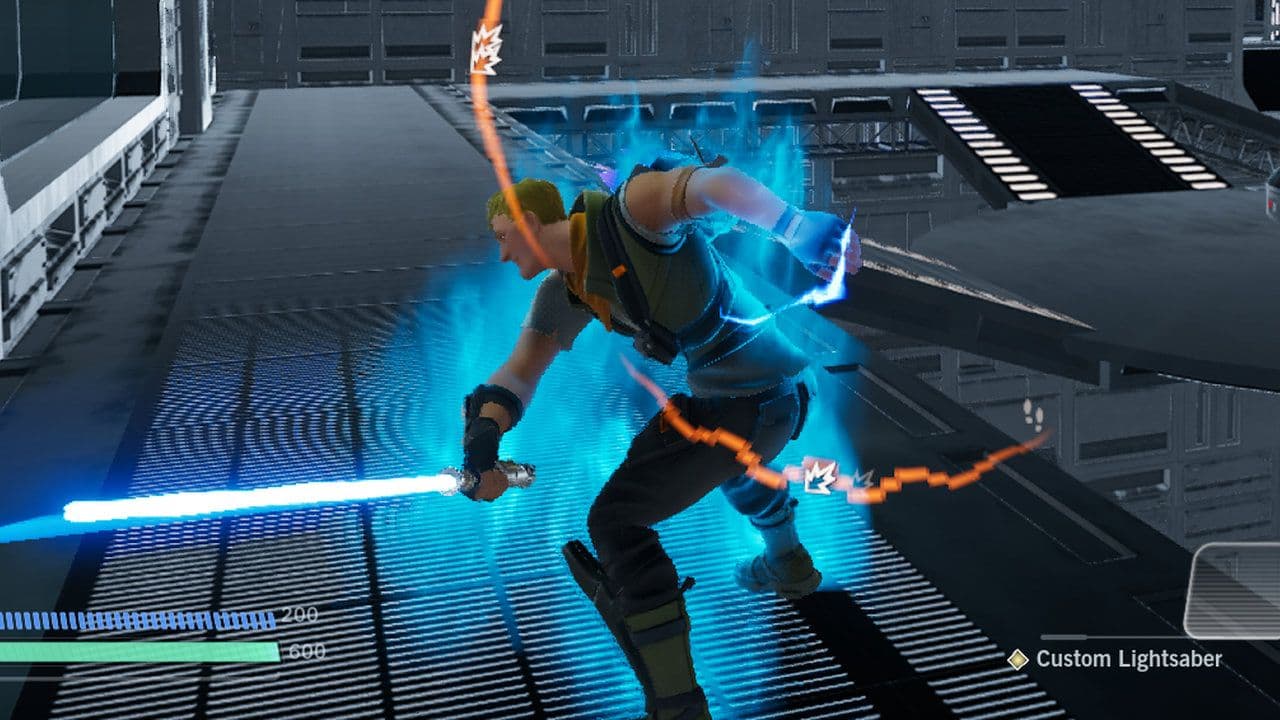 Fortnite Star Wars Frontlines guide: How to play & winFortnite Star Wars Frontlines guide: island code, objectives, classes, weapons, and the best strategies to win...
 All Garden vs. Brainrot codes in Fortnite: Updated listLooking for Fortnite Garden vs Brainrot codes? Get every working code, learn how to redeem them, and boost you...
 Latest Fortnite Steal the Brainrot codes (June 2026)Find all active Fortnite Steal the Brainrot codes to summon Brainrot Gods and boost rewards fast....
 What is FOV in Fortnite and how to change itFortnite FOV settings explained in simple terms. Learn how to change FOV and what it means for aim, comfort, a...
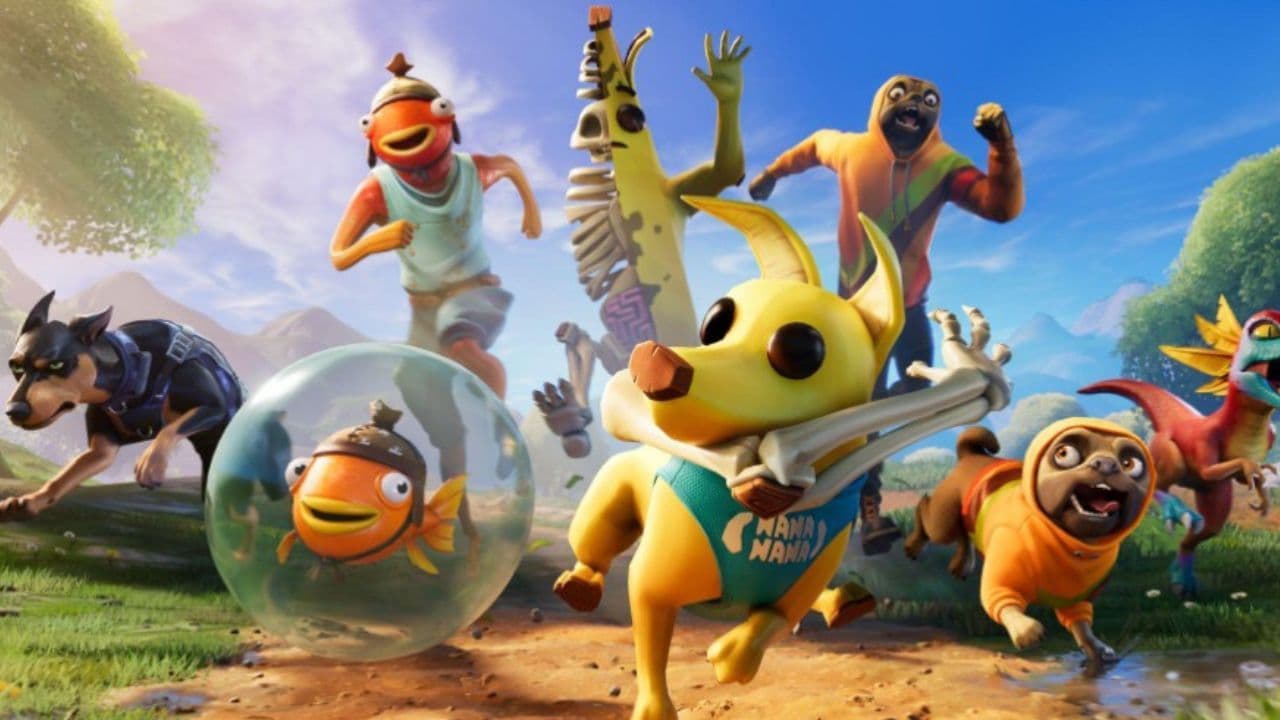 How to get sidekick points in Fortnite: Step-by-step explainedThis Fortnite guide explains how to earn Sidekick Points, track Sidekick quests, and use them for companion co...
 Fortnite Community Day: Date, Free rewards & how to unlock everythingFortnite Community Day guide: event date, free rewards, Community ‘Brella, gameplay modifiers, and Indigo Kuno...
 Fortnite Locker Value: How much have I spent on FortniteWant to check your Fortnite locker value? Here’s how cosmetics, rare skins, Battle Pass items, and V-Bucks aff...
 Fortnite App Store return confirmed worldwide except for one countryFortnite returns to the App Store worldwide as Epic Games continues its legal battle with Apple over fees and ...
- 1
- 2
- 3
- 4
- 5
- 6
- 7
- 8
- 9
- 10
- 11
- 12
- 13
- 14
- 15
- 16
- 17
- 18
- 19
- 20
- 21