Fortnite Sprite Garden guide: How to play, code & more
Build homes for your Sprites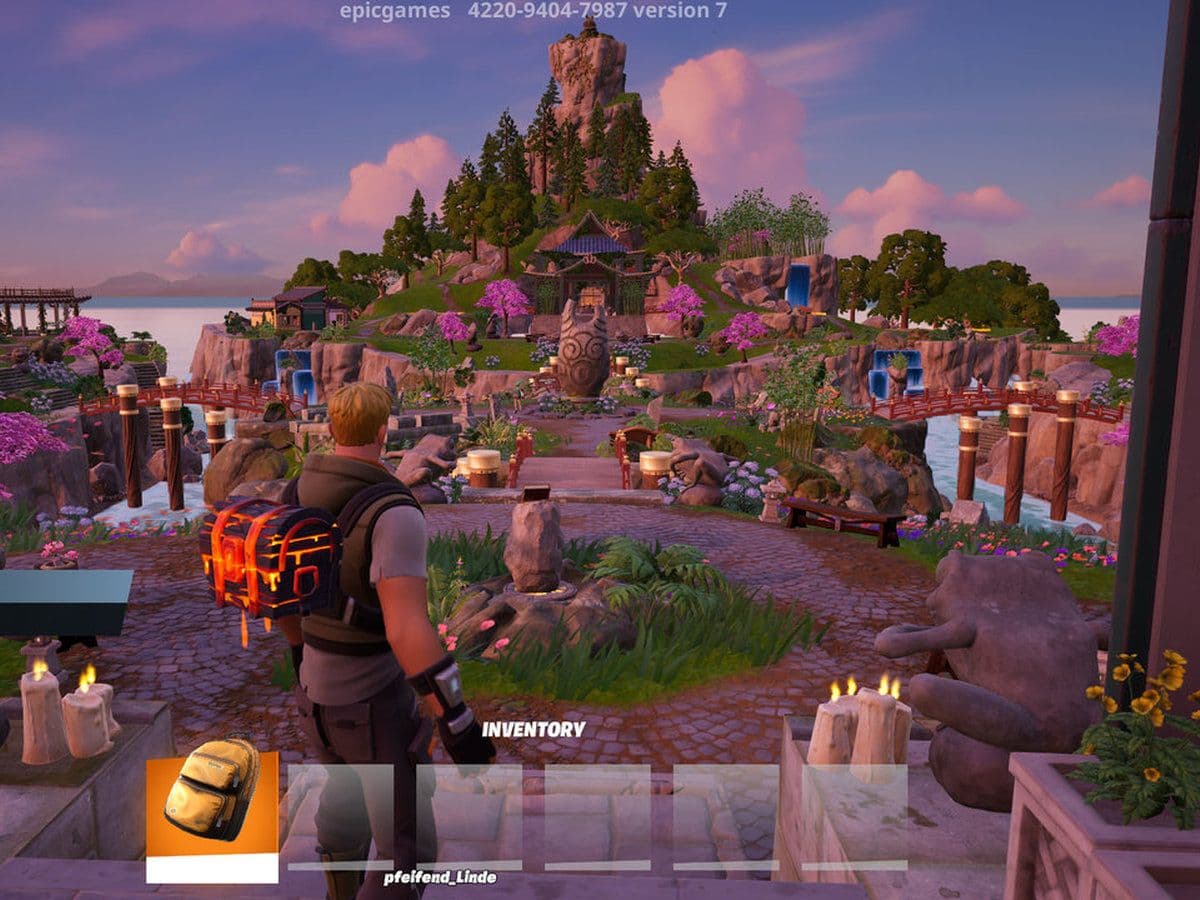
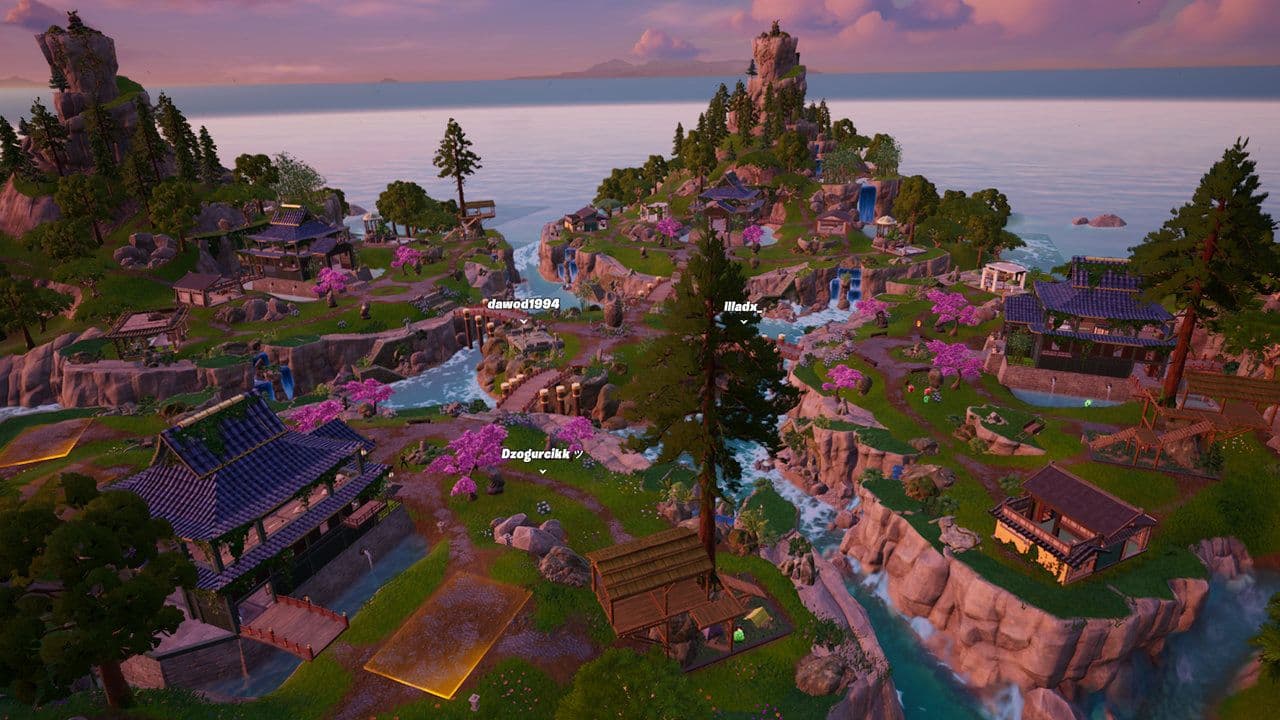
The Fortnite Sprite Garden is a social island where your entire Sprite collection has a permanent home. You can interact with and display your Sprites, build homes, and visit friends' gardens.
Your Season 3: Runners Sprites are preserved, while new Season 4: Override Sprites are automatically added as you collect them.
The Sprite Garden is live now with island code 4220-9404-7987.
Here's how to enter the Sprite Garden, build Sprite Homes, play with your collection, and visit friends.
What is the Sprite Garden in Fortnite?
The Sprite Garden is a dedicated Fortnite island built around your personal Sprite collection.
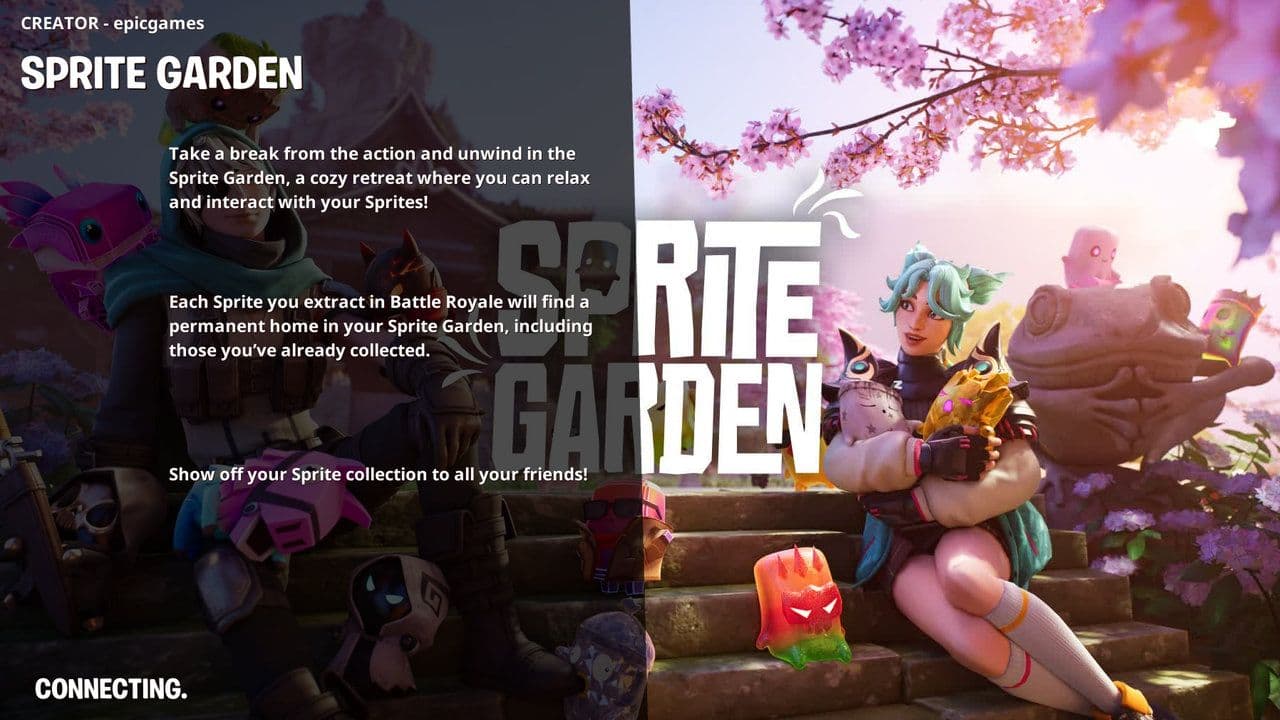
Epic describes it as an island getaway where you can play and pose with your Sprites, visit friends' garden sanctuaries, show off your collection, and watch your Garden grow as you collect more Sprites.
Unlike Battle Royale, the focus here isn't combat. Think of it as the permanent home for the collection side of Fortnite's Sprite system.
Your Garden brings together two generations:
Epic has specifically said that Sprites from previous generations may return later, potentially giving players another opportunity to add missing creatures to their Battle Royale roster.
How to enter the Fortnite Sprite Garden
The Sprite Garden isn't a POI on the Battle Royale map. It's a separate Fortnite island that you access through Discover.
The easiest way to enter is:
- Launch Fortnite.
- Open Discover/Search from the lobby.
- Search for Sprite Garden - 4220-9404-7987.
- Select the island created by epicgames.
- Choose Play.
- Enter the Garden and load your Sprite collection.
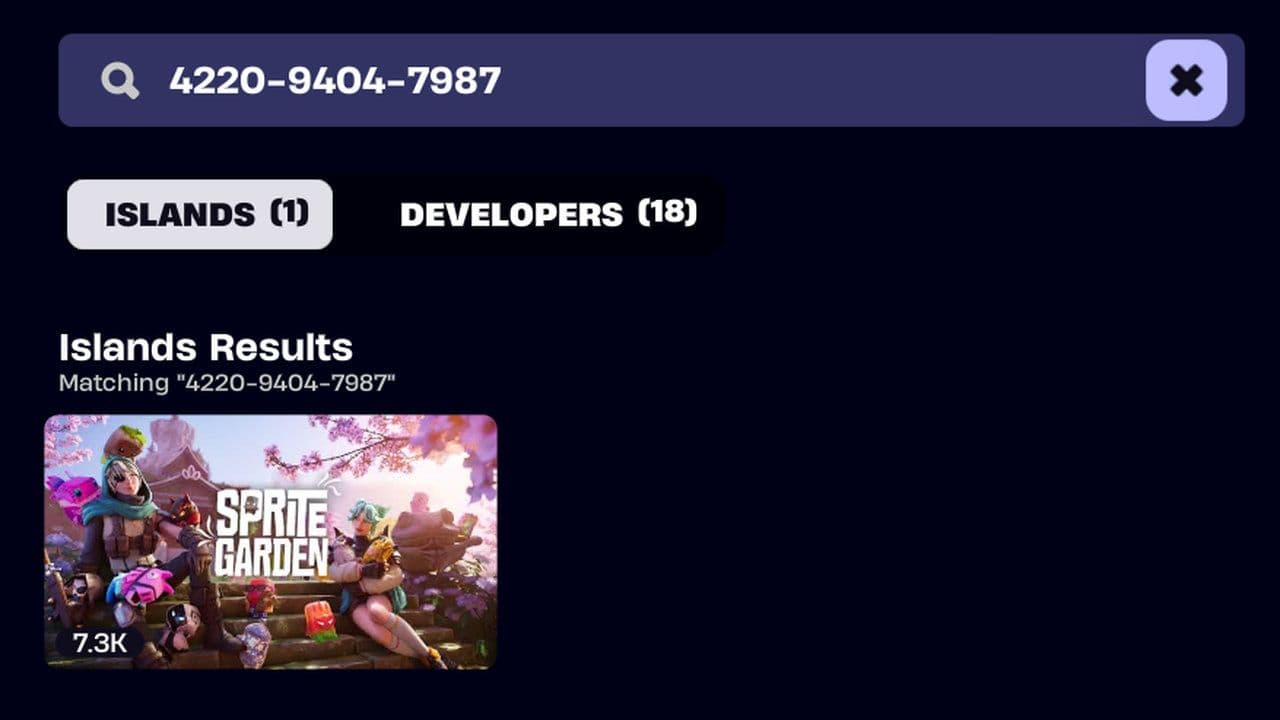
Because similarly named community islands can appear in Search, checking the creator before entering is a good idea.
How to add new Sprites to your Sprite Garden
You don't need to manually transfer Sprites. Season 4 Sprites are automatically added to your Garden as you collect them through Battle Royale. Once secured, return to the Sprite Garden to see your growing collection.
How does the Fortnite Sprite Garden work?
Your Garden grows with your Sprite collection. Season 3 Sprites remain available, while newly collected Season 4 Sprites are automatically added.
Find Sprite → Extract it → Add it to your collection → See it in your Garden
This means every successful extraction also helps expand your permanent Sprite Garden.
8 things you can do in the Sprite Garden
The Garden is more interactive than a collection menu.
You can:
- See your collected Sprites in a physical island environment.
- Interact and play with your Sprites instead of viewing them only as collection entries.
- Pose with Sprites for screenshots.
- Display your collection around the Garden.
- Build Sprite Homes around your island.
- Customize parts of your Garden.
- Visit friends' Sprite Gardens.
- Invite friends to see your collection.
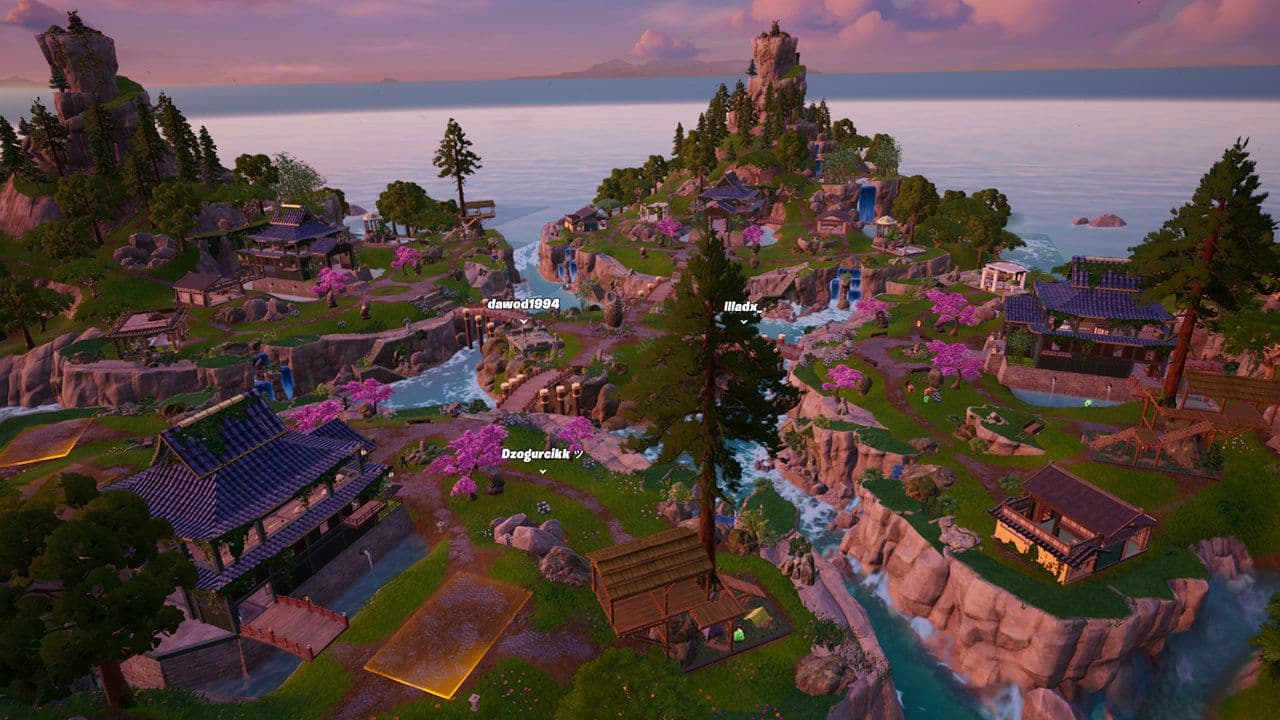
Epic's official listing specifically describes playing and posing with Sprites, visiting friends' sanctuaries, and watching the Garden grow as new Sprites are collected.
This makes the mode more like a collection showcase/social space than another competitive Fortnite experience.
How to build in the Fortnite Sprite Garden
When you first enter, Jade acts as your guide and introduces the Garden's basic systems.
The Garden contains designated building sites where you can create homes for your Sprites. Current live-game guides describe the initial process as:
- Enter your personal Sprite Garden.
- Follow Jade's introductory tutorial.
- Locate an available Building Site.
- Interact with the site.
- Choose and place a Sprite Home.
- Use the associated building area to improve the structure.
- Add furniture and continue developing your Garden.
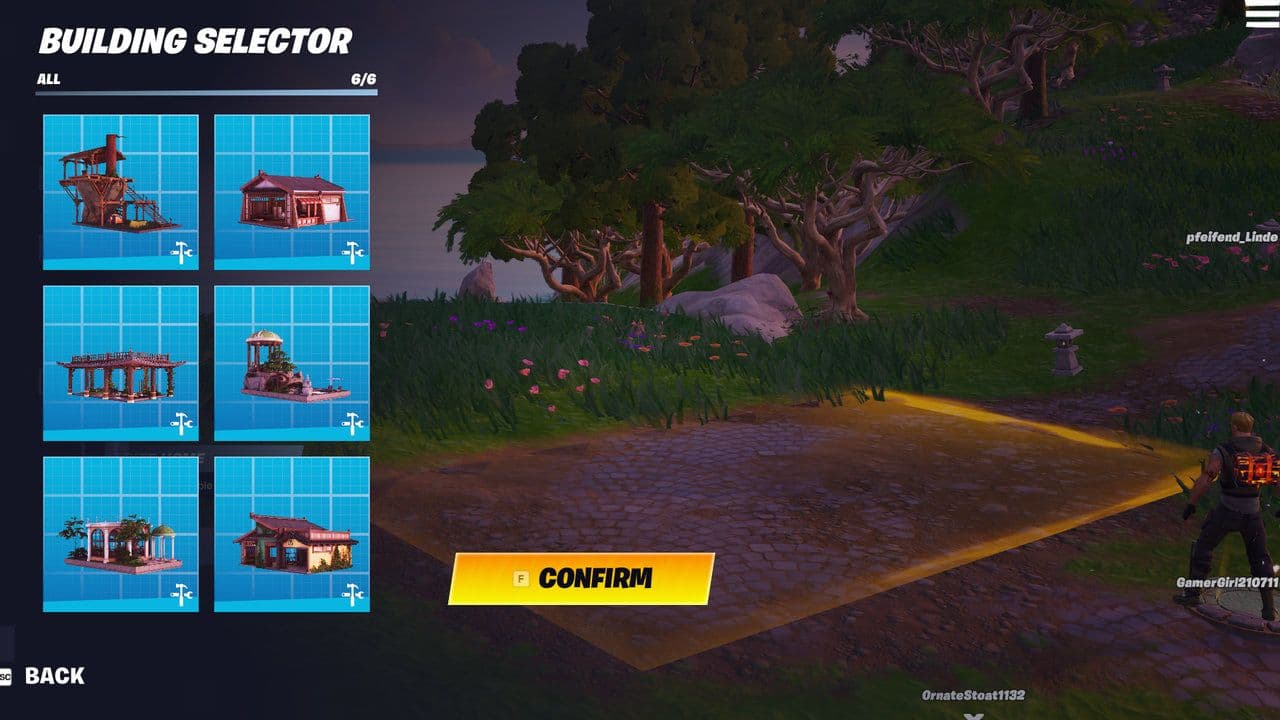
Current versions of the island allow multiple Sprite Homes to be placed around your personal space.
Don't expect Fortnite's normal Battle Royale building system, though. The Garden uses its own designated customization and construction mechanics rather than giving you unlimited walls, ramps, floors, and cones.
Can you change Sprite Garden buildings?
Yes. A recent August 26 update added more control over Sprite Garden buildings, with players reporting options to rotate, remove, or swap previously placed structures. Since Epic says the Garden will continue evolving, expect its building and customization features to expand over time.
Can you interact with your Sprites?
Yes. That's one of the main reasons the Sprite Garden exists.
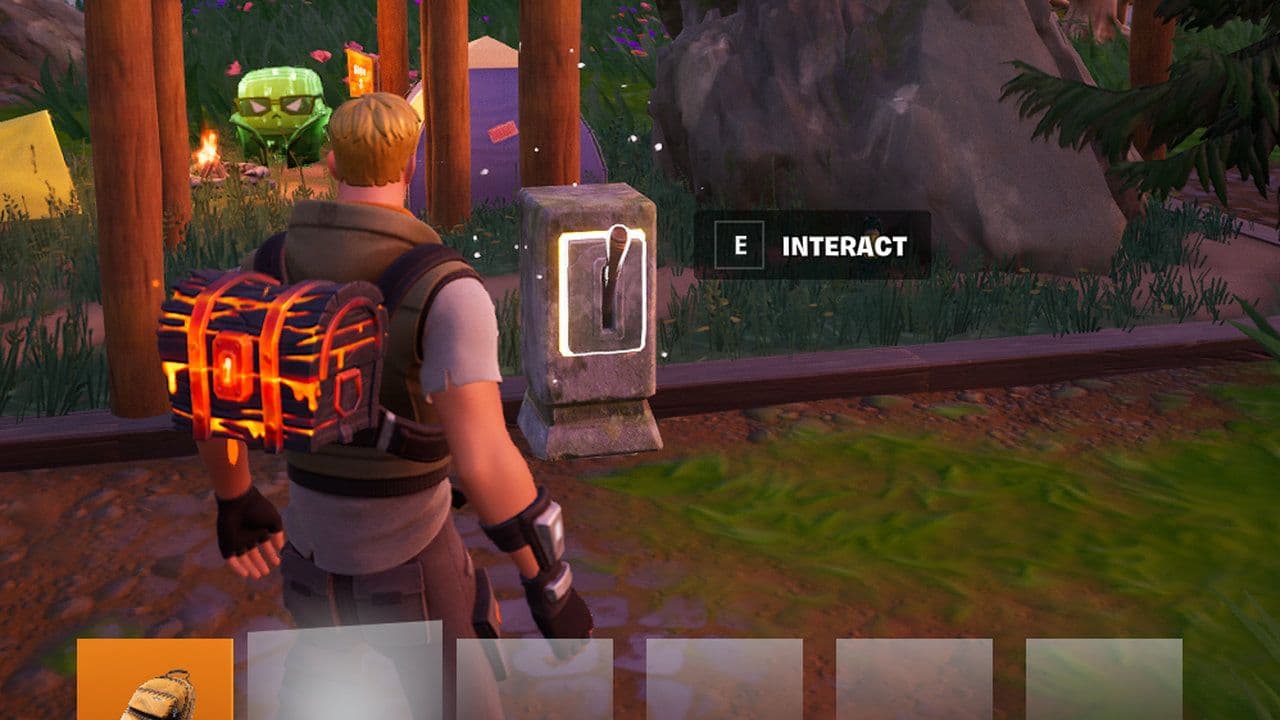
Epic lets you play and pose with your collected Sprites inside the Garden.
It's also a great place to display rare variants and take screenshots of your collection instead of only viewing them through a menu.
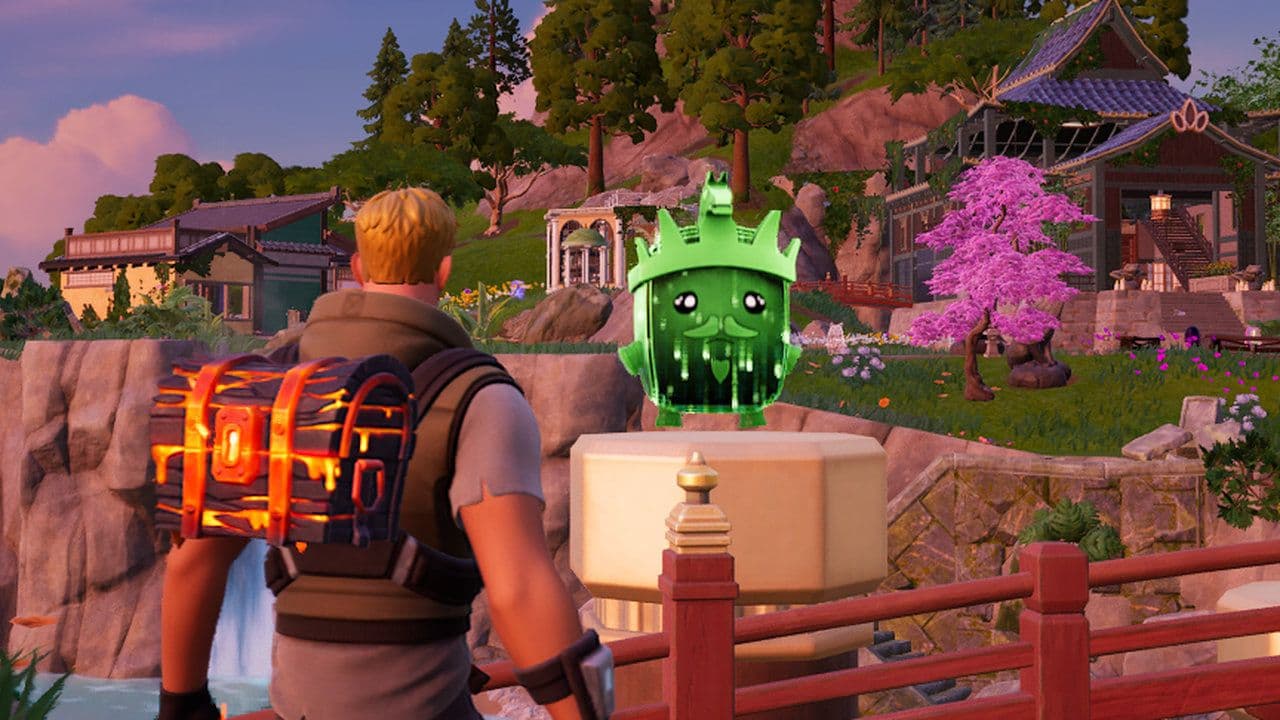
Can you visit friends' Sprite Gardens?
Yes. The Sprite Garden is a social experience where you can visit friends' gardens and show off your collections. The island supports up to four players, making it easy to display rare Sprites and explore each other's gardens together.
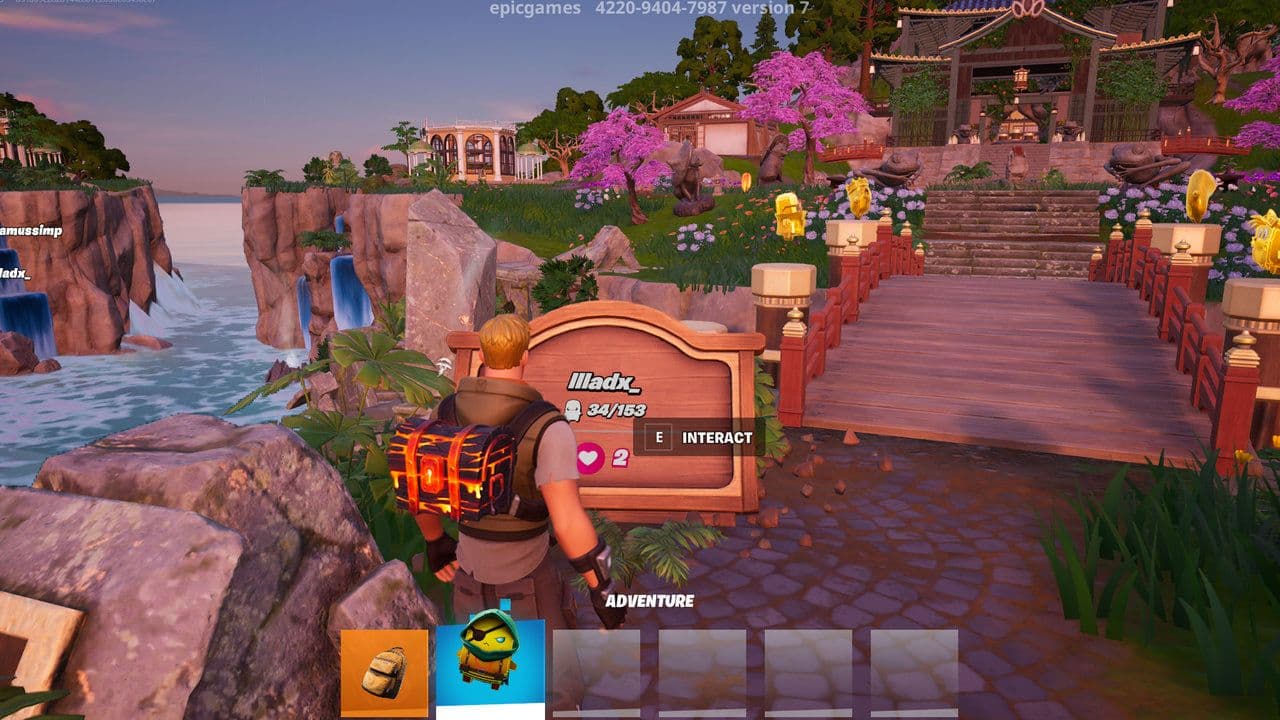
Can friends take your Sprites?
The Sprite Garden doesn't support Sprite trading. Friends can visit and interact with your collection, but they can't take or transfer your Sprites. You'll still need to collect missing Sprites yourself through Fortnite's Battle Royale systems.
Can you fight in the Sprite Garden?
The Sprite Garden isn't a PvP mode. It's a casual social space for displaying and interacting with your Sprites. Their actual gameplay powers remain part of Battle Royale, while the Garden serves as their home between matches.
Do Season 4 Sprites appear in the Sprite Garden?
Yes.
This is an important detail because the Garden isn't simply a museum for Runners.
Epic says that as you gather Sprites in Season 4, they're immediately added to your Garden too.
Override's launch generation includes Sprites such as:
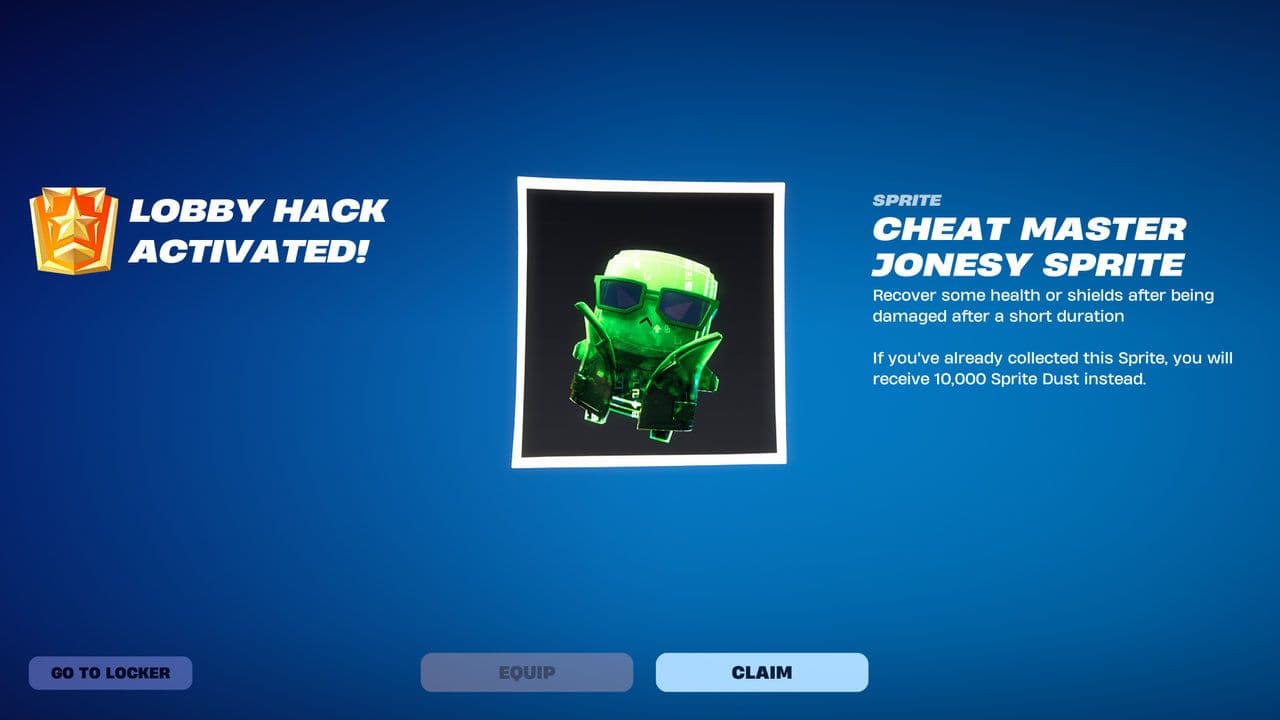
Those abilities apply to the Battle Royale Sprite system; the Garden is primarily where the creatures themselves become part of your permanent showcase.
More Sprites are also planned during Override, including the five winners of Epic's Design-A-Sprite contest.
Is the Sprite Garden permanent?
Epic clearly intends the Garden to provide long-term continuity for Sprite collecting.
The developer says Season 3 Sprites live on there, Season 4 catches are added too, and that the Sprite Garden will "evolve over time."
That makes it considerably more important than a one-season side mode.
Why is my Sprite missing from the Garden?
First, make sure you actually collected/extracted the Sprite rather than simply encountered or carried it during a Battle Royale match.
Epic describes the Garden as growing with the Sprites you collect, not every creature you've ever encountered.
If a Sprite you know you collected isn't showing:
- Check your Sprite Collection page to confirm ownership.
- Make sure you're viewing the correct part of your Garden/display.
- Check whether the Sprite is stored rather than currently displayed.
- Leave and reload the Sprite Garden if your latest Battle Royale extraction hasn't appeared.
- Make sure you're playing Epic's official Sprite Garden rather than a similarly named Creative island.
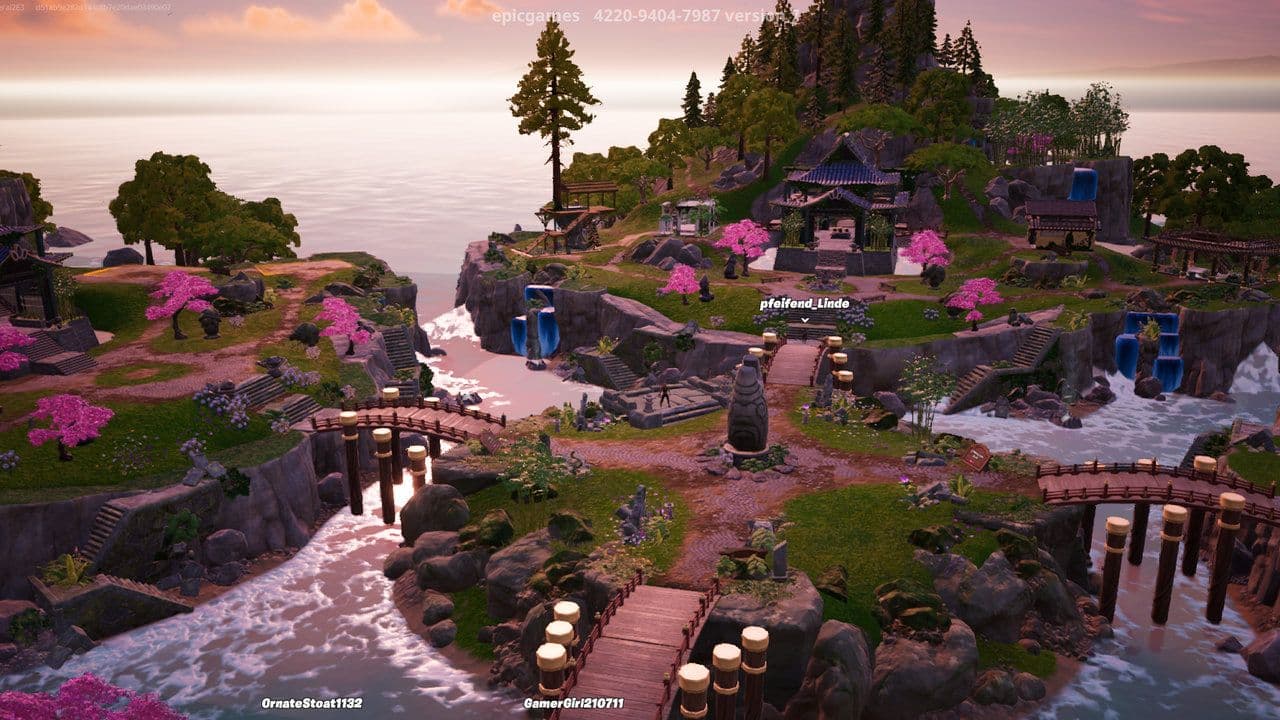
If the Sprite appears in your official collection but remains missing after reloading, it may be a synchronization issue rather than lost progress.
Is Sprite Garden the same as your Sprite Collection?
No.
Your Sprite Collection is the interface that tracks the Sprites and variants you've collected.
The Sprite Garden turns that collection into an interactive space.
Epic confirms that Season 3 Sprites remain on the Sprite Collection page alongside their presence in the Garden, so the two systems coexist.
All Related Guides
 How to drive cars in Fortnite: Vehicle controls & moreLearn how to drive cars in Fortnite with PC, PlayStation, and Xbox controls, vehicle locations, steering tips,...
 How to hide Sprites in Fortnite and show your Back BlingLearn how to hide Sprites in Fortnite, display your Back Bling instead, change Sprite visibility settings, and...
 How to carve pumpkins in Fortnite: Locations and quest guideLearn how to carve pumpkins in Fortnite, find all quest locations at Nightmare Neighborhood and Wonkeeland, an...
 Fortnitemares 2026: Release date, collabs, skins, map changes & moreDiscover Fortnitemares 2026, including its release date, FNAF crossover, Halloween skins, rumored collabs, Hor...
 Fortnite x FNAF: Release date, skins & everything we knowFortnite x FNAF arrives October 1 for Fortnitemares 2026 with Freddy, Bonnie, Chica, Foxy, Fazbear's Pizzeria,...
 Fortnitemares 2026: Release date, collabs, skins, map changes and moreFortnitemares 2026 starts October 1 with FNAF, major collabs, new skins and more. Here's what's confirmed, lea...
 How to get better at building in Fortnite fastLearn how to get better at building in Fortnite with practical drills for edits, 90s, boxing, tunneling, piece...
 4 ways to update Fortnite on mobileLearn 4 ways to update Fortnite on Android, iPhone and iPad through Epic Games Store, Google Play and the App ...
- 1
- 2
- 3
- 4
- 5
- 6
- 7
- 8
- 9
- 10
- 11
- 12
- 13
- 14
- 15
- 16
- 17
- 18
- 19
- 20
- 21
- 22
- 23
- 24
- 25
- 26