How to pet an animal in Fortnite
With so many creatures ruling the island, here's how to show them some love.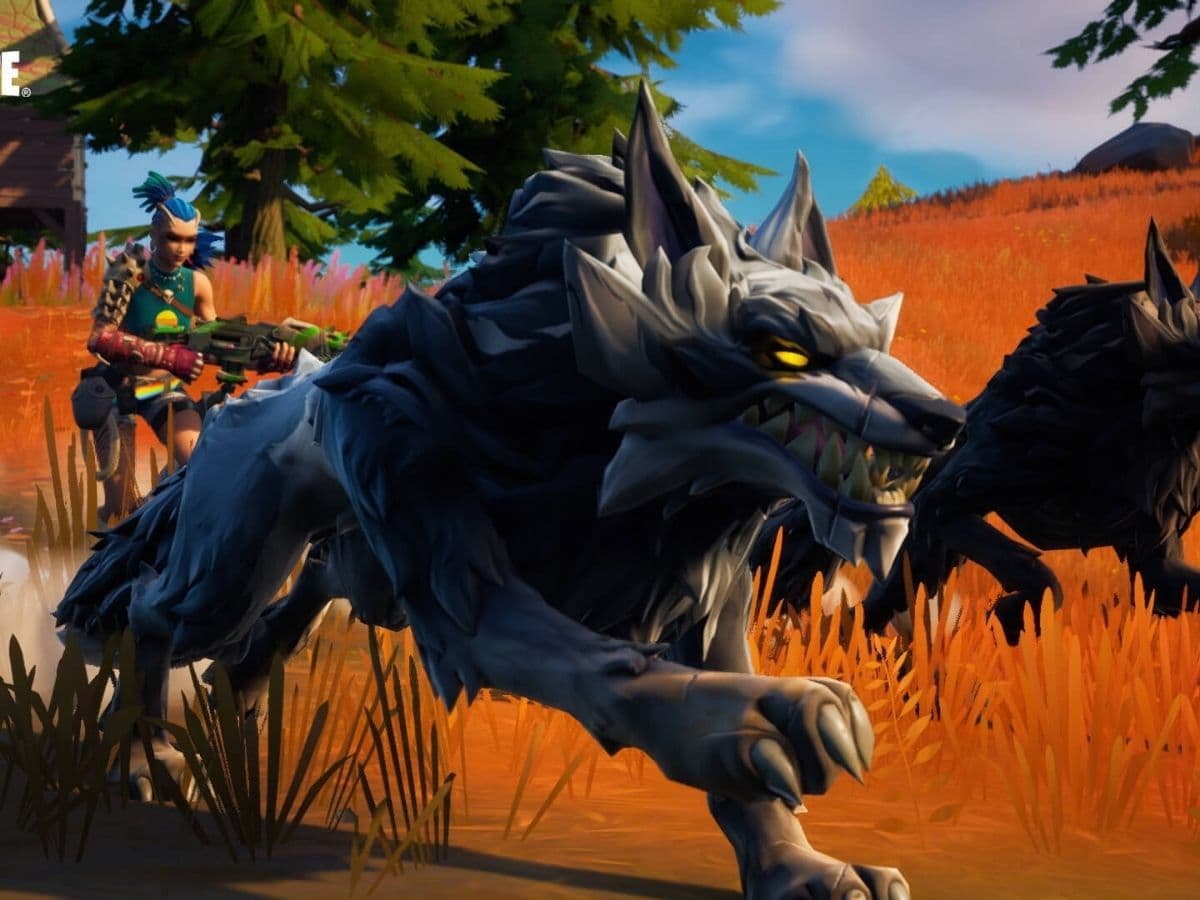
Many players love Fortnite for its dynamic environment and the ability to do more than just fight. One of the coolest features added to Fortnite is the ability to pet animals like boars and wolves. This guide will explain how you can find, tame, and pet these animals in the game. We will explain each topic in detail. Let’s cut to the chase and take a closer look at how to pet an animal in Fortnite!
How to tame animals in Fortnite
Taming animals in Fortnite requires you to first locate them. They are often found in less populated areas of the map. Once you find an animal, you can tame it by either distracting it with food or by making a bold jump onto its back. Each animal type has preferences for taming: boars are typically tamed with vegetables, while carnivores like wolves and raptors need meat. For dangerous animals like raptors, which often travel in pairs, using a hunter’s cloak might help you approach them safely without being attacked. This cloak allows you to get close enough to tame them without triggering their aggression.
The ability to pet and tame animals like boars and wolves in Fortnite makes the game more engaging and enjoyable. It allows players to connect with the game on a different level. If you follow our guide, you won’t have any issues petting an animal in Fortnite. The only tricky part can be locating these animals but again, we have explained everything you need to know, including their locations!
How to pet a tamed animal in Fortnite
The first step to petting an animal in Fortnite is finding one. Boars and wolves roam around the island but finding them can be tricky. They usually appear in natural settings such as grasslands, forests near water sources, and on the edges of places named on the map like Breakwater Bay and Shattered Slabs. Remember, wolves are harder to find than boars, so you may need to look a bit longer to find one.
When you find a boar or wolf, you need to tame it. Be careful as they are hostile at first. You can tame them quickly by running up to them and jumping on their back before they can attack. If you prefer a safer method, you can also tame them by feeding them some meat. Once tamed, they become friendly and can help you in fights.
Once you have tamed a boar or wolf, you can pet them. To do this, jump on the animal's back again and look for the "pet" option. This will show up on the left side of your screen, depending on your keybind settings. Press the appropriate button, and you will see your character petting the animal. This is a fun way to interact with your new animal friend.
How do you pet a wolf in Fortnite?
To pet a wolf in Fortnite, you must first tame it. We have already explained how to tame an animal in details above, please scroll up and read the relevant section. Once tamed, you can ride the wolf. To pet the wolf, press the same button you use to perform emotes. Instead of performing an emote, your character will pet the wolf, showing affection and strengthening your bond.
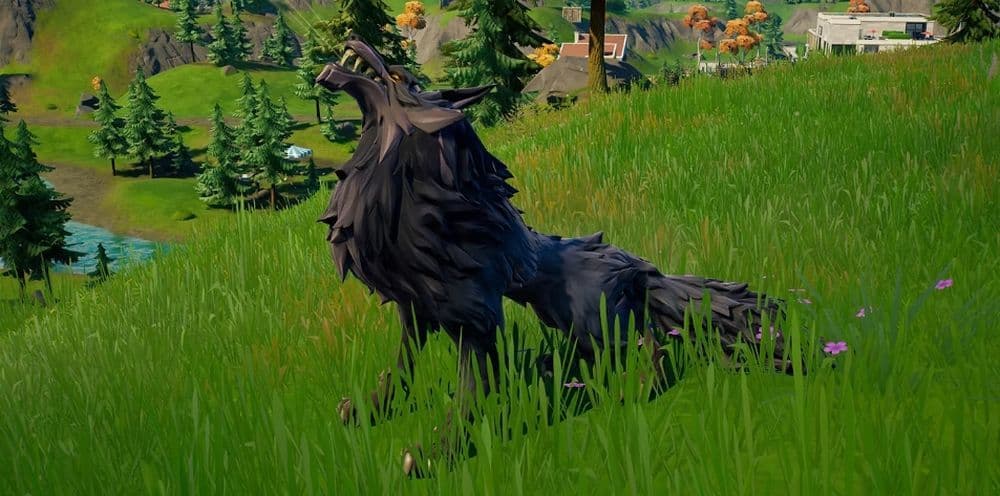
How to pet tamed wolves in Fortnite
After taming a wolf, riding it allows you to pet it. To do this, use the emote button while mounted on the wolf.
How to pet a boar in Fortnite
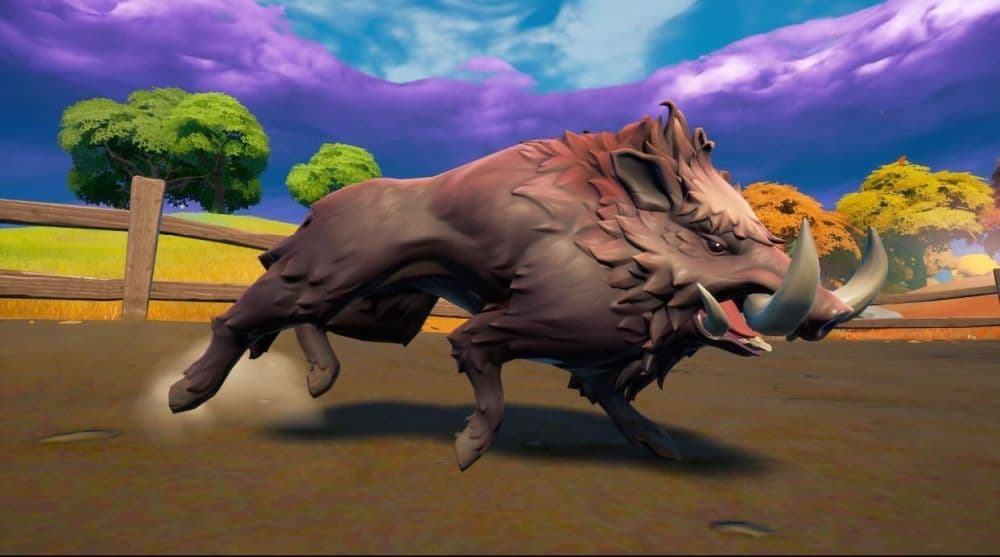
Petting a tamed boar is similar to petting a wolf. Once you tame a boar by jumping on its back or distracting it with food, mount it. Then, press the designated button for petting, which is usually indicated on your screen's control layout. This interaction increases the enjoyment of the game and provides a moment of calm in the otherwise action-packed environment of Fortnite.
Summary: How to pet an animal in Fortnite
Petting animals isn’t just cute—it sometimes counts toward challenges and gives you extra XP. Here is how:
1. Petting Wolves and Boars
- Find one: Wildlife like wolves and boars typically spawn in grassy or forested regions—places like Breakwater Bay, Shattered Slabs, or other lush zones often yield encounters.
- Tame it: Jump onto its back quickly, or feed it food (meat for wolves, fruit/veggies for boars).
- Ride it: Once tamed, ride the wolf or boar. While mounted, the Pet prompt appears.
- Pet it: While riding, press the button shown on your screen (for most players, this is the emote button). Your character will pet the animal.
Tip: Distract the animal with food before mounting to make the process smoother—and always stay alert to your surroundings.
2. Petting Back Bling Pets
These are pets that appear as Back Blings (like dogs, cats, or dragons). You can’t pet your own, but you can pet other players’ pets. To do this:
- Spot a friend or nearby player who has a pet Back Bling equipped.
- Approach them carefully, petting emits sound cues, so ensure the area is safe
- Press the emote button:
- PC: E (or your custom key bind)
- Xbox: X
- PlayStation: Square
- Switch: Y
This will trigger a brief petting animation.
Fortnite has a world that needs research because it is huge and the developers add new stuff almost every day. That is why it can be hard for players to track new features and events. That is where we come in to play! We have an extensive list of Fortnite guides for you to check out. If you want to learn more about Fortnite, take a look at these guides:
All Related Guides
 Fortnite App Store return confirmed worldwide except for one countryFortnite returns to the App Store worldwide as Epic Games continues its legal battle with Apple over fees and ...
 Fortnite Overwatch collab: All skins, items, bundles, quests & moreFortnite Overwatch collab guide: all skins, bundles, quests, Pulse Rifle locations, rewards, and cache spots....
 Did Fortnite remove fall damage?Did Fortnite remove fall damage? Learn how the new 1 HP fall system works, which modes changed, and ranked dif...
 Fortnite Droid Tycoon Chips guide: Best ways to farm chips fastFortnite Droid Tycoon Chips guide: best farming methods, upgrades, Rebirth tips, and how to use Chips wisely....
 5 best Fortnite Star Wars games you can play right now Best Fortnite Star Wars games: Galactic Siege, Escape Vader, Droid Tycoon, creator islands, and how to play th...
 How to ride on a player's shoulders in FortniteHow to ride on a player's shoulders in Fortnite: steps, controls, quest completion tips, and how Shoulder Ride...
 All Garden vs. Brainrot codes in Fortnite: Updated listLooking for Fortnite Garden vs Brainrot codes? Get every working code, learn how to redeem them, and boost you...
 Latest Fortnite Steal the Brainrot codes (May 2026)Find all active Fortnite Steal the Brainrot codes to summon Brainrot Gods and boost rewards fast....
- 1
- 2
- 3
- 4
- 5
- 6
- 7
- 8
- 9
- 10
- 11
- 12
- 13
- 14
- 15
- 16
- 17
- 18
- 19
- 20
- 21