How to fix Fortnite waiting in queue
This annoying error may be encountered by anybody. Here's how to deal with it.
Ever been stuck waiting in line to play Fortnite? It's like waiting for your turn on a super popular amusement park ride. But why does this line even exist?
Imagine everyone trying to cram into the game at the same time, especially during weekends or when there's a big update. It's like everyone rushing to get on the ride at once – chaos! But with the queue, it's fair. Those who join first get to play first, making sure things stay organized.
But waiting in line isn't much fun, right? Don't worry; we've got some tricks up our sleeves to help you beat the queue and get back into Fortnite in no time. But first, understand what is going on better.

Why is there a queue for Fortnite?
In Fortnite, queues happen when lots of people try to play at the same time. Imagine it like lining up at a busy amusement park ride – there's only so much space on the ride, so they let people on a few at a time.
This queue system helps because Fortnite limits how many players can be on its servers at once. When too many people try to join all at once, the servers can get overwhelmed and crash. So, the queue slows things down and lets players join in an orderly way.
Fortnite is super popular, especially when there's something new happening, like a big update or the weekend. That's when everyone wants to play, causing a big rush of people trying to log in. The queue helps handle this rush by letting people in gradually instead of all at once.
It's fair, too, because it works on a first-come-first-served basis. If you're early in the queue, you'll get in sooner than someone who joins later. This keeps things organized and stops it from being a mad rush to get in.
While waiting in a queue might be annoying, you can do something about it.
How to fix Fortnite waiting in queue
Fixing the Fortnite waiting-in queue issue isn't always easy, but there are some steps you can take to improve it, such as:
- Avoid peak hours: Weekends and evenings are usually the busiest times for Fortnite. Try playing during quieter times, like weekday mornings or late at night when fewer people are online. This can reduce your wait time because there won't be as many players trying to log in simultaneously.

- Stay logged in: Once you manage to get into the game, stay logged in for as long as possible. If you log out and try to log back in later, you might end up at the back of the queue again. So, unless you need to log out, it's best to stay in the game.
- Check for updates: Sometimes, waiting in a queue can be caused by an update that you haven't installed yet. Ensure your game is up to date by checking for any available updates in the game launcher or app store. Installing updates promptly can help prevent login issues and reduce queue times.
- Contact support: If you've tried everything and are still having trouble, it might be worth contacting Epic Games support. They can give you more information about what's causing the problem and suggest fixing it. You can usually find contact information for support on the Fortnite website or in the game launcher.
- Be patient: Sometimes, the only thing you can do is wait. Waiting in the queue can be frustrating, but it's usually a temporary inconvenience. Use the time to take a break, grab a snack, or do something else while you wait for your turn to log in.
By following these steps, you can reduce your wait time and get back to playing Fortnite sooner rather than later.
Is the Fortnite queue too long? Here is the average waiting time
Ever wondered if the wait to play Fortnite is just too long? Well, let's break it down. On average, how long do players wait? It can vary a lot. Sometimes you're in the game in just a few seconds, but other times it feels like forever, stretching to an hour or even more. But if you find yourself waiting for 4-5 minutes, that's when things might start to feel a bit too drawn out.
Are you stuck in the Fortnite queue?
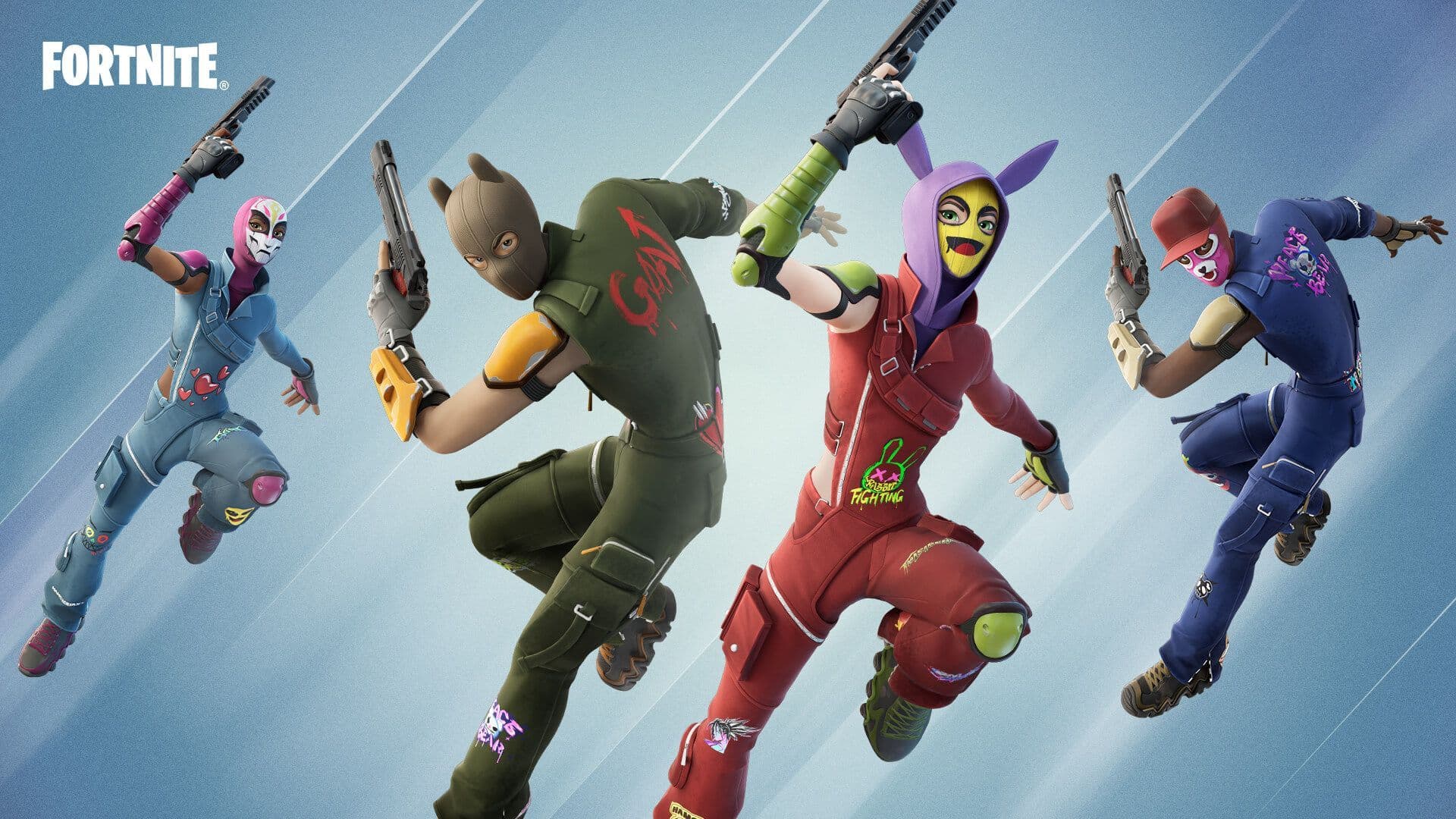
Besides trying fixes, you can use this time for valuable things. While waiting for Fortnite's queue, there are things you can do to keep busy. First, try completing challenges to progress in the game. You can also chat with friends who are waiting too, or customize your character's look for fun with the rarest Fortnite skins.
If you want to get better at the game, watch tutorials or streams from experienced players. Exploring the game's menus and settings can also help you learn more about Fortnite.
Don't forget to take breaks, stretch, grab a snack, or check for updates while waiting. By staying busy and caring for yourself, the wait will feel shorter, and you'll be ready to jump back into Fortnite when it's your turn.
FAQs
Why is the waiting queue so long in Fortnite?
Long wait times in Fortnite often happen when many players try to log in at the same time—like during updates, events, or weekends. This causes matchmaking servers to slow down. You can get through faster by playing during off-peak hours (early mornings or weekdays).
What does "Checking Epic Services Queue" mean?
This message pops up when Fortnite is waiting to connect you to Epic’s servers. It usually appears during server overloads or maintenance windows. Pausing and trying again, or restarting the game, can help.
How to check if there's a problem with Fortnite right now?
Check the official Epic Games Status page to see if there’s a global outage. It displays the live status of login, matchmaking, game services, and more, helping you confirm if maintenance is underway. You can also use a third-party tracker like Downdetector, which monitors Epic Games services, sends alerts, and shows past downtime records.
How do I fix Fortnite?
- Ensure your game is fully updated.
- Restart your device or router to clear temporary glitches.
- Try switching your server region in settings to one with lower traffic.
- Make sure your connection is stable (opt for a wired connection if possible).
All Related Guides
 Fortnite Loot Hacker Sprites: All variants, locations, and how to get themFind all Fortnite Loot Hacker Sprites, Cheat Code locations, Chest chances, Sprite Dust costs, and how to unlo...
 All Garden vs. Brainrot codes in Fortnite: Updated listLooking for Fortnite Garden vs Brainrot codes? Get every working code, learn how to redeem them, and boost you...
 Latest Fortnite Steal the Brainrot codes (September 2026)Find all active Fortnite Steal the Brainrot codes to summon Brainrot Gods and boost rewards fast....
 Island cheats: How to find & use Fortnite Cheat codesLearn how Fortnite Cheat Codes work, where to find them, what each panel color means, and how to unlock and ex...
 Sprite Rate Up meaning in FortniteLearn what Sprite Rate Up means in Fortnite, how these events work, which Sprites get boosted, and why they're...
 How to use a Gizmo in Fortnite (Sprite extraction tools)Learn how to use a Gizmo in Fortnite, activate the Gizmo Wheel, unlock Sprite tools, and complete the "Use a G...
 How to resummon Fortnite SpritesLearn how to resummon Fortnite Sprites in Chapter 7 Season 4, including Sprite Dust costs, levels, collection ...
 Fortnite Mastery Monday guide: Schedule, bonuses & moreLearn how Fortnite Mastery Monday works, including its weekly schedule, 2x Sprite leveling, double Sprite Dust...
- 1
- 2
- 3
- 4
- 5
- 6
- 7
- 8
- 9
- 10
- 11
- 12
- 13
- 14
- 15
- 16
- 17
- 18
- 19
- 20
- 21
- 22
- 23
- 24
- 25