How to get gifting in Fortnite?
Unlock Fortnite gifting fast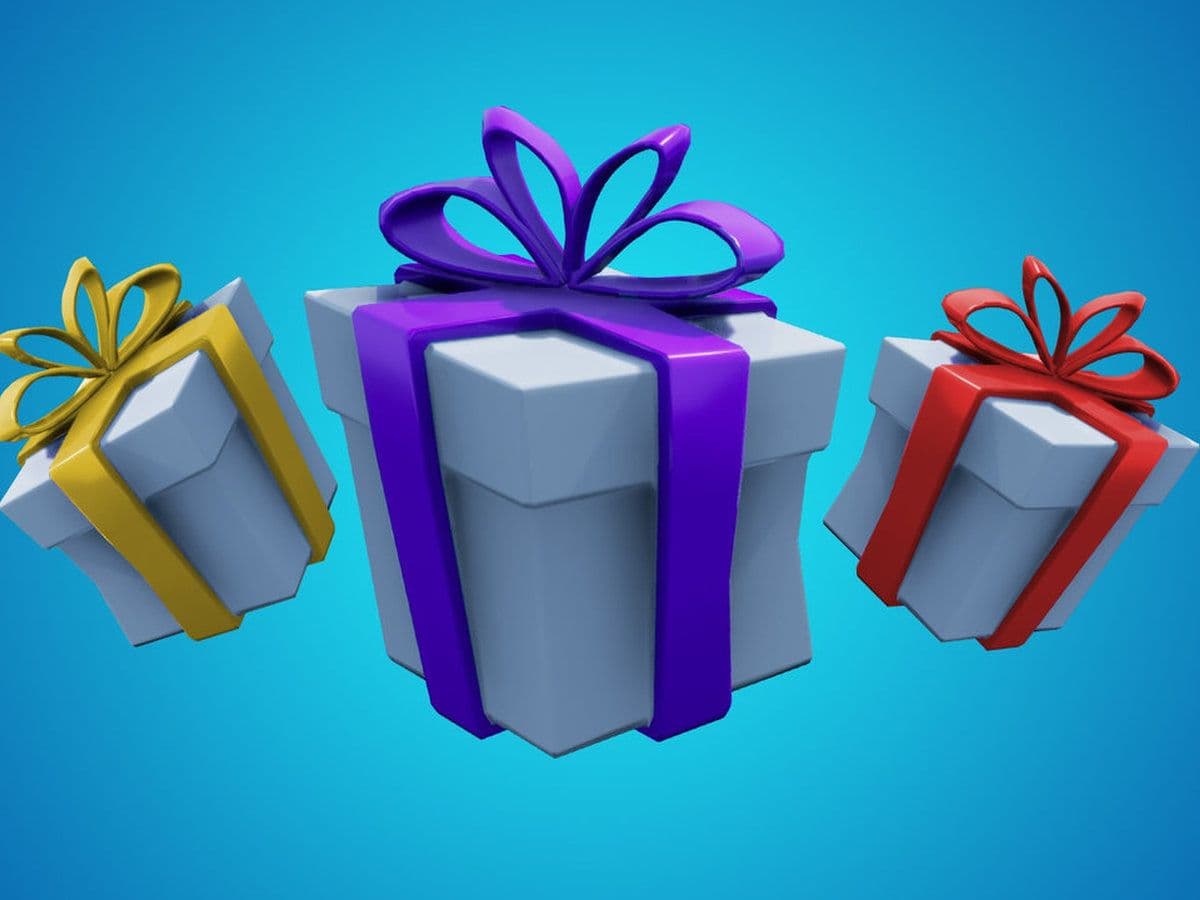
If you want to send skins or cosmetics to friends, you first need to unlock the gifting feature, but the feature is not automatically available on every account. Epic Games requires a few security and account requirements before you can start sending gifts.
In this guide, you will learn exactly how to get gifting in Fortnite, what requirements you must meet, how to enable it step-by-step, and what to do if the gifting option does not appear.
What is gifting in Fortnite?
Gifting in Fortnite allows players to buy an item from the Item Shop and send it directly to someone on their friends list. The item arrives as a gift when the player logs in.
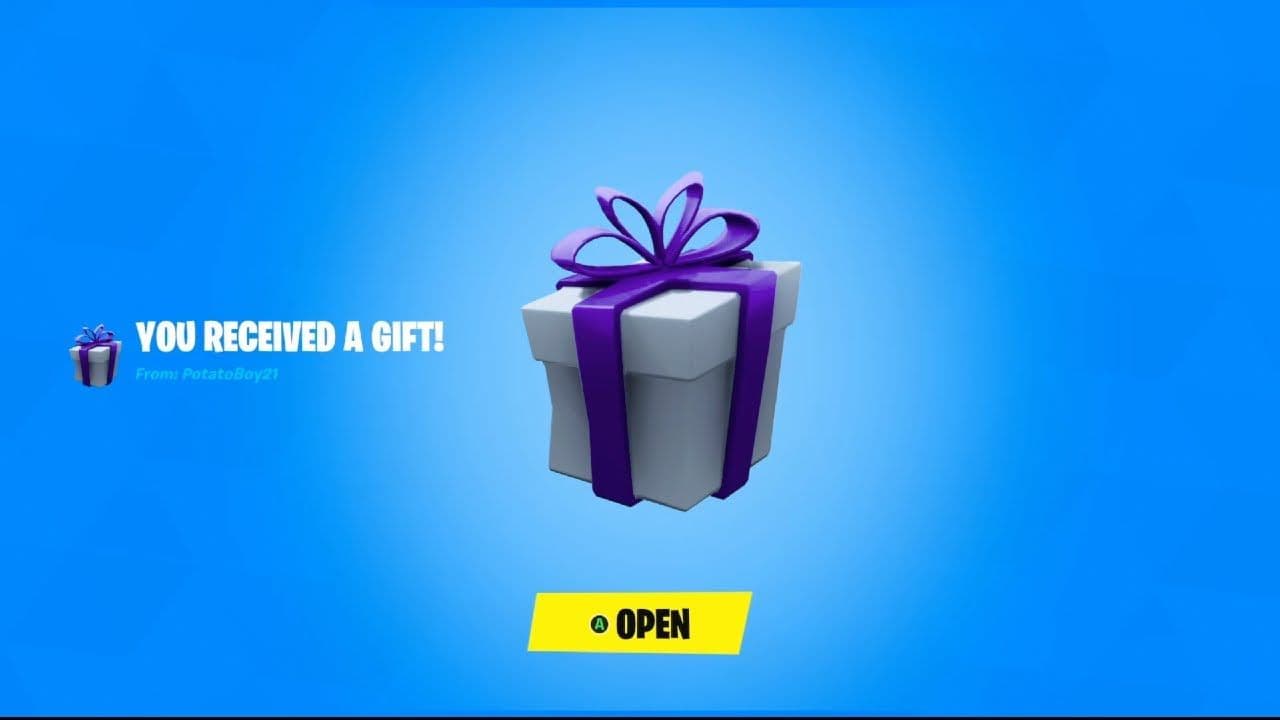
You can gift many cosmetic items, including:
- Skins (Outfits)
- Emotes
- Pickaxes
- Gliders
- Wraps
- Bundles
- Sometimes the Battle Pass
However, you cannot gift V-Bucks or items already in your locker, such as:
Passes purchased using V-Bucks (only Passes bought via real-money transactions can be gifted)
- Battle Pass Levels
- V-Bucks (including Fortnite packs which contain V-Bucks)
- Real-money Offers (except OG, Lego, Festival or Battle Passes)
- Items that are not currently in the Item Shop
- Some additional offers such as Battle Pass Level bundles, and Fortnite Crew.
- Event Passes
- Dynamically Priced Bundles where the receiving player already owns 1 or more Items.
You have to do these 4 things before you can gift
Before you can use gifting, your account must meet several requirements. Epic Games added these rules to prevent scams and protect accounts.
1. Enable Two-Factor Authentication (2FA)
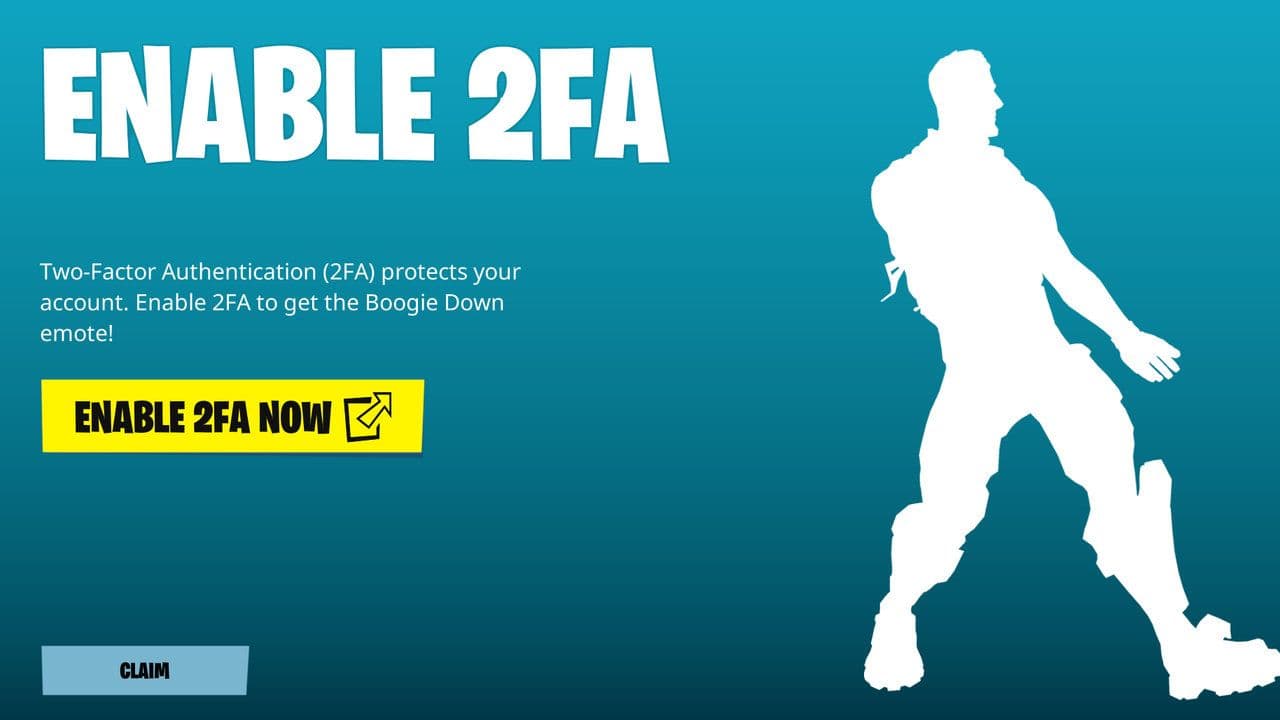
The most important step for getting gifting in Fortnite is enabling Two-Factor Authentication (2FA) on your Epic Games account.
Without 2FA, gifting will not work.
2FA adds an extra security step when logging into your account. You can enable it using:
- An authenticator app
- Email verification
- SMS verification
Once 2FA is active, the gifting feature becomes available.
2. Reach Account Level 2
Your Fortnite account must be at least Level 2 to use gifting.
This is very easy to achieve. Simply:
- Play a few matches
- Complete small XP challenges
- Gain some early XP
Most players reach Level 2 in less than 30 minutes. Here is a guide on how to level up fast in Fortnite.
3. Be friends for 48 hours
Another important rule for gifting in Fortnite is the 48-hour friend requirement.
You must be friends with the person for at least 48 hours before sending them a gift. This rule prevents bots and fake accounts from abusing the system.
4. Have enough V-Bucks
Of course, to send a gift, you must purchase the item with V-Bucks, Fortnite’s in-game currency.
Make sure you have enough V-Bucks before trying to send a gift.
How to get gifting in Fortnite?
Once your account meets the requirements, you can enable gifting quickly.
Step 1: Turn on Two-Factor Authentication
- Go to the Epic Games website.
- Log into your Epic Games account.
- Open Account Settings.
- Click Password & Security.
- Enable Two-Factor Authentication.
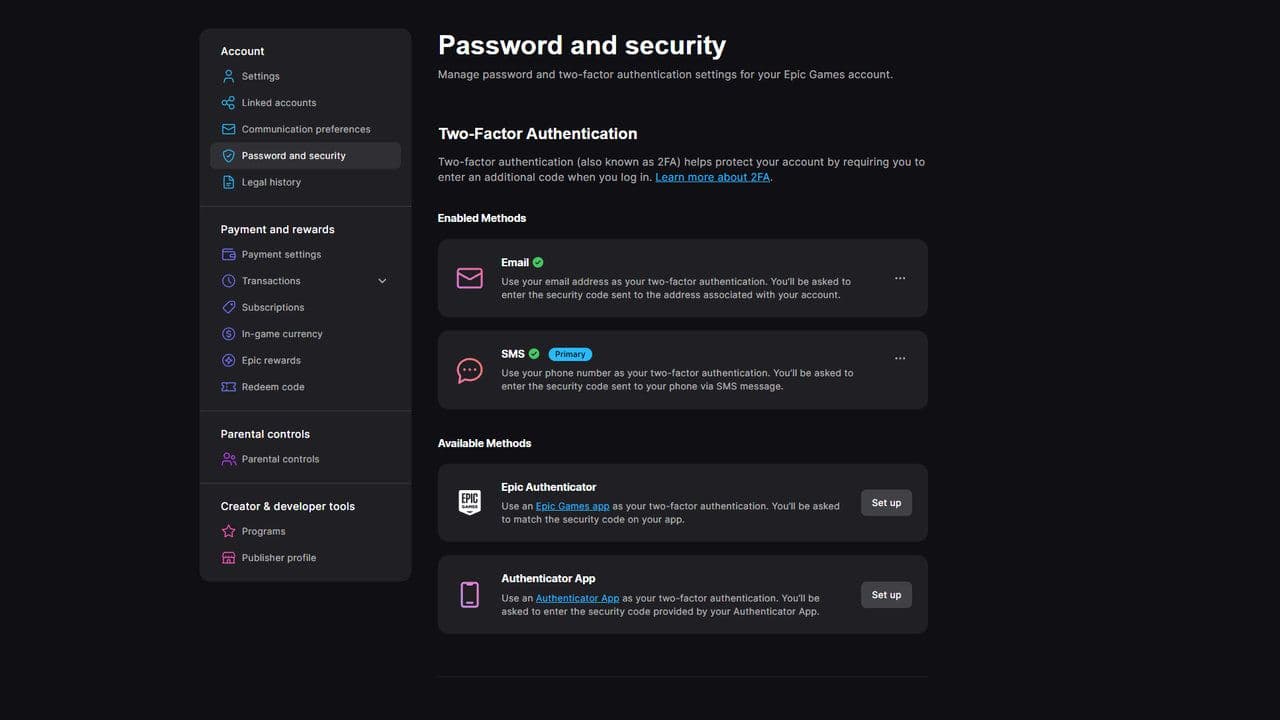
Choose email, SMS, or an authenticator app.
Step 2: Enable “Can Receive Gifts”
If you want friends to send you items, you must enable the receiving option.
Follow these steps:
- Open Fortnite.
- Go to Settings.
- Select Account and Privacy.
- Find Can Receive Gifts.
- Turn it ON.
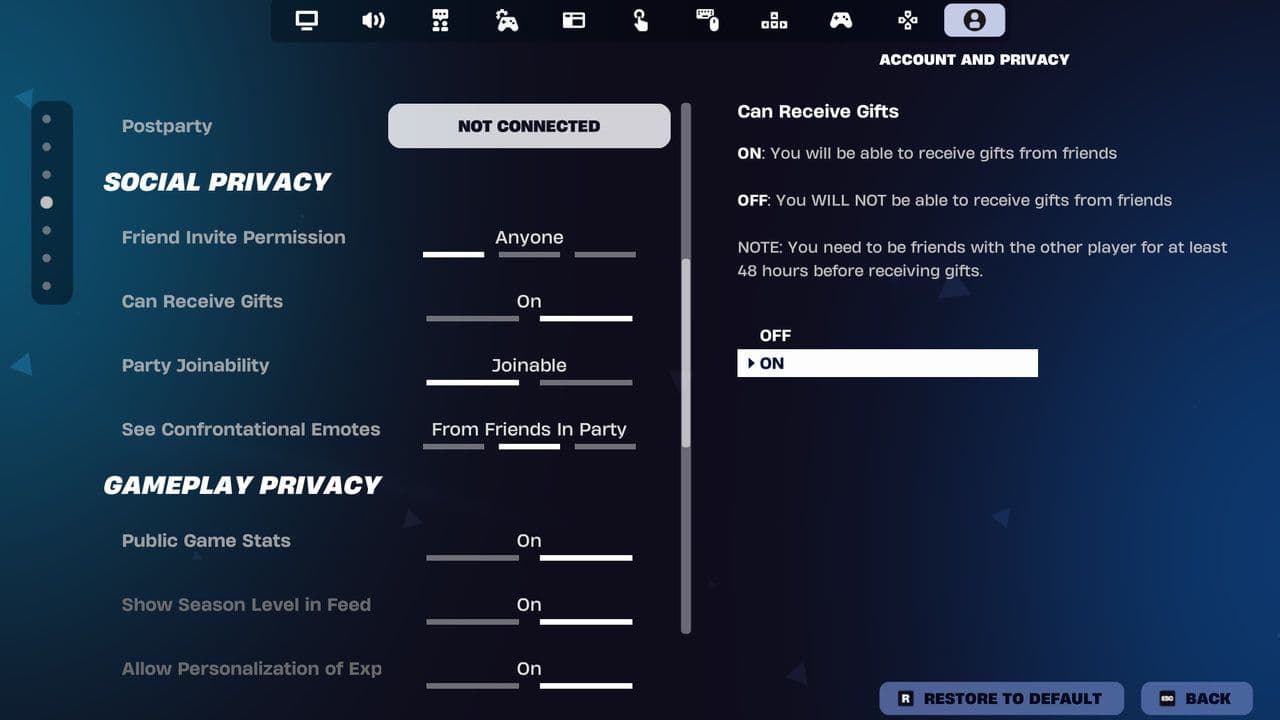
If this setting is off, players cannot send you gifts.
Step 3: Add your friend
Next, add the player you want to gift.
- Open the Friends menu in Fortnite.
- Search for your friend’s Epic Games username.
- Send a friend request.
- Wait 48 hours.
After two days, gifting will be available.
How to send a gift in Fortnite
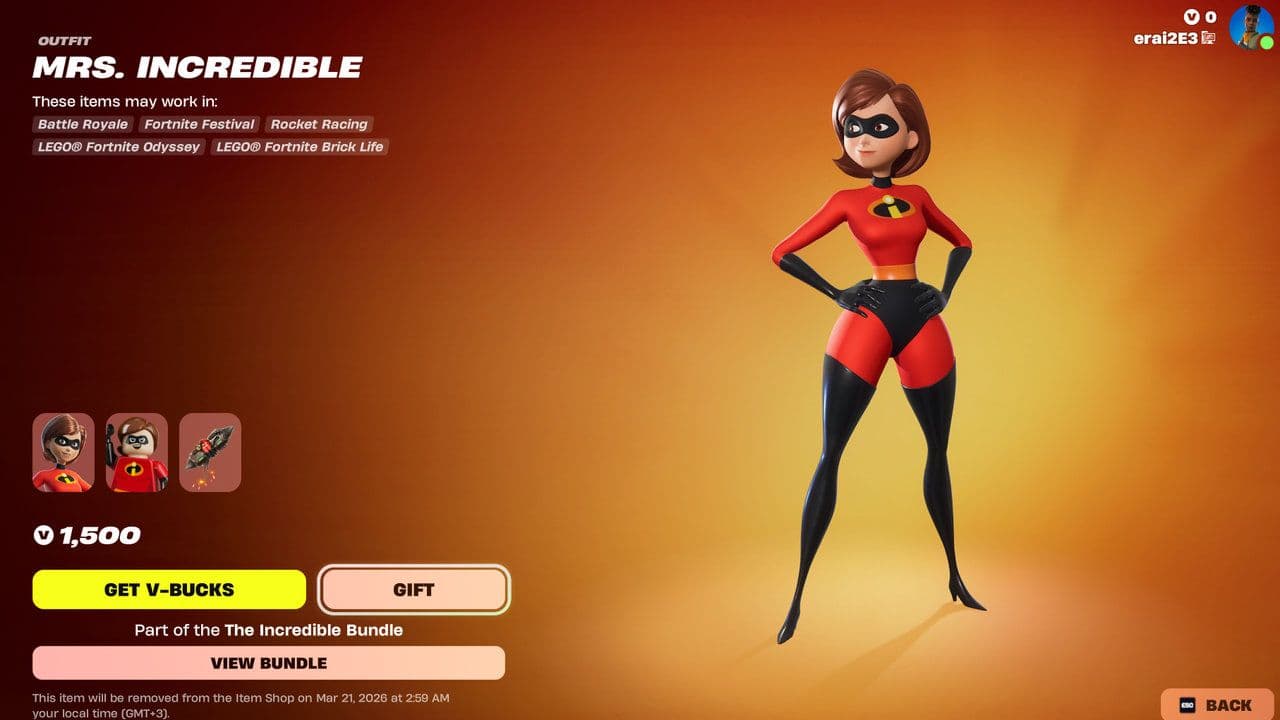
After you unlock gifting, sending a gift is very simple.
- Open Fortnite.
- Go to the Item Shop.
- Choose the item you want to gift.
- Buy As Gift.
- Select the friend from your list.
- Confirm the purchase.
Gifting limits in Fortnite
Fortnite currently limits players to five gifts per day. This helps prevent fraud and spam gifting.
Also, you can only gift items currently available in the Item Shop.
Is Fortnite gifting not working?
Sometimes players meet the requirements but still cannot gift items.
Here are the most common reasons:
- 2FA is not enabled: Gifting will not appear unless Two-Factor Authentication is active.
- Friend requirement not met: You must wait 48 hours after adding a friend.
- Item cannot be gifted: Not all Item Shop cosmetics support gifting.
- Player already owns the item: You cannot gift something the player already has.
Alternative way to gift items
If gifting is not available, you can still give a friend V-Bucks gift cards.
They can redeem the card and buy their own skins, emotes, or bundles from the Item Shop.
This is a simple alternative if the in-game gifting system is unavailable.
That’s all for today! Looking for more Fortnite guides? Check out these:
- All Fortnite bosses & how to defeat them
- What are Accolades in Fortnite and how to get them
- Best Fortnite map codes with additional bonus maps
- How to start a custom game in Fortnite: Private 1v1, errors and fixes
- How to disable simple edit in Fortnite (PC, PlayStation, Xbox, Nintendo Switch, and mobile)
All Related Guides
 How to trade Sprites in Fortnite Chapter 7 Season 3Learn how to trade Sprites in Fortnite Chapter 7 Season 3, including Burnt Peanut Sprite trades, extraction re...
 How rare is the Burnt Peanut Sprite in Fortnite? Drop rate, player count & how to get itLearn the Burnt Peanut Sprite drop rate, rarity, best farming methods, extraction tips, and how to unlock it i...
 How to find Gummy Sprites in Fortnite Chapter 7 Season 3Learn how to find Gummy Sprites in Fortnite Chapter 7 Season 3, their locations, extraction rewards, and best ...
 Fortnite Relic Chest (Rare Chests): Locations, Sprites & moreLearn where to find Fortnite Relic Chests, what loot they contain, Sprite drop chances, and the best farming r...
 How to get every Sprite in Fortnite Chapter 7 Season 3Learn how to get every Sprite in Fortnite Chapter 7 Season 3, including locations, extraction tips, abilities,...
 Fortnite C7S3 Guide: Everything New in Fortnite Chapter 7 Season 3Fortnite C7S3 guide: New map, Sprites, weapons, bosses, Battle Pass rewards, extraction system, and major game...
 How to watch replays in FortniteLearn how to watch replays in Fortnite, enable Replay Mode, save matches, use camera controls, and fix missing...
 Fortnite Star Wars Frontlines guide: How to play & winFortnite Star Wars Frontlines guide: island code, objectives, classes, weapons, and the best strategies to win...
- 1
- 2
- 3
- 4
- 5
- 6
- 7
- 8
- 9
- 10
- 11
- 12
- 13
- 14
- 15
- 16
- 17
- 18
- 19
- 20
- 21
- 22