Veno’s Fortnite settings: Who is he and what is his setup
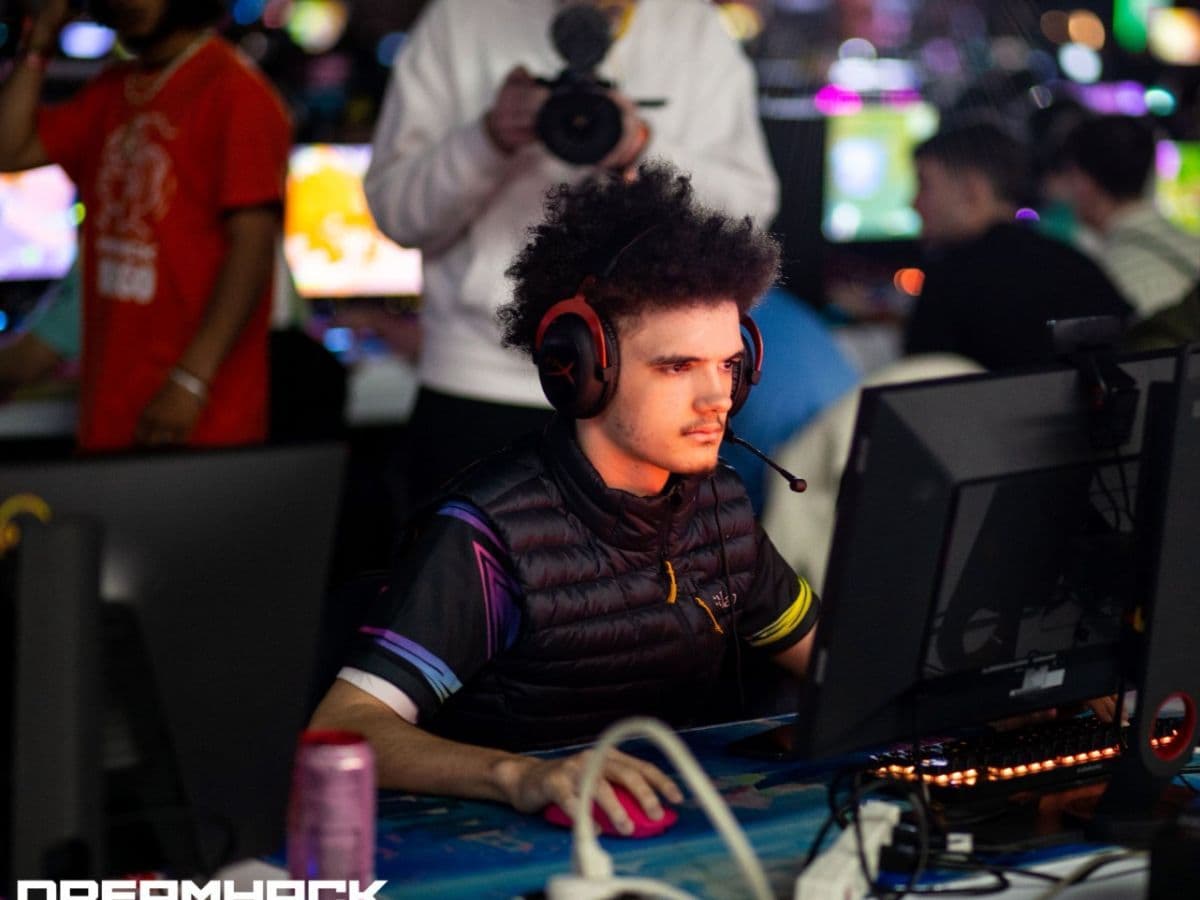
Veno’s Fortnite settings use 800 DPI, 6.0% X and Y sensitivity, Performance rendering mode, 1920x1080 resolution, and a 360 FPS frame rate limit. He is a very talented and successful player, but would applying his settings make you a better player? Guess you have to try! Check out all of Veno’s Fortntie settings below!
Who is Veno?
Harry “Veno” Pearson is a professional Fortnite player from the United Kingdom. He was born on November 26, 2004, and competes for XSET.
Veno has built a strong name in competitive Fortnite through major tournament results and consistent play at the highest level. His career earnings have passed $1 million across more than 130 tournaments, which puts him among the top Fortnite earners.
All of Veno’s Settings
Because of Veno’s accomplishments, many players want to know how he feels comfortable in the game with certain settings. His sensitivity is not extreme, his keybinds keep major build actions close, and his video settings reduce visual load so the game can run at high frame rates.
Here are all of Veno’s Fortnite settings according to ProSettings:
Video Settings
Veno uses settings that favor high FPS and low input delay. His setup keeps the game clean and light, which matters in endgames where builds, effects, and player movement can fill the screen.
Keybinds
Veno’s keybinds put major building actions on both the keyboard and mouse. His wall and stairs binds sit on mouse side buttons, which gives him quick access during build fights.
The most important part here is comfort. Copying Veno’s binds makes sense if your mouse has side buttons and you can press Q, C, and F without moving your hand too much. If one bind feels awkward, keep the structure and change only that key.
Mouse Settings
Veno uses a low-to-mid sensitivity setup for Fortnite. His 800 DPI and 6.0% in-game sensitivity give him better control during tracking, editing, and shotgun fights.
Equipment
As you may have guessed, Veno’s setup includes high-end gear, which explains why his video settings can target 360 FPS. You can still copy his sensitivity and keybinds on a weaker PC, but the same FPS target may not make sense.
The monitor is a key part of this setup because it supports a 360 Hz refresh rate. That pairs with his 360 FPS limit and makes the game feel more responsive when the PC can keep up.
Should you copy Veno’s Fortnite settings?
Veno’s Fortnite settings are a good starting point if you play on mouse and keyboard and want a competitive setup. His sensitivity gives control, his binds support fast building, and his video settings focus on performance.
Copy the setup in stages. Start with the mouse settings first, then test the keybinds in Creative. Change the video settings last, because your best graphics setup depends on your PC and monitor.
How to use Veno’s settings in Fortnite
Open Fortnite settings and add the mouse values first. Set your DPI to 800 in your mouse software, then set X and Y sensitivity to 6.0% in Fortnite.
After that, copy the keybinds by category. Test movement, building, editing, and weapon swaps in Creative before you use the setup in ranked or tournaments.
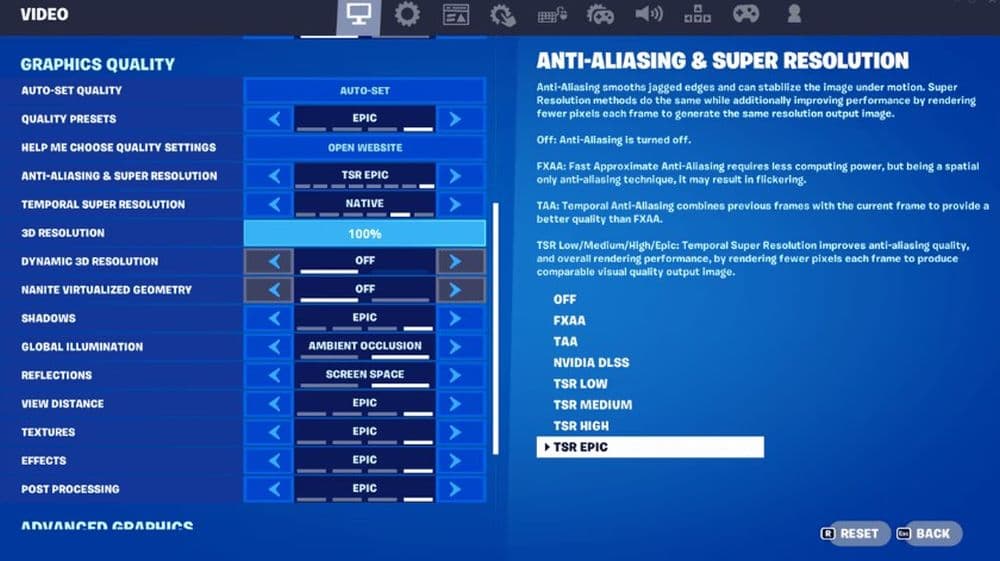
For video settings, start with Fullscreen, 1920x1080, Performance mode, Vsync off, and a frame rate cap your PC can hold. Stable FPS matters more than a higher number that drops during fights.
Check more of our guides:
- “When did Fortnite come out?” A question with 2 answers
- How much does Fortnite make in a day?
- How to redeem Fortnite codes
- What happened to Fortnite Battle Stars & how to level up in 2025
- Fortnite Superman update: Everything you need to know
Featured Image Credit: Dreamhack
All Related Guides
 Fortnitemares 2026: Release date, collabs, skins, map changes & moreDiscover Fortnitemares 2026, including its release date, FNAF crossover, Halloween skins, rumored collabs, Hor...
 Fortnite x FNAF: Release date, skins & everything we knowFortnite x FNAF arrives October 1 for Fortnitemares 2026 with Freddy, Bonnie, Chica, Foxy, Fazbear's Pizzeria,...
 Fortnitemares 2026: Release date, collabs, skins, map changes and moreFortnitemares 2026 starts October 1 with FNAF, major collabs, new skins and more. Here's what's confirmed, lea...
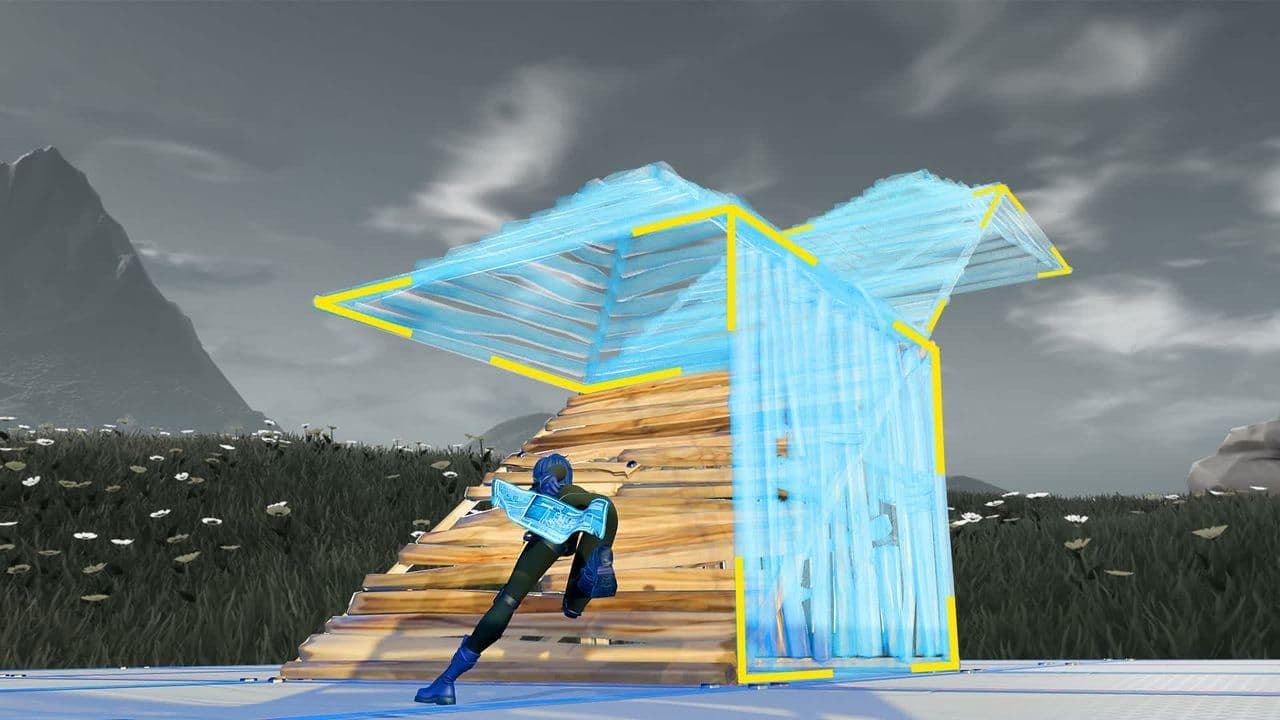 How to get better at building in Fortnite fastLearn how to get better at building in Fortnite with practical drills for edits, 90s, boxing, tunneling, piece...
 4 ways to update Fortnite on mobileLearn 4 ways to update Fortnite on Android, iPhone and iPad through Epic Games Store, Google Play and the App ...
 Fortnite Loot Hacker Sprites: All variants, locations, and how to get themFind all Fortnite Loot Hacker Sprites, Cheat Code locations, Chest chances, Sprite Dust costs, and how to unlo...
 All Garden vs. Brainrot codes in Fortnite: Updated listLooking for Fortnite Garden vs Brainrot codes? Get every working code, learn how to redeem them, and boost you...
 Latest Fortnite Steal the Brainrot codes (September 2026)Find all active Fortnite Steal the Brainrot codes to summon Brainrot Gods and boost rewards fast....
- 1
- 2
- 3
- 4
- 5
- 6
- 7
- 8
- 9
- 10
- 11
- 12
- 13
- 14
- 15
- 16
- 17
- 18
- 19
- 20
- 21
- 22
- 23
- 24
- 25
- 26