THESPIKE.GG
THESPIKE
    EN
    Login
    EN
    1. Home
    2. HYTALE
    3. Beginner Guides
    4. Hytale building guide: Controls, base design, locations & tips

    Hytale building guide: Controls, base design, locations & tips

    From starter homes to castles
    ON THIS PAGE:

    • Building controls
    • Use the Builder’s Workbench
    • Start with shape and structure
    • Resources
    • Roof design
    • Best base locations
    • Interiors
    Hytale building guide
    Written By Eray Eliaçık

    Reviewed by: Naim Rosinski

    (Content Manager & Editor)

    Last UpdatedMay 6, 2026 at 02:09AM
    Share On
    Share On

    Hytale building is one of the game’s strongest features. With advanced block technology, detailed materials, decorative pieces, and powerful creative tools, Hytale gives players far more freedom than a basic block-building sandbox. Instead of simply stacking cubes, you can create rich, believable structures with depth, style, and personality.

    In this guide, we’ll cover everything you need to know about Hytale building, including essential controls, Builder Mode tools, the Builder’s Workbench, the best base locations, smart base layouts, material choices, roof design, interior decoration, and prefab building tips.

    Learn Hytale building controls first

    Before starting a major project, it helps to understand the core controls that make Hytale building projects efficient. Knowing both the basic controls and Builder Mode tools will make building faster, more precise, and much more creative.

    Action / Tool

    Key

    Rotate Block

    R

    Drop Item / Block

    G

    Toggle Builder Tools Legend

    L

    Previous Legend Page

    J

    Next Legend Page

    K

    Undo

    Z

    Redo

    Y

    Paint Brush Tool

    Keypad 1

    Sculpt Brush Tool

    Keypad 2

    Selection Tool

    Keypad 3

    Paste Tool

    Keypad 4

    Line Tool

    Keypad 5

    Change Sculpt Modifier

    Left Shift

    Use Paint Mode for Brush

    U

    Select Block from Set

    Q

    Paste Preview

    T

    These tools make Hytale building steps much deeper than traditional sandbox building. Instead of placing every block manually, you can paint terrain, sculpt cliffs, copy structures, and quickly build large-scale projects with far greater speed and precision.

    Use the Builder’s Workbench

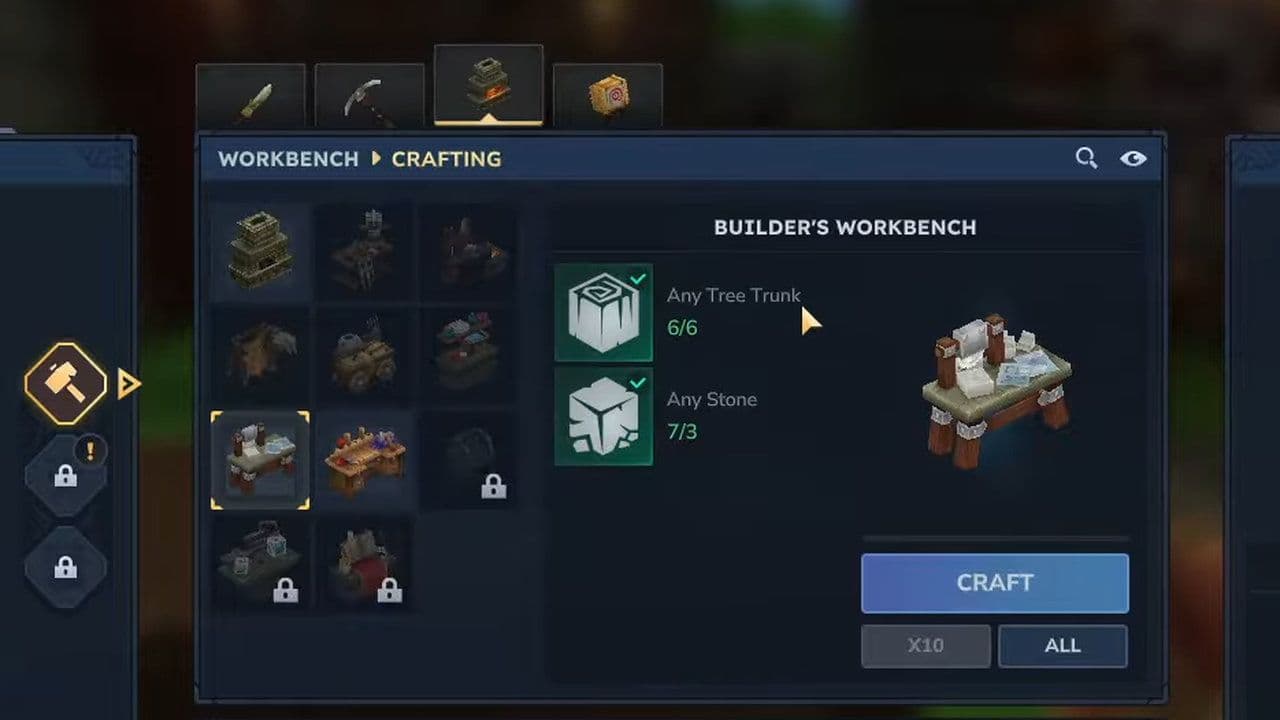
    A key part of advanced Hytale building plans is the Builder’s Workbench.

    Recipe:

    • 6x Any Tree Trunk
    • 3x Stone

    The Builder’s Workbench lets players turn raw materials into specialized construction pieces like:

    • walls
    • roof sections
    • decorative trims
    • stairs
    • beams
    • support pieces
    • furniture components
    • detailed architecture blocks

    This is where simple resources become premium building materials.

    Start with shape and structure

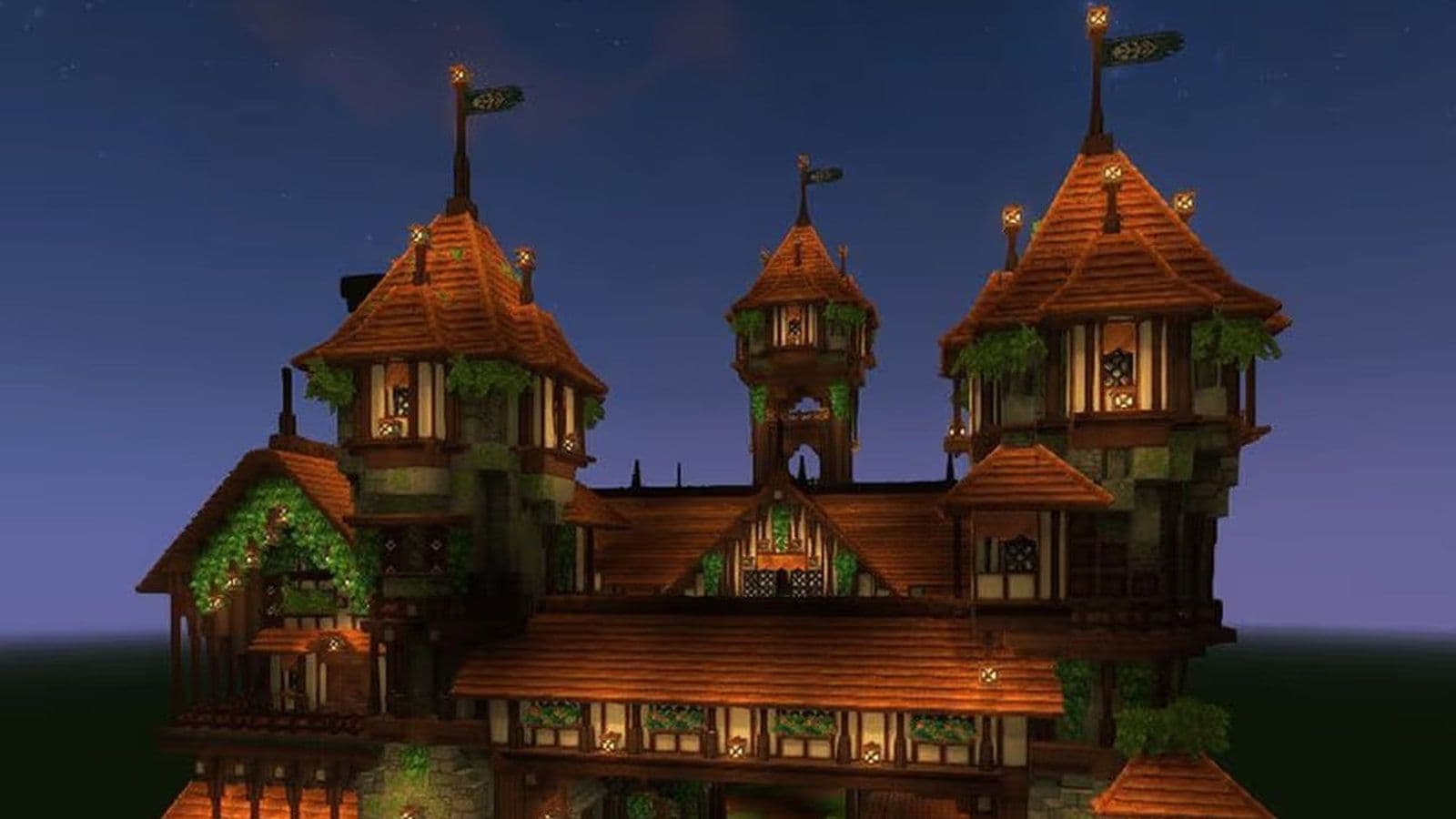
    The biggest mistake in Hytale building ideas is building box-shaped structures. Strong builds start with silhouette, the shape of the building from a distance.

    Examples:

    • Castle: tall towers, battlements, strong vertical design
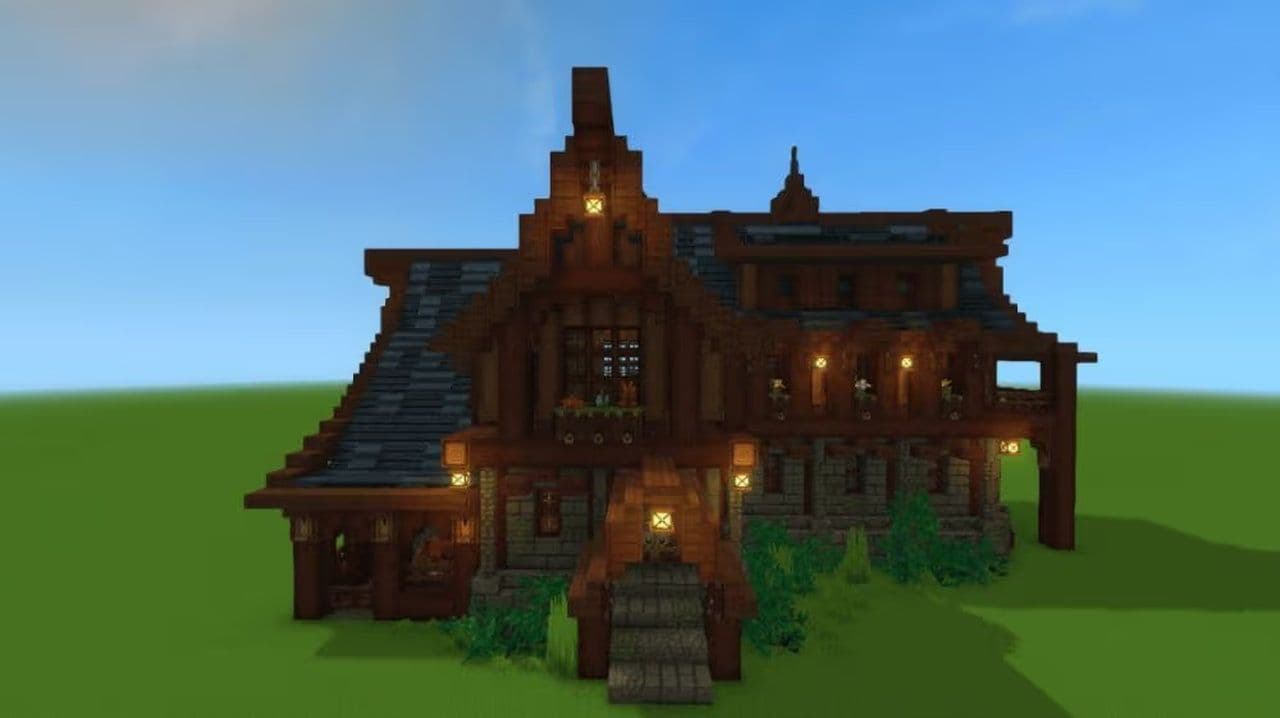
    • Village house: low rooflines, chimneys, cozy shape
    • Wizard tower: narrow base, dramatic height, asymmetrical design
    • Temple: wide footprint, layered structure, monumental look.
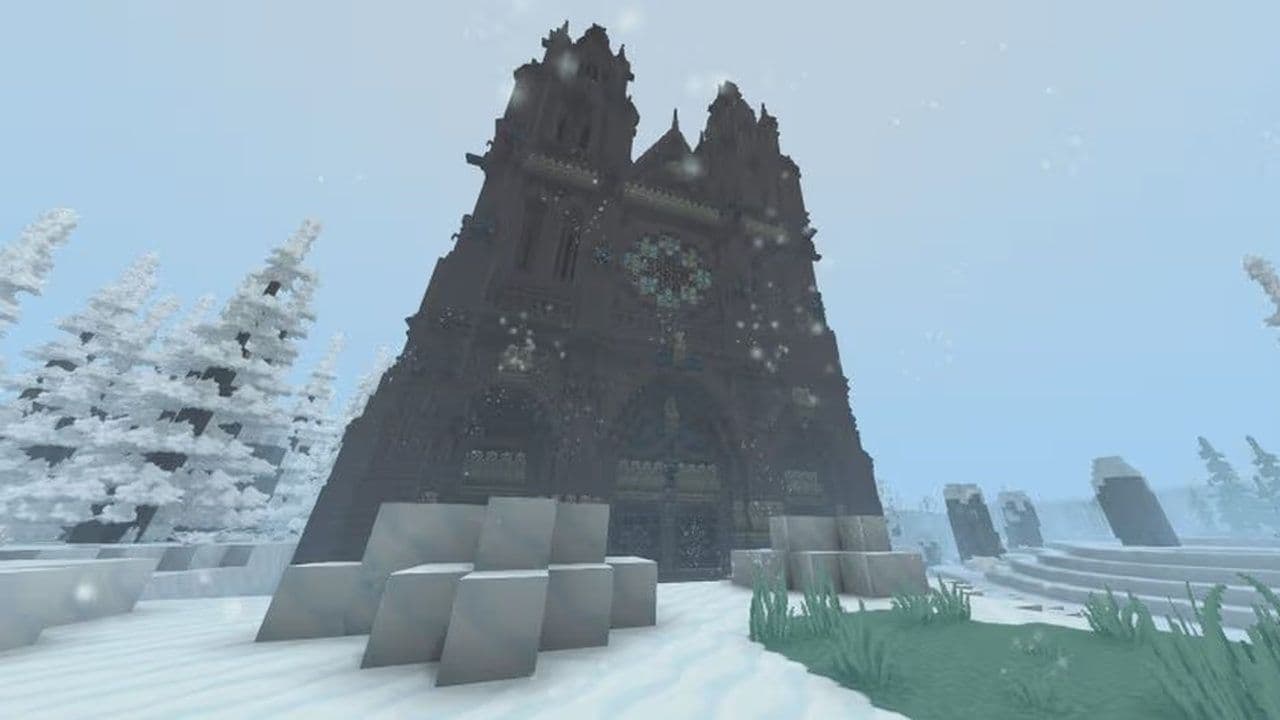
    Image Credit: ItsLisa
    Image Credit: ItsLisa

    Then break buildings into parts:

    • main hall
    • tower
    • side wing
    • balcony
    • courtyard
    • roof sections
    • support beams
    • entrance gate

    This makes builds feel realistic and layered.

    Choose better materials

    Materials are a major part of Hytale building process.

    Strong building materials include:

    • Chalk – bright stone for castles and clean builds
    • Sandstone – perfect for desert bases and temples
    • Shale – darker stone for colder or dramatic builds
    • Volcanic Stone – ideal for fortresses and dark fantasy builds
    • Bamboo – excellent for tropical homes and jungle villages
    • Frostwood – perfect for snowy cabins and magical builds

    Material contrast matters

    • white stone + dark timber
    • rough brick + polished stone
    • warm wood + cool stone
    • dark walls + bright trim

    Mixing textures makes Hytale building look richer.

    Roof design is critical

    A strong roof can completely change a build. Great roofs use:
    Roof Element

    Why It Matters

    Best Use

    Height

    Changes the overall feel of the building

    Steeper roofs feel medieval, dramatic, and bold. Lower roofs feel calm, clean, and modern.

    Overhang

    Adds depth and realism by extending beyond the walls

    Makes structures feel more natural and less boxy. Great for cottages, houses, and castles.

    Layers

    Creates a more detailed silhouette

    Multiple roof sections, split levels, and intersecting roofs look far better than one flat roofline.

    Chimneys

    Adds function and vertical detail

    Perfect for homes, inns, cabins, and workshops.

    Skylights

    Brings light and style to interiors

    Great for modern builds, workshops, greenhouses, and towers.

    Roof Trim

    Adds clean edges and finishing detail

    Makes roofs look polished and more architectural.

    Dormers

    Breaks up large roof surfaces

    Adds windows, shape variation, and extra character.

    Tower Caps

    Gives towers a finished focal point

    Ideal for castles, wizard towers, and watchtowers.

    Support Rafters

    Improves realism and structure

    Excellent for medieval, rustic, and timber-framed builds.

    Image Credit: ItsLisa
    Image Credit: ItsLisa

    Best base locations for Hytale building

    Location matters for every Hytale building project.

    Base Location

    Best For

    Key Benefits

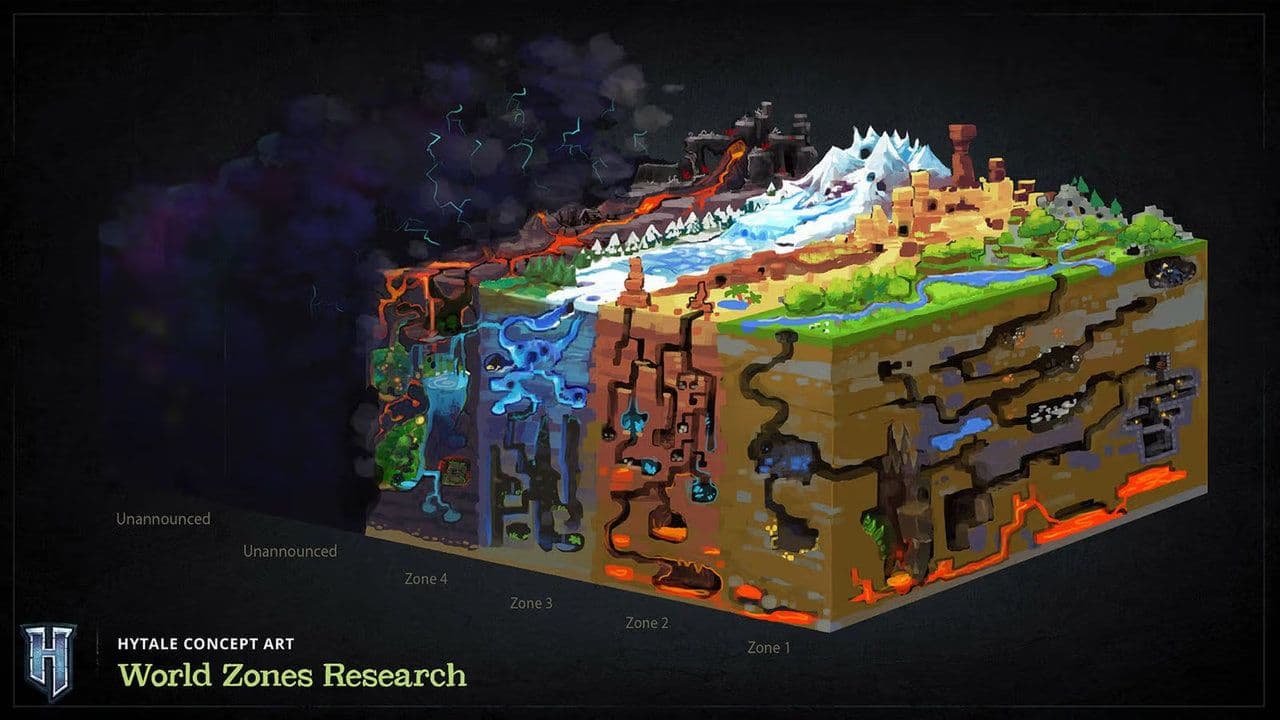
    Forgotten Temple Area (Zone 1 – Emerald Grove)

    Starter bases, early progression, first settlements

    Beginner-friendly, close to Memories, easy access to wood and stone, safe early-game progression, ideal first base location

    Forest Base

    Cabins, villages, farms, treehouses, woodland forts

    Easy wood supply, beautiful natural scenery, strong farming space, nearby wildlife, plenty of room to expand

    Cave Base

    Defensive bases, hidden bases, resource hubs

    Natural protection, hidden entrances, close access to ore, reduced wall building, strong PvP potential

    Water Base

    Multiplayer defense, secure settlements, farming hubs

    Natural moat, limited entrances, fishing access, farming support, strong multiplayer defense

    Credit: Hytale
    Credit: Hytale

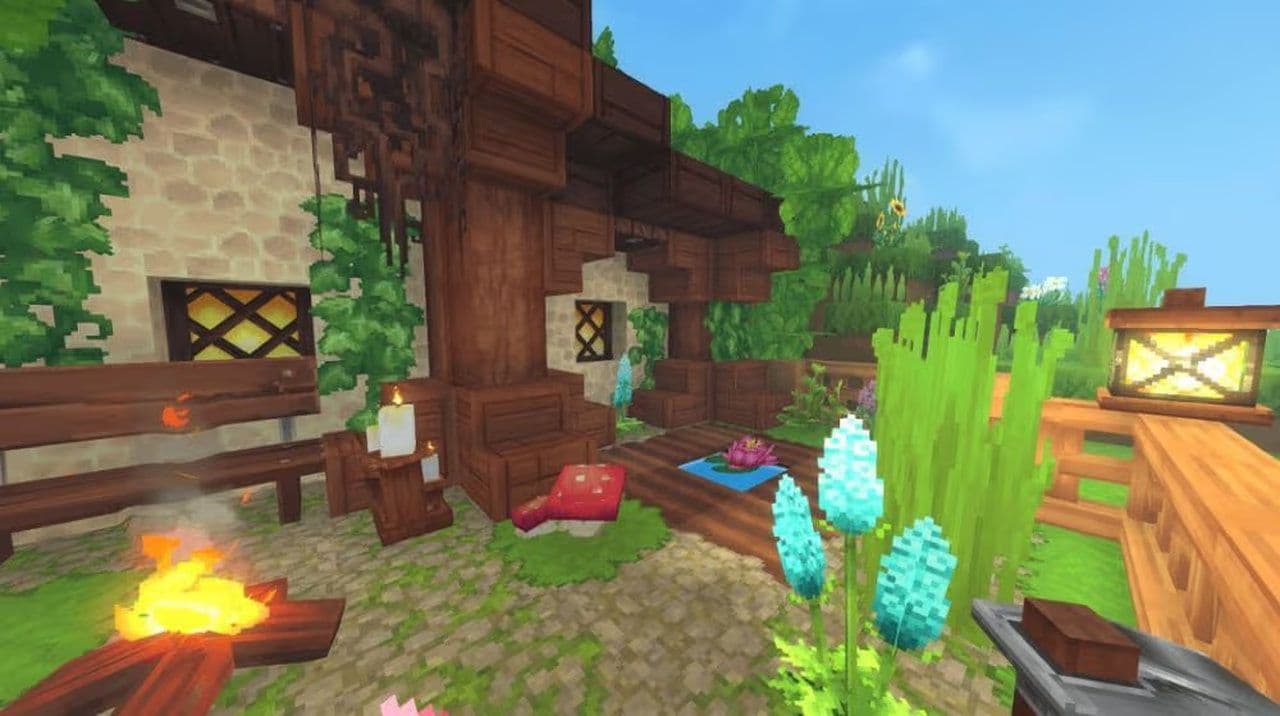
    Make interiors feel alive

    Exterior matters, but interiors complete the build.

    Good interiors use:

    • bookshelves
    • rugs
    • tables
    • candlescrates
    • food it
    • ms
    • tools
    • lanterns
    • plants
    • decorative furniture

    A well-planned base should be organized into functional zones that support crafting, farming, defense, and future expansion.

    Base Zone

    What to Include

    Purpose

    Core Area

    Bed, food storage, crafting stations, lighting, central storage

    Main living and survival area; the heart of your base

    Production Area

    Furnaces, Builder’s Workbench, blacksmith stations, crafting tables, material sorting

    Dedicated crafting and resource-processing zone

    Farming Area

    Crops, animal pens, irrigation, barns

    Food production and renewable resource generation

    Defense Area

    Walls, towers, gates, traps, watch points

    Protects your base from mobs and enemy players

    Expansion Area

    Workshops, roads, portals, decorative structures, new buildings

    Leaves space for long-term growth and future projects

    Small details make Hytale building ideas memorable.

    Use prefabs for inspiration

    Hytale prefabs are useful for both beginners and experienced builders. Prefabs help players:

    • save time
    • learn design
    • build towns faster
    • customize existing structures
    • experiment with style
    Image Credit: ItsLisa
    Image Credit: ItsLisa

    The best Hytale building combines creativity with planning. Learn the controls, use Builder Mode tools, choose smart locations, work with terrain, pick better materials, build stronger roofs, and design interiors with purpose.

    Hytale gives players the tools to create almost anything. The key is learning how to build with intention, detail, and smart design.

    That’s all for today! Looking for more? Check out these:

    • Is Hytale multiplayer? Learn how to play with friends
    • Will Hytale be on Steam?
    • Is Hytale Free? Pricing, access & everything you need to know
    • How to get Hytale Mithril ore: Location, mining, and using it
    • How to get Hytale Voidheart

    Guide Categories

    • Mods
    • Beginner Guides
    • Resources
    • Weapons
    • Armor
    • Food
    • Servers
    • Mobile
    Eray Eliaçık

    Meet Eray, a tech enthusiast passionate about AI, crypto, gaming, and more. Eray is always looking into new developments, exploring unique topics, and keeping up with the latest trends in the tech industry, and gaming is the sweetest spot.

    Eray has been rocking it as a news manager and content creator at spots like, TechBriefly, Gamelevate, Softonic, and various tech realms. Crafting over 2k tech articles, Eray captivated millions of readers for over three years.

    Now, over at THESPIKE, Eray is a content writer, blending the love for spinning stories and helpful guides for all-things gaming.

    View More
    THESPIKE
    AboutCareersPrivacy PolicyTerms of UseAbout THESPIKEDisclaimer
    Contact UsCommercialsSend an emailPost Feedback
    ResourcesBetting SitesOnline CasinosSweepstakes Casinos
    © 2026 THESPIKE.GG | All Rights Reserved | Not affiliated with Riot Games
    18+ Bet Responsibly | BeGambleAware.org
    Light Mode
    Login