Hytale F2P launcher explained
Unofficial Hytale launcher breakdown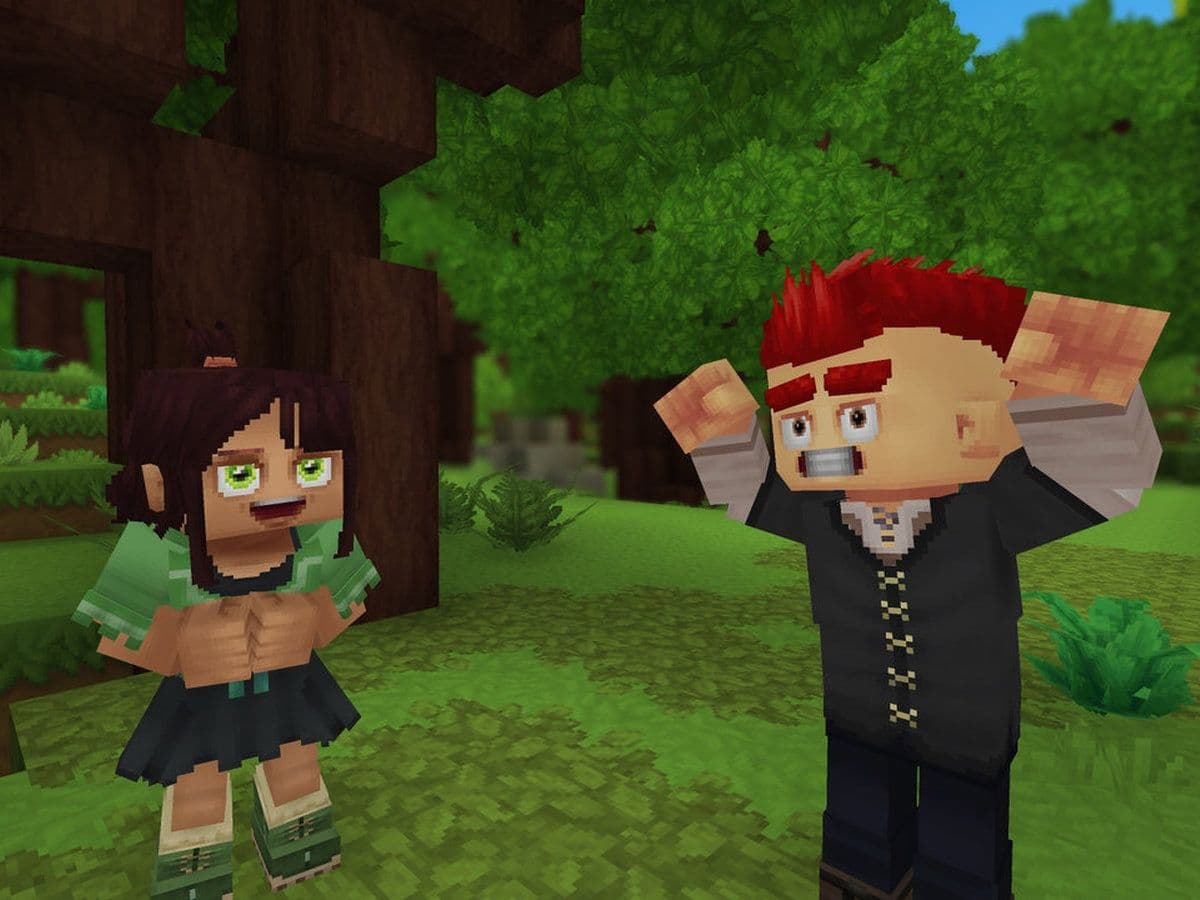
The Hytale F2P launcher is an unofficial, cross-platform launcher designed for Hytale, offering automatic updates, multiplayer support, and modern launcher features. This guide explains what the F2P launcher is, its features, supported platforms, and everything you need to know.
What is the Hytale F2P launcher?
The Hytale F2P launcher is a community-built launcher project, distributed primarily through GitHub. It focuses on ease of use, cross-platform compatibility, and automation.
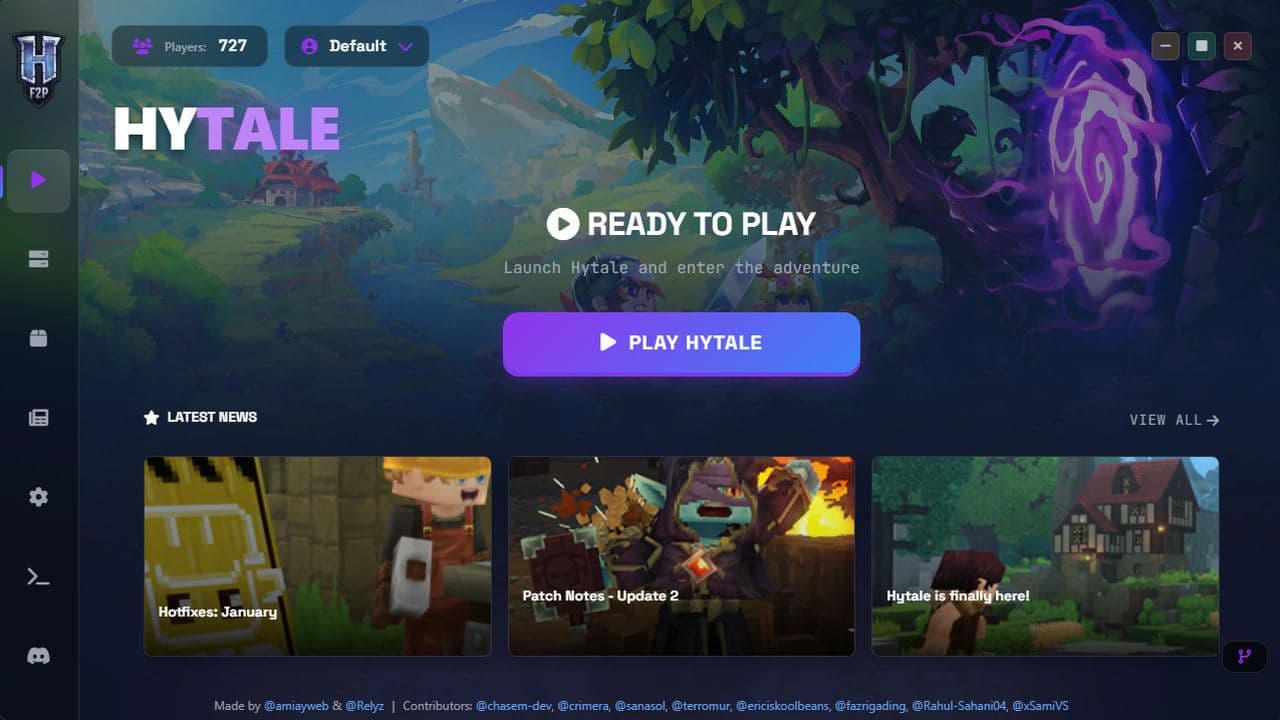
Despite the “F2P” label, the launcher itself does not change Hytale’s licensing model. Instead, it provides:
- Automatic game and client updates
- Multiplayer client installation
- Mod support and dependency handling
- A modern, responsive interface
Because it is unofficial, users are advised to read the Quick Start guide before installation and join the project’s Discord server if issues arise.
Hytale F2P launcher features: Why use it?
- Automatic updates: Smart version checking ensures the launcher automatically downloads and applies the latest game and client updates without manual intervention.
- Data preservation system: UserData is intelligently backed up and restored during updates, protecting saves, settings, and configuration files.
- Cross-platform support: Fully supported on:
- Windows x64
- Linux x64 (X11, Wayland, SteamDeck)
- macOS ARM64 (Apple Silicon)
- Automatic Java management: The launcher detects missing or incompatible Java versions and installs the required Java runtime automatically.
- Multiplayer client installation: Multiplayer components are installed automatically on Windows, Linux, and macOS, reducing setup complexity.
- Custom installation directory: Users can choose where the game and launcher files are installed instead of using a fixed system path.
- Smart dependency detection: Automatically detects required game files, libraries, Java runtime, and system dependencies.
- Built-in mod support: Integrated mod management system allows users to add, remove, and organize mods without manual file handling.
- News feed integration: Displays the latest Hytale-related news directly inside the launcher.
- Modern user interface: Clean, responsive UI with a dark theme, designed for clarity and ease of use across all supported platforms.
But don’t forget that playing Hytale without an internet connection is not yet supported.
How to install Hytale F2P
Installation steps differ by operating system, but the general process is:
- Download the launcher from its original repository
- Select the correct file for your OS
- Run the installer or executable
- Approve OS security warnings if you trust the source
- Launch the application and configure settings
On macOS, users may need to manually allow the app in security settings due to unsigned software restrictions.
The Hytale F2P launcher is best described as a community experiment, not a replacement for the official ecosystem. It may be useful for advanced users interested in modding, testing, or learning how the game client works, but it comes with clear risks and strict limitations.
If you are serious about playing Hytale long-term, the safest and most reliable option remains the official launcher and a legitimate game license.
That’s all for today! Looking for more? Check out these:
All Related Guides
 Hytale Update 4 (Part 5): What’s new?Hytale Update 4 Part 5 adds 500+ new blocks, system upgrades, bug fixes, and major improvements before full re...
 All Hytale signs & how to craft themDiscover all 29 Hytale signs, their crafting recipes, and how to use them. Learn sign mechanics, placement tip...
 When will Hytale fully release? (2026 update)When will Hytale fully release? Learn the expected 2026–2027 timeline, Early Access plans, and what must happe...
 How to refund Hytale in 4 stepsLearn how to refund Hytale in 4 simple steps. Check the 14-day refund rule, playtime limits, and how to submit...
 How to get a Tankard in HytaleLearn how to get a Tankard in Hytale, including crafting steps, required materials, and the best uses for tave...
 Hytale Texture Pack and Shaders Guide: Create, Download, and Use Hytale ShadersHytale texture pack guide with simple steps to create, install, and use packs, plus tips for Hytale shaders se...
 Best Hytale prefabs: What they are and how to use themNew to Hytale prefabs? This guide explains prefab packs, top picks, and how to install and place prefabs using...
 How to add Hytale to CurseForge and use different modsAdd Hytale to CurseForge in minutes. Learn how to detect the game, add it manually, and install Hytale mods wi...
- 1
- 2
- 3
- 4
- 5
- 6
- 7