Where to play Hytale and how to install the game
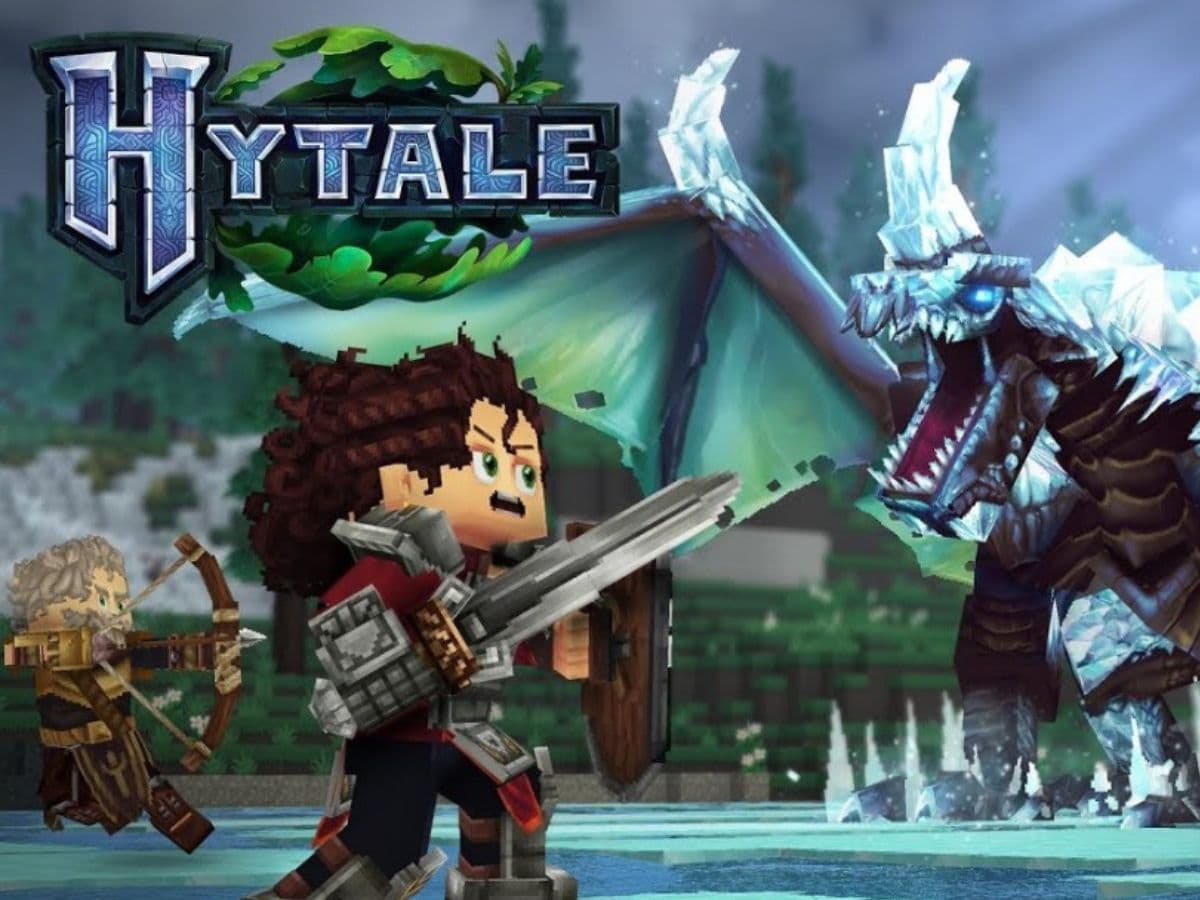
In Hytale, you explore a large fantasy world, you build structures fast, and you fight creatures that behave like part of an ecosystem. The game also puts creators front and center, so mods and custom servers matter from day one.
Players keep asking the same practical question because Hytale does not follow the usual storefront path. You do not just click “Install” on a big PC store. You use the official launcher, you sign in with a Hytale account, and you manage updates from there. This guide explains where to play Hytale, how to install it, and what you need to run it.
Where to play Hytale and which platforms support it
You play Hytale on PC through the official Hytale Launcher. The launcher supports:
- Windows
- macOS
- Linux
You do not play Hytale on consoles right now, and you do not install it through the major PC storefronts.
Is Hytale on Steam?
No. Hytale does not launch on Steam at this time. The game uses its own launcher for Early Access, so Steam does not host the install or updates.
Is Hytale on Epic Games Store?
No. Epic Games Store does not list Hytale for Early Access, and Epic does not deliver the game files. You still use the Hytale Launcher.
Is Hytale on Xbox?
No. You cannot play Hytale on Xbox during Early Access. The game stays PC-only right now, so Xbox players cannot download it from the Microsoft Store or launch it through a console client.
Is Hytale on PS?
No. Hytale does not run on PS5 or PS4 during Early Access. You also cannot install it through the PlayStation Store at this stage. The developers say they plan to bring Hytale to consoles later, but they have not announced dates, platforms, or a launch window
Can you play Hytale now?
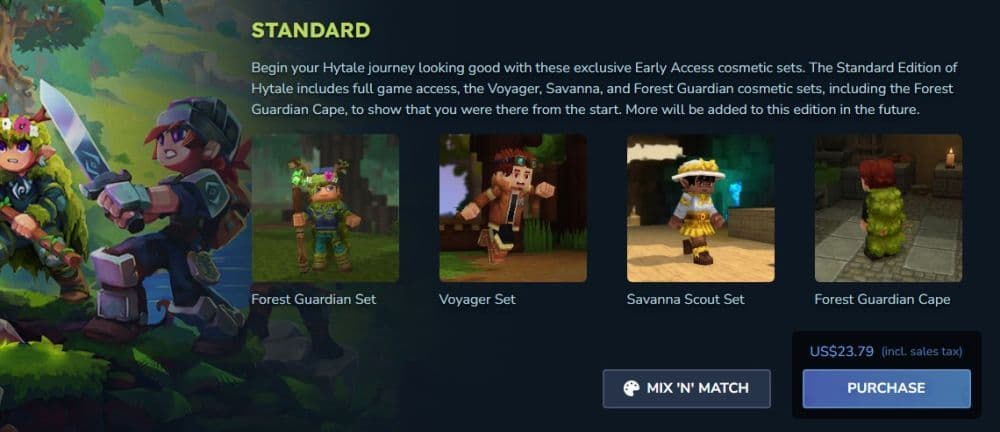
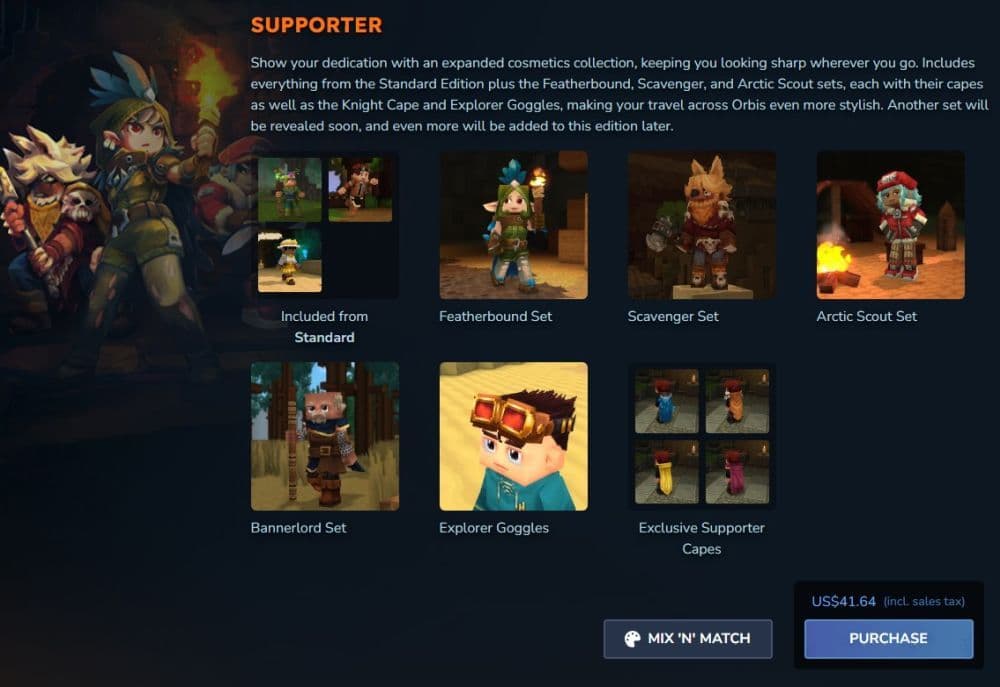
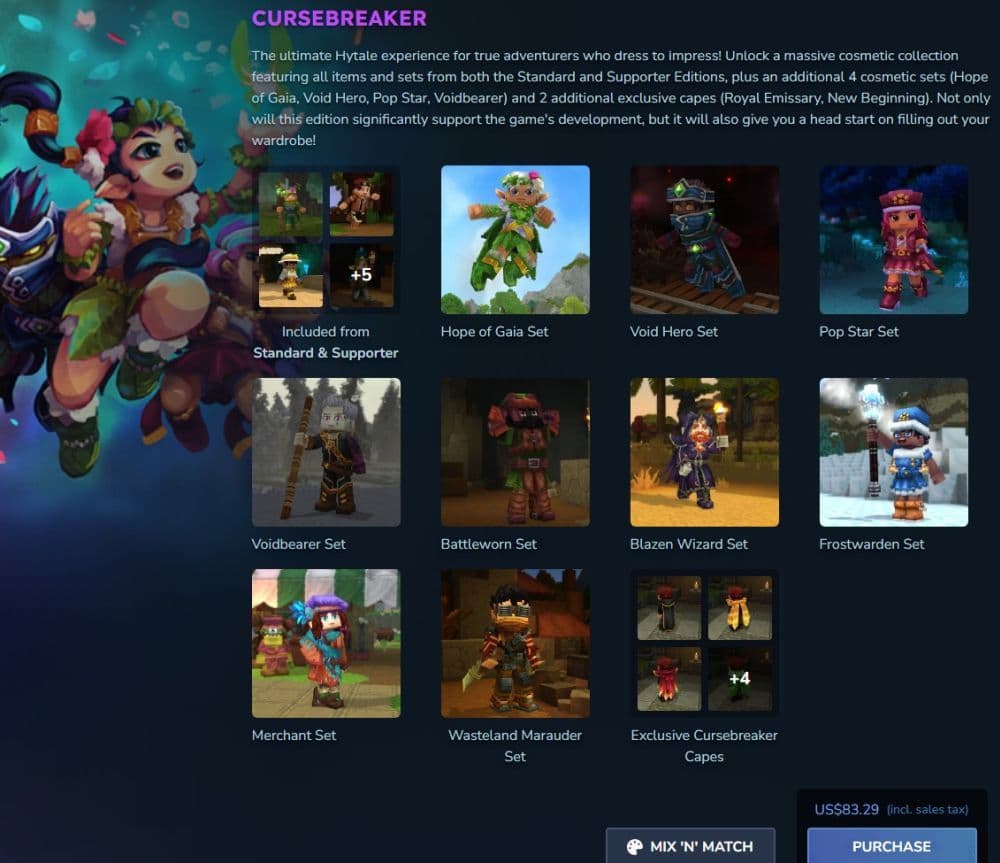
Yes. Hytale runs in Early Access right now. You can access it after you buy the game through the official Hytale site and link that purchase to your account. Hytale is not free. Early Access gives you a playable build, but it also brings normal Early Access limits:
- You will see bugs and rough edges.
- You will notice missing features or placeholder content.
- You will receive frequent patches that can change balance and systems.
If you plan to play on day one hardware, expect better results on stable drivers and an SSD. You can still run the game on older machines, but you will get smoother loading and fewer stutters with modern storage and RAM.
How to download and install Hytale
Use only the official Hytale site to avoid fake installers and stolen account traps. Then follow a clean install path.
Step-by-step install guide
- Go to Hytale’s official website and open the Download page.
- Download the Hytale Launcher for your operating system.
- Run the installer and finish setup. The launcher install takes only a few minutes.
- Open the launcher and sign in to your Hytale account.
- If you do not have an account, select the register option and create one, then return to the launcher and sign in.
- Buy Hytale through the official store page if you did not buy it yet.
- Return to the launcher and select Install. The launcher downloads the base game files and any current patches.
- Choose your game profile, then press Play.
How to play Hytale
Hytale starts with classic sandbox basics, but it pushes you toward adventure content faster than many players expect.
Core gameplay loop
You spawn into a world that mixes safe zones, hostile areas, and points of interest. You gather materials, craft gear, and build a base. You also explore for better loot, tougher enemies, and new regions.
Combat and progression
Hytale focuses on direct combat with clear feedback. You improve your odds through better gear, smarter positioning, and resource prep. You also face enemies that fit their biome, so region choice matters.
Modes and social play
You can:
- Play solo for exploration and building
- Play co-op with friends
- Join servers that run custom content, rule sets, or minigames
Mods and creator tools
Hytale supports modding from the start, which makes community content a key part of the experience. Hytale mods can add new visuals, systems, and gameplay loops. You can also find custom servers that feel like entirely new games.
Hytale minimum and recommended system requirements
Hytale targets a wide range of PCs, but you should still match your hardware to your goals. Mods and higher settings raise the load.
Minimum requirements
- OS: Windows 10/11, macOS on Apple Silicon, or Linux x64
- CPU: Intel Core i5-7500, AMD Ryzen 3 1200, or Apple M1
- RAM: 8 GB
- GPU: Integrated graphics options supported, plus older discrete cards like GTX 900-class
- Storage: SSD with 10 GB free space
Recommended requirements
- OS: Windows 10/11, macOS on Apple Silicon, or Linux x64
- CPU: Intel Core i5-10400, AMD Ryzen 5 3600, or Apple M2
- RAM: 16 GB
- GPU: Stronger integrated options supported, plus discrete cards in the same general class or better
- Storage: SSD with 20 GB free space
If you want the cleanest experience, prioritize an SSD, 16 GB RAM, and stable GPU drivers. You will feel that upgrade in load times, world streaming, and mod-heavy play.
Here are more Hytale guides for you to read:
- Is Hytale multiplayer? Learn how to play with friends
- Hytale portal guide: Learn how to craft Hytale teleporters & fast travel
- Fixing the Hytale NAT type restricted error: How to change NAT type
- How to feed, tame & breed Hytale animals: Ride horses and learn what’s possible
- Beginner Guides - HYTALE
Featured Image Credit: Hytale
All Related Guides
 Best Hytale plugins and how to create yoursExplore the best Hytale plugins for servers, from permissions and shops to NPCs, kits, performance tools, and ...
 Meet the Hytale Pokemon mod Pokefind: Release date, gameplay and moreGet the latest details on the Hytale Pokemon mod Pokefind, including gameplay plans, server support, release s...
 Can you create an infinite water source in Hytale?Learn if a Hytale infinite water source is possible, why the 2x2 trick fails, and which mods can help you get ...
 Who is The Hedera in Hytale Endgame & QoL mod and how to defeat itFind out how to reach and defeat The Hedera in Hytale Endgame & QoL mod, including boss phases, best prep, and...
 How to heal in Hytale (Food, potions, totem & more)How to heal in Hytale: food, potions, totem, regen buffs, best methods, and full survival guide explained....
 Hytale Update 4 (Part 5): What’s new?Hytale Update 4 Part 5 adds 500+ new blocks, system upgrades, bug fixes, and major improvements before full re...
 All Hytale signs & how to craft themDiscover all 29 Hytale signs, their crafting recipes, and how to use them. Learn sign mechanics, placement tip...
 When will Hytale fully release? (2026 update)When will Hytale fully release? Learn the expected 2026–2027 timeline, Early Access plans, and what must happe...
- 1
- 2
- 3
- 4
- 5
- 6
- 7
- 8