What is a Minecraft SMP plugin and how to set it up
This guide will get you started.
Minecraft multiplayer has grown into one of the most popular ways to enjoy the game. Survival Multiplayer (SMP) servers bring players together to explore, build, trade, and compete in the same world. Many players start with a basic vanilla SMP setup, but plugins make it possible to create something much more advanced. If you want to start an SMP server, you need to understand the basics before installing plugins. Here are all the details!
What is an SMP server in Minecraft?
SMP stands for Survival Multiplayer. It is a Minecraft server where multiple players share the same world. They gather resources, build structures, and interact under the same set of rules. Unlike single-player survival, SMP servers allow direct cooperation or competition between players.
Many popular Minecraft communities use SMP servers. Players can form towns, start trading systems, or work together on large projects. The world stays online even when players log off, which makes progress continuous.
You can run an SMP server without plugins, but plugins unlock more options. These types of add-ons, which also include the Custom Enchantments plugin, can add an in-game economy, land claiming, teleport commands, and other features.
What is a Minecraft SMP plugin?
A plugin is a server add-on that changes or expands what you can do in Minecraft. Plugins only work on certain types of server software, such as Bukkit, Spigot, or Paper. These server platforms are designed for customization.
SMP plugins help server owners manage gameplay and protect players. They can also add fun mechanics that keep the community active. Some examples include:
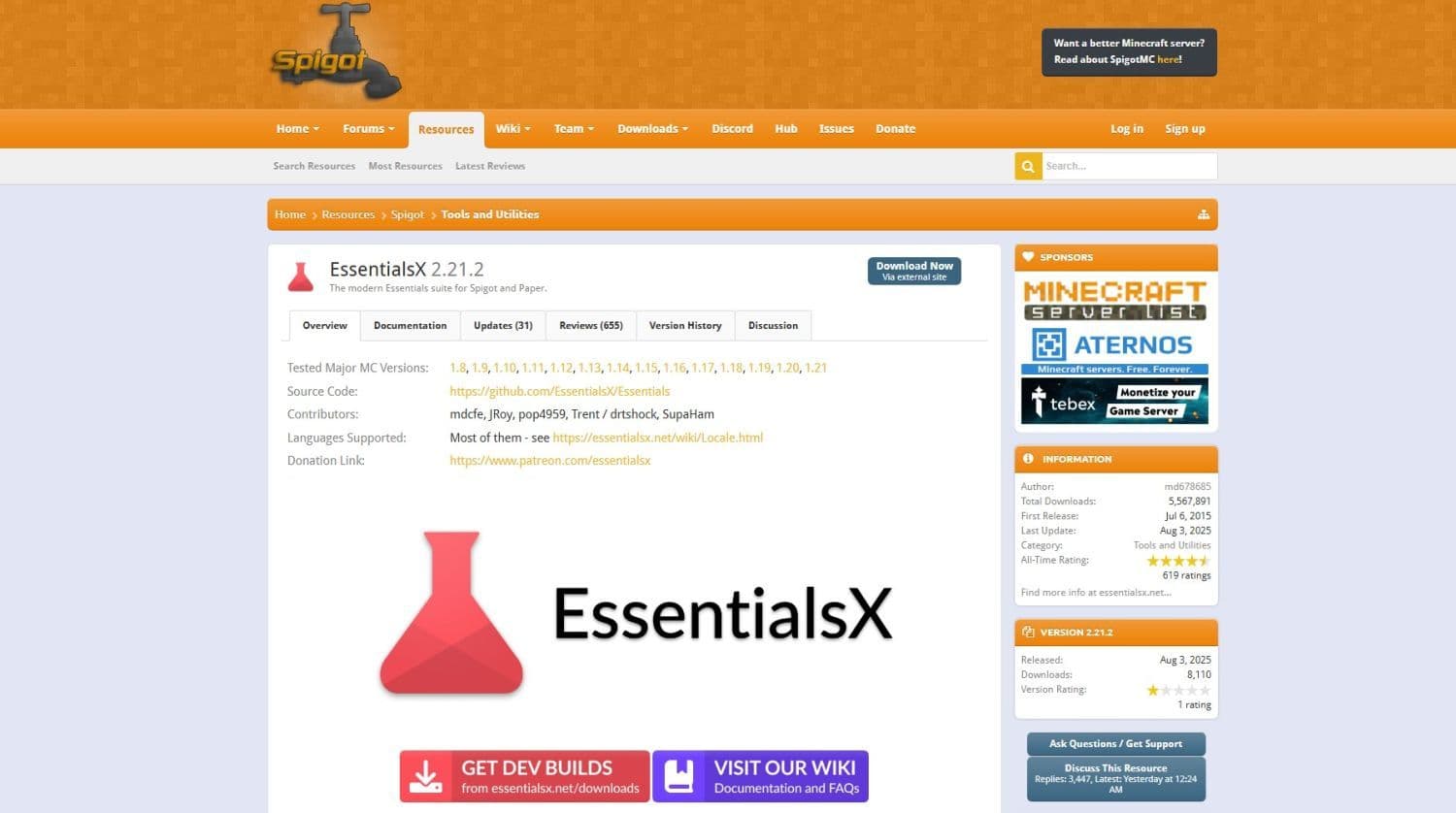
- EssentialsX: Adds useful commands such as /home, /spawn, and /warp.
- GriefPrevention: Lets players claim land to stop griefing.
- Dynmap: Creates a live map of your server in a web browser.
Plugins run only on the server. Players do not need to install them on their own computers. This makes it easy to join a plugin-enabled SMP server without extra setup.

Step-by-step Minecraft SMP server plugin setup guide
Follow the steps below to set up your Minecraft SMP server and then run plugins on it:
- Choose your server type: Pick a server platform that supports plugins. Spigot is widely used, but Paper offers better performance and optimization. Paper works well for larger SMP communities because it handles more players with less lag.
- Download and install the server software: Go to the official Spigot or Paper website and download the latest version that matches your Minecraft version. Place the downloaded file in a new folder. Run the file to generate the main server files.
- Accept the EULA: Open the eula.txt file in your server folder. Change eula=false to eula=true to confirm you agree to Minecraft’s End User License Agreement.
- Find and download plugins: Use trusted sources such as SpigotMC.org or Bukkit.org to find plugins. Always check that the plugin supports your Minecraft version. Download the plugin file and place it in the plugins folder.
- Configure plugin settings: Restart the server so the plugins load. Most plugins create their own folders with configuration files. Open these files in a text editor to adjust settings such as permissions, limits, and features.
- Set up permissions: Install a permissions plugin like LuckPerms. This lets you control which commands and features each player can use.
- Test the server: Join your server from Minecraft and check that all plugins work as expected. If something fails, review the server console for errors and fix them before inviting players.
Best practices for SMP servers
Installing plugins is only the first step. To keep your SMP server healthy and fun, follow these guidelines:
- Limit plugin count: Too many plugins can slow the server and cause errors.
- Update regularly: Keep your server software and plugins up to date to improve stability and security.
- Make backups: Schedule backups of your world and configuration files.
Protect builds: Use plugins like GriefPrevention or CoreProtect to stop griefing. - Set clear rules: Post server rules where players can see them.
- Monitor performance: Use server tools to track memory and CPU usage. This helps find issues early.
Why plugins improve SMP servers
Plugins give you control over the server’s environment. You can create custom gameplay experiences, prevent common problems like griefing, and make the world feel more alive. With the right setup, your SMP server can offer more than the standard survival mode.
Large communities often use a mix of essential and unique plugins. EssentialsX might handle commands, while GriefPrevention secures builds, and custom plugins add special events or mini-games.
If you are a beginner Minecraft player, you can still enjoy all features the vanilla version offers but if you are looking for something more, the Minecraft SMP plugin is a great start.
You do not need hundreds of plugins to make a great server. Focus on stability, fair rules, and features that improve gameplay. A well-managed SMP server can run for months or even years while keeping players active and invested.
For more Minecraft-related guides:
- Minecraft Serene Seasons Mod: A deep dive into seasonal dynamics and gameplay
- Here is a closer look at the free Japanese government Minecraft map
- Minecraft Movie's Post-Credits Scene: Implications for the Minecraft Universe
- Minecraft blast furnace recipe: How to make a blast furnace in Minecraft
- How to make a stone cutter in Minecraft: Complete recipe
Featured Image Credit: Minecraft
All Related Guides
 How to start a raid in Minecraft: Java and Bedrock guideLearn how to start a raid in Minecraft Java and Bedrock, get Ominous Bottles, trigger Raid Omen, prepare villa...
 How to breed frogs in MinecraftBreed frogs in Minecraft with this simple guide to slimeballs, frogspawn, tadpoles, frog variants, and common ...
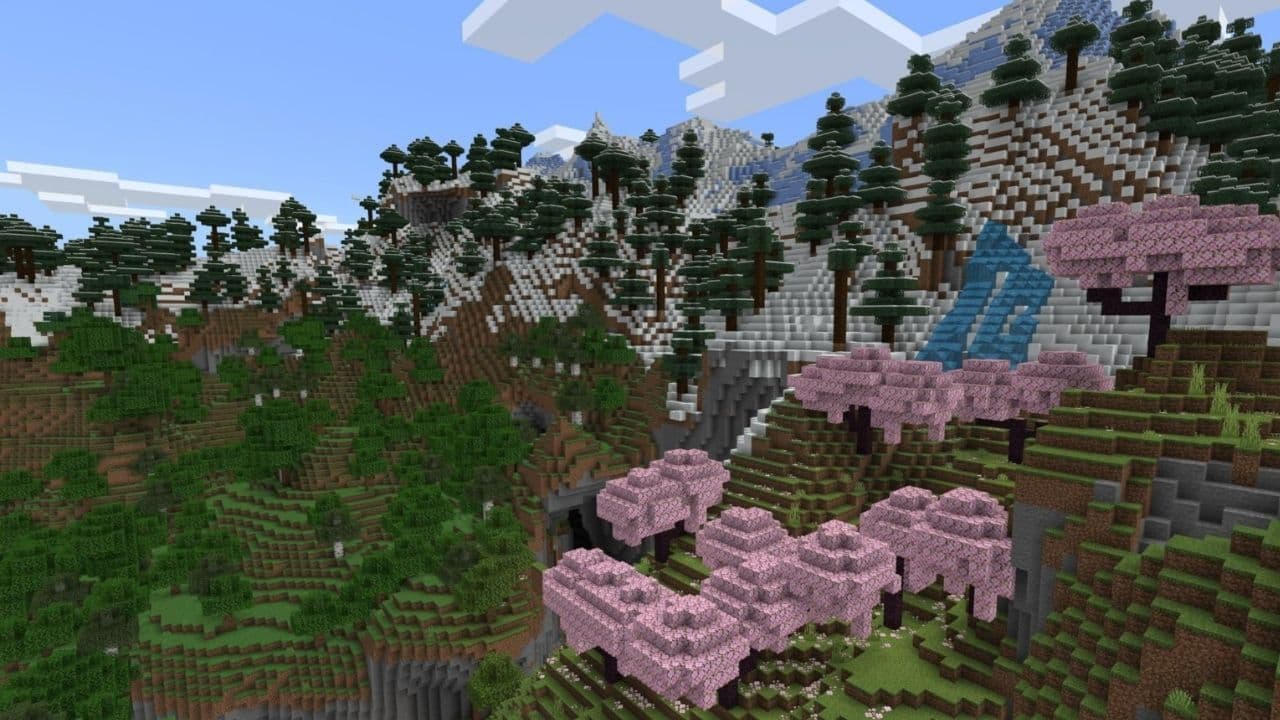 Best Minecraft PS5 seeds in 2026 - Version 26.2Discover the best Minecraft PS5 seeds in 2026, with strong Bedrock worlds for survival and creative projects....
 Best Minecraft PS5 seeds in 2026 - Version 26.2Find the best Minecraft PC seeds in 2026, with great worlds for survival, villages, building, exploration, and...
 Top 5 Minecraft 26.1 seeds you must try todayFind the best Minecraft 26.1 seeds for villages, rare biomes, island survival, and creative builds, with seed ...
 How to turn on keep inventory in MinecraftUse the correct Keep Inventory command in Minecraft and learn how it works across Java, Bedrock, servers, and ...
 How to breed tropical fish in MinecraftCan you breed tropical fish in Minecraft? Here is the clear answer, plus how to catch, move, and use tropical ...
 Minecraft Chaos Cubed guide: Everything new in the 2026 updateExplore everything new in Minecraft Chaos Cubed, including Sulfur Caves, Sulfur Cubes, geysers, new blocks, co...
- 1
- 2
- 3
- 4
- 5
- 6
- 7
- 8
- 9