How to fix error code 106 on Roblox
This xbox error can be frustrating but it should be a quick fix in Roblox.
Are you facing Roblox Error Code 106 while trying to join a friend’s game on Xbox? Don’t worry—you’re not alone! This error can be frustrating, but it’s actually tied to how Roblox and Xbox handle friend connections.
The fix? It’s as easy as making friends!
What does Roblox error code 106 mean?
Roblox Error Code 106 happens when you’re trying to join a friend’s game on Xbox, but you’re blocked because you’re not fully connected as friends on both Roblox and Xbox Live.
Why can't you join your friend's game on Roblox Xbox?
Here’s why this happens: when playing Roblox on Xbox, there are two different friend lists:
- Roblox friends list – friends you add using their Roblox username.
- Xbox Live friends list – friends you add using their Xbox gamertag.
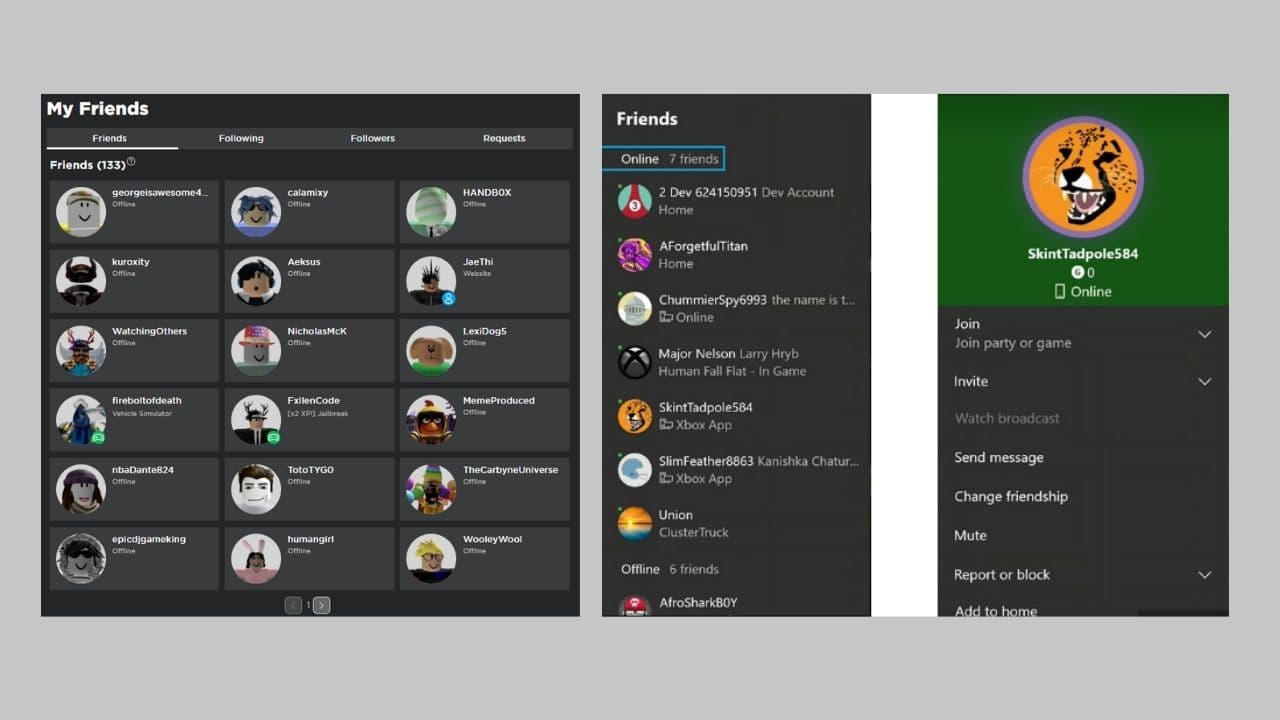
To join a friend’s game on Xbox, you need to be friends on both lists. If you’re friends on just one of them (either Roblox or Xbox), Roblox won’t let you join, and error code 106 pops up.
When you try to join your friend’s game, Roblox checks if you’re friends on both Roblox and Xbox Live. If you’re missing the friend connection on either platform, Roblox blocks the game session.
It’s basically Roblox saying, “I don’t see you as full friends across the board, so I can’t let you join this game.”
You’ll usually see this error if:
- You’re friends on Roblox but not on Xbox Live.
- You recently added a friend on one platform but forgot to add them on the other.
How to fix error code 106 on Roblox in 3 simple steps
Luckily, fixing the Roblox error code 106 is really easy! Just follow these steps:
- Add your friend on Roblox’s website
- Have your friend accept the request
- Add your friend on Xbox Live
Don’t you know how? We are here to help…
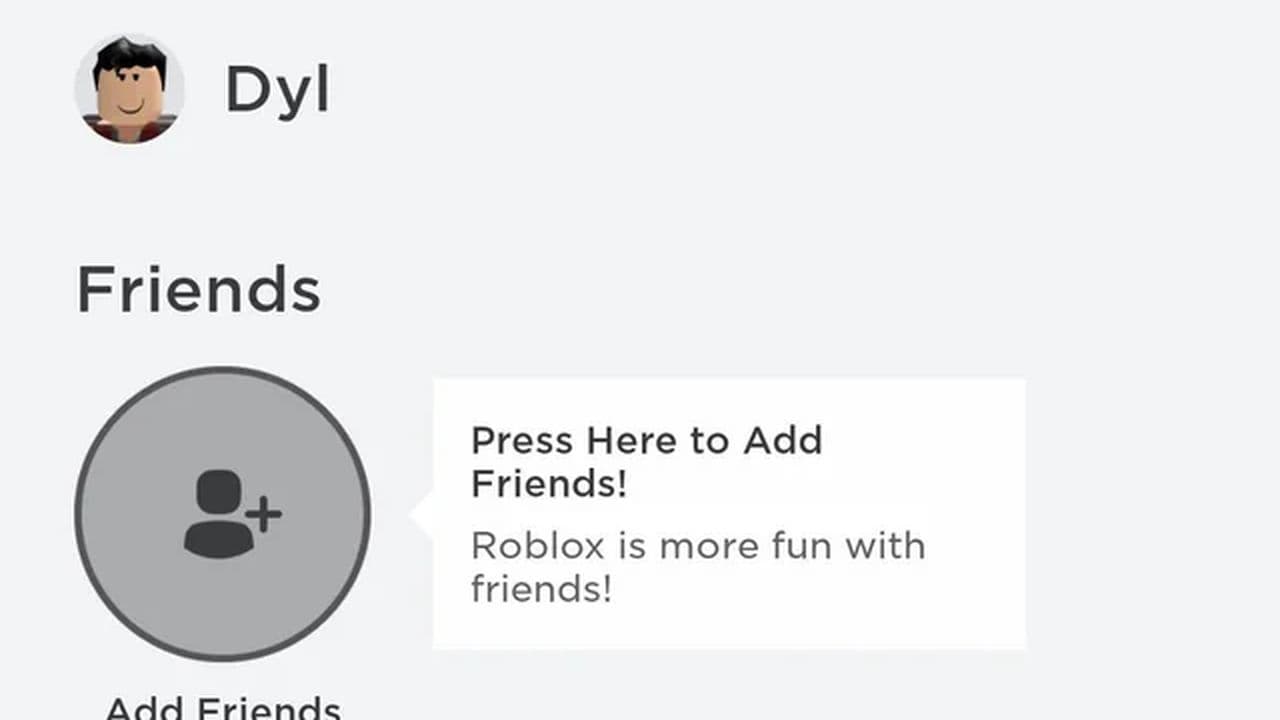
Add your friend on Roblox’s website
- Go to Roblox.com from your computer or any other device and log in.
- Use the search bar to find your friend’s Roblox username.
- Click Add Friend next to their profile.
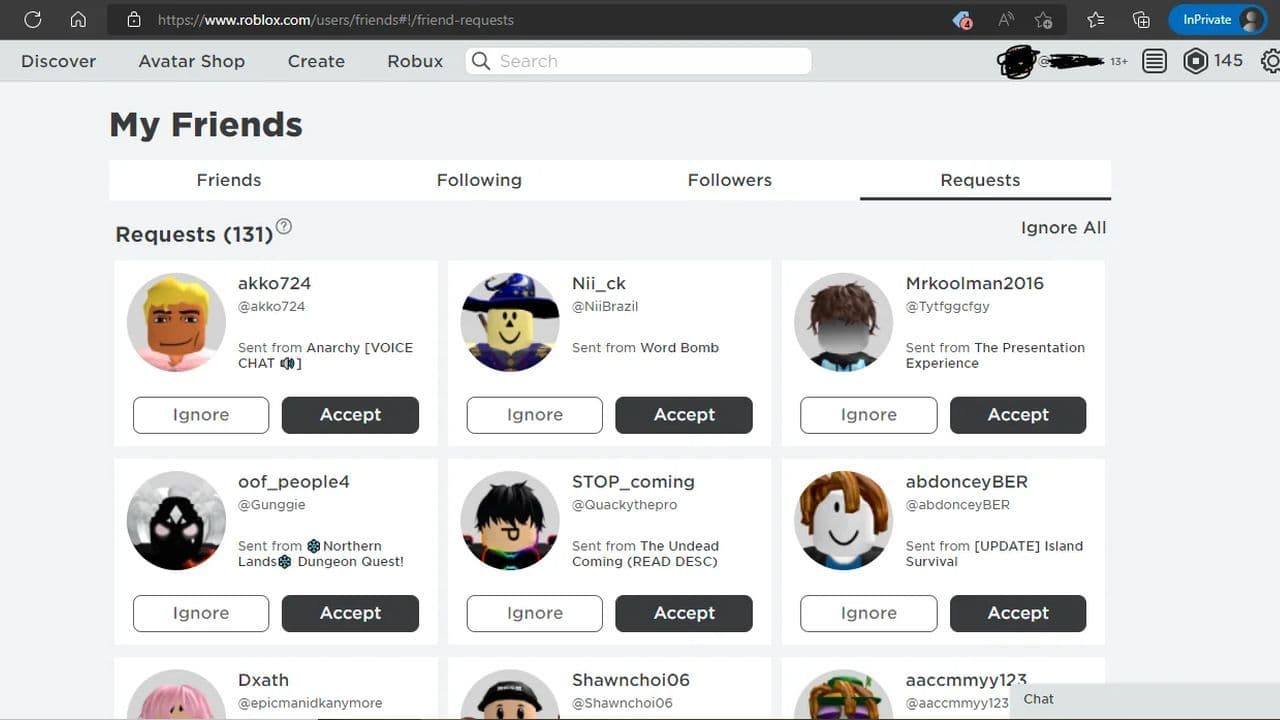
Have your friend accept the request
Your friend needs to log in to Roblox and accept your friend request.
Add your friend on Xbox Live
- On your Xbox One, press the Xbox button on your controller.
- Go to Friends & clubs, then choose Find someone.
- Search for your friend’s Xbox gamertag and add them as a friend.
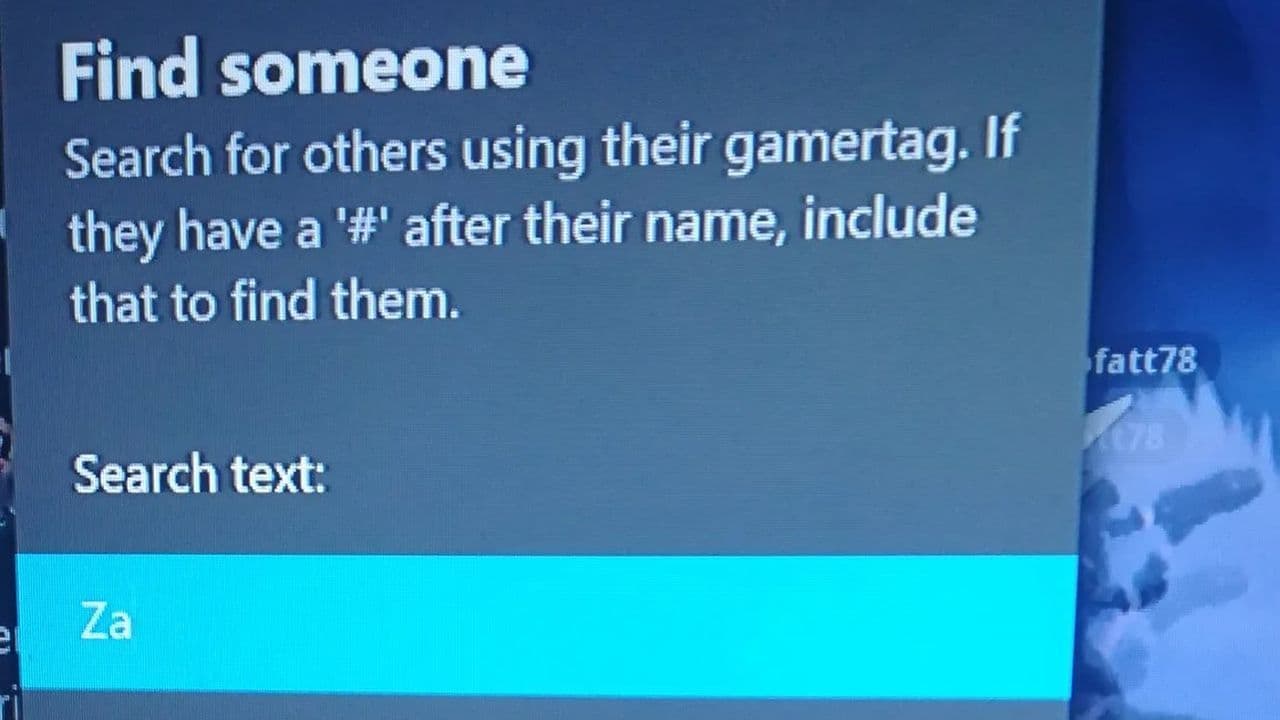
Make sure you and your friend are now on both your Roblox and Xbox Live friend lists.
Once you’ve done all this, try joining your friend’s Roblox game again. The error should be gone! If the error persists, contact Roblox Support for further help.
Why do Roblox and Xbox have separate friend lists?
Xbox Live handles friendships at the console level, which means Xbox wants to control who you can interact with on its platform. Roblox, on the other hand, has its own friend system that works across all platforms (PC, mobile, Xbox).
Is there a way to sync Roblox and Xbox friend lists automatically?
Unfortunately, there is no direct, automatic synchronization between Roblox and Xbox Live friend lists. This is due to the fact that they are separate platforms with their own distinct friend systems.
That’s why you need to manually add your friends on both Roblox and Xbox Live to make sure everything works smoothly.
How to unfriend & unfollow another user (in case you need it)
- To unfriend:
- Go to the user's profile.
- Click Unfriend.
- To unfollow:
- From Profile: Click the three-dot menu > Unfollow.
- From Following List: Go to Friends > Following People > Click three-dot menu > Unfollow.
- To unfriend a banned account:
- Go to Friends > Followers.
- Find the deactivated profile.
- Click the three-dot menu > Unfollow.
That's all for today! Want to explore all Roblox errors? Check out these:
All Related Guides
 How to fix Roblox error code 600 Learn how to fix Roblox error code 600, understand the new IP-based ban system, and explore potential workarou...
 How to fix Roblox error code 429: Authentication issues and too many requestsRoblox error code 429 explained: causes, rate limits, and potential malware risks. Learn how to avoid it and f...
 What does error code e01 mean in Roblox?Roblox error code e01 is one of those uncommon errors but we have a couple of fixes that you must try to fix t...
 How to fix Roblox error code 268: 8 easy waysLearn 8 simple ways to fix Roblox error code 268 and resolve the "unexpected client behavior" issue. Troublesh...
 How to fix error while updating worn items in RobloxFix the 'error while updating worn items' on Roblox with simple steps. Learn why it happens and how to resolve...
 How to fix Roblox connection error on WindowsThere are many Roblox error codes on Windows and luckily we know a couple of ways to fix them. Check them out ...
 How to fix error code 264 for RobloxRoblox error code 264 is one of the frustrating hiccups that will prevent you from playing the game, unless yo...
 What does code 288 mean in Roblox?All Roblox error codes have different meanings and error code 288 is one of the worst. Here is how to fix it!...
- 1
- 2
- 3
- 4