How to fix Rocket League Call Limit Reached error: 8 workarounds you should try
This pesky error is often connected to server issues. We explain the call limit reached error and how to proceed if you encounter it.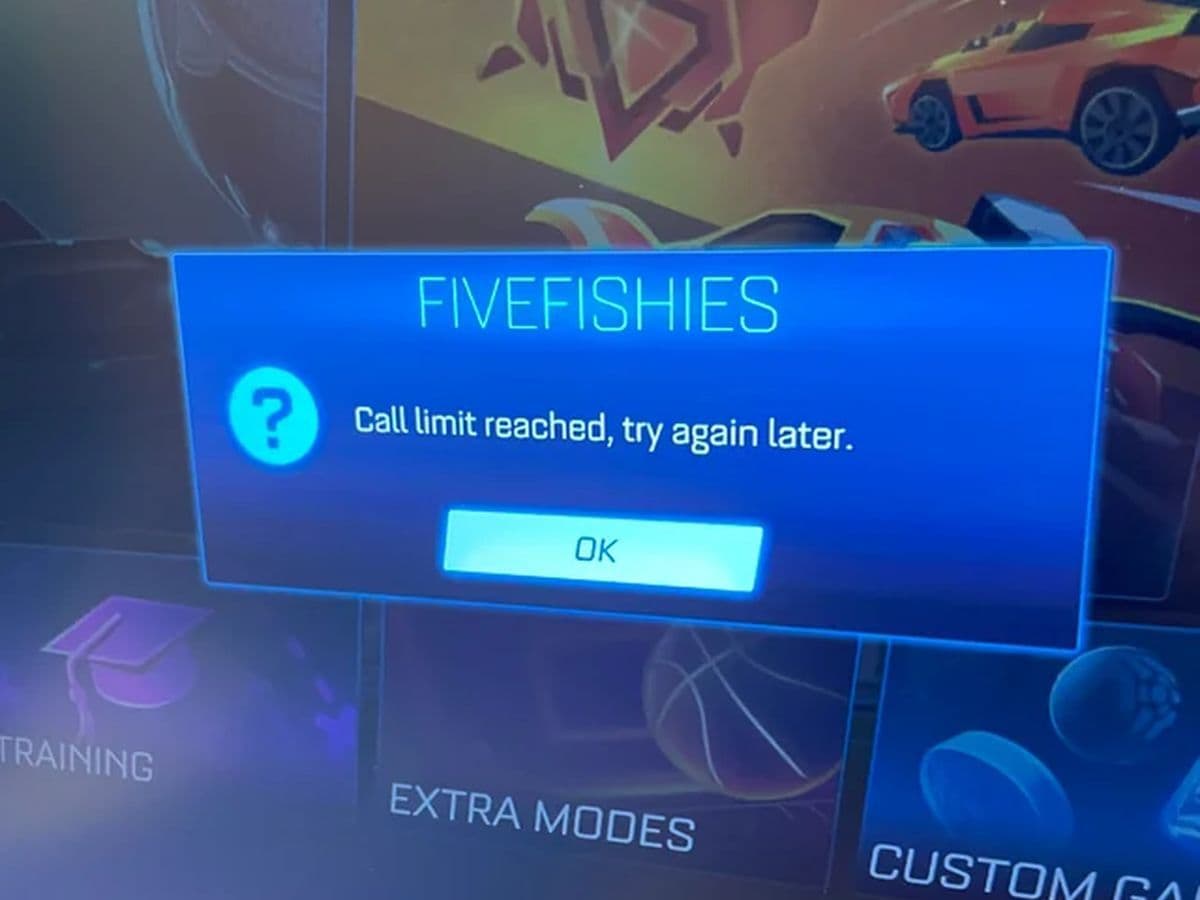
The Rocket League Call Limit Reached error can be really frustrating. Is it an issue on your end or a problem with Psyonix’s servers? In this guide, we'll explain what causes this error, offer some simple workarounds, and help you figure out who's responsible.
What does Call Limit Reached mean on Rocket League?
The Call Limit Reached error in Rocket League means that the game is having trouble connecting to or communicating with its servers. This usually happens when the servers become overwhelmed, often due to a large number of players trying to connect at the same time or when server capacity is temporarily reduced.
In simpler terms, the error indicates that Rocket League’s servers have hit a limit on how many simultaneous requests they can handle. This could be due to several reasons, including:
- Server overload: There may be a sudden surge of players, leading to higher demand on the servers.
- Server maintenance or downtime: The servers might be undergoing scheduled maintenance or experiencing technical difficulties, limiting the game’s ability to handle normal traffic.
- Connection issues on Psyonix’s end: The error is almost always related to the game’s infrastructure rather than a problem with your personal device or internet
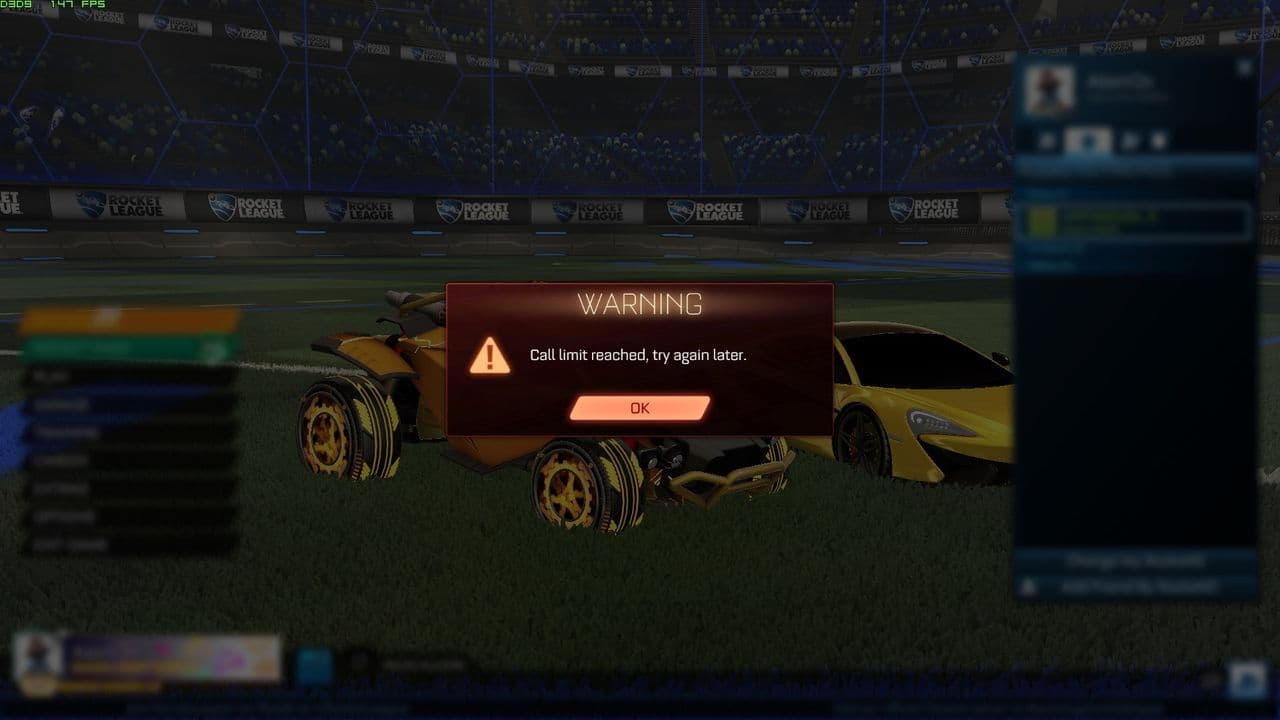
When this error appears, players are generally unable to access online matchmaking and play multiplayer games but can still play offline modes or practice on their own.
Is the issue on my end or Rocket League's servers?
Typically, this error stems from server-side problems, such as overloads or maintenance. However, it's advisable to ensure your internet connection is stable and to check for any local network issues.
How to fix Rocket League Call Limit Reached error
First, it's essential to recognize that this error occurs because Rocket League’s servers become overloaded or temporarily unresponsive. This usually happens during peak times or unexpected server issues, and, unfortunately, there’s not much you can do to fix the servers directly. However, you can make sure the problem isn’t happening due to any connectivity issues on your end, by doing these:
- Restart Rocket League.
- Restart your gaming platform (Epic Games or Steam).
- Check your internet connection.
- Use a wired Ethernet connection for a more stable connection.
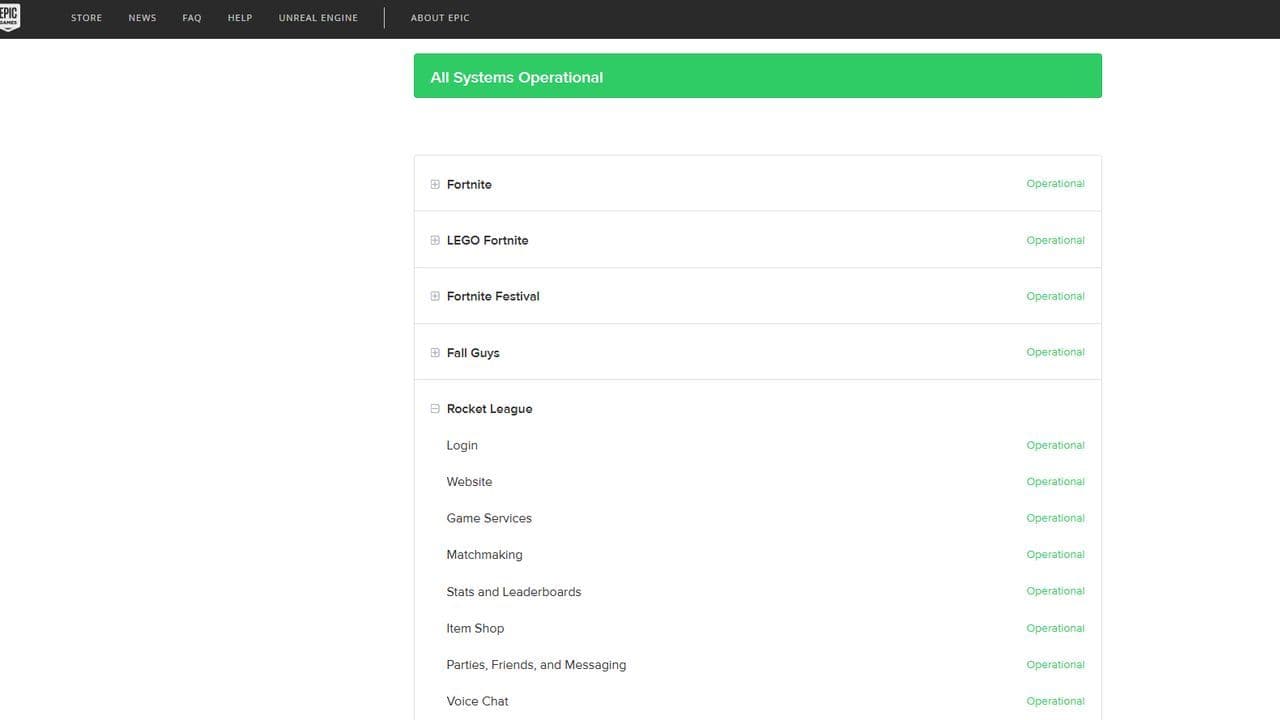
- Check the Rocket League server status to see if there are any ongoing issues.
- Adjust your DNS settings to use faster and more reliable servers.
- Disable background applications and downloads that could be consuming bandwidth.
- Reset your network settings to clear any misconfigurations affecting connectivity.
Restart Rocket League
Sometimes, the error is temporary, and restarting the game can re-establish a fresh connection to the servers.
Restart your gaming platform
Restarting your gaming launcher can clear up potential issues with the connection or any background services.
Check your Internet connection
A stable and fast internet connection is crucial for smooth online gaming. If your internet is experiencing issues, it may cause the Call Limit Reached error.
- Test your internet speed using an online speed test, like Ookla (look for consistent download and upload speeds).
- Make sure other devices aren’t hogging bandwidth. Streaming services, downloads, or other online activities can affect your gaming experience.
If your connection is unstable, consider restarting your router or modem. Turn off the device for 10-20 seconds and then switch it back on.
Use a wired ethernet connection
Wired connections provide more reliable and faster internet speeds compared to Wi-Fi, reducing the chances of disconnection.
Check Rocket League server status
If the error persists after trying these steps, it’s worth checking if the problem is on Rocket League’s end. Here’s how:
- Check the official Epic Games server status page: Visit the Epic Games Status Page to see if Rocket League’s servers are operational. If they’re marked as down or experiencing issues, this confirms the problem is server-related.
Adjust your DNS settings
Sometimes, using your Internet Service Provider’s default DNS can cause connectivity issues. Switching to a more reliable and faster DNS, such as Google DNS or OpenDNS, can improve your connection to the game servers.
Disable background applications and downloads
Programs running in the background can consume bandwidth and system resources, potentially affecting your gaming performance and connection stability.
- On PC: Open Task Manager (Ctrl + Shift + Esc) and close any unnecessary programs, especially those using a lot of bandwidth (e.g., streaming apps, download managers, or background updates).
- On consoles: Make sure there are no active downloads or updates running in the background. Pause or cancel them to free up resources.
Reset your network settings
Resetting your network settings can clear out any misconfigured settings that may be affecting your ability to connect to Rocket League’s servers.
- On PC:
- Go to Settings > Network & Internet.
- Scroll down and click on Network reset.
- Follow the prompts to reset your network settings, then restart your computer.
- On consoles: Go to your console’s network settings and choose the option to reset your network settings or restore default settings.
Keep in mind: Resetting your network will remove saved Wi-Fi passwords, so be prepared to reconnect to your networks.
By combining these efforts, you’ll have peace of mind knowing that your setup is fully optimized for the best possible Rocket League experience.
How long does the error usually last?
The duration can vary. Some players report the issue resolving within minutes, while others experience it for several hours. The length largely depends on the cause, such as server maintenance or unexpected outages.
Can I still play Rocket League when this error occurs?
Yes, while online matchmaking is unavailable during this error, you can still access offline modes like Free Play, training sessions, and local matches to practice and improve your skills.
So, here is what to do while waiting
If you run into the Call Limit Reached error due to server issues, there's not much you can do other than wait for Psyonix to fix it. However, you don’t have to stop playing Rocket League altogether. Use this time to practice in offline modes. It’s a great opportunity to work on your dribbling, shooting, or aerial skills in Free Play mode, or challenge AI opponents to improve your approach to the game.
Looking for more Rocket League guides? Check out these:
Guide Categories
All Related Guides
 How to change MPH to KPH in Rocket LeagueLearn how to change MPH to KPH in Rocket League through the Metric setting, switch back to MPH, and learn what...
 How to rank up in Rocket League and what is a good rank?Trying to climb in Rocket League? Learn how ranking works, which skills matter most, and how to make steady pr...
 How to get the JUNKO title in Rocket LeagueTrying to get the Junko title in Rocket League? Here is how the title works, who can earn it, and where BALRIG...
 How to get Rocket League on mobileFind out how to play Rocket League on mobile, where to download Rocket League Sideswipe, and whether it suppor...
 Did Rocket League get stuck on “Press any button to start”? Here is how to fix it on PCRocket League stuck on press any button to start? Try these PC fixes for cache, files, login issues, controlle...
 Rocket League codes (July 2026): All active redeem codes & free rewardsLooking for Rocket League codes? Redeem all active Rocket League redeem codes to unlock free Player Titles, th...
 How to get Jynxzi Rocket League skin & moreLearn how to get the Jynxzi Rocket League decal, title, and exclusive rewards through the Season 23 community ...
 How to fix latency variation in Rocket LeagueLearn how to fix Rocket League latency variation with Ethernet, CSTS input buffer, correct server region, and ...
- 1
- 2
- 3
- 4
- 5
- 6
- 7
- 8
- 9