How to set up and play against the Mirror Bot in Rocket League: A step-by-step guide
For Rocket League practice, this is a great setup.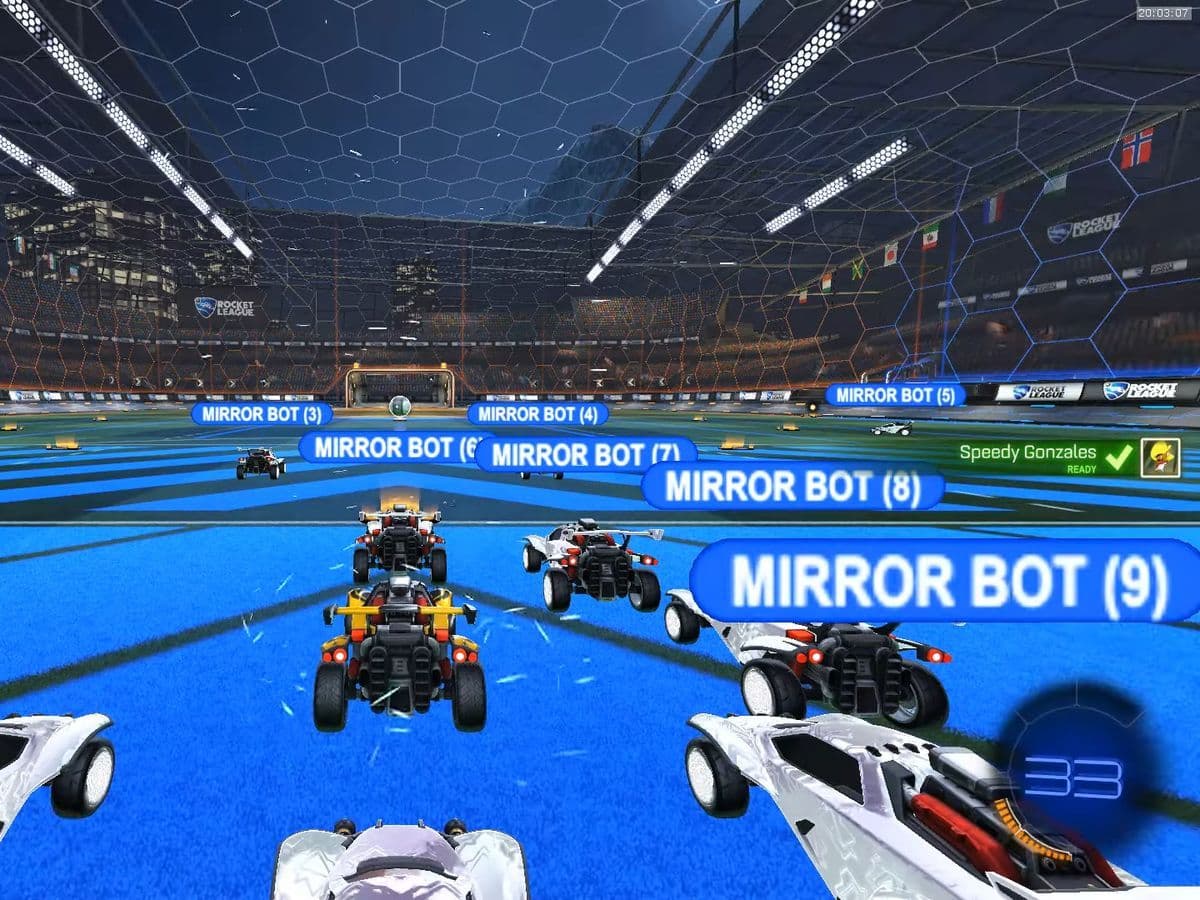
If you’ve been exploring advanced training tools for Rocket League, you may have come across the term Mirror Bot. This AI-powered bot has earned a reputation for being extremely challenging—some players even call it unbeatable. But because it’s not an official Psyonix feature, learning how to get Mirror Bot in Rocket League can be a bit tricky.
In this guide, we’ll explain what Mirror Bot is, where to find it, and how you can install it on your PC for training.
What is a Mirror Bot in Rocket League?
Mirror Bot is a community-created AI opponent designed to mimic and counter your playstyle in real time. Unlike the in-game All-Star bots, Mirror Bot is built using external frameworks like RLBot, which allows players to create and run custom bots
Because it “mirrors” your moves and adapts instantly, it offers a unique and intense training experience—ideal for players who want to sharpen mechanics, positioning, and adaptability.
How to get Mirror Bot in Rocket League: Rocket League bot installation
Before we start, note that this method only works on PC. Console versions of Rocket League (PlayStation, Xbox, Switch) do not support custom bots.
1. RLBot setup
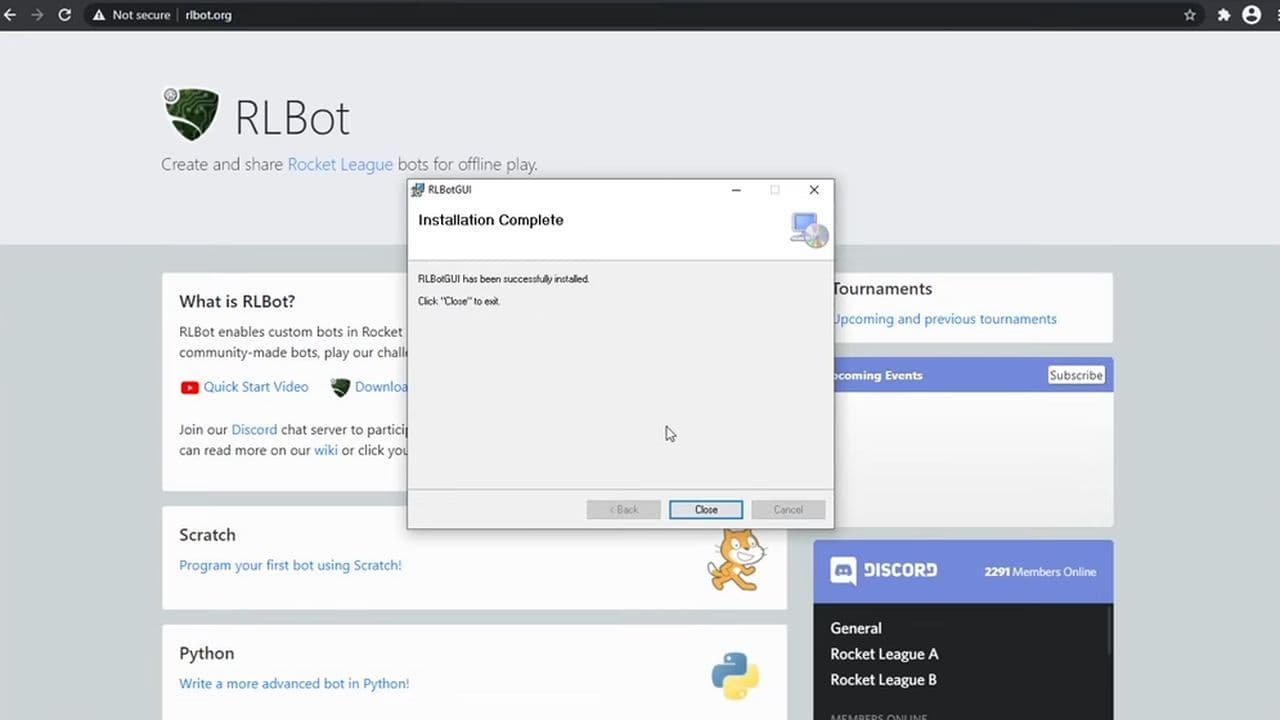
RLBot is an open-source platform that lets you load community-made bots into Rocket League. Download and install it from RLBot.org.
2. Download Mirror Bot
You can find the Mirror Bot source code on GitHub (search for “Darxeal Mirror Bot”). Make sure to download the latest version to avoid compatibility issues.
3. Add Mirror Bot to RLBot
Once downloaded, place the Mirror Bot files into the correct RLBot folder (usually RLBot/bots/). RLBot’s interface allows you to add it to your match lineup.
4. Launch a Local Match
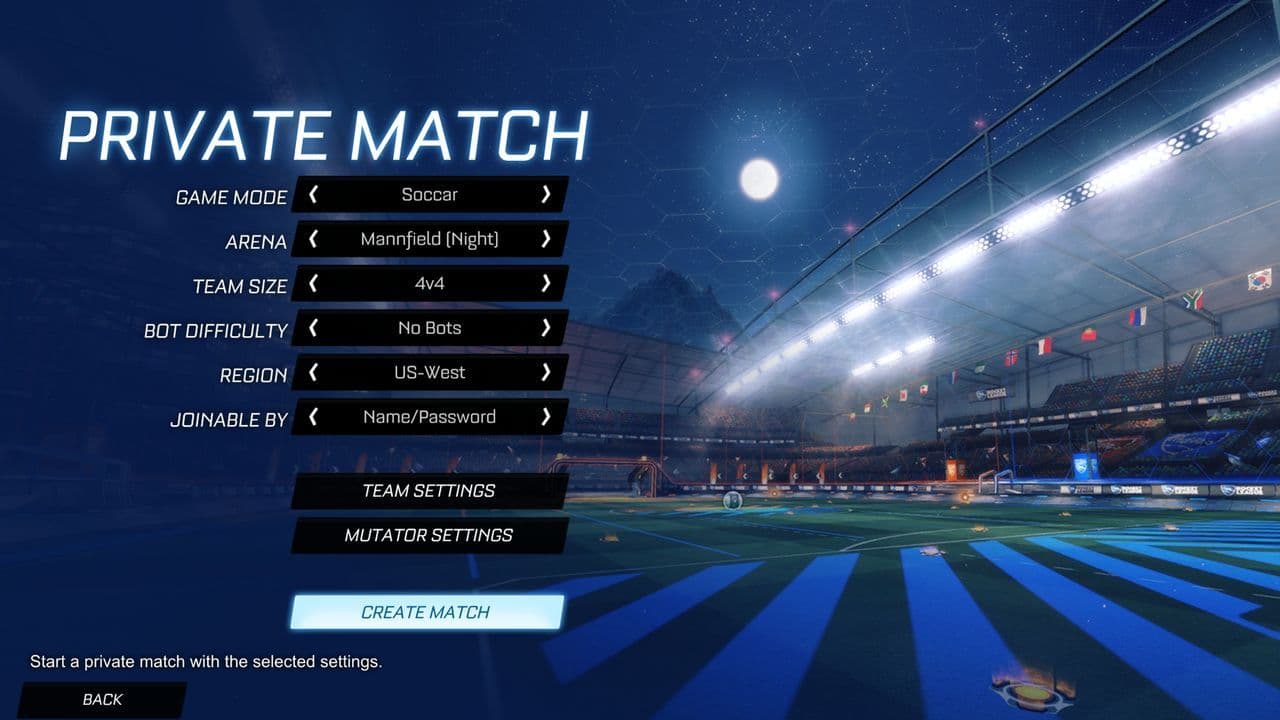
Open RLBot, select Mirror Bot as your opponent, and start a local match. You can now practice against one of the most reactive bots in the community.
Important warnings
Using Mirror Bot is safe for offline training, but do not use it in online ranked matches—this can violate Rocket League’s terms of service and potentially lead to account penalties. Keep your usage strictly to local or exhibition matches.

Knowing how to get Mirror Bot in Rocket League can open the door to a new level of practice. For PC players, combining RLBot with the Mirror Bot script provides an excellent, adaptive training partner that will push your skills to the limit.
Whether you’re chasing Grand Champion or just looking to improve, Mirror Bot is a worthy addition to your training routine, just remember to keep it offline and enjoy the challenge.
Don’t forget to check out these RL guides too:
Guide Categories
All Related Guides
 How to rank up in Rocket League and what is a good rank?Trying to climb in Rocket League? Learn how ranking works, which skills matter most, and how to make steady pr...
 How to get the JUNKO title in Rocket LeagueTrying to get the Junko title in Rocket League? Here is how the title works, who can earn it, and where BALRIG...
 How to get Rocket League on mobileFind out how to play Rocket League on mobile, where to download Rocket League Sideswipe, and whether it suppor...
 Did Rocket League get stuck on “Press any button to start”? Here is how to fix it on PCRocket League stuck on press any button to start? Try these PC fixes for cache, files, login issues, controlle...
 Rocket League codes (July 2026): All active redeem codes & free rewardsLooking for Rocket League codes? Redeem all active Rocket League redeem codes to unlock free Player Titles, th...
 How to get Jynxzi Rocket League skin & moreLearn how to get the Jynxzi Rocket League decal, title, and exclusive rewards through the Season 23 community ...
 How to fix latency variation in Rocket LeagueLearn how to fix Rocket League latency variation with Ethernet, CSTS input buffer, correct server region, and ...
 Rocket League TikTok Drops guide: How to get free rewardsRocket League TikTok Drops guide: earn free cosmetics, reward codes, RLCS drops, and learn how to redeem TikTo...
- 1
- 2
- 3
- 4
- 5
- 6
- 7
- 8
- 9