How to vote kick in CS2, even if you want to kick yourself
Sometimes, the most extreme measures are needed in CS2.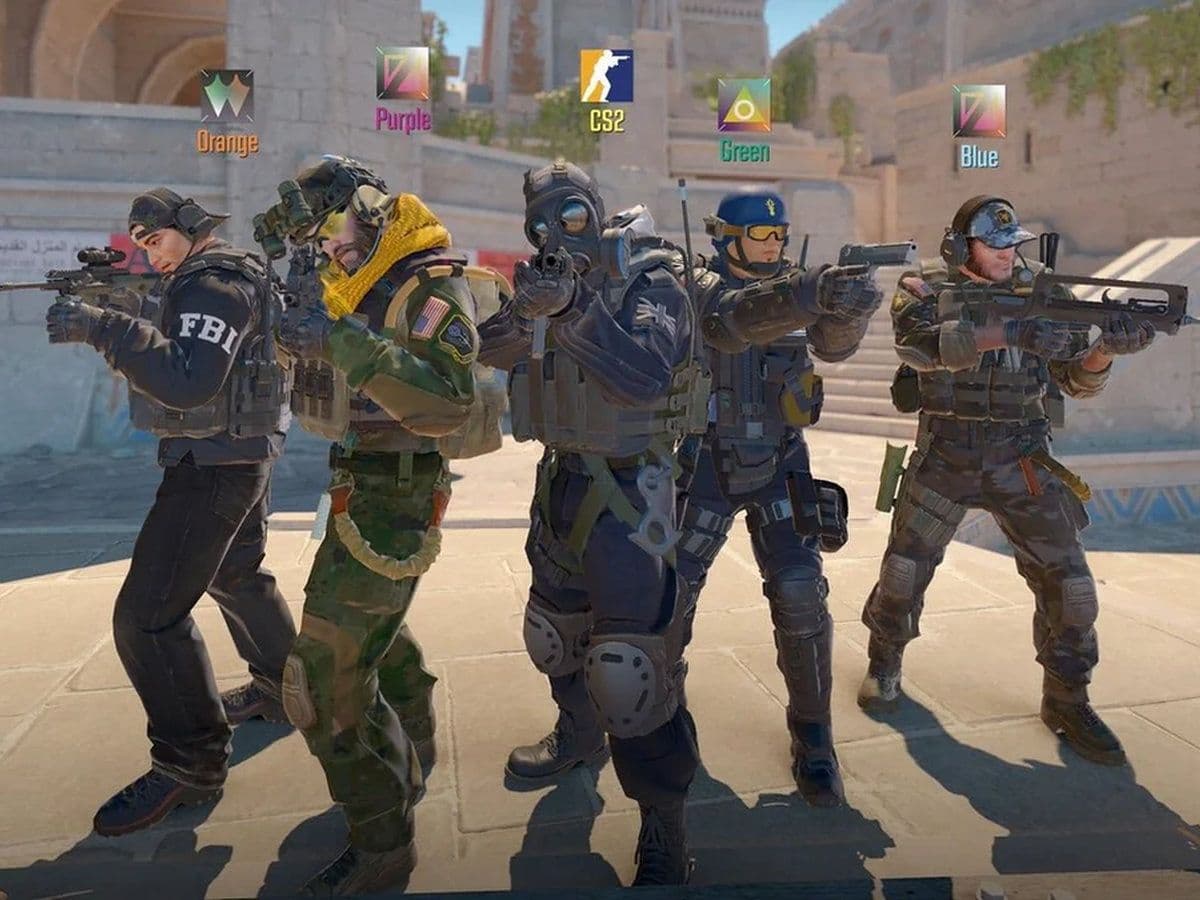
Knowing how to vote kick in CS2 is helpful knowledge to have. Every match relies on teamwork and coordination. Sometimes however, not everyone’s on the same page. Maybe you’re stuck with a toxic teammate, or maybe you need to leave without getting hit with a cooldown. That’s when the vote kick feature can really come in handy.
Whether you need to remove someone else—or yourself—this guide will walk you through exactly how to do it, when it’s okay to use it, and what to do if your plan doesn’t go as expected.
What is a vote kick in CS2?
CS2 vote kicking is a system that lets your team vote to remove one of its own players. If enough teammates agree, that player is kicked from the game instantly.
Here’s how it works:
- Anyone on your team can start a CS2 vote kick.
- Everyone gets to vote Yes (F1) or No (F2).
- If 4 out of 5 players vote Yes, the player is kicked.
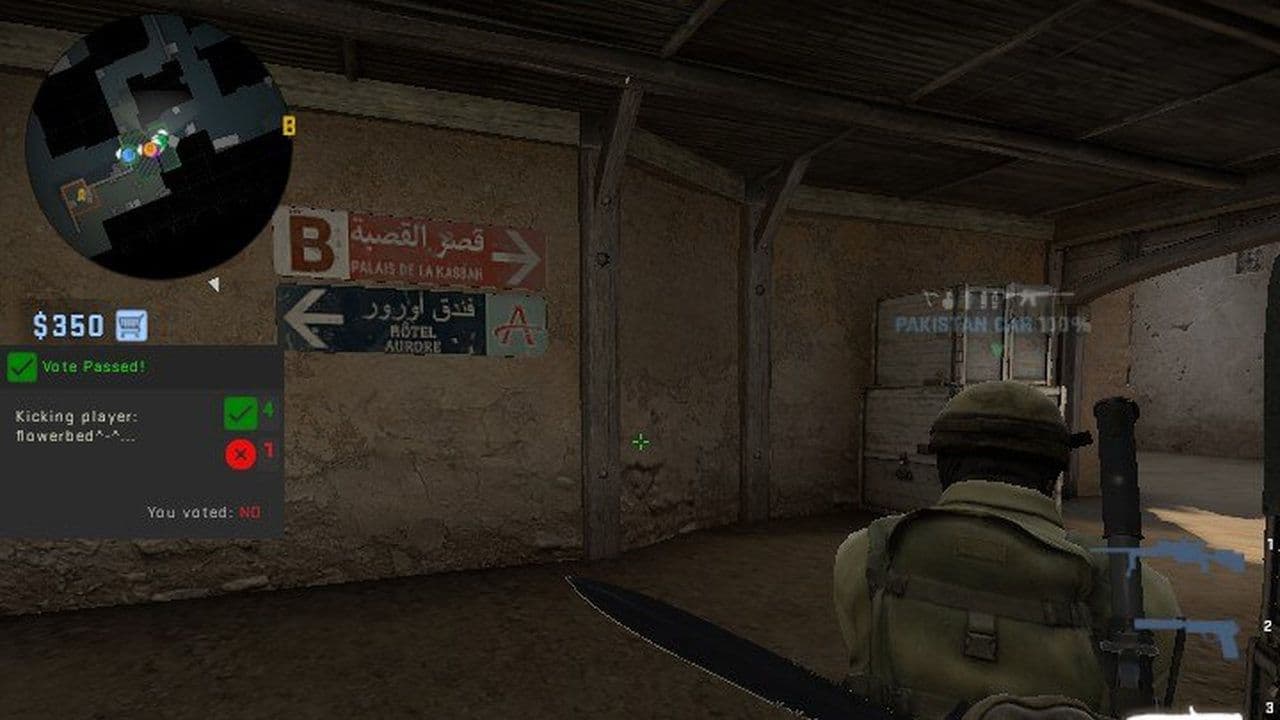
Once a player is kicked, they’re gone for good. No bots replace them, and no new players can join. So use this option wisely.
When should you vote kick someone in Counter-Strike 2?
Vote kicking should only be used for serious issues. Here are common (and fair) reasons:
- Toxic behavior – Using slurs, spamming voice chat, or bullying teammates.
- AFK (Away From Keyboard) – Players who don’t move or help for long periods.
- Griefing – Team flashing, team dealing damage to teammates, blocking teammates, or giving away positions in all chat.
Before starting a vote, try messaging the player first. A quick heads-up might fix the problem without needing a vote.
How to vote kick in CS2
Starting a vote to kick someone else is simple. Here’s what to do:
- Press Esc to open the game menu.
- Click Call Vote.
- Select Kick Player.
- Choose the player you want to kick.
- Teammates will now vote using:
- F1 = Yes
- F2 = No
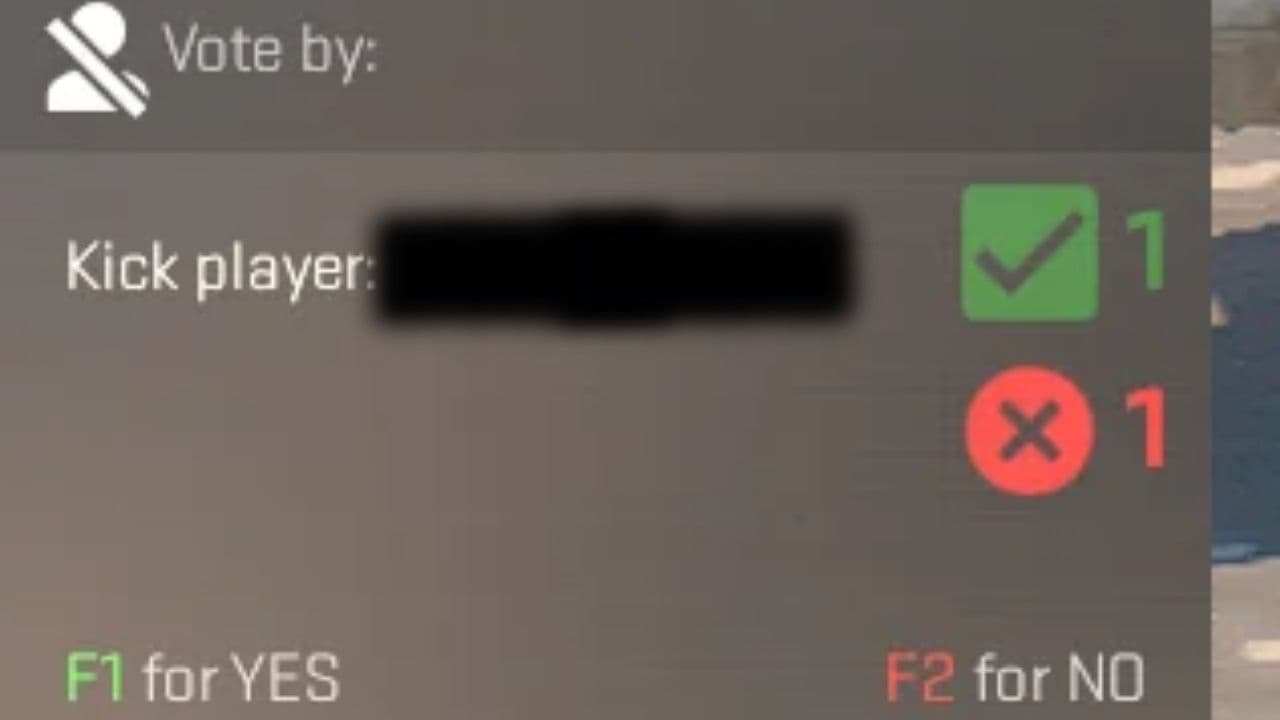
If even one person votes No, the vote kick won’t go through.
How to vote kick yourself in CS2
Sometimes, the person who needs to go... is you. Maybe the game is just going terribly, or something came up IRL. Good news: you can start a vote to kick yourself, but it takes a few extra steps.
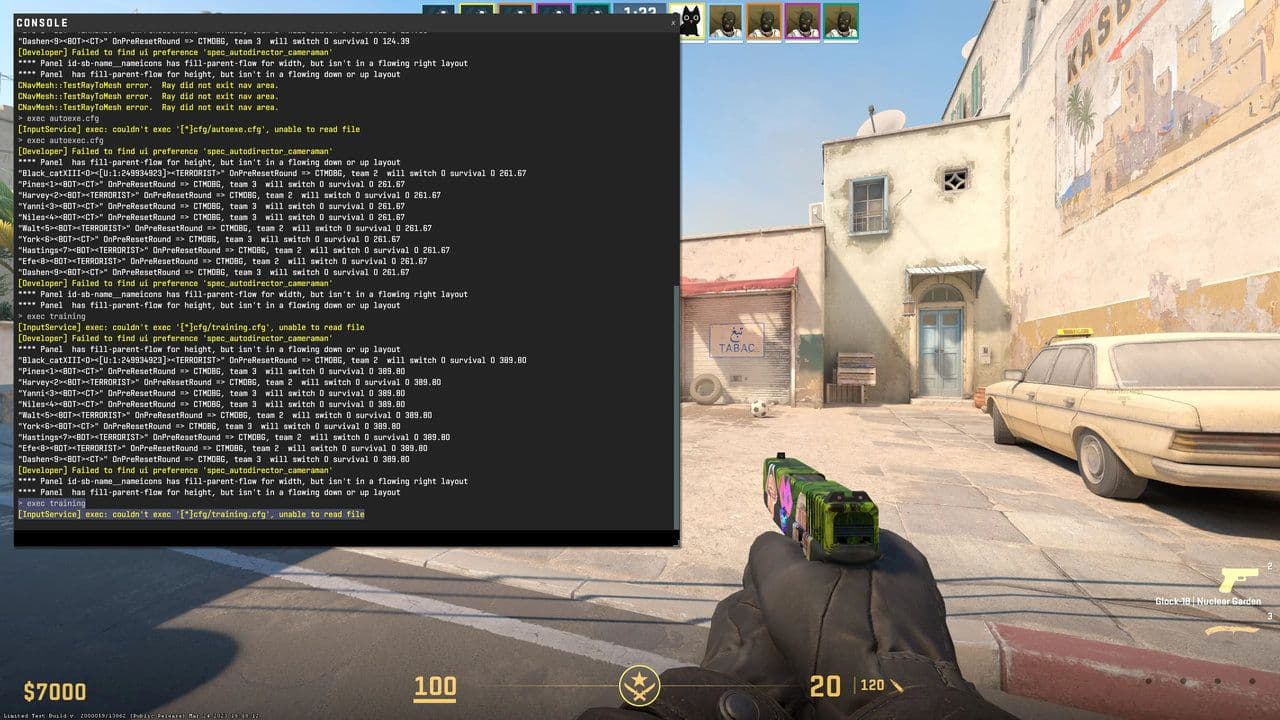
Step 1: Enable the console
To do this, you need the developer console turned on:
- Open Settings in CS2.
- Go to the Game tab.
- Find “Enable Developer Console (~)” and turn it ON.
- Press the ~ key (under Esc) to open the console during a match.
Step 2: Start the vote kick
Once the console is open, follow these steps:
- Type status and press Enter.
- This shows a list of all players in the match.
- Find your name. Next to it will be a number—this is your player ID.
- Type callvote kick [your player ID] and hit Enter.
- For example: callvote erai23
The vote will pop up for your teammates, and they’ll get the option to vote Yes or No. You won’t be able to vote on your own kick.
Tip: Let your team know why you want to leave—they’re more likely to vote Yes.
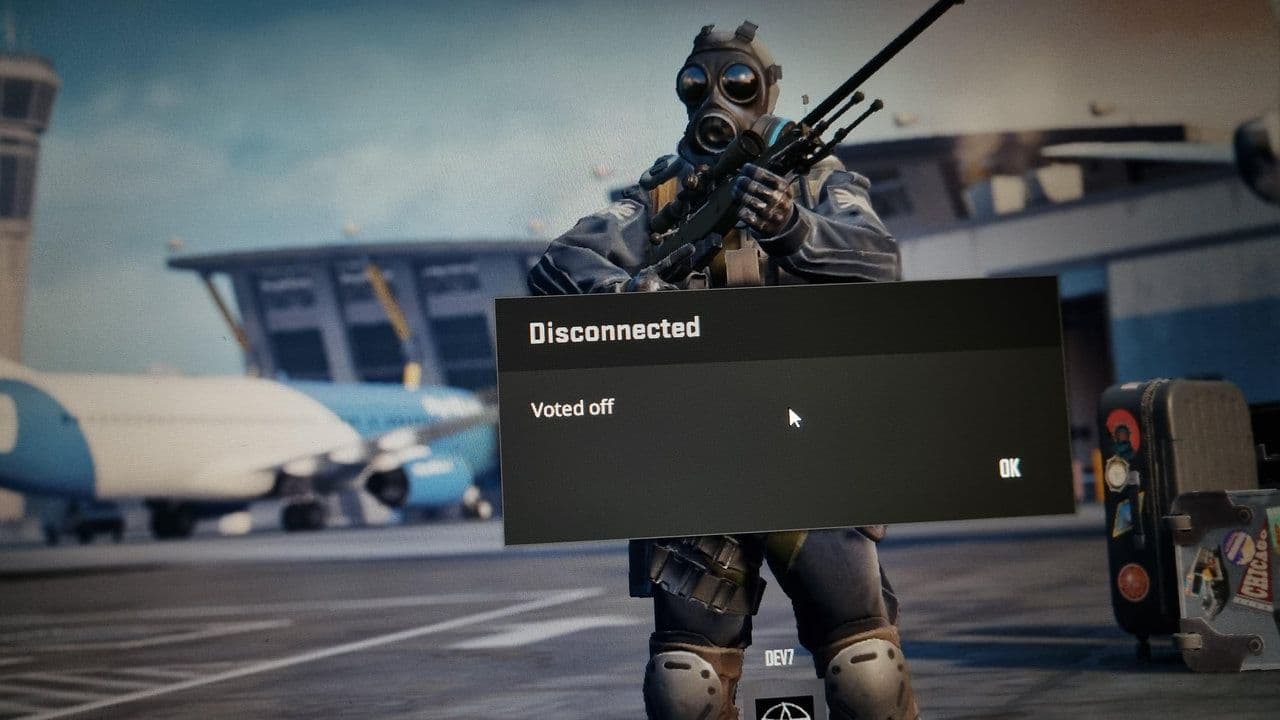
If your team won’t kick you…
Sometimes teammates won’t vote to kick you, even if you ask. Here’s what you can do instead:
- Stick it out: Finishing the match avoids cooldowns and keeps your Trust Factor high. A rough game now can mean better games later.
- Leave the match: If you really need to go, you can leave manually. Just know you’ll probably get a cooldown before you can join another game.
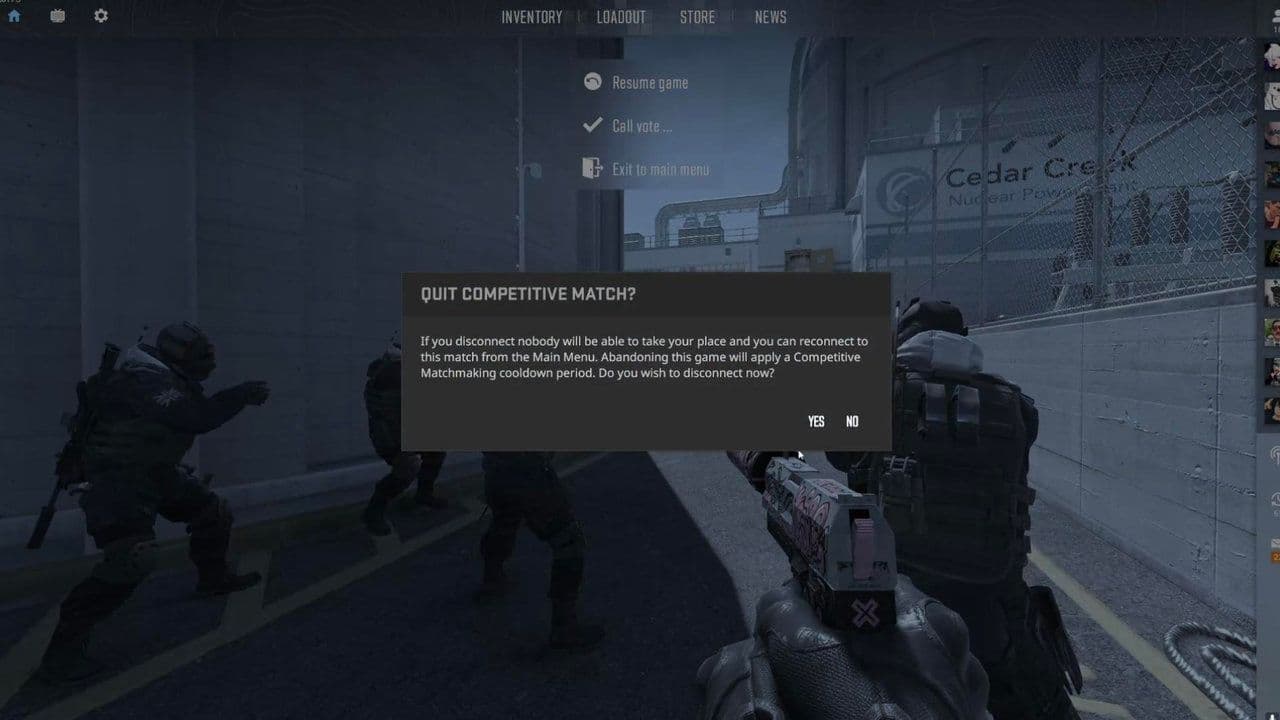
- Try other modes: Casual, Deathmatch, or Community Servers are more relaxed and don’t punish you for leaving early.
CS2 cooldown times
In Counter-Strike 2, if you leave a competitive match early or break certain rules, you can get a cooldown. This means you’ll be banned from playing competitive matches for a certain amount of time.
The more often you get cooldowns, the longer they last. But if you play clean for a while, the penalty time can go back down.
The more often you get cooldowns, the longer they last. But if you play clean for a while, the penalty time can go back down.
If you manage to play without getting a cooldown for an entire week, your cooldown level can drop by one, meaning future penalties will be shorter. However, if you keep getting cooldowns over and over again, your level won’t go down, and you’ll stay stuck with longer bans—like 24 hours or even a full week. The game rewards consistent, fair play and punishes repeat offenses more harshly over time.

All the reasons you can get a cooldown in CS2:
Here are the most common things that will get you a cooldown in CS2:
- Leaving a match early (disconnecting or quitting before the game ends)
- Getting kicked by teammates too many times
- Doing too much team damage or killing teammates
- Not reconnecting to a game after disconnecting
- Suiciding over and over (e.g. jumping off high places on purpose)
- Getting reported a lot for griefing or trolling
So, use it, but don’t abuse it
Knowing how to vote kick in CS2—whether for someone else or yourself—is useful. But like all powerful tools, it should be used carefully.
Remember, CS2 is a team game. Not every match will be perfect, but using vote kick responsibly helps everyone have a better experience.
That’s all! Looking for more CS2 guides? Check out these:
- CS2 left-hand command: How to change to left hand in Counter-Strike 2?
- What does ADR mean in CS2? Average Damage per Round explained
- How to show FPS on CS2
- Most expensive CS2 knife
- Best player in CS2
All Related Guides
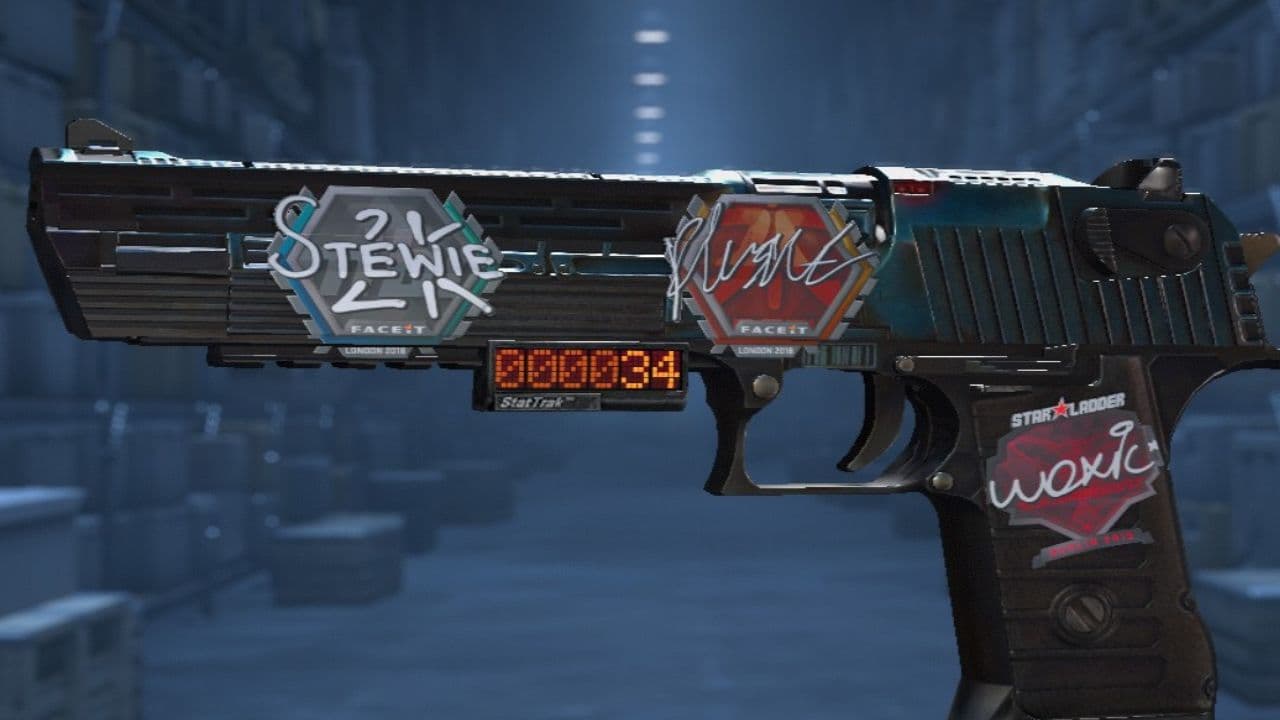 How to scrape stickers in CS2Want to remove stickers in CS2? Here’s how scraping works, what it changes, and why full removal is permanent....
 ropz CS2 settings: Crosshair, viewmodel, and moreCopy ropz CS2 settings for mouse, crosshair, viewmodel, video, and radar, then adjust them to match your own a...
 How to remove screen shake in CS2How to reduce screen shake in CS2 using console commands, viewmodel settings, graphics tweaks, and autoexec co...
 How to trade up souvenir skins CS2 with the new updateCan you trade up souvenir skins CS2? Here’s the answer, plus the key rules, risks, and best collections to che...
 Valve introduced Animgraph 2 for CS2 and here are all of the changesAnimgraph 2 is now live in CS2. Here is what changed, how it affects weapon animations, and what players shoul...
 How to change FOV in CS2: Best viewmodel commandsChange your CS2 FOV the right way with simple console commands, viewmodel settings, and clear tips for better ...
 New CS2 music kits: Guide to NIGHTMODE II CollectionNew CS2 music kits guide: NIGHTMODE II collection, all tracks, MVP anthems, artists, and best kits for every p...
 nocries CS2 settings: The Faceit prodigyFind the latest nocries CS2 settings with his DPI, sensitivity, stretched resolution, viewmodel, and crosshair...
- 1
- 2
- 3
- 4