ropz CS2 settings: Crosshair, viewmodel, and more

ropz has been one of the most solid CS2 players in the scene over the past few years, and many accept him as an idol in the game. While it is not the best practice, as almost all players have their own comfort zones in CS, some may want to try ropz’s CS2 settings. We did our research and found ropz’ settings in the game and we listed everything you need to know in this list!
Who is ropz?
Robin “ropz” Kool is a professional Counter-Strike 2 player from Estonia. He plays for Team Vitality and has spent years at the top level of Counter-Strike. He built his name through achievements over the years. The first time he made his name known was many years back when he was invited to play CS2 at the FACEIT HQ, as many pro players thought he was cheating. As you may guess, he wasn’t; he was just too good.
ropz joined Team Vitality in January 2025 after his time with FaZe Clan. In 2025, HLTV listed him as one of the most successful active Counter-Strike players, in the third place to be precise, with several Major wins and multiple Top 20 player placements across his career.
We recently gave nocries’ CS2 settings, also known as the FACEIT Prodigy. Don’t forget to check that out
ropz mouse settings, video settings and viewmodel
ropz uses a low-DPI mouse setup that gives him control in duels and spray fights. His sensitivity is not extremely slow, but it still sits in a range that many riflers can test without major problems.
ropz mouse settings:
His 708 eDPI gives enough room for steady crosshair movement and quick turns. If you play with a much higher sensitivity, lower it in small steps instead of copying his value right away.
For video, ropz uses 1920x1080 with a 16:9 aspect ratio. This gives a clean native image and keeps models sharp on screen.
ropz video settings:
These settings put visibility and response ahead of visual detail. That makes sense for CS2 because players need clear fights more than rich graphics.
ropz viewmodel settings:
His viewmodel keeps the weapon in a familiar position without taking too much screen space. This can make corners, angles, and enemy movement easier to read.
If you don’t know how to change your videmodel in CS2, give our guide a read!
ropz crosshair settings
ropz uses a simple green Classic Static crosshair. It has no dot, no outline, and a tight gap. This type of crosshair works well for players who want a clear aiming point without extra visual noise.
ropz crosshair settings:
ropz crosshair code:
- CSGO-MMQuh-Hs3Sj-Qv9zd-VaCmc-3QqNO
The crosshair is easy to track on most maps, and the green color works well against many CS2 backgrounds. If it blends into certain spots for you, change only the color first. Keep the size and gap the same before you make bigger edits.
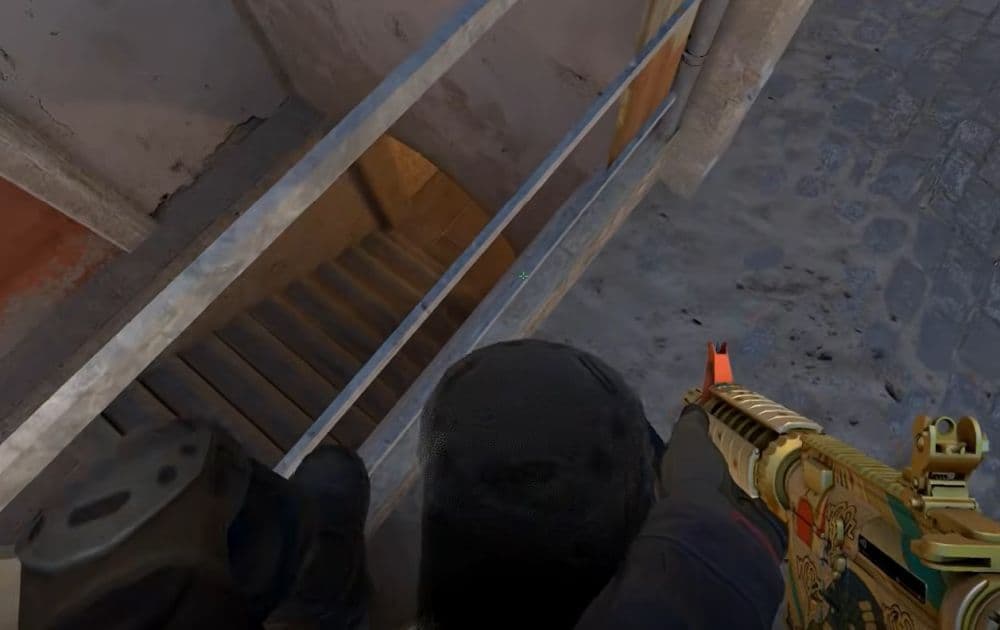
ropz HUD, radar, and config settings
ropz keeps his HUD and radar settings practical. The radar gives map information without taking over the screen, which matters during rotations and retakes.
ropz radar and HUD settings:
These settings work well for players who want clear map reads without changing too much from default CS2 behavior.
Best way to use ropz’s CS2 settings
The best way to use ropz CS2 settings is to copy the easy parts first. Crosshair, radar, viewmodel, and video settings are safe to test because they do not change your muscle memory too much.
Sensitivity needs more care. Try 400 DPI and 1.77 sensitivity for a few deathmatch sessions, then adjust slightly if your aim feels too slow or too fast. Never forget this: a pro player’s settings can guide you, but your comfort decides the final value.
All Related Guides
 How to do a 1v1 in CS2: Private matches, maps, and commandsLearn how to 1v1 in CS2 with friends using private Practice matches, Workshop maps, console commands, custom r...
 donk crosshair CS2: Current code and how to copy itWant to try donk’s crosshair in CS2? Check the current donk crosshair CS2 code and see how his setup works....
 How to change the HUD color in CS2Change your HUD color in CS2 with a few quick steps. See the available colors, command values, and which choic...
 How to make CS2 look like CSGOMiss the old CS:GO visuals? This guide explains how to adjust CS2 graphics, brightness, colors, HUD, and weapo...
 How to bind mousewheel to jump CS2Find the best CS2 mousewheel jump bind commands, learn how to set them up, and see how scroll jumping can supp...
 How to fix net jitter in CS2: Best solutions for packet loss, lag & rubberbandingLearn how to fix net jitter in CS2 with the best solutions for packet loss, lag, rubberbanding, and unstable c...
 How to scrape stickers in CS2Want to remove stickers in CS2? Here’s how scraping works, what it changes, and why full removal is permanent....
 How to remove screen shake in CS2How to reduce screen shake in CS2 using console commands, viewmodel settings, graphics tweaks, and autoexec co...
- 1
- 2
- 3
- 4