How to trade up souvenir skins CS2 with the new update
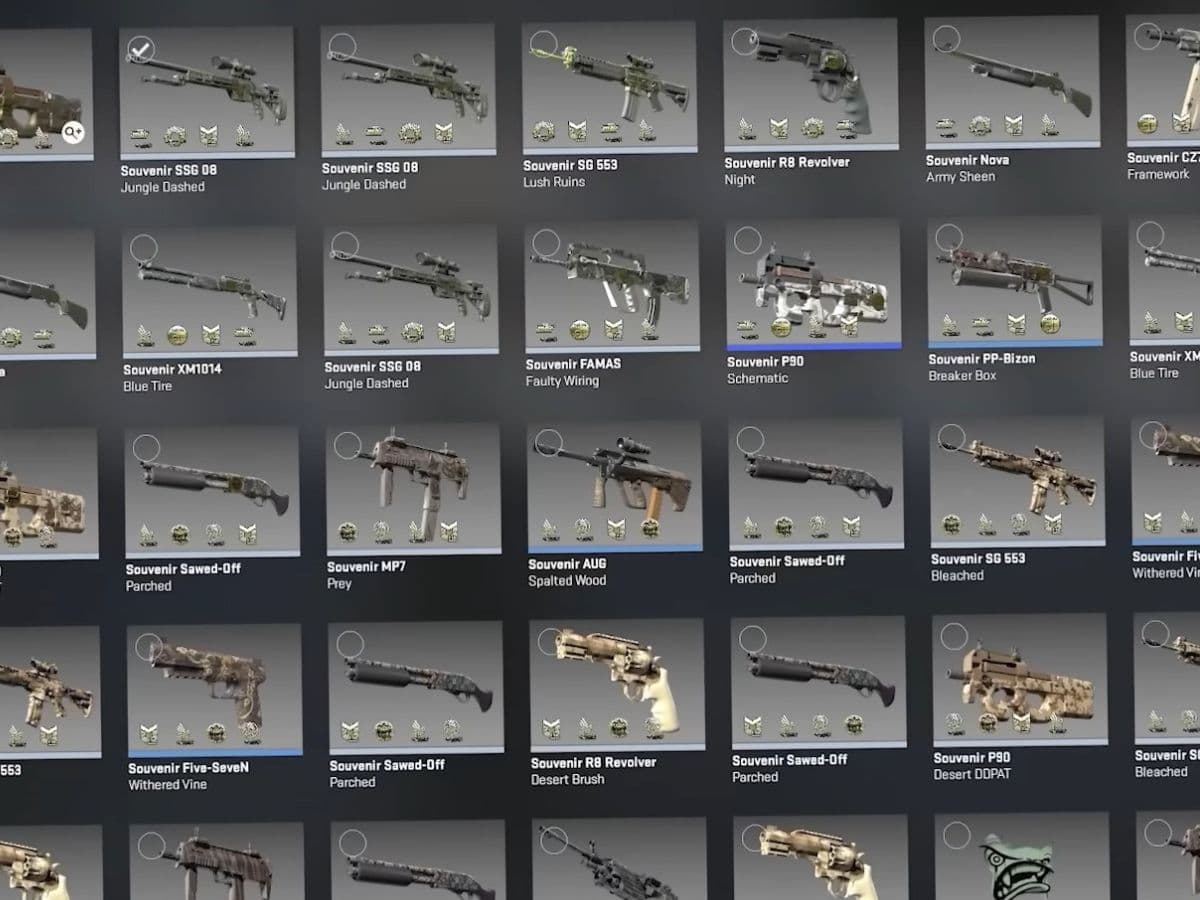
CS2 now lets players use souvenir skins in Trade Up Contracts. This is the main change from the new update, and it gives many old souvenir skins a new use. It is a very important update for traders and here is everything you need to know about it!
Can you trade up souvenir skins CS2?
Yes, you can trade up souvenir skins in CS2 after the new update on May 22. Souvenir quality items now work in Trade Up Contracts alongside normal skins.
A souvenir trade-up does not create a souvenir skin. It creates one normal skin of a higher rarity from the collection pool used in the contract.
For example, if you use souvenir skins from a collection with a high-value Covert skin, that Covert skin may enter the possible output pool. But the final skin will still be normal, even if all 10 inputs are souvenirs.
This change gives cheaper souvenir skins more purpose. Many of them were mainly collector items before. Now, players can use them as trade-up material if the collection has a strong top-tier result.
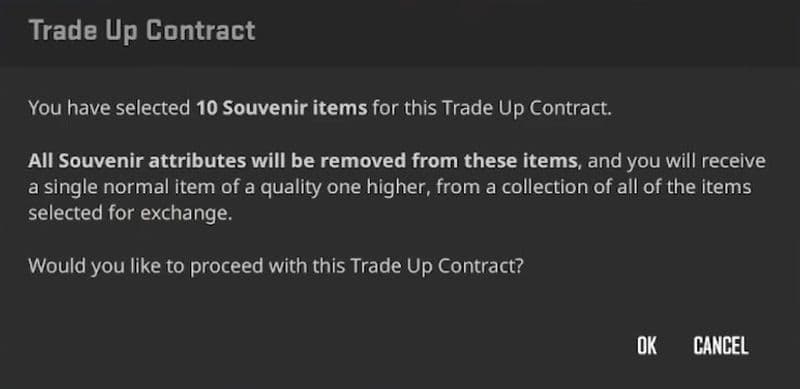
How to trade up souvenir skins
To trade up souvenir skins in CS2:
- Open your CS2 inventory.
- Choose the Trade Up Contract.
- Select 10 eligible skins of the same rarity.
- Use souvenir skins, normal skins, or a mix of both.
- Check the collections included in the contract.
- Review the possible outputs before you confirm.
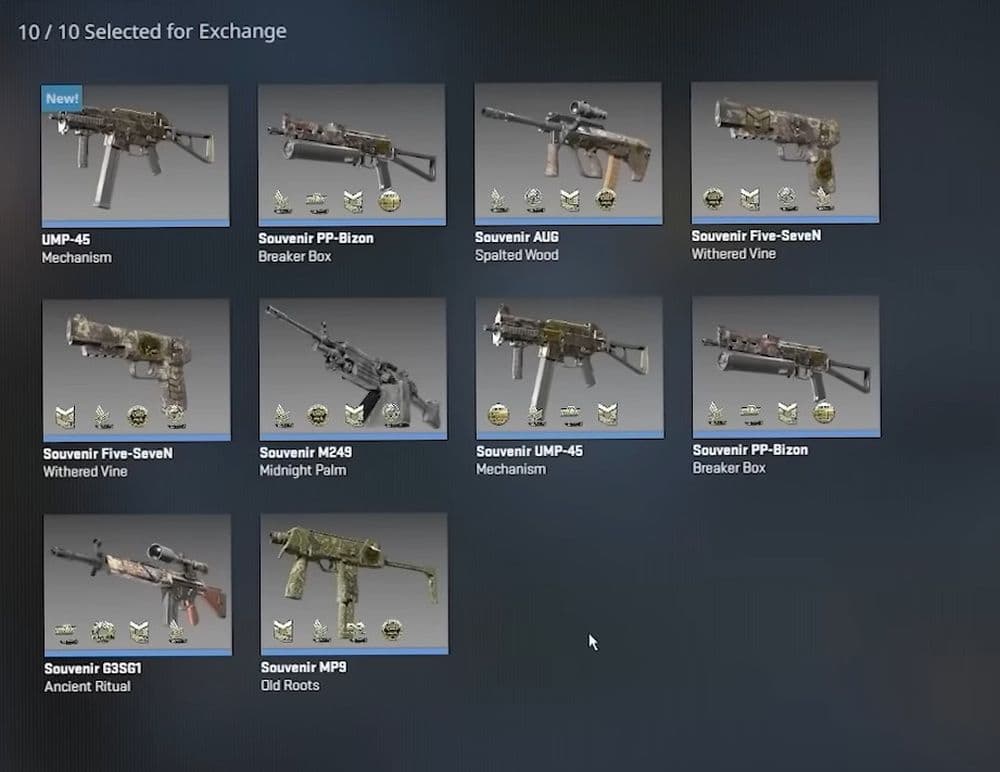
If all 10 skins come from one collection, the output comes from that collection. If you mix collections, the contract can pull the output from any collection you used. This can lower your chance of getting the skin you want.
Float is another important factor that you must keep in mind. A trade-up uses the floats of the input skins to calculate the output float. Low-float inputs can help you chase better wear results, but they often cost more.
What does souvenir mean in CS2?
A souvenir skin is a special version of a weapon skin linked to a Counter-Strike Major. These skins usually carry tournament-related details. Players often collect them because they connect to specific Majors, teams, maps, or players. So, these are more valuable than the ones you would get from regular CS2 cases.
Top 3 souvenir trade-ups
These trade-up paths get attention because they connect to expensive collection outcomes. None of them guarantee profit, so always check prices before you submit a contract.
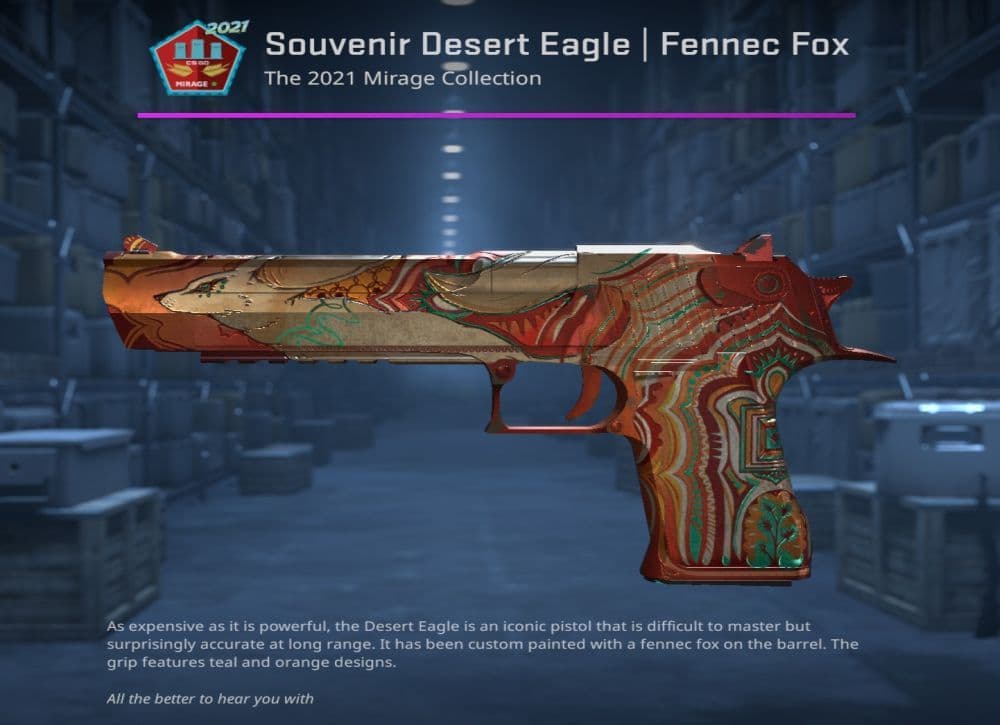
Souvenir Desert Eagle Fennec Fox trade-up
The Desert Eagle Fennec Fox belongs to the 2021 Mirage Collection. Players watch this path because the collection includes the AWP Desert Hydra as a high-value target.
This trade-up can attract traders because Mirage skins have strong demand. But the Fennec Fox also has its own market value, so the contract only makes sense when the input price leaves room for a good result.
Souvenir SSG 08 Death Strike or UMP-45 Fade trade-up
The SSG 08 Death Strike and UMP-45 Fade come from the 2021 Dust 2 Collection. This collection matters because the AK-47 Gold Arabesque sits at the top of its trade-up path.
The Gold Arabesque has wide market appeal because it is an AK-47 skin with a strong visual identity. That demand can push input prices higher, so this path needs careful math.
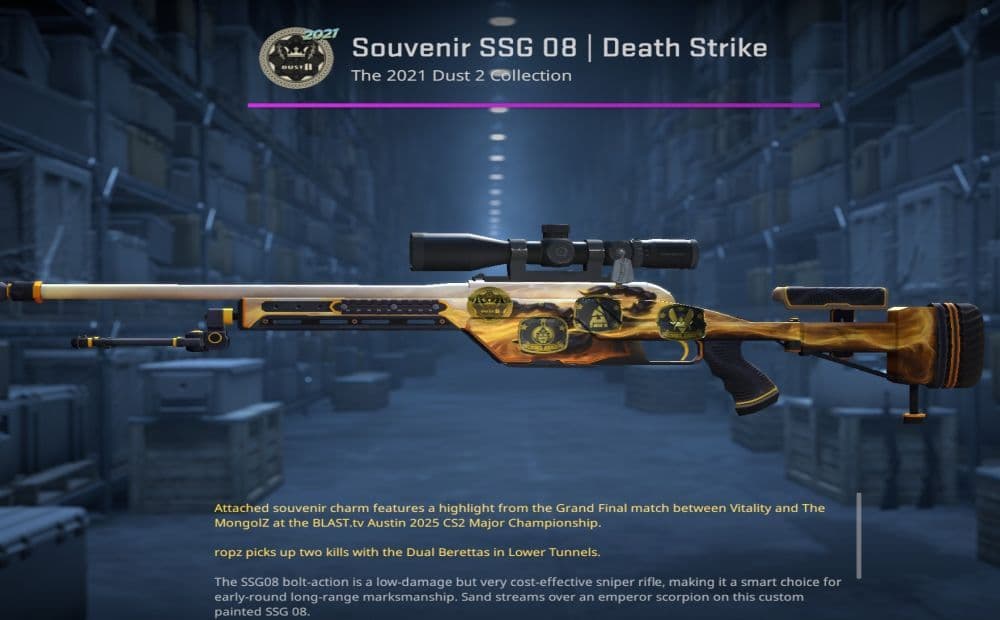
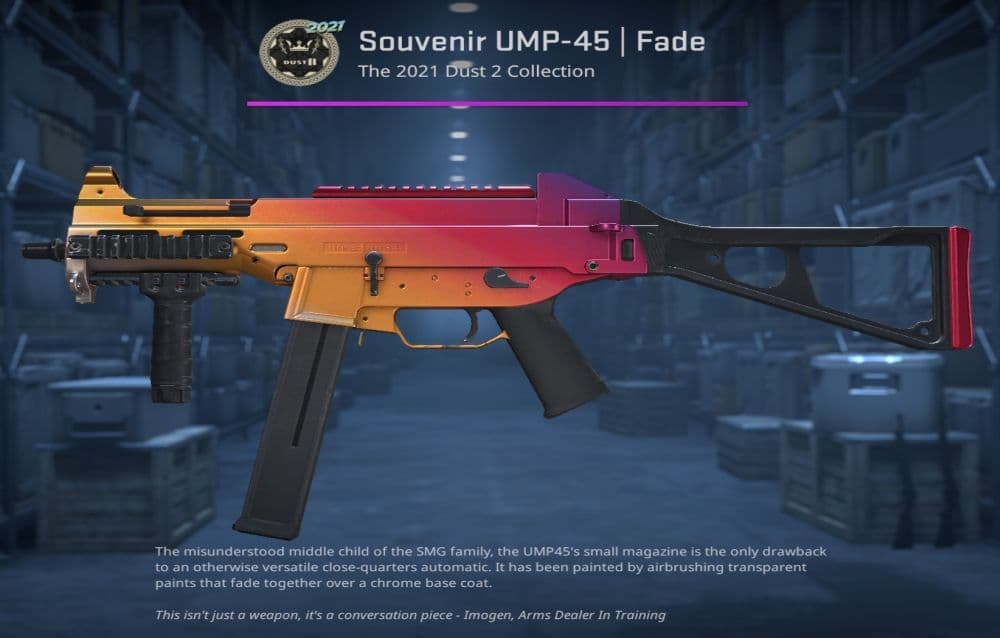
SSG 08 Death Strike and UMP-45 Fade (Image Credit: THESPIKEGG)
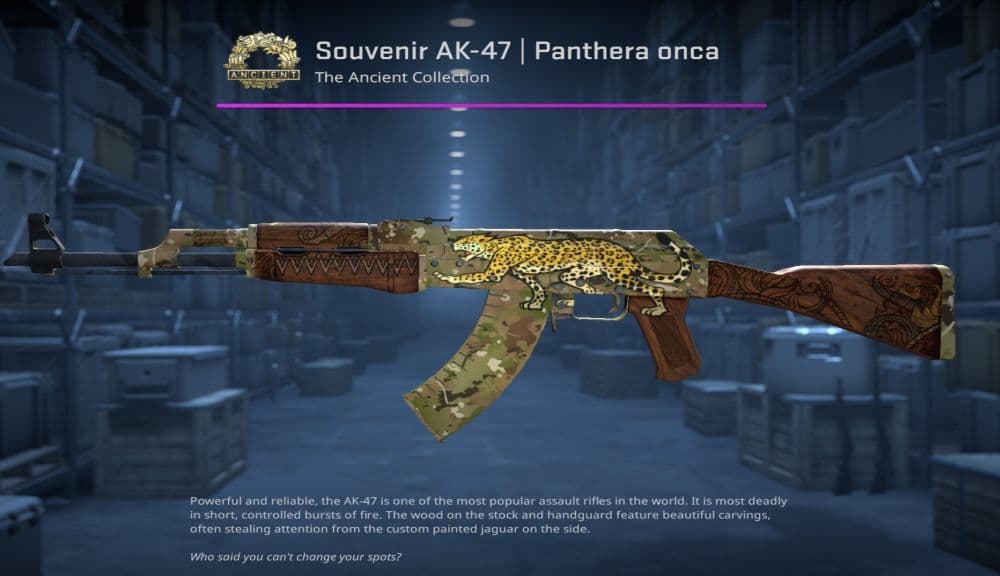
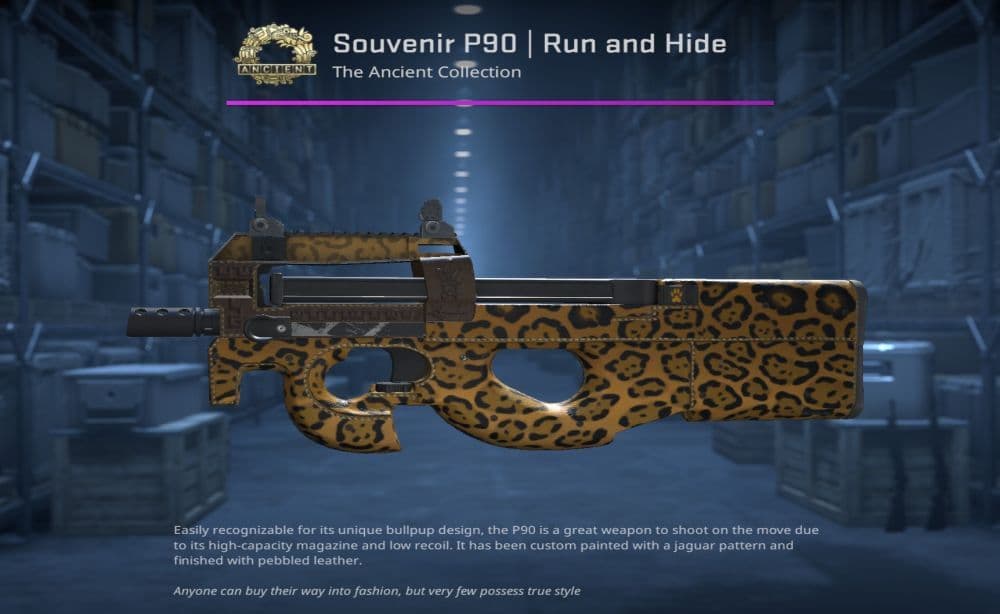
Souvenir AK-47 Panthera Onca or P90 Run and Hide trade-up
The AK-47 Panthera Onca and P90 Run and Hide come from the Ancient Collection. The main target here is the M4A1-S Welcome to the Jungle.
This route may interest players who want a trade-up path tied to a major rifle skin. Still, Ancient inputs can become expensive fast after market spikes, so check current listings before buying.
Can I gift skins in CS2?
You can send CS2 skins to another player through Steam Trade Offers. CS2 does not have a simple in-game gift button for skins, so Steam trading is the normal method.
To send a skin, open Steam, go to your inventory, choose a trade offer, select the item, and send it to the other user. The other player must accept the offer.
Steam Guard, account changes, trade holds, and trade protection can affect timing. Some traded items may not move again right away. Always check the trade window before you confirm, especially with expensive skins.
Check out more of our guides below:
- Everything about CS2 workshop map 1v1 commands
- Why is my FPS low and how to boost FPS in CS2: Guide for older and problematic systems
- CS2 jumpthrow bind
- All CS2 roles and positions: How to play and improve each
- Explained: Best CS2 surf servers & maps
Featured Image Credit: Valve
All Related Guides
 donk crosshair CS2: Current code and how to copy itWant to try donk’s crosshair in CS2? Check the current donk crosshair CS2 code and see how his setup works....
 How to change the HUD color in CS2Change your HUD color in CS2 with a few quick steps. See the available colors, command values, and which choic...
 How to make CS2 look like CSGOMiss the old CS:GO visuals? This guide explains how to adjust CS2 graphics, brightness, colors, HUD, and weapo...
 How to bind mousewheel to jump CS2Find the best CS2 mousewheel jump bind commands, learn how to set them up, and see how scroll jumping can supp...
 How to fix net jitter in CS2: Best solutions for packet loss, lag & rubberbandingLearn how to fix net jitter in CS2 with the best solutions for packet loss, lag, rubberbanding, and unstable c...
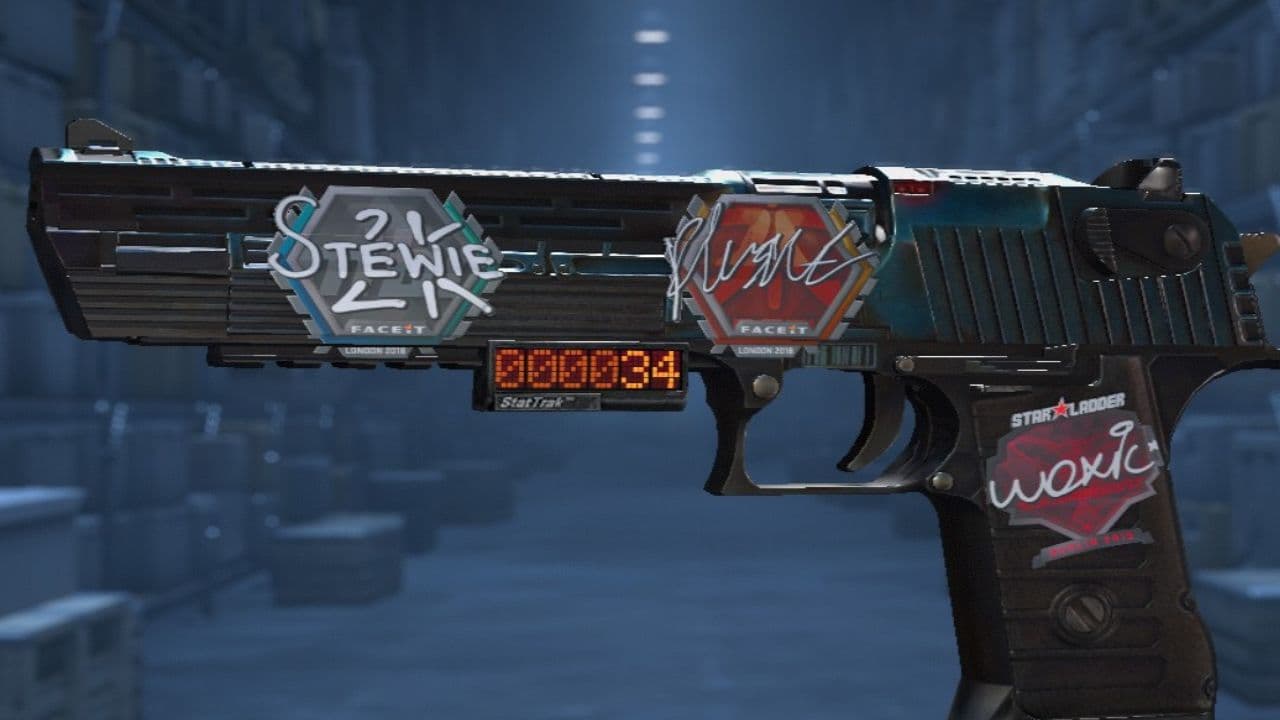 How to scrape stickers in CS2Want to remove stickers in CS2? Here’s how scraping works, what it changes, and why full removal is permanent....
 ropz CS2 settings: Crosshair, viewmodel, and moreCopy ropz CS2 settings for mouse, crosshair, viewmodel, video, and radar, then adjust them to match your own a...
 How to remove screen shake in CS2How to reduce screen shake in CS2 using console commands, viewmodel settings, graphics tweaks, and autoexec co...
- 1
- 2
- 3
- 4