Valve introduced Animgraph 2 for CS2 and here are all of the changes
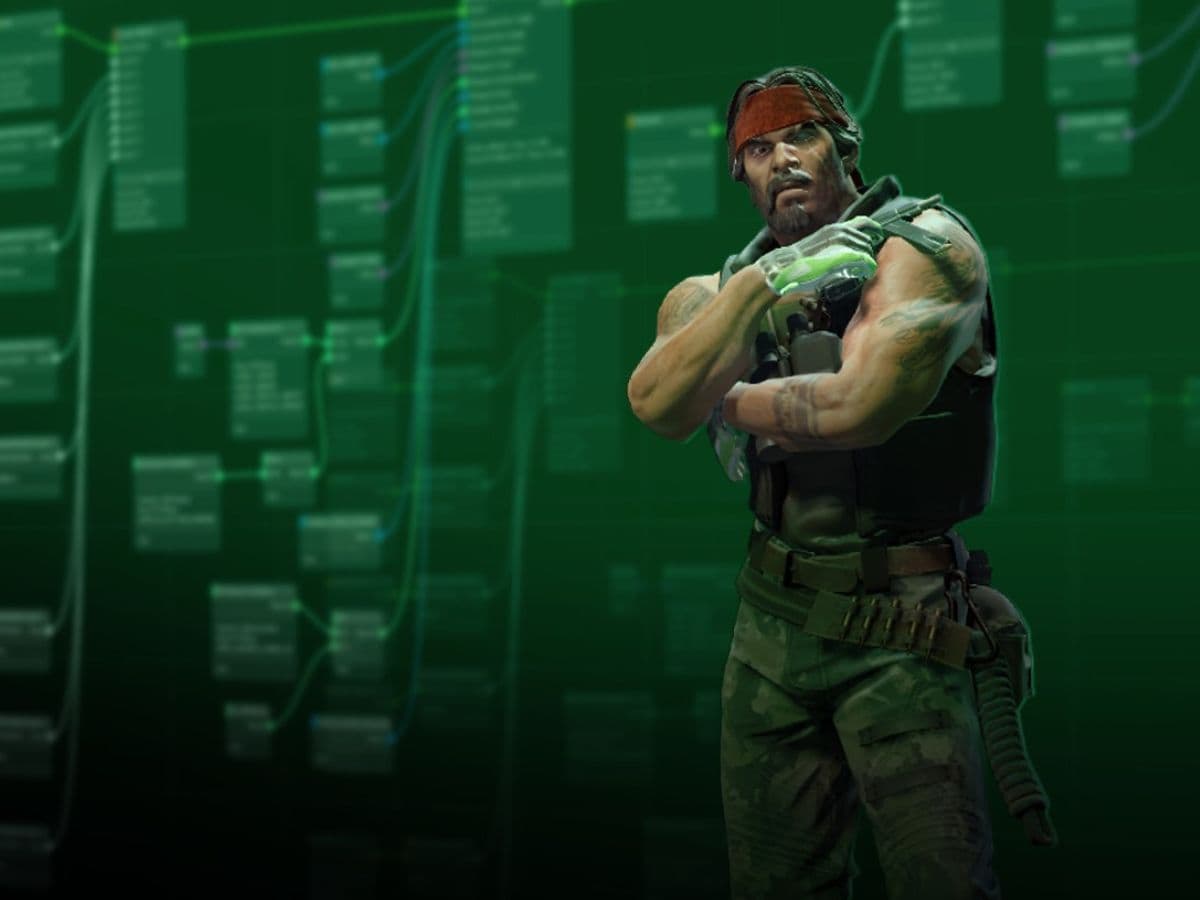
In the latest update, Valve has officially launched Animgraph 2 after testing it. Valve moved the changes from the animgraph_2_beta build into the live game with the April 21, 2026, update, so CS2 now uses the new animation system by default. Here is everything you need to know about the Animgraph 2 update, and whether you need to turn it on manually!
What is Animgraph 2?
Animgraph 2 is an updated animation system for CS2. It controls how player models, weapons, and movement animations shift from one action to another during gameplay.
In simple terms, this new CS2 setting decides how the game shows actions such as pulling out a weapon, switching equipment, crouching, attacking with a knife, or firing a gun in third-person view. These actions look small on their own, but they matter a lot in Counter-Strike. CS2 depends on fast visual feedback, so animation issues can affect how clean and readable the game feels.
Valve first tested Animgraph 2 through a beta build. The beta focused on animation behavior and reduced CPU and networking costs linked to animation. That matters because CS2 must process many player actions quickly, especially in full matches where every player constantly moves, shoots, swaps weapons, throws grenades, and reacts to damage
According to the patch notes, Animgraph 2 has been sent live by the devs. This means players now experience the updated system in normal matchmaking, Premier, practice servers, and other standard CS2 modes after updating the game through Steam.

Don’t forget to check out our guide on how to boost FPS in CS2!
How does Animgraph 2 improve CS2 visuals?
Animgraph 2 improves CS2 visuals through animation clarity, not through raw graphics quality. It does not make the game look sharper in the same way a texture update or lighting change would. Instead, it makes certain actions look more correct, stable, and consistent.
The April 2026 update made minor changes to viewmodel animations. Viewmodel animations are the first-person weapon animations players see on their own screen. These include actions like holding a weapon, switching weapons, or using equipment. Small changes here can make the game feel cleaner because the player sees these animations during every round.
When it was still in beta, Thour ran some benchmark tests on the new Animgraph 2 update, and according to his post, the new animation system improved the performance slightly. You can find his post below:
How to activate Animgraph 2
You do not need a console command, launch option, or special setting to activate Animgraph 2 now. It runs by default after the latest CS2 update.
To make sure your game uses the current live version:
- Open Steam.
- Let Counter-Strike 2 finish its update.
- Launch the game normally.
- Check your Steam beta settings if you previously joined the Animgraph 2 beta.
- Return to the normal live branch if your game still uses an old beta build.
Animgraph 2 is now part of the live CS2 experience. Players do not need to activate it, but if you feel some visual changes, just know that those are the results of this new animation system. For more CS2 guides, check out more pieces by us:
- Everything about CS2 workshop map 1v1 commands
- Best CS2 aim training maps that can really improve your skills
- CS2 jumpthrow bind
- All CS2 roles and positions: How to play and improve each
- Explained: Best CS2 surf servers & maps
Featured Image Credit: Valve
All Related Guides
 donk crosshair CS2: Current code and how to copy itWant to try donk’s crosshair in CS2? Check the current donk crosshair CS2 code and see how his setup works....
 How to change the HUD color in CS2Change your HUD color in CS2 with a few quick steps. See the available colors, command values, and which choic...
 How to make CS2 look like CSGOMiss the old CS:GO visuals? This guide explains how to adjust CS2 graphics, brightness, colors, HUD, and weapo...
 How to bind mousewheel to jump CS2Find the best CS2 mousewheel jump bind commands, learn how to set them up, and see how scroll jumping can supp...
 How to fix net jitter in CS2: Best solutions for packet loss, lag & rubberbandingLearn how to fix net jitter in CS2 with the best solutions for packet loss, lag, rubberbanding, and unstable c...
 How to scrape stickers in CS2Want to remove stickers in CS2? Here’s how scraping works, what it changes, and why full removal is permanent....
 ropz CS2 settings: Crosshair, viewmodel, and moreCopy ropz CS2 settings for mouse, crosshair, viewmodel, video, and radar, then adjust them to match your own a...
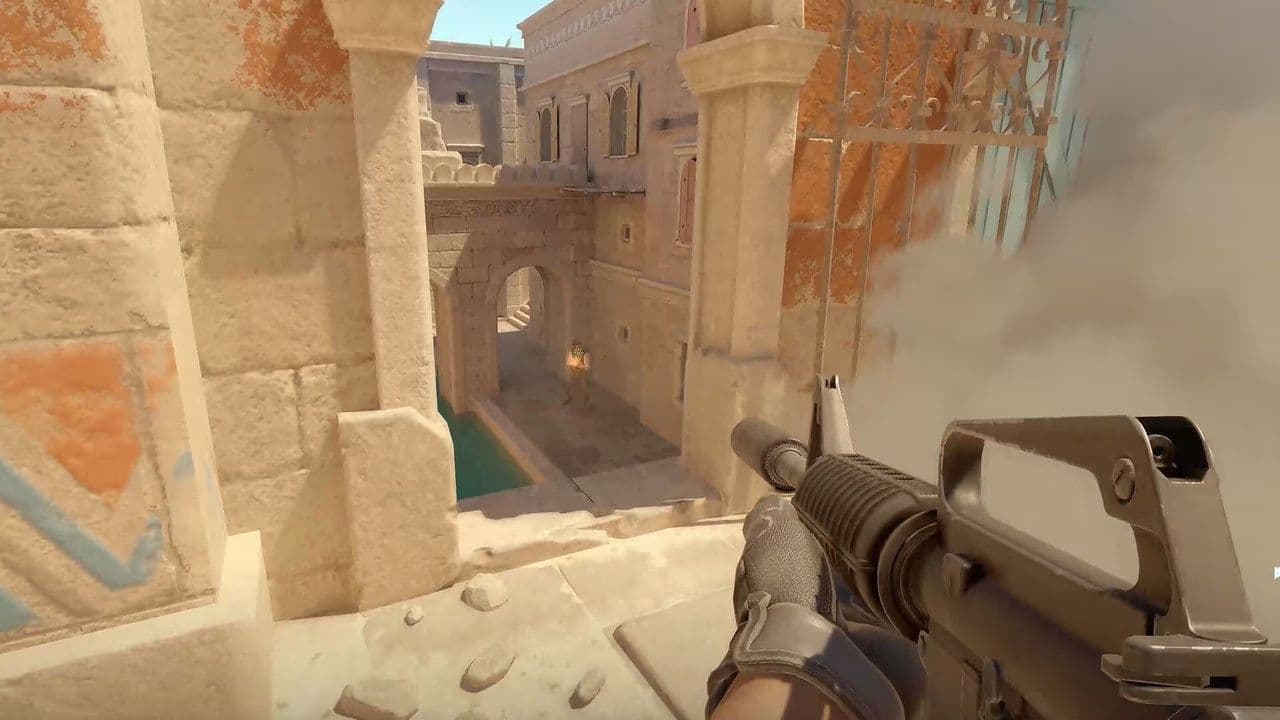 How to remove screen shake in CS2How to reduce screen shake in CS2 using console commands, viewmodel settings, graphics tweaks, and autoexec co...
- 1
- 2
- 3
- 4