nocries CS2 settings: The Faceit prodigy
nocries’ CS2 settings give players a ready setup for mouse sensitivity, video, viewmodel, and crosshair. His settings work best as a starting point. CS2 settings depend on your mousepad size, monitor, play style, and comfort. Copy the setup first, test it in practice, then tweak only what feels wrong. Here are all of the details!
Who is nocries?
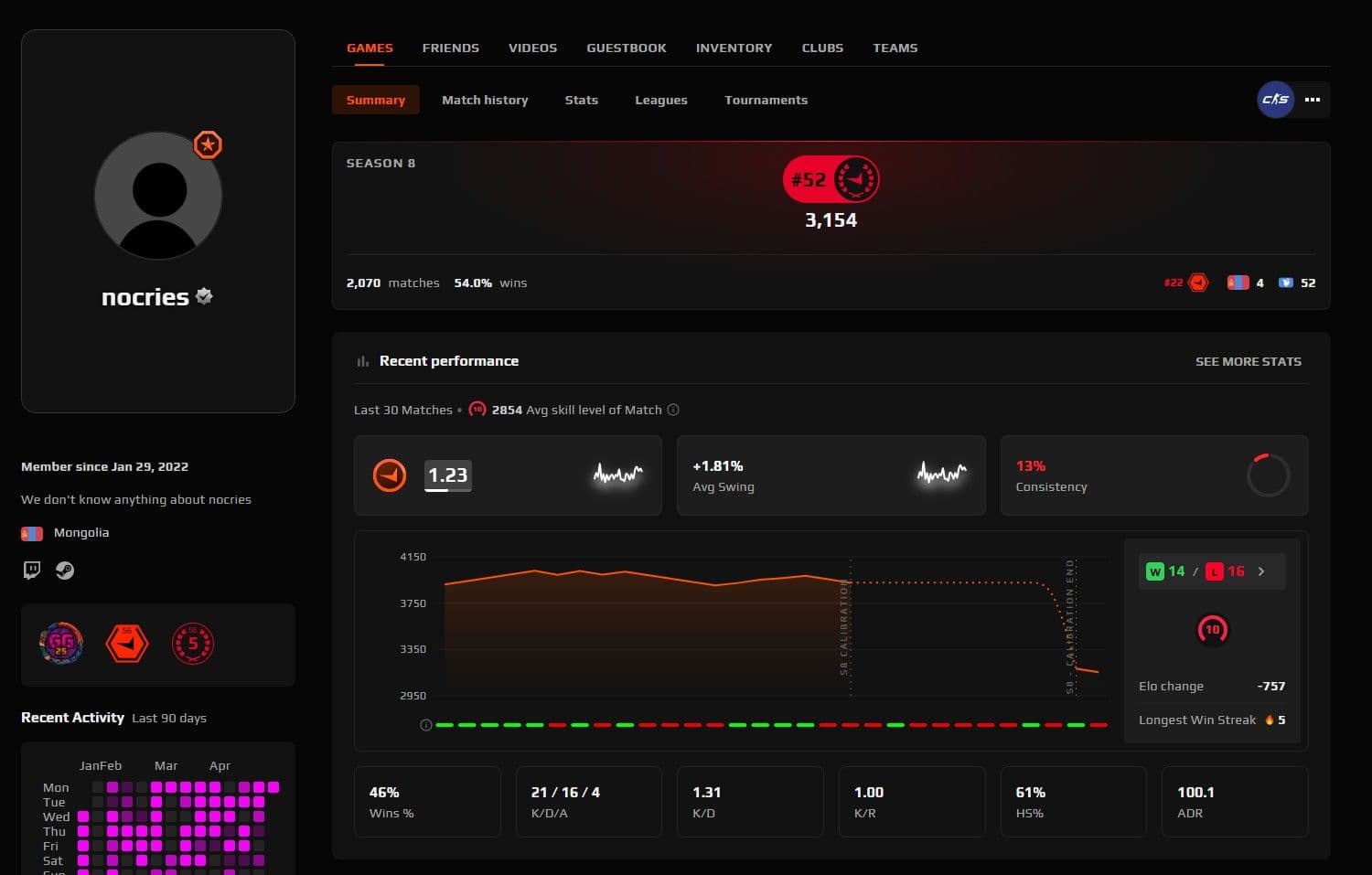
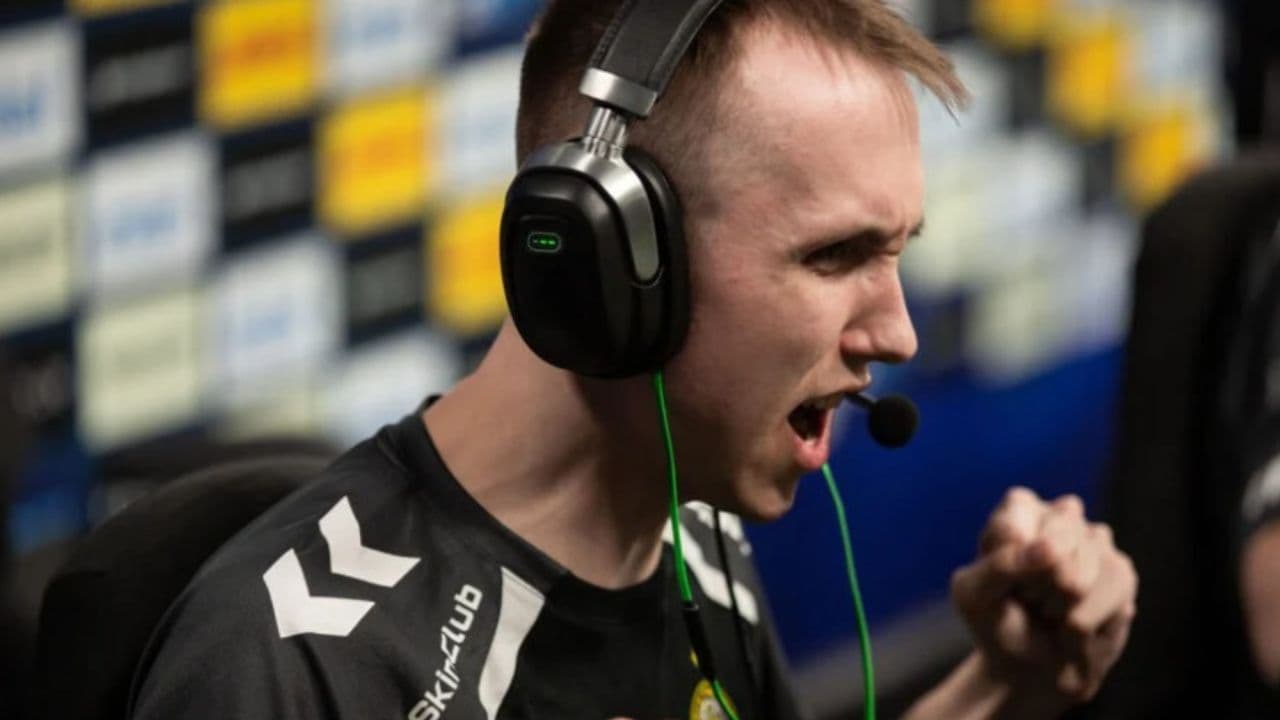
Maidar “nocries” Baldanov is a Counter-Strike 2 player known for his games in FACEIT. He is a member of the FPL Circuit on FACEIT, which is a league that accepts only the best players. Many players search for his settings because they want to try the same config he uses in matches.
Actually, many people thought he could be cheating in the game, but FACEIT made him play at the HQ in London. nocries proved his talents and also proved that he wasn’t cheating.
nocries mouse settings, video settings, and viewmodel
Nocries uses 800 DPI and 1 in-game sensitivity. This gives him an eDPI of 800, which sits in a common range for CS2 players. It gives enough speed for turning and enough control for rifle fights.
His reported mouse settings are:
- DPI: 800
- Sensitivity: 1
- eDPI: 800
- Zoom sensitivity: 1.00
- Polling rate: 1000 Hz
- Windows sensitivity: 6
If you use very high sensitivity, this setup may feel slow at first. Do not change it after one match. Test it in deathmatch or aim training before you decide.
For video settings, nocries uses 1280x960 with a 4:3 stretched setup. Many CS2 players use this because it makes the game feel more focused and can make enemy models appear wider on screen. The trade-off is simple: the game may feel faster, and your field of view feels different compared to 16:9.
If you want to keep these settings but play the game on your left hand, check out our relevant guide!
His reported video settings are:
- Resolution: 1280x960
- Aspect ratio: 4:3
- Scaling mode: Stretched
- Display mode: Fullscreen
- Brightness: 93%
His viewmodel settings are:
- FOV: 68
- Offset X: 2.5
- Offset Y: 0
- Offset Z: -1.5
- Presetpos: 2
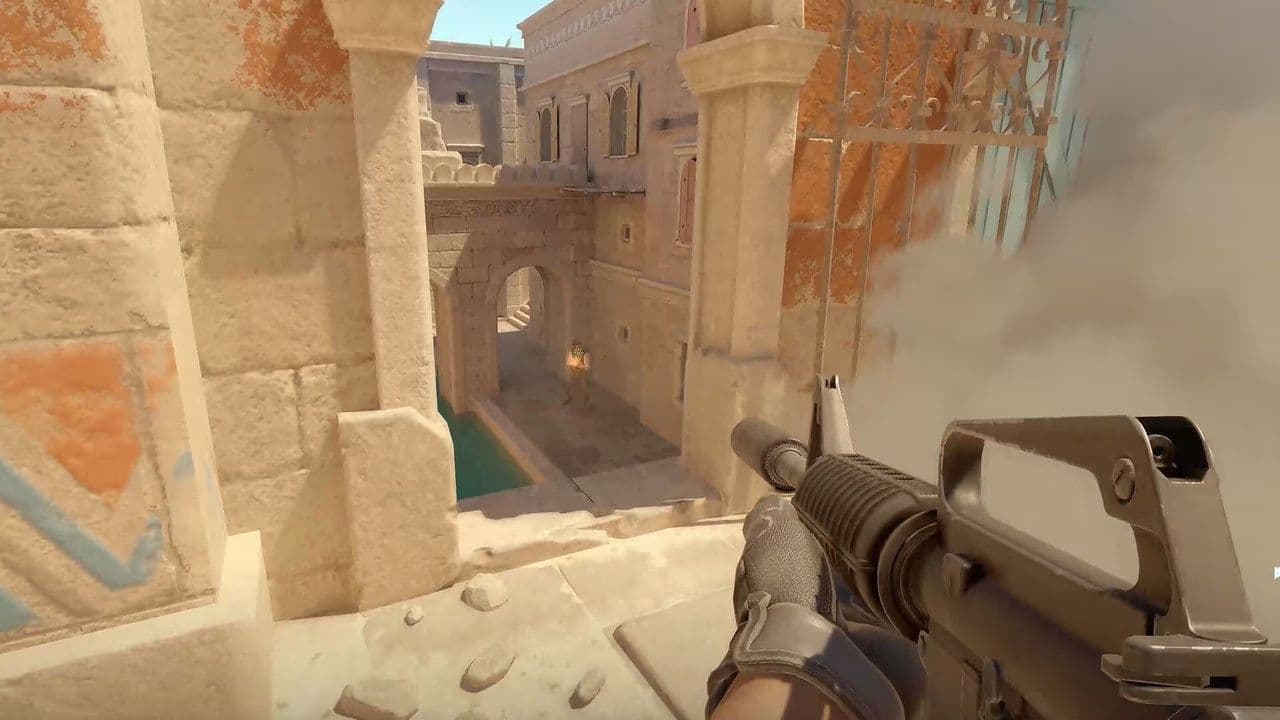
The viewmodel changes where your weapon appears on screen. These settings keep the weapon position familiar and leave enough space to see fights clearly.
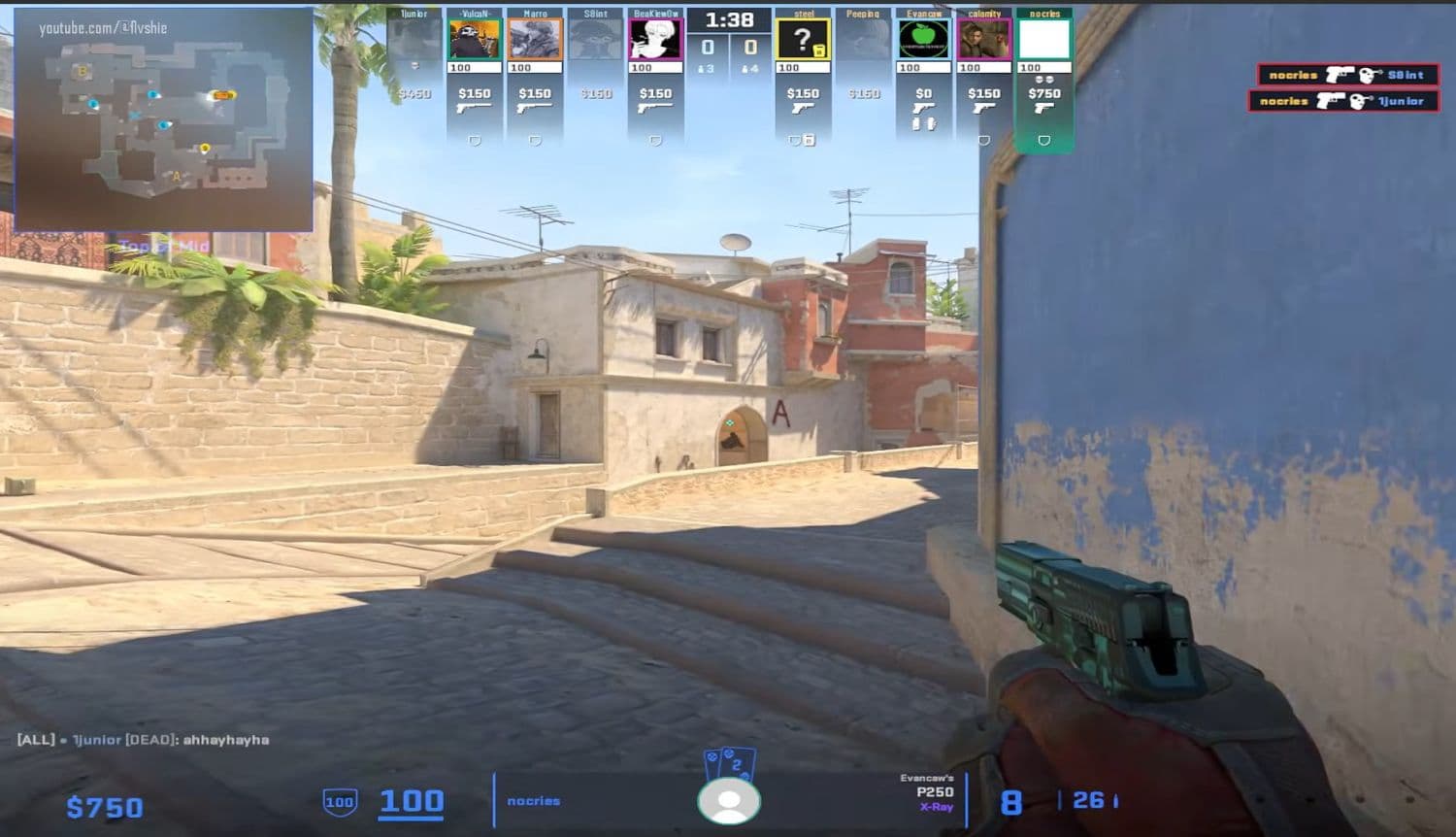
If you want to see what his settings look like, check this video of clips from his point of view:
Nocries crosshair settings
Nocries uses a small cyan crosshair with a classic static style. It does not move with recoil, and it does not use a center dot. This helps keep the screen clear.
His reported crosshair settings are:
- Style: Classic Static
- Follow recoil: No
- Dot: No
- Length: 1
- Thickness: 1
- Gap: -4
- Outline: No
- Color: Cyan
- Alpha: Yes
- Alpha value: 200
- T style: No
- Sniper width: 1
This crosshair works well if you already place your aim near head level. If the crosshair feels too small, increase the length or thickness slightly. Do not make many changes at once; it is always better to try different styles depending on your preferences.
We also have a guide about how to copy a crosshair in CS2!
Should you copy nocries CS2 settings?
You can copy nocries’ CS2 settings, but you should treat them as a base. A pro player’s settings work because that player has built muscle memory around them.
Start with the full setup. Play a few deathmatch sessions. Then decide what needs adjustment. Change your sensitivity only if you miss turns, overflick often, or feel unable to control sprays.
Check out our guide on CS2 aim training maps to get better at the game!
Best way to test nocries settings in CS2
Test the settings in this order:
- Apply the mouse settings first.
- Play deathmatch for aim and movement.
- Switch to the video settings.
- Test the crosshair in real duels.
- Change only one setting at a time.
This method helps you understand what actually improves your game. If the full setup feels good, keep it. If one part feels wrong, adjust that part and test again. The goal is not to copy nocries exactly. The goal is to find a CS2 setup that helps you aim with more control.
More guides can be found below:
- Everything about CS2 workshop map 1v1 commands
- Why is my FPS low and how to boost FPS in CS2: Guide for older and problematic systems
- CS2 jumpthrow bind
- All CS2 roles and positions: How to play and improve each
- Explained: Best CS2 surf servers & maps
Featured Image Credit: Valve
All Related Guides
 donk crosshair CS2: Current code and how to copy itWant to try donk’s crosshair in CS2? Check the current donk crosshair CS2 code and see how his setup works....
 How to change the HUD color in CS2Change your HUD color in CS2 with a few quick steps. See the available colors, command values, and which choic...
 How to make CS2 look like CSGOMiss the old CS:GO visuals? This guide explains how to adjust CS2 graphics, brightness, colors, HUD, and weapo...
 How to bind mousewheel to jump CS2Find the best CS2 mousewheel jump bind commands, learn how to set them up, and see how scroll jumping can supp...
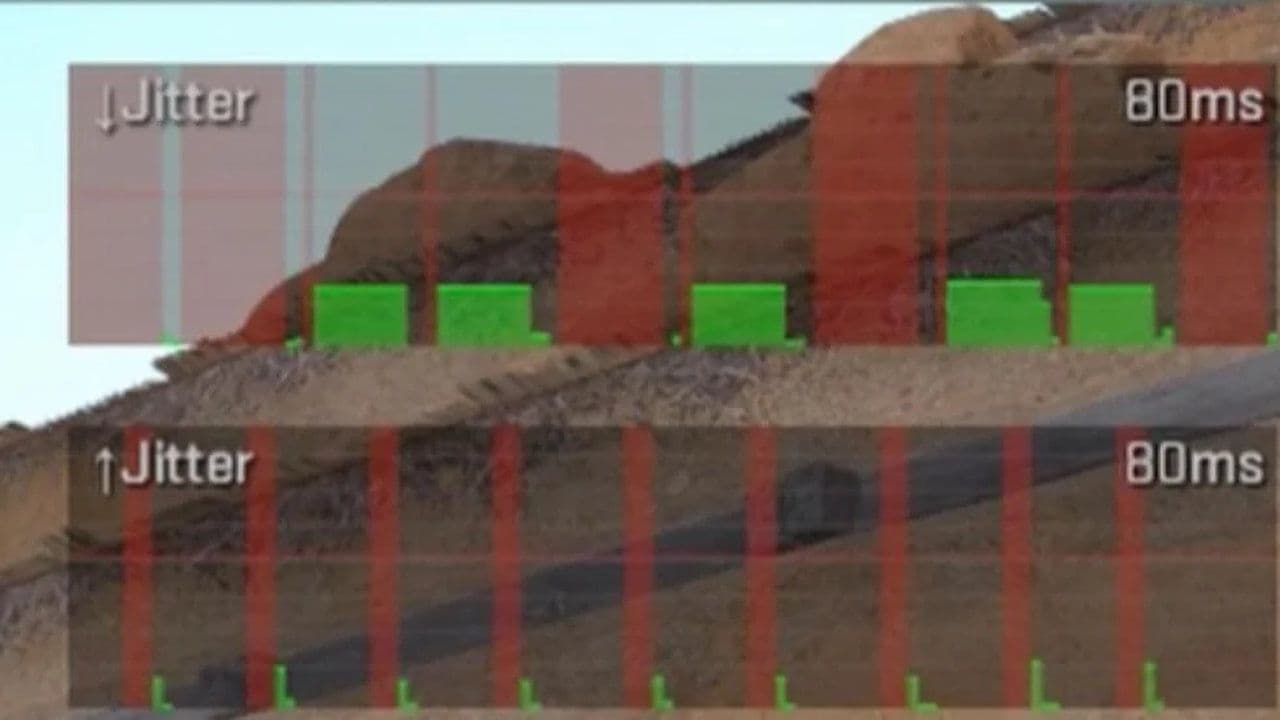 How to fix net jitter in CS2: Best solutions for packet loss, lag & rubberbandingLearn how to fix net jitter in CS2 with the best solutions for packet loss, lag, rubberbanding, and unstable c...
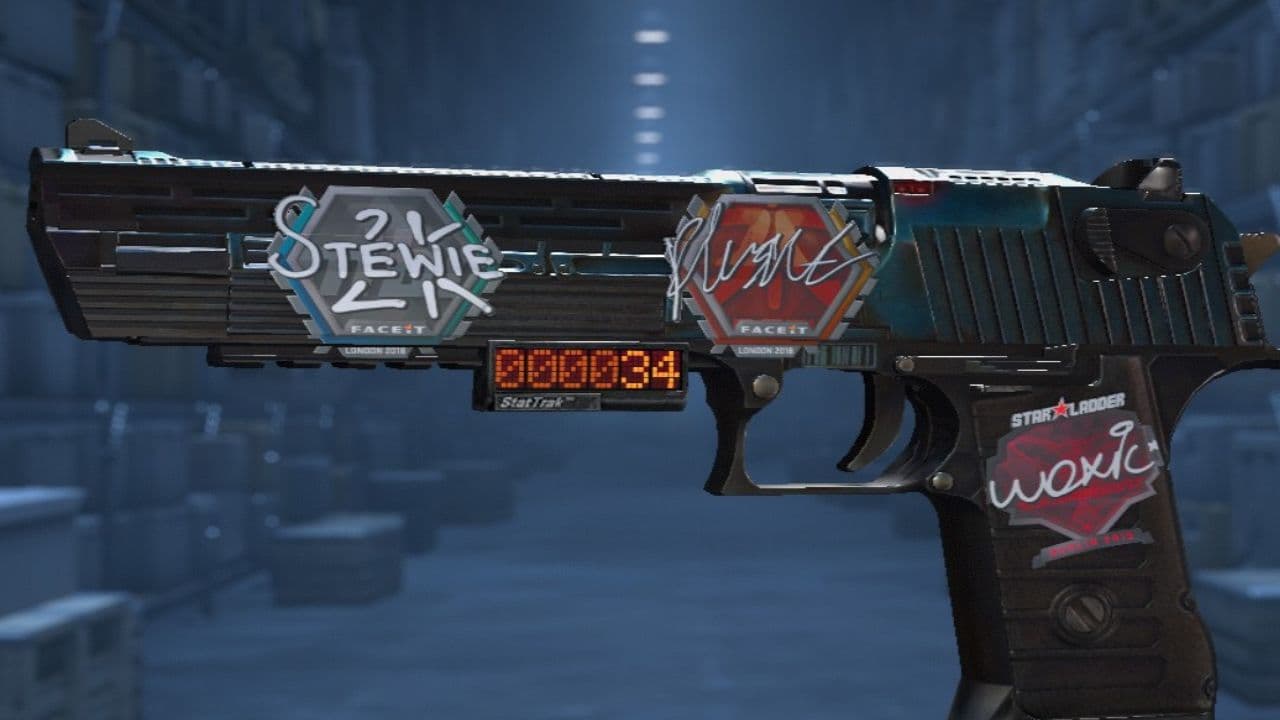 How to scrape stickers in CS2Want to remove stickers in CS2? Here’s how scraping works, what it changes, and why full removal is permanent....
 ropz CS2 settings: Crosshair, viewmodel, and moreCopy ropz CS2 settings for mouse, crosshair, viewmodel, video, and radar, then adjust them to match your own a...
 How to remove screen shake in CS2How to reduce screen shake in CS2 using console commands, viewmodel settings, graphics tweaks, and autoexec co...
- 1
- 2
- 3
- 4