Fortnite Karaoke mode explained: How to play?
Complete guide to Fortnite Karaoke mode
Fortnite Karaoke mode is one of the biggest additions to Fortnite Festival, turning the music experience from a rhythm game into a true singing mode. Instead of pressing buttons for vocals, players can now connect a microphone and sing live using Fortnite Festival Pro Vocals, officially called Mic Vocals. This feature brings real karaoke gameplay into Fortnite while keeping the competitive scoring system that Festival is known for.
If you want to understand how Fortnite Karaoke mode works, how to set up your microphone, and how to improve your scores in Fortnite Festival Pro Vocals, this guide covers everything.
What is Fortnite Karaoke Mode?
At its core, Fortnite Karaoke mode lets players sing songs live in Fortnite Festival using a compatible microphone. Unlike standard Vocal tracks, where players hit notes with controller buttons, Mic Vocals requires actual singing.
This means the game listens to your voice and evaluates:
- Pitch accuracy
- Note matching
- Phrase timing
- Sustained notes
- Vocal consistency
When a song starts, lyrics appear on screen in karaoke style, while visual pitch lanes guide you on when to sing higher, lower, flat, or smoothly between notes. Your microphone listens in real time, checking pitch accuracy, note length, timing, and vocal transitions against the song’s chart. Based on your performance, the game gives scoring feedback that impacts your overall score and leaderboard ranking.
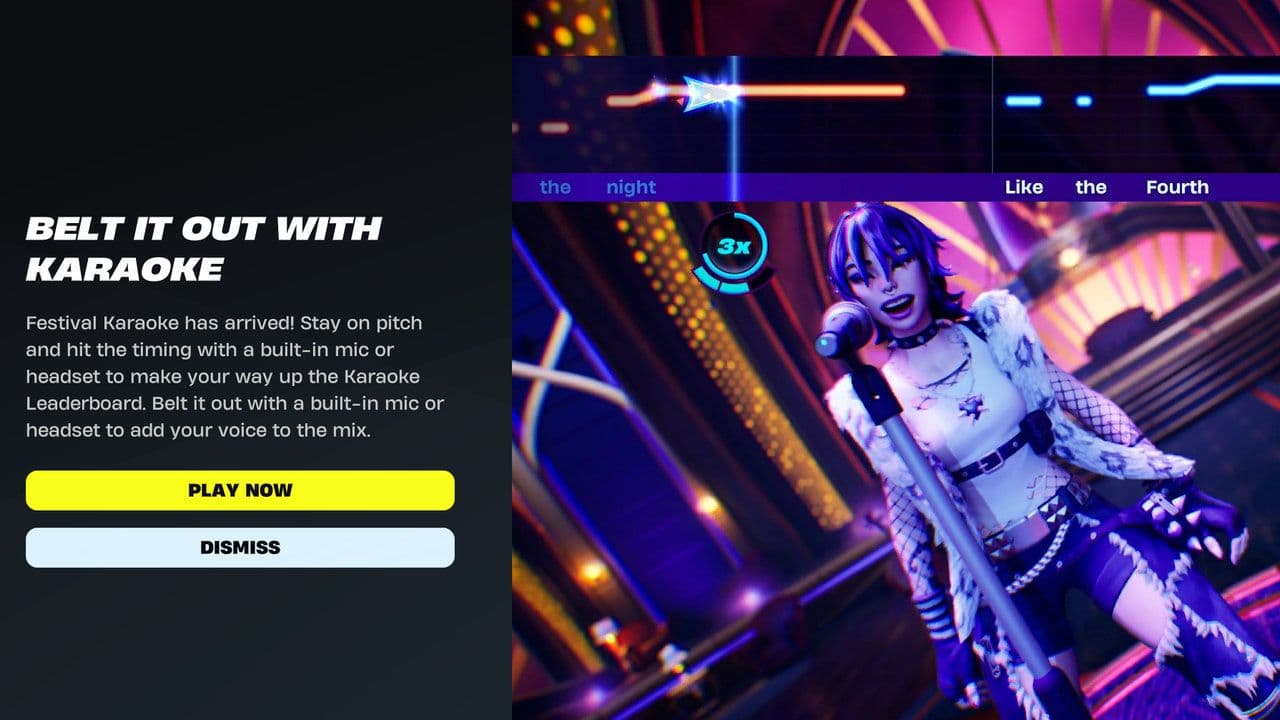
How to play Fortnite Karaoke Mode
Getting started with Fortnite Karaoke mode is easy:
- Connect a compatible microphone: USB mics, headsets, and controller microphones are supported. USB microphones usually give the best results. Some PC players also report that setting the microphone as the system’s default recording device helps Festival detect it properly.
- Launch Fortnite Festival: Enter Main Stage, where Mic Vocals is available.
- Select Pro Vocals (Mic Vocals): This switches gameplay from button inputs to live singing.
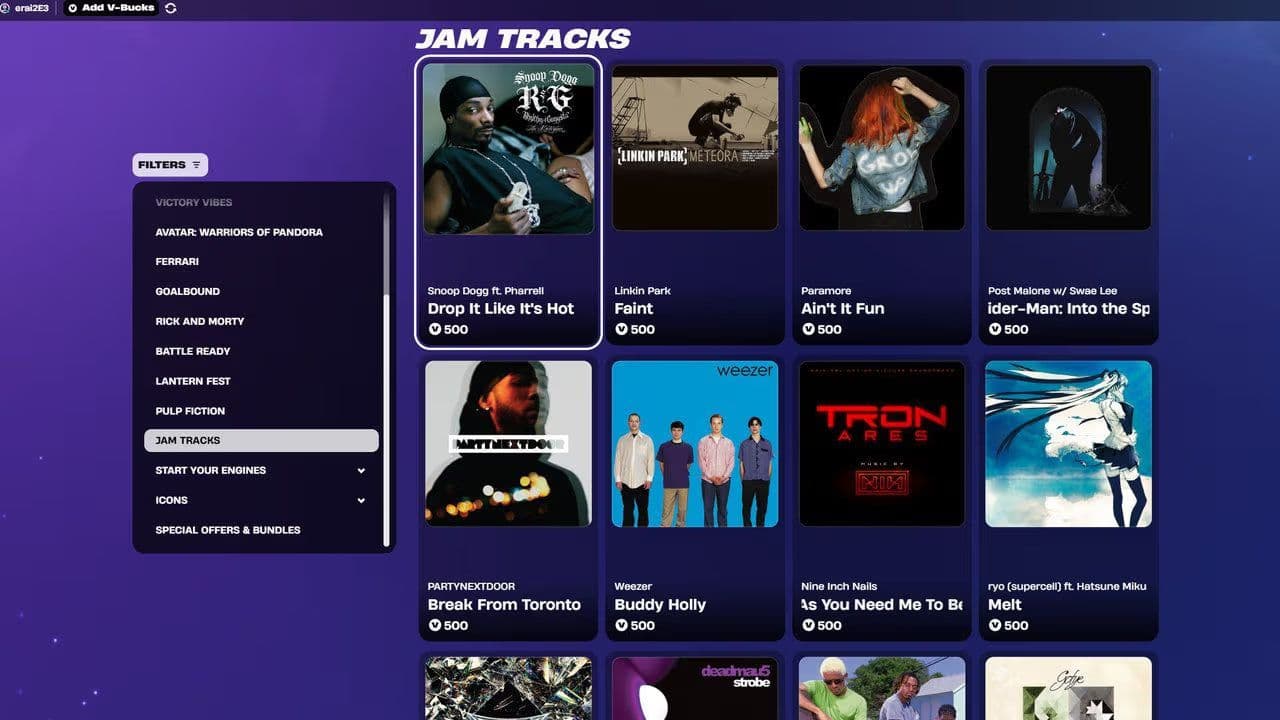
- Choose a song: Pick a Jam Track from the Festival library.
- Follow lyrics and pitch lanes: Sing along while matching the on-screen pitch guide.
- Score points: The game tracks your pitch, timing, note length, and transitions to calculate your score.
To perform better in Fortnite Karaoke mode, focus on clear singing, accurate pitch, and consistent timing.
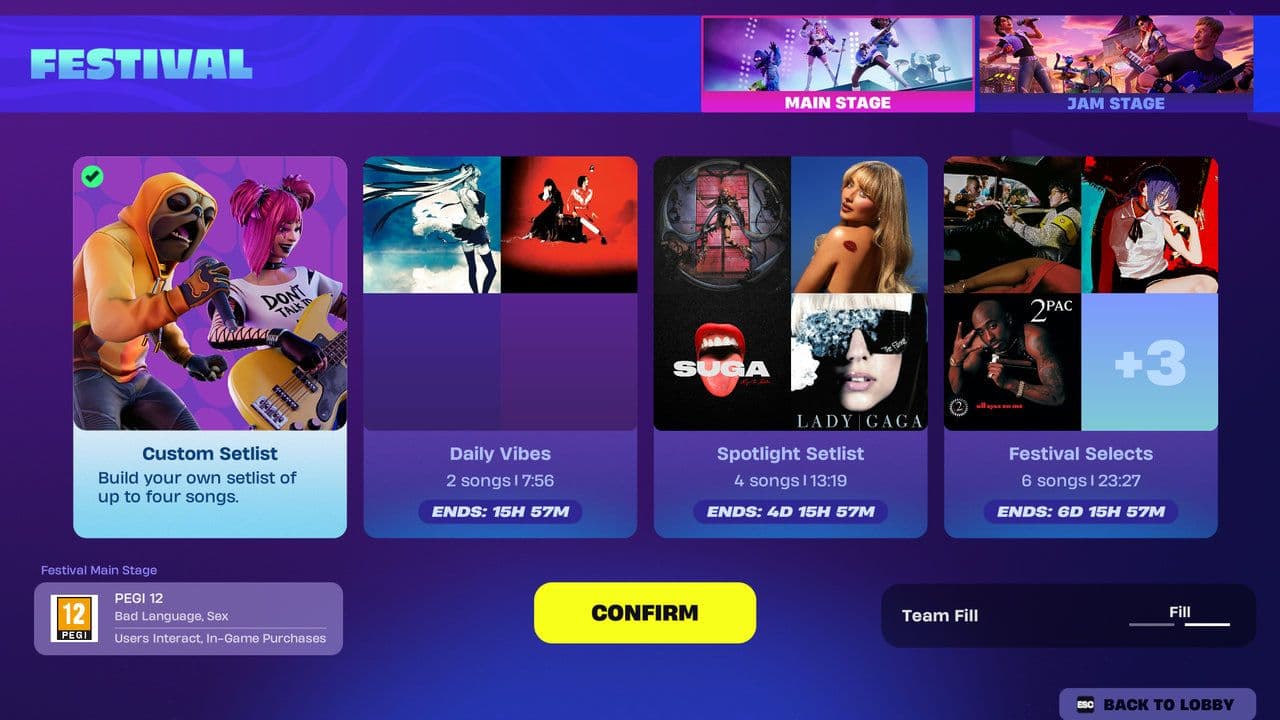
Which songs support Fortnite Karaoke Mode?
The good news is almost every Jam Track in Fortnite Festival can support Fortnite Karaoke mode. Epic added Pro Vocals / Mic Vocals as a system-wide feature, meaning it is not limited to a small karaoke playlist—the full Jam Track library is being updated for vocal support.
Fortnite Festival Pro Vocals vs. standart vocals
Many players confuse standard vocals with Fortnite Festival Pro Vocals, but they are very different.
Standard Vocals is essentially “playing vocals” as part of a rhythm game.
Fortnite Festival Pro Vocals (Mic Vocals) turns singing into actual gameplay—you are no longer simulating a performance, you are performing.
That is exactly what makes Fortnite Karaoke mode stand out.
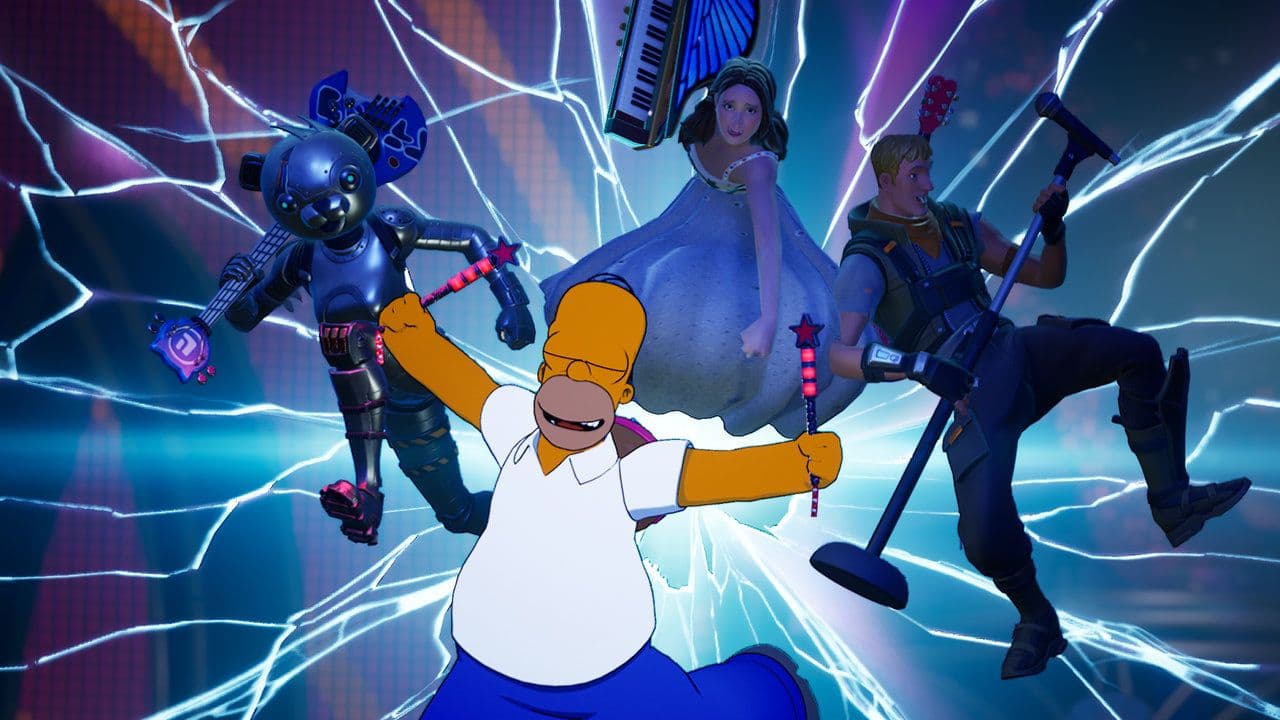
With live microphone input, pitch tracking, and support for a growing library of Jam Tracks, it delivers a true karaoke experience inside Fortnite. Whether you want to sing casually with friends or chase high scores, Fortnite Karaoke mode is one of Fortnite Festival’s most exciting new ways to play.
That’s all for today! Looking for more Fortnite guides? Check out these:
- All Fortnite bosses & how to defeat them
- What are Accolades in Fortnite and how to get them
- Best Fortnite map codes with additional bonus maps
- How to start a custom game in Fortnite: Private 1v1, errors and fixes
- How to disable simple edit in Fortnite (PC, PlayStation, Xbox, Nintendo Switch, and mobile)
All Related Guides
 Fortnite Loot Hacker Sprites: All variants, locations, and how to get themFind all Fortnite Loot Hacker Sprites, Cheat Code locations, Chest chances, Sprite Dust costs, and how to unlo...
 All Garden vs. Brainrot codes in Fortnite: Updated listLooking for Fortnite Garden vs Brainrot codes? Get every working code, learn how to redeem them, and boost you...
 Latest Fortnite Steal the Brainrot codes (September 2026)Find all active Fortnite Steal the Brainrot codes to summon Brainrot Gods and boost rewards fast....
 Island cheats: How to find & use Fortnite Cheat codesLearn how Fortnite Cheat Codes work, where to find them, what each panel color means, and how to unlock and ex...
 Sprite Rate Up meaning in FortniteLearn what Sprite Rate Up means in Fortnite, how these events work, which Sprites get boosted, and why they're...
 How to use a Gizmo in Fortnite (Sprite extraction tools)Learn how to use a Gizmo in Fortnite, activate the Gizmo Wheel, unlock Sprite tools, and complete the "Use a G...
 How to resummon Fortnite SpritesLearn how to resummon Fortnite Sprites in Chapter 7 Season 4, including Sprite Dust costs, levels, collection ...
 Fortnite Mastery Monday guide: Schedule, bonuses & moreLearn how Fortnite Mastery Monday works, including its weekly schedule, 2x Sprite leveling, double Sprite Dust...
- 1
- 2
- 3
- 4
- 5
- 6
- 7
- 8
- 9
- 10
- 11
- 12
- 13
- 14
- 15
- 16
- 17
- 18
- 19
- 20
- 21
- 22
- 23
- 24
- 25