How to use a Gizmo in Fortnite (Sprite extraction tools)
Activate Fortnite Gizmos easily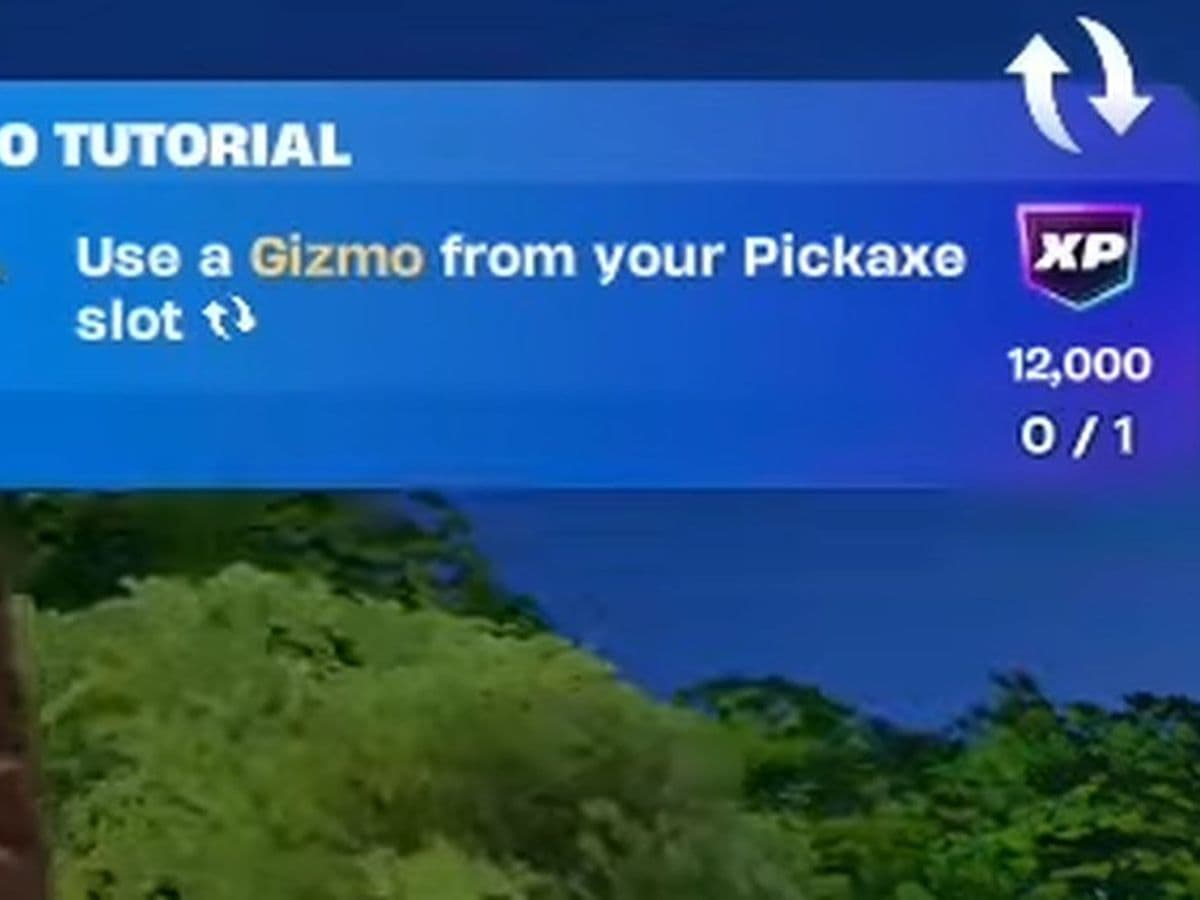
Gizmos are special Sprite tools introduced in Fortnite Chapter 7 Season 3. Unlike weapons or consumables, they don't use one of your five inventory slots. Instead, they're equipped through your Pickaxe slot, letting you locate hidden Sprite Chests, extract Sprites anywhere on the island, or earn extra Sprite Dust without affecting your combat loadout.
What is a Gizmo in Fortnite?
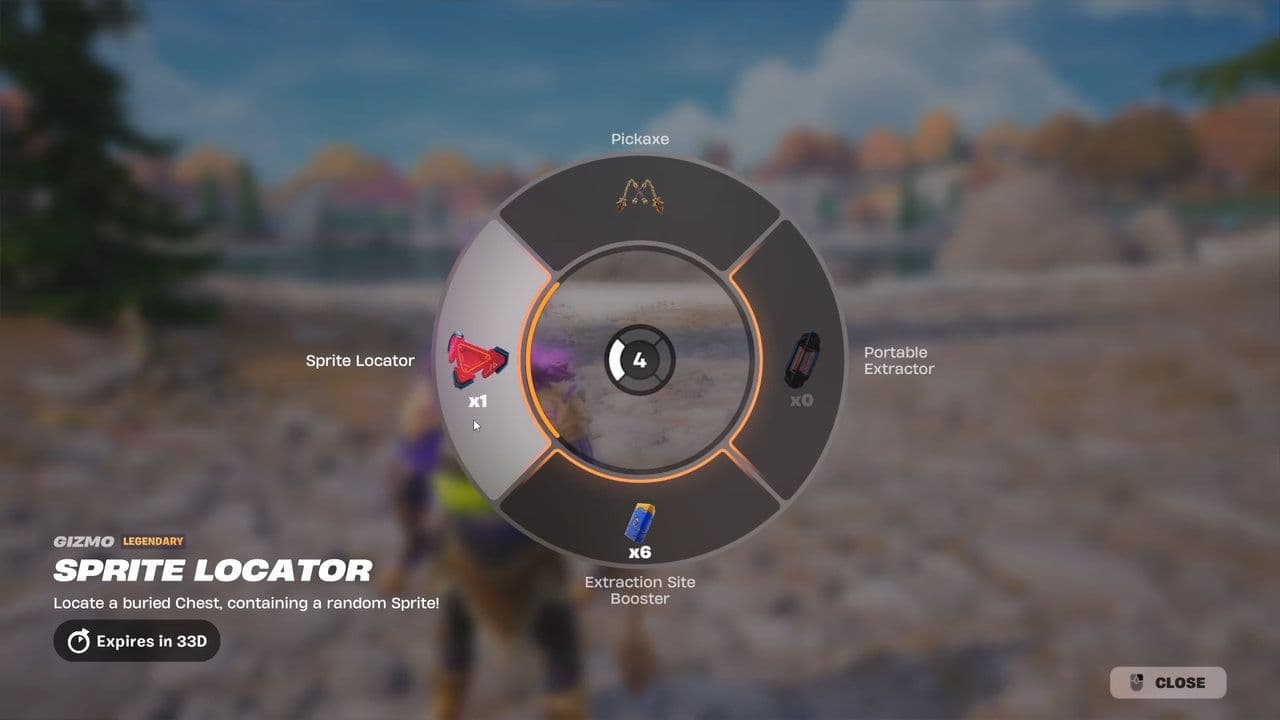
A Gizmo is a utility tool designed to support Fortnite's Sprite Collection system. Every Gizmo has a different purpose, but they all work through the Gizmo Wheel, which is accessed from your Pickaxe slot.
Since Gizmos are separate from your inventory, you can keep a full weapon and healing loadout while still having access to every unlocked Gizmo whenever you need it.
How to activate a Fortnite Gizmo
Using a Fortnite Gizmo is simple:
- Equip your Pickaxe.
- Hold your Pickaxe button to open the Gizmo Wheel.
- Move your mouse or controller stick to highlight the Gizmo you want.
- Release the button to activate it.
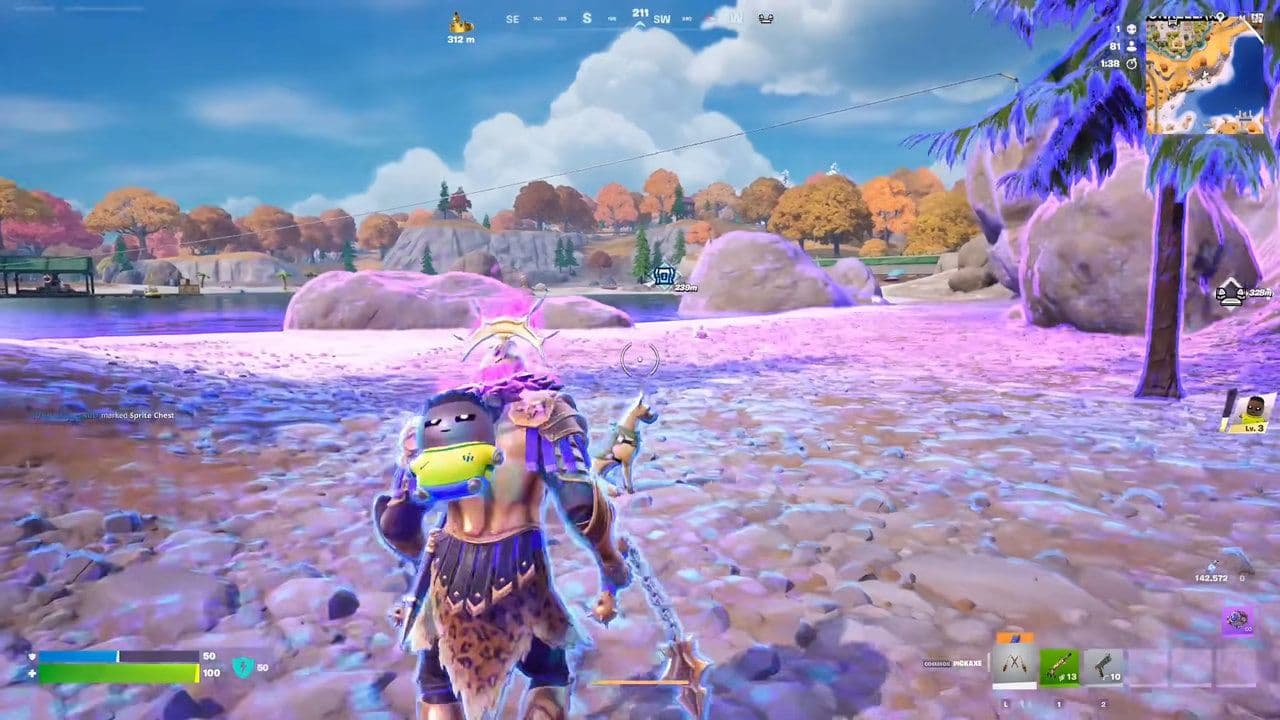
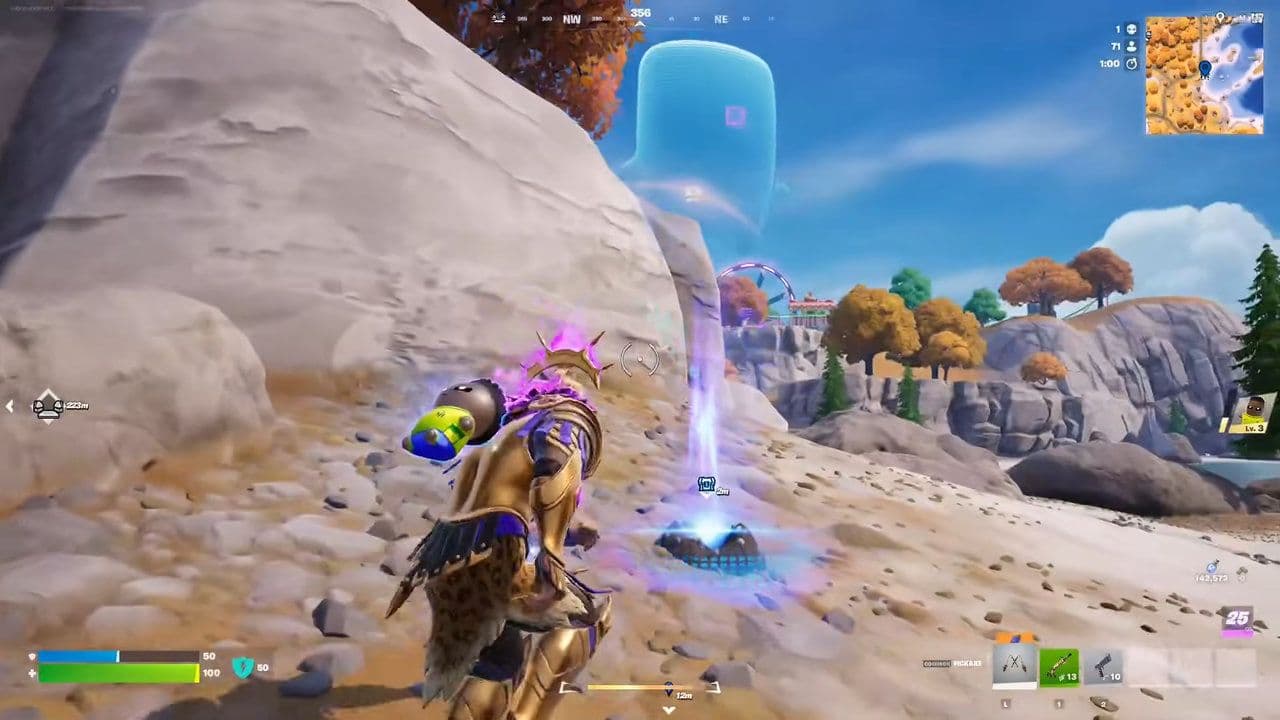
The selected Gizmo stays active until you switch back to another weapon or item, which instantly deactivates it. Certain Gizmos, such as the Portable Extractor, can also be cancelled mid-use if you're attacked, allowing you to return to combat immediately.
Keep in mind: Don't spend too long in the Gizmo Wheel during a fight. While selecting a Gizmo, you're vulnerable, and getting eliminated while carrying a rare Sprite means losing the chance to permanently add it to your collection.
How to complete the "Use a Gizmo From Your Pickaxe Slot" Quest
If you're trying to complete the Chapter 7 Season 3 tutorial quest, simply open the Gizmo Wheel by holding your Pickaxe button and activate any available Gizmo. It doesn't have to be the Portable Extractor—using the Sprite Locator, Extraction Site Booster, or any other unlocked Gizmo will also complete the objective and reward you.
All Fortnite Gizmos & how to use them
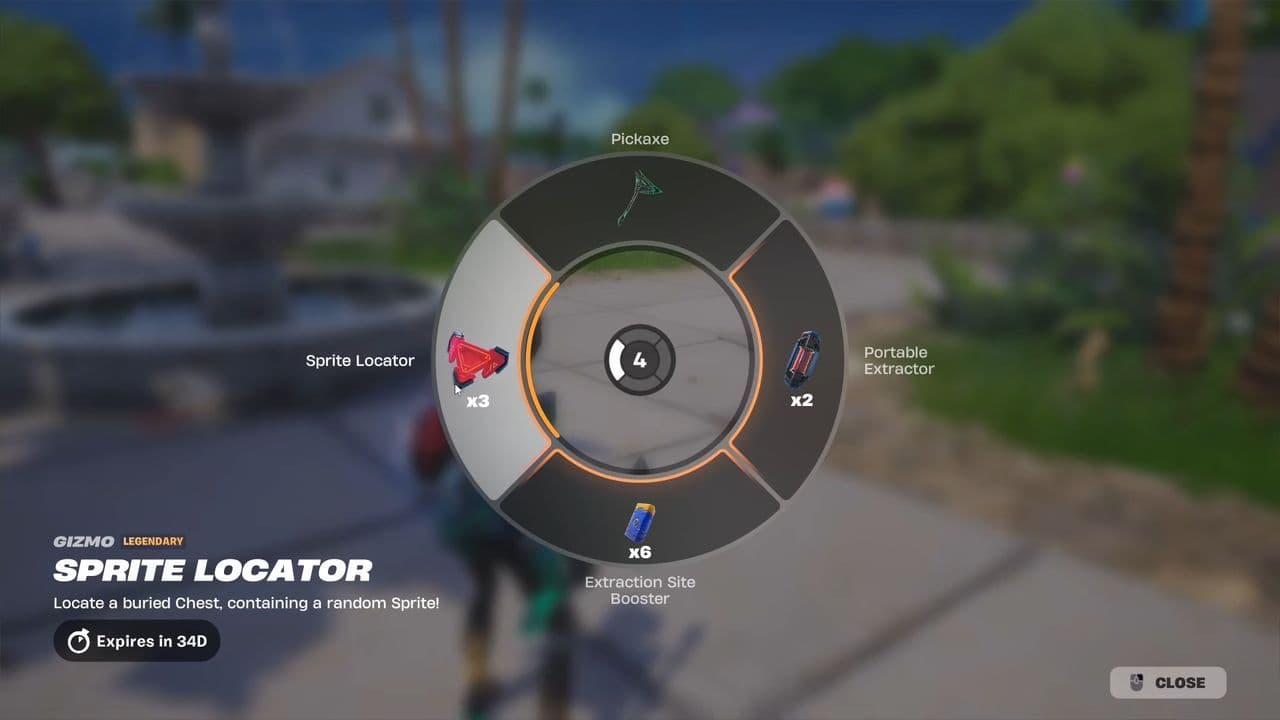
The Portable Extractor is the most versatile Gizmo because it removes the need to travel to an Extraction Site before permanently unlocking a Sprite. The Sprite Locator is ideal for players focused on discovering hidden Sprite Chests, while the Extraction Site Booster is designed for efficiently farming Sprite Dust.
Tip: Only one Gizmo can be active at a time, but switching between them is instant, so you can adapt to different situations during a match.
How to get Gizmos in Fortnite
Gizmos aren't found as floor loot or inside Chests.
Instead, they're unlocked through two main methods:
- Sprite Mastery, by progressing your Sprite collection.
- Purchasing eligible Gizmos from Extraction Sites during a match.
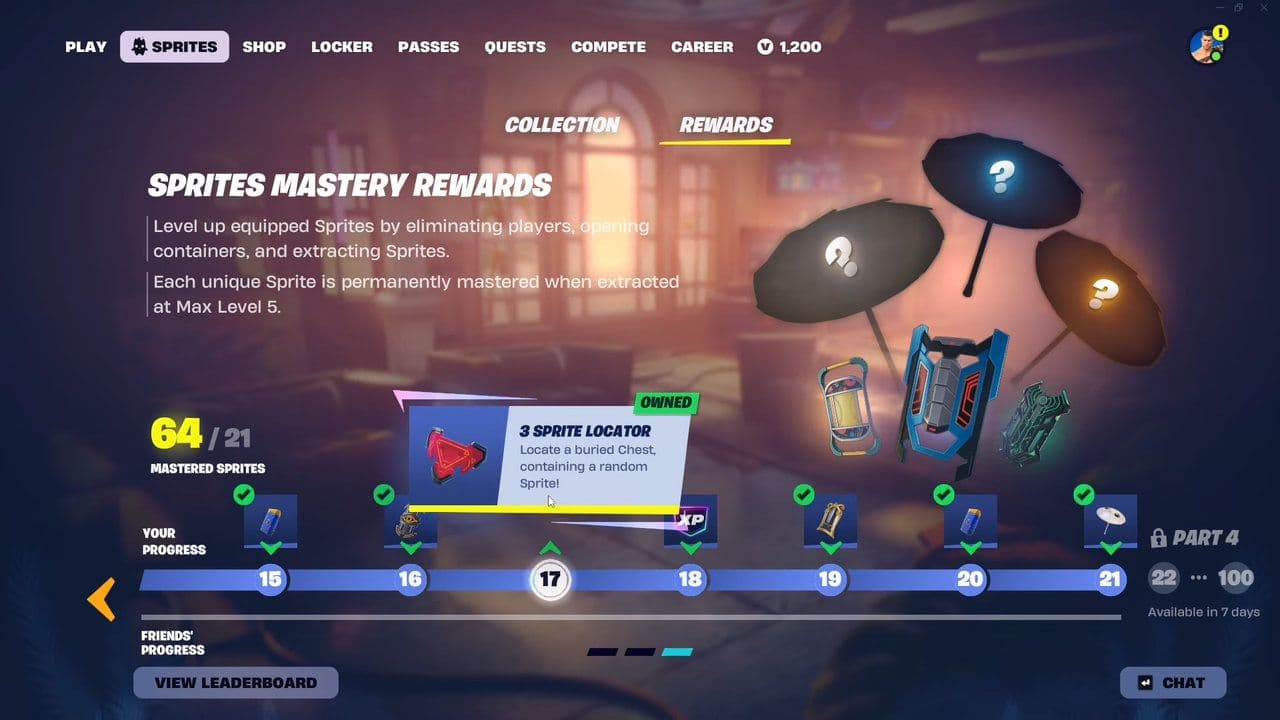
Open the Gizmo Wheel at the start of a game to see which tools you've unlocked. If your wheel only contains a few Gizmos, continue progressing Sprite Mastery to unlock additional options.
Important: Epic has confirmed that Gizmos are exclusive to Chapter 7 Season 3 and won't carry over into Chapter 7 Season 4.
Does using a Gizmo affect your loadout?
No.
Gizmos occupy the Pickaxe slot, completely separate from your five inventory slots. Activating the Sprite Locator, Portable Extractor, or Extraction Site Booster never requires you to drop a weapon, healing item, or utility.
Switching back to any weapon or item immediately deactivates the active Gizmo, with no cooldown or swap delay, allowing you to jump straight back into combat.
5 tips for using Gizmos
- Hold your Pickaxe button instead of tapping it to open the Gizmo Wheel.
- Use the Sprite Locator early in matches to uncover hidden Sprite Chests.
- Save the Portable Extractor for Mythic, Galaxy, or Special Sprites so you don't risk losing them while travelling to an Extraction Site.
- Equip the Extraction Site Booster when your priority is farming Sprite Dust rather than unlocking new Sprites.
- Don't stay inside the Gizmo Wheel during combat, as you can't defend yourself while selecting a Gizmo.
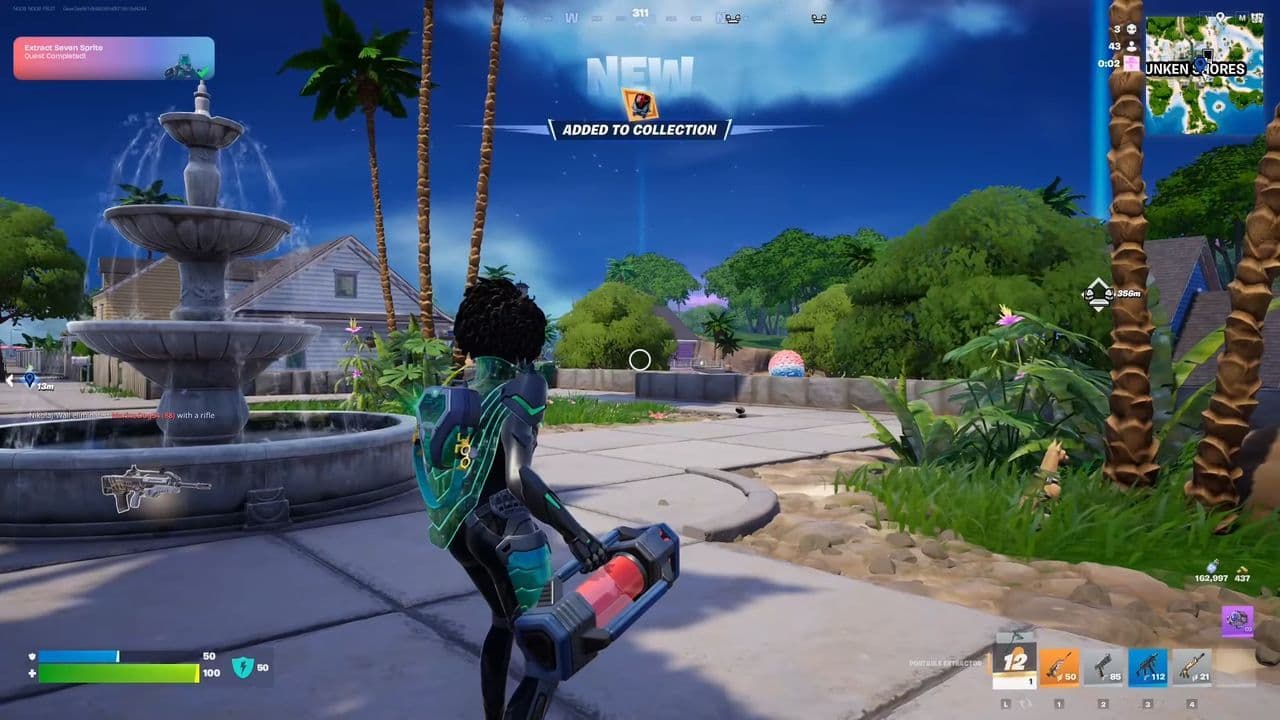
To use a Gizmo in Fortnite, equip your Pickaxe, hold the Pickaxe button to open the Gizmo Wheel, select the Gizmo you want, and release the button to activate it. Gizmos don't take up inventory space, so they never replace your weapons or healing items, and any Gizmo counts for the "Use a Gizmo from your Pickaxe slot" tutorial quest.
Whether you're locating hidden Sprite Chests with the Sprite Locator, extracting rare Sprites anywhere using the Portable Extractor, or boosting your Sprite Dust rewards with the Extraction Site Booster, learning when to switch between Gizmos is a key part of mastering Fortnite's Sprite system in Chapter 7 Season 3.
That’s all for today! Looking for more Fortnite guides? Check out these:
- All Fortnite bosses & how to defeat them
- What are Accolades in Fortnite and how to get them
- Best Fortnite map codes with additional bonus maps
- How to start a custom game in Fortnite: Private 1v1, errors and fixes
- How to disable simple edit in Fortnite (PC, PlayStation, Xbox, Nintendo Switch, and mobile)
All Related Guides
 How to drive cars in Fortnite: Vehicle controls & moreLearn how to drive cars in Fortnite with PC, PlayStation, and Xbox controls, vehicle locations, steering tips,...
 How to hide Sprites in Fortnite and show your Back BlingLearn how to hide Sprites in Fortnite, display your Back Bling instead, change Sprite visibility settings, and...
 How to carve pumpkins in Fortnite: Locations and quest guideLearn how to carve pumpkins in Fortnite, find all quest locations at Nightmare Neighborhood and Wonkeeland, an...
 Fortnitemares 2026: Release date, collabs, skins, map changes & moreDiscover Fortnitemares 2026, including its release date, FNAF crossover, Halloween skins, rumored collabs, Hor...
 Fortnite x FNAF: Release date, skins & everything we knowFortnite x FNAF arrives October 1 for Fortnitemares 2026 with Freddy, Bonnie, Chica, Foxy, Fazbear's Pizzeria,...
 Fortnitemares 2026: Release date, collabs, skins, map changes and moreFortnitemares 2026 starts October 1 with FNAF, major collabs, new skins and more. Here's what's confirmed, lea...
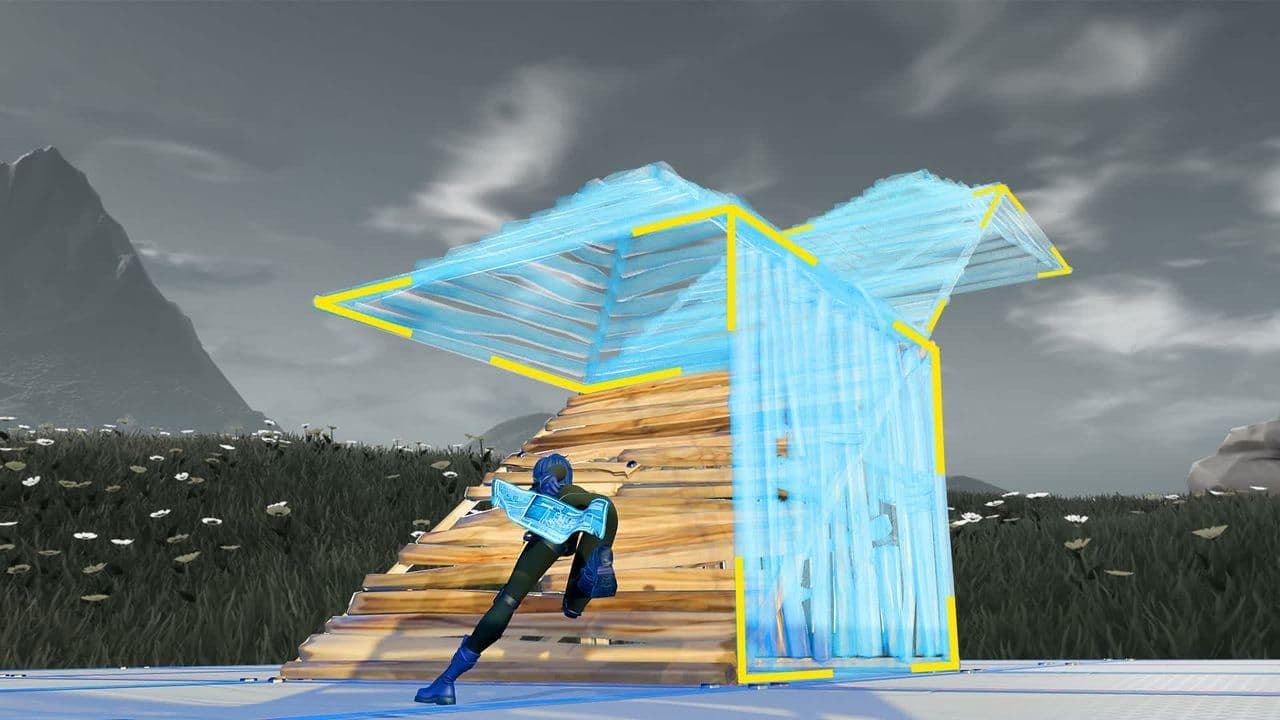 How to get better at building in Fortnite fastLearn how to get better at building in Fortnite with practical drills for edits, 90s, boxing, tunneling, piece...
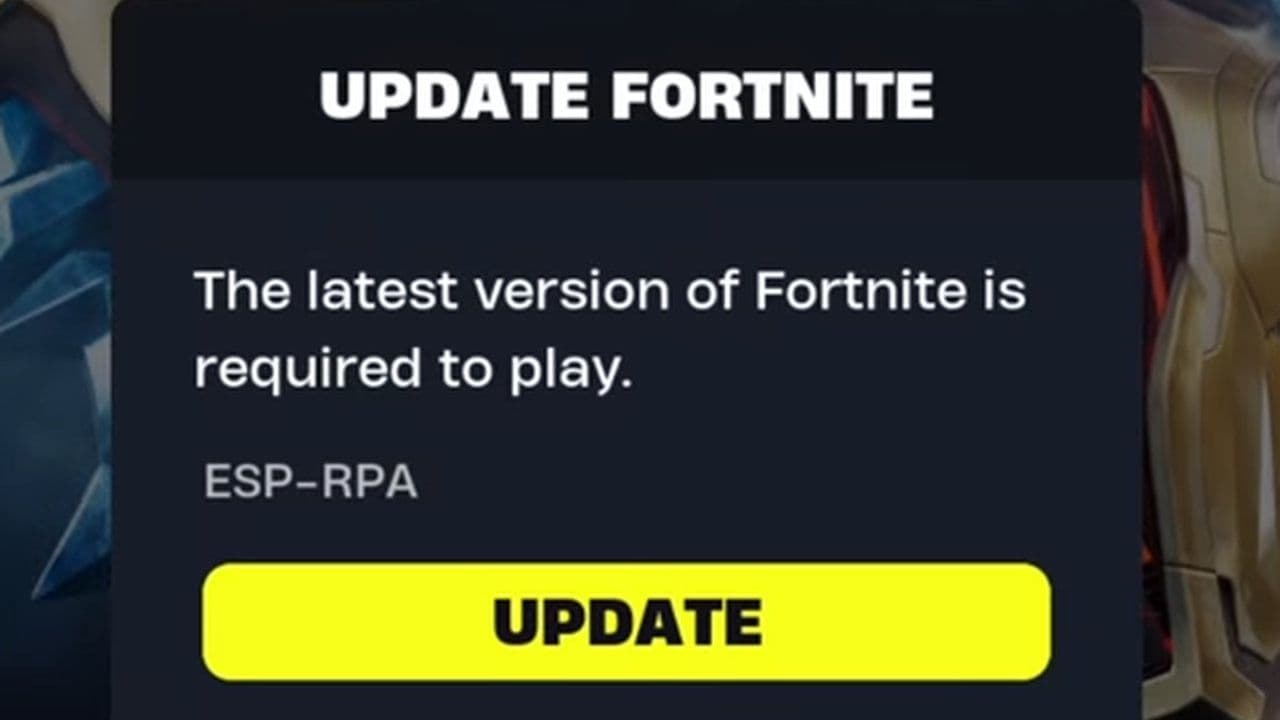 4 ways to update Fortnite on mobileLearn 4 ways to update Fortnite on Android, iPhone and iPad through Epic Games Store, Google Play and the App ...
- 1
- 2
- 3
- 4
- 5
- 6
- 7
- 8
- 9
- 10
- 11
- 12
- 13
- 14
- 15
- 16
- 17
- 18
- 19
- 20
- 21
- 22
- 23
- 24
- 25
- 26