How to fix Rocket League Error 71 fast (Your connection to the game timed out)
Solve Rocket League server timeout fast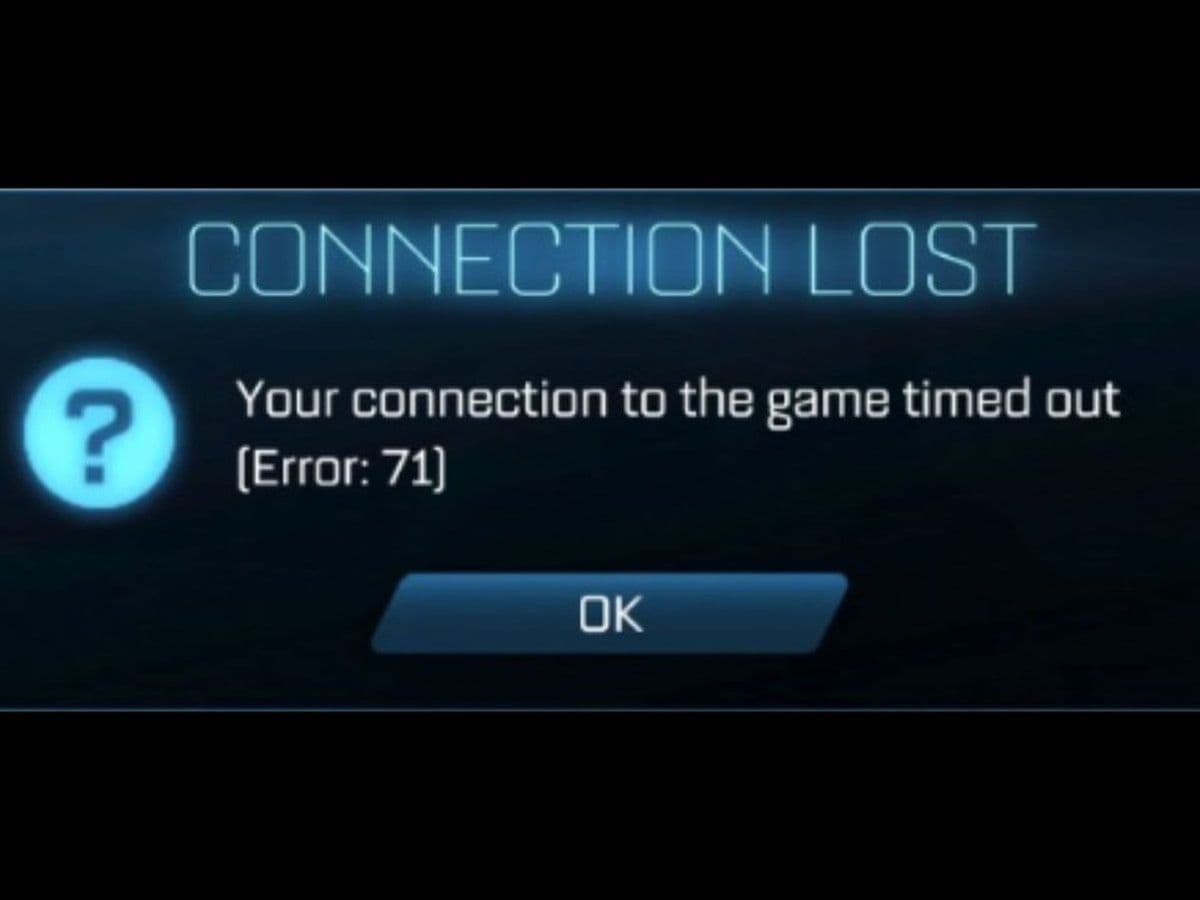
Rocket League Error 71 is a common connection issue that prevents players from joining online matches. The error usually appears with a message saying the connection to the server has timed out. It can happen on PC, PlayStation, Xbox, and Nintendo Switch, and it is almost always related to network communication problems between your device and the game servers.
This guide breaks down what Rocket League Error 71 means, why it occurs, and how you can fix it using 9 simple and effective methods.
What is Rocket League Error 71?
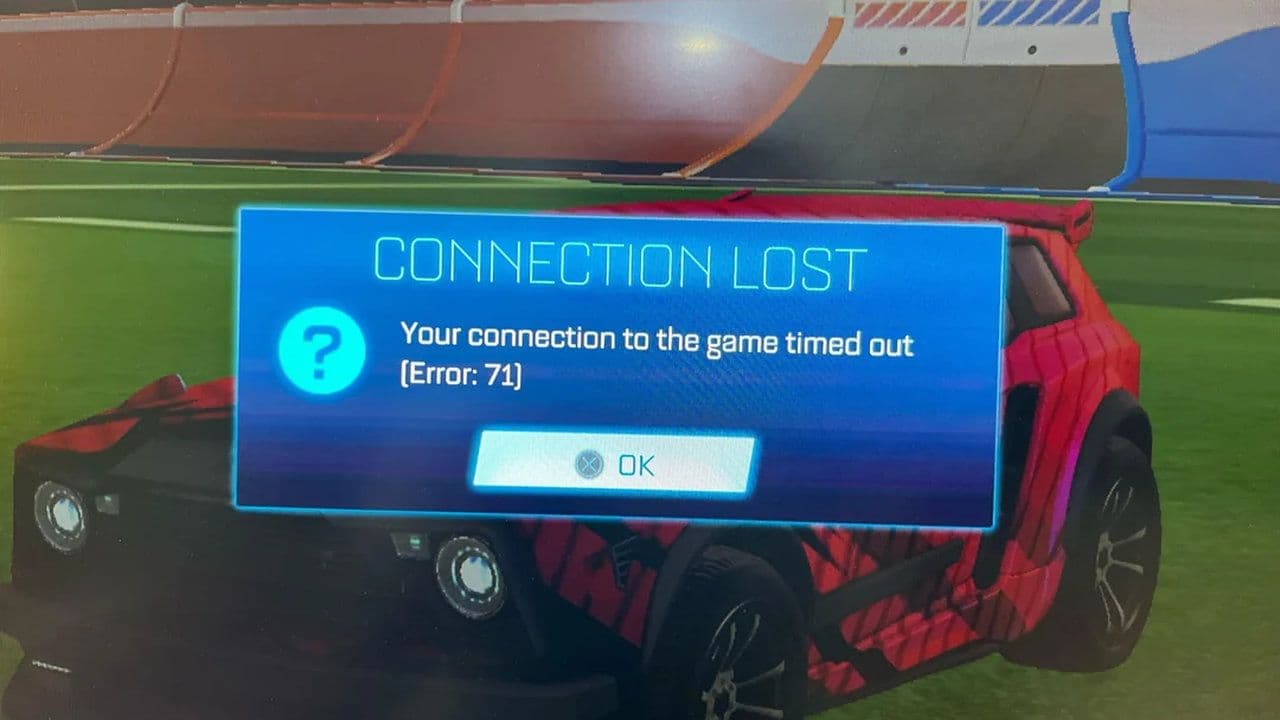
Rocket League Error 71 is a server timeout error. It appears when your system fails to establish or maintain a stable connection with Rocket League servers.
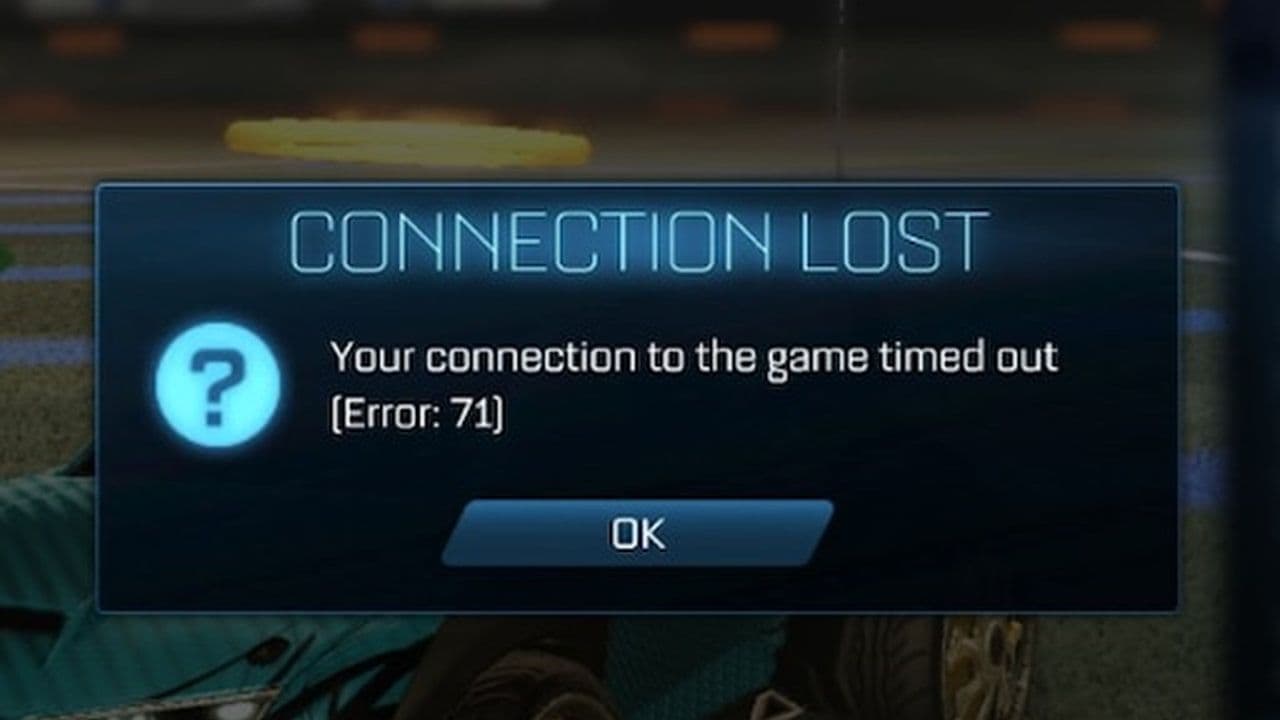
The Error 71 is caused by:
- Weak or unstable internet connection
- Strict NAT type
- Router configuration problems
- Firewall or antivirus interference
- Corrupted cache files
- Temporary server outages
Understanding the root cause is important because Rocket League Error 71 does not have just one solution.
How to fix Rocket League Error 71 (9 easy ways)
Follow these steps in order. Start with the simple Rocket League Error 71 fixes.
Step 1: Restart everything
This solves many temporary connection issues.
- Close Rocket League completely
- Turn off your PC or console
- Unplug your modem and router for 60 seconds
- Plug them back in and wait for full reconnection
- Restart your device and launch the game
This refreshes your IP address and clears temporary network errors.
Step 2: Use a Wired connection
If you are on Wi-Fi, switch to an Ethernet cable.
Wired connections reduce packet loss and signal drops, which are common causes of Rocket League Error 71.
Step 3: Check NAT type
On console:
- PlayStation: Check under Network Settings
- Xbox: Check under Network > NAT Type
If NAT is Moderate or Strict:
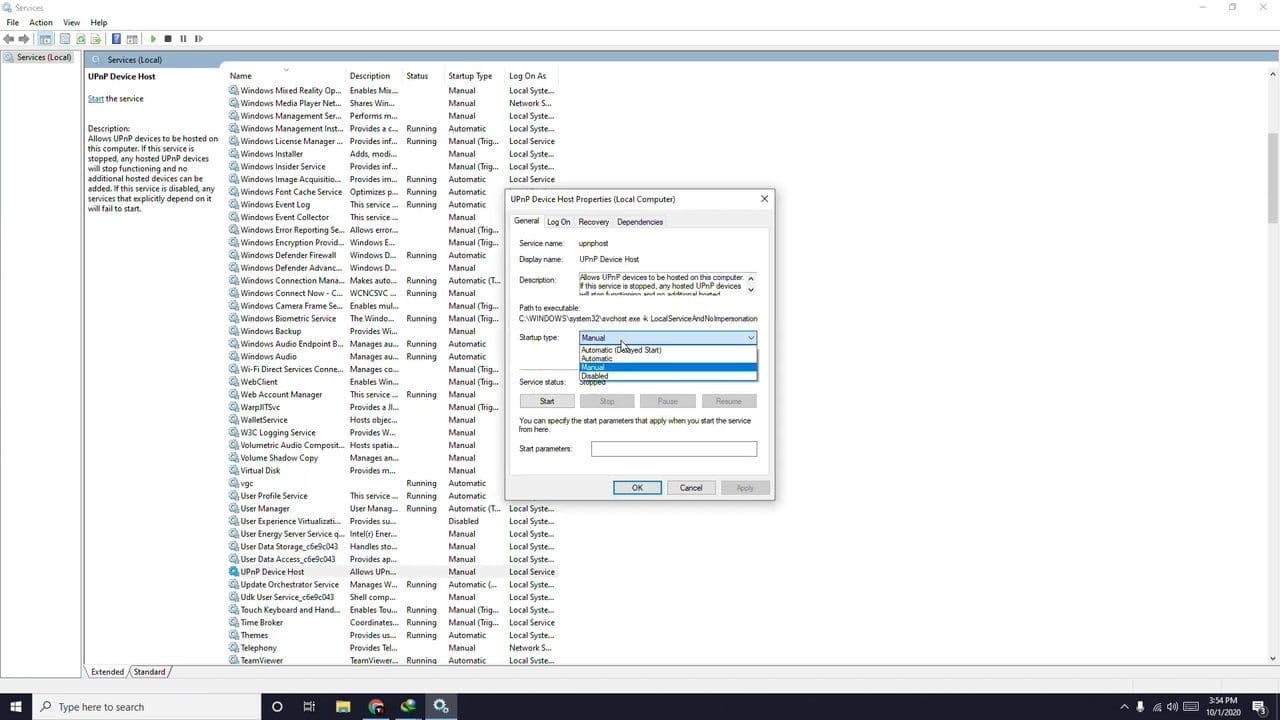
- Enable UPnP in your router settings
- Or manually forward the required ports
Rocket League ports:
- TCP: 80, 443
- UDP: 7000–9000
Router settings are accessed through your browser, usually at 192.168.1.1 or 192.168.0.1.
Step 4: Flush DNS (PC Only)
If you play on Windows PC:
- Open Command Prompt as Administrator
- Type:
- ipconfig /flushdns
- ipconfig /release
- ipconfig /renew
- Restart your PC
This refreshes your network configuration and can fix hidden routing issues causing Rocket League Error 71.
Step 5: Allow Rocket League through firewall
On Windows:
- Open Windows Defender Firewall
- Click “Allow an app through firewall”
- Make sure Rocket League and Epic Games Launcher are checked
If you use third-party antivirus software, add both programs to the exceptions list.
You can temporarily disable antivirus to test, but re-enable it afterward.
Step 6: Verify game files (PC)
If you use Epic Games Launcher:
- Open Library
- Click the three dots next to Rocket League
- Select “Verify”
This checks for corrupted files and repairs them automatically.
Step 7: Change DNS servers
Sometimes your ISP’s DNS causes slow routing.
Try Google DNS:
- Primary: 8.8.8.8
- Secondary: 8.8.4.4
You can change DNS in your console or PC network settings.
Step 8: Update router firmware and drivers
Outdated firmware or network drivers can cause compatibility issues.
- Update your router firmware through the router admin panel
- Update network adapter drivers on PC via Device Manager
Step 9: Disable VPN or Proxy Services
Using a VPN or proxy service can sometimes trigger Rocket League Error 71. While VPNs can improve routing in rare cases, they often interfere with the game’s connection to Epic Games servers.
Rocket League relies on stable, low-latency communication. VPNs may:
- Increase ping
- Cause packet loss
- Trigger server timeouts
- Route traffic through congested locations
To test this:
- Fully close Rocket League
- Disable your VPN or proxy service
- Restart your PC or console
- Launch the game again
If Rocket League Error 71 stops appearing, the VPN was likely the cause.
If you must use a VPN, try switching to a different server location closer to your physical region. However, for competitive online games like Rocket League, playing without a VPN is usually recommended.
When Rocket League Error 71 is not your fault
If you have:
- Stable internet
- Open NAT
- No firewall blocks
- Updated system
Then Rocket League Error 71 may be caused by:
- Regional server issues
- New game updates
- Backend server instability
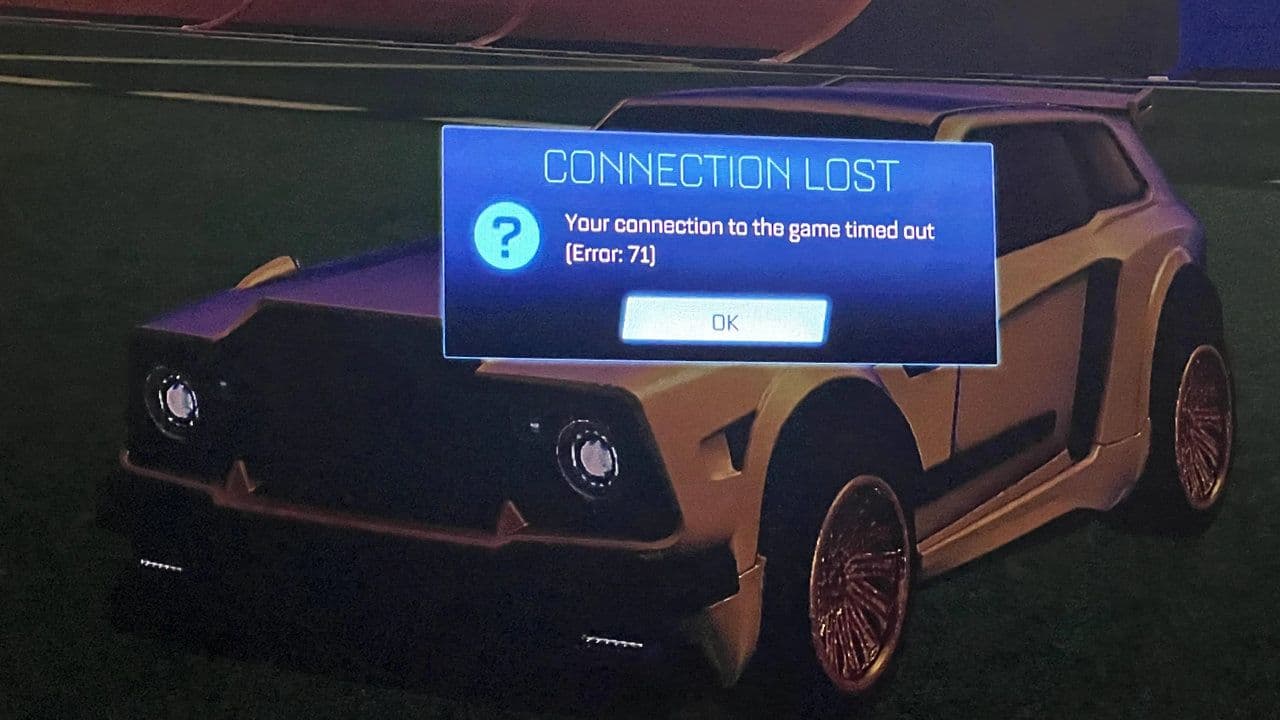
In this case, the only solution is to wait for an official fix. Yes, we know Rocket League Error 71 is frustrating, especially during competitive play. However, in most cases, it is caused by network instability, NAT restrictions, or firewall interference.
By carefully following these steps, you can resolve Rocket League Error 71 and return to stable online matches.
If the issue continues after trying everything, contacting Epic Games Support is necessary.
That’s all for today! Looking for more Rocket League guides? Check out these:
Guide Categories
All Related Guides
 How to rank up in Rocket League and what is a good rank?Trying to climb in Rocket League? Learn how ranking works, which skills matter most, and how to make steady pr...
 How to get the JUNKO title in Rocket LeagueTrying to get the Junko title in Rocket League? Here is how the title works, who can earn it, and where BALRIG...
 How to get Rocket League on mobileFind out how to play Rocket League on mobile, where to download Rocket League Sideswipe, and whether it suppor...
 Did Rocket League get stuck on “Press any button to start”? Here is how to fix it on PCRocket League stuck on press any button to start? Try these PC fixes for cache, files, login issues, controlle...
 Rocket League codes (July 2026): All active redeem codes & free rewardsLooking for Rocket League codes? Redeem all active Rocket League redeem codes to unlock free Player Titles, th...
 How to get Jynxzi Rocket League skin & moreLearn how to get the Jynxzi Rocket League decal, title, and exclusive rewards through the Season 23 community ...
 How to fix latency variation in Rocket LeagueLearn how to fix Rocket League latency variation with Ethernet, CSTS input buffer, correct server region, and ...
 Rocket League TikTok Drops guide: How to get free rewardsRocket League TikTok Drops guide: earn free cosmetics, reward codes, RLCS drops, and learn how to redeem TikTo...
- 1
- 2
- 3
- 4
- 5
- 6
- 7
- 8
- 9