Is CS2 removing cases? CS2 X-Ray Scanner explained
CS2 case system changesON THIS PAGE:
- What is the CS2 X-Ray Scanner?
- Why did Valve introduce the CS2 X-Ray Scanner?
- Is CS2 removing cases?
- How to use CS2 X-Ray Scanner
- What happens if you don’t buy it?
- Does the CS2 X-Ray Scanner change drop rates?
- Traditional case opening vs. CS2 X-Ray Scanner
- 4 things you have to know when using the CS2 X-Ray Scanner
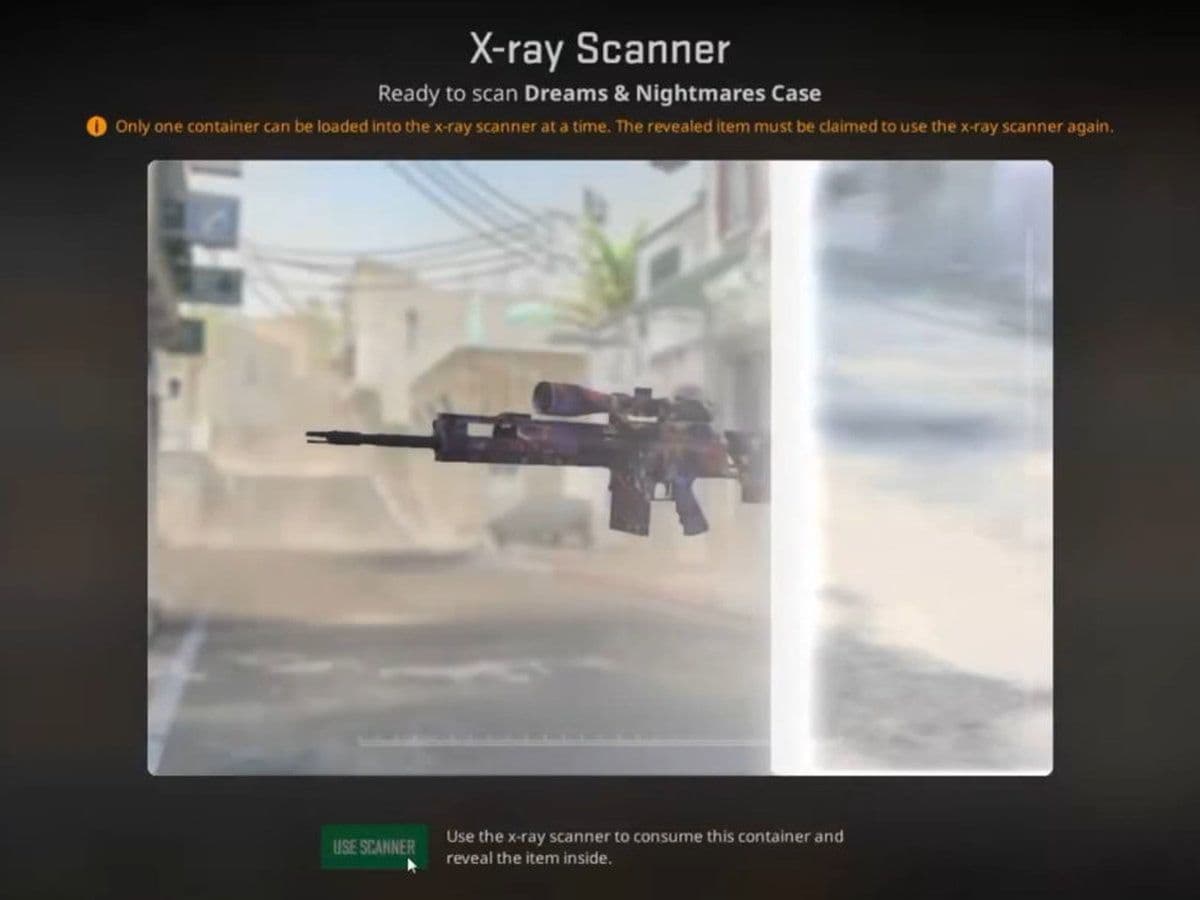
The question many players are asking right now is: Is CS2 removing cases?
The short answer is no, Counter-Strike 2 is not removing cases globally. However, Valve has changed how cases work in certain countries by introducing the CS2 X-Ray Scanner system.
This guide explains exactly what is happening, how the CS2 X-Ray Scanner works, why it was introduced, and what it means for players and the in-game economy.
What is the CS2 X-Ray Scanner?
The CS2 X-Ray Scanner is a special case-opening system introduced by Valve in countries with strict gambling laws, such as Germany and France.
Instead of opening a case and receiving a random item instantly, the X-Ray Scanner allows players to:
- See the exact skin inside the case before paying to unlock it
- Decide whether to purchase it
- Be required to claim it before scanning another case
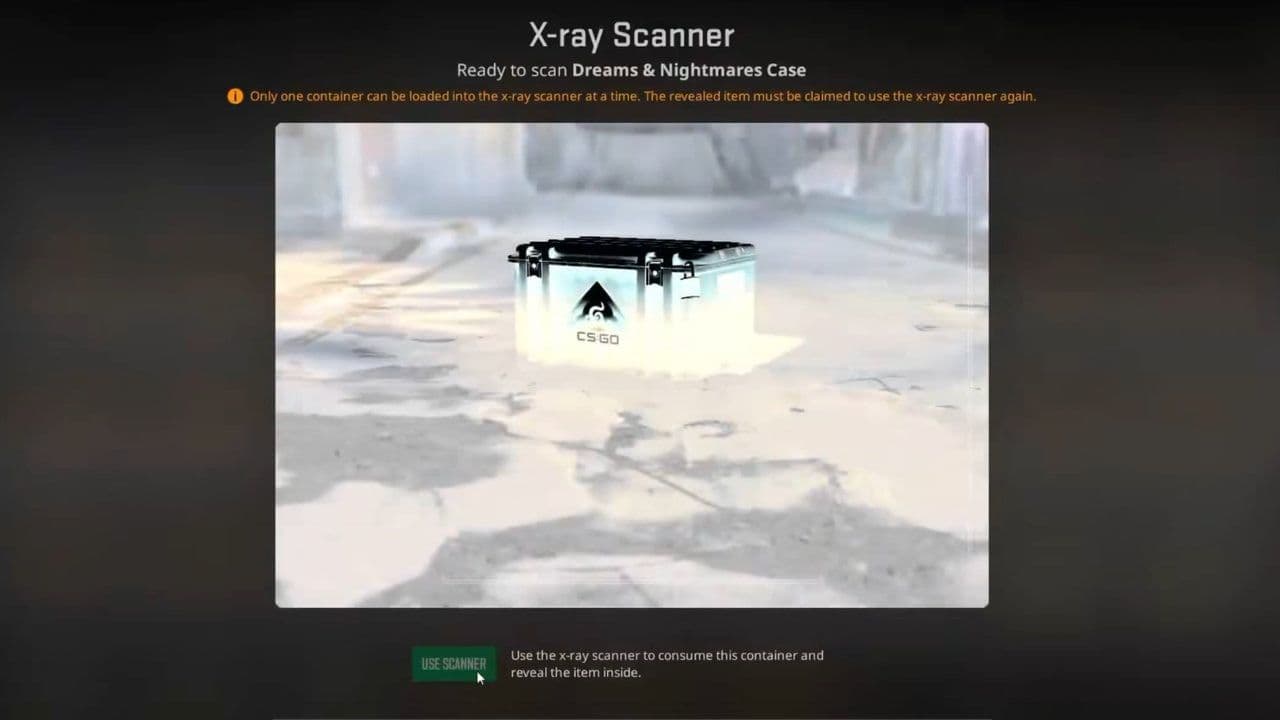
This system was first introduced in CS:GO for France and later expanded. Now, in Counter-Strike 2 (CS2), Germany also uses the X-Ray Scanner system.
Important: This system does not change drop rates. It only changes how results are revealed.
Why did Valve introduce the CS2 X-Ray Scanner?
The reason is legal compliance. In some European countries, loot boxes are considered a form of gambling because:
- Players spend real money
- The reward is random
- The value of the reward varies
To avoid violating gambling laws, Valve modified the case system. By allowing players to see the item before purchasing, the transaction is no longer considered a traditional random gamble.
So, is CS2 removing cases?
The answer is no. Valve is adjusting how cases function in certain regions to follow local regulations.
How to use CS2 X-Ray Scanner
If you are playing in a region where the CS2 X-Ray Scanner is active (such as Germany or France), case openings work differently from the traditional system. Instead of opening a case with a random animation, you must scan it first and reveal the item inside. Here is how:
Step 1: Open your inventory in Counter-Strike 2
Launch Counter-Strike 2 and:
- Go to your Inventory
- Look for the X-Ray Scanner tab
- Make sure you have a case available
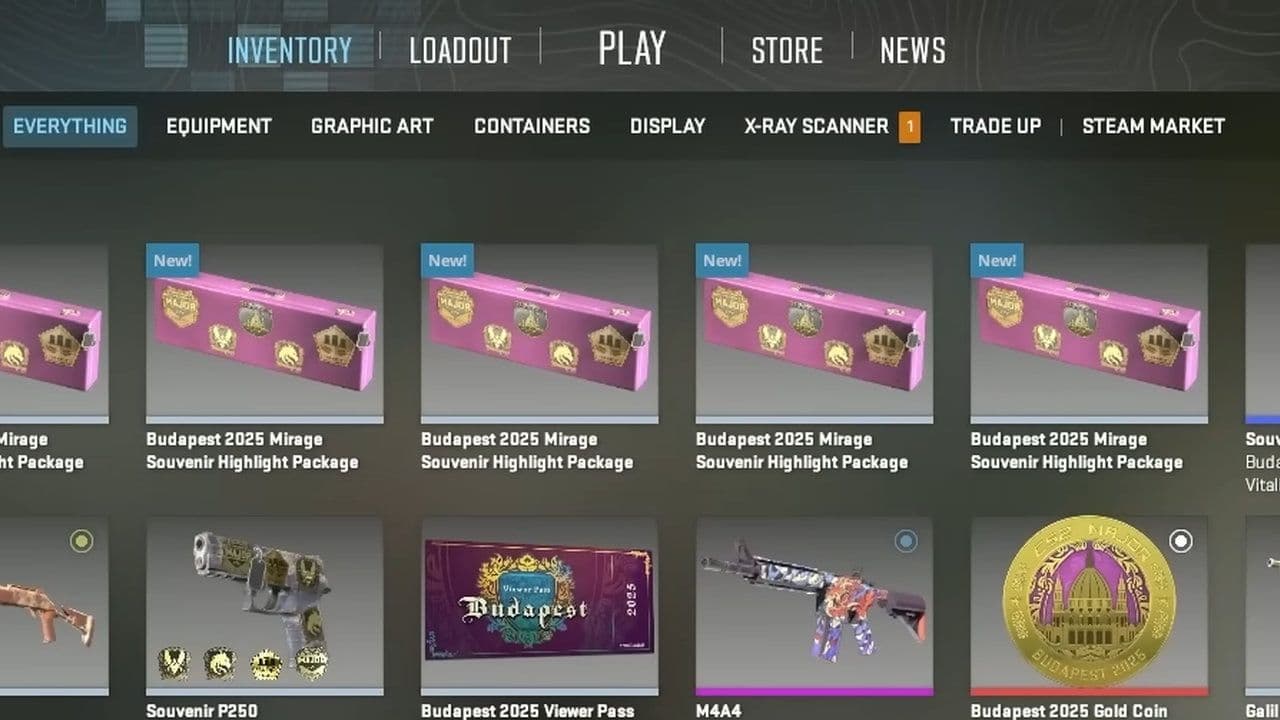
If you are in a supported region, the scanner option will appear automatically.
Step 2: Claim the P250 | X-Ray Skin
Before scanning any case, you must claim the special scanner item:
- P250 | X-Ray
- Non-tradable
- Required to use the scanner
This item acts as your scanning tool. Without it, you cannot reveal case contents.
Step 3: Select a case to scan
Once you have:
- The P250 | X-Ray
- At least one case in your inventory
Do the following:
- Select a case.
- Choose the Scan with X-Ray option.
- Confirm the action.
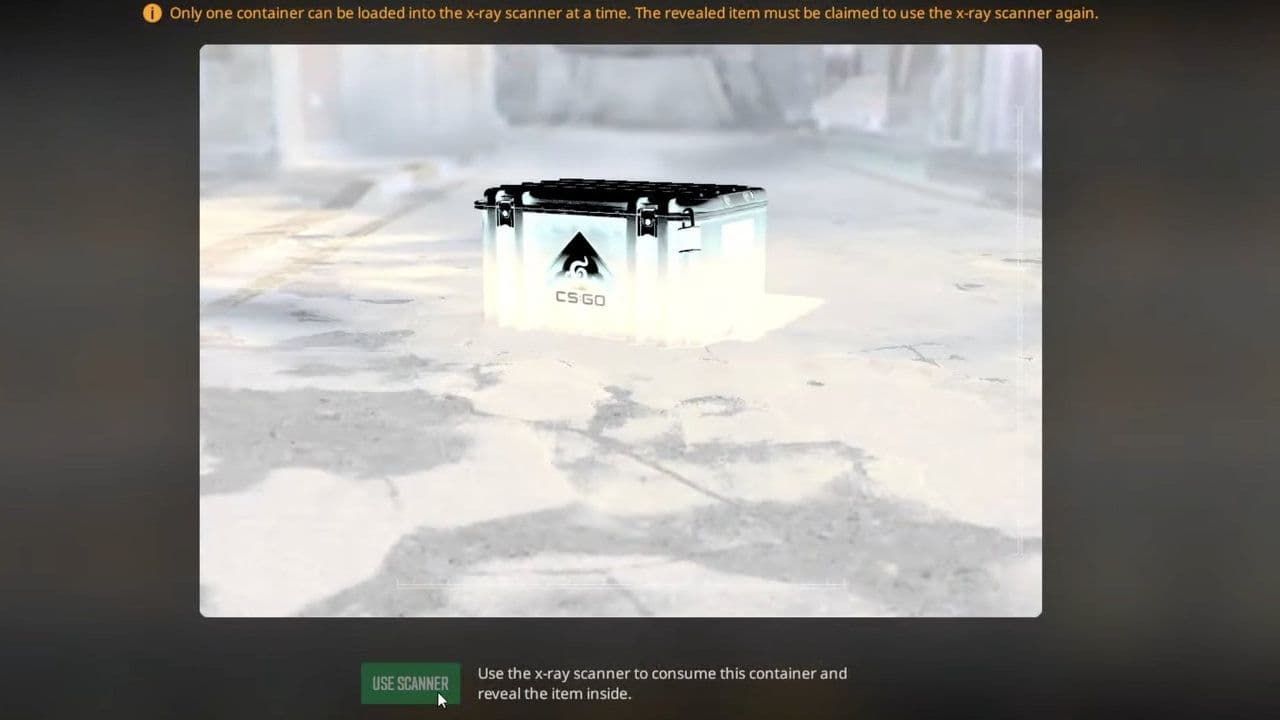
The system will instantly reveal the exact skin inside the case.
Step 4: Review the revealed item
After scanning, you will see:
- The weapon skin
- Its rarity tier (Mil-Spec, Restricted, Classified, Covert, etc.)
- Float value and wear condition
- Pattern details
At this point, you must decide whether to claim it before scanning a new one.
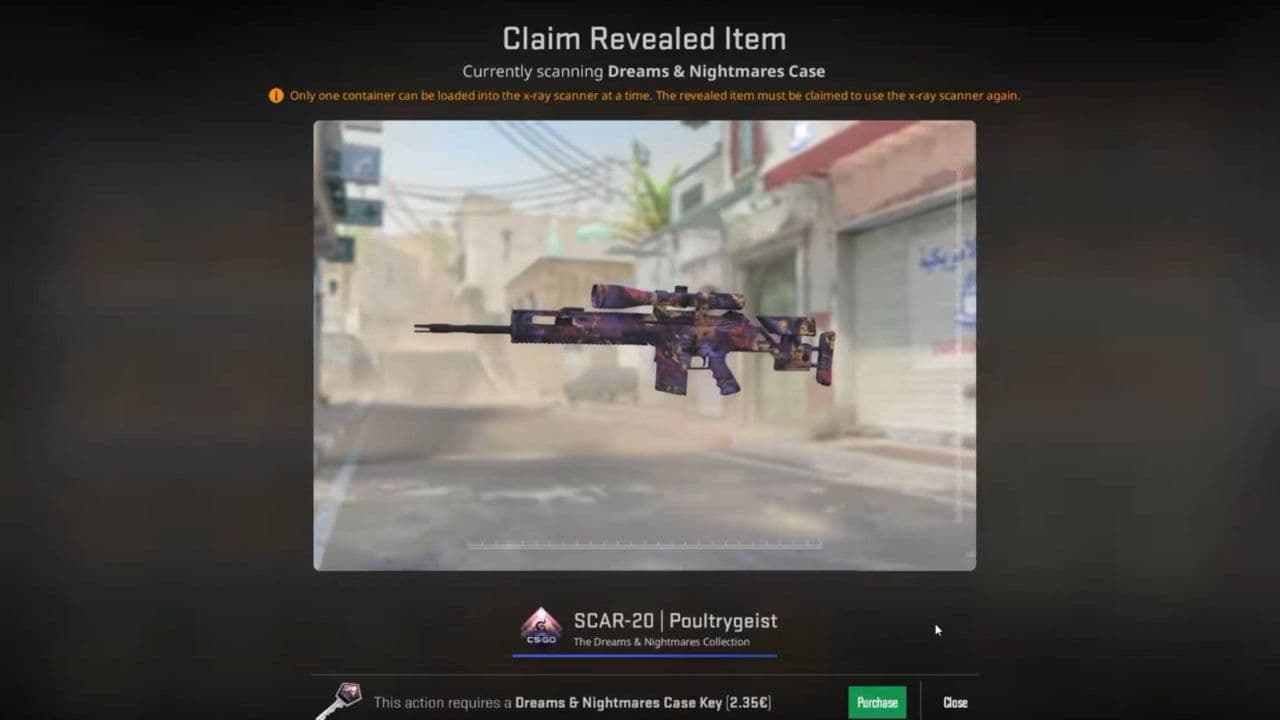
Step 5: Purchase the revealed item
Here is the most important rule of the CS2 X-Ray Scanner: You must purchase the revealed item before scanning another case.
This means:
- You cannot skip a bad result.
- You cannot scan multiple cases looking for a knife.
- You cannot reroll.
To continue scanning:
- Buy the required case key.
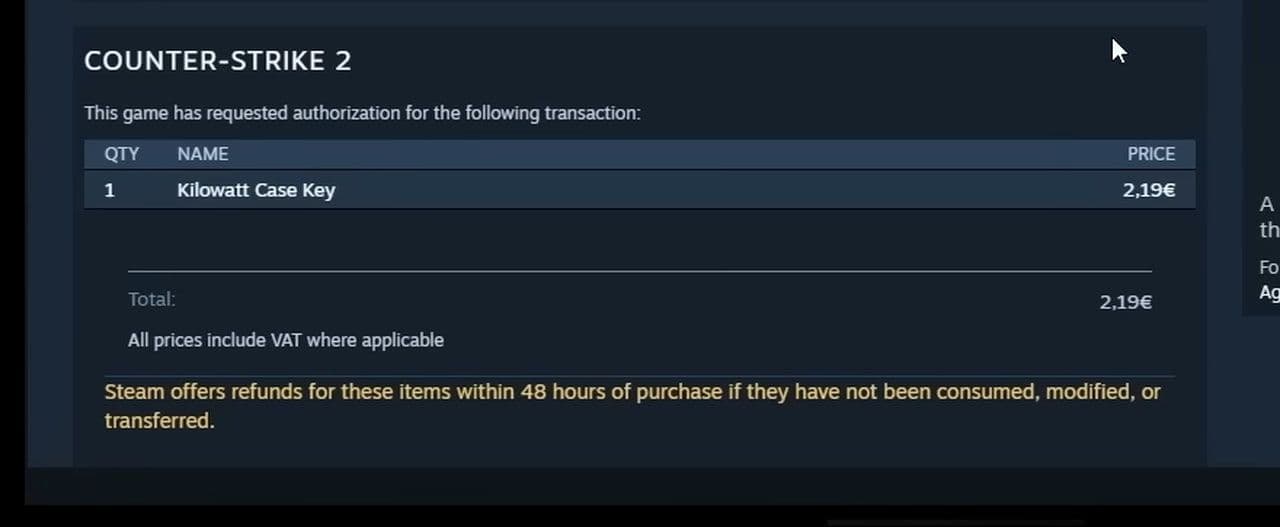
- Unlock the revealed item.
- Add it to your inventory.
Only after claiming the item can you scan another case.
What happens if you don’t buy it?
If you decide not to purchase the revealed item:
- You cannot scan another case.
- The scanned case remains locked.
- You are effectively paused until you claim it.
The CS2 X-Ray Scanner system prevents players from endlessly previewing cases without paying.
Does the CS2 X-Ray Scanner change drop rates?
No. Important clarification:
- Drop chances remain identical to traditional case openings.
- Knife and glove odds are unchanged.
- Rare item probabilities are the same.
The result is determined when the case is scanned, not influenced by player action.
Traditional case opening vs. CS2 X-Ray Scanner
Here is a simple comparison:
4 things you have to know when using the CS2 X-Ray Scanner
- Only scan if you are ready to potentially purchase the result.
- Do not expect better odds — probabilities remain unchanged.
- Check market prices before unlocking high-value items.
- Remember you cannot skip scanned cases.
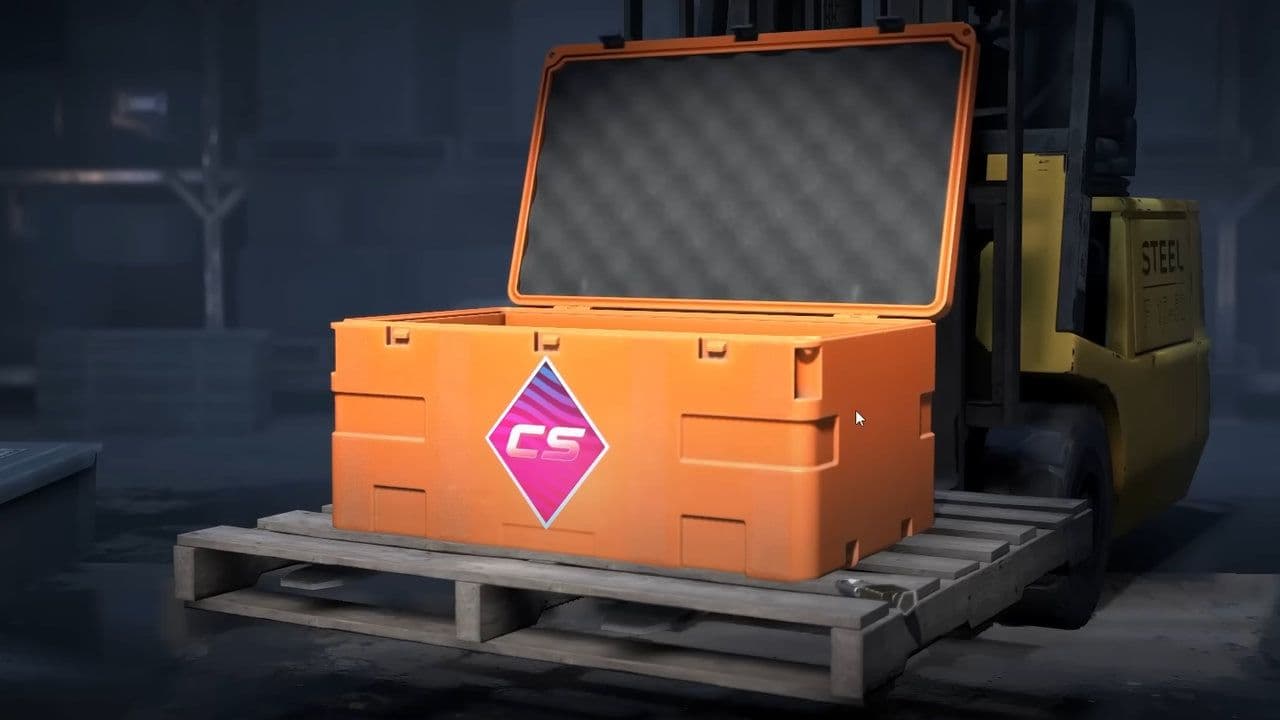
The CS2 X-Ray Scanner does not remove cases. It simply changes how they are opened in regulated regions.
That’s all for today! Looking for more CS2 guides? Scroll down:
All Related Guides
 donk crosshair CS2: Current code and how to copy itWant to try donk’s crosshair in CS2? Check the current donk crosshair CS2 code and see how his setup works....
 How to change the HUD color in CS2Change your HUD color in CS2 with a few quick steps. See the available colors, command values, and which choic...
 How to make CS2 look like CSGOMiss the old CS:GO visuals? This guide explains how to adjust CS2 graphics, brightness, colors, HUD, and weapo...
 How to bind mousewheel to jump CS2Find the best CS2 mousewheel jump bind commands, learn how to set them up, and see how scroll jumping can supp...
 How to fix net jitter in CS2: Best solutions for packet loss, lag & rubberbandingLearn how to fix net jitter in CS2 with the best solutions for packet loss, lag, rubberbanding, and unstable c...
 How to scrape stickers in CS2Want to remove stickers in CS2? Here’s how scraping works, what it changes, and why full removal is permanent....
 ropz CS2 settings: Crosshair, viewmodel, and moreCopy ropz CS2 settings for mouse, crosshair, viewmodel, video, and radar, then adjust them to match your own a...
 How to remove screen shake in CS2How to reduce screen shake in CS2 using console commands, viewmodel settings, graphics tweaks, and autoexec co...
- 1
- 2
- 3
- 4