donk crosshair CS2: Current code and how to copy it
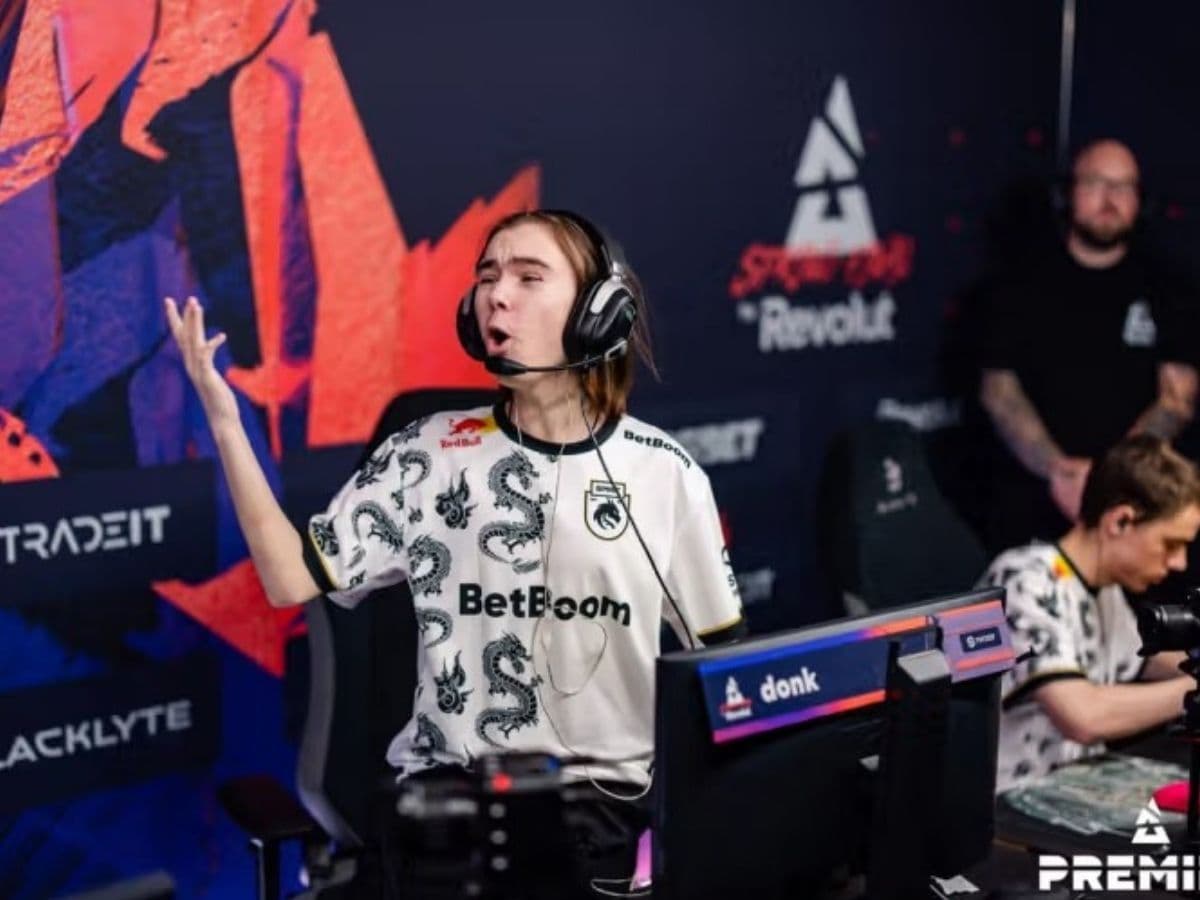
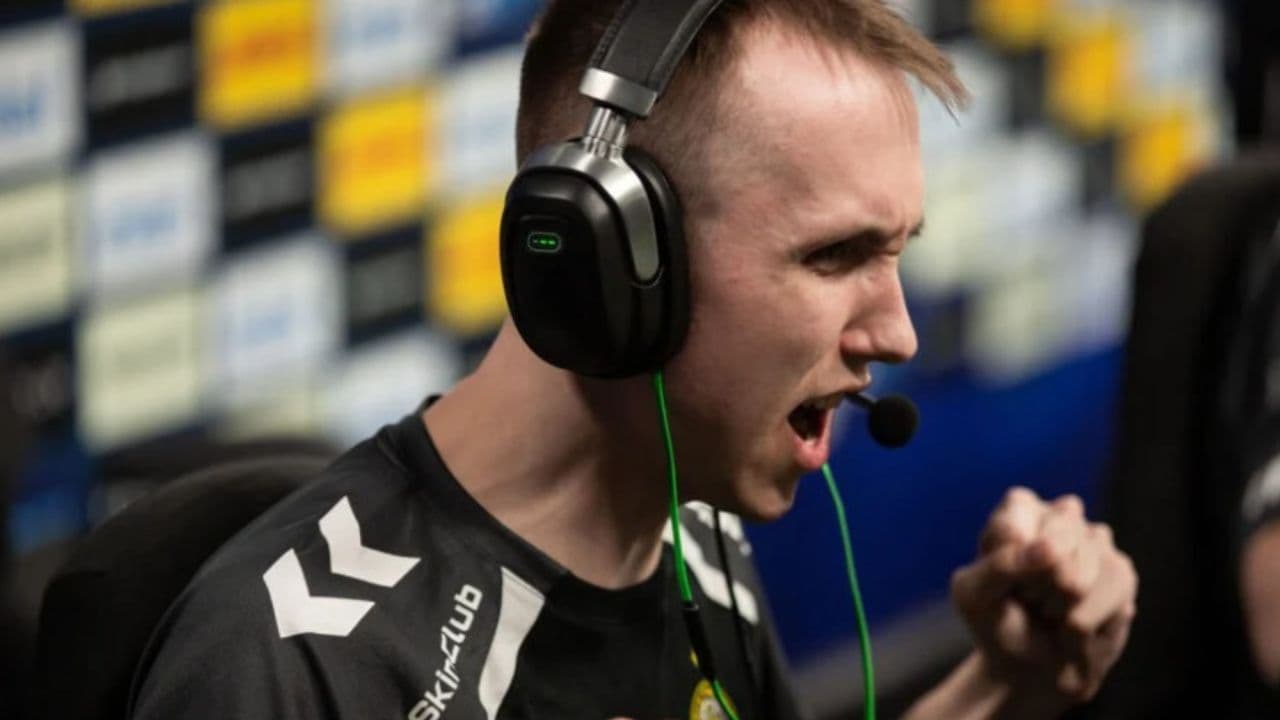
If you have watched donk play CS2, his crosshair probably caught your eye at some point. It is tiny, cyan, and packed tightly around the middle of the screen. There is very little going on visually, which makes sense for a player who relies heavily on fast rifle fights and sharp crosshair placement.
There is a small catch, though. Search for the donk crosshair CS2 setup online and you will see several different codes. That does not necessarily mean one of them is wrong. donk changes his crosshair fairly often, and match records show him using different versions across different maps. We tracked and found the last crosshair he uses. Here is what you need to know!
Who is donk?
Danil “donk” Kryshkovets is a Russian professional CS2 player who competes for Team Spirit. He mainly plays as a rifler, but describing him that way only tells part of the story. He became one of Counter-Strike’s biggest names very quickly after moving into top-level competition.
His results explain a lot of that attention. donk finished first in HLTV’s Top 20 players of 2024 and followed that with second place in 2025. He also won the Perfect World Shanghai Major with Team Spirit in 2024.
That Major gave him another major career milestone. At 17 years and 324 days old, donk became the youngest player to win a Counter-Strike Major. He also became the youngest Major MVP.
So, naturally, players started looking at everything he uses. His mouse settings, resolution, sensitivity, and crosshair all attract attention. Copying the crosshair will not suddenly give you donk’s aim, but they can give you a good idea of what one of the best riflers in CS2 prefers.
How to get donk’s crosshair in CS2
If you simply want the code, here it is:
CSGO-kM6Tw-TY67b-6dF3W-Hutjm-Sr8rN
This version of the donk CS2 crosshair appeared in his August 2026 matches. It is a small cyan static crosshair with almost no space around the center.
Here are the main settings behind it:
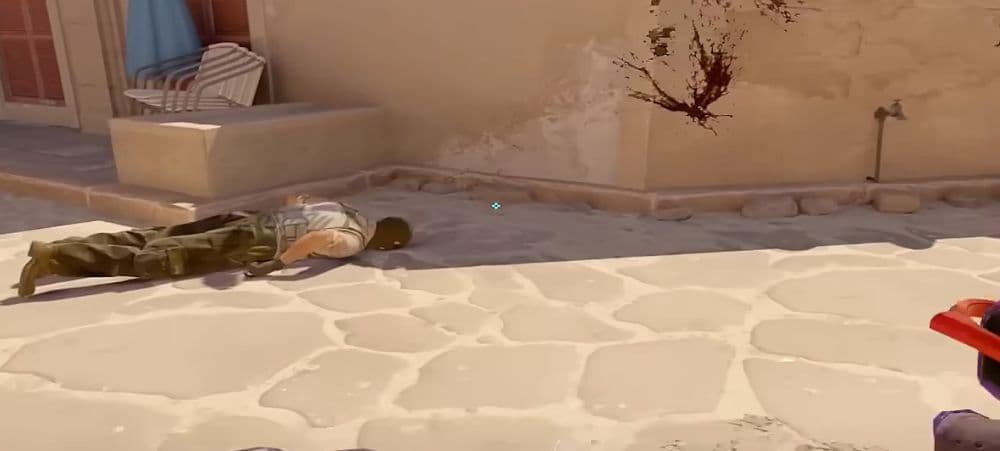
The first thing you will notice is how small it looks. Size 1 keeps the lines short, while the -4.5 gap pulls everything close to the middle. There is no center dot either, so your actual aiming point stays open.
donk also uses a static crosshair. That means it does not expand while you move or fire. What you see while standing still is basically what you keep seeing during a fight.
There is another detail worth knowing before you judge how it looks on your screen. donk has recently played at 1280x960 with a 4:3 stretched aspect ratio.
If you play at 1920x1080 or another resolution, the same CS2 crosshair settings may look a little different.
So if you import the code and think, “This looks smaller than it does on donk’s stream,” your resolution may be the reason.
How to get donk’s crosshair in CS2
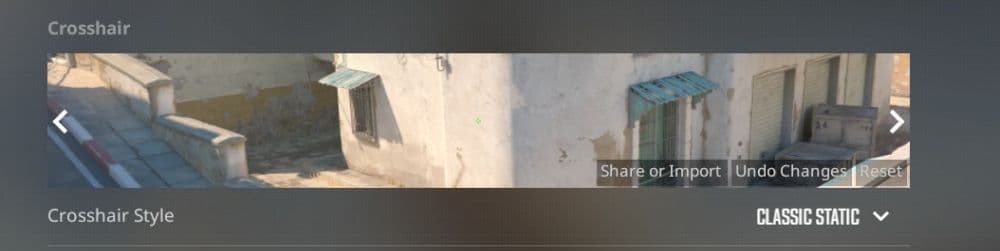
You do not need to copy every setting from the table one by one. CS2 has a built-in import system, so the whole process only takes a few clicks.
Copy CSGO-kM6Tw-TY67b-6dF3W-Hutjm-Sr8rN.
- Open Counter-Strike 2.
- Click the Settings icon.
- Open the Game tab.
- Go to the Crosshair section.
- Select Share or Import.
- Paste donk’s crosshair code into the box.
- Click Import.
The game applies the crosshair immediately.
One detail can look strange if you have never imported a CS2 crosshair before. The code starts with CSGO-, even though you are playing Counter-Strike 2. That is completely normal. CS2 still uses the same CSGO- prefix for crosshair share codes.
Is donk’s CS2 crosshair worth using?
You may import donk’s crosshair and love it immediately. You may also load into a match and wonder how anyone can play with something that small.
Both reactions make sense.
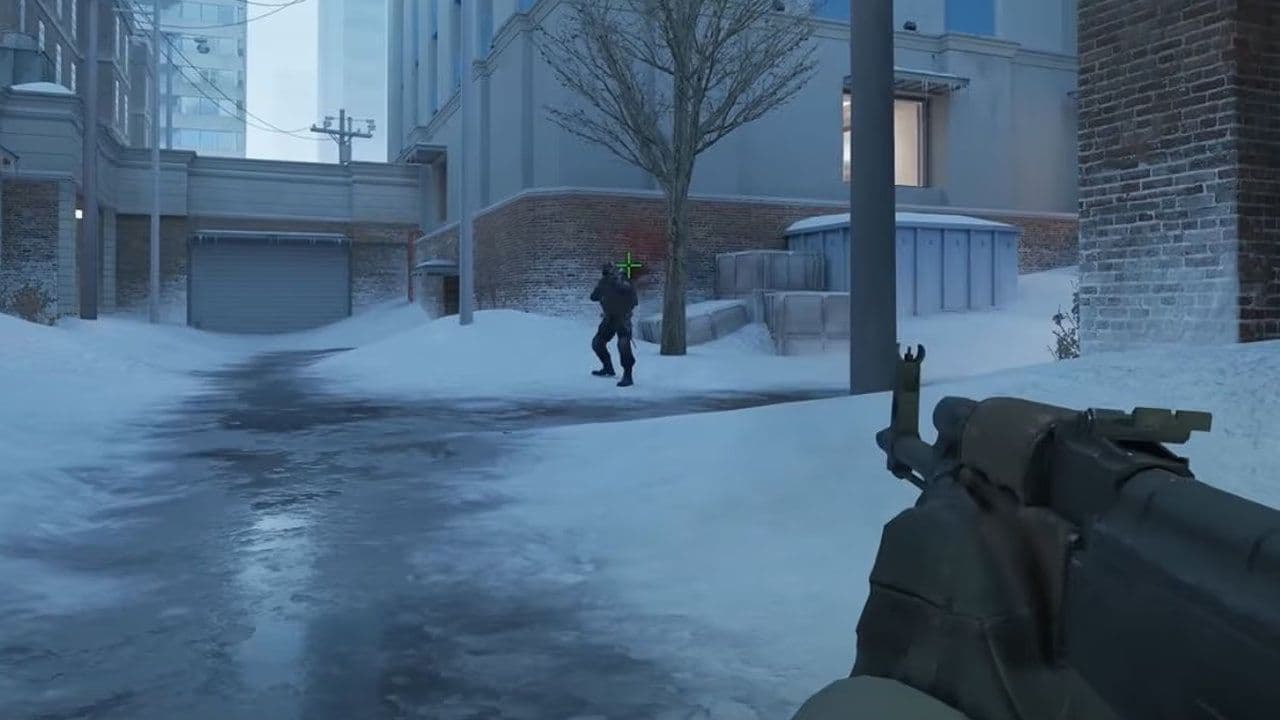
The crosshair leaves very little clutter around your target. That can feel great when you are holding a long angle or trying to keep your aim at head level. The cyan color also stays easy to spot across many areas of CS2 maps.
The small size can create problems, though. If you use a higher resolution or sit farther from your monitor, the crosshair may feel harder to track. Certain backgrounds can also make the cyan lines less obvious because donk does not use an outline.
There is no reason to treat a professional player’s setup like a rule you have to follow exactly. Try it in Deathmatch for a while, see how it feels during real fights, and keep the parts that work for you. Check out more of our CS2 beginner pieces below:
- Everything about CS2 workshop map 1v1 commands
- Why is my FPS low and how to boost FPS in CS2: Guide for older and problematic systems
- CS2 jumpthrow bind
- All CS2 roles and positions: How to play and improve each
- Explained: Best CS2 surf servers & maps
Featured Image Credit: Blast
All Related Guides
 How to do a 1v1 in CS2: Private matches, maps, and commandsLearn how to 1v1 in CS2 with friends using private Practice matches, Workshop maps, console commands, custom r...
 How to change the HUD color in CS2Change your HUD color in CS2 with a few quick steps. See the available colors, command values, and which choic...
 How to make CS2 look like CSGOMiss the old CS:GO visuals? This guide explains how to adjust CS2 graphics, brightness, colors, HUD, and weapo...
 How to bind mousewheel to jump CS2Find the best CS2 mousewheel jump bind commands, learn how to set them up, and see how scroll jumping can supp...
 How to fix net jitter in CS2: Best solutions for packet loss, lag & rubberbandingLearn how to fix net jitter in CS2 with the best solutions for packet loss, lag, rubberbanding, and unstable c...
 How to scrape stickers in CS2Want to remove stickers in CS2? Here’s how scraping works, what it changes, and why full removal is permanent....
 ropz CS2 settings: Crosshair, viewmodel, and moreCopy ropz CS2 settings for mouse, crosshair, viewmodel, video, and radar, then adjust them to match your own a...
 How to remove screen shake in CS2How to reduce screen shake in CS2 using console commands, viewmodel settings, graphics tweaks, and autoexec co...
- 1
- 2
- 3
- 4