How to do a 1v1 in CS2: Private matches, maps, and commands
Turn any map into a duel
To do a 1v1 in CS2, start a Practice or Workshop game, have your friend join, choose opposite teams, and remove the bots. You can duel on a standard map or download a smaller arena from the Steam Workshop.
Valve supports joining friends in Practice and Workshop sessions through the friends menu when the host has Open Party enabled. That gives you a straightforward starting point for a custom match.
Below are the setup steps, useful console commands, map options, and fixes for common connection problems.
How to 1v1 a friend in CS2
For your first match, use a standard map so neither player needs to download Workshop content. Set up the session first, then adjust its rules.
1. Enable the developer console
The host needs the console to remove bots and change match settings.
- Open Settings in CS2.
- Select Game.
- Set Enable Developer Console (~) to Yes.
- Press ~ to open it.
If that key does not work on your keyboard layout, assign another key to Toggle Console in the keyboard settings.

2. Start a Practice match
From the main menu:
- Open Play.
- Select Practice.
- Choose Competitive and a map, such as Dust II or Mirage.
- Launch the session.
- Enable Open Party through your party controls so your friend can join.
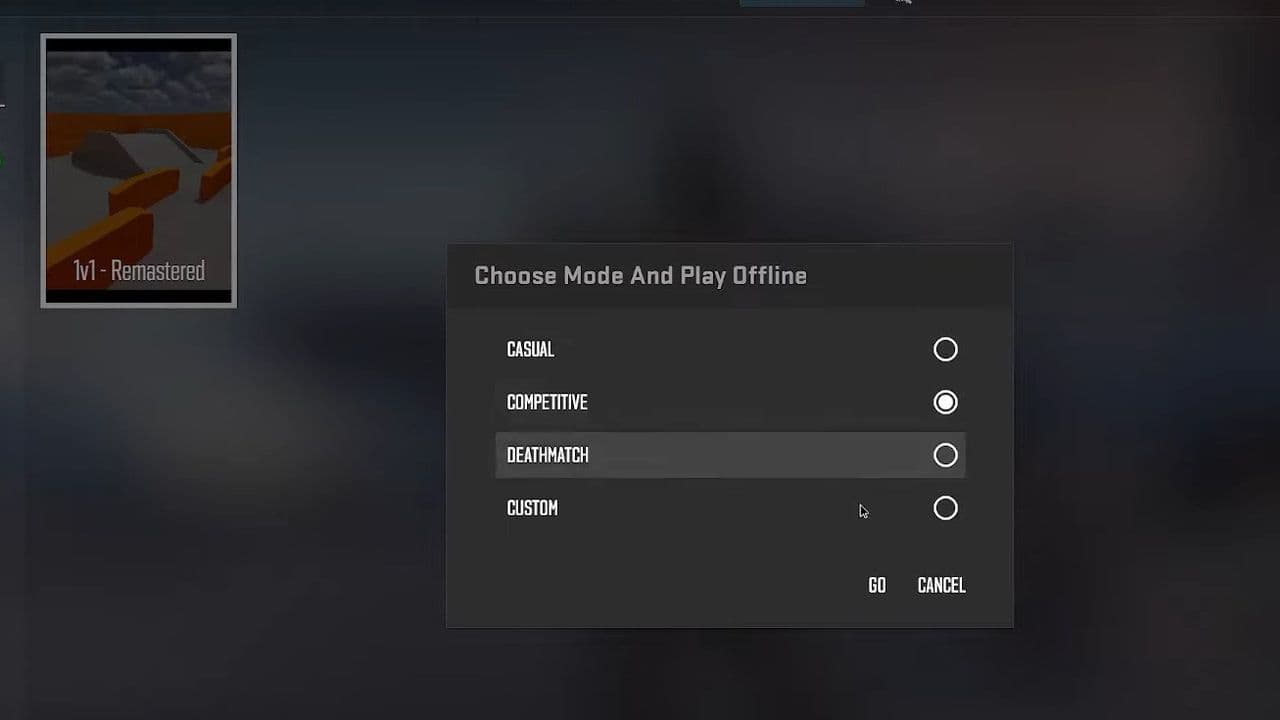
Use a round-based mode for a traditional duel. Deathmatch uses a different scoring and respawn structure.
3. Have your friend join
Your friend should open the friends menu, select your profile, and choose the option to join your game.
Valve’s custom-game update supports joining locally hosted games through the friends list, provided the session allows it. Workshop sessions use the same general joining approach.
Once connected, one player should choose Terrorists and the other Counter-Terrorists. Then apply the settings below.
CS2 1v1 console commands
The host should enter these commands after loading the Practice map. This preset removes bots, disables automatic team balancing, shortens rounds, and provides money for repeated weapon purchases.
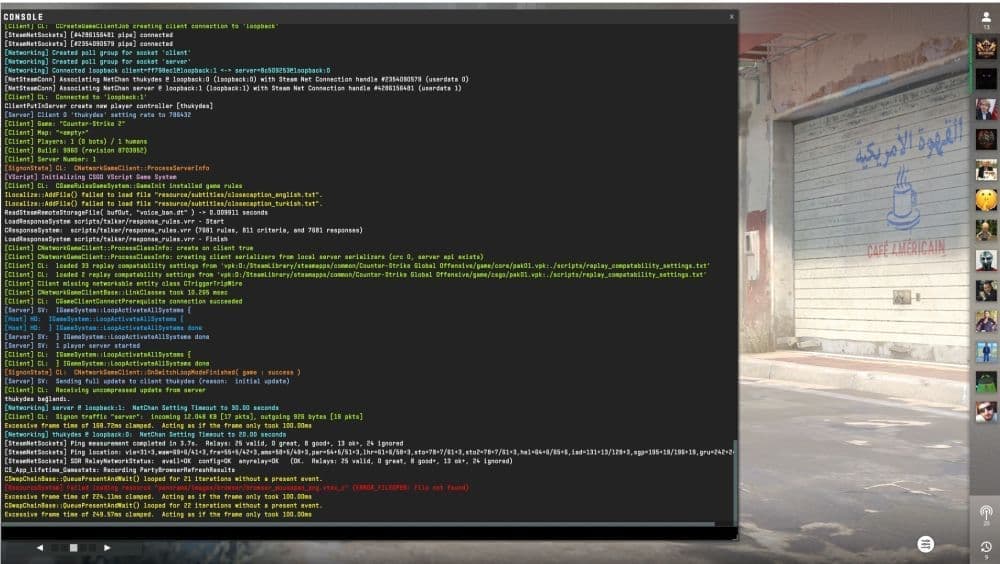
Paste the commands into the console and press Enter. The final command restarts the match after one second.
These are server settings, so the host or an authorized server administrator must apply them.

If warmup remains active after restarting, enter mp_warmup_end again once both players have joined their teams.
How to use a CS2 Workshop map for 1v1s
A small arena reduces the time spent searching for your opponent. Workshop maps can also provide their own weapon selectors, spawn arrangements, and scoring rules.
To load one:
- Open the Counter-Strike 2 Steam Workshop.
- Search for 1v1 or aim.
- Open a map marked for CS2 and select Subscribe.
- Wait for the download to finish.
- Return to CS2 and open Play, then Workshop Maps.
- Select the downloaded map and launch it.
- Allow your friend to join through the friends menu.
One option is 1v1 Aim Map, whose creators describe a symmetrical layout designed for quick duels.
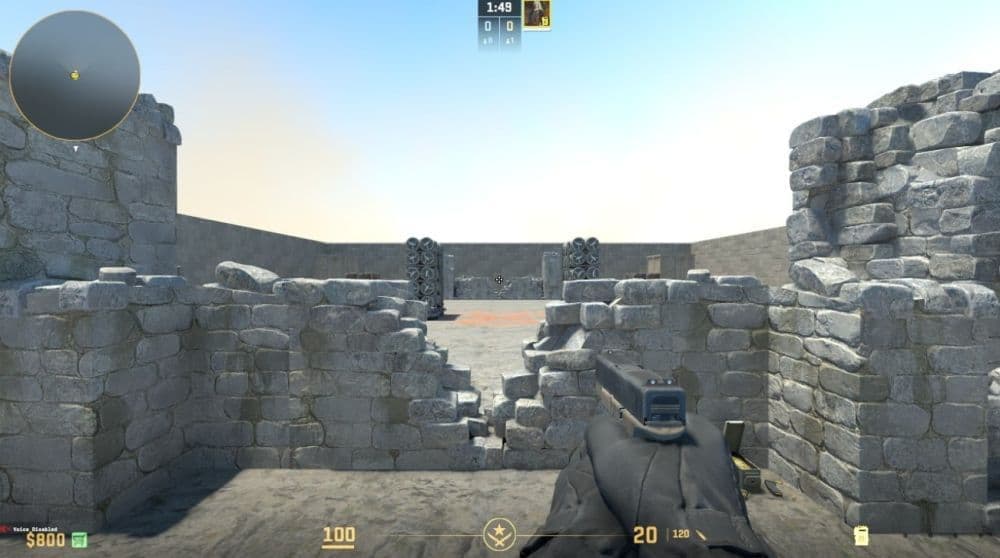
Follow the map’s instructions before applying a full command preset. Custom settings may already handle weapons and round resets, and overriding them can interfere with the intended rules.
What settings should you use for a fair CS2 1v1?
Agree on the rules before counting rounds. A simple starting format is:
- First to 10 round wins.
- Matching weapon categories, such as rifles only or pistols only.
- The same armor rules for both players.
- No grenades unless both players want utility practice.
- No bomb planting when the goal is strictly aim duels.
- Swap sides halfway through to reduce positional advantages.
On larger maps, choose a meeting area such as mid or one bombsite. Otherwise, much of the match can become a search rather than a useful duel.
Keep your normal sensitivity and crosshair while practicing so the session remains relevant to your regular matches.
Why can’t my friend join my CS2 1v1?
Check the session’s joining settings before changing network configurations.
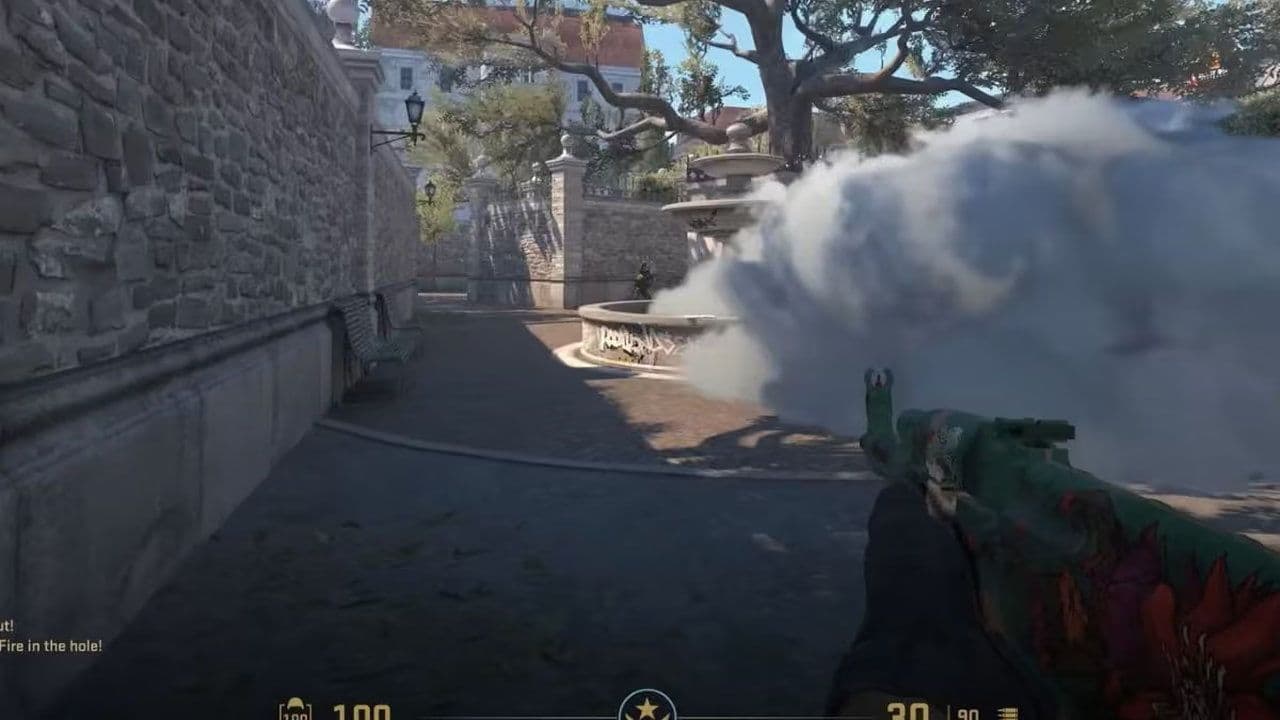
For a connection problem, first test a standard Practice map. If that works, focus on the Workshop map or its download rather than changing your entire setup.
Avoid disabling your firewall as a general fix. Check whether CS2 is allowed through it instead.
Can you 1v1 in CS2 without console commands?
Yes. A Workshop map with built-in duel settings can handle much of the setup, and a community 1v1 server can provide ready-made rules.
For a match against one specific friend, a hosted Practice or Workshop session gives you control over who joins and which rules you use. Community arena servers may rotate opponents, so check their format before joining.
A useful 1v1 session should give you repeated fights under consistent conditions. Start with a short set, identify what is going wrong—crosshair placement, movement, or shot timing—and practice that skill in the next set.
That’s all! Looking for more CS2 guides? Scroll down:
All Related Guides
 donk crosshair CS2: Current code and how to copy itWant to try donk’s crosshair in CS2? Check the current donk crosshair CS2 code and see how his setup works....
 How to change the HUD color in CS2Change your HUD color in CS2 with a few quick steps. See the available colors, command values, and which choic...
 How to make CS2 look like CSGOMiss the old CS:GO visuals? This guide explains how to adjust CS2 graphics, brightness, colors, HUD, and weapo...
 How to bind mousewheel to jump CS2Find the best CS2 mousewheel jump bind commands, learn how to set them up, and see how scroll jumping can supp...
 How to fix net jitter in CS2: Best solutions for packet loss, lag & rubberbandingLearn how to fix net jitter in CS2 with the best solutions for packet loss, lag, rubberbanding, and unstable c...
 How to scrape stickers in CS2Want to remove stickers in CS2? Here’s how scraping works, what it changes, and why full removal is permanent....
 ropz CS2 settings: Crosshair, viewmodel, and moreCopy ropz CS2 settings for mouse, crosshair, viewmodel, video, and radar, then adjust them to match your own a...
 How to remove screen shake in CS2How to reduce screen shake in CS2 using console commands, viewmodel settings, graphics tweaks, and autoexec co...
- 1
- 2
- 3
- 4