How to get a refund for D4VD Fortnite cosmetics
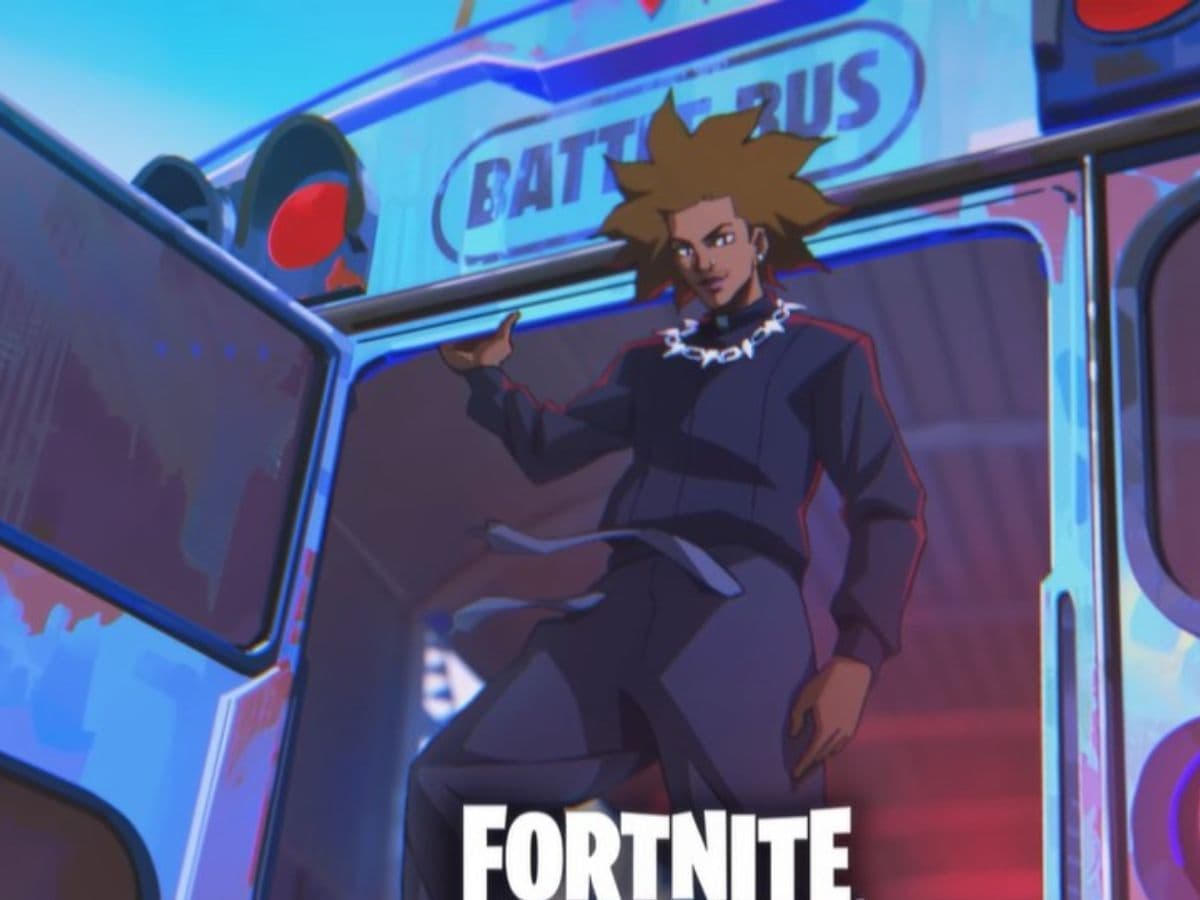
Fortnite players can now request a refund for D4VD cosmetics through Epic Games Player Support or the in-game refund menu. The self-service refund option started on April 28, 2026, after players asked Epic Games to respond to the controversy around D4VD-related items in Fortnite.
The refund covers purchased D4VD cosmetics, including emotes and Jam Tracks. Some bundle cases may be less clear because D4VD’s Locker Bundle included items that were not fully tied to the artist. Here is how the refund works, which items are affected, and what players should check before they submit a request.
How can you get a refund for D4VD Fortnite cosmetics
The fastest way to refund D4VD Fortnite cosmetics is through Fortnite’s Return or Cancel Purchase menu. This is the same menu Fortnite uses for eligible Item Shop refunds.
Follow these steps:
- Open Fortnite.
- Select your player icon in the top-right corner.
- Go to Settings.
- Open Account and Privacy.
- Select Return or Cancel Purchase.
- Find the D4VD cosmetic in your purchase list.
- Confirm the refund if the item appears as eligible.
Once the refund goes through, Fortnite removes the item from your account and returns the V-Bucks. The refunded V-Bucks should appear on screen after the process ends.
Players can also use Epic Games Player Support if the self-service option does not show the item. This matters for older purchases, special refund cases, or items that do not appear in the normal refund list. When contacting support, use a clear request such as: “I want to refund my D4VD Fortnite cosmetics.”
Which items are included, and what happened?
The affected D4VD Fortnite cosmetics include the artist’s emotes and Jam Tracks. These are the main items players should check in their lockers and purchase history:
- Feel It emote
- Trophy Drop emote
- Locked & Loaded Jam Track
- What Are You Waiting For Jam Track
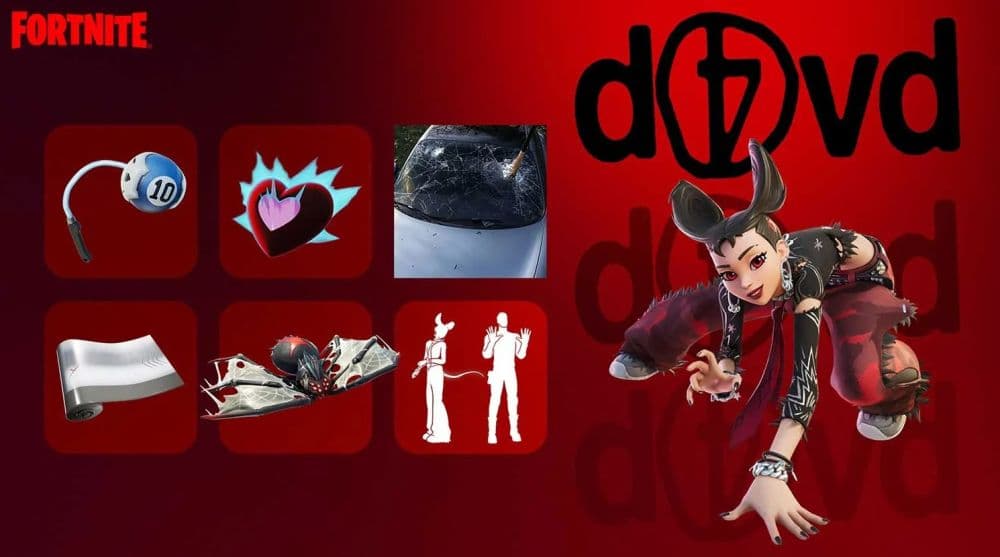
The bundle included D4VD-related content, but it also included non-exclusive Fortnite cosmetics, such as the Camille skin. Because of that, players should check the refund menu first and contact support if the full bundle does not appear as eligible.
Epic opened refunds after player backlash over D4VD-related content in Fortnite. D4VD, whose legal name is David Anthony Burke, was charged in April 2026 in connection with the death of 14-year-old Celeste Rivas Hernandez.
Will you get V-Bucks or real money back?
Most D4VD Fortnite cosmetic refunds should return V-Bucks, since the items were sold through the Fortnite Item Shop. When Fortnite refunds an eligible V-Bucks purchase, it removes the cosmetic from the account and gives the V-Bucks back.
Real-money purchases work differently. If the purchase went through PlayStation Store, Xbox Store, Nintendo eShop, Apple, Google Play, or another platform, Epic may not process the refund directly through Fortnite’s normal cosmetic refund system. In that case, players may need to check the platform’s refund page.
For most players, the practical answer is simple: D4VD emotes and Jam Tracks should refund as V-Bucks if they appear in Fortnite’s refund menu.
Do you need a Return Ticket for the D4VD refund?
You should check the D4VD item in the refund menu before you spend a Return Ticket.
Fortnite’s normal refund system uses Return Tickets for eligible Item Shop cosmetics bought within the last 30 days. Each account starts with 3 Return Tickets, and Fortnite adds 1 new ticket every 365 days if the account has fewer than 3.
Will Epic remove D4VD cosmetics from Fortnite?
Epic confirmed refunds, but it has not clearly confirmed a full removal of all D4VD cosmetics from Fortnite. Players who do not refund the items may still keep them unless Epic changes access later.
For now, the safest move is to request a refund if you no longer want the cosmetics in your locker. The refund removes the item from your account and returns the V-Bucks, which you can use on other Fortnite Item Shop content.
Looking for more Fortnie guides? Check these ones:
- “When did Fortnite come out?” A question with 2 answers
- How much does Fortnite make in a day?
- How to redeem Fortnite codes
- What happened to Fortnite Battle Stars & how to level up in 2025
- Fortnite Superman update: Everything you need to know
Featured Image Credit: Fortnite
All Related Guides
 How to find Gummy Sprites in Fortnite Chapter 7 Season 3Learn how to find Gummy Sprites in Fortnite Chapter 7 Season 3, their locations, extraction rewards, and best ...
 Fortnite Relic Chest (Rare Chests): Locations, Sprites & moreLearn where to find Fortnite Relic Chests, what loot they contain, Sprite drop chances, and the best farming r...
 How to get every Sprite in Fortnite Chapter 7 Season 3Learn how to get every Sprite in Fortnite Chapter 7 Season 3, including locations, extraction tips, abilities,...
 Fortnite C7S3 Guide: Everything New in Fortnite Chapter 7 Season 3Fortnite C7S3 guide: New map, Sprites, weapons, bosses, Battle Pass rewards, extraction system, and major game...
 How to watch replays in FortniteLearn how to watch replays in Fortnite, enable Replay Mode, save matches, use camera controls, and fix missing...
 Fortnite Star Wars Frontlines guide: How to play & winFortnite Star Wars Frontlines guide: island code, objectives, classes, weapons, and the best strategies to win...
 All Garden vs. Brainrot codes in Fortnite: Updated listLooking for Fortnite Garden vs Brainrot codes? Get every working code, learn how to redeem them, and boost you...
 Latest Fortnite Steal the Brainrot codes (June 2026)Find all active Fortnite Steal the Brainrot codes to summon Brainrot Gods and boost rewards fast....
- 1
- 2
- 3
- 4
- 5
- 6
- 7
- 8
- 9
- 10
- 11
- 12
- 13
- 14
- 15
- 16
- 17
- 18
- 19
- 20
- 21
- 22