Epic Games adds Fortnite Wallet Cards to the game
But what are Wallet Cards in Fortnite?
Epic Games now offers Fortnite Wallet Cards, a new way to buy in-game content and games using real money. These cards replace the old V-Bucks cards and give players more options. Wallet Cards work in Fortnite, but they also work in the Epic Games Store, Rocket League, and Fall Guys. Players can buy V-Bucks, Battle Passes, full games, or DLC. Here is a closer look at the new Wallet Cards of Fortnite!
What are Wallet Cards in Fortnite?
Wallet Cards are prepaid cards that add money to your Epic Games account. You can use that money for many things. You can spend it on V-Bucks, Battle Passes, or Fortnite bundles. You can also buy games, add-ons, or tools for creators in the Epic Games Store.
Wallet Cards come in set amounts. These are $15, $30, $50, and $100. Some stores also offer custom cards that let you choose an amount between $15 and $150. This gives players more control when adding money to their accounts.
These cards work with Epic’s Shared Wallet feature. If you play Fortnite on a platform like PlayStation, Xbox, PC, or mobile, your V-Bucks and purchases will appear across all your devices. Nintendo Switch does not support Shared Wallet, but your items will still appear in your Fortnite Locker if you buy them on another platform.

How to get Wallet Cards
You can buy Fortnite Wallet Cards in stores or online. Epic Games started releasing them in June 2025. You may still see V-Bucks cards in some shops, but those will slowly disappear. Stores will replace them with Wallet Cards.
Digital versions of the cards will be available from online sellers starting in July 2025. These include trusted websites that sell game cards. Physical cards may appear in different stores at different times, depending on the region.
How to use Wallet Cards in Fortnite
Using a Wallet Card is easy. Here are the steps you need to follow:
- Scratch the back of the card or scan the QR code.
- Visit epicgames.com/redeem.
- Log in to your Epic Games account.
- Enter the code from the card.
- Click the “Redeem” button.
Your money will be added to your Epic Wallet. You can then use that money to buy V-Bucks, a Battle Pass, or a Fortnite Crew subscription. You can also buy full games or other content from the Epic Games Store.
If you play Fortnite on more than one device, your purchases will show up across supported platforms. But make sure your accounts are connected to your Epic Games account. Nintendo devices do not support Shared Wallet, so V-Bucks won’t appear there. However, items you buy will still show up in your Locker.
List of countries where Wallet Cards are available
Wallet Cards are available in the following countries:
- United States
- United Kingdom
- Germany
- France
- Spain
- Italy
- Austria
- Belgium
- Ireland
- Portugal
- The Netherlands
Players in these countries can buy physical cards in stores and digital versions online. Epic will expand to more countries later in 2025. This is good news for players in places that never had V-Bucks cards before.
Wallet Cards vs. V-Bucks
Here is a comparison between the new Waller Cards and V-Bucks:
How to get the GHOST Monks Outfit
Epic Games gives you a free skin when you redeem your first Wallet Card. The reward is the GHOST Monks Outfit, which is a special version of the sock monkey skin.
To get the outfit, you must redeem a Wallet Card to the Epic account you use to play Fortnite. You won’t get the skin if you use an old V-Bucks card. The offer is available until December 31, 2026. After that, the skin may return to the Fortnite Item Shop, but that is not guaranteed.

This reward is only for players in countries where Wallet Cards are sold. You can unlock the outfit only once per Epic account.
You can buy V-Bucks, games, and more without needing a credit card. The cards support multiple platforms and come with rewards like the GHOST Monks Outfit. They are safer than using credit cards and work across many games.
If you are looking for more Fortnite guides to learn more about the game, we’ve got plenty for you to check out. Here is a shortlist of articles you may enjoy:
- Exploring the Anime Legends Pack in Fortnite: Seasonal updates and community reaction
- Fortnite's AI Darth Vader: Balancing fan engagement and ethical concerns
- Is Fortnite sprint not working? Here is what you can do
- Navigating Fortnite's story quests: A guide to the Galactic Battle Season
- Do you need Xbox Live to play Fortnite?
Featured Image Credit: Epic Games/Fortnite
All Related Guides
 Fortnitemares 2026: Release date, collabs, skins, map changes & moreDiscover Fortnitemares 2026, including its release date, FNAF crossover, Halloween skins, rumored collabs, Hor...
 Fortnite x FNAF: Release date, skins & everything we knowFortnite x FNAF arrives October 1 for Fortnitemares 2026 with Freddy, Bonnie, Chica, Foxy, Fazbear's Pizzeria,...
 Fortnitemares 2026: Release date, collabs, skins, map changes and moreFortnitemares 2026 starts October 1 with FNAF, major collabs, new skins and more. Here's what's confirmed, lea...
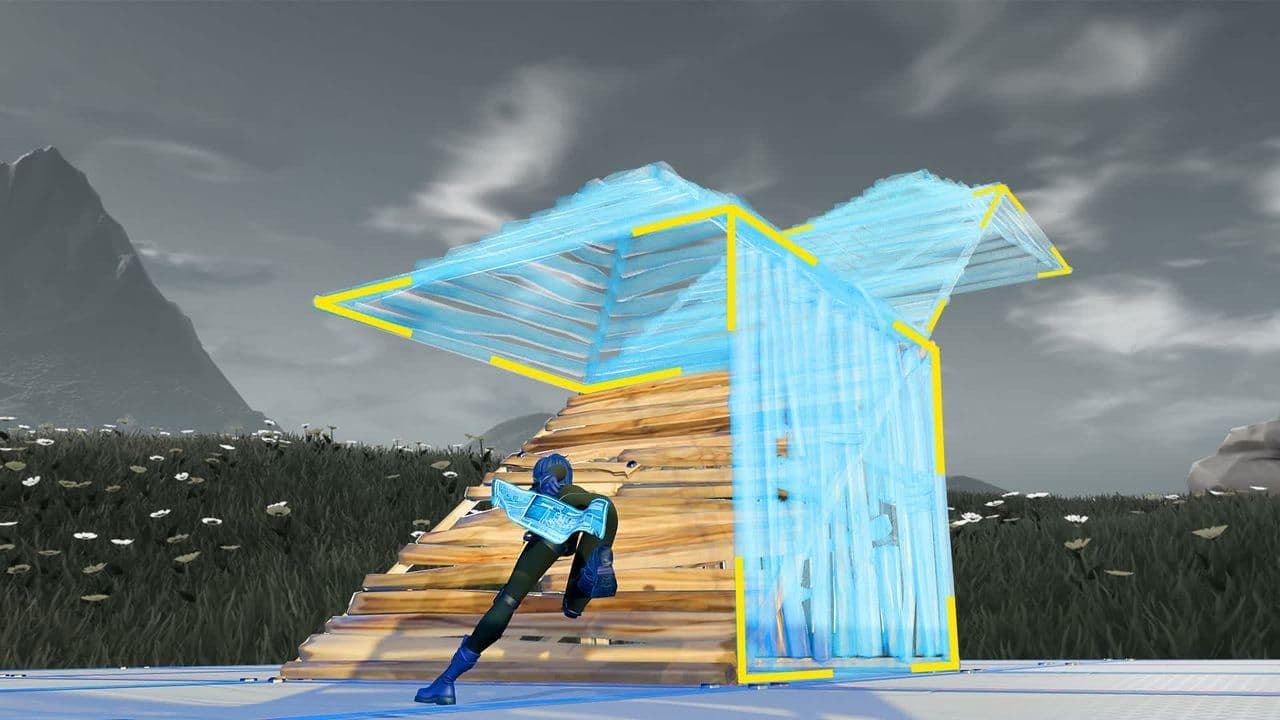 How to get better at building in Fortnite fastLearn how to get better at building in Fortnite with practical drills for edits, 90s, boxing, tunneling, piece...
 4 ways to update Fortnite on mobileLearn 4 ways to update Fortnite on Android, iPhone and iPad through Epic Games Store, Google Play and the App ...
 Fortnite Loot Hacker Sprites: All variants, locations, and how to get themFind all Fortnite Loot Hacker Sprites, Cheat Code locations, Chest chances, Sprite Dust costs, and how to unlo...
 All Garden vs. Brainrot codes in Fortnite: Updated listLooking for Fortnite Garden vs Brainrot codes? Get every working code, learn how to redeem them, and boost you...
 Latest Fortnite Steal the Brainrot codes (September 2026)Find all active Fortnite Steal the Brainrot codes to summon Brainrot Gods and boost rewards fast....
- 1
- 2
- 3
- 4
- 5
- 6
- 7
- 8
- 9
- 10
- 11
- 12
- 13
- 14
- 15
- 16
- 17
- 18
- 19
- 20
- 21
- 22
- 23
- 24
- 25
- 26