How to get a Lucky Locator in Fortnite
Save this Gizmo for later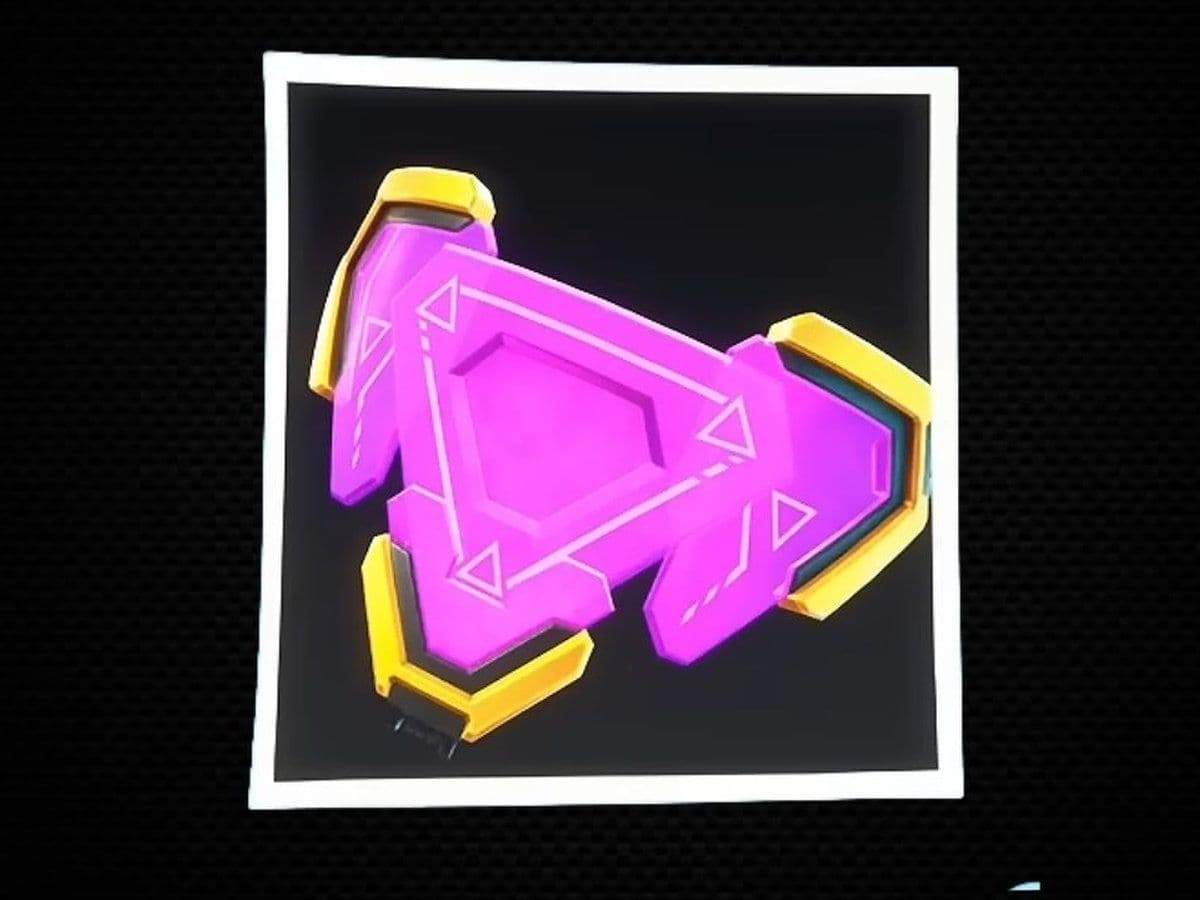
To get a Lucky Locator in Fortnite, reach level 50 on the Sprite Mastery Rewards track by fully mastering 50 different Sprites. The Lucky Locator is currently a one-time account reward, not regular floor loot or an item sold at Extraction Sites.
Epic describes the Lucky Locator as a Gizmo that finds a buried Chest containing a Sprite missing from your collection. Because it is consumed after one use, wait until you can safely reach and extract the Sprite it reveals.
But first, what is Lucky Locator in Fortnite?
The Lucky Locator is a single-use Gizmo in Fortnite Chapter 7 Season 3 that marks a buried chest guaranteed to drop a Sprite missing from your collection, making it ideal for tracking down unowned variants. Earned through Sprite Mastery milestones and select quest rewards, it persists across matches in your Gizmo slot, consumes upon activation, and expires at the end of the season.
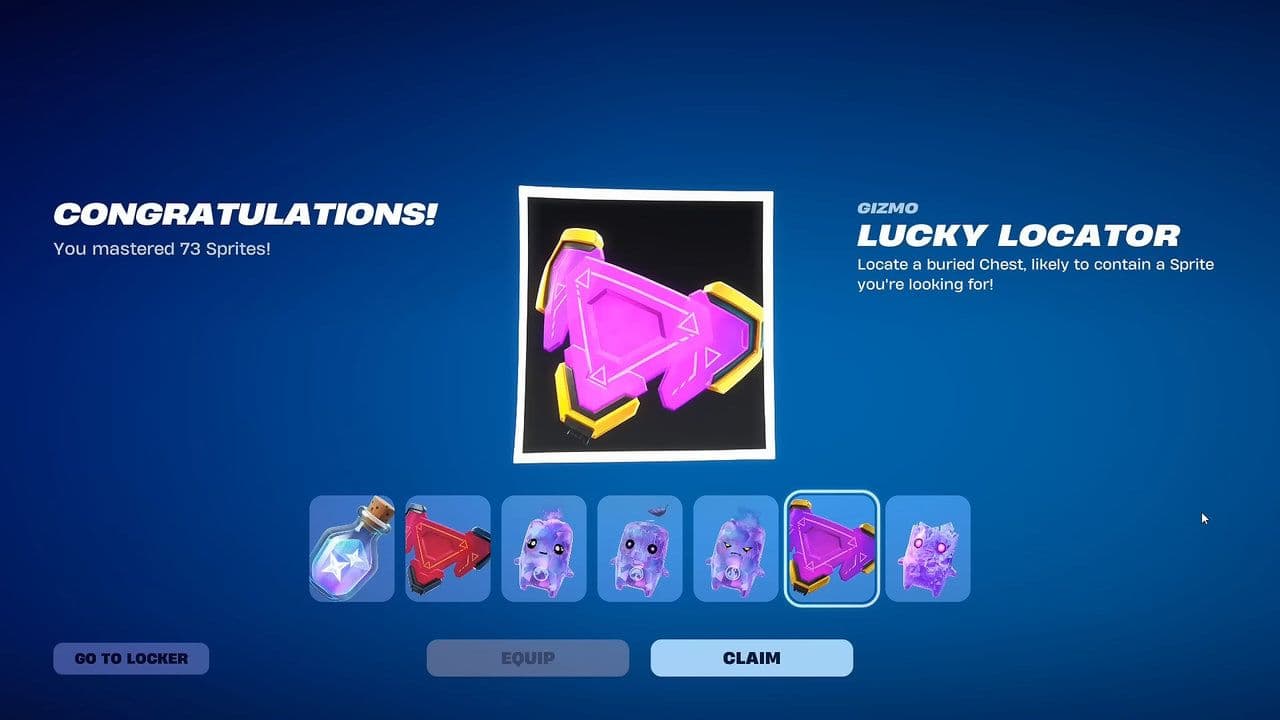
The Lucky Locator marks a buried Sprite Chest containing a Sprite missing from your collection, making it useful for avoiding duplicates. However, you can't choose which missing Sprite you get, and other players can still reach the Chest and take it first.
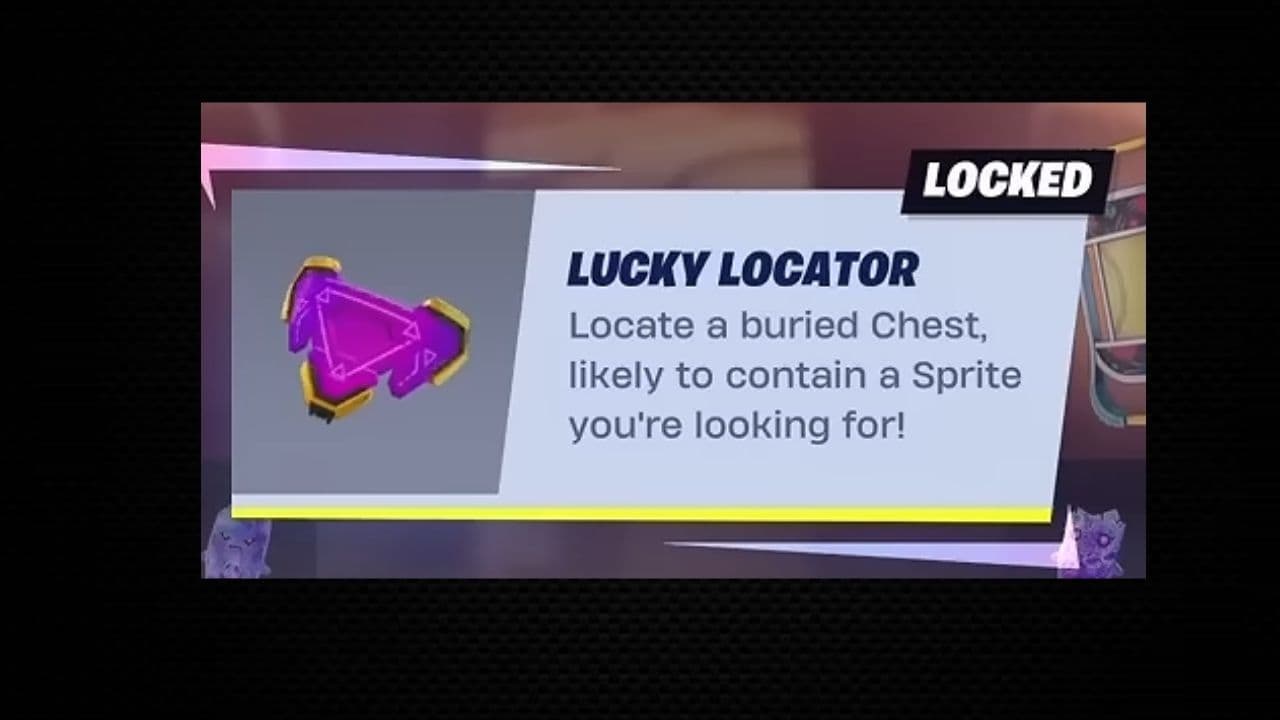
Does the Lucky Locator guarantee a rare Sprite?
No. It is designed to find a Sprite missing from your collection, but missing does not automatically mean rare.
How to unlock the Lucky Locator in Fortnite
- Open Fortnite and select Battle Royale or Zero Build.
- Go to the Sprites menu in the lobby.
- Open the Rewards section of Sprite Mastery.
- Find the Lucky Locator reward at mastery level 50.
- Equip a Sprite before entering a match.
- Earn Sprite progress by opening containers, eliminating enemies, and assisting teammates.
- Successfully extract the Sprite or earn a Victory Royale to preserve its progress.
- Repeat until the Sprite reaches level 5 and becomes mastered.
- Master 50 different Sprites.
- Return to the Sprite Mastery Rewards screen and claim the Lucky Locator.
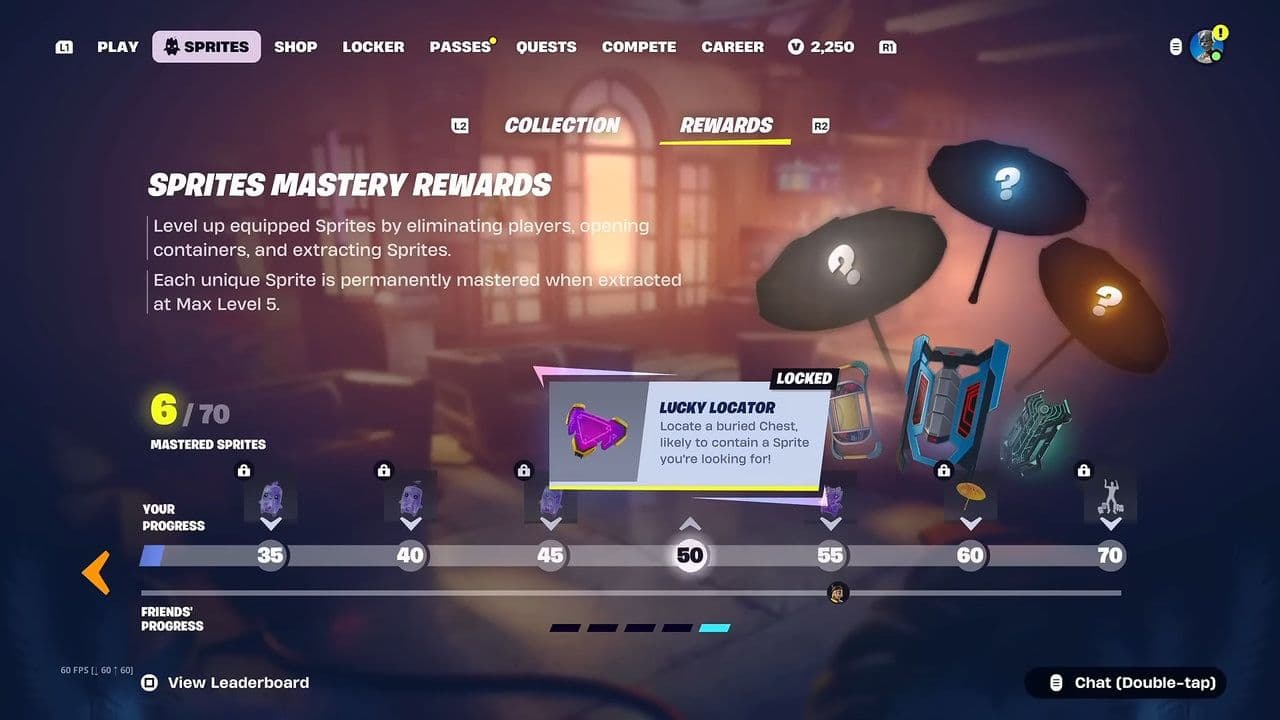
Each unique Sprite counts separately. Different variants can therefore help increase your mastery total, provided each one is leveled and mastered successfully.
Can you buy a Lucky Locator with Sprite Dust?
No. Sprite Dust Services sells other tools such as Portable Extractors, but the Lucky Locator is tied to Sprite Mastery.
Fastest way to master 50 Sprites
- Start with common Sprites and variants already in your collection. They count toward the same mastery total as rarer finds and are easier to replace if a run goes wrong.
- Open every searchable container. Chests, ammo boxes, food boxes, and similar containers provide progress when opened normally. Breaking the object instead may not count.
- Target safe eliminations and assists. NPCs and early-match opponents can provide progress without forcing a risky late-game fight.
- Extract progress in stages. If a Sprite reaches a useful level but the match becomes dangerous, send it out through an Extraction Site or Portable Extractor. You can equip it again next match and continue.
- Use a Portable Extractor at level 5. Mastery is not useful if you are eliminated before saving the Sprite. Extract immediately after reaching the final level when the normal sites are contested.
How to use a Lucky Locator
- Enter a Battle Royale or Zero Build match.
- Move to a quiet area away from the Storm and nearby combat.
- Equip your Pickaxe.
- Use the displayed Pickaxe/Gizmo control to open the Gizmo Wheel.
- Select Lucky Locator.
- Activate the Gizmo with the attack or use input.
- Follow the marker to the buried Sprite Chest.
- Strike the marked ground with your Pickaxe if the Chest is buried.
- Open the Chest and equip the Sprite.
- Extract it immediately at a safe Extraction Site or with a Portable Extractor.
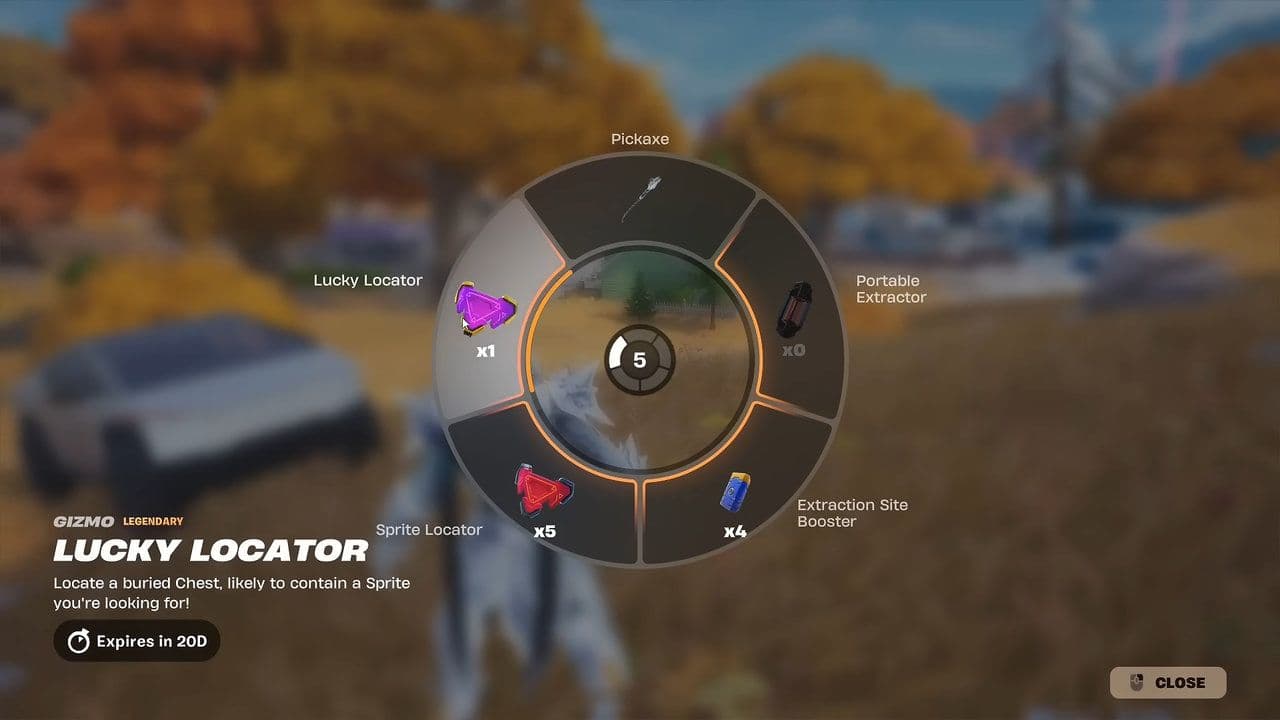
Controller and keyboard bindings can vary. Follow the input shown beside the Pickaxe slot. If the Gizmo Wheel does not open on PC, check Settings and assign a key to the Pickaxe/Gizmos action.
Lucky Locator vs. Sprite Locator
- Lucky Locator: Finds a buried Chest intended to contain a Sprite missing from your collection. It is unlocked through Sprite Mastery and is extremely limited.
- Sprite Locator: Finds a Sprite Chest without guaranteeing that its contents are new to your collection. It is less valuable but more suitable for general farming.

Use ordinary Sprite Locators while building most of your collection. Save the Lucky Locator for later, when duplicates are common, and each missing Sprite is harder to find naturally.
Can you get more than one Lucky Locator?
At present, the visible Sprite Mastery track provides one confirmed Lucky Locator at level 50. Epic’s update notes state that more Lucky Locators are on the way, but they do not confirm the next reward level or release method.
Check the live Sprite Mastery Rewards track after each update. If Epic adds another Lucky Locator, its icon and requirement should appear there. Until then, do not spend time grinding to level 100 solely for an unconfirmed second Locator.
Best time to use the Lucky Locator
- Use it near the beginning or middle of a match, after collecting weapons, shields, and mobility. Activating it immediately after landing can leave you unable to defend the marked Chest.
- Avoid using it during a moving Storm or near a busy point of interest. You lose the benefit if another player takes the Sprite or you are eliminated before extracting it.
- Carry a Portable Extractor before activating the Lucky Locator. Once you obtain the missing Sprite, this lets you secure it without announcing your position at a public Extraction Site.
- Check your collection first. The Locator chooses from missing Sprites, but knowing what remains helps you decide whether the potential reward is worth consuming the Gizmo.

Why is my Lucky Locator missing?
- You have not mastered 50 unique Sprites. Owning or extracting a Sprite once is not the same as completing its mastery.
- The reward has not been claimed. Open the Sprite Mastery Rewards screen and select the level 50 reward.
- The Gizmo is stored with your Pickaxe. It does not appear in a normal weapon inventory slot.
- You already used it. Lucky Locators are consumed when activated.
- The season ended. Epic states that Chapter 7 Season 3 Gizmos expire when the season ends, even if they remain unused.
To get a Lucky Locator, just master 50 unique Sprites by leveling them to 5 and extracting them to claim your level 50 Mastery reward. Since it's a one-time Gizmo that expires at the end of Chapter 7 Season 3, save it for later when you're mostly hitting duplicates. When you finally use it, make sure you're geared up and holding a Portable Extractor so you can dig up and instantly secure your missing Sprite without getting ambushed or caught in the Storm.
All Related Guides
 How to get the Ironmouse Sprite in FortniteLearn how to get the Ironmouse Sprite in Fortnite, where to find it, how to extract it, and the best way to fa...
 Fortnite Lancehead clip quest explainedComplete the Fortnite Lancehead Clip quest fast. Find a Lancehead Pistol, learn how the thrown magazine works,...
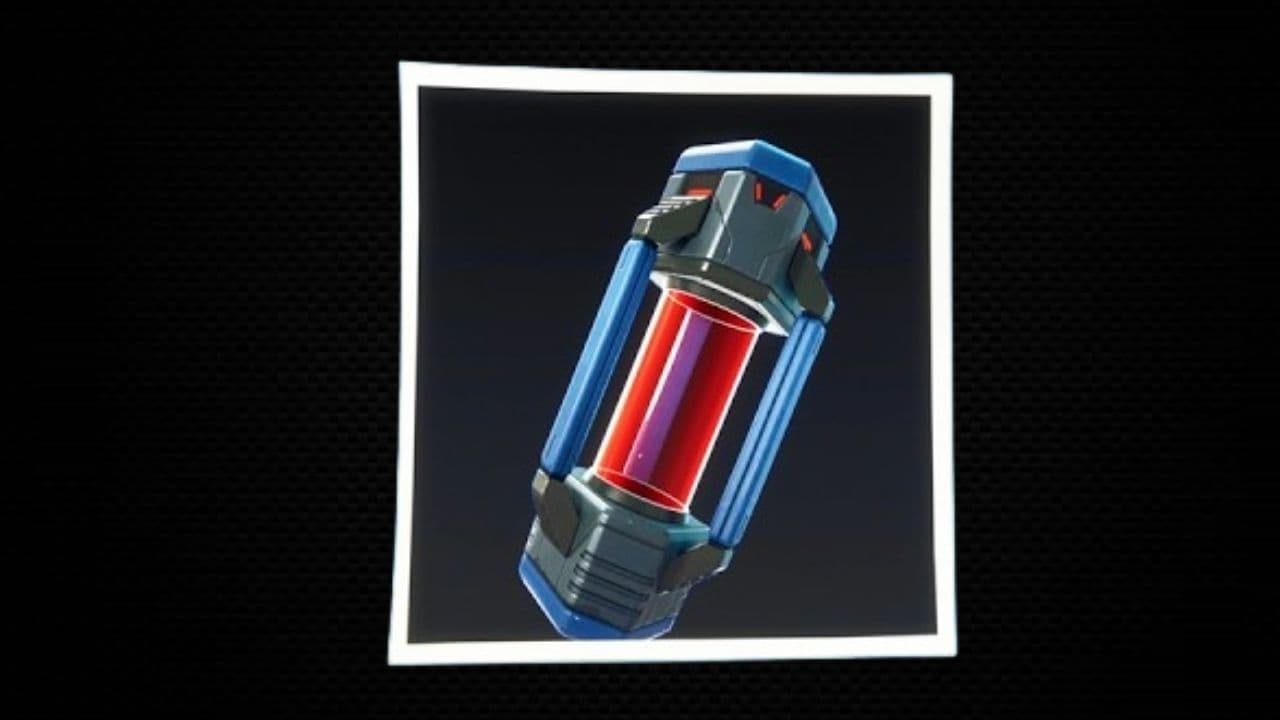 How to get more Portable Extractors in FortniteLearn how to get more Portable Extractors in Fortnite, where to buy them, how much they cost, and the best tim...
 Fortnite Mastery Monday guide: Schedule, bonuses & moreLearn how Fortnite Mastery Monday works, including its weekly schedule, 2x Sprite leveling, double Sprite Dust...
 All Garden vs. Brainrot codes in Fortnite: Updated listLooking for Fortnite Garden vs Brainrot codes? Get every working code, learn how to redeem them, and boost you...
 Latest Fortnite Steal the Brainrot codes (August 2026)Find all active Fortnite Steal the Brainrot codes to summon Brainrot Gods and boost rewards fast....
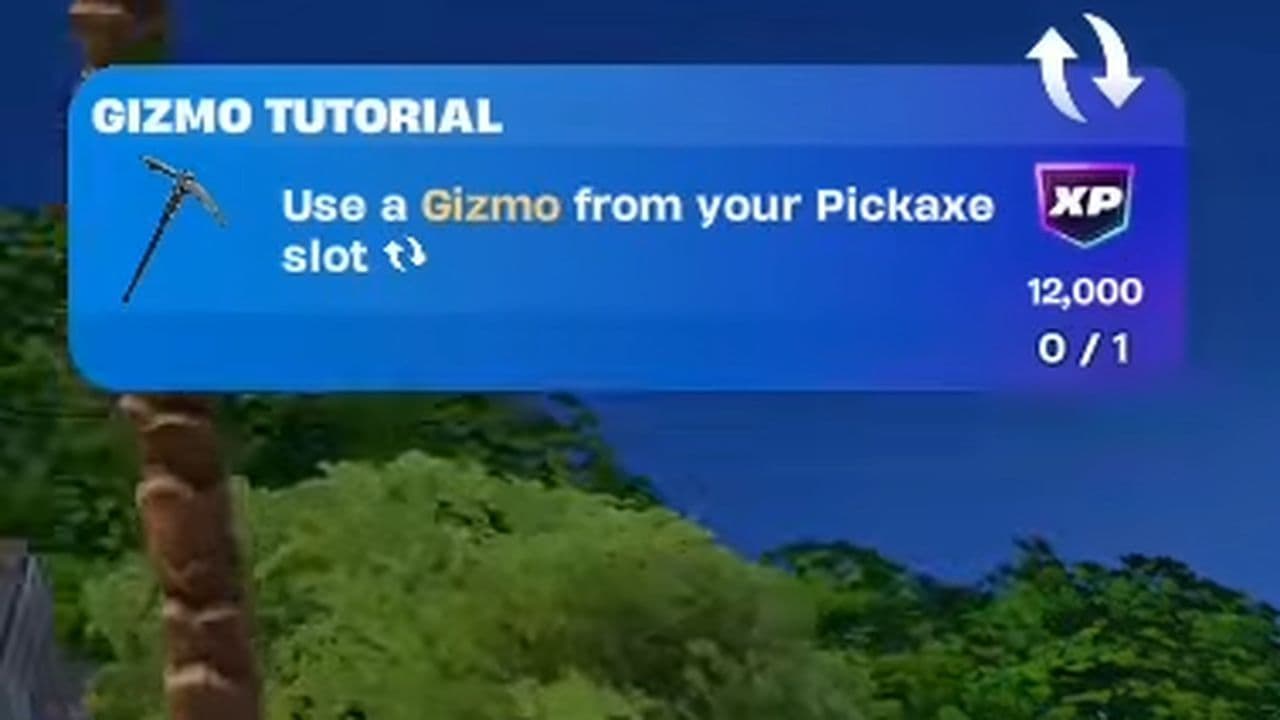 How to use a Gizmo in Fortnite (Sprite extraction tools)Learn how to use a Gizmo in Fortnite, activate the Gizmo Wheel, unlock Sprite tools, and complete the "Use a G...
 How to get Cube Sprites in Fortnite fastLearn how to get Cube Sprites in Fortnite fast with the best farming routes, Sprite Chest locations, boss drop...
- 1
- 2
- 3
- 4
- 5
- 6
- 7
- 8
- 9
- 10
- 11
- 12
- 13
- 14
- 15
- 16
- 17
- 18
- 19
- 20
- 21
- 22
- 23
- 24