How to ride on a player's shoulders in Fortnite
Hop on, shoot, and move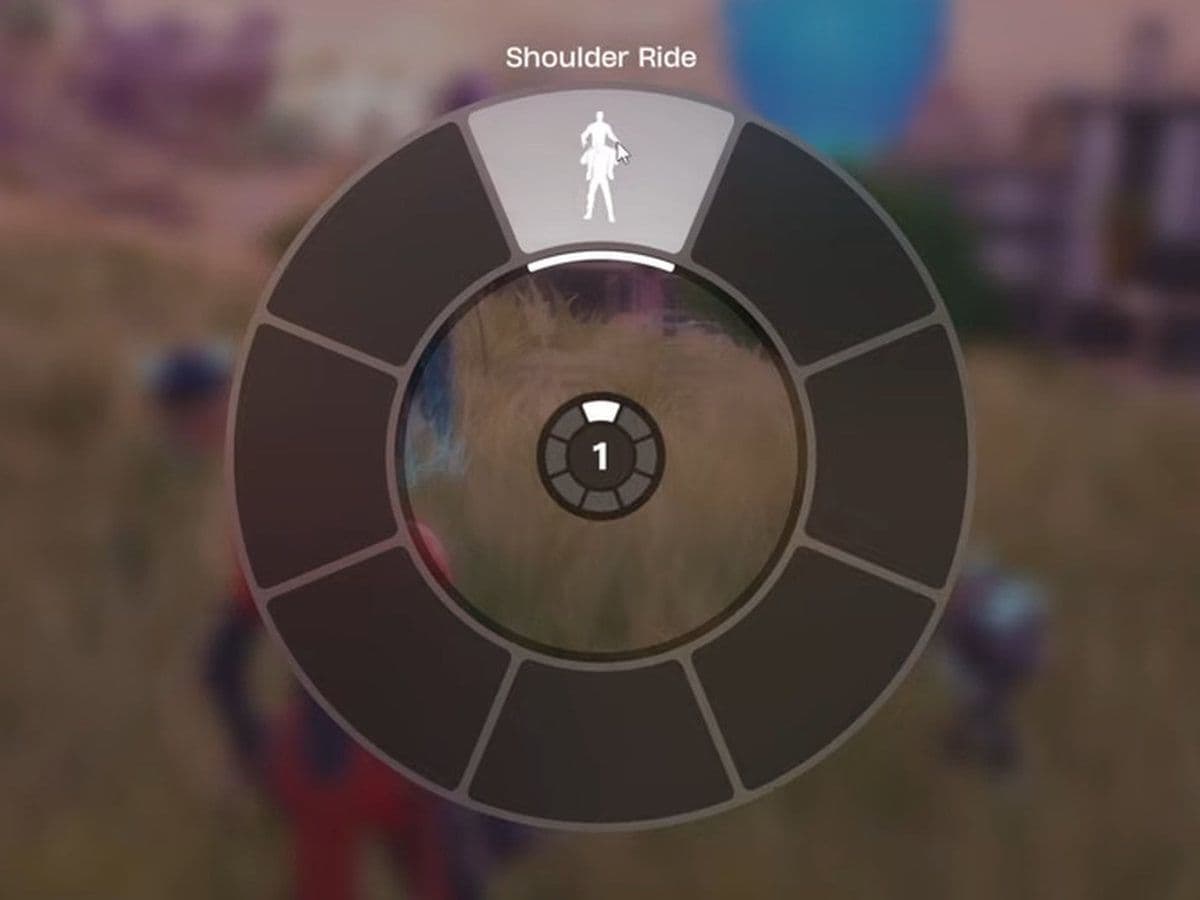
If you are trying to complete the weekly quest or simply want to use one of the funniest new mechanics in Fortnite, knowing how to ride on a player's shoulders in Fortnite is essential. The feature was introduced in Chapter 7 Season 2 and quickly became one of the most talked-about additions in the game. While it looks simple, many players get stuck because Fortnite does not clearly explain how the mechanic works.
The good news is that it is very easy once you know the exact steps. Here is everything you need to know.
What is Shoulder Ride in Fortnite?
Shoulder Ride is a new Social Interaction emote in Fortnite that allows one teammate to carry another on their shoulders. One player becomes the carrier, while the second player rides on top.
Unlike normal emotes, this is an interactive action that requires two players. It is also tied to a Chapter 7 Season 2 weekly quest where players must ride on a player’s shoulders to gather intel on their movements.
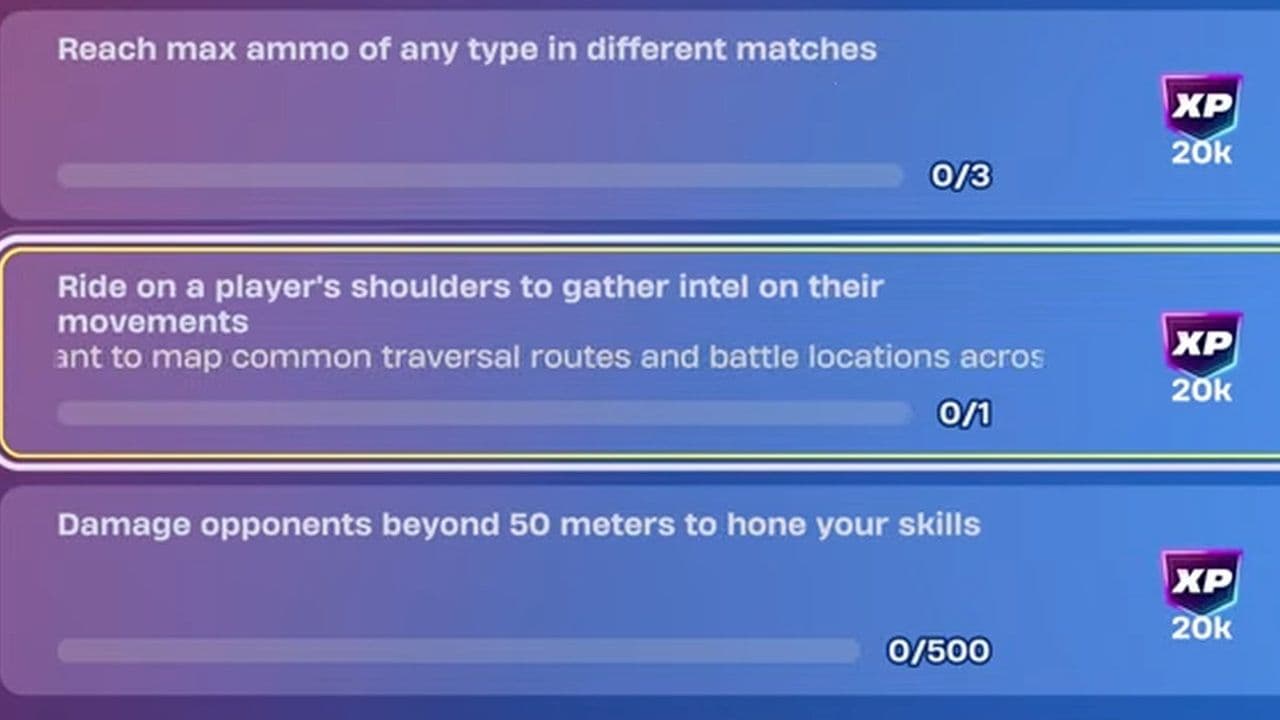
This mechanic is not just for fun either:
- It helps complete quests
- Riders can still shoot weapons
- Riders can open chests and ammo boxes
- It creates funny squad moments
- Players can even stack multiple riders in some situations
How to ride on a player's shoulders in Fortnite
Follow these quick steps:
1) Join a Team Mode
Queue into Duos, Trios, or Squads. Shoulder Ride requires a teammate, so it will not work in Solo.
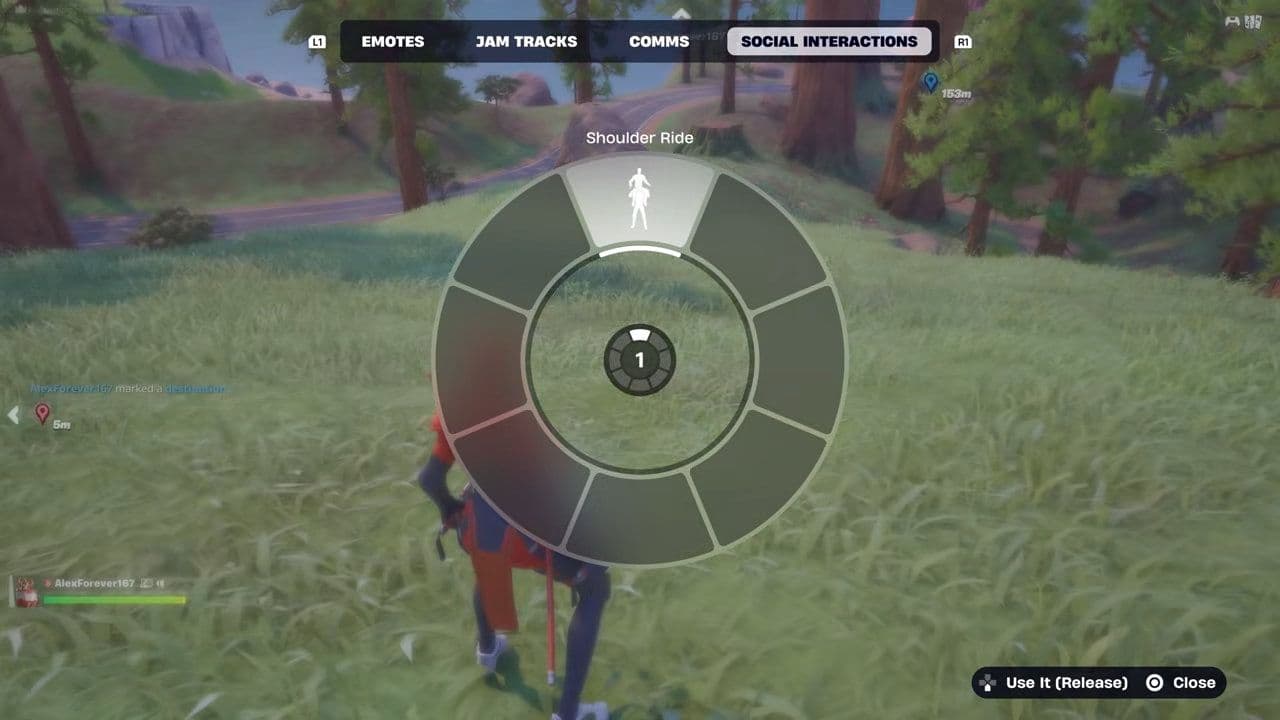
2) Open the Emote Wheel
The player who will carry opens the emote wheel:
- PC: Press B
- Controller: Press Down on the D-Pad
3) Select Shoulder Ride
Go to Social Interactions and choose Shoulder Ride to start the invite animation.
4) Approach Your Teammate
A blue arrow will appear above the player’s head. Walk up and stand close.
5) Press Interact
Use the interact button to hop on:
- PC: E
- PlayStation: Square
- Xbox: X
- Nintendo Switch: Standard interact button
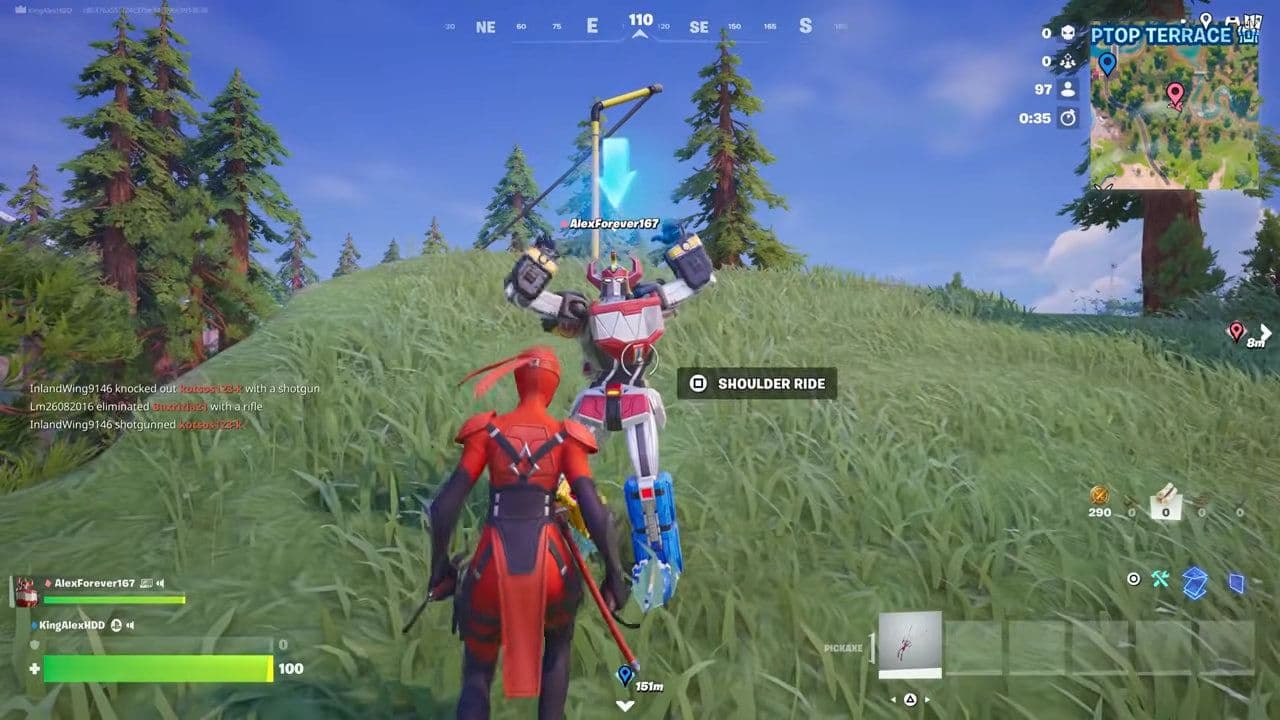
Your character will climb onto their shoulders, completing the action.
Can you shoot while riding?
Yes. This is what makes Shoulder Ride surprisingly useful.
The rider can still use weapons, meaning they can defend both players while being carried. The rider can also:
- Open loot chests
- Collect ammo
- Interact with objects
Meanwhile, the carrier focuses on movement. However, the player carrying someone usually cannot use weapons while carrying.
How to complete the weekly quest fast
If your goal is only quest completion, do this:
- Enter Duos
- Land in a safe area
- Have your teammate activate Shoulder Ride
- Press interact and hop on
- Move around for a few seconds until the quest updates
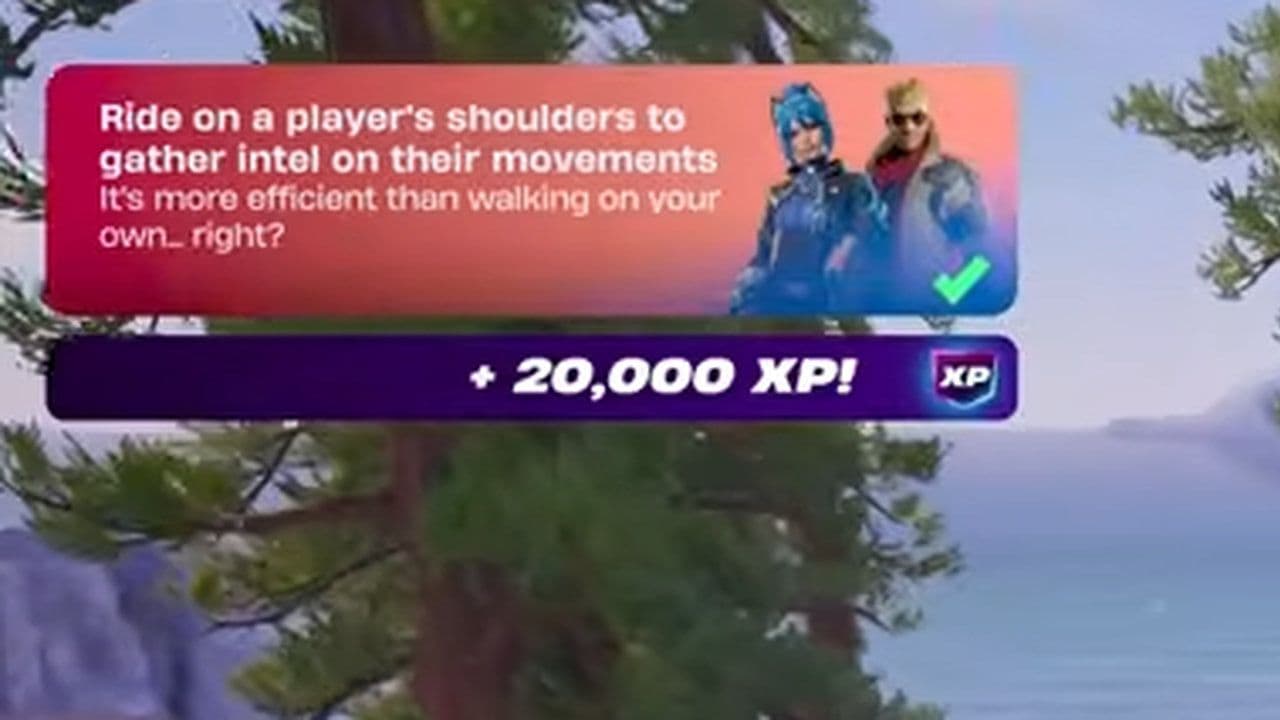
That is usually enough to complete the objective quickly.
Important: make sure you do this on the main island during a match, not in the pre-game lobby, because lobby interactions may not count for quest progress.
Is Fortnite Shoulder Ride not working?
If it is not working, check these common issues:
- You are in Solo: Shoulder Ride needs another player.
- Wrong emote tab: Do not look in normal emotes. Go to Social Interactions.
- Your teammate did not activate Shoulder Ride: The carrier must start the interaction first.
- You are not close enough: Stand directly next to the player.
- You did not press interact: Wait for the prompt, then press the correct button.
Now you know how to ride on a player's shoulders in Fortnite. Open the emote wheel, go to Social Interactions, choose Shoulder Ride, and interact with your teammate when the prompt appears.
It is simple, funny, and useful for completing Chapter 7 Season 2 quests. Whether you are using it for XP, combat positioning, or just messing around with your squad, Shoulder Ride is one of Fortnite’s most entertaining new mechanics.
That’s all for today! Looking for more Fortnite guides? Check out these:
- All Fortnite bosses & how to defeat them
- What are Accolades in Fortnite and how to get them
- Best Fortnite map codes with additional bonus maps
- How to start a custom game in Fortnite: Private 1v1, errors and fixes
- How to disable simple edit in Fortnite (PC, PlayStation, Xbox, Nintendo Switch, and mobile)
All Related Guides
 How to trade Sprites in Fortnite Chapter 7 Season 3Learn how to trade Sprites in Fortnite Chapter 7 Season 3, including Burnt Peanut Sprite trades, extraction re...
 How rare is the Burnt Peanut Sprite in Fortnite? Drop rate, player count & how to get itLearn the Burnt Peanut Sprite drop rate, rarity, best farming methods, extraction tips, and how to unlock it i...
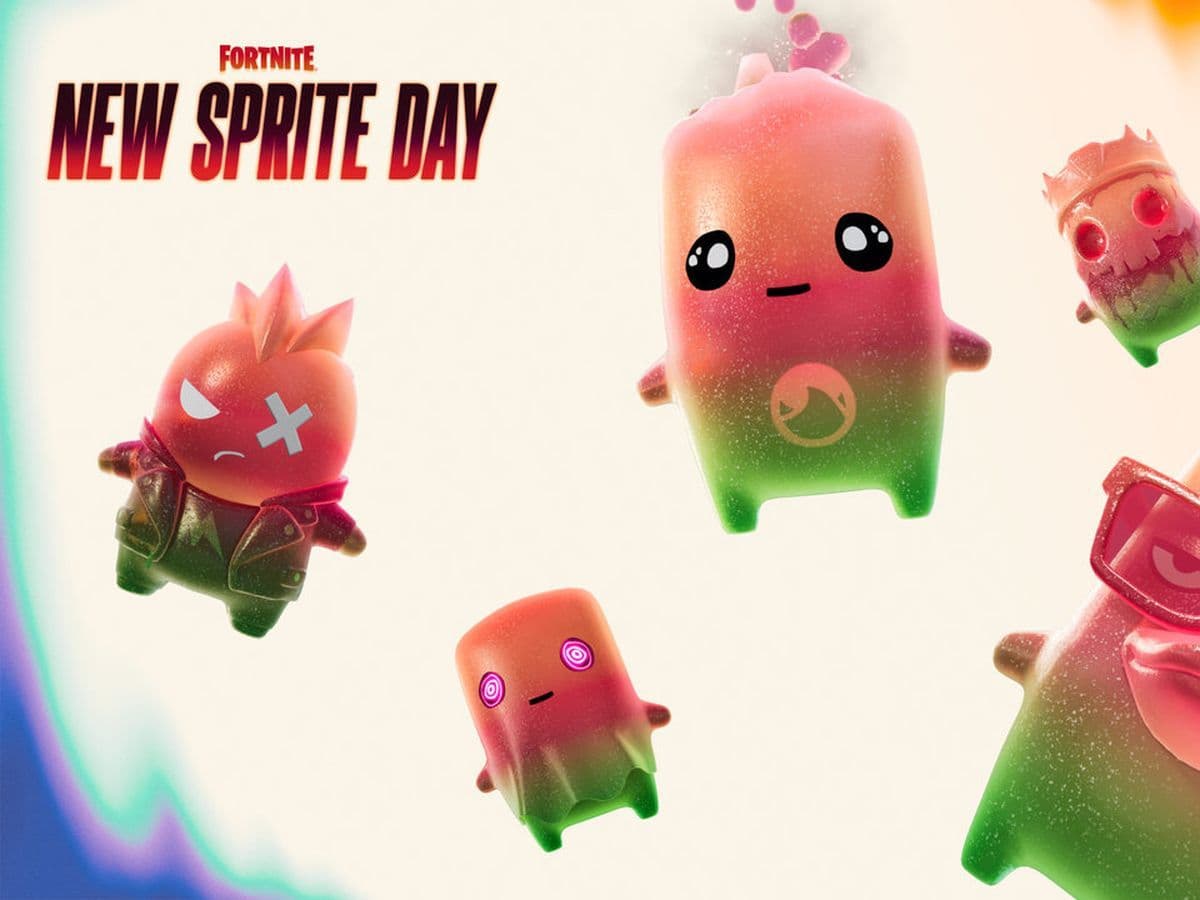 How to find Gummy Sprites in Fortnite Chapter 7 Season 3Learn how to find Gummy Sprites in Fortnite Chapter 7 Season 3, their locations, extraction rewards, and best ...
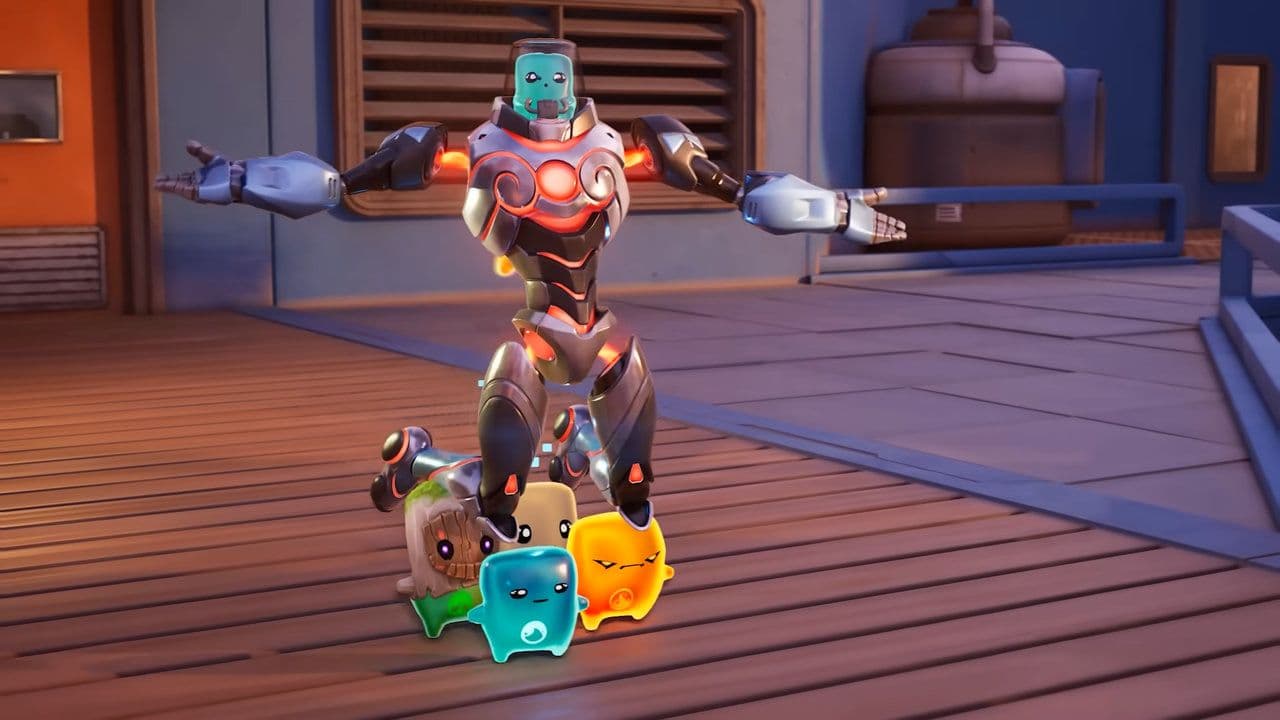 Fortnite Relic Chest (Rare Chests): Locations, Sprites & moreLearn where to find Fortnite Relic Chests, what loot they contain, Sprite drop chances, and the best farming r...
 How to get every Sprite in Fortnite Chapter 7 Season 3Learn how to get every Sprite in Fortnite Chapter 7 Season 3, including locations, extraction tips, abilities,...
 Fortnite C7S3 Guide: Everything New in Fortnite Chapter 7 Season 3Fortnite C7S3 guide: New map, Sprites, weapons, bosses, Battle Pass rewards, extraction system, and major game...
 How to watch replays in FortniteLearn how to watch replays in Fortnite, enable Replay Mode, save matches, use camera controls, and fix missing...
 Fortnite Star Wars Frontlines guide: How to play & winFortnite Star Wars Frontlines guide: island code, objectives, classes, weapons, and the best strategies to win...
- 1
- 2
- 3
- 4
- 5
- 6
- 7
- 8
- 9
- 10
- 11
- 12
- 13
- 14
- 15
- 16
- 17
- 18
- 19
- 20
- 21
- 22