How to turn on Auto Fire in Fortnite
Less buttons, more focus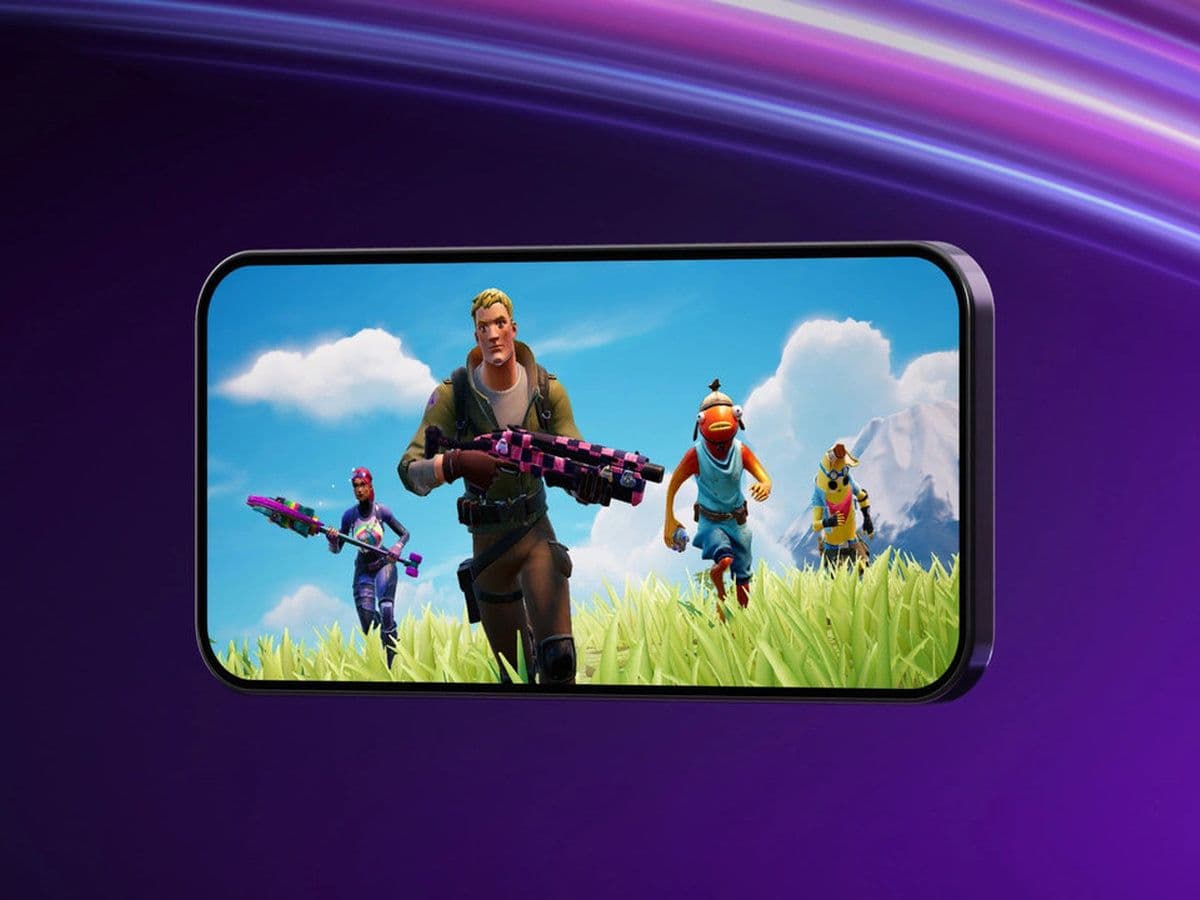
Turning on Auto Fire in Fortnite makes combat easier by automatically firing your weapon when your crosshair is on an enemy.
In this Fortnite guide, you’ll learn how to enable Auto Fire, how it works, and how to use it effectively for better results.
What is Auto Fire in Fortnite?
Auto Fire is a setting that allows your weapon to shoot automatically when your aim is on a target. Instead of pressing a fire button, the game detects when an enemy is in your crosshair and shoots for you.
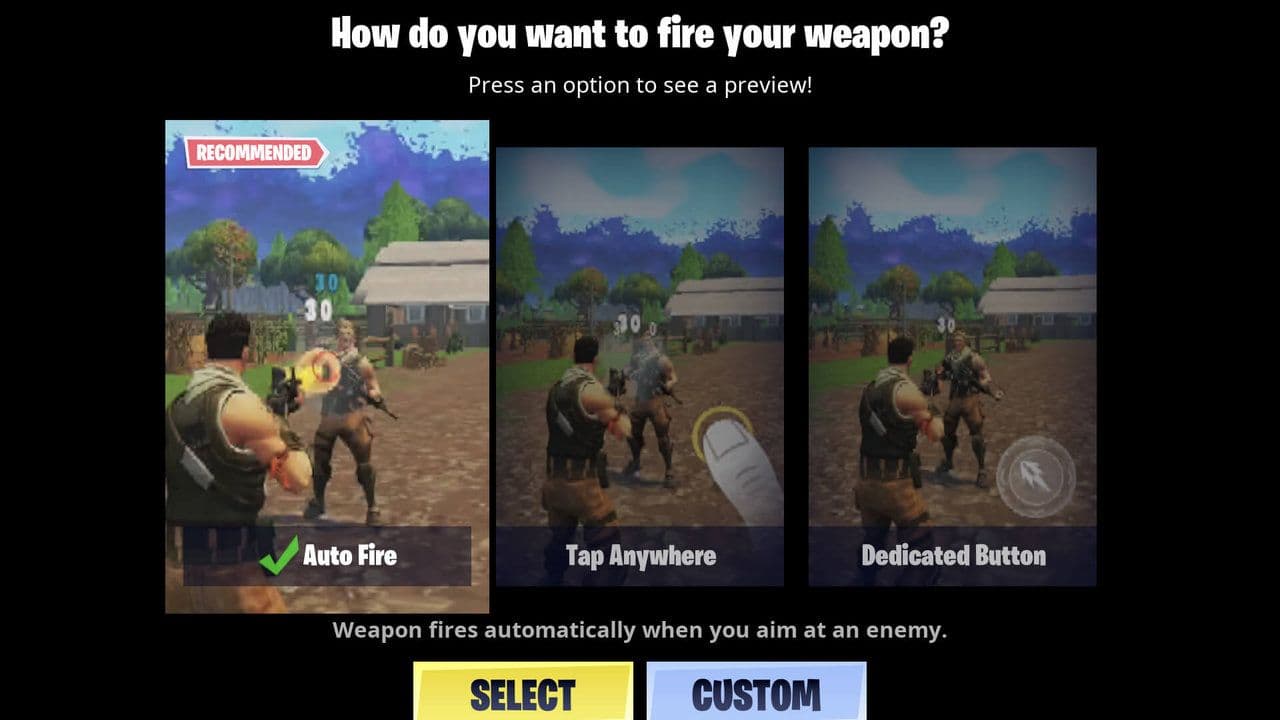
Auto Fire works best with standard guns that have a continuous or fast fire rate, like assault rifles, shotguns, SMGs, pistols, and even weapons like the Minigun, which are designed for sustained shooting. However, it doesn’t activate for weapons that require precise timing or single shots, such as melee weapons, the pickaxe, sniper rifles, bows, or launcher weapons like RPGs. For these, you’ll still need to press the fire button manually, since they rely more on accuracy and timing than continuous firing.
Which devices support Fortnite Auto Fire?
Before learning how to turn on Auto Fire in Fortnite, it’s important to know where it works.
Supported:
- Android devices
- iPhone and iPad
Not supported:
- PC (keyboard and mouse)
- PlayStation and Xbox consoles
- Nintendo Switch
Auto Fire is designed for mobile players only. Other platforms use aim assist instead.
How to turn on Auto Fire in Fortnite
- Open Settings
- Go to Touch and Motion
- Find Select Fire Mode
- Choose Auto Fire
- Confirm and exit
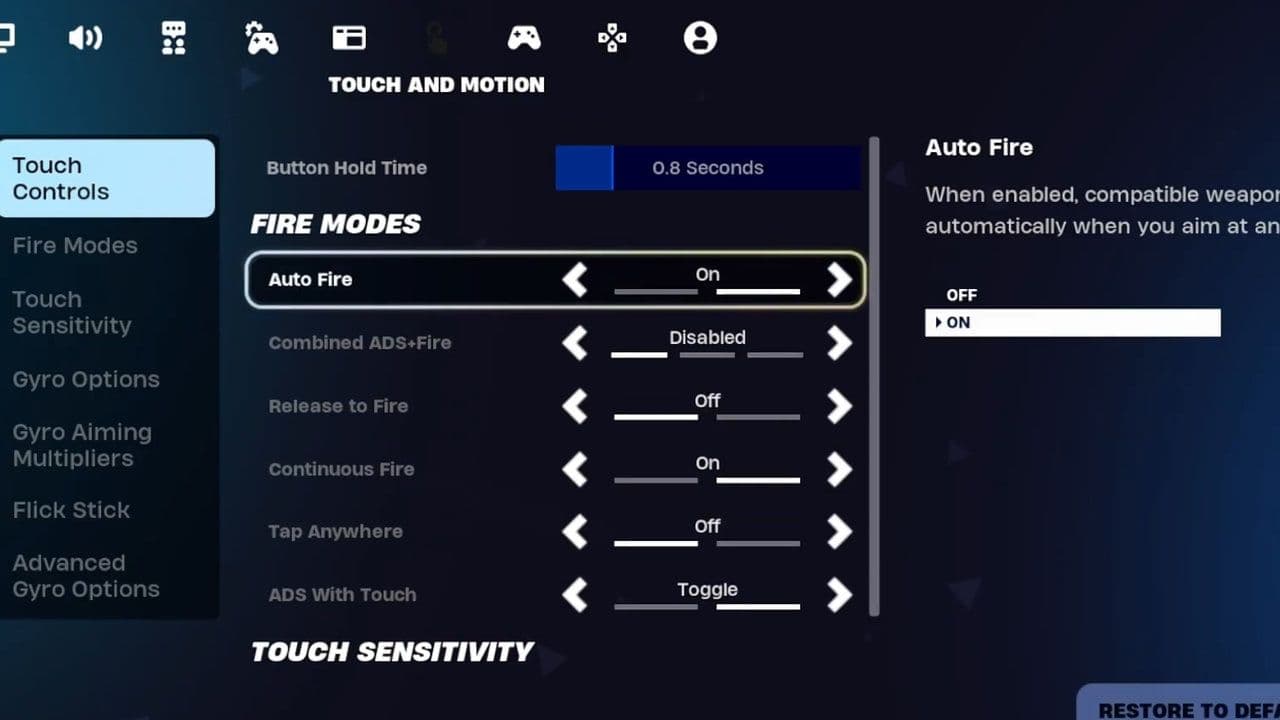
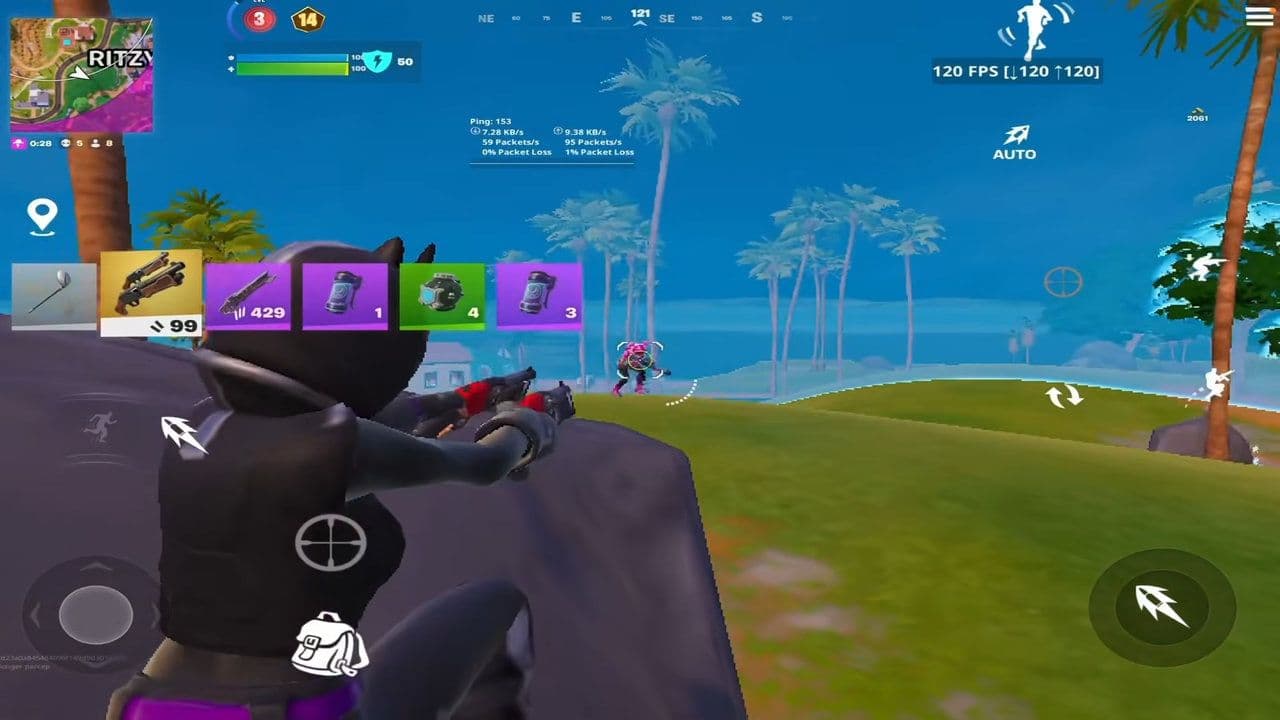
Once you enable Auto Fire, the game handles shooting for you, but only when your aim is on target. The moment your crosshair locks onto an enemy, your weapon fires automatically, and it stops as soon as you lose that aim.
From experience, this works best in close to mid-range fights where tracking is easier and enemies move quickly. That said, don’t mistake it for aimbot—you still need solid aim and good tracking. Auto Fire removes the need to press the trigger, but your accuracy and positioning are still what decide the fight.
Best settings to use with Fortnite Auto Fire
To get better results after learning how to turn on Auto Fire in Fortnite, adjust these settings:
- Turn on Aim Assist
- Use medium sensitivity (not too fast)
- Enable Gyroscope aiming if available
- Keep a manual fire button as backup
This setup gives you more control while still benefiting from automatic shooting.
Auto Fire vs other fire modes
Fortnite offers three fire modes on mobile:
Auto Fire won’t replace skill, but it helps you focus on aiming and movement instead of pressing the shoot button. If you’re new to Fortnite mobile, turning this setting on can immediately improve your gameplay.
Now you know exactly how to turn on Auto Fire in Fortnite and how to use it effectively. This feature is a great option for mobile players who want faster reactions and simpler controls.
Try it out, adjust your settings, and see how it fits your playstyle.
That’s all for today! Looking for more Fortnite guides? Check out these:
All Related Guides
 Fortnite Locker Value: How much have I spent on FortniteWant to check your Fortnite locker value? Here’s how cosmetics, rare skins, Battle Pass items, and V-Bucks aff...
 Fortnite App Store return confirmed worldwide except for one countryFortnite returns to the App Store worldwide as Epic Games continues its legal battle with Apple over fees and ...
 Fortnite Overwatch collab: All skins, items, bundles, quests & moreFortnite Overwatch collab guide: all skins, bundles, quests, Pulse Rifle locations, rewards, and cache spots....
 Did Fortnite remove fall damage?Did Fortnite remove fall damage? Learn how the new 1 HP fall system works, which modes changed, and ranked dif...
 Fortnite Droid Tycoon Chips guide: Best ways to farm chips fastFortnite Droid Tycoon Chips guide: best farming methods, upgrades, Rebirth tips, and how to use Chips wisely....
 5 best Fortnite Star Wars games you can play right now Best Fortnite Star Wars games: Galactic Siege, Escape Vader, Droid Tycoon, creator islands, and how to play th...
 How to ride on a player's shoulders in FortniteHow to ride on a player's shoulders in Fortnite: steps, controls, quest completion tips, and how Shoulder Ride...
 All Garden vs. Brainrot codes in Fortnite: Updated listLooking for Fortnite Garden vs Brainrot codes? Get every working code, learn how to redeem them, and boost you...
- 1
- 2
- 3
- 4
- 5
- 6
- 7
- 8
- 9
- 10
- 11
- 12
- 13
- 14
- 15
- 16
- 17
- 18
- 19
- 20
- 21